A:AnswerNo, there is a 30-day trial of Microsoft Office 365 included as part of the Windows 10 operating system. In order to keep the program active after the trial period, you will need to purchase a product key. You will not need to download any additional software. If you own a copy of Microsoft Office 2013 already, try using the product key on your copy of Microsoft Office 2013 will activate the software already on this device.
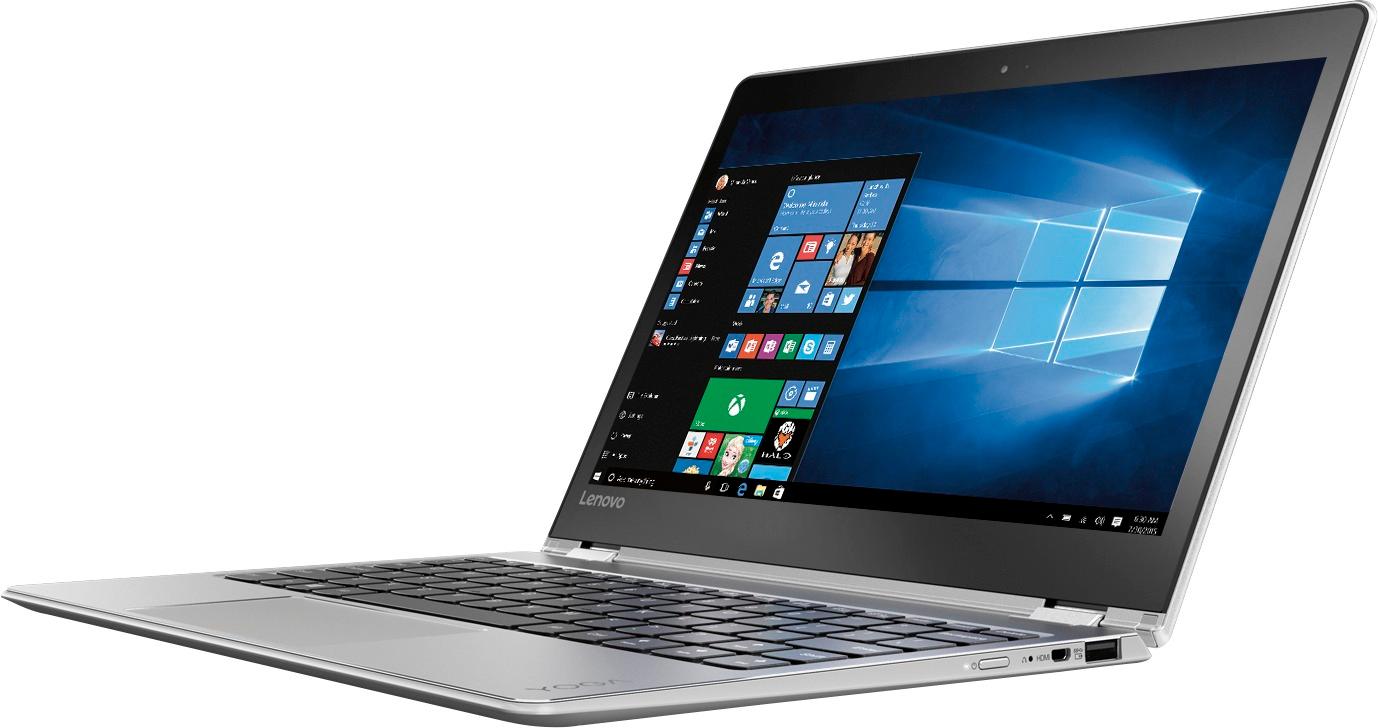
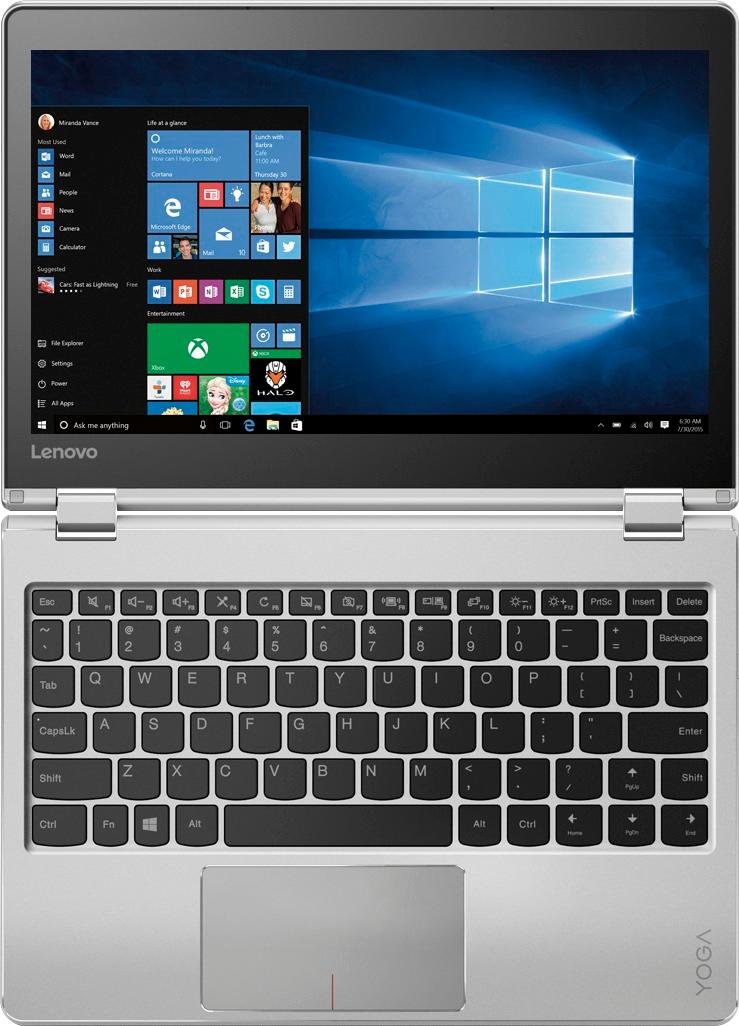
A:AnswerThere is no built in CD/DVD drive within this device. You can use an external CD/DVD drive by just plugging in to a USB port on the device and installing any drivers that come with the drive.
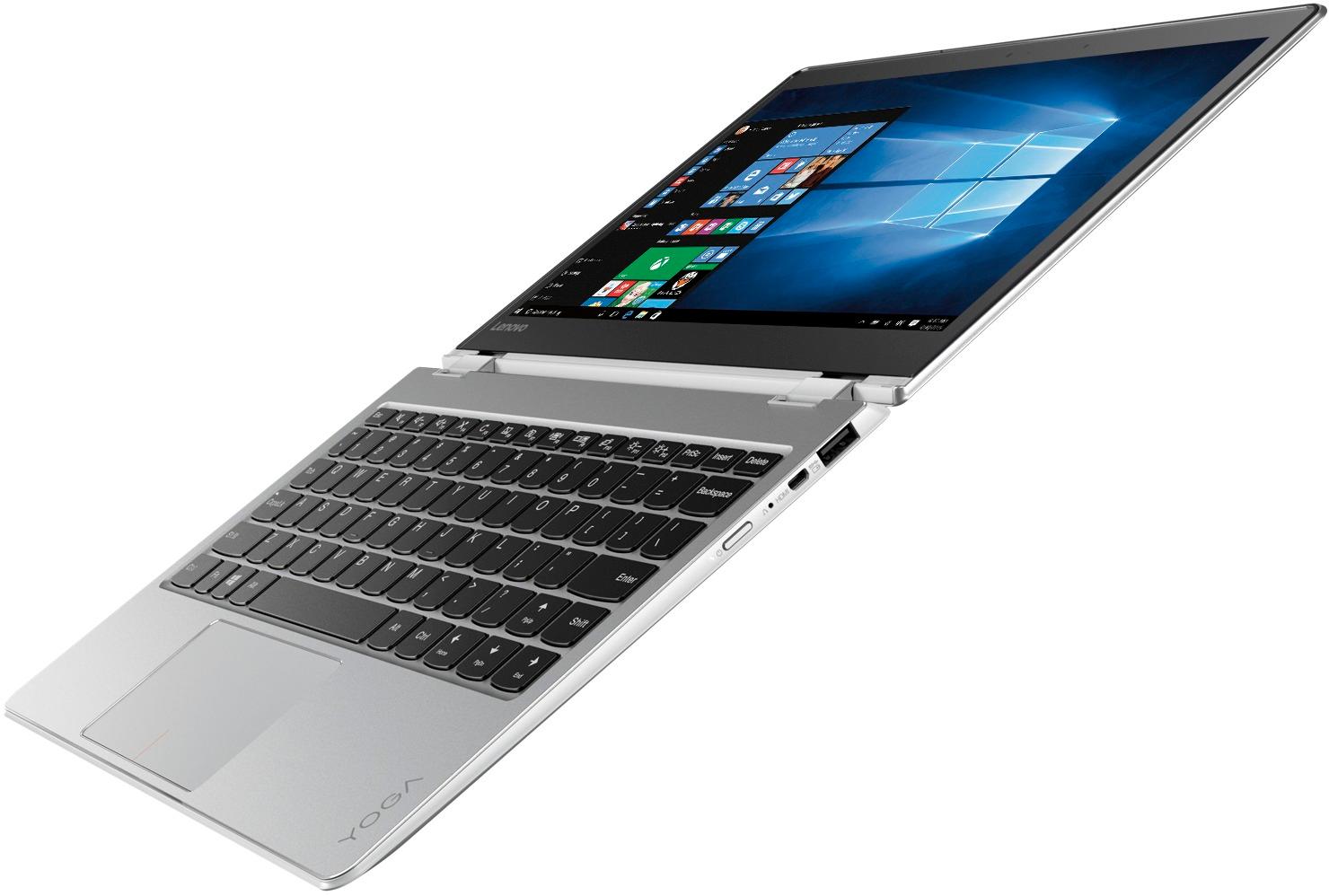
A:AnswerYes, it's very light, has about 9-10 hours of battery life.
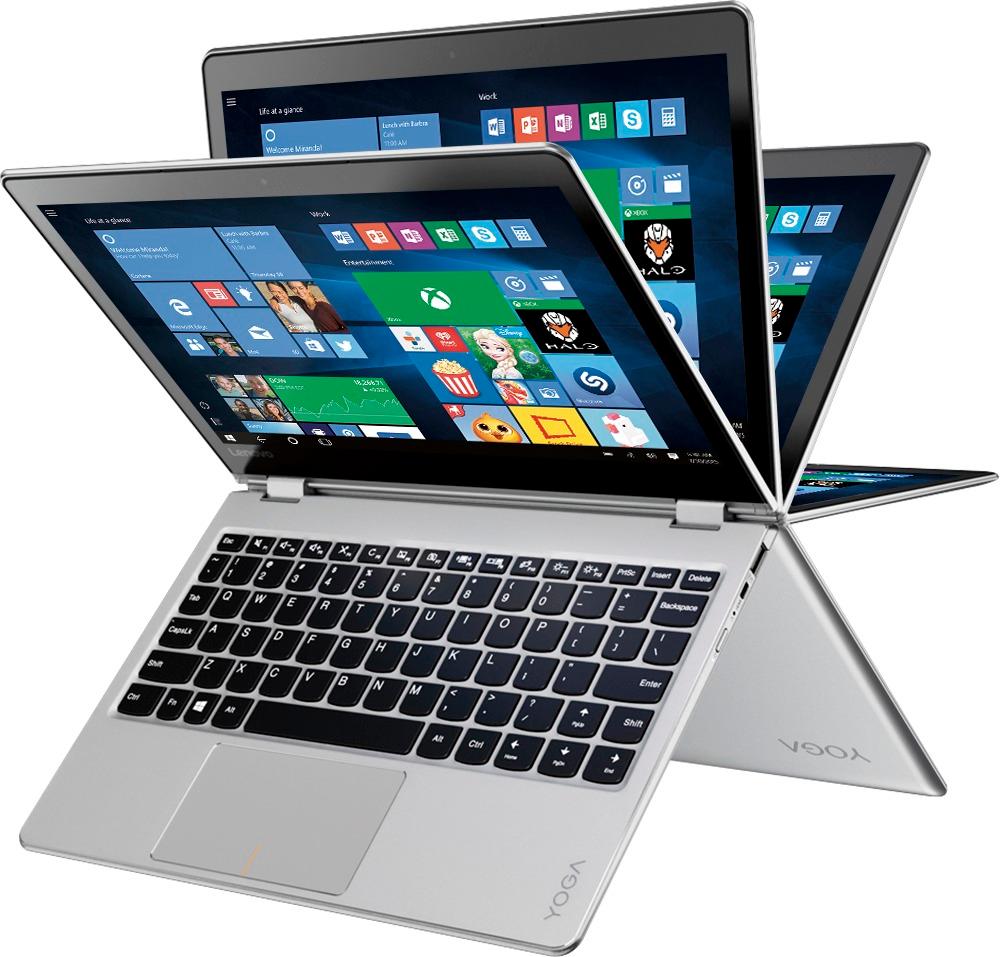
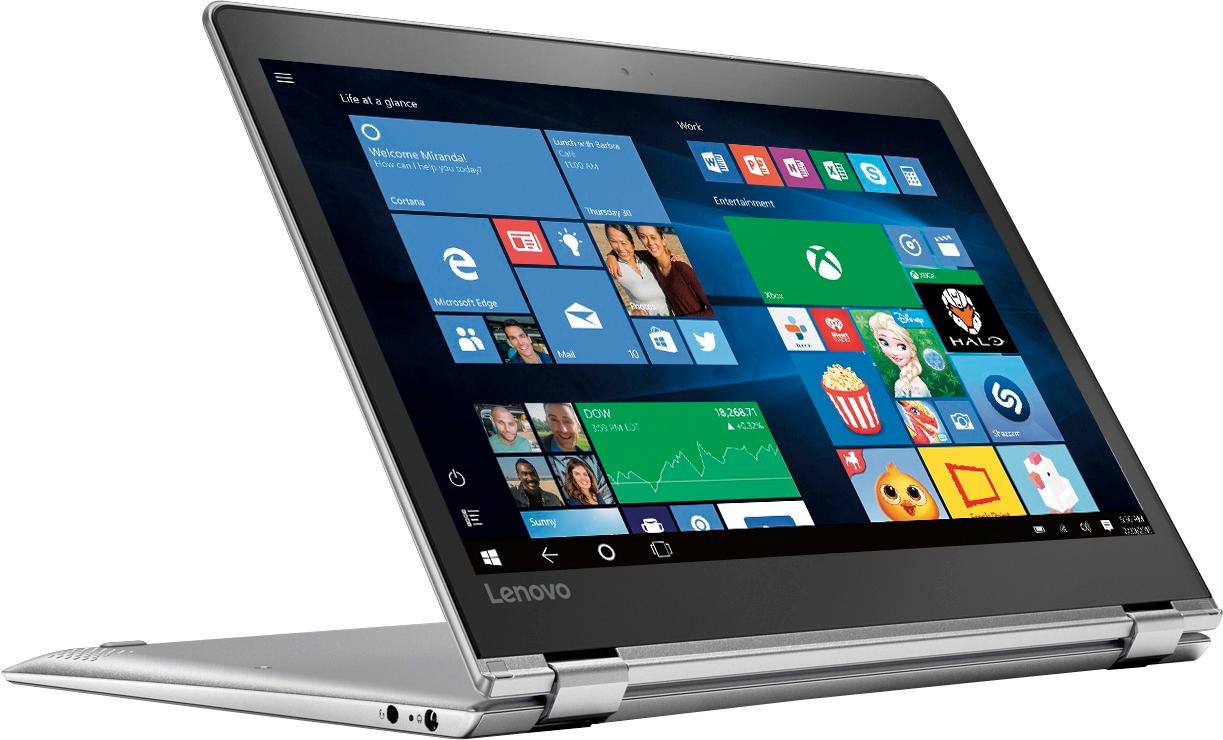
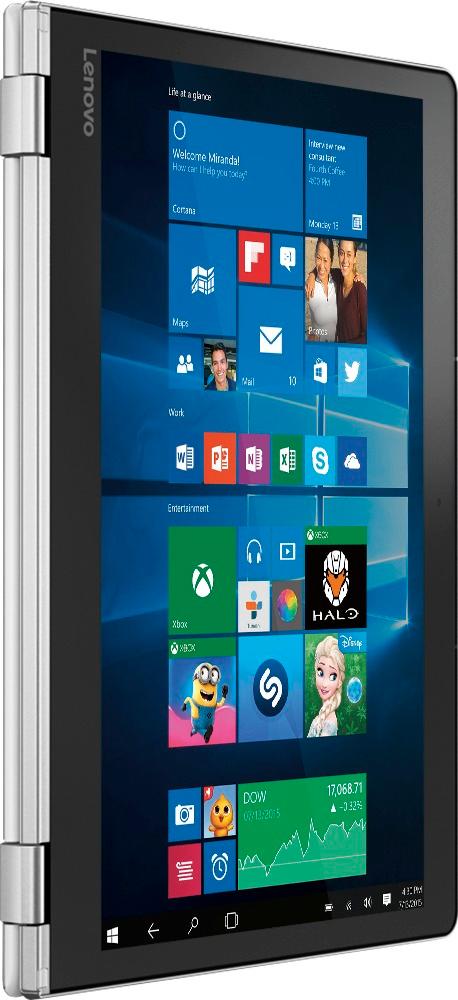
It's easy to use and has touch screen for tablet use
Perfect for long days/nights at college. Load it up with either OpenOffice or Libre so you don't have to buy MS Office
At this price it won't a big loss if it gets stolen, borrowed or lost
A:AnswerThat will depend on the requirements of the streaming service. We recommend you check with the streaming service for their compatibility with Windows 10 Home 64-bit operating system and the minimum/recommended hardware requirements (Is a Graphics card required, the processor speed and the minimum required system RAM and the minimum available hard drive space) to run their program, then compare those requirements to this system's configuration.
A:AnswerYou will need to check with Best Buy directly, as they will be providing the coverage and offer the different versions of Webroot. You might want to call your local store for quick answers.
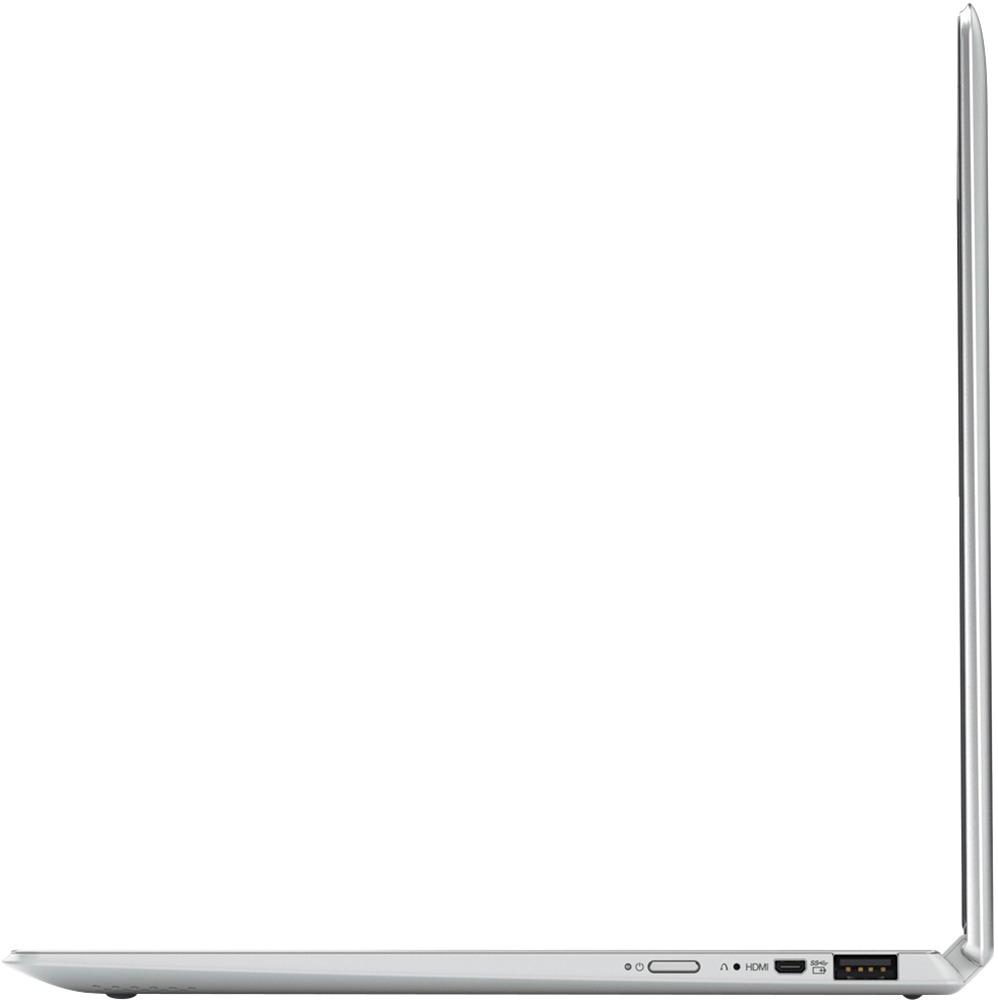
A:AnswerIt will depend on the software that the student will be using. There is no SD card slot on this device. We recommend you check with the software publishers that the student will be using, for their compatibility with Windows 10 Home 64-bit operating system and the minimum/recommended hardware requirements (Is a Graphics card required, the processor speed and the minimum required system RAM and the minimum available hard drive space) to run their program, then compare those requirements to this system's configuration. You can find this information on the software publisher's web sites.
A:AnswerIt will really depend on the requirements of the specific games. We recommend you check with the game's software publisher's web site for their compatibility with Windows 10 Home 64-bit operating system and the minimum/recommended hardware requirements (Is a Graphics card required, the processor speed and the minimum required system RAM and the minimum available hard drive space) to run their program, then compare those requirements to this system's configuration.
A:AnswerYes, I use it to work with some sizable Excel workbooks, so it should have no problem at all with Word or any other typical software. I'm really impressed with it, especially with its elegant, compact size and low price. It's a great machine.