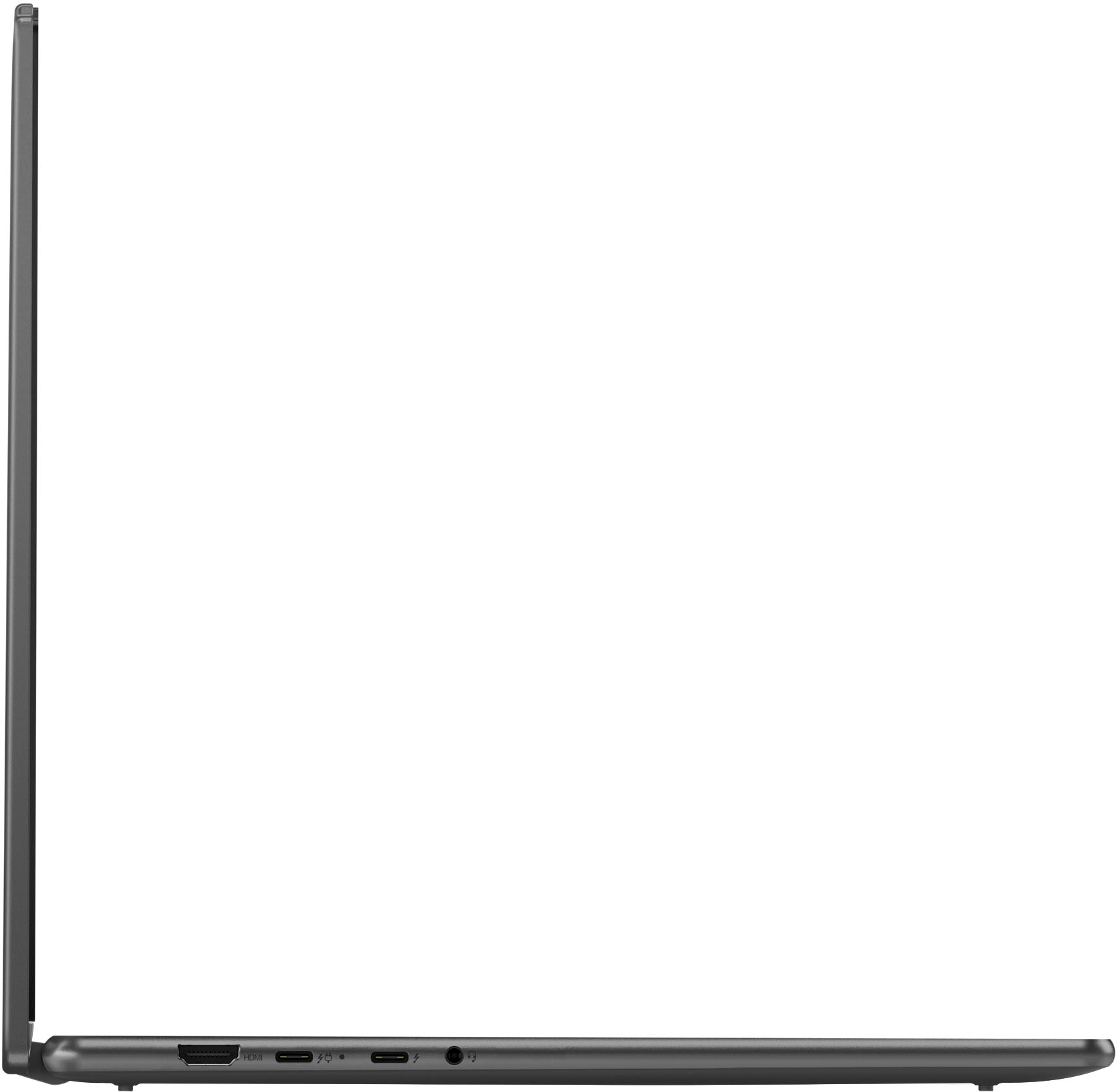
A:AnswerI currently use this for a USB C Dell Docking Station WD19S 130W. Though with the current of BIOS of Yoga, I'm unable to stop charging at a specific percentage like other thinkpads can do. I set it where it only charges up to 80% and stops.
A:AnswerFrom Lenovos Vantage service, yes it looks like the laptop has a year warranty under it. Though it may be different with others. Download Lenovo Vantage to see if you have it or not.
A:AnswerRight click on the home screen and then select "personalize" from the menu that pops up. After that you should see a menu with the top option being "background." I hope this helps!
A:AnswerWell first you should look at the type of files you would be transferring. If it's simple office documents or photos than this should be more than enough. However, high resolution lengthy videos can eat up space quick. I would also consider looking at your current storage of your old laptop to see how much it has in total and how much is currently being occupied.