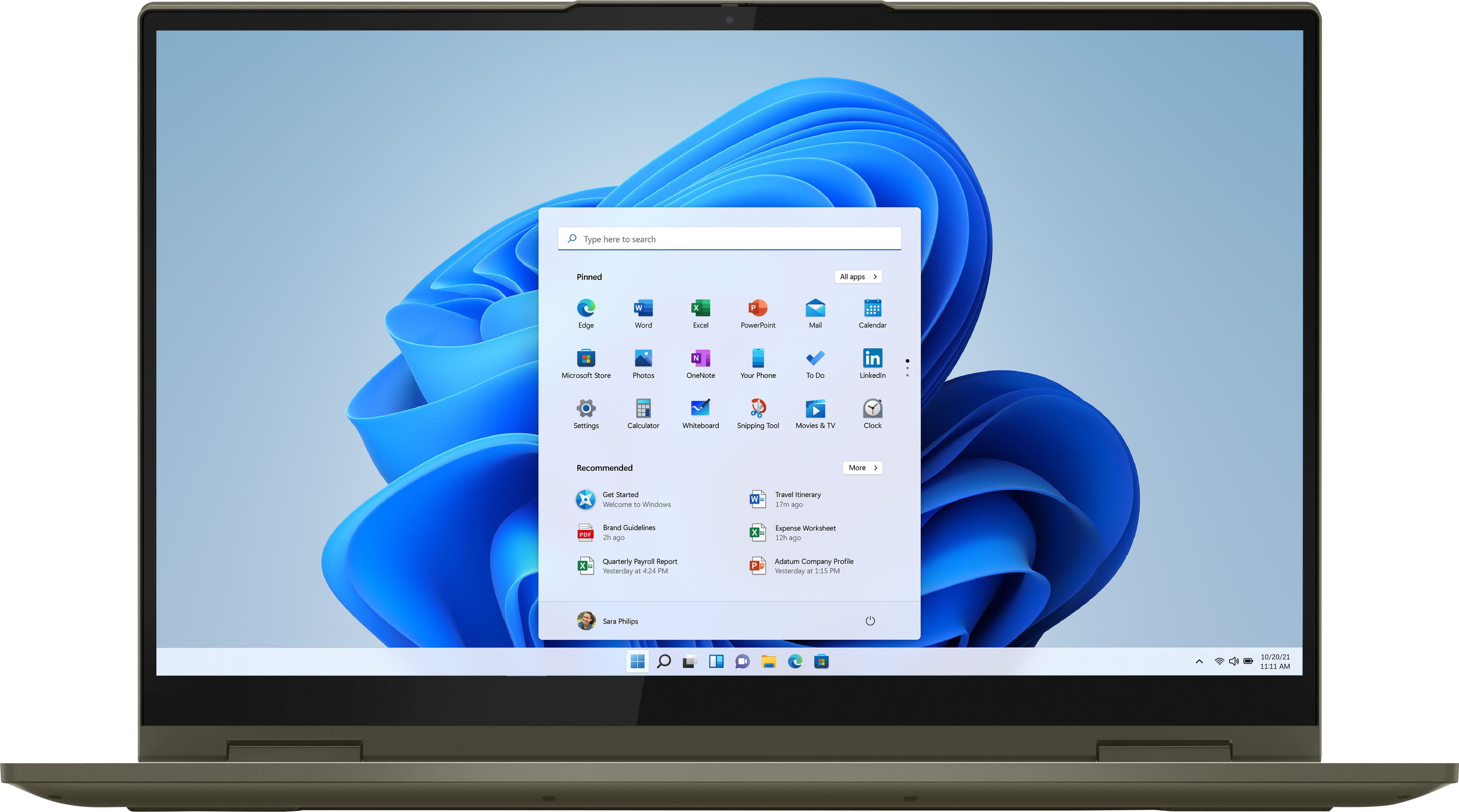
A:AnswerThat will depend on the requirements of the streaming service that provides the video you want to stream. This Intel Evo-Certified, Lenovo Yoga 7i 15 model number 82BJ0003US, ships with Windows 10 Home 64-bit Operating System installed. We recommend you check with the specific streaming service's web site for their compatibility with Windows 10 Home 64-bit operating system and the minimum/recommended hardware requirements (Is a Graphics card required, the processor speed and the minimum required system RAM and the minimum available hard drive space) to run their program, then compare those requirements to this system's configuration.
A:AnswerI haven't been able to fine one. I believe because it's a full flip and would destroy the computer due to clearance issues. The only option I was able to find was a custom skin.
A:Answeryes, but you would be best to go through lenovo for that, otherwise there's the option of possibly voiding your warranty by having it done after purchase.
A:AnswerAlthough the Intel Evo-Certified, Lenovo Yoga 7i 15 model number 82BJ0003US, does not have a built in CD/DVD drive, you can use an external, USB-based Windows compatible CD/DVD drive with this laptop, like this one: https://www.bestbuy.com/site/lg-8x-external-usb-double-layer-dvdrw-cd-rw-drive-black/5852919.p?skuId=5852919
A:AnswerThe Intel Evo-Certified, Lenovo Yoga 7i 15 model number 82BJ0003US, ships with 12GB DDR4-3200MHz RAM Memory, soldered to systemboard, no slots, dual-channel.
A:AnswerFirst, be sure any software you installed is compatible with Windows 10. There is no need to install Microsoft Office software. The software is already part of the operating system, you just need to activate the software with a purchased product key. If you have installed a copy of Microsoft Office, this is conflicting with the existing copy on the system and this will slow your system down. If you have installed a 3rd party anti-virus program, be sure that Windows Defender is turned off and that the trial version of McAfee Anti-Virus software is uninstalled. There can only be one anti-virus program on the system. You may need to restore your system to original factory default settings if any of the programming errors have occurred. You can do that by typing "restore" in the Cortana search window. Just click on the magnifying glass icon at the bottom left of your Windows 10 Desktop. Click on "Reset This PC" Then click on "Get Started" and follow the on screen directions to restore to factory defaults. If there is no incompatible software installed, then check to see what processes are running in the background on your computer. Be sure only the processes you want to be running are. Here is a link to information for checking what is running in the background on your laptop: https://www.onmsft.com/how-to/how-to-see-what-programs-are-running-in-windows-10. If there is no incompatible software installed and only the processes you want running in the background are but the issues persist, now check to be sure you have the latest version of Windows 10 on the computer. Then update all BIOS files and drivers up to that latest version of Windows 10. You can easily accomplish this by scanning the computer with the Lenovo Utility software available on this computer. This system has Lenovo utilities installed to help maintain the health of the device and keep the operating system software up to date. Type "Lenovo Vantage" in the Cortana Search window (if Lenovo Vantage is not installed on your device, you can download the APP and install it now). Select Lenovo Vantage from the list. In the window that opens, click on "Health and Support". In the expanded menu, select "Hardware Scan" In the window that opens, select "Run Quick Tests". This will scan your entire system for errors. Follow any directions that may pop up. If the problem continues after this scan, now click on "System Update". First select Windows update from the menu. Scan your system to be sure you have the latest version of Windows 10. Once that scan is complete, select "Additional Updates". This will scan your device to be sure there are no new BIOS/Driver updates needed. Follow any instructions that may pop up. Once these updates are installed, if the fan continues to run at idle or low workloads, you can use Lenovo Q-Control to manually control fan and system performance: ( Fn + Q ) option to change the fan by undervolting the processor. If the issue continues, we recommend you call Lenovo Tech Support at: 877-453-6686.
A:AnswerCheck to be sure that the microphone is not muted. Tap the Hotkey in the F4 position on your keyboard to toggle the microphone on/off. Then be sure the microphone can be heard on your side by being sure the system audio is off mute. Tap the HotKey in the F1 position on your keyboard to unmute the system audio, then use the HotKey in the F3 position to increase system audio volume. You can test your microphone and system audio by using the Windows 10 Audio Recorder APP. Here is a link to instructions for accessing the Audio Recorder APP: https://support.microsoft.com/en-us/windows/how-to-use-voice-recorder-6fbb53d5-0539-abda-a9a4-0bcb84a778e7. If you are able to hear your audio recording in playback, your microphone and system audio are working fine. Be sure to check your microphone and audio settings within any video conferencing APP you use as well as on your computer. You must be off mute on both sides, the computer side and the APP side to be heard. If the Issue continues, here are some other Windows 10 troubleshooting tips to try: https://support.microsoft.com/en-us/windows/fix-microphone-problems-5f230348-106d-bfa4-1db5-336f35576011#:~:text=in%20Windows%2010%3A-,Select%20Start%20%2C%20then%20select%20Settings%20%3E%20System%20%3E%20Sound%20.,as%20needed%2C%20then%20select%20OK. Finally, if the issue continues, we recommend you contact Lenovo Tech Support for additional help at: 877-453-6686.
A:AnswerHello there. Thank you for your question. This Lenovo Yoga 7i 2-in-1 system comes with an Intel® Core™ i7-1165G7 Processor, which is listed under the Supported Intel Processors for Windows 11 operating system, however, to confirm if this system is fully compatible with Windows 11 operating system, we suggest you contacting the system manufacturer.
To contact the system manufacturer, you can access the following link:
***https://support.lenovo.com/us/en/contactnow***
Thank you for choosing Intel!