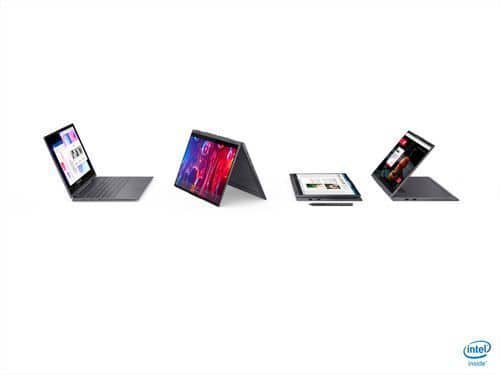
A:AnswerNo. The active/digital pen for this Lenovo Yoga 7i 15 is sold separately, like this one: https://www.bestbuy.com/site/wacom-bamboo-ink-smart-stylus-for-windows-ink-2nd-generation-gray/6374981.p?skuId=6374981
A:AnswerThis Lenovo Yoga 7i 15 model number 82BJ007TUS, ships with Integrated Intel Iris Xe Graphics within its Intel Core i5-1135G7 Processor, with DirectX 12, installed.
A:AnswerThat really will depend on the requirements and compatibility of the peripheral device you want to connect to this Lenovo Yoga 7i 15 model number 82BJ007TUS. We recommend you check with the specific peripheral device's manufacturer's web site for their compatibility with Windows 11 Home 64-bit operating system and the minimum/recommended hardware requirements (Is a Graphics card required, the processor speed and the minimum required system RAM and the minimum available hard drive space) to run their program, then compare those requirements to this system's configuration.
A:AnswerThe Lenovo Yoga 7i 15 model number 82BJ007TUS, ships with a 256GB M.2 2242 PCIe 3.0x4 NVMe solid state hard drive installed. The maximum supported storage capacity for this model configuration is: One drive, up to 512GB M.2 2242 SSD or 1TB M.2 2280 SSD. We recommend you consult with your certified technician about your storage upgrade options.
A:AnswerThe Lenovo Yoga 7i 15 model number 82BJ0001US, ships with a 256GB M.2 2242 PCIe 3.0x4 NVMe solid state hard drive installed. The maximum storage capacity that this model configuration can support is: One drive, up to 512GB M.2 2242 SSD or 1TB M.2 2280 SSD. We recommend you consult with your certified technician about your storage upgrade options.
A:AnswerIf you're asking about the Sims 4, maybe. I tried running the base game with a few expansions via Origin and the computer started to heat up and sound like a plane taking off. I wouldn't say it's ideal for the Sims. Definitely go with a gaming laptop.
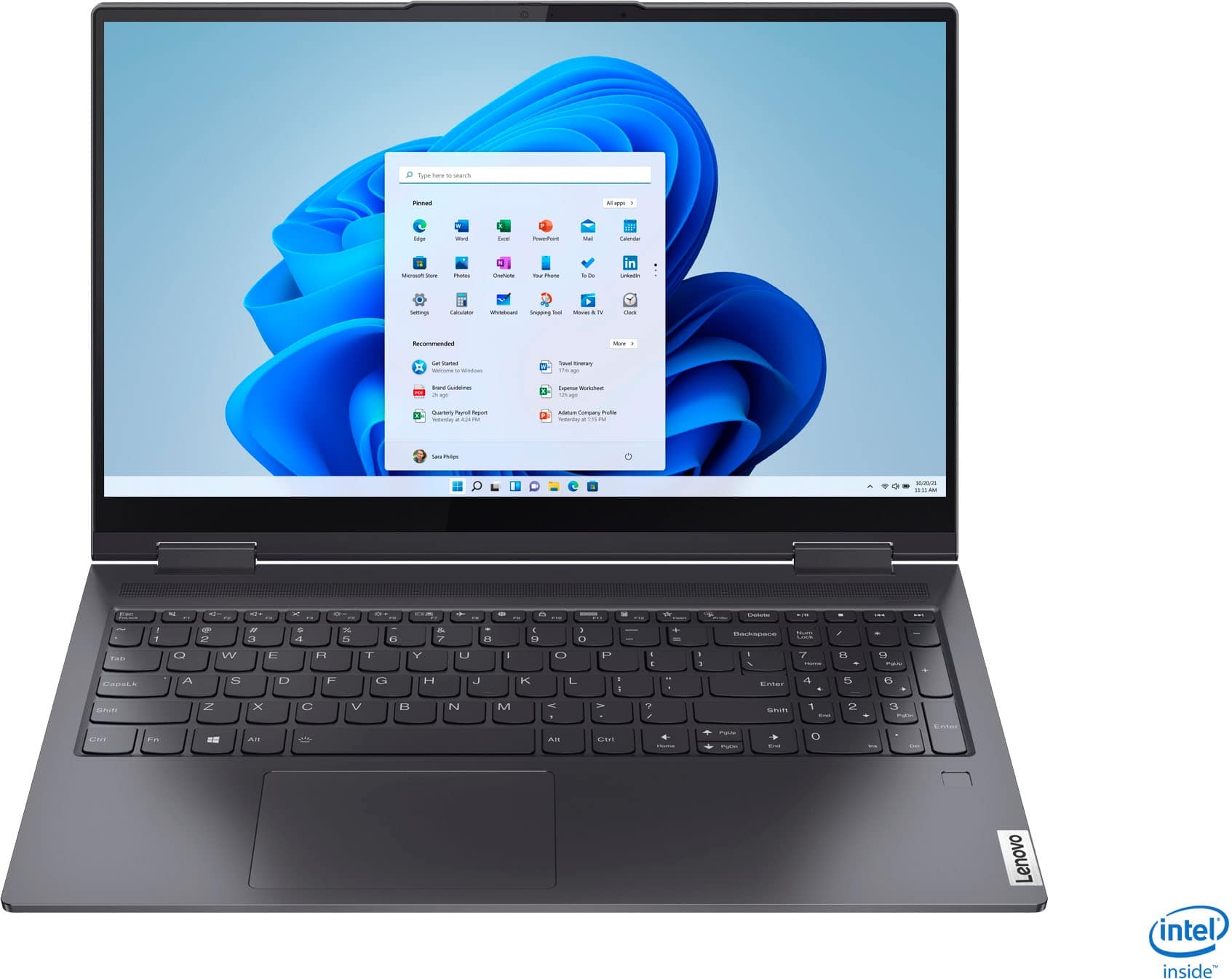
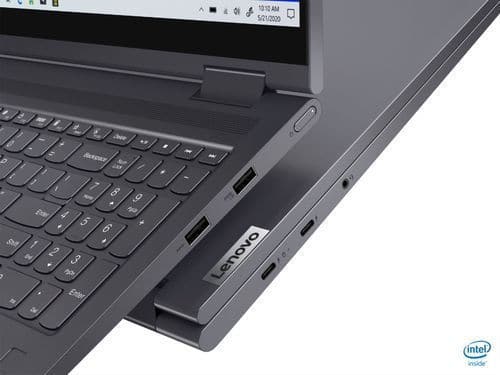
A:AnswerThe Lenovo Yoga 7i 15 model number 82BJ007TUS, is compatible with a Active/Digital Pen, which is sold separately, like this one: https://www.bestbuy.com/site/wacom-bamboo-ink-smart-stylus-for-windows-ink-2nd-generation-gray/6374981.p?skuId=6374981. This Yoga 7i 15 ships with 2x USB 3.2 Gen 1 Type A ports. Be sure use the USB Type A ports and not the USB-c ports for your mouse.
The Yoga 7i 15 has 2x Thunderbolt 4 / USB4 40Gbps (support data transfer, Power Delivery 3.0 and DisplayPort 1.4) for video out to external monitors.
A:AnswerIf the beeping only occurs when you have your USB-c adapter connected to this Lenovo Yoga 7i 15 and an external monitor/TV, it is possible that the USB-c adapter you have is not compatible with the Tunderbolt ports on this Yoga 7i 15. To connect the Yoga 7i 15 with its Thunderbolt 4.0 ports, you will need a USB-c - Thunderbolt compatible to HDMI adapter, like this one: https://www.bestbuy.com/site/startech-com-usb-c-to-hdmi-adapter-black/5086618.p?skuId=5086618. We recommend you check with Best Buy, Geek Squad as to the compatibility of the USB-c adapter you have. If the adapter you have is compatible with Thunderbolt USB-c ports on this Yoga 7i 15, we then recommend you contact lenovo Premium Care for additional help at: 888-278-9707.