A:AnswerHey Bruce,
Yes, you can fully remove Copilot by uninstalling the Copilot app. To learn how to uninstall or remove programs and apps in Windows, please reference this Microsoft Support webpage for details: https://support.microsoft.com/en-us/windows/uninstall-or-remove-apps-and-programs-in-windows-4b55f974-2cc6-2d2b-d092-5905080eaf98
Please feel free to reach out to us with any other questions!
A:AnswerHey Neck,
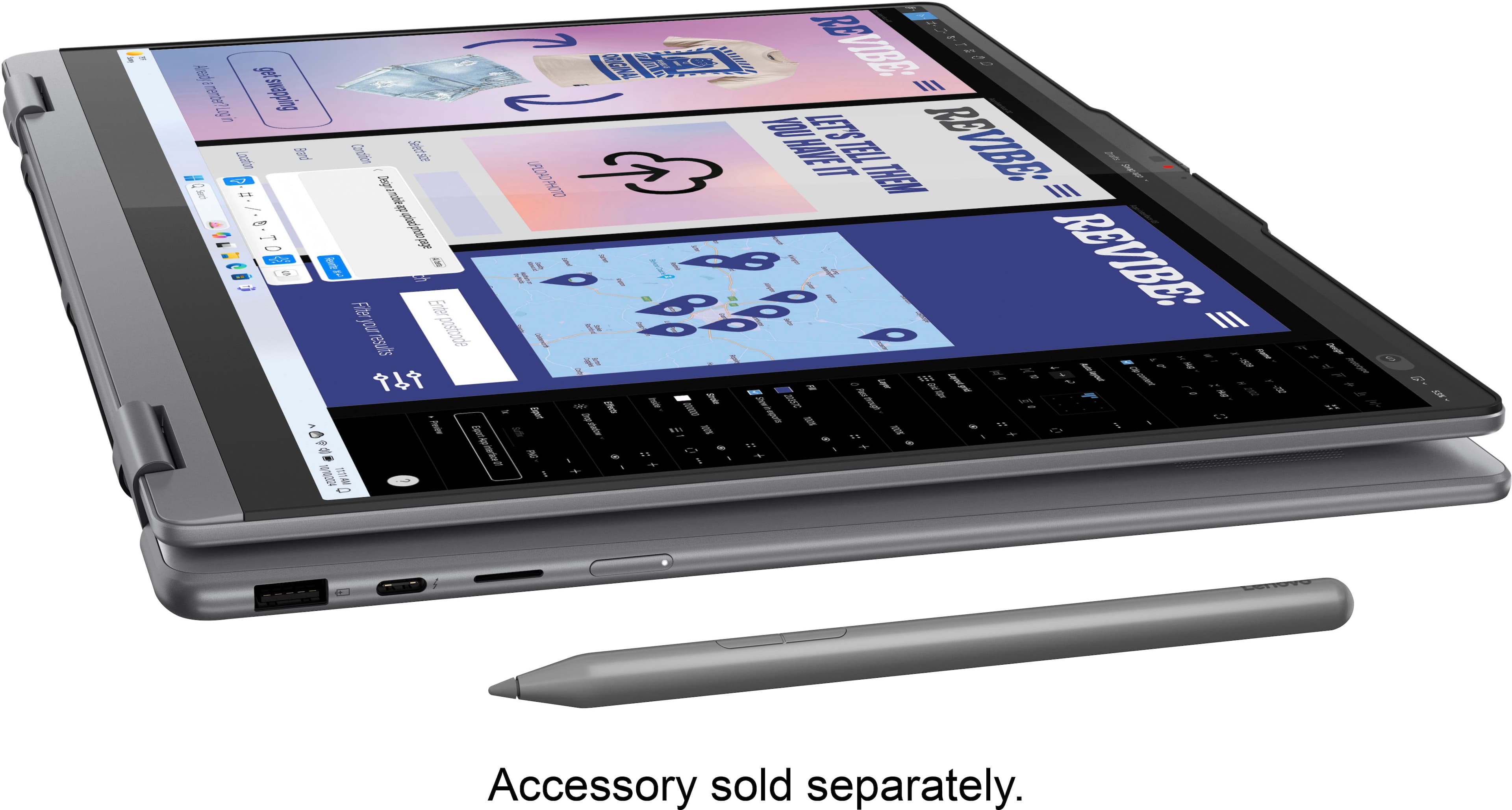
Yes, you can use a wireless (USB receiver or Bluetooth) or wired mouse with the Yoga 7i 2-in-1.
Please feel free to reach out to us with any other questions!
A:AnswerHey there,
The total memory the system can handle is what's included (16GB). The RAM cannot be upgraded, as it is soldered to the systemboard.
Please feel free to reach out to us with any other questions!
A:AnswerHi Shelly,
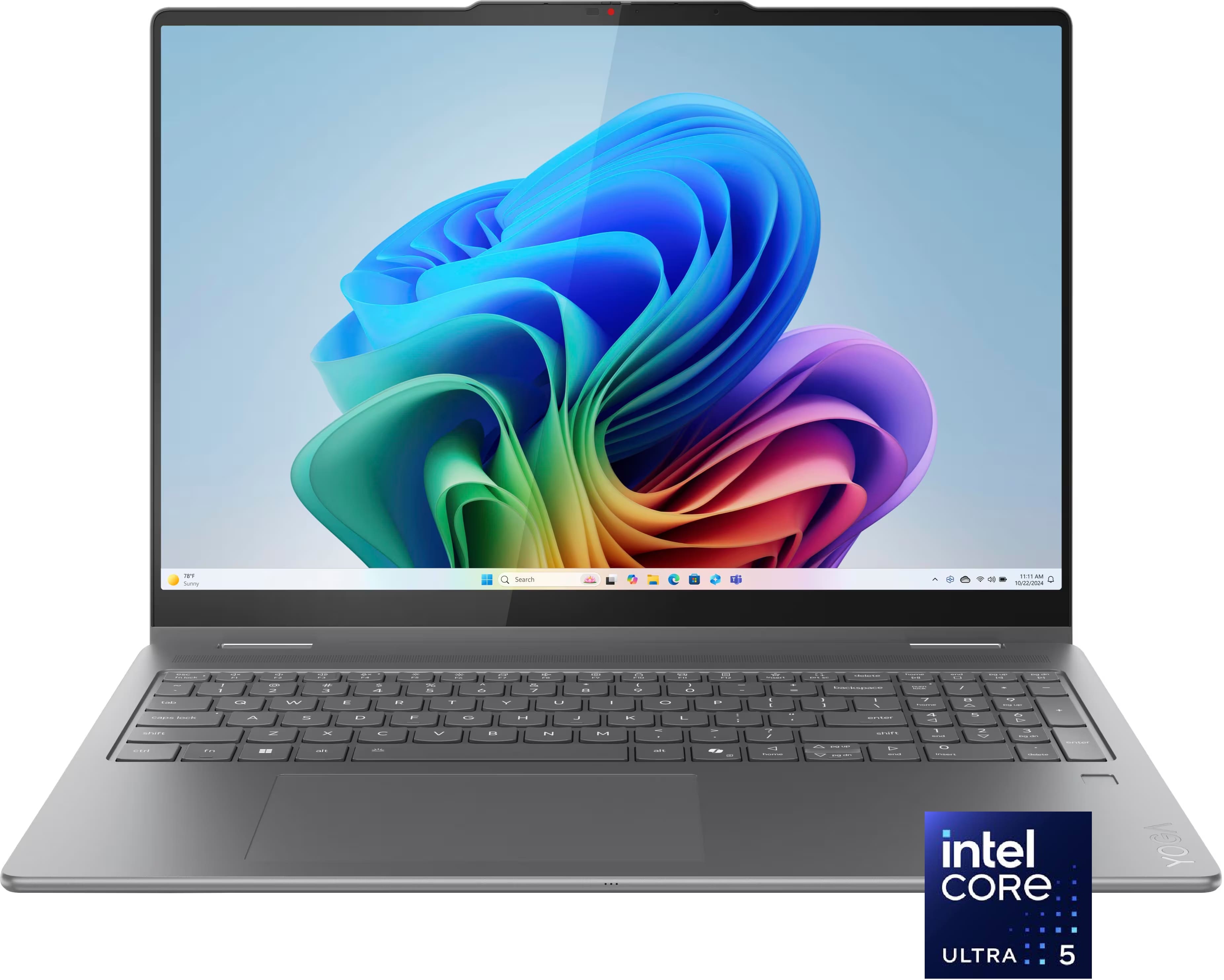
Yes, the Yoga 7i 2-in-1 features two-stage backlighting (on, low brightness, high brightness, off) that can be activated and toggled using the Fn + Space keys or within the Lenovo Vantage app.
Please feel free to reach out to us with any other questions!
A:AnswerHi Jman7,
It will depend on the system requirements for the games you wish to play. For example, if it's a game with relatively lower system requirements for processing power and graphics performance, you may be able to play Minecraft and Fortnite at 1080/60Hz.
We recommend reviewing the system requirements of the games you'd like to play, then comparing them to the specifications of this Yoga 7i 2-in-1, to help determine compatibility.
Feel free to share the titles of the games you'd like to play in another question, and we'd be happy to help with this.
A:AnswerHi JK,
No, the Yoga 7i 2-in-1 Copilot+ PC does not feature open PCIe or expansion slots.
Please let us know if you may have any other questions!
A:AnswerI played League of legends and it works between 120 to 190 fps and I also tried Halo online and it works with no problem at all. They don't lag on me I have 1Gb with my ISP
A:AnswerHey shakezulahmicrulah,
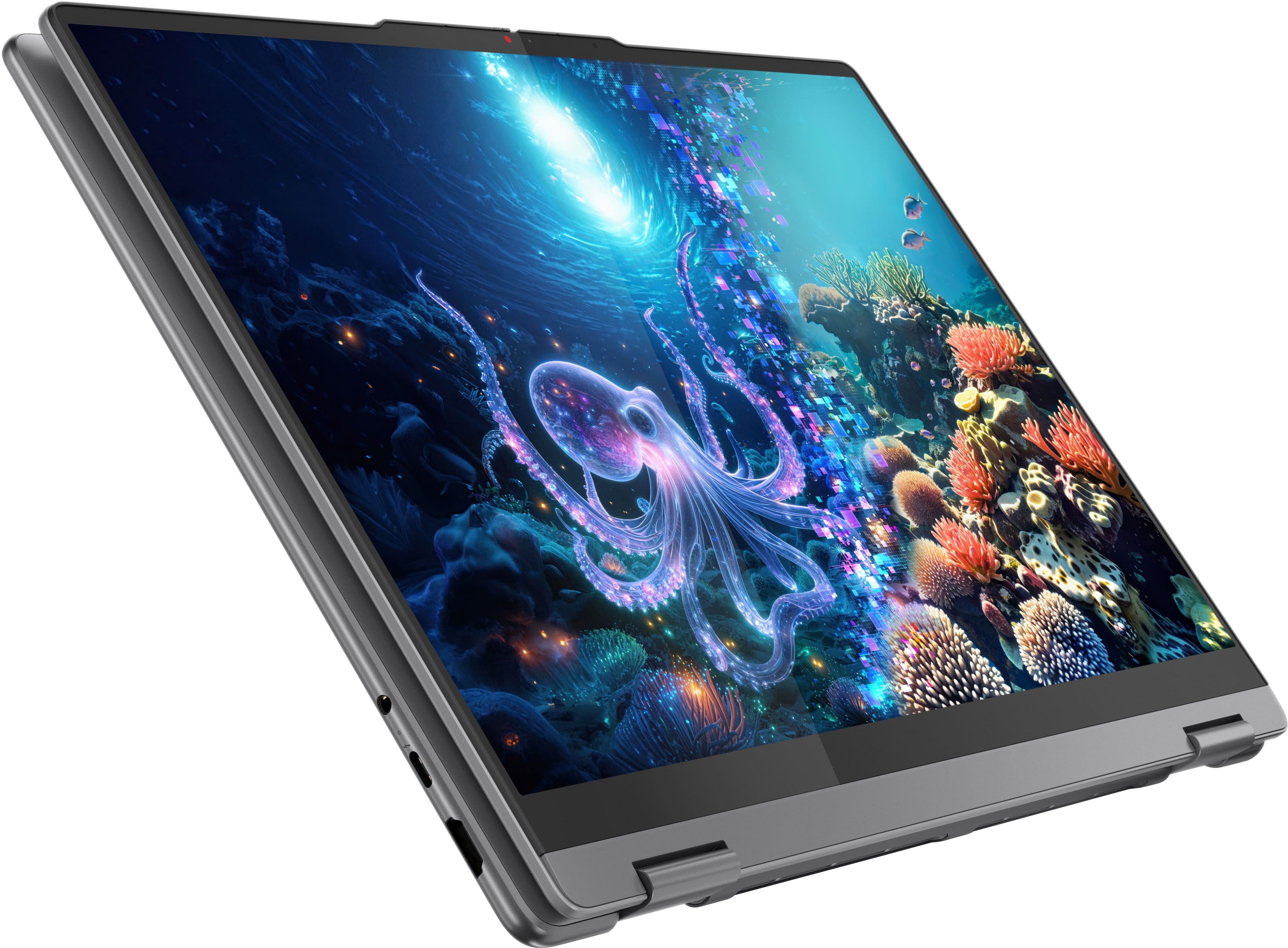
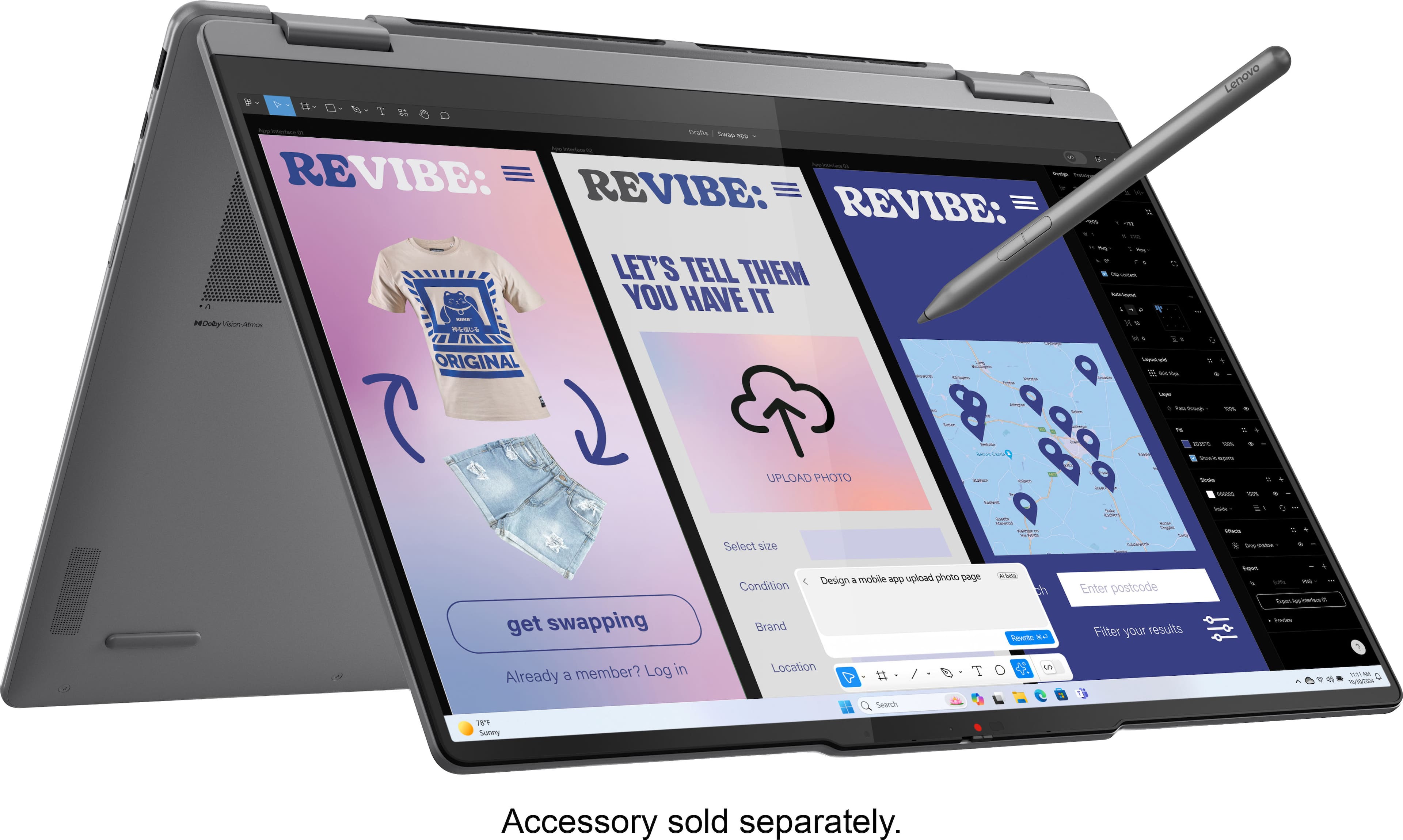
When you put the Yoga 2-in-1 laptop in tablet, stand, or tent mode, any time you select a text field, an on-screen keyboard will appear. You can customize the scenarios in which this happens in the Settings app. You can search "on-screen keyboard" to find the respective settings.
Please feel free to reach out to us with any other questions!

A:AnswerHey Masterof8,
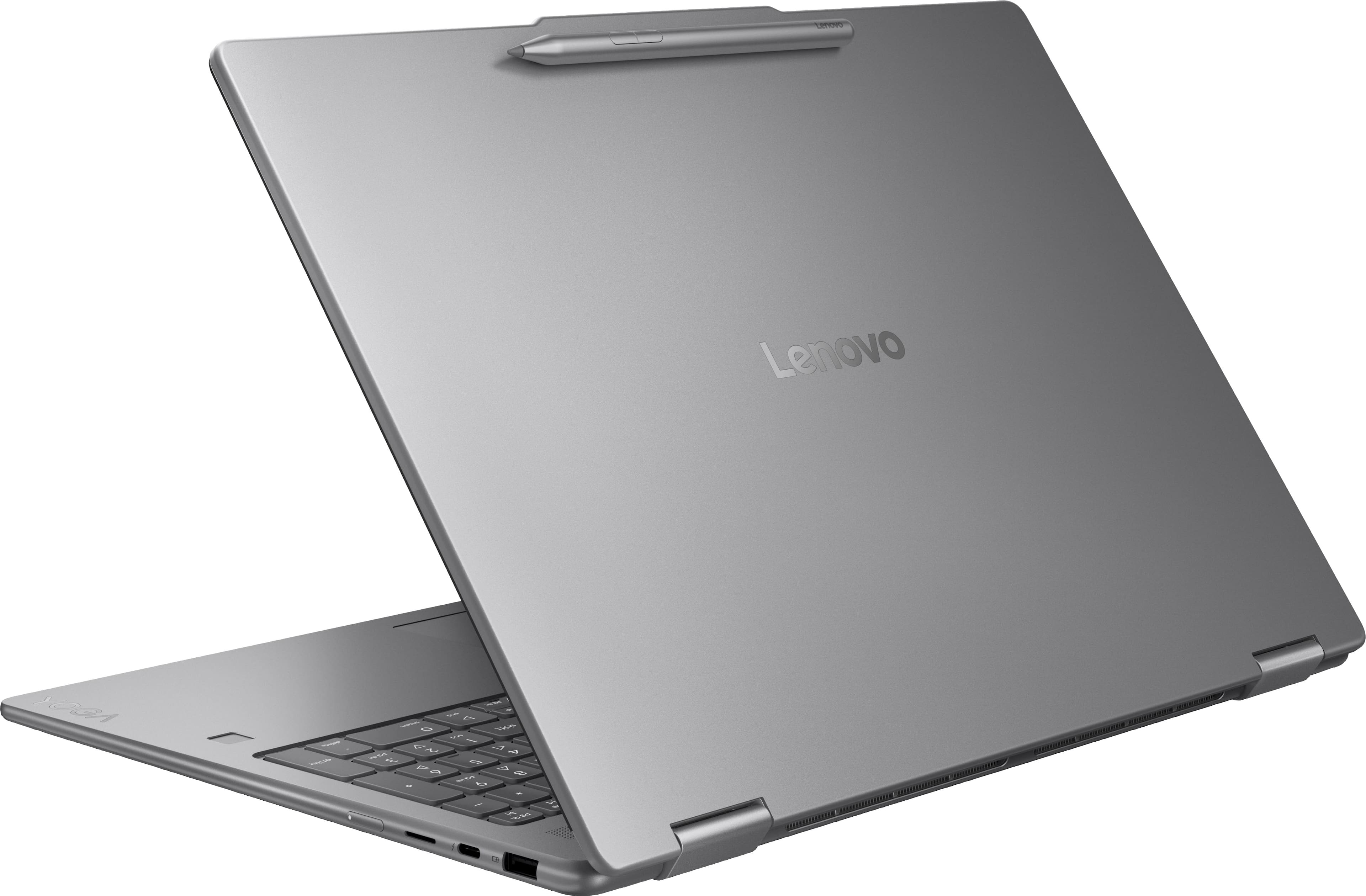
The Lenovo Yoga Pen is designed for use with the Yoga 2-in-1 10th gen devices like this Yoga 7i. If you're looking for a compatible pen option that's currently offered at Best Buy, please view the Lenovo Digital Pen 2 offering that's tied to the following web address: https://www.bestbuy.com/product/lenovo-digital-pen-2-grey/JJGCYLHP39
Please feel free to reach out to us with any other questions!

A:AnswerHey JasonK,
The maximum memory offered for Yoga 7i 2-in-1 laptops at Best Buy is 16GB, but 32GB of memory is offered for the Yoga 7i 2-in-1 (16", 10th gen) laptop series.
Please feel free to reach out to us with any other questions!

A:AnswerHi there,
The Yoga 7i 2-in-1 is in its own line of product category. Yoga is a premium laptop category that features notebooks and convertible or 2-in-1 laptops, with Think and IdeaPad being their own brands.
Please reach out to us should you have any other questions!