A:AnswerThe restarting issue sounds like there may be an issue with the initial Windows 10 activation, which also could be effecting your ability to connect to WiFi. This system is equipped with OneKey Recovery System. There is a very small pin hole on the right side of the device, right near the power button on the device. You will need a pin to push this reset button. Plug the device in. Let the battery charge for about 15 minutes. Push the reset button. The system should boot to a choice screen where you can choose "Restore To Factory Default". Select this. It will delete everything from the hard drive except the original factory install of the operating system. You will need to reinstall all programs and files after the reset. If you don't have copies of the files, try to make one before you restore by selecting "Boot to desktop" and trying to back up your files.
A:AnswerFor me it was operating system and onboard hard drive. All of my (expensive) software is Windows based and adding dual boot on the Apple just added more cost. The Yoga has a 1 TB hard drive
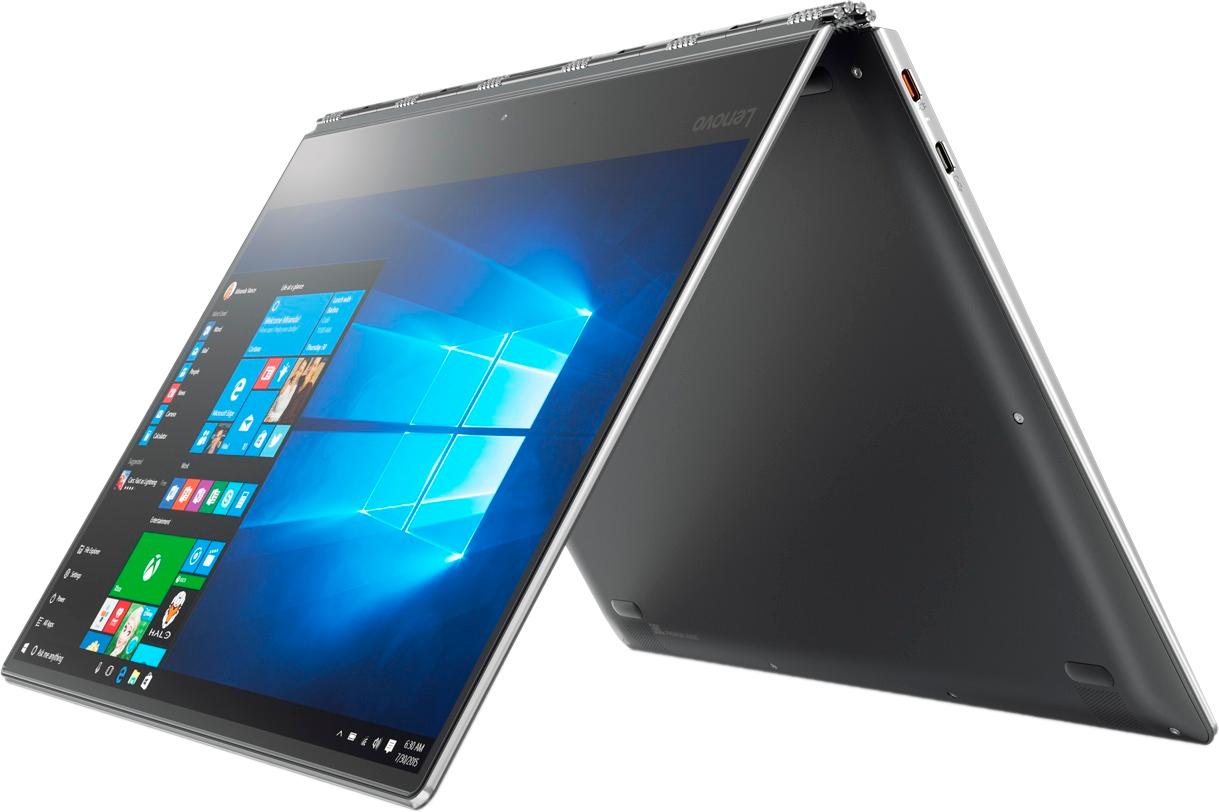
A:AnswerIt really depends on your needs, what configuration you are going for, what your budget is. I boufht the Yoga . It offers massive storage and double the RAM as a lower end MB Air which would have a comparable cost. It really offers more of the options of a MacBook Pro, at less than half the cost of comparable features. Weight is comparable;.Also Yoga has the flipable touch screen, which the Macs donlt have. .
However, the Yoga has all of the hinky 'net vulnerabilities of any PC and a really loud fan.
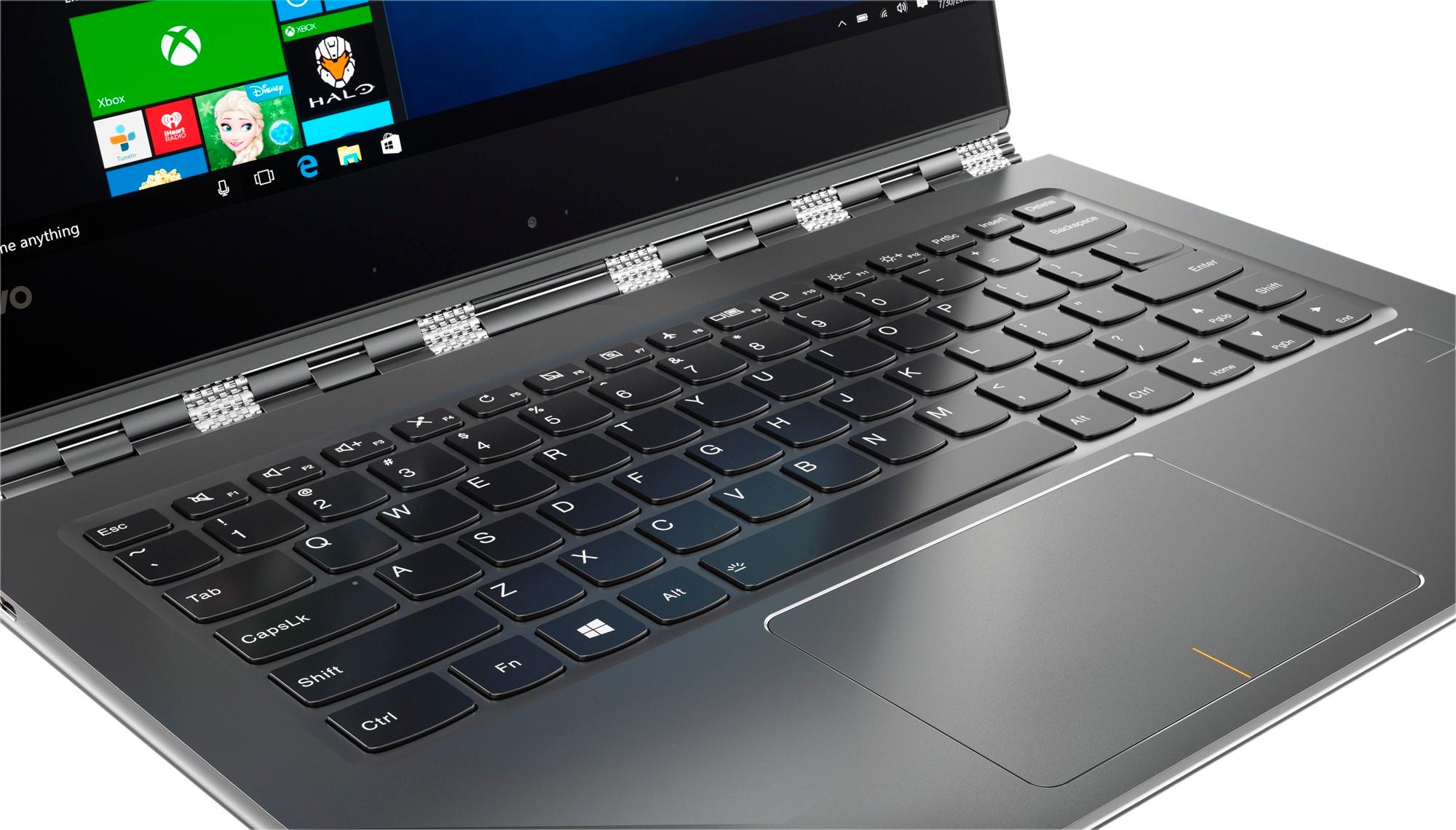
It is a handsome machine with a big, comfy keyboard and you don't see them everywhere, I am happy wirh mine,
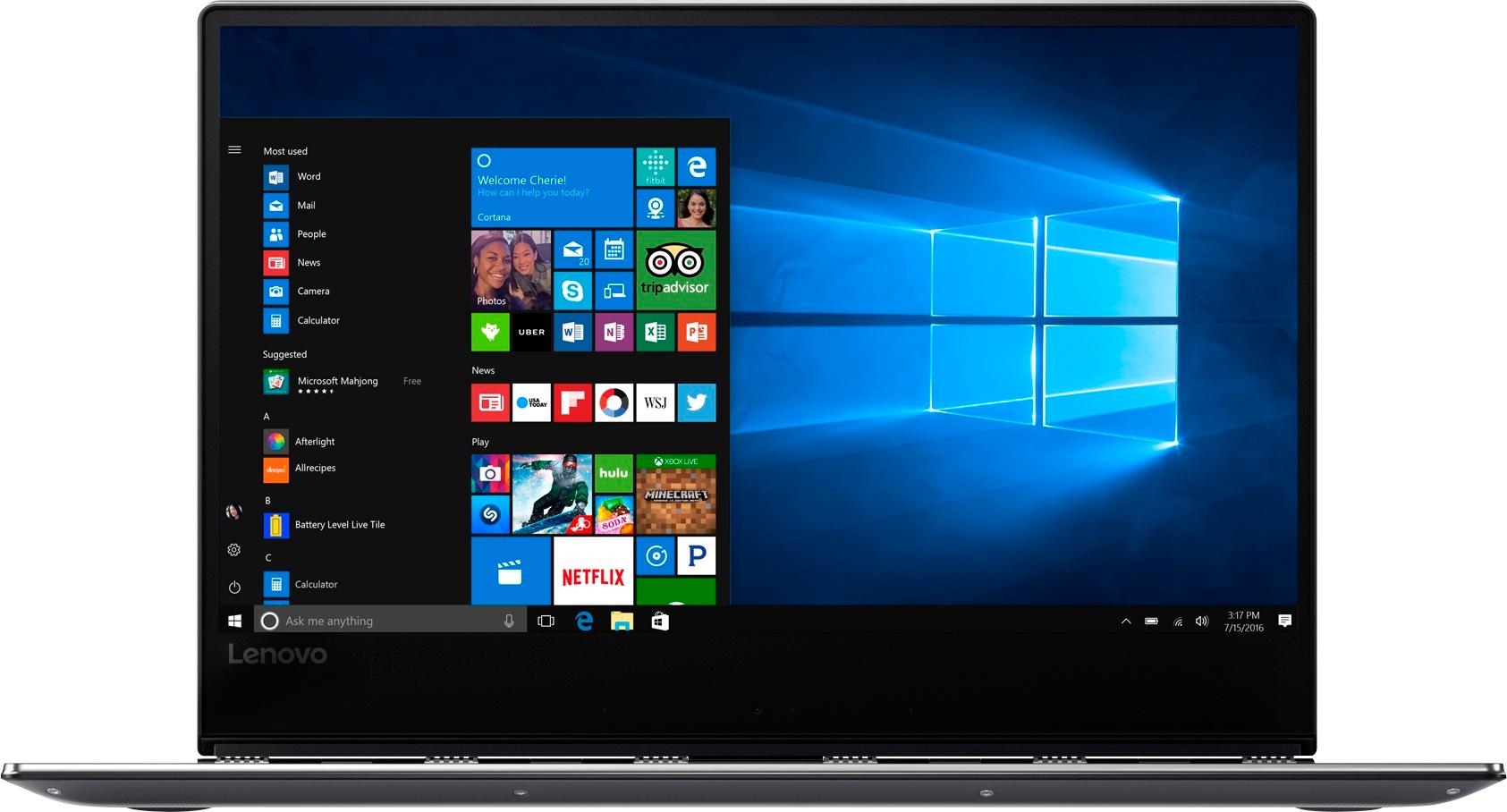
A:Answer13.9 inches equals 14 inches rounded off. Model number 80VF00FRUS does have 4K screen resolution (3840 x 2160 UHD). You can check the screen resolution on your model by right clicking on the Windows 10 desktop screen, selecting "Graphics Properties" from the window that opens. Click on "Display" on the window that opens. Within the General Settings windows that opens, screen resolution will be shown.
A:AnswerNo, this system has a 1TB hard drive. It is solid state in format, meaning there are no moving parts. Data is stored within semiconductor chips.
A:AnswerIt is possible that while you were online, the system was updating in the background. You might want to clear you cache memory as well, though there should not be 10GB of cache files, there may be some stored there.
A:AnswerNo, the Yoga 910-14 has a USB-c Type port for video transfer. To connect to an HDMI external monitor or other video device, you will need a USB-c to HDMI adapter.
A:AnswerI wish I could answer your question by being more specific, but unfortunately, based on my experience, this particular computer has difficulty handling anything! Please consider what Lenovo's own website is saying:
Trending Issues for Your System:
1. Battery drains too fast
2. Display issues
3. Windows freezing or slow performance
4. Optical disc not working
5. Stuck on splash screen
6. Machine will not power on or start up
7. Battery not charge or will not fully charge
8. Power on, no display and no beep sound
9. Keyboard Issues
10. Unable to connect to LAN or wired network
Unbelievable issues! I have had every single one of these PLUS a couple they left out! I truly do not know how this computer has received so many positive reviews and not been declared a lemon and removed from the market. I have to go now - my battery is dead after 20 minutes and the fan is blowing so hard my ears are starting to ring.
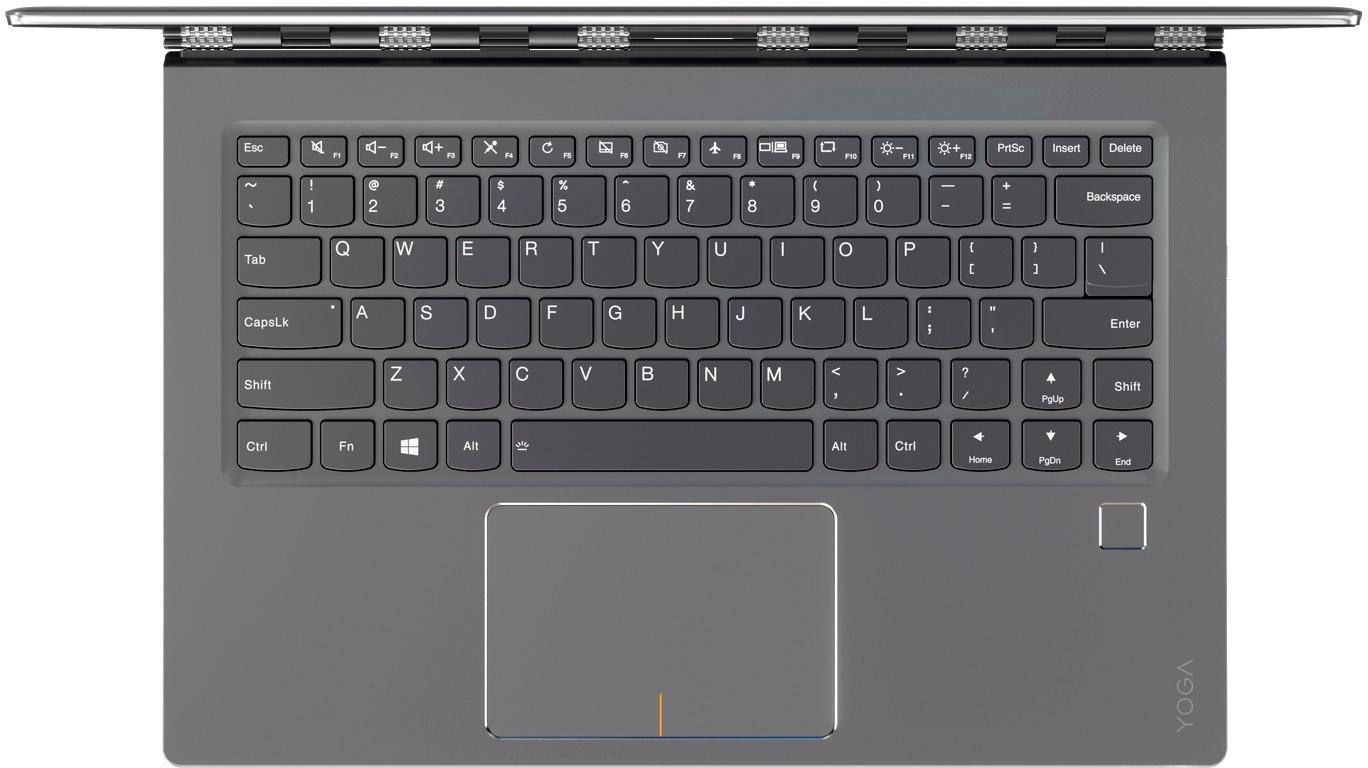
A:AnswerIt was for me. My laptop went into black-screen death. The Lenovo was highly recommended. Neat, lightweight. Small keyboard--needing instruction manual with details of which function keys to use with the dual-use up-down-home-end arrows to SELECT copy to delete or replace. But OK to get buy in this emergency. Windows 10 is installed--terrific for kids and gamesters, not so good for academics. Whether it fits your personal requirements is individual. Buying it on the spot and having it immediately was easy. Sales representative was excellent with everything, including arranging with Geek Squad to transfer data.
A:AnswerThere is a 1-year limited manufacturer's warranty, which covers OEM issues. Best Buy also provides a 15-day return policy, with receipt, of non-damaged merchandise.