Black Friday is hereShop new DoorbustersShop now

Skip to content
Gift Ideas
26 Cypress St
Williston, VT 05495
Opens at 9 am
Find Another Store
Main Content

Questions & Answers

Your price for this item is $1,549.99
Page Showing 21-40 of 49 questions
  • QuestionDoes this product have an international warranty? I mean the Lenovo coverage, not the GeekSquad.

    Asked by Danielle.

    • Answer Hey Danielle, Yes, from the manufacturer, this model is covered by International Warranty Services. By visiting the webpage tied to the following link: (https://pcsupport.lenovo.com/us/en/iwslookup#/ideapad), users can view local Lenovo support options for the supported countries. You can lookup options by entering the product serial number in the search box at the previously listed link, selecting “International Warranty Services” within “Warranty & Repair”. Full disclosure, there can be some limitations with repairs abroad as US components and onsite repair may not be available in another country. Please feel free to reach out to us with any other questions!
      Answered by Lenovo Product Expert

  • Questioncan this laptop be charged with a 60W USB-C cable to USB-C cable

    Asked by 7734storm.

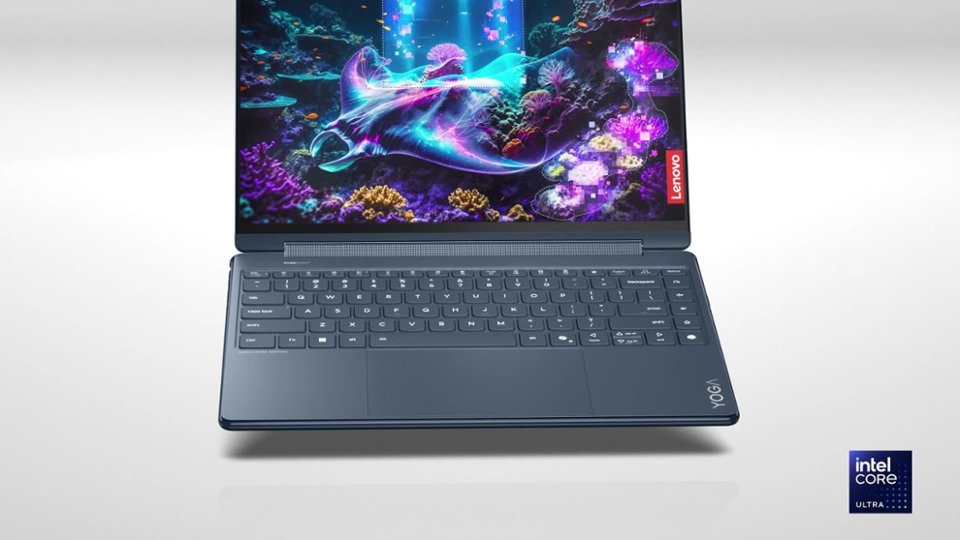
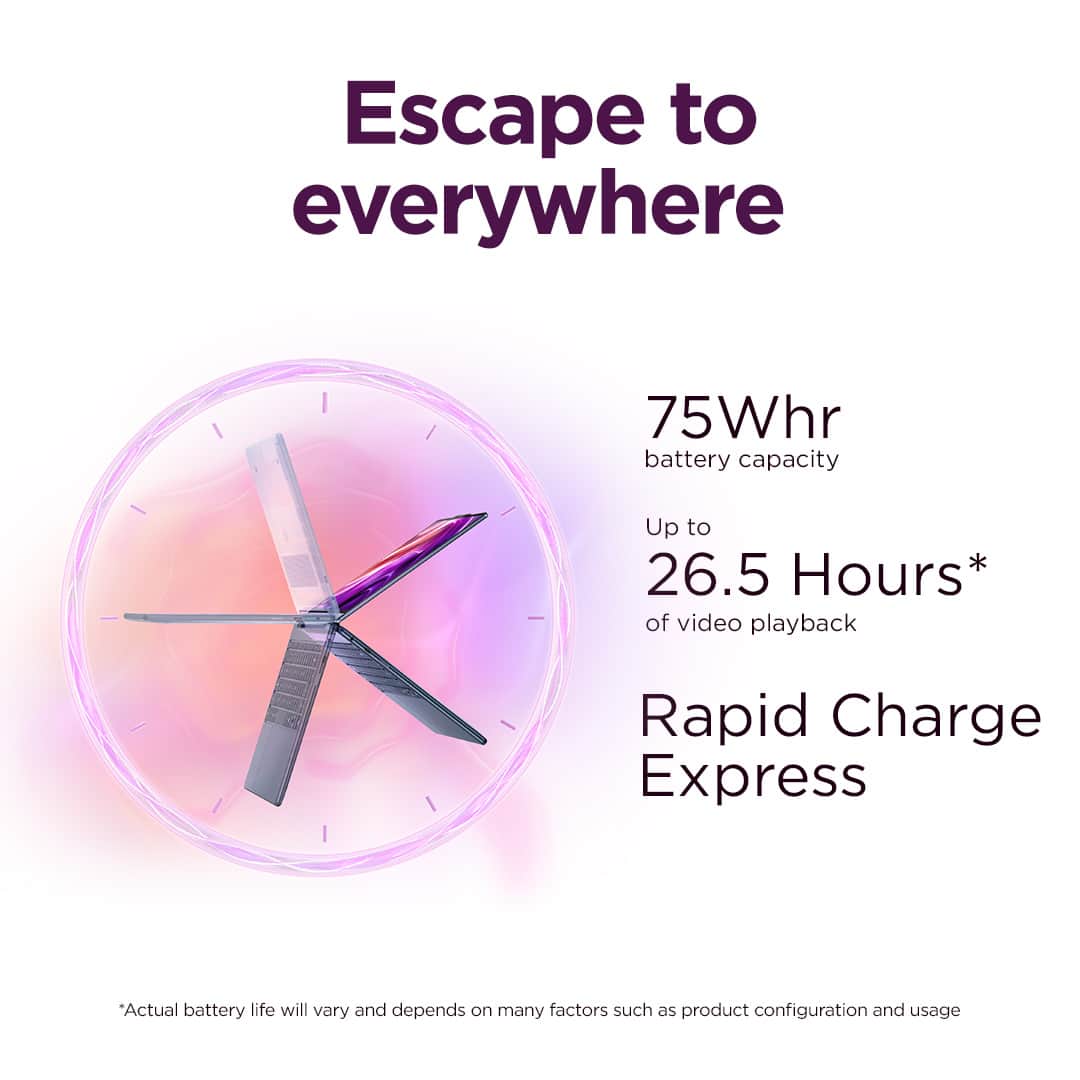
    • Answer Hey 7734storm, Yes, and to note, this Yoga 9i 2-in-1 Aura Edition ships with a 65W USB-C power adapter in the box. Please feel free to reach out to us with any other questions!

      Answered by Lenovo Product Expert

  • QuestionCould you please confirm whether this product comes with an international warranty, and what type of warranty it is?

    Asked by Nick.

    • Answer Hey Nick, This Yoga 9i 2-in-1 Aura Edition ships with a 1-year manufacturer base warranty. Also, from the manufacturer, this model should be covered by International Warranty Services. By visiting the webpage tied to the following link: (https://pcsupport.lenovo.com/us/en/iwslookup#/ideapad), after purchasing your Yoga, you can view local Lenovo support options for the supported countries. You can lookup options by entering the product serial number in the search box at the previously listed link, selecting “International Warranty Services” within “Warranty & Repair”. Full disclosure, there can be some limitations with repairs abroad as US components and onsite repair may not be available in another country. Please feel free to reach out to us with any other questions!
      Answered by Lenovo Product Expert

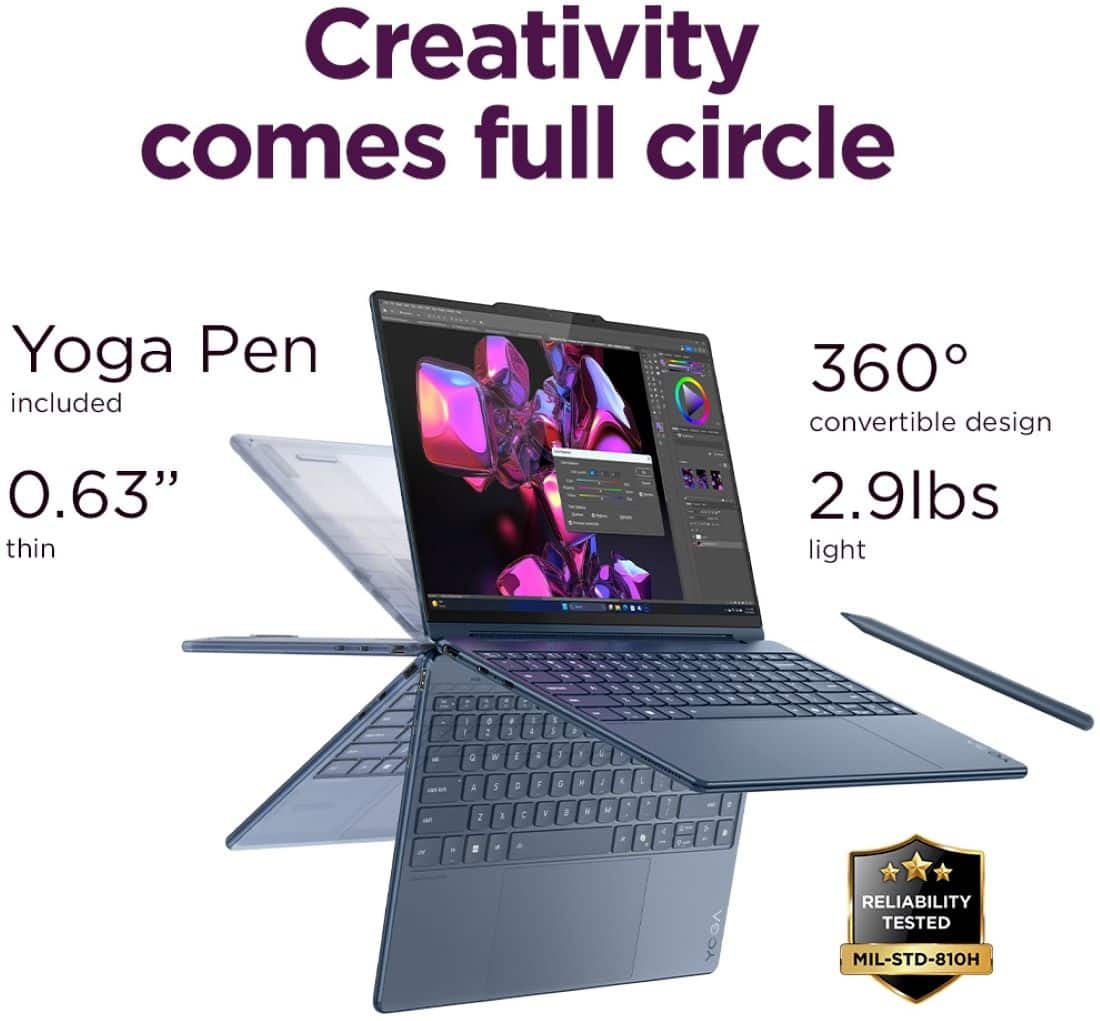
  • QuestionDoes the pen come with it?

    Asked by christan.

    • Answer Mine did.

      Answered by HeresJohnny

  • QuestionDoes the yoga have a 5G option or only WiFi?

    Asked by Tommygunz.

    • Answer Yes, 5 G is great.

      Answered by AyseP

  • QuestionDoes the screen support a sRGB display?

    Asked by SRDLR.

    • Answer Hey SRDLR, The display's default is 100% DCI-P3, but using X-rite Color Assistant on the Yoga 9i 2-in-1 Aura Edition, you should be able to reprogram the color gamut to sRGB. Please feel free to reach out to us with any other questions!
      Answered by Lenovo Product Expert

  • QuestionDoes this come with a pen

    Asked by Anonymous.

    • Answer Yes, it's in the packaging with the power supply in a plain brown paper package.

      Answered by ToddD

  • QuestionIs Microsoft Office included in this computer?

    Asked by Sammy.

    • Answer Hi Sam, Microsoft Office is preinstalled; however, without purchasing a long-term Office solution, such as Microsoft 365, only a 30-day trial can be activated out of the box. Here is a link to the Microsoft Office landing page on bestbuy.com to learn more about your Office options: https://www.bestbuy.com/site/microsoft/microsoft-office/pcmcat748300511466.c?id=pcmcat748300511466 Please feel free to reach out to us with any other questions!

      Answered by Lenovo Product Expert

  • QuestionDoes this model have anti reflective coating on the screen?

    Asked by Anonymous.

    • Answer Yes — the Lenovo Yoga 9i Aura 14" OLED does have an anti-reflective coating on the display. It helps cut down on glare and reflections compared to standard glossy OLED panels, making it more comfortable to use in brighter environments or near windows. That said, since it’s still a high-gloss OLED screen, you may notice some reflections under direct light — just not as harsh as on non-treated panels. Pairing the coating with the laptop’s high brightness and Eye Care mode makes it easier on the eyes overall.

      Answered by Kevin

  • QuestionIs the screen detachable?

    Asked by Anonymous.

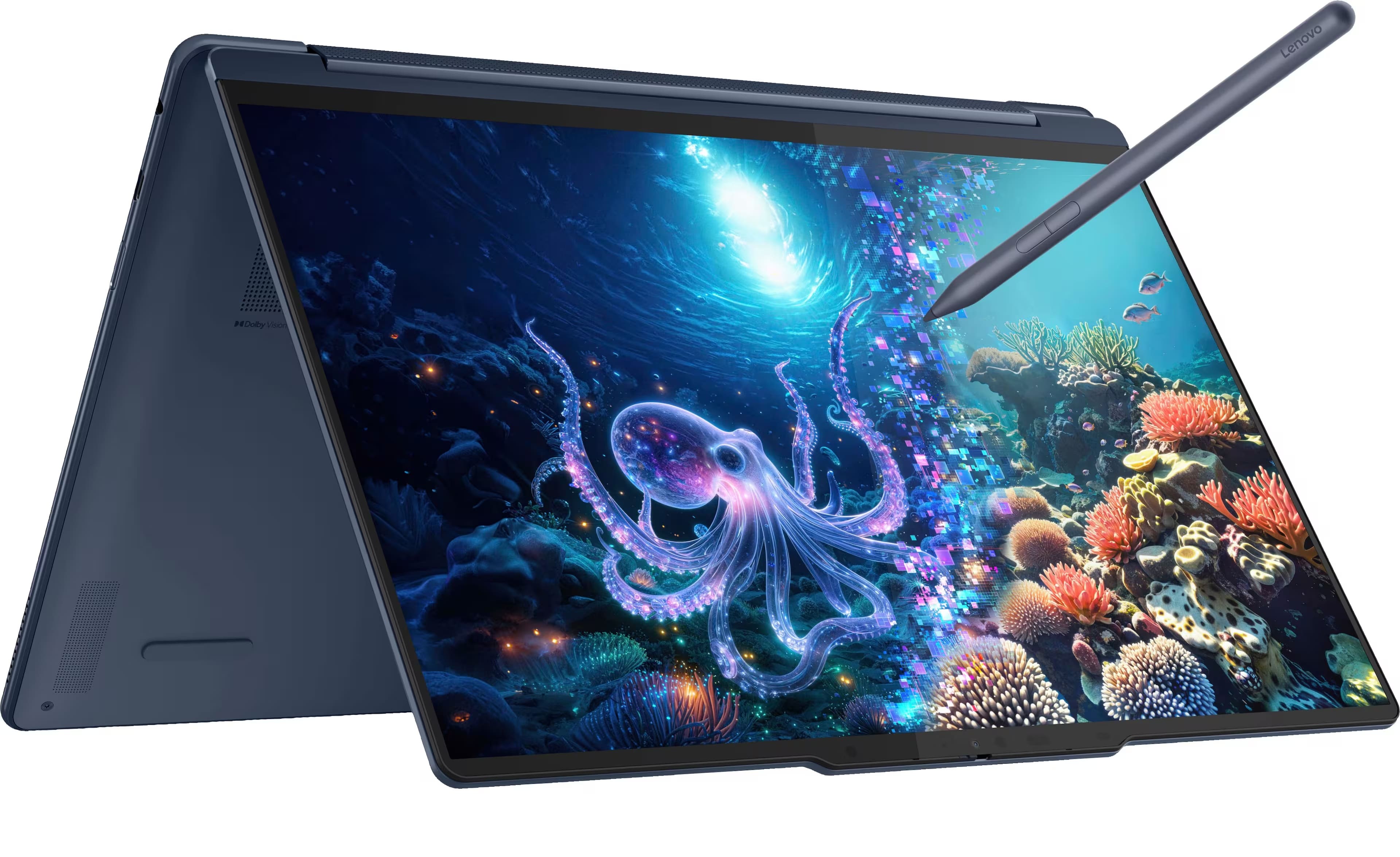
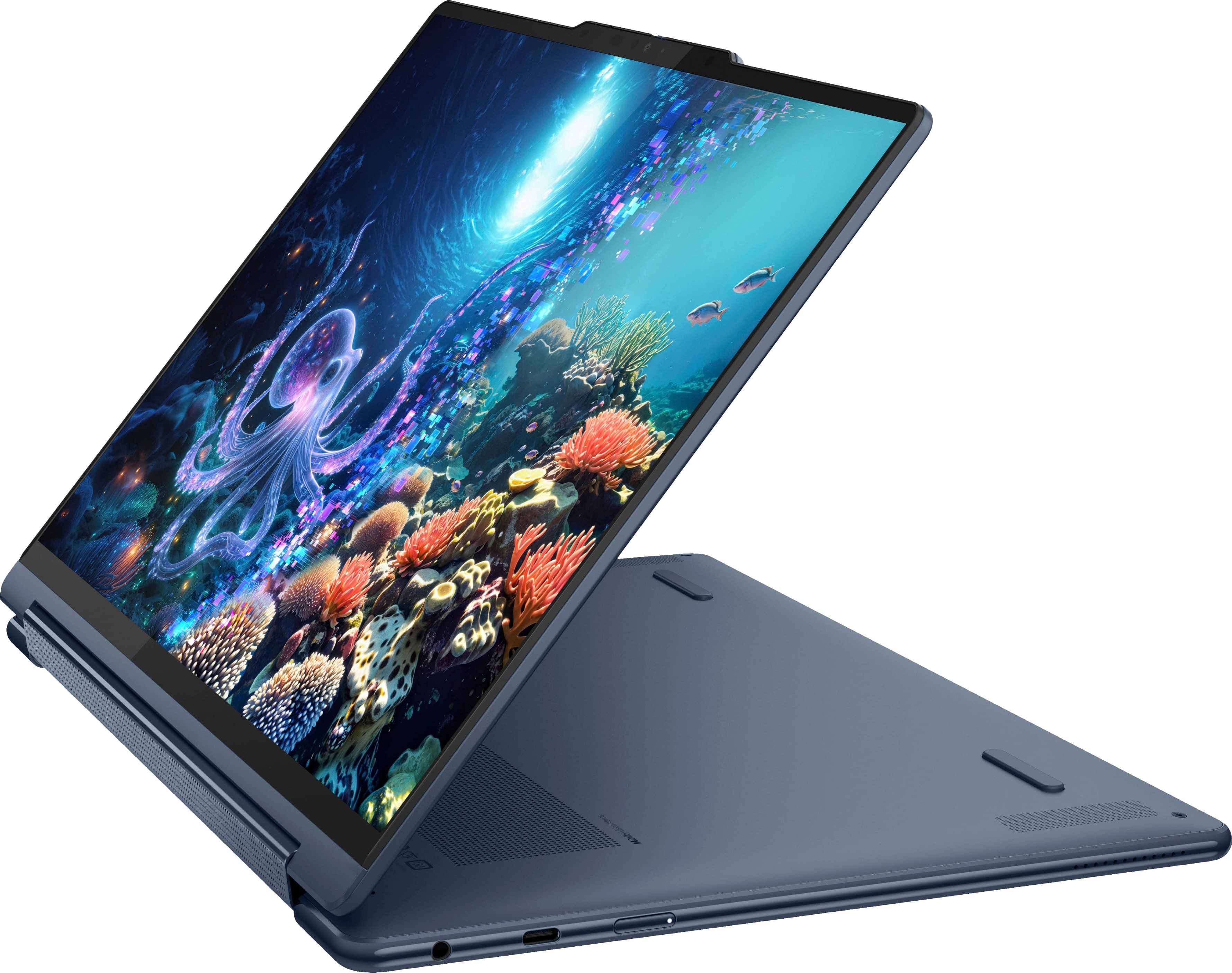
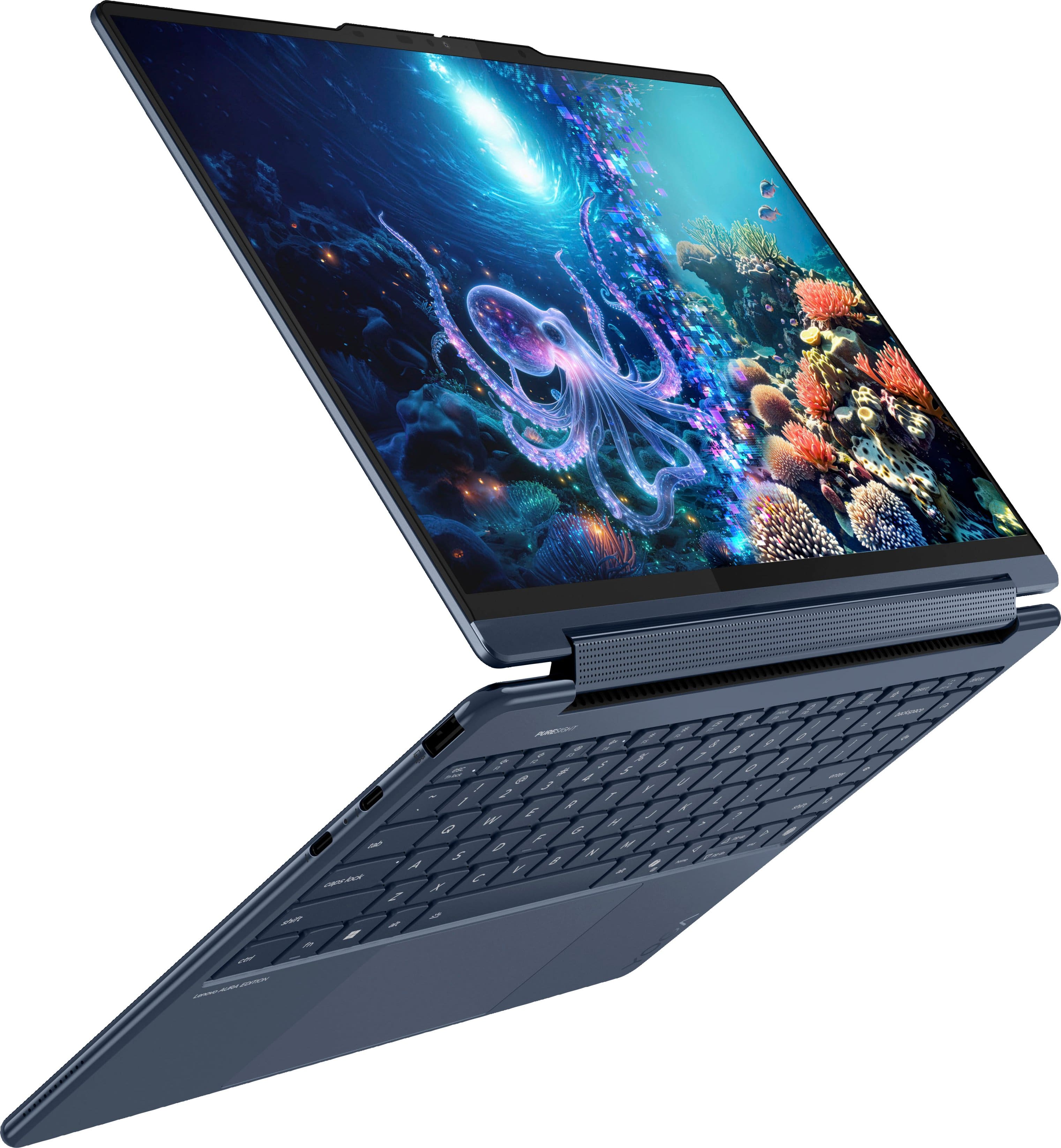
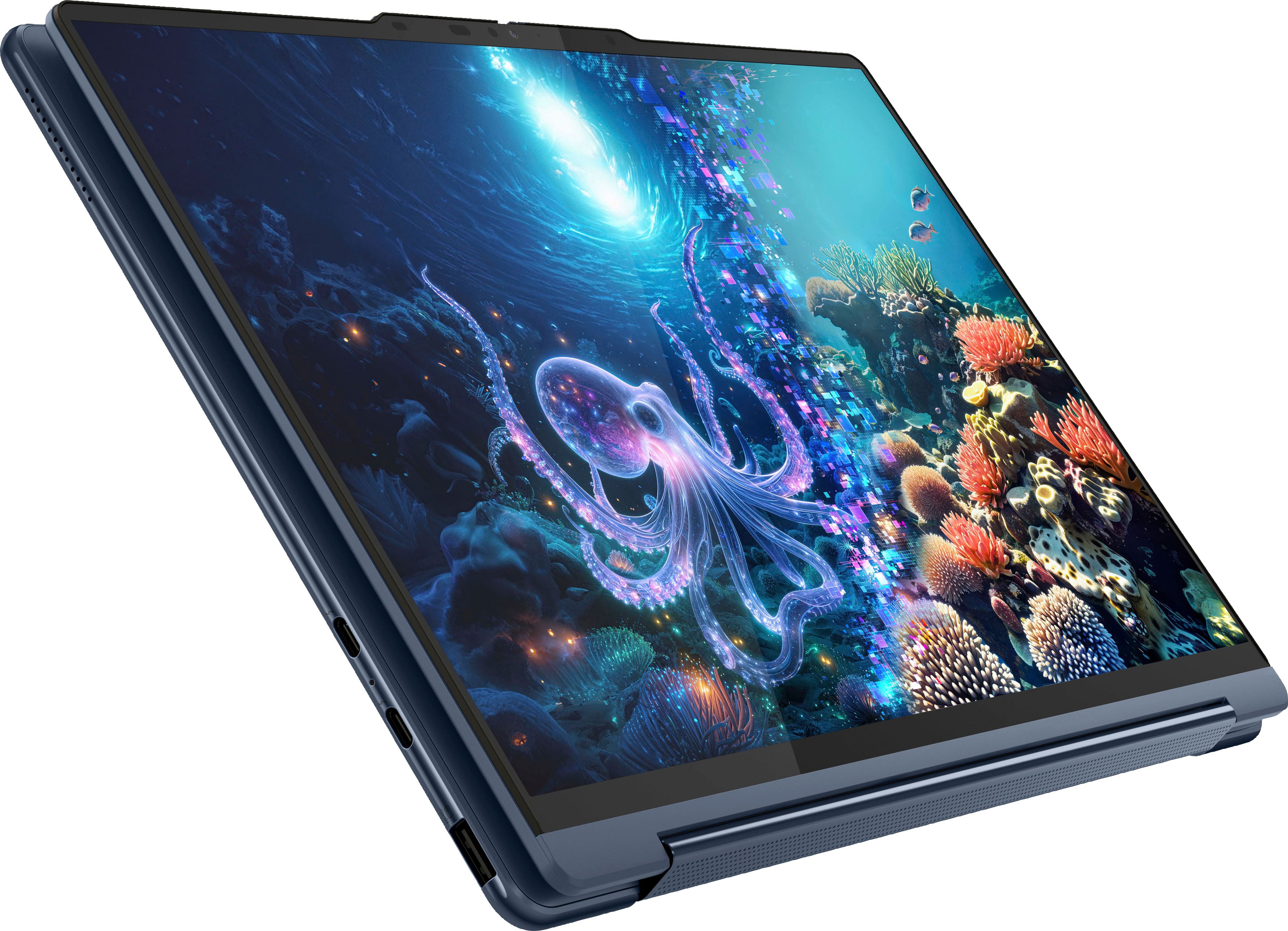
    • Answer No — the screen on the Lenovo Yoga 9i Aura 14" OLED is not detachable. It’s a convertible 2-in-1, so the display rotates a full 360° on its hinge. You can switch between laptop, tent, stand, or tablet mode, but the screen stays securely attached. The benefit of this design is that you don’t have to worry about docking/undocking the screen or losing performance in tablet mode. You get the full power of the laptop (CPU, GPU, cooling system, and battery) no matter how you’re using it — plus the solid hinge makes it feel really sturdy compared to detachable tablets. If you specifically want a detachable screen, Lenovo’s Duet or Miix series might be a better fit.

      Answered by Kevin

  • QuestionIs this computer good for video and photo editing? Do I need a separate program for that?

    Asked by Anonymous.

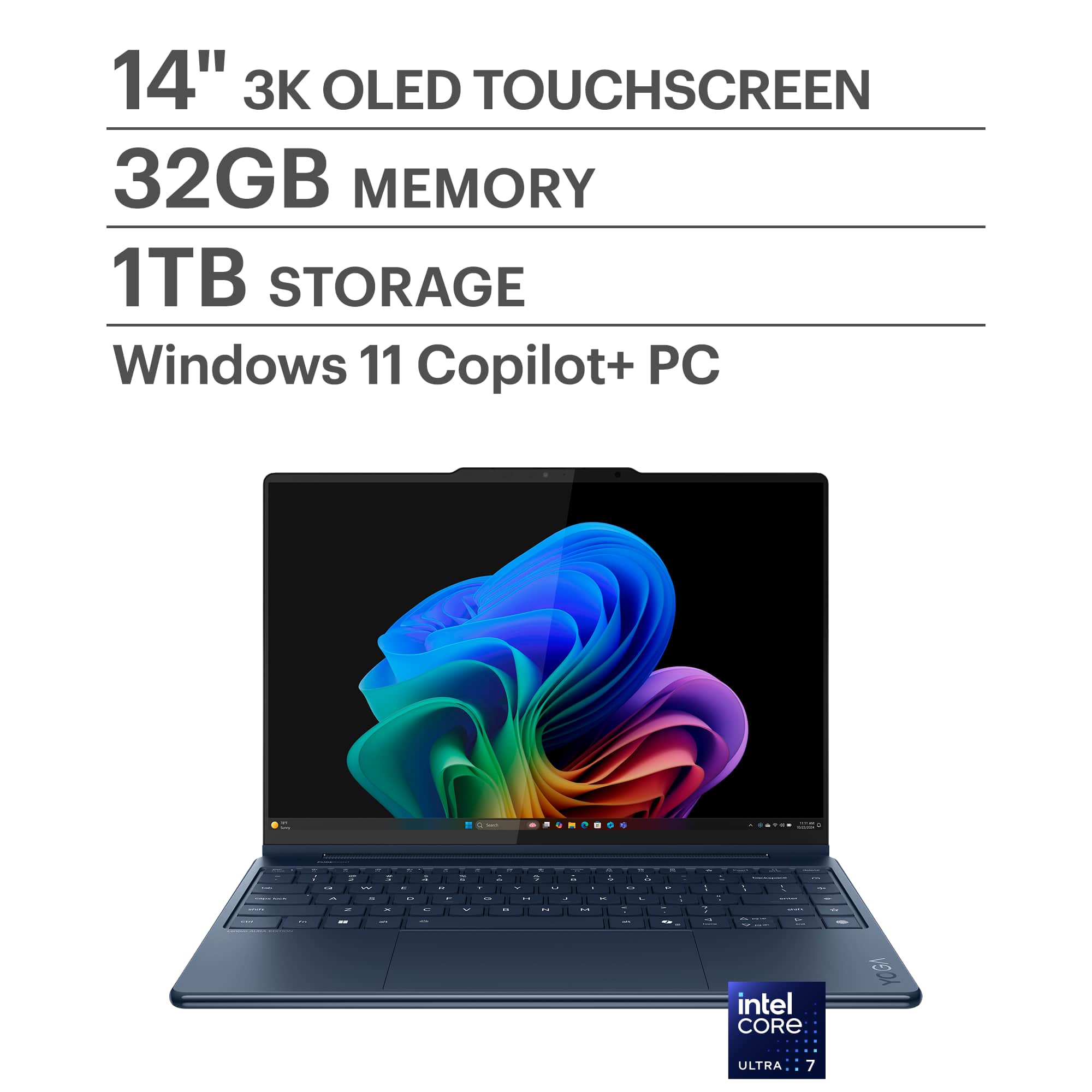
    • Answer Yes, the Lenovo Yoga 9i Aura 14" OLED is an excellent choice for photo and video editing. The 14" 2.8K/4K OLED display delivers vibrant colors, deep blacks, and 100% DCI-P3 color coverage, making it great for accurate editing work. It also offers strong performance with Intel Core Ultra processors and plenty of RAM options, so it can handle creative workloads with ease. For editing software, Windows doesn’t come with professional-grade tools pre-installed, so you’ll want to add your own depending on your needs: Photos: Adobe Photoshop, Lightroom, or free alternatives like GIMP. Videos: Adobe Premiere Pro, DaVinci Resolve (free & pro versions), or Filmora for a simpler option. The laptop itself is more than capable — you’ll just need to install the software that best fits your workflow. I hope this helps with your decision, but if you go with the Yoga 9i Aura, you definitely won’t be disappointed!

      Answered by Kevin

  • QuestionDoes the Lenovo Precision Pen 2 work with this laptop?

    Asked by erp.

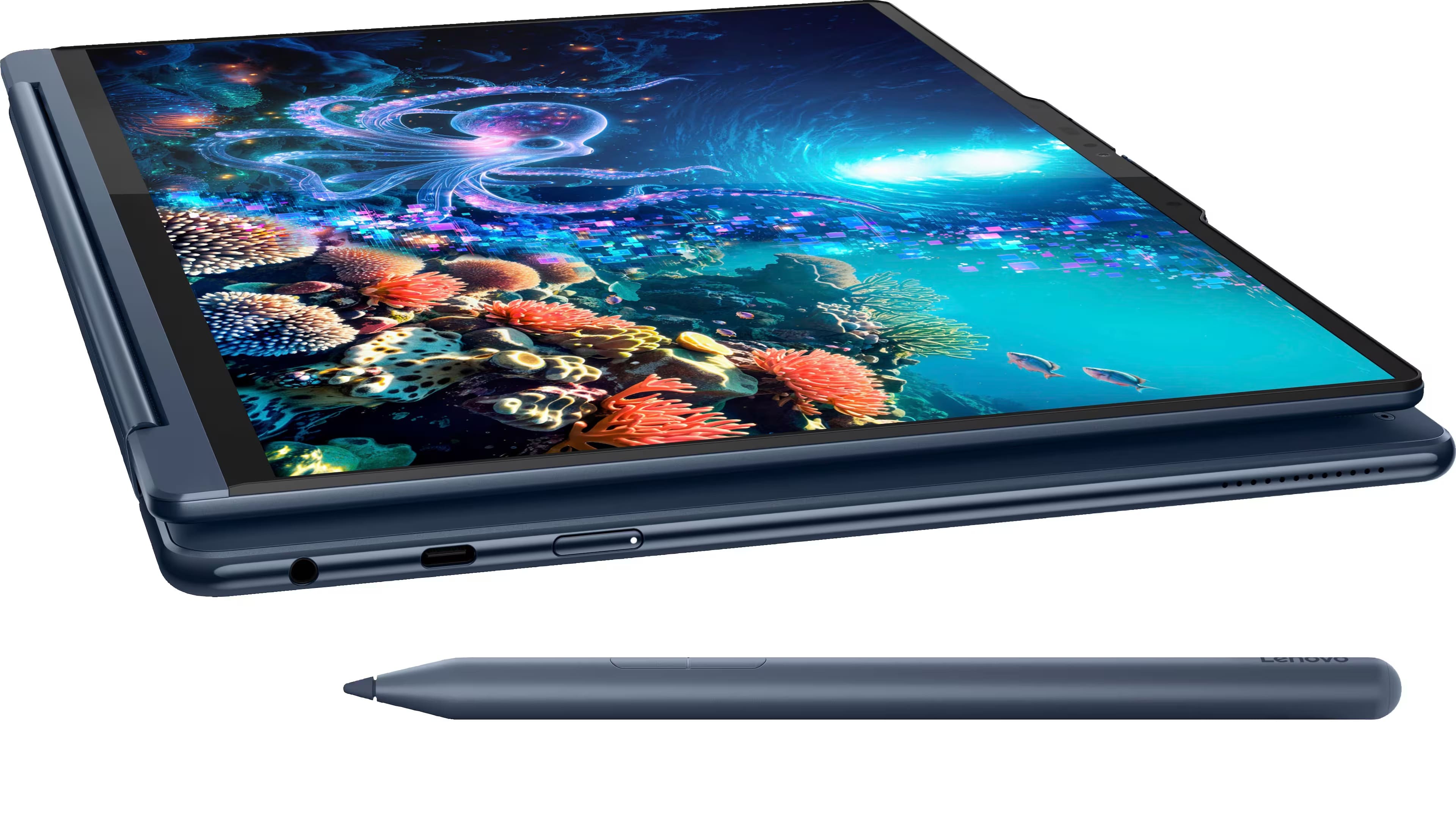
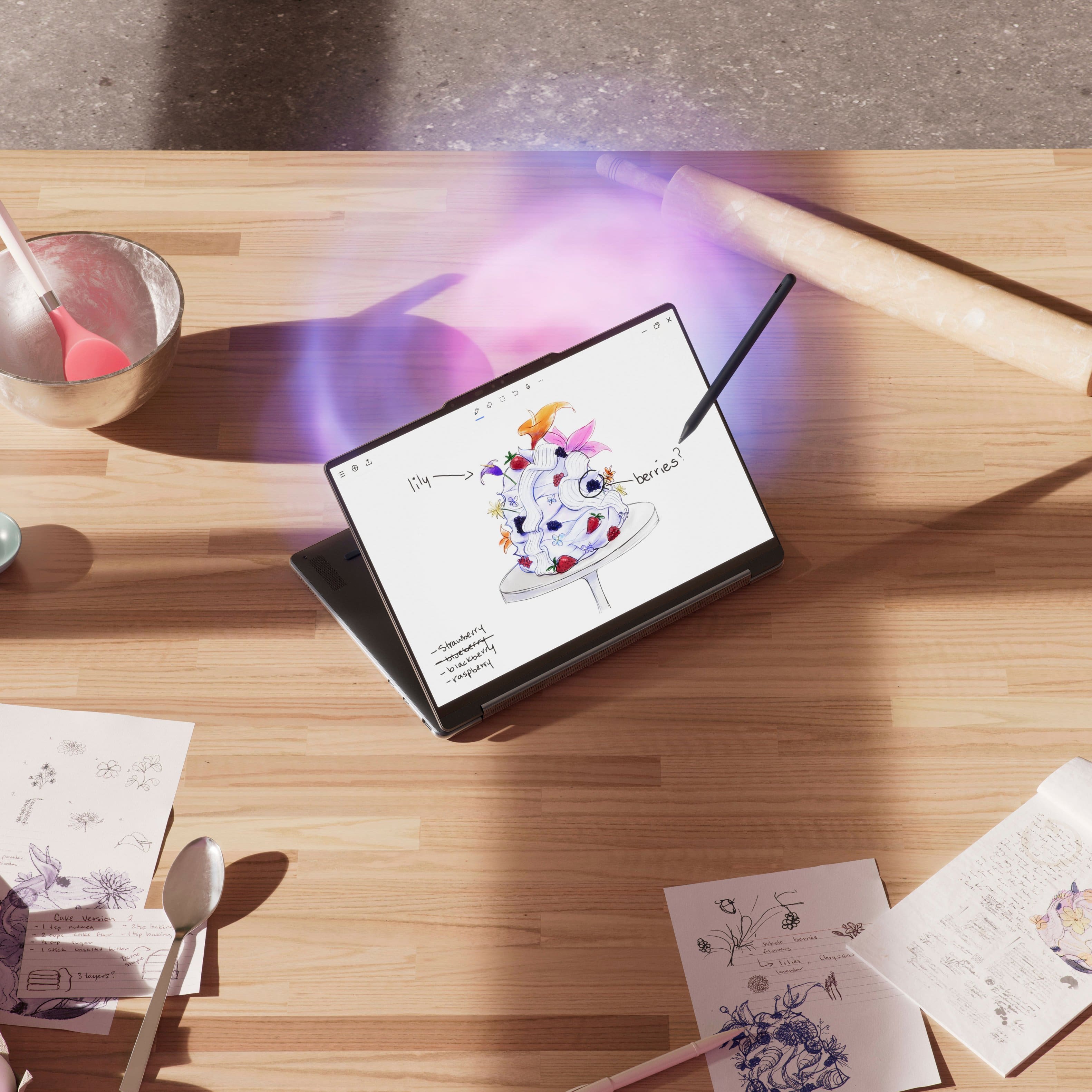
    • Answer Yes — the Lenovo Precision Pen 2 absolutely works with the Yoga 9i Aura 14" OLED… but the fun part is, you don’t even need to buy one! Your Yoga 9i already comes with a pen included in the box. It’s tucked inside a slim brown envelope in the accessories box that says “Please charge before use.” So unless you want a spare or a backup, you’re all set to start writing, drawing, and taking notes right out of the box!

      Answered by Kevin

  • QuestionWhen did this model release?

    Asked by Igal.

    • Answer This is a 2025 model.

      Answered by GlennW

  • QuestionIs there any concern about screen burn-in?

    Asked by Erich.

    • Answer Yes. OLED panels can suffer from screen burn-in. Be sure to set a screen saver in Windows settings.

      Answered by GlennW

  • QuestionIs this laptop a good option for gaming such as roblox? If not, whats a better option?

    Asked by Bgreen13.

    • Answer It will run roblox just fine but it won't excel at it. If you want high gaming performance look for something with a dedicated graphics card, such as a NVIDIA 3050/4050 or better

      Answered by Anonymous

  • QuestionWhat graphics does this have? I need at least NVIDIA or AMD graphics card, or the NVIDIA GeForce RTX and AMD Radeon.

    Asked by Kb.

    • Answer Includes Intel ARC 140V integrated graphics. No discrete GPU option is available in this model.

      Answered by GlennW

  • QuestionMy screen touch is not working after I connect the hdmi. Is it normal or thats an issue?

    Asked by Ajinkya.

    • Answer That’s completely normal — when you connect your Yoga 9i Aura 14" OLED to an external monitor via HDMI, the touch function only works on the laptop’s built-in display, not on the external screen. HDMI doesn’t transmit touchscreen input, it just carries video and audio. So nothing’s wrong with your laptop — your touchscreen will still work as expected on the Yoga itself, but the external monitor won’t support touch unless it’s a separate touchscreen monitor with its own USB connection for touch input. Hope this helps!

      Answered by Kevin

  • QuestionIs this 14.5 or 14" screen?

    Asked by KorB.

    • Answer 14

      Answered by CristianR

  • QuestionDoes this laptop have additional Ram slots to expand it from 32 gb to 64 gb?

    Asked by Phil.

    • Answer No, the RAM is integrated on the CPU and cannot be upgraded.

      Answered by GlennW

  • QuestionIs this computer suitable for GIS software like arcgis pro? I need a new computer for a gis masters program so it will be running a lot of programs at once.

    Asked by Student.

    • Answer Hi there, Based on the system requirements for ArcGIS Pro (3.5) listed on this ArcGIS webpage: https://pro.arcgis.com/en/pro-app/latest/get-started/arcgis-pro-system-requirements.htm, this Yoga 9i 2-in-1 Aura Edition meets the minimum specification requirements to run the software. While you may benefit from a system with a dedicated graphics card with its own graphics memory, the integrated Intel Arc Graphics 140V can have its reserved graphics memory (VRAM) increased, to help boost graphics performance. We hope that this helps, please feel free to reach out to us with any other questions!
      Answered by Lenovo Product Expert