Questions & Answers
- Model:
- F0G7001MUS
- |
- SKU:
- 6476234
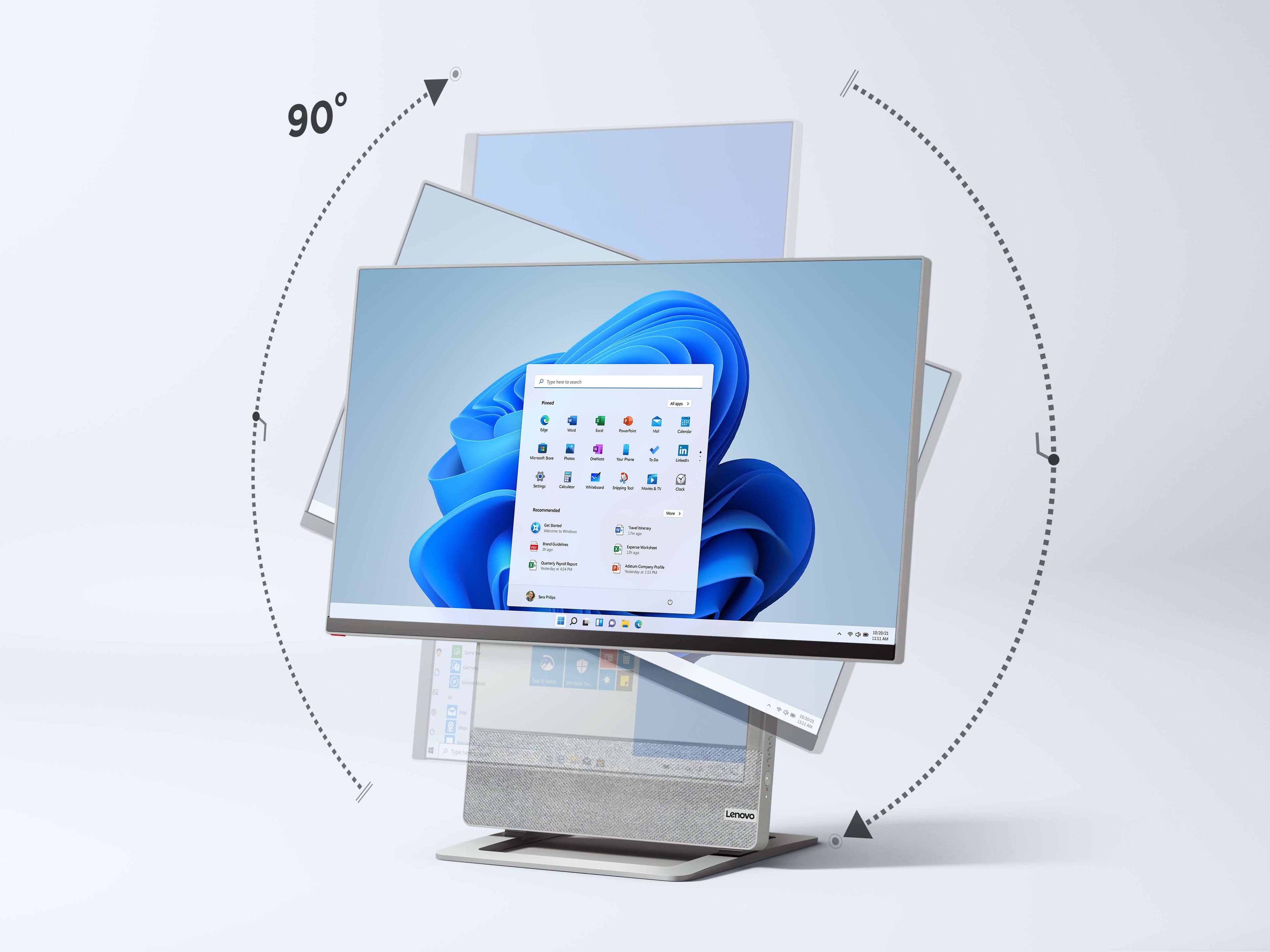
Highly rated by customers for: Screen Rotation, Processor Speed, Ease of use
Page Showing 21-28 of 28 questions
Q: QuestionCould a second monitor be connected?
Asked by Mcontrado.
- A:Answer Yes. But with split screen you don’t need it.
Answered by WorkingRemotely
Q: QuestionAre the dimensions accurate? Height of 4", depth of 24", etc.? Doesn't seem right.
Asked by SexyHousewife.
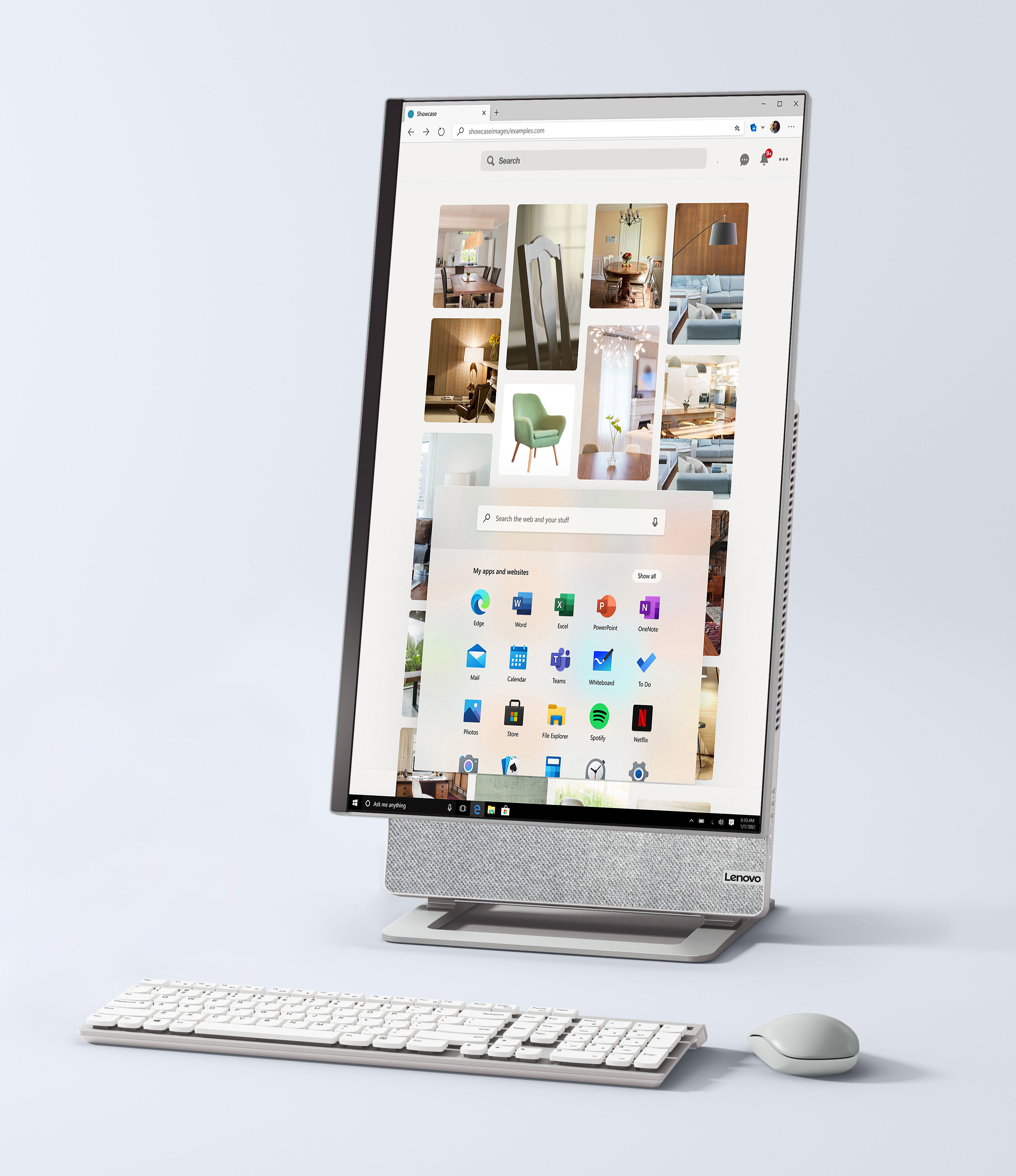
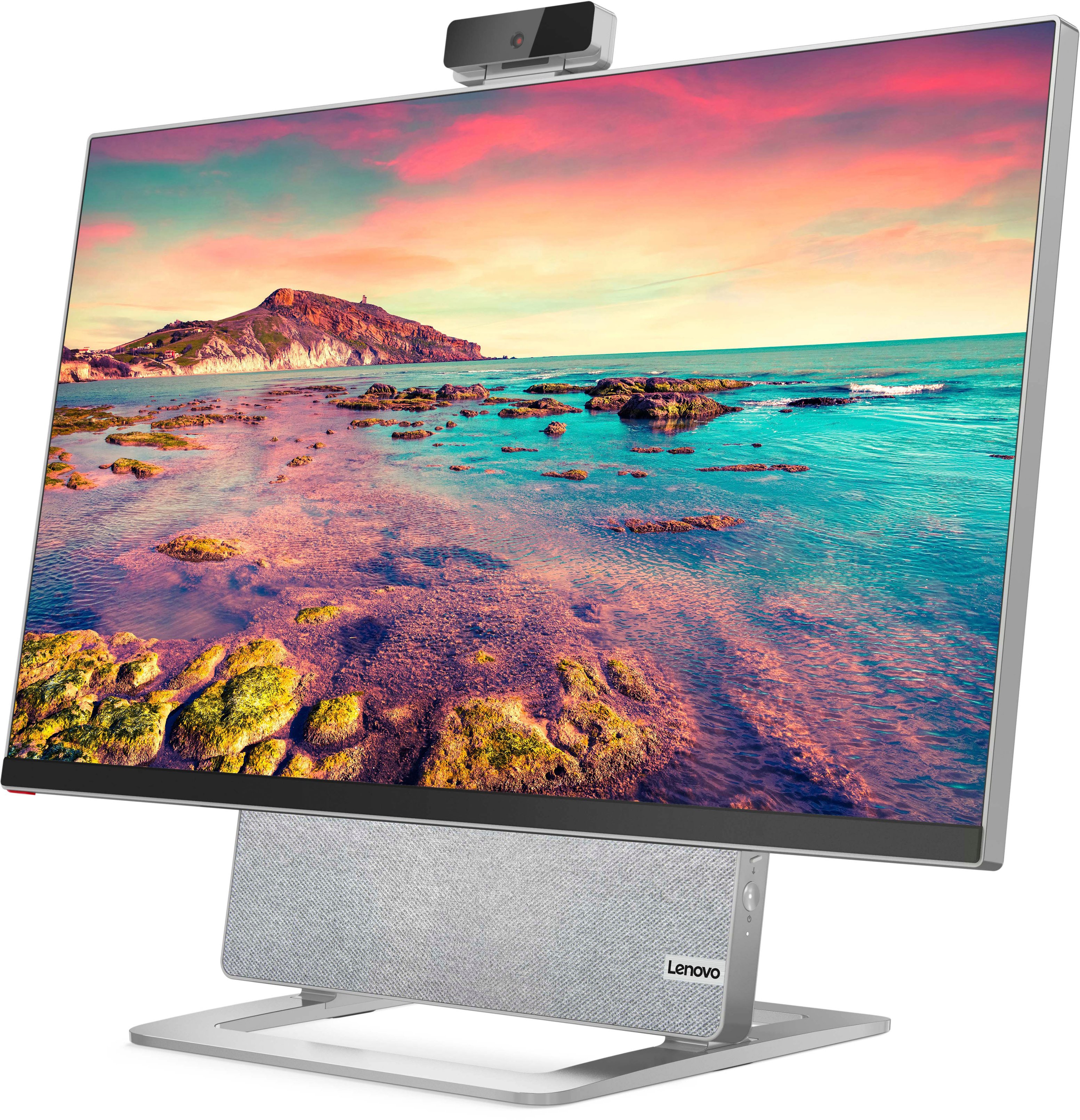
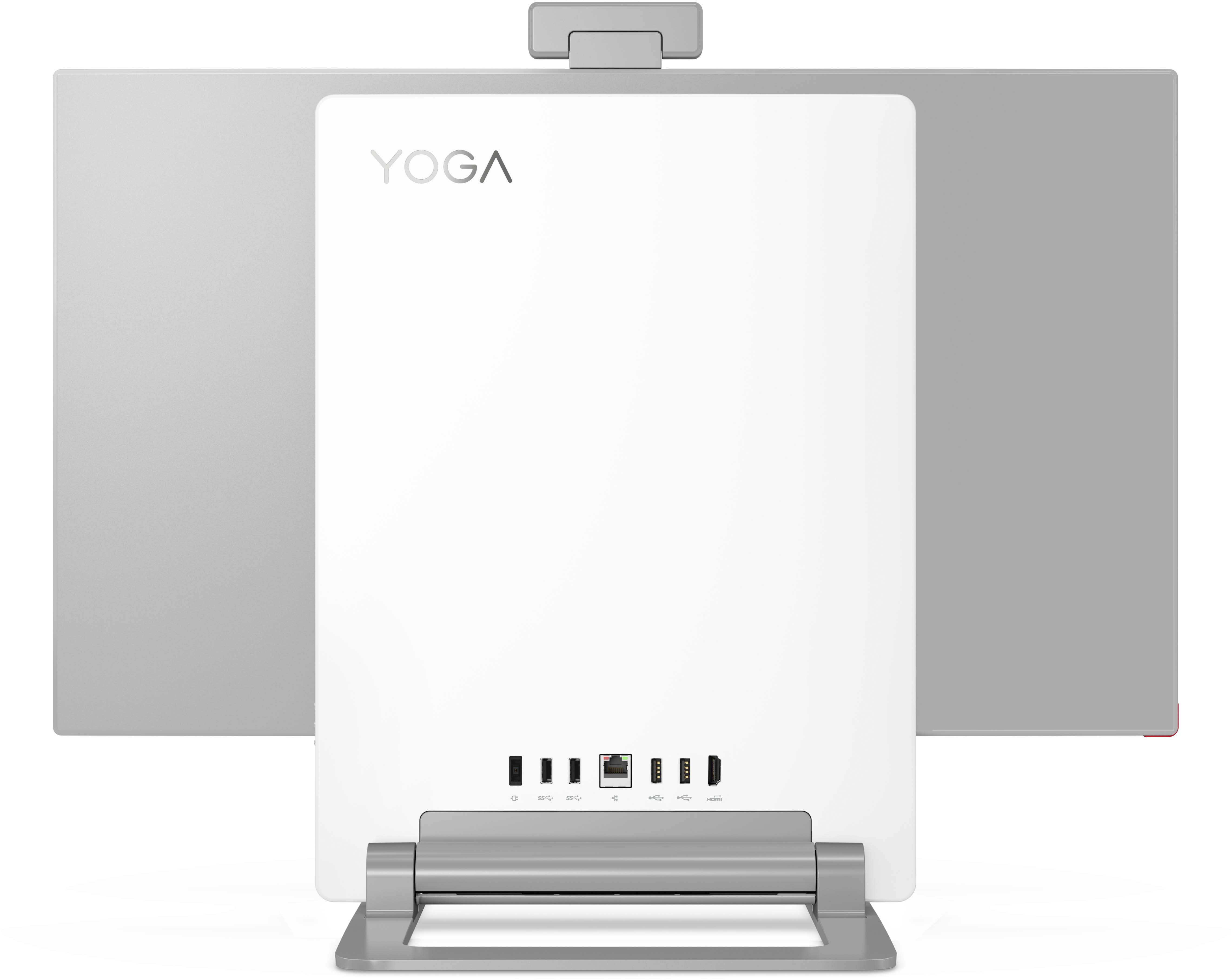
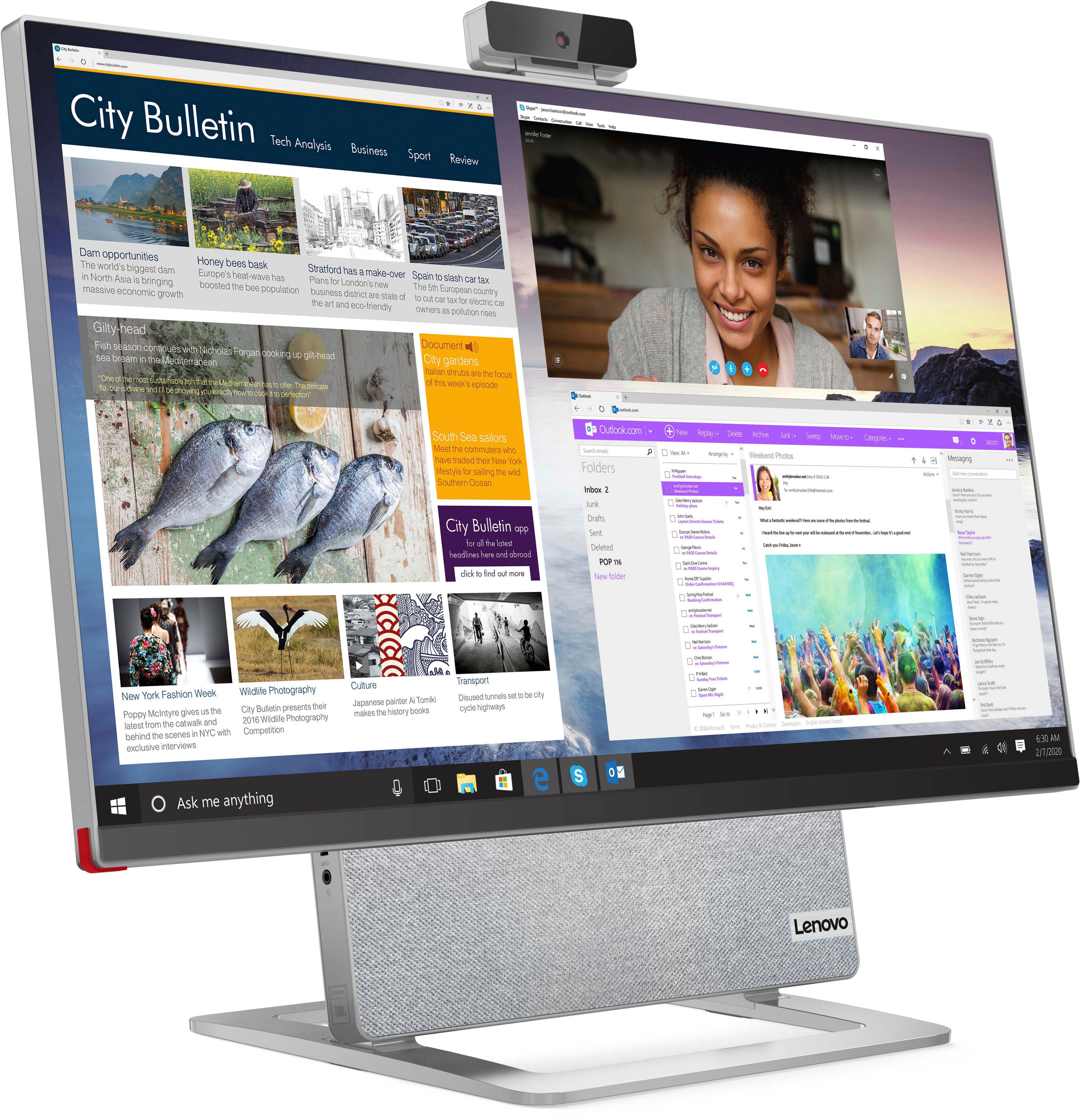
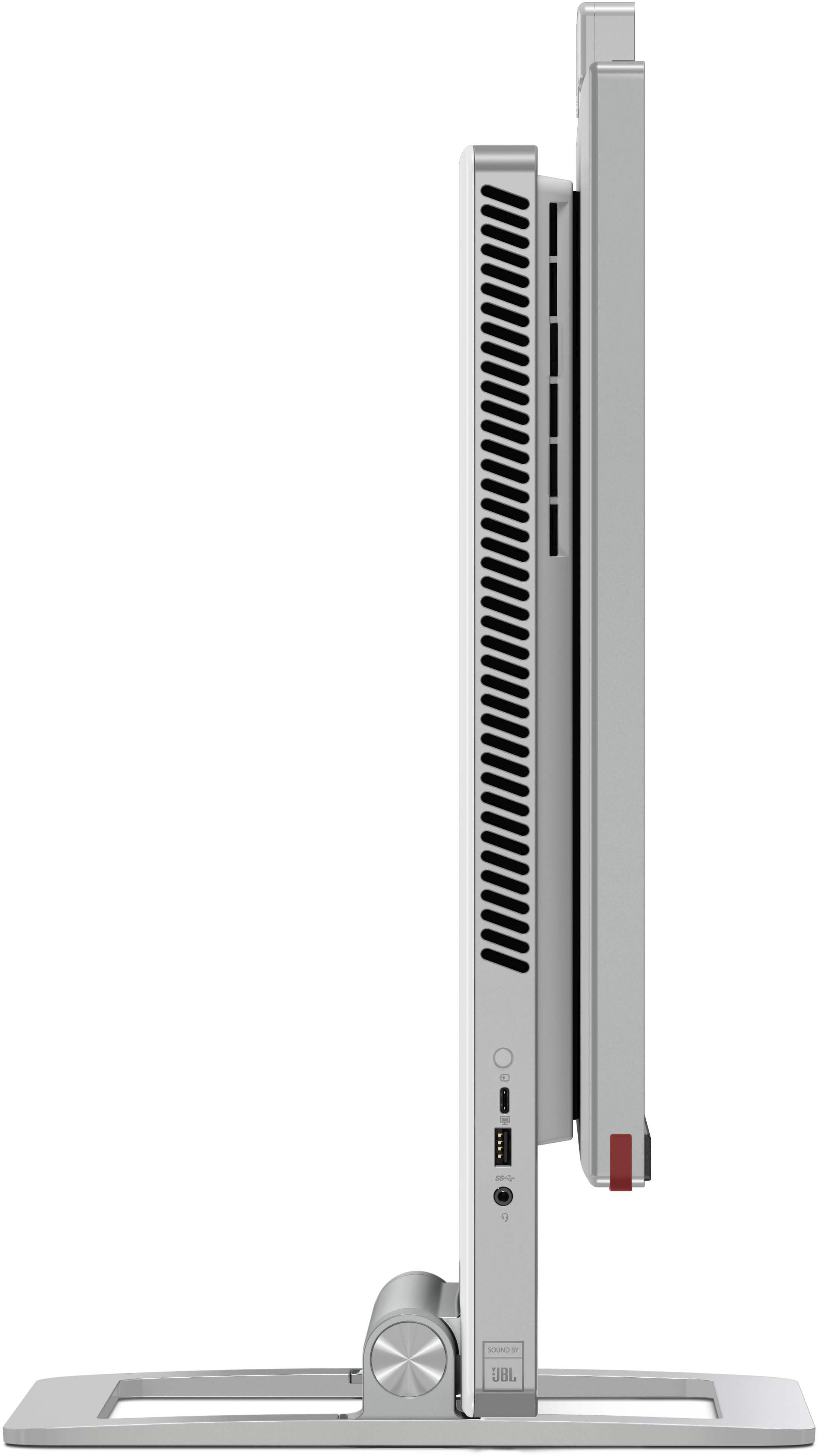
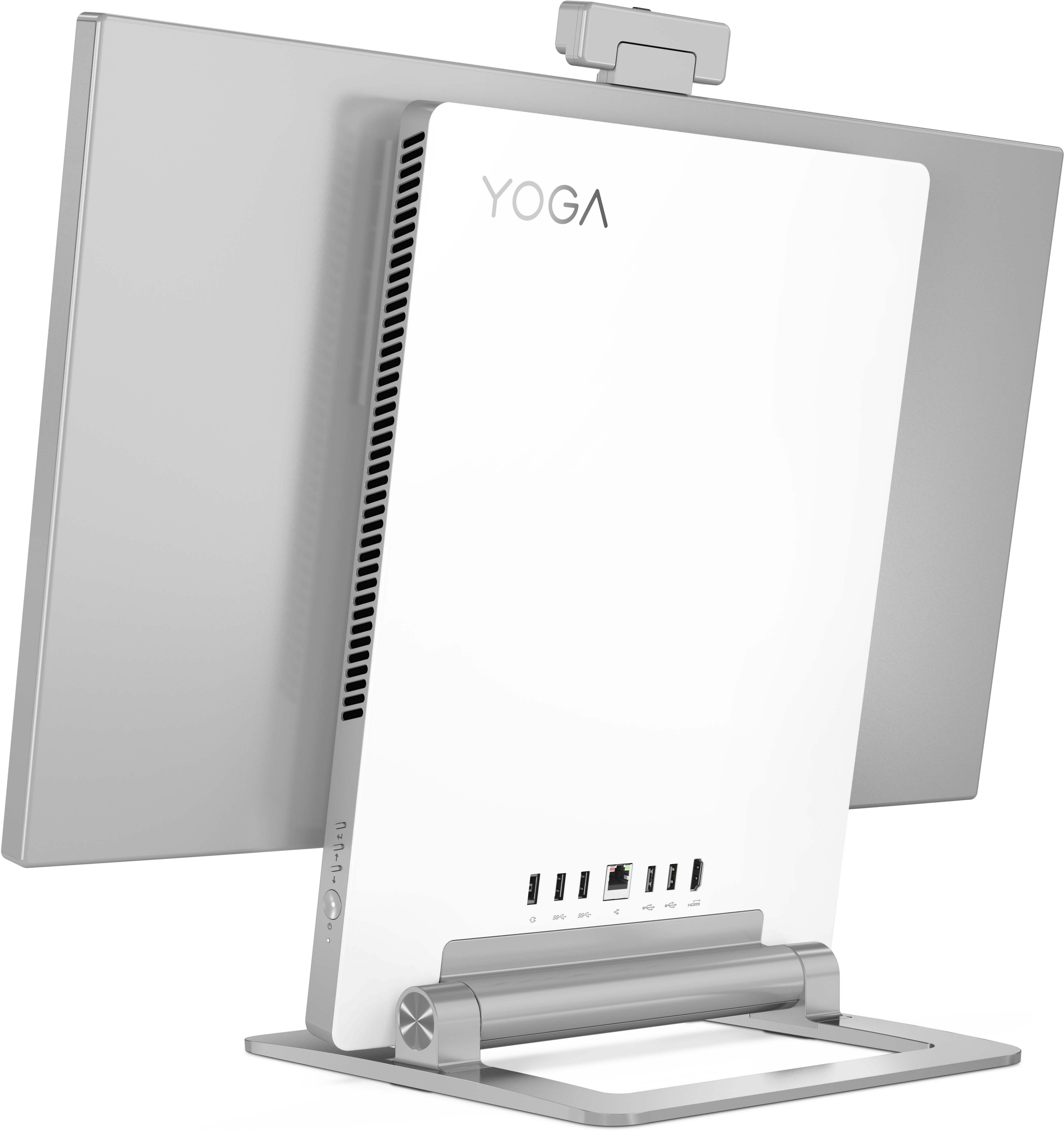
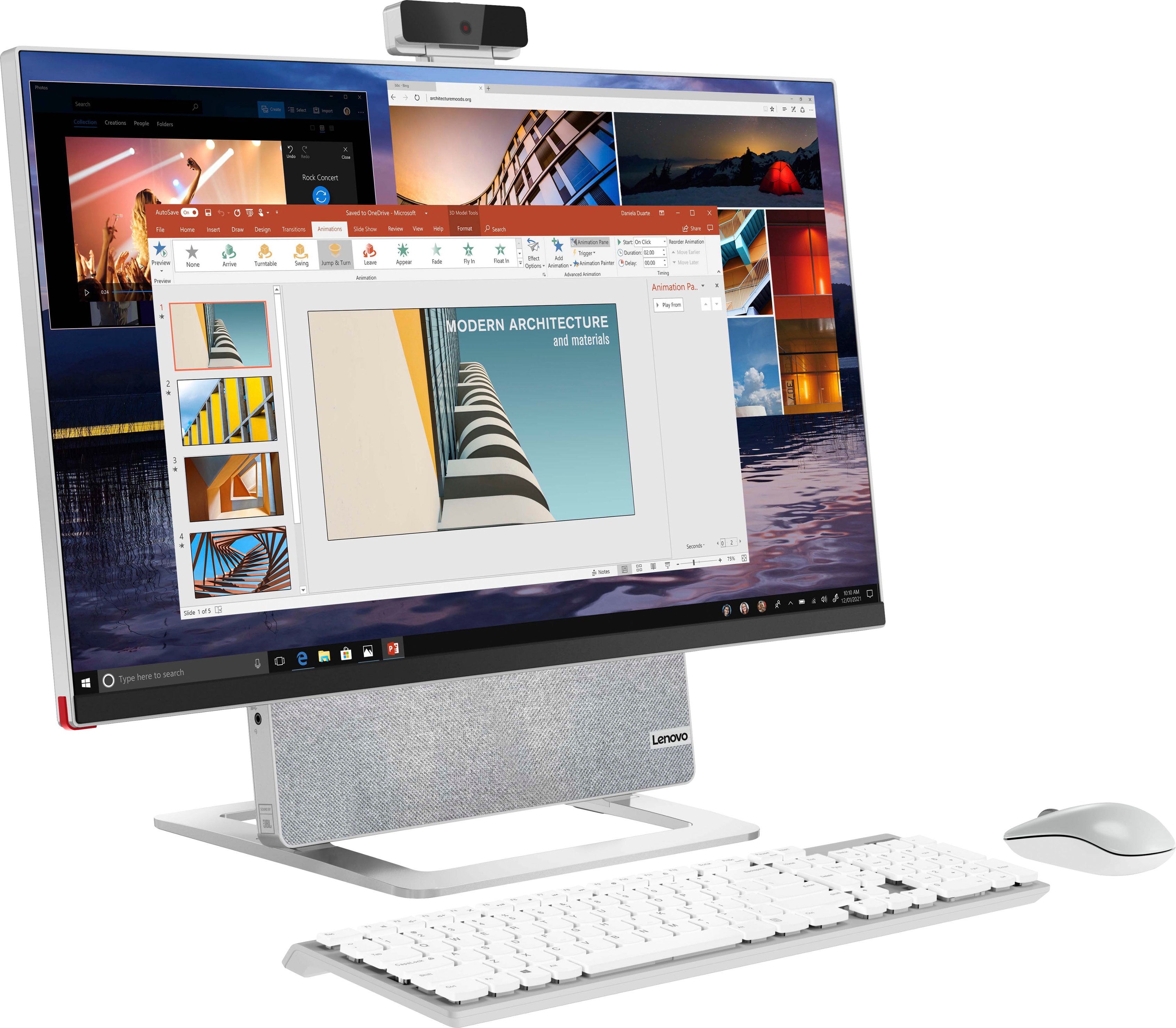
- A:Answer The screen measures 24" across, 13 1/2" high, diagonal 28 1/4" On the back is the speaker/electronics module measuring 12 1/4 wide, 17" high. Front of screen to back of module measures 3". The base measures 10 11/16 wide by 10 3/4 front to back.
Answered by Anonymous
Q: QuestionWhat keyboard/mouse configurations are recommended?
Asked by Inquirerer.
- A:Answer It allows you to change them to your setting.
Answered by WorkingRemotely
Q: QuestionHow many nits of brightness is the screen rated for?
Asked by PhillyChzSteak86.
- A:Answer I ran a VESA test with Display HDR and it showed 270 nits. 360 is not accurate.
Answered by Adam
Q: Questionwhat games can be played on this pc? forza? elding ring? cyberpunk? etc?
Asked by AnnaMartin.
- A:Answer sorry I do not play any games
Answered by Froggly
Q: QuestionIs the screen glossy, matte finish or have an anti-glare coating?
Asked by LastPlace.
- A:Answer it's reflective. if you have light in the background, it can be distracting.
Answered by DLee
Q: QuestionHow can I tell if my keyboard is charging? It seems my keyboard died and I plugged it into the usb-c port on the side and I can't tell if it is charging as there are no indicator lights. How long does it take?
Asked by Jammur.
- A:Answer It will take approximately 2 hours to fully charge the wireless keyboard that ships with this Lenovo Yoga 7 27 All-In-One System. You will be able to use the keyboard while it is plugged in and charging, as well. Add another 1 hour to the charge time if you are using the keyboard while it is charging.
Answered by Lenovo Product Expert
Q: QuestionHow much of system memory can it be upgraded to?
Asked by Homehuk.
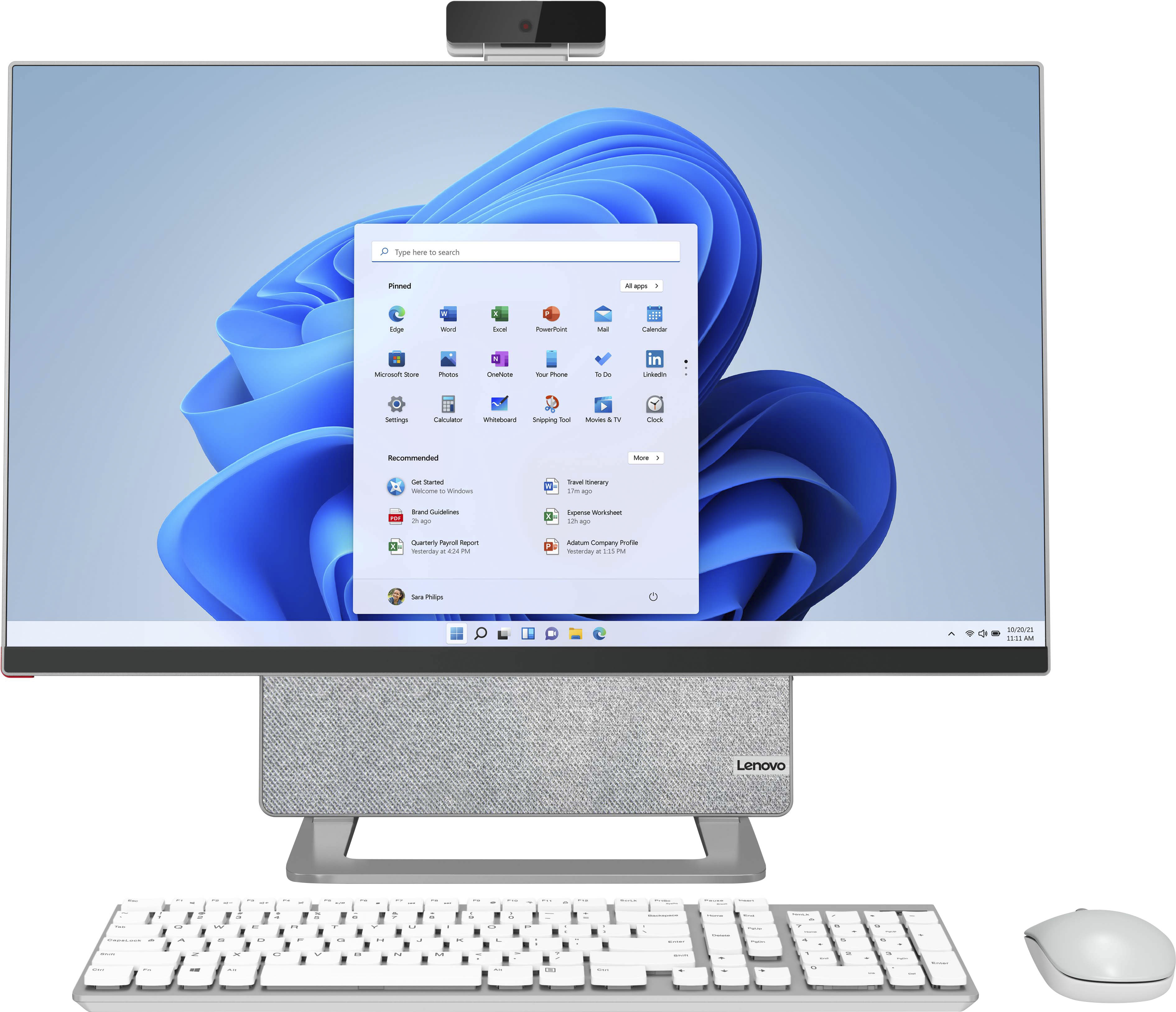
- A:Answer This Lenovo Yoga 7 27 All-In-One System, model number F0G7001MUS, ships with 16GB DDR4-3200MHz RAM (2x 8GB SO-DIMM DDR4-3200MHz RAM), there are two DDR4 SO-DIMM slots, dual-channel capable. The maximum RAM this model configuration can support is: Up to 32GB DDR4-3200MHz RAM. There is also a 512GB M.2 2242 PCIe 3.0x4 NVMe solid state hard drive installed. The maximum storage capacity for this model configuration is: Up to two drives, 1x 2.5 inch HDD + 1x M.2 SSD - 2.5 inch HDD up to 2TB plus M.2 SSD up to 1TB. We recommend you consult with your certified technician about your upgrade options.
Answered by Lenovo Product Expert

Page 2, Showing 21-28 of 28 questions
Most-viewed items
- $1,219.99$1,219.99The price was $1,479.99
- $1,379.00$1,379.00The price was $1,429.99
- $1,769.99$1,769.99The price was $2,499.99
- $1,049.99$1,049.99The price was $1,409.99