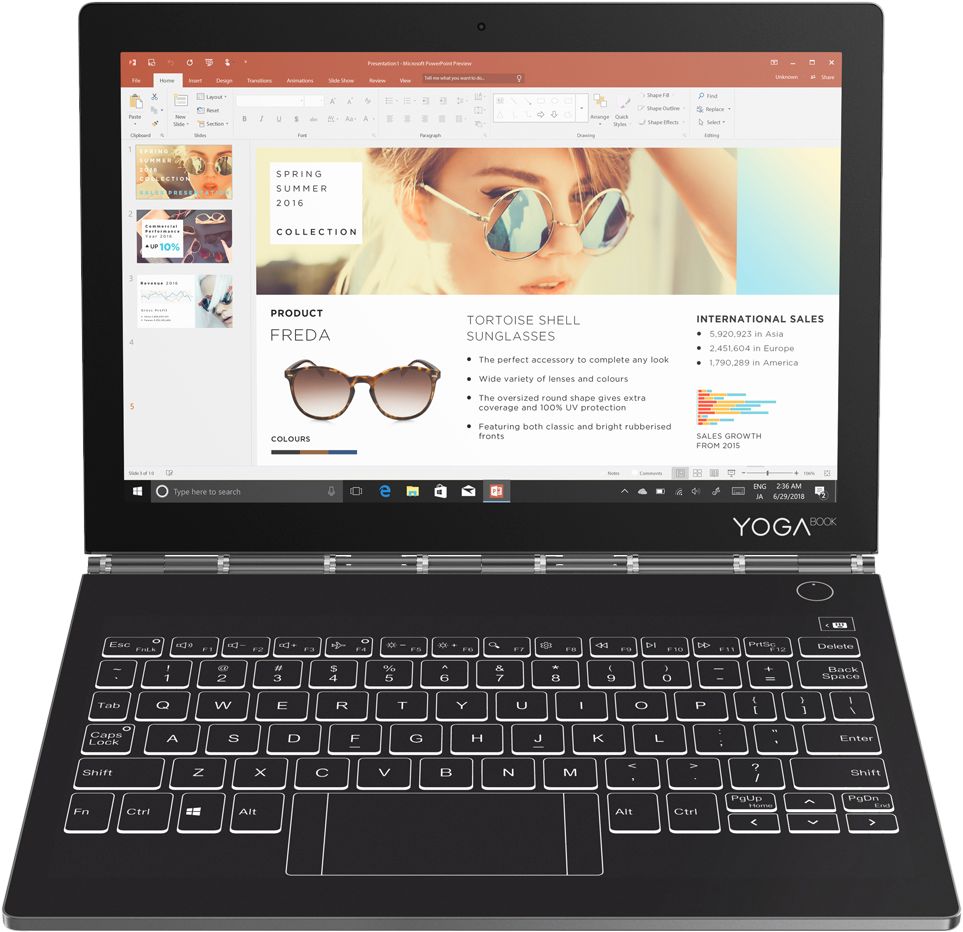
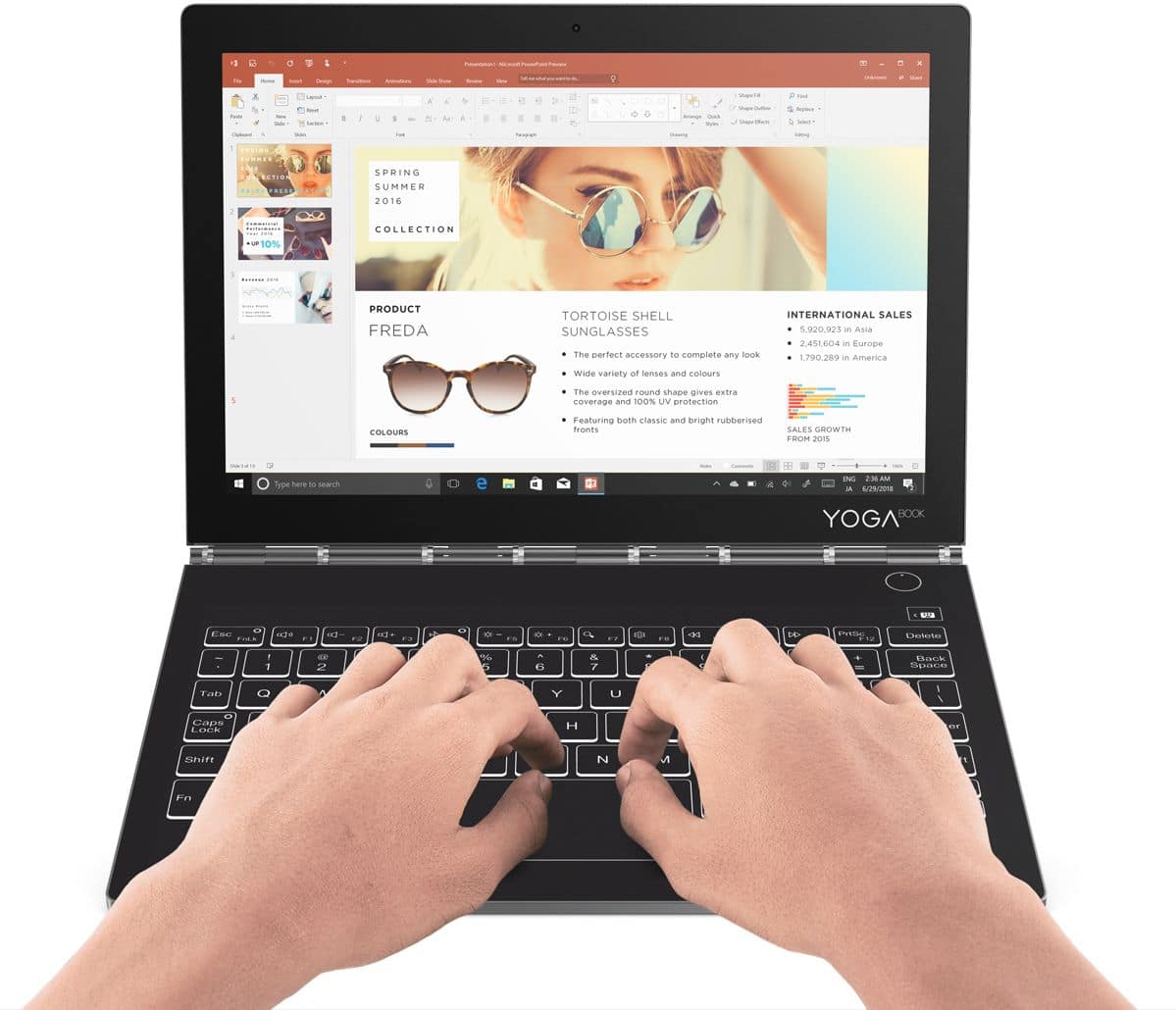
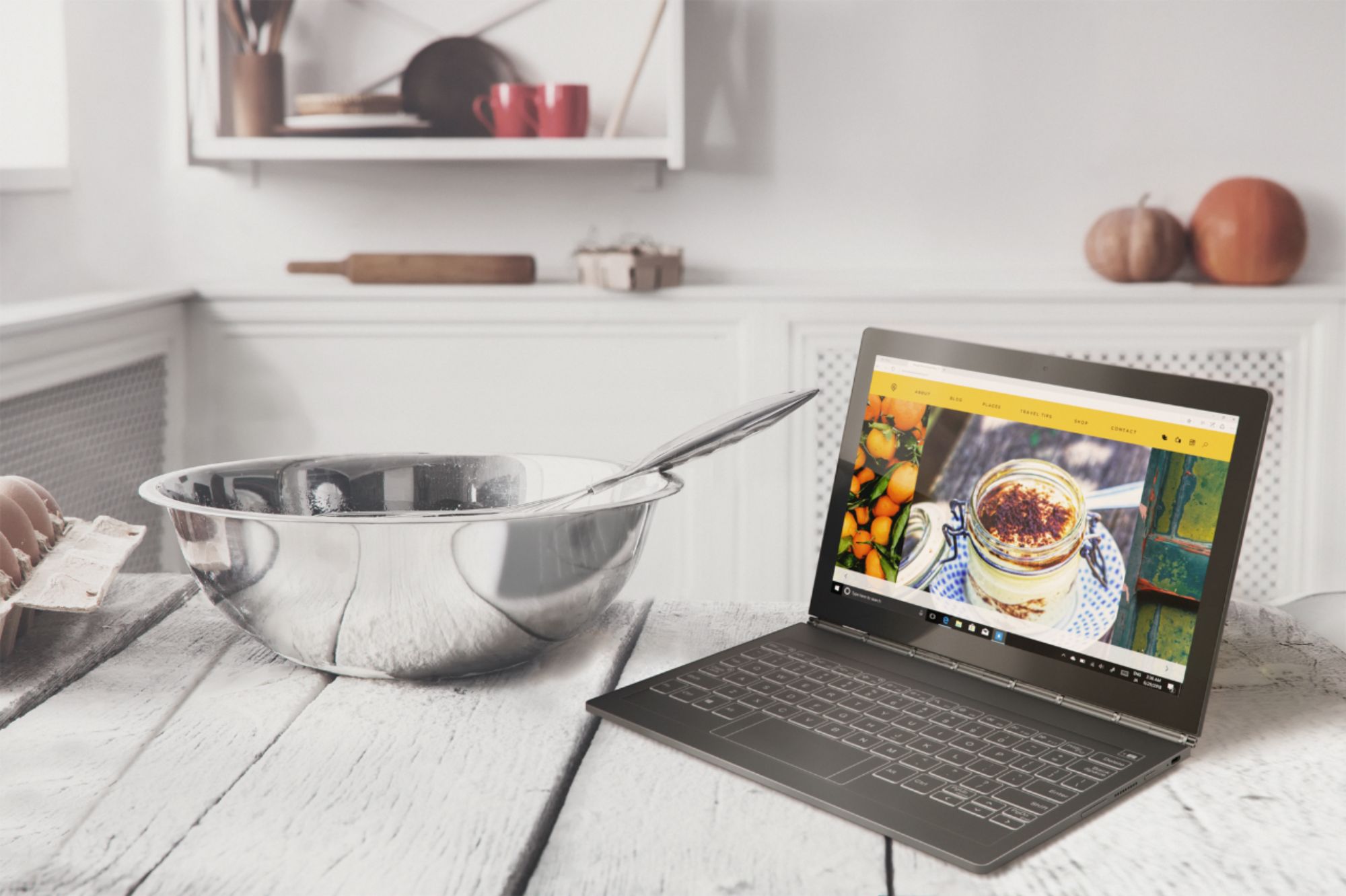
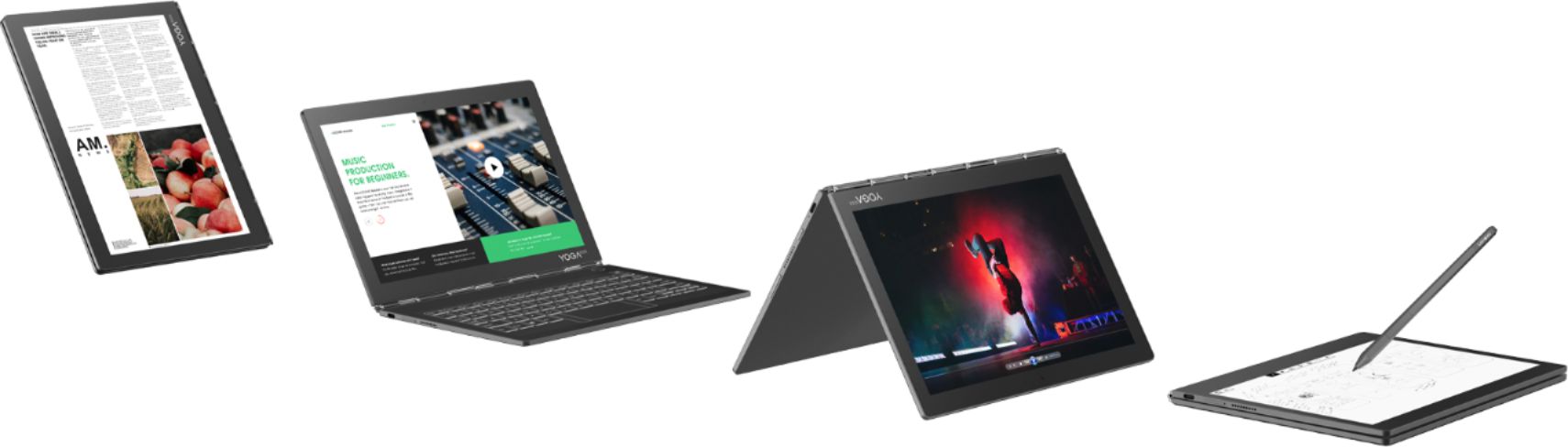
A:AnswerIt is definitely NOT a back-lit keyboard. IF anything it illuminates like a glow in the dark keypad. I've used it in a dark space without lights and was able to see the keyboard just fine.
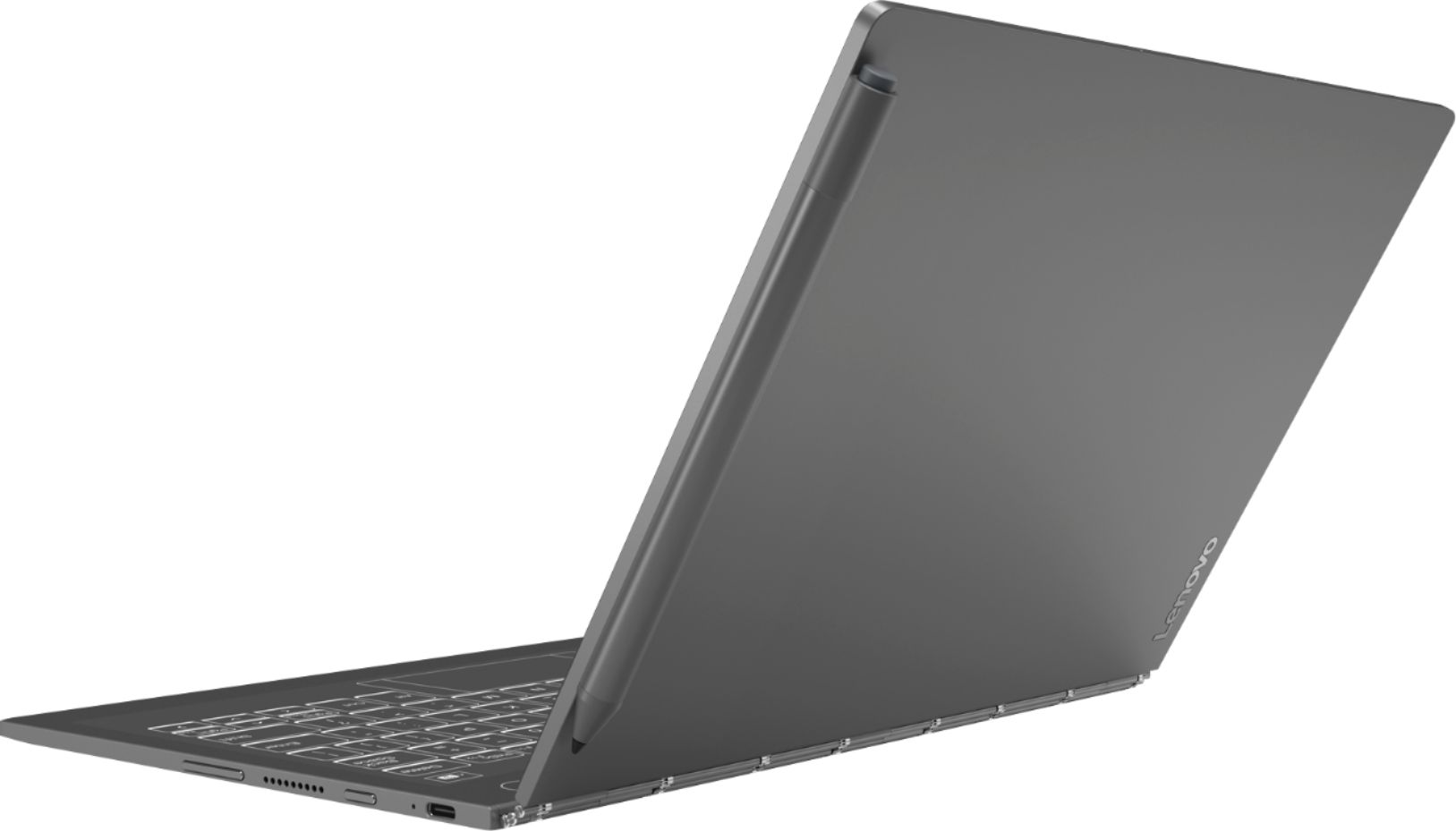
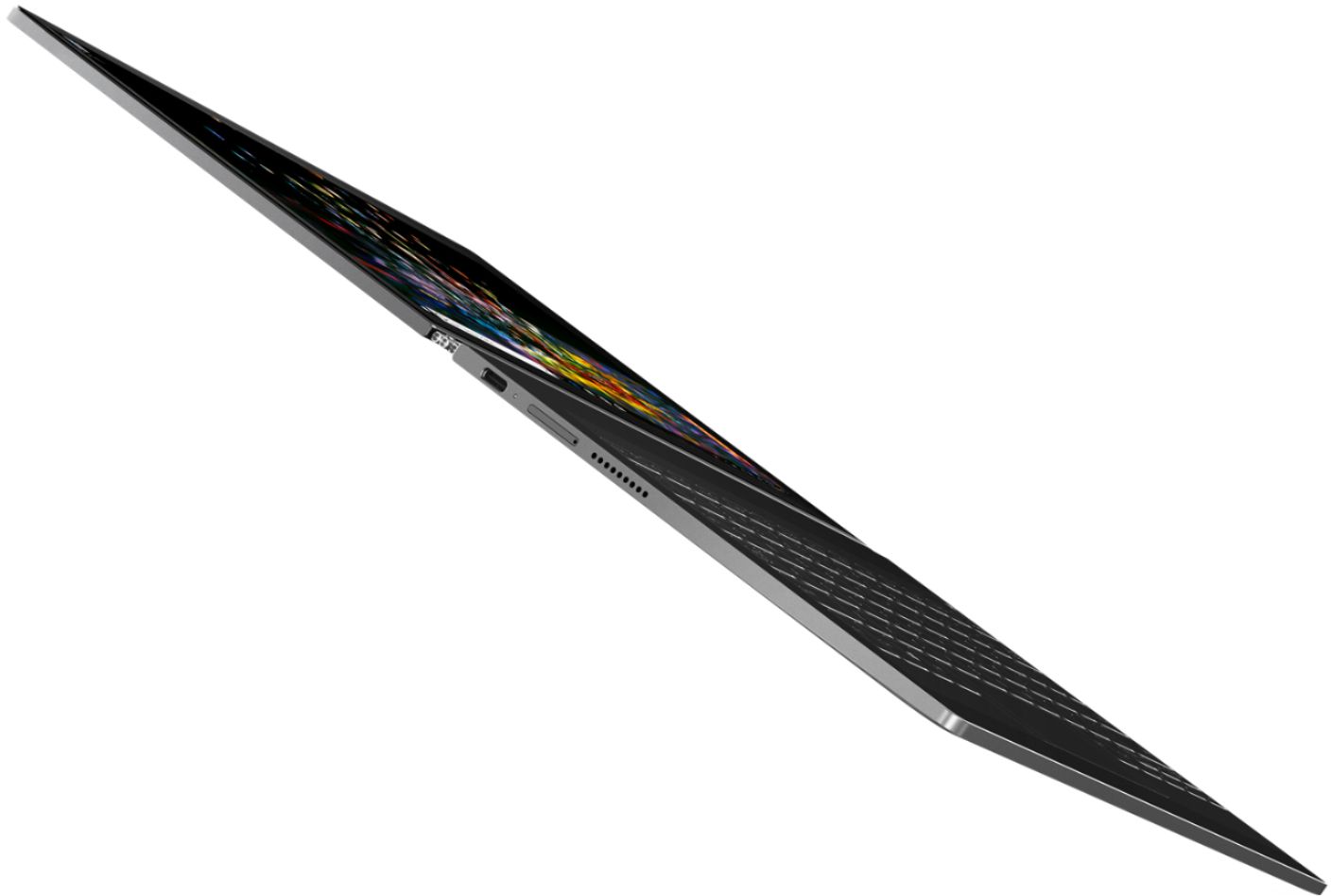
A:AnswerNone, but it has USB-C which has adapters for HDMI and USB.
It's a fun little laptop, but it is a bit glitchy sometimes. Once in a while Lenovo releases an update and it improves it. Great if you want attention and show off a cool new gadget. I still do most my work on my Surface Book.
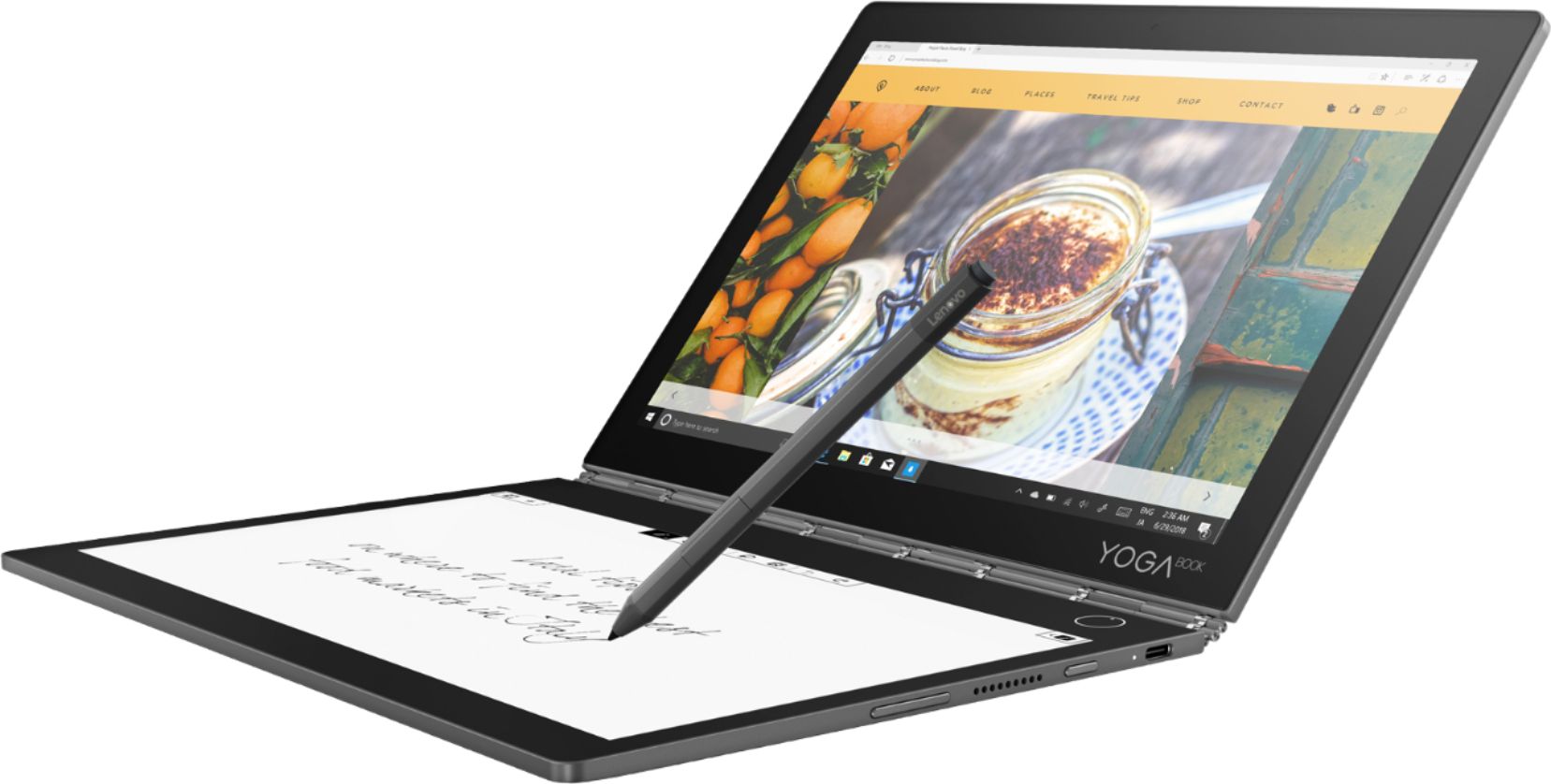
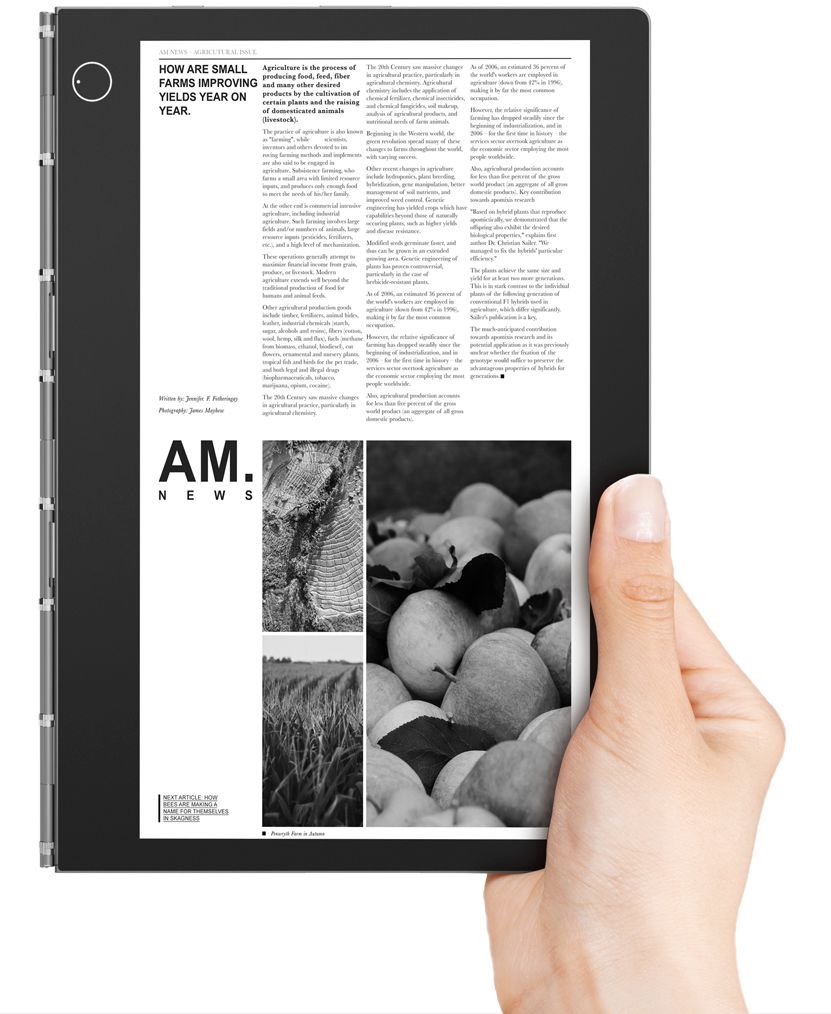
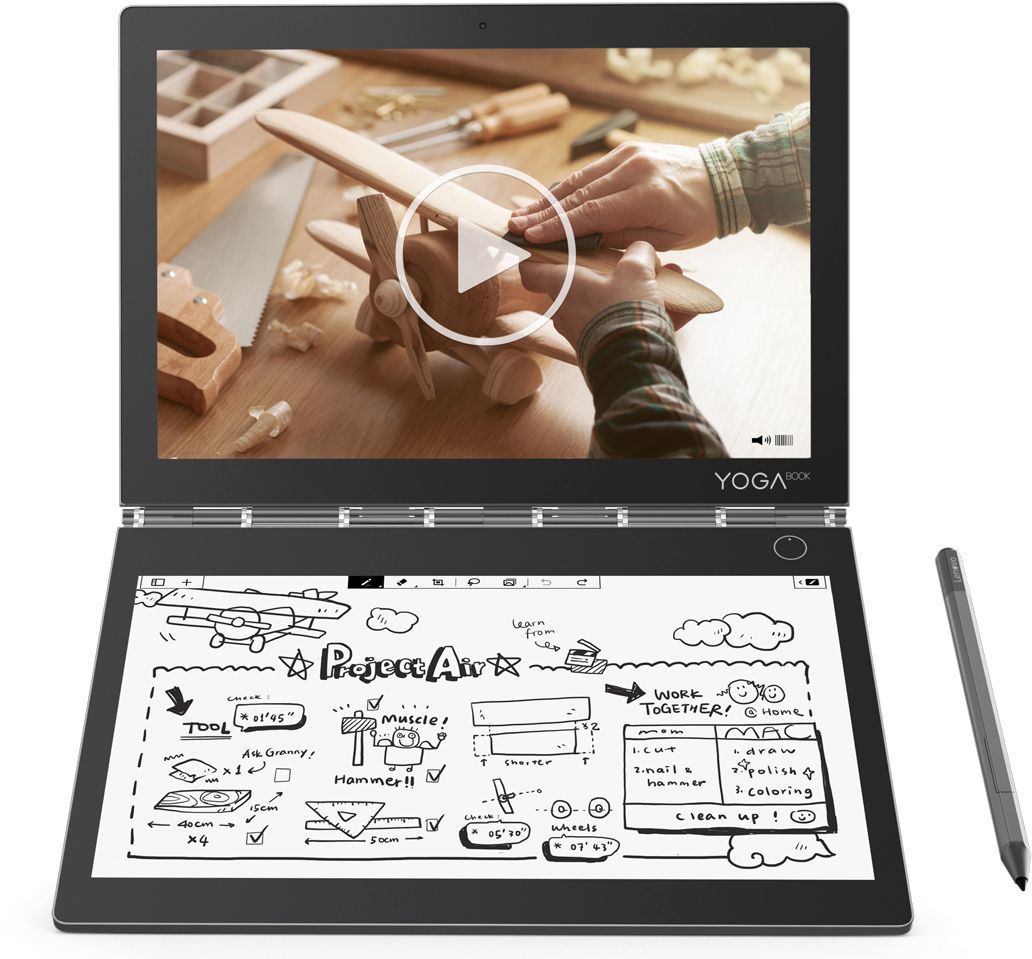
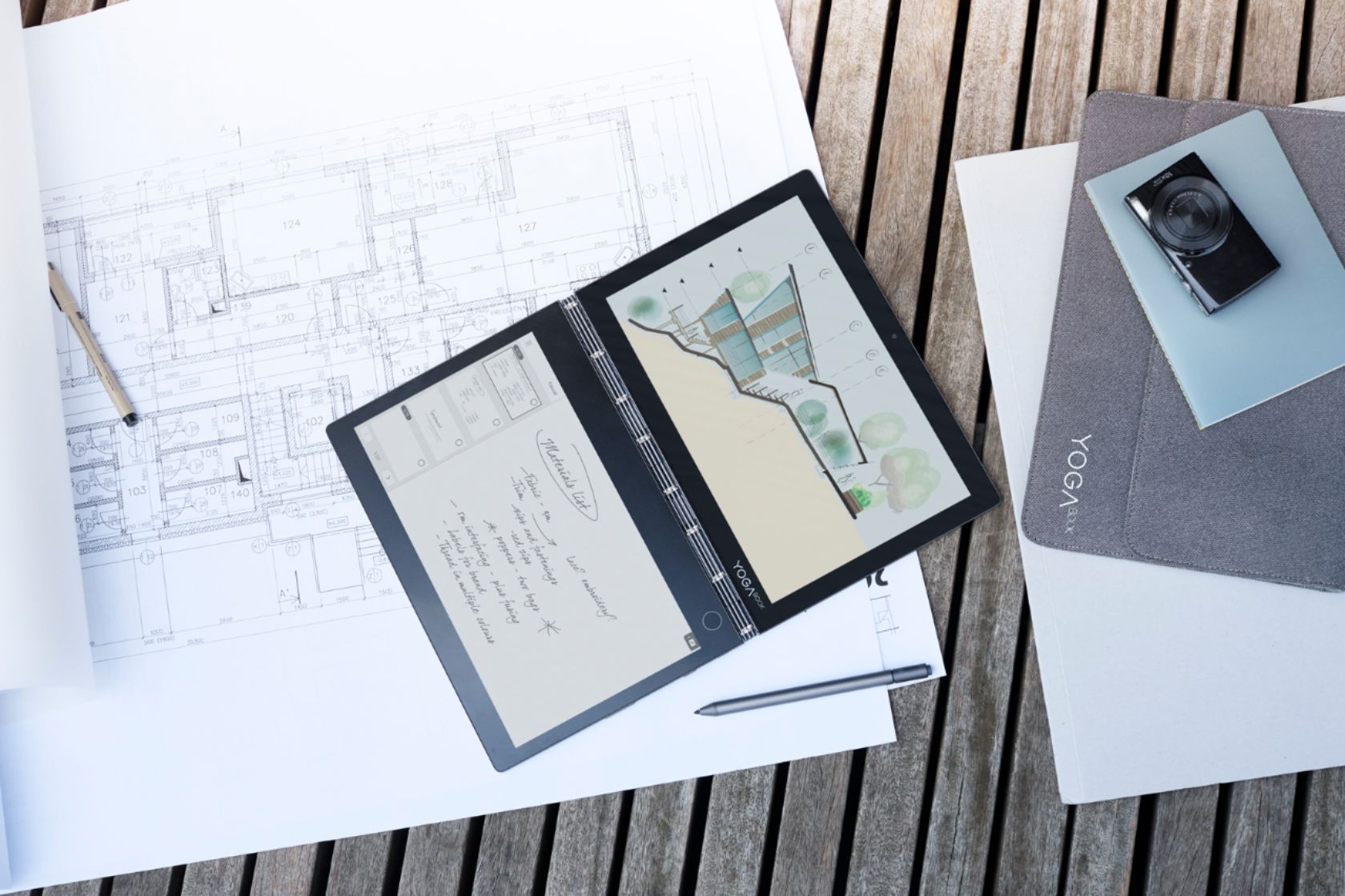
A:Answer2560 x 1600 is the main display resolution, 1920x1080 is the e/ink display resolution, no matter which model. There is a mistake at best buy description
A:AnswerIs there an actual question here?
If you're curious as to if this computer will suit your needs from a performance perspective the answer is yes, though you'll need to get a USB-C to HDMI adapter to continue using it with your current television/monitor.
NOTE: Please understand that the Lenovo Yoga Book C930) keyboard is not 'physical' and is very much like that of a standard tablet computer, so there really is no actual/individual key feedback... in case that's something you require.
I hope that helps.
A:AnswerNo. Having asked this on the Lenovo website and received no response, I finally found a review video that showed the available layouts and they were considerably more limited than those of Windows itself. So unless there has been a change in layouts since that review, it is possible your desired layout is unavailable.