A:AnswerThat really will depend on the requirements and compatibility of the specific software you want to use. We recommend you check with the software publisher's web sites of the specific software you want to use, for their compatibility with Windows 10 Home 64-bit operating system and the minimum/recommended hardware requirements (Is a Graphics card required, the processor speed and the minimum required system RAM and the minimum available hard drive space) to run their program, then compare those requirements to this system's configuration.
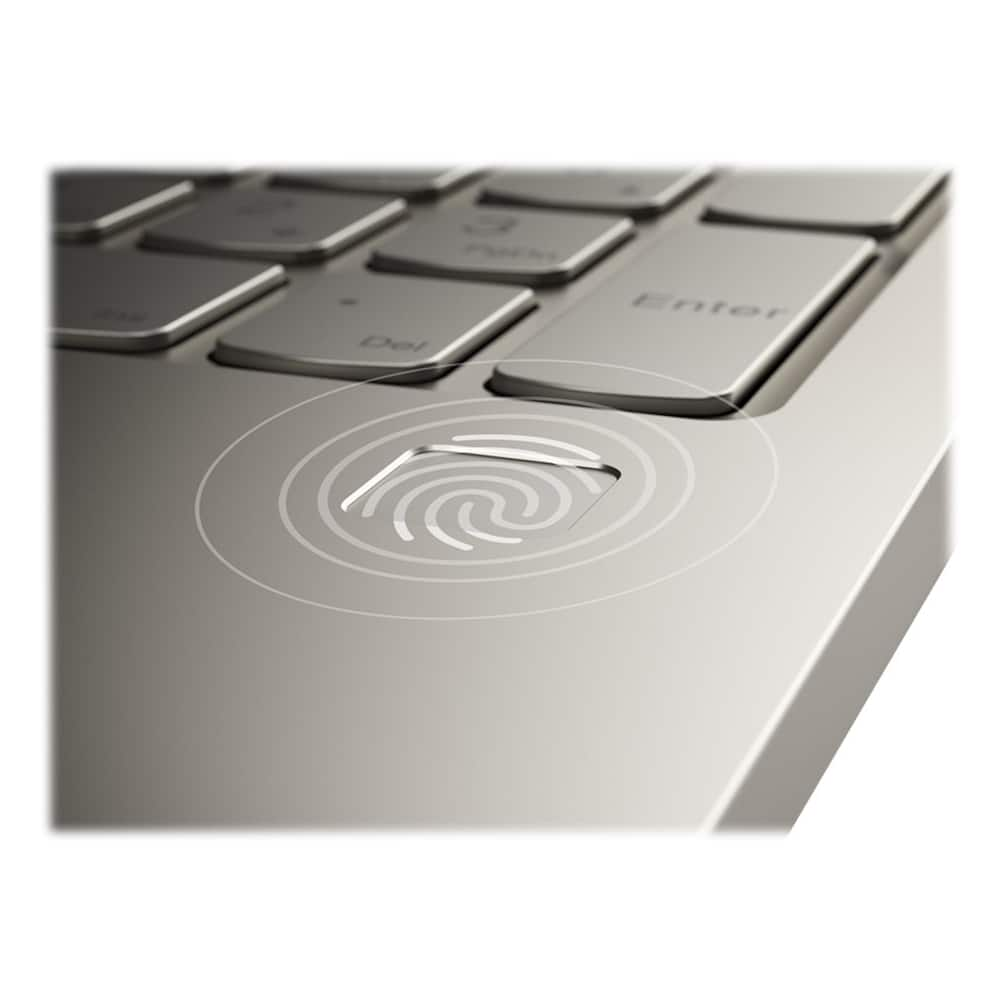
A:AnswerI'm not sure about the weight of the old computer, but this one is very light weight. There is no internal disc drive, so that takes a few pounds off of it. Some textbooks are heavier than this device. Hopefully that helps.
A:AnswerThe Yoga C740-15 ships with Windows 10 Home 64-bit Operating System. It can be upgraded to Windows 10 Pro with the purchase of the upgrade software.
A:AnswerThis model is not user upgradable. A certified technician must do all of the work, so as to not void the warranty. We recommend you contact your certified technician about your upgrade options for internal storage. You can use any external cloud-based storage and/or a USB-based, Windows 10 compatible external hard drive for additional storage with this computer.
A:AnswerFirst be sure the software you want to install is compatible with Windows 10 and the specific configuration of this computer. Then go to the website of the software publisher's website and download the software directly to the computer. You can use an external USB-based, Windows 10 compatible CD/DVD drive with this computer if you have the legacy software on CD/DVDs.
A:AnswerThe Integrated graphics within the 10th Generation Intel Core i5-10210U is the Intel UHD Graphics version. This integrated graphics processing can support up to 3 displays, including the device screen: https://ark.intel.com/content/www/us/en/ark/products/195436/intel-core-i5-10210u-processor-6m-cache-up-to-4-20-ghz.html














