Questions & Answers
- Model:
- 81TD0005US
- |
- SKU:
- 6367802
Highly rated by customers for: Speed, Touch Screen, Ease of use
Page Showing 121-129 of 129 questions
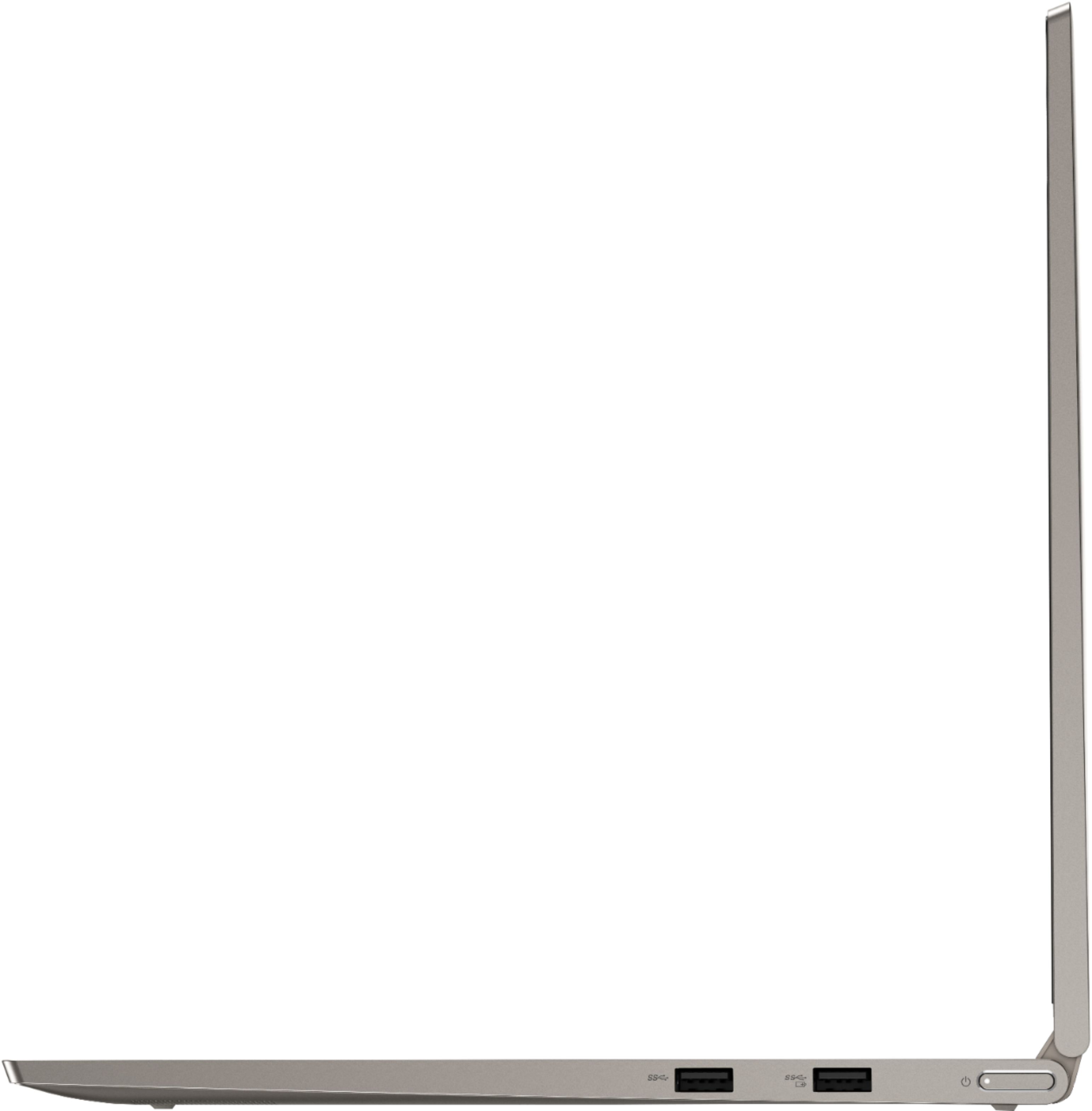
Q: Questionit wasn't clear as to exactly how many usb ports there are. How many total and what type. Does it have ethernet port? And what about a charger ? Does it work for 120v and up to 240v ? Do i have to waste a usb port just to keep the battery charged ?
Asked by digger.
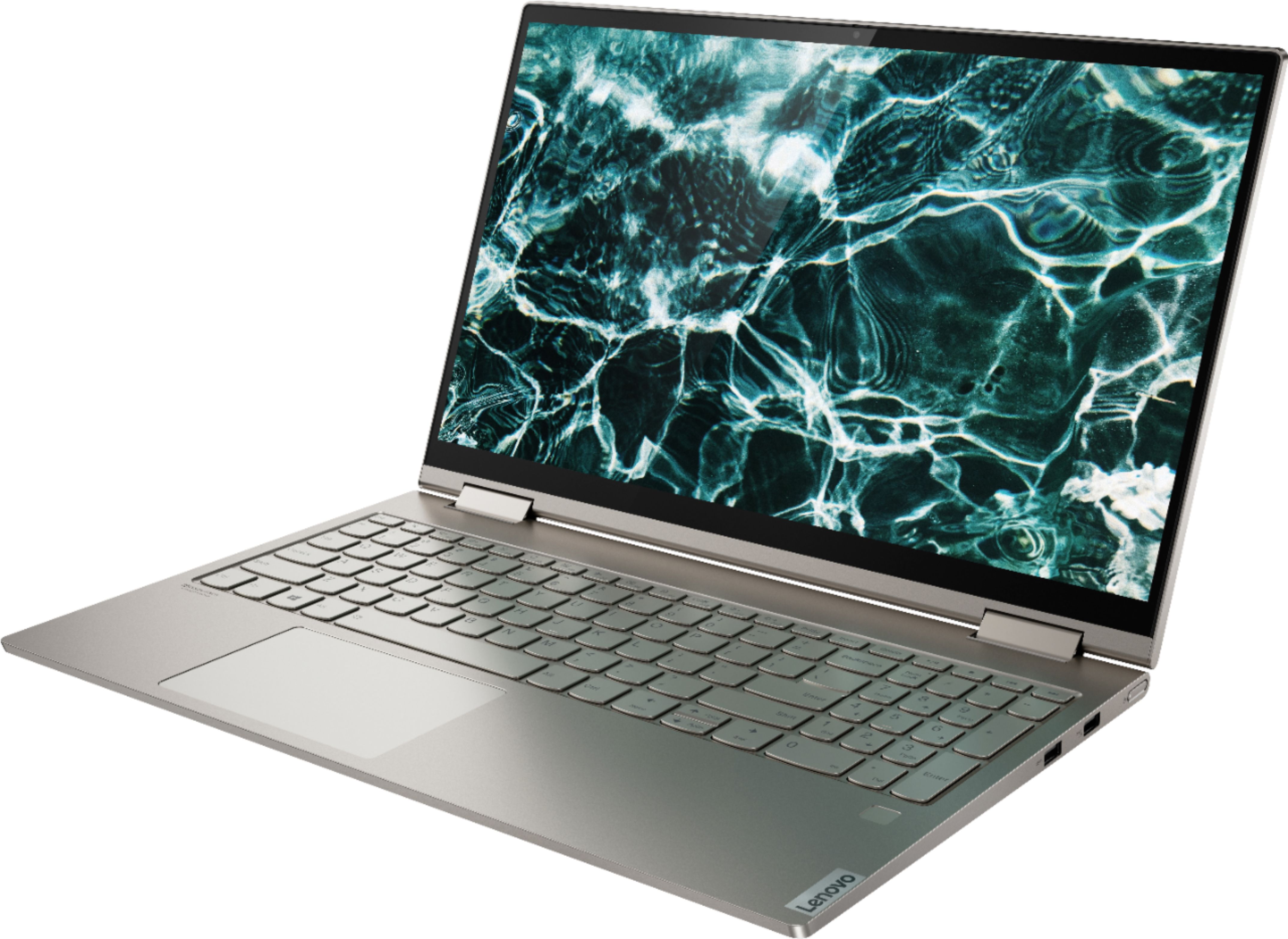
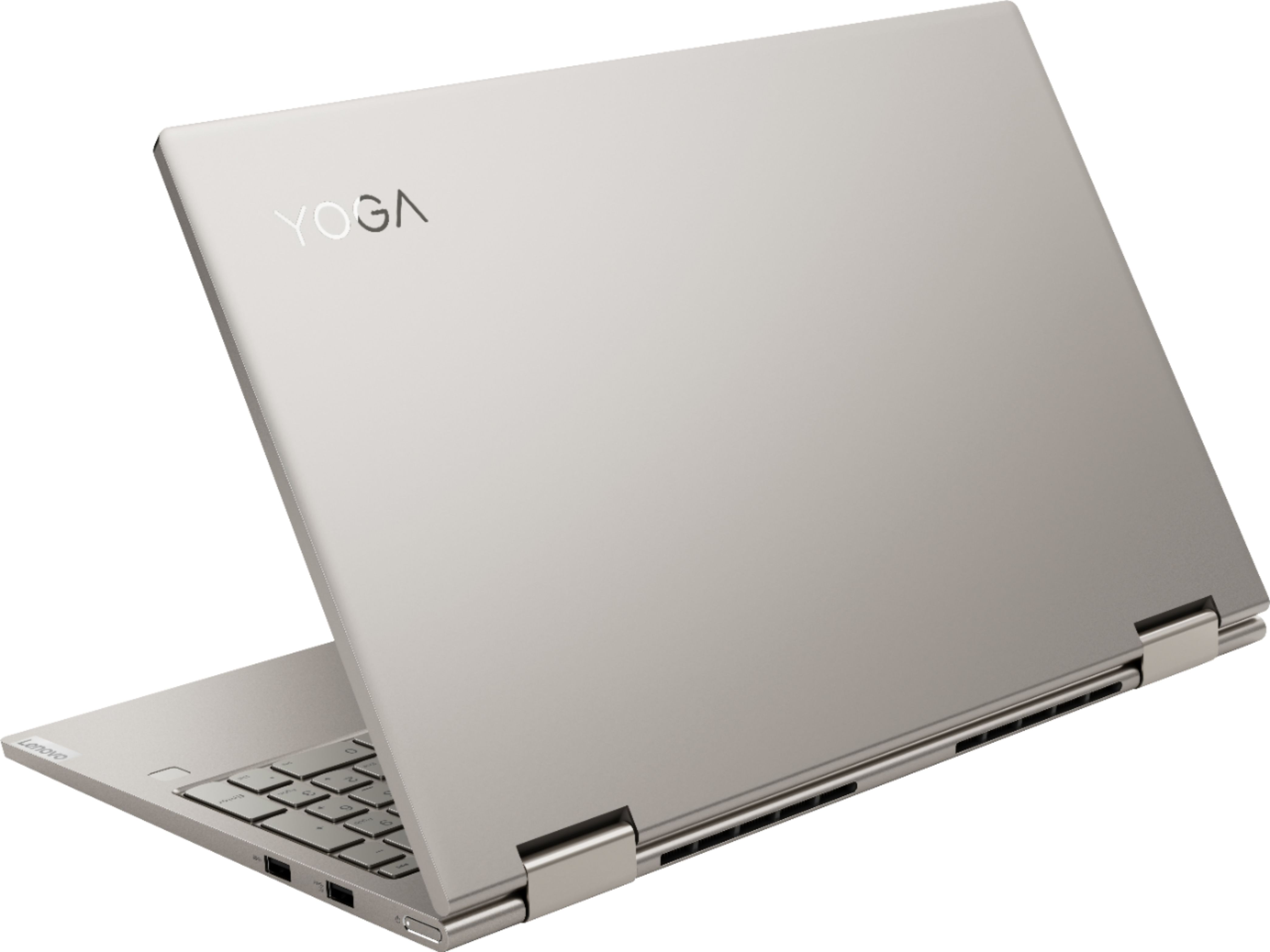
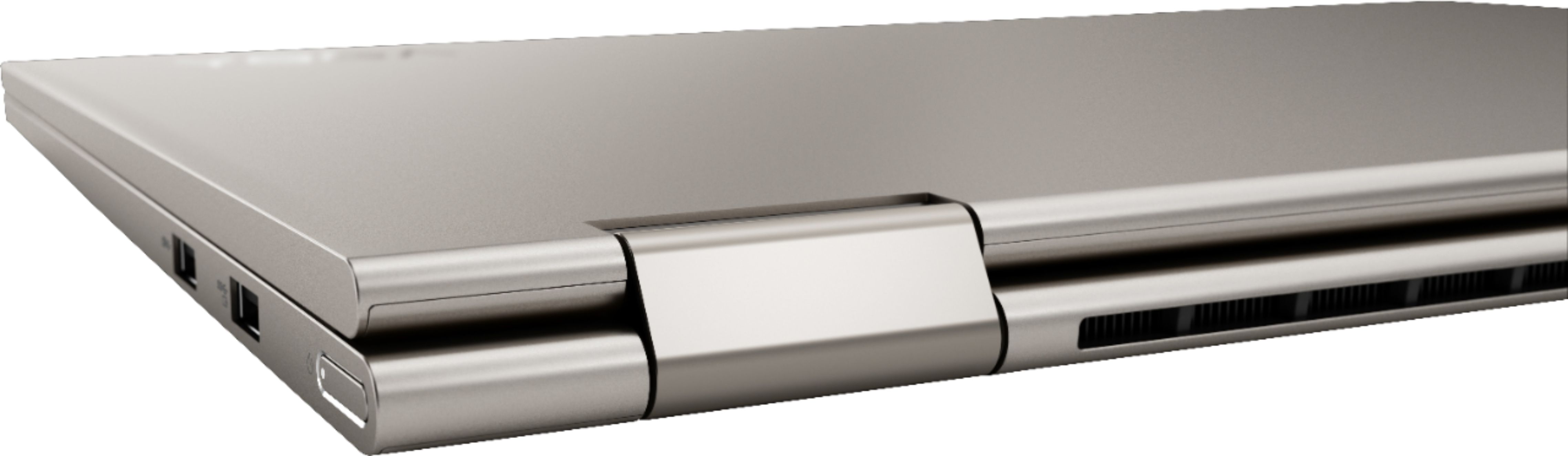
- A:Answer Hi! This laptop has 2 USB ports on the right side and 2 USB-C ports on the left. The charger is a UBS-C type, and the battery has lasted me a long time! There is no Ethernet port on the laptop, to me, that is minor.
Answered by Alli
Q: QuestionCan a mouse be used with this laptop? Does one come with it?
Asked by msgvmn.
- A:Answer A mouse can be used with the laptop, but it doesn’t come with it.
Answered by Michelle
Q: QuestionMy dad is a engineer and is wondering If this computer is capable of running CAD software?
Asked by Johnson.
- A:Answer That really depend on the requirements and compatibility of the software. We recommend you check with the specific software publisher's web site for their compatibility with Windows 10 Home 64-bit operating system and the minimum/recommended hardware requirements (Is a Graphics card required, the processor speed and the minimum required system RAM and the minimum available hard drive space) to run their program, then compare those requirements to this system's configuration.
Answered by Lenovo Product Expert

Q: QuestionDoes the Yoga C740 81TD0005US comes with anti-glare display, or as an available option?
Asked by Anonymous.
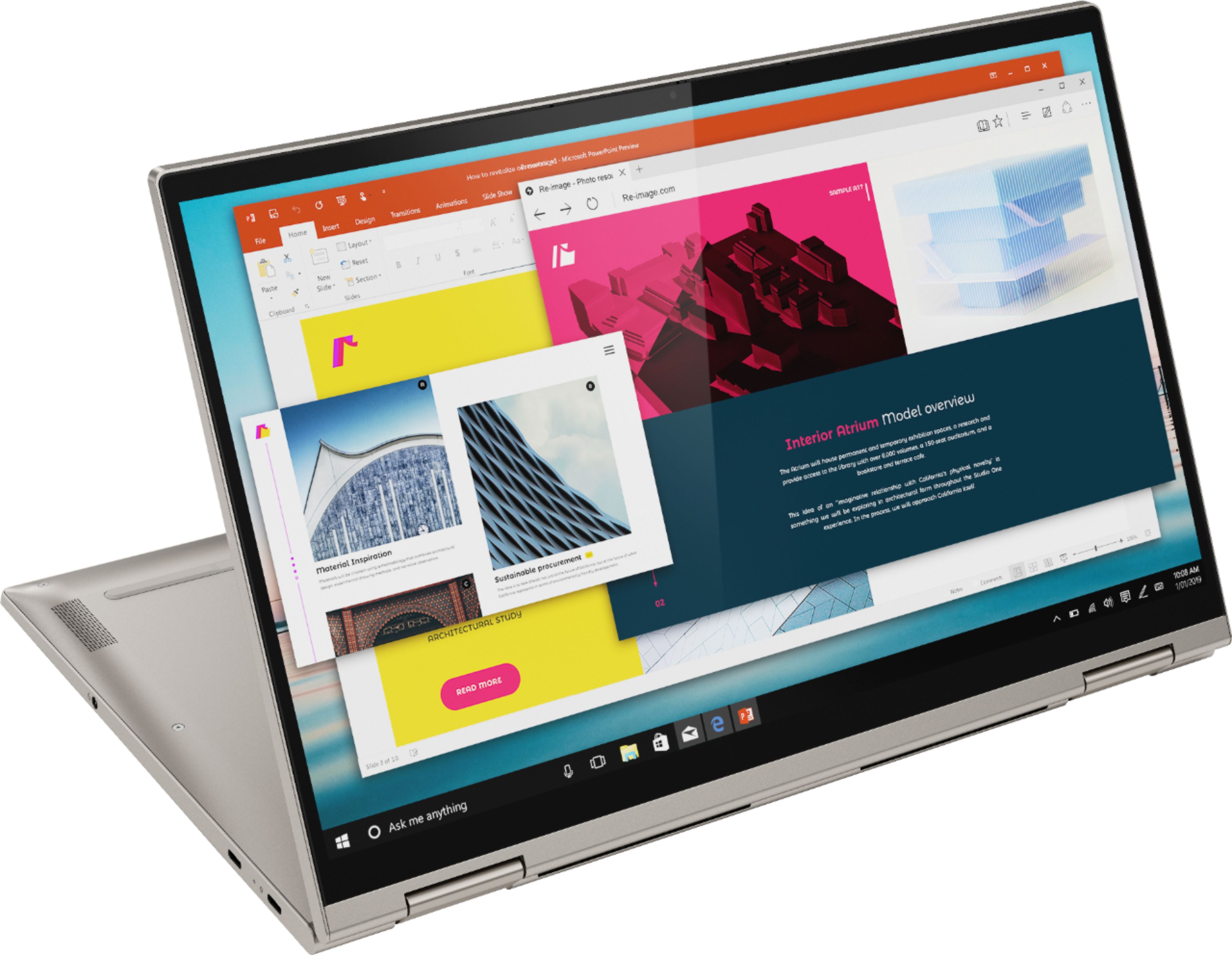
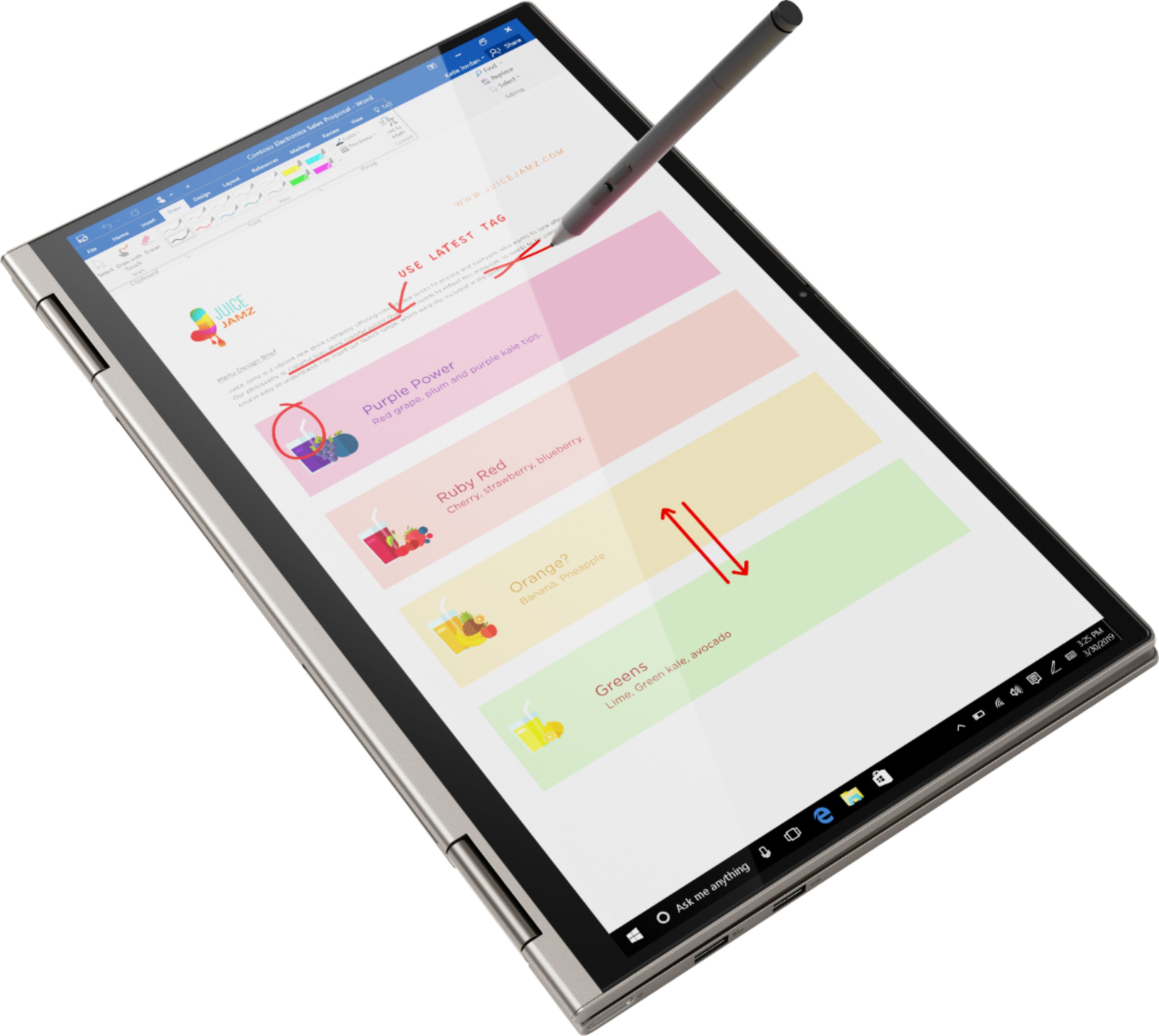
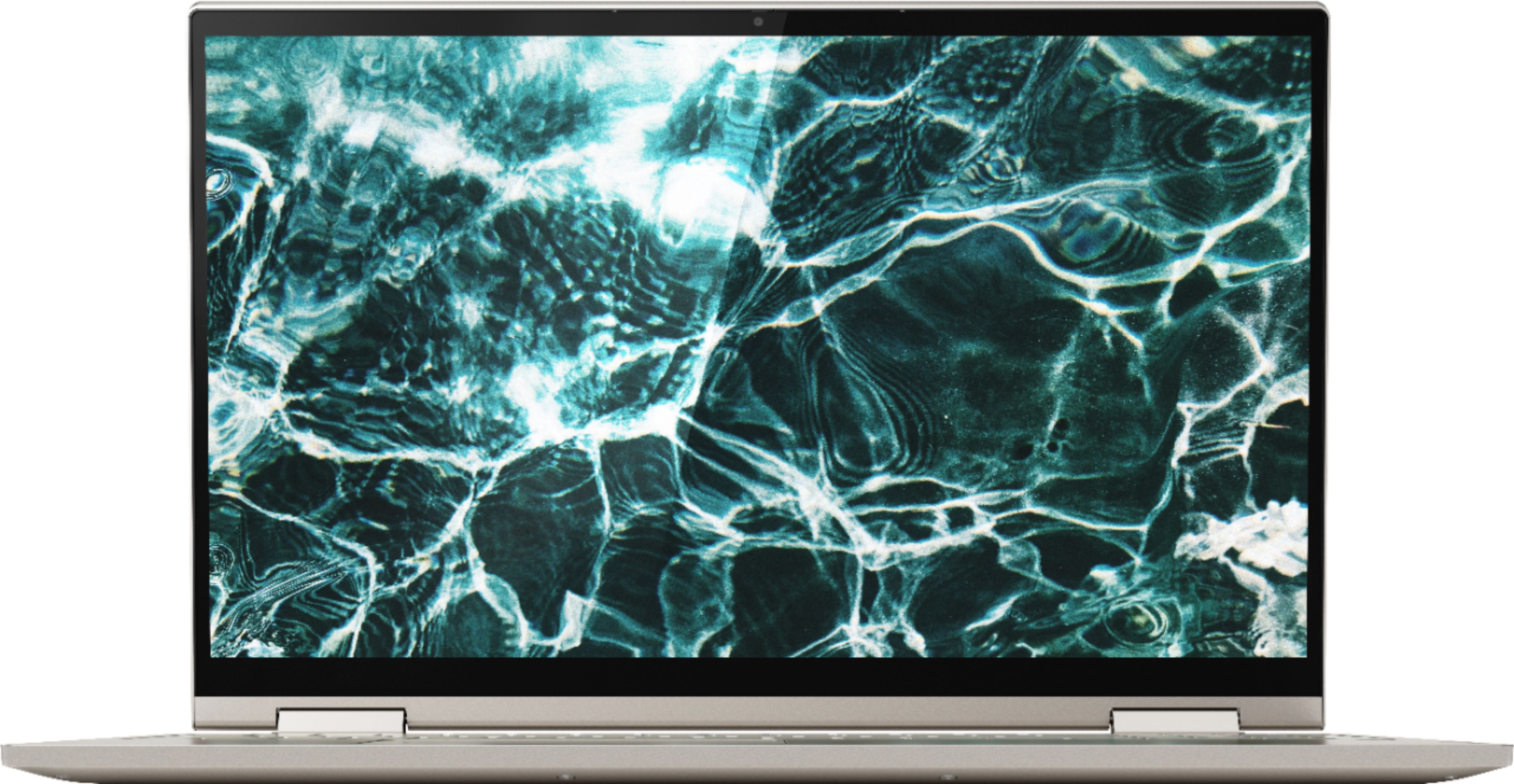
- A:Answer The Lenovo Yoga C740-15, model number 81TD0005US, ships with a glossy, IPS LCD w/LED Backlight HDR screen, with a resolution of 1920 x 1080 (FHD) and a brightness level of 500 nits.
Answered by Lenovo Product Expert

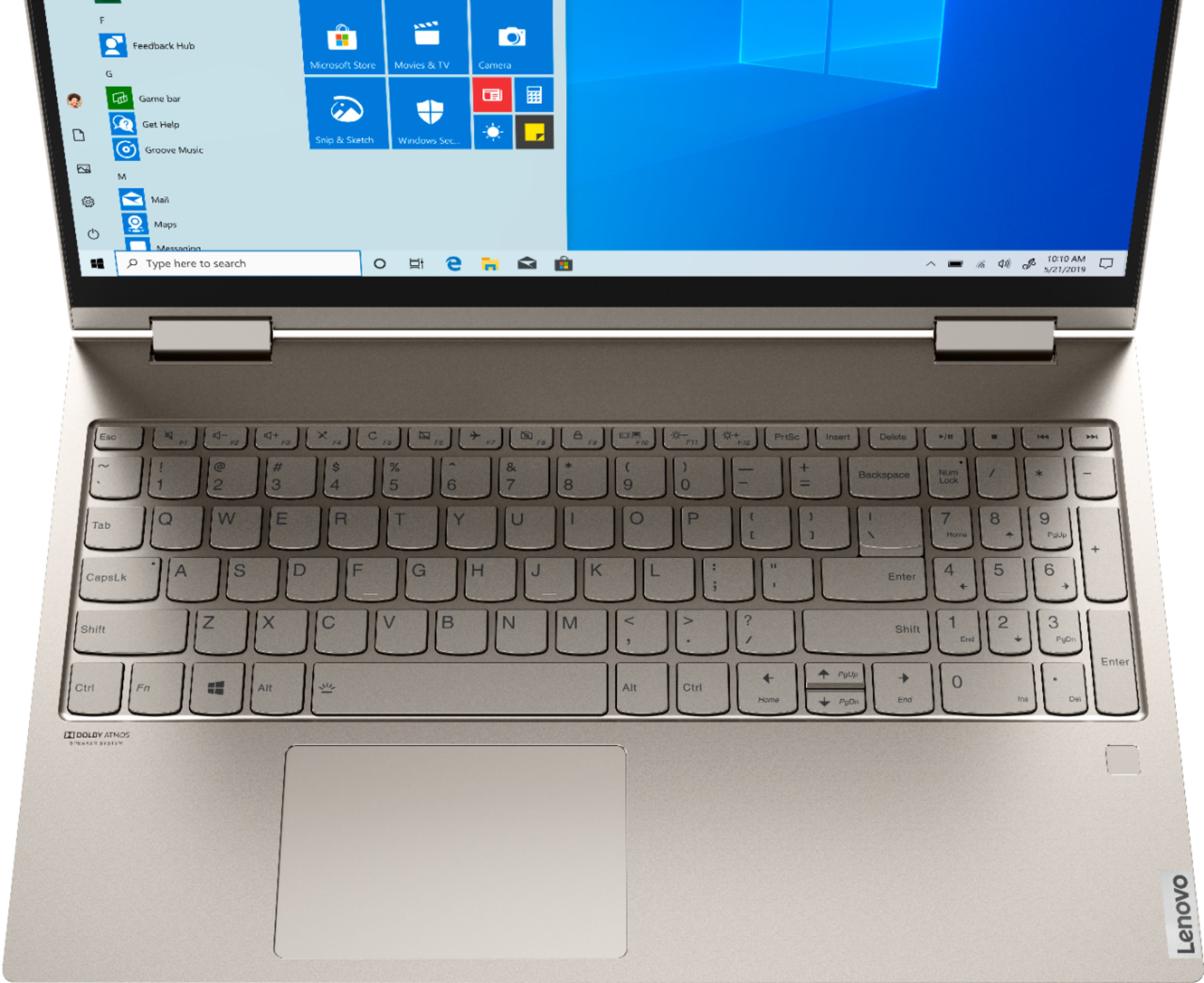
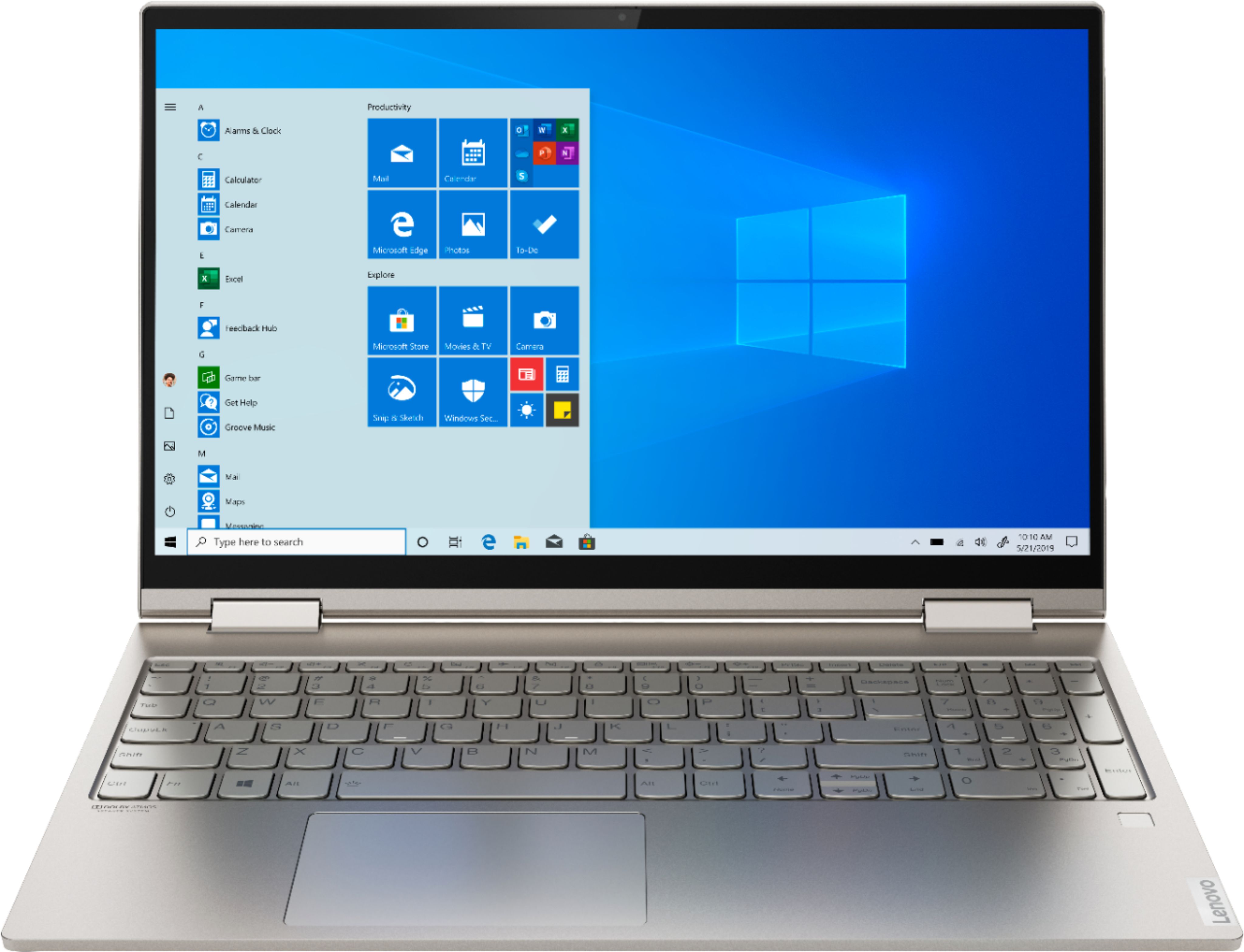
Q: QuestionHow do I use the Arrow Home, Arrow PgUp, Arrow PgDn, Arrow End keys? Why were these combined? What other key do I need? Shift does not seem to work. Ctrl does not seem to work. Fn does not seem to work. These are very frequently used keys.
Asked by Beachdigs.
- A:Answer The arrow keys on the Yoga C740-15 are the main function of these dual function keys. To use the arrow keys just tap the appropriate arrow key for the direction you want the cursor to travel. To use the Home, PgUp, PgDn, and End functions, hold down the "Fn" and tap the appropriate key for the function you want.
Answered by Lenovo Product Expert
Q: QuestionWhat kind of SSD does this have? Is it a PCLe?
Asked by Dan.
- A:Answer The Lenovo Yoga C740-15 model number 81TD001YUS, ships with a Intel Optane Memory H10 with Solid State Storage (2280).
Answered by Lenovo Product Expert

Q: QuestionCan this laptop run Minecraft without the fans going crazy? Asking for a friend
Asked by Anonymous.
- A:Answer That really depends on the requirements and compatibility of the specific game. We recommend you check with the game's software publisher's web site for their compatibility with Windows 10 Home 64-bit operating system and the minimum/recommended hardware requirements (Is a Graphics card required, the processor speed and the minimum required system RAM and the minimum available hard drive space) to run their program, then compare those requirements to this system's configuration.
Answered by Lenovo Product Expert

Q: QuestionCAN I PLAY SIMS 4 COMFORTABLY ON THIS?
Asked by LIZZY4023.
- A:Answer That will depend on the requirements and compatibility of the specific game. We recommend you check with the game's software publisher's web site for their compatibility with Windows 10 Home 64-bit operating system and the minimum/recommended hardware requirements (Is a Graphics card required, the processor speed and the minimum required system RAM and the minimum available hard drive space) to run their program, then compare those requirements to this system's configuration.
Answered by Lenovo Product Expert

Q: QuestionIs the ram configured as "8gb + 4gb" or "6gb + 6gb"?
Asked by Leon278.
- A:Answer The 12GB RAM is soldered to the motherboard.
Answered by Lenovo Product Expert

Best-selling Best Buy
- $299.00$299.00The price was $349.00
- $99.00$99.00The price was $129.00
- $13.99$13.99The price was $19.00
- $199.99$199.99The price was $299.99
- $249.99$249.99The price was $379.99
- $14.99$14.99The price was $19.00