Questions & Answers
- Model:
- 81TE0000US
- |
- SKU:
- 6367793
Highly rated by customers for: Speed, Powerful, Touch screen
Page Showing 41-51 of 51 questions
Q: QuestionWhat Wi-Fi version does it model use? Will UHD screen model be available in BestBuy?
Asked by ausmen.
- A:Answer Model number 81TE0000US, uses 2x2 802.11AX frequency WiFi. Here is a link to the UHD model: https://www.bestbuy.com/site/lenovo-yoga-c940-2-in-1-14-4k-ultra-hd-touch-screen-laptop-intel-core-i7-16gb-memory-512gb-ssd-mica/6369421.p?skuId=6369421
Answered by Lenovo Product Expert

Q: QuestionIs the hard drive solid state NVMe?
Asked by Anonymous.
- A:Answer No. The Lenovo Yoga C940-15, model number 81TE0000US, ships with a hybrid 512GB + 32GB Optane Memory Intel Optane Memory H10 with Solid State Storage in a M.2 2280 form factor.
Answered by Lenovo Product Expert

Q: QuestionWhat is brightness of the screen? (Nits). Is it the same as the UHD 4K version?
Asked by Guppydriver.
- A:Answer According to Lenovo's web site they are both 500nits
Answered by Beorgen
Q: QuestionIs the screen illuminated? Is there a built in camera?
Asked by Anonymous.
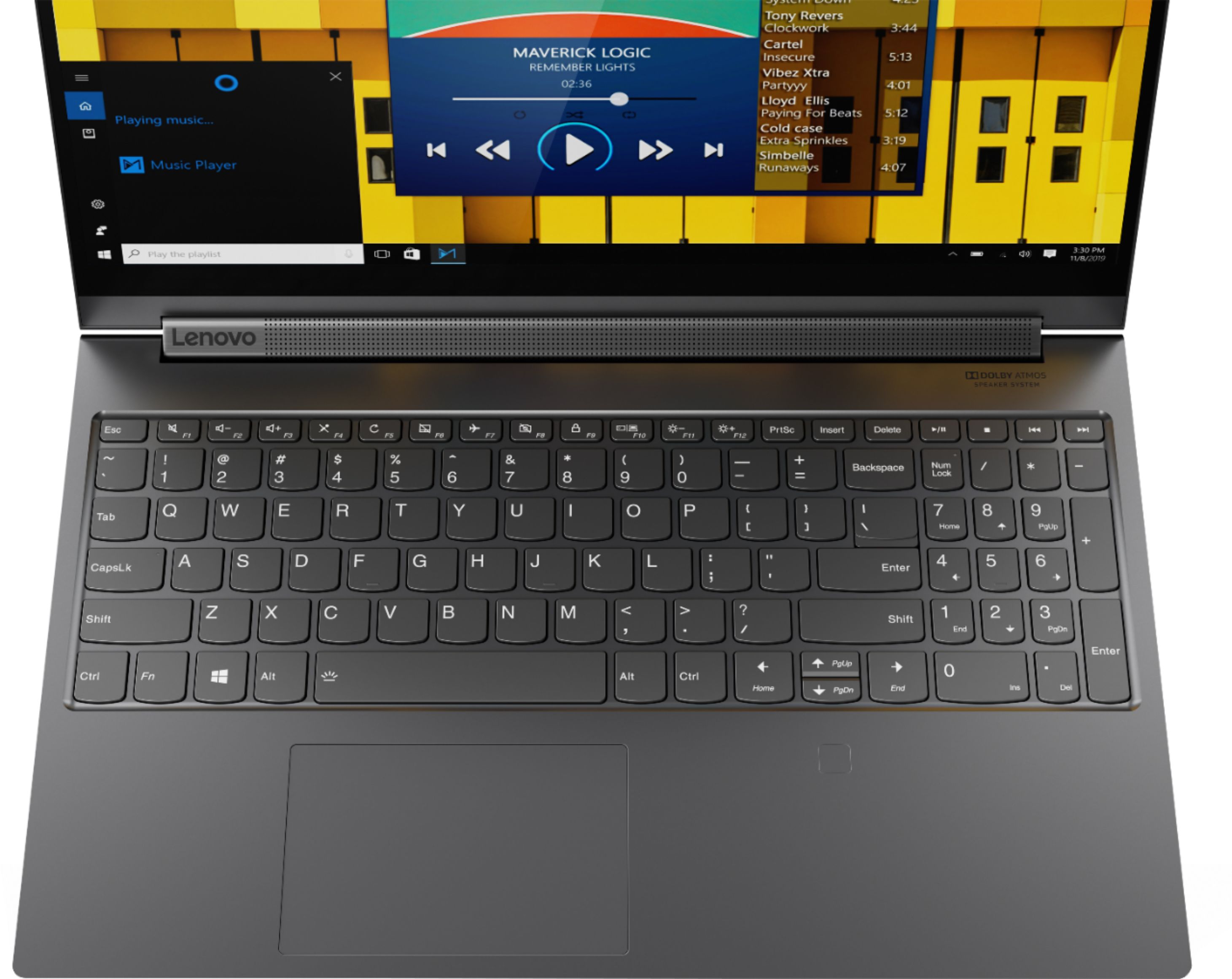
- A:Answer Yes, there is a camera built in. I don't know what you mean by an illuminated screen - however, the keyboard is illuminated
Answered by Dlo7th
Q: QuestionDoes anyone know how you escalate issues with Lenovo? They offered me rewards they won't honor and they gave me an incorrect price match. They don't return emails. Buyer beware buying directly from Lenovo. I never had this problem at Best Buy.
Asked by NewLaptop.
- A:Answer Do you know how many times I have called this number and talked to someone then it never goes anywhere. They all say they can help but never do. I need to reach a manager or supervisor. Thanks
Answered by klm1159
Q: QuestionCan the USB-C Port be used to charge the 15.6" Model of the C940 that normally uses the rectangular charging port, using a different charger than the one that Computer shipped with ? Many conflicting answers, An answer from LENOVO confirming this needed.
Asked by MrGenesee.
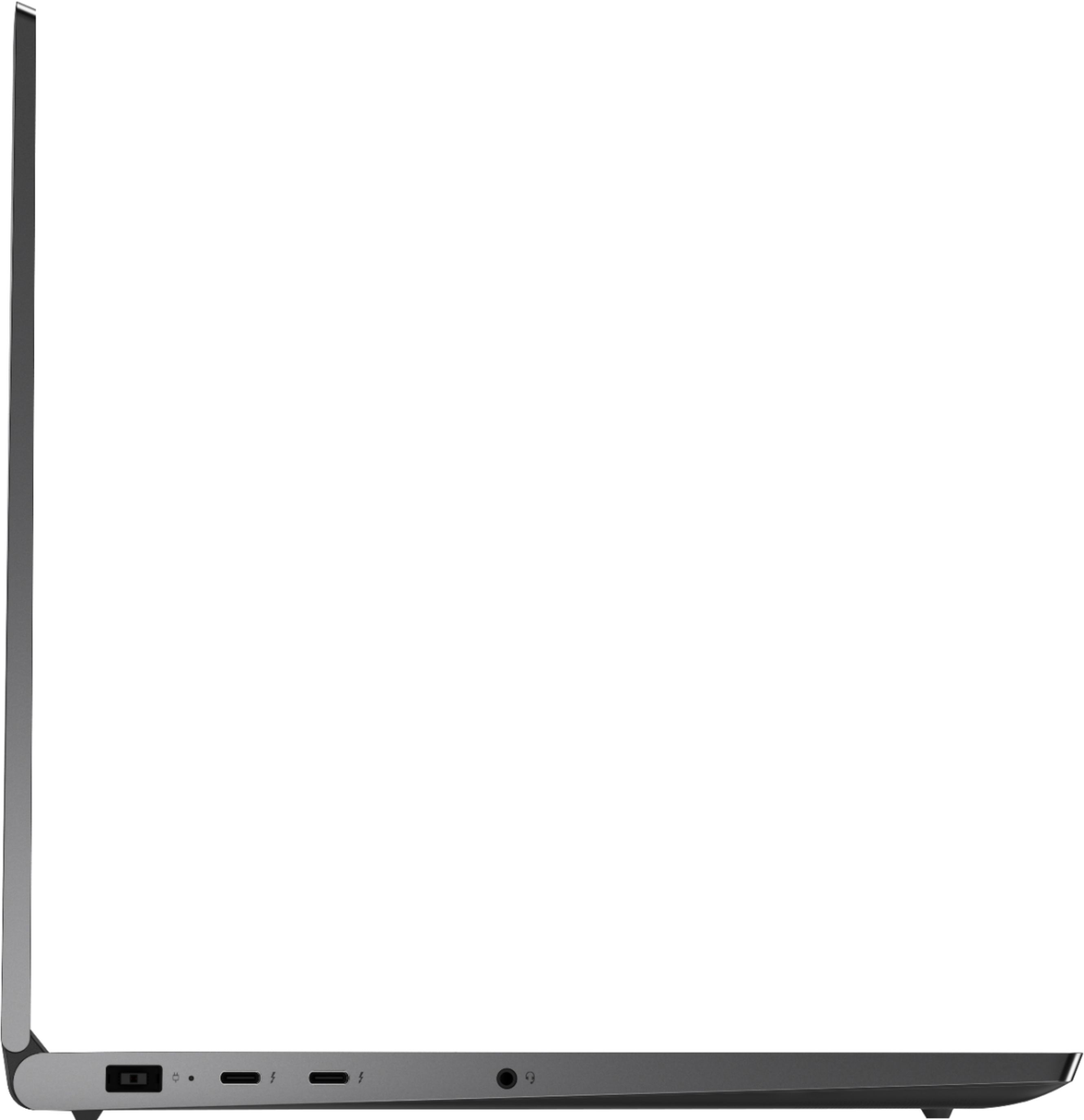
- A:Answer The Lenovo Yoga C940-15, model 81TE0000US, uses a 135W proprietary AC Adapter. The Thunderbolt ports on the device are not for charging the computer .
Answered by Lenovo Product Expert

Q: QuestionIs a RAM upgrade possible or only the SSD?
Asked by dalmationblack.
- A:Answer No, it is not possible to upgrade the RAM.
Answered by CommunityAnswer
Q: QuestionIs there a matte screen option for people who sit outdoors in bright sunlight? I am sure this glossy screen has a lot of reflections.
Asked by OutDoor.
- A:Answer No. This model ships with a IPS LCD w/LED Backlight screen, with a resolution of 1920 x 1080 (FHD) and a brightness level of 500 nits.
Answered by Lenovo Product Expert

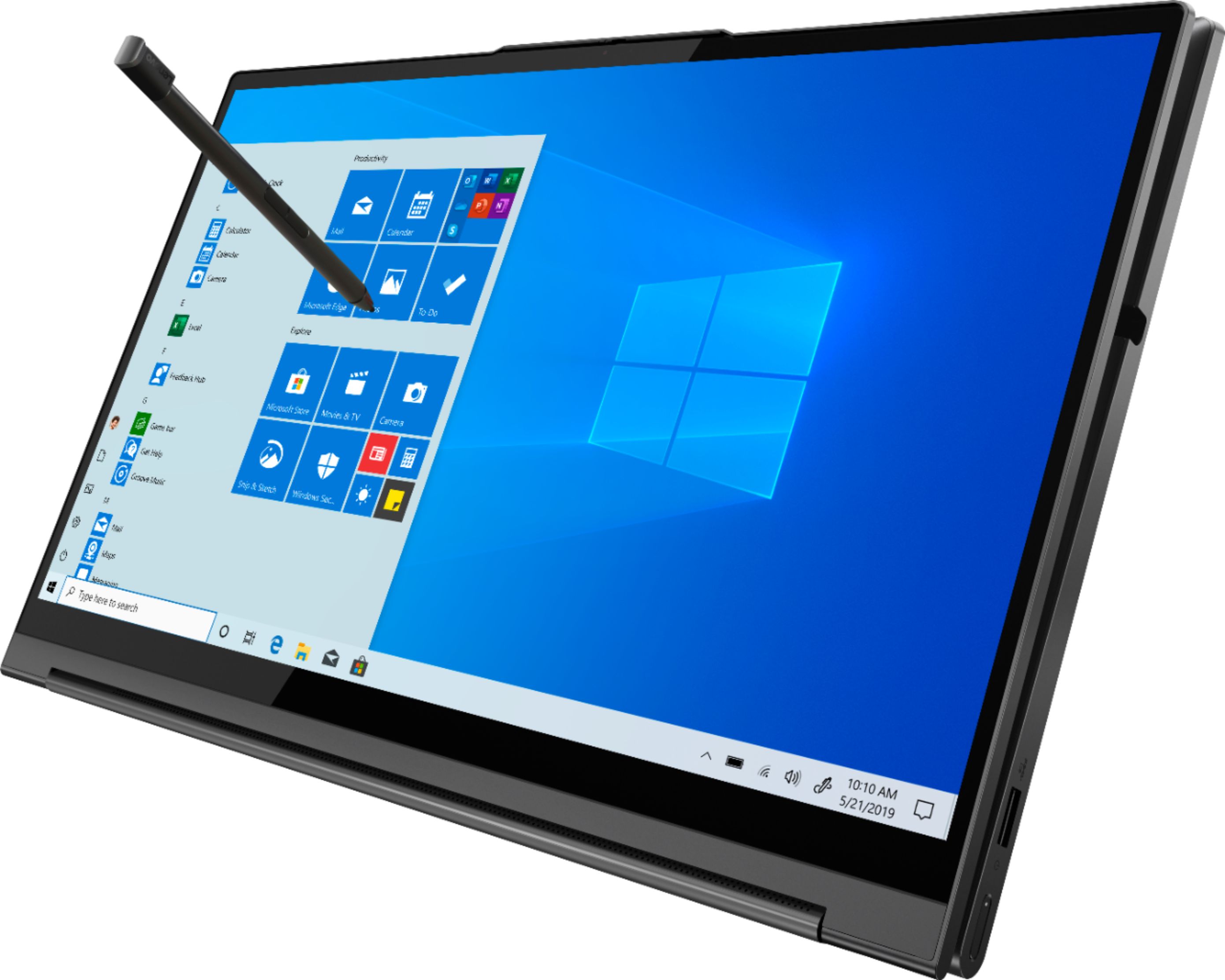
Q: QuestionDoes the stylus use Wacom driver? When using applications light Adobe Photoshop and Lightroom, will the stylus work with brush tool while painting directly on the screen? Do I need a hand guard when painting with the stylus on the screen?
Asked by brooklynphotog.
- A:Answer The Yoga C940-14 uses drivers available through Lenovo. You can update these drivers by using the Lenovo Utility software installed on the computer. This system has Lenovo utilities installed to help maintain the health of the device and keep the operating system software up to date. Type "Lenovo Vantage" in the Cortana Search window (if Lenovo Vantage is not installed on your device, you can download the APP and install it now). Select Lenovo Vantage from the list. In the window that opens, click on "Health and Support". In the expanded menu, select "Hardware Scan" In the window that opens, select "Run Quick Tests". This will scan your entire system for errors. Follow any directions that may pop up. If the problem continues after this scan, now click on "System Update". First select Windows update from the menu. Scan your system to be sure you have the latest version of Windows 10. Once that scan is complete, select "Additional Updates". This will scan your device to be sure there are no new BIOS/Driver updates needed. Follow any instructions that may pop up. If the issue still continues after these updates, we recommend you call Lenovo Tech Support at: 877-453-6686 for additional help.
Answered by Lenovo Product Expert

Q: QuestionIs there a way to adjust the fan curve? It seems to have a very aggressive thermal target resulting in the fans never turning off. They are quite noisy.
Asked by Mark.
- A:Answer First, be sure you have the latest version of Windows 10 on the computer. Then update all of the BIOS files and drivers up to this latest version of Windows 10. You can easily accomplish this by scanning the computer with the Lenovo Utility software available on this computer. This system has Lenovo utilities installed to help maintain the health of the device and keep the operating system software up to date. Type "Lenovo Vantage" in the Cortana Search window (if Lenovo Vantage is not installed on your device, you can download the APP and install it now). Select Lenovo Vantage from the list. In the window that opens, click on "Health and Support". In the expanded menu, select "Hardware Scan" In the window that opens, select "Run Quick Tests". This will scan your entire system for errors. Follow any directions that may pop up. If the problem continues after this scan, now click on "System Update". First select Windows update from the menu. Scan your system to be sure you have the latest version of Windows 10. Once that scan is complete, select "Additional Updates". This will scan your device to be sure there are no new BIOS/Driver updates needed. Follow any instructions that may pop up. Once you have updated all of the operating software on the computer, you now can use Q-Control to manually adjust performance of the Yoga C940-15. You can use Lenovo Q-Control to manually control fan performance: ( Fn + Q ) option to change the fan. If the issue continues, we recommend you call Lenovo Tech Support at: 877-453-6686.
Answered by Lenovo Product Expert

Q: QuestionI bought this computer but I want to use one of the two Thunderbolt ports to charge it. What charger do I need to buy from Lenovo (wattage or part number)? Also, what port do I use on the laptop to safely charge my device?

Asked by Marty.
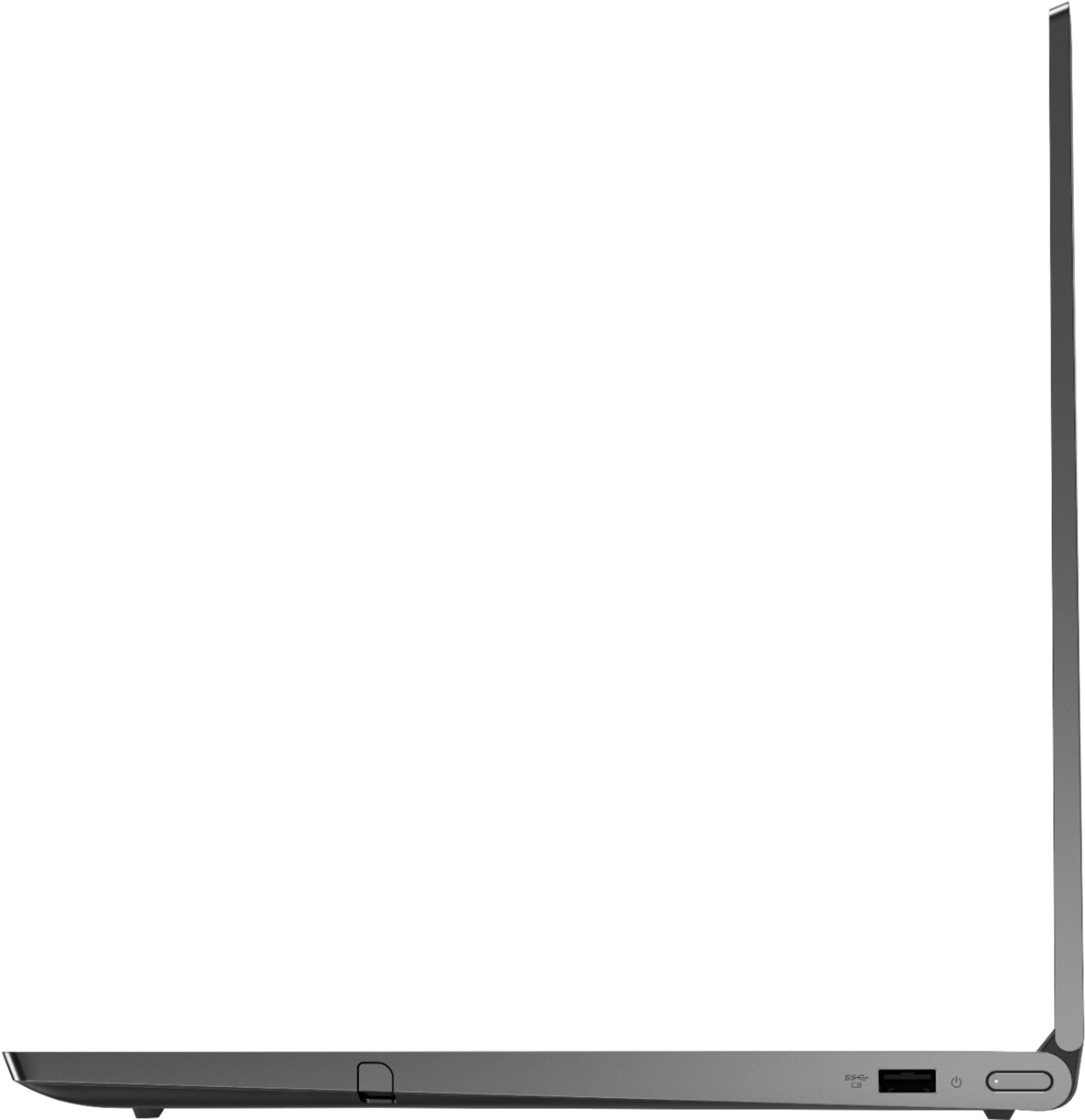
- A:Answer The Lenovo Yoga C940-15, model number 81TE0000US, requires a 135W power supply. Thunderbolt 3.0 can only support up to 100W, so this model requires a dedicated charging port to accommodate the 135W power supply. The dedicated charging port is on the left side of the computer, near the screen hinge and had a power plug icon identification beside it. In another answered question, you (or another Lenovo Product Expert) stated in response to whether or not the computer supports USB-C charging, "Yes, but Quick Charge feature only works with the provided AC adapter/Charger". Now in my answer you imply the Thunderbolt port cannot support the charging requirements of the computer. I don't mind if my computer charges a little slower and I would prefer to use USB-C to charge this device. Would it be safe to use the Lenovo USB-C charger (Part number: 4X20M26268)? I understand it doesn't meet the 135w requirement for "quick charge", but will it be safe to use and charge the device anyway?
Answered by Marty
Page 3, Showing 41-51 of 51 questions
Top Rated
- $299.00$299.00The price was $349.00
- $249.99$249.99The price was $379.99
- $99.99$99.99The price was $129.99
- $299.00$299.00The price was $349.00
- $149.99$149.99The price was $199.99
- $1,099.99$1,099.99The price was $1,299.99