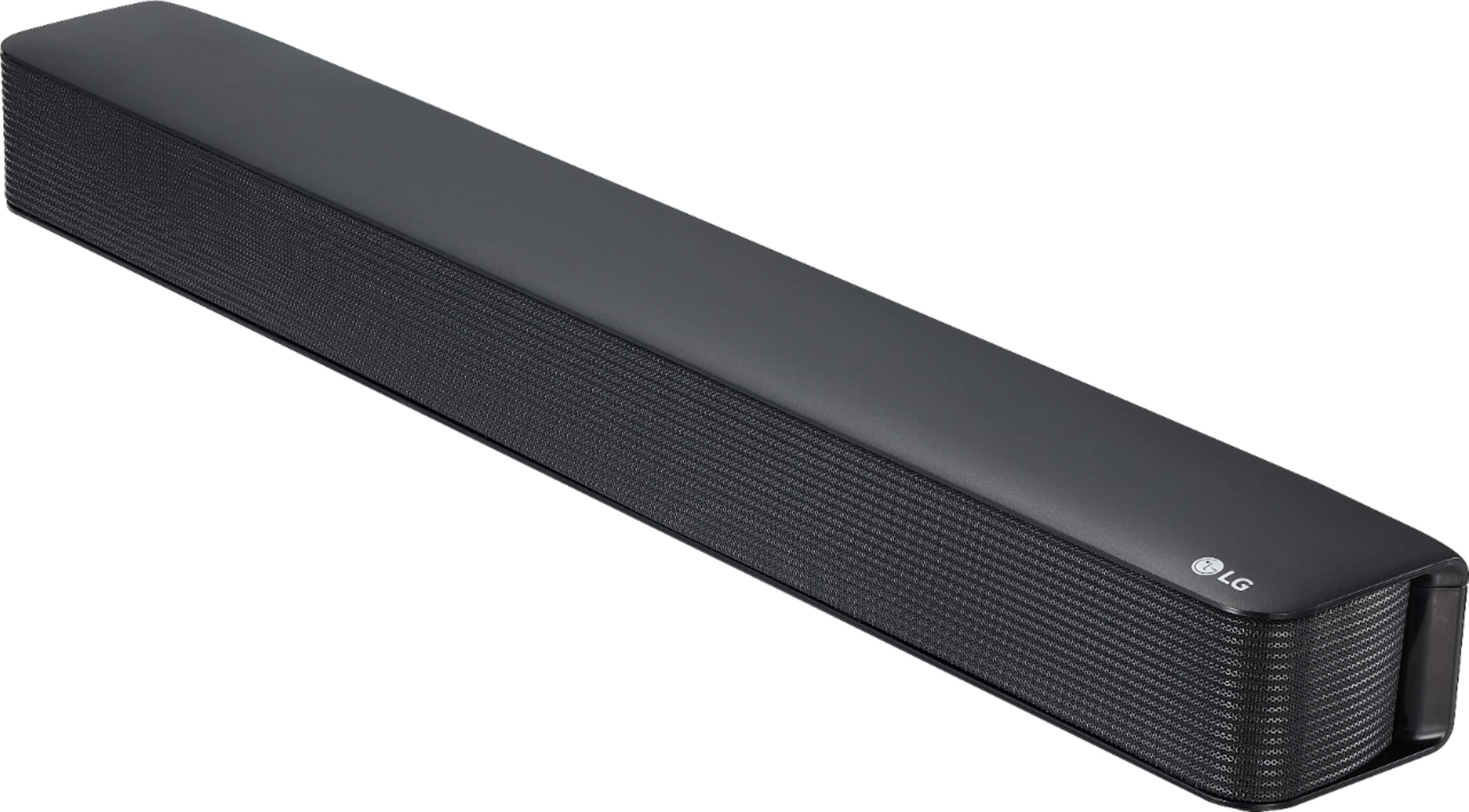
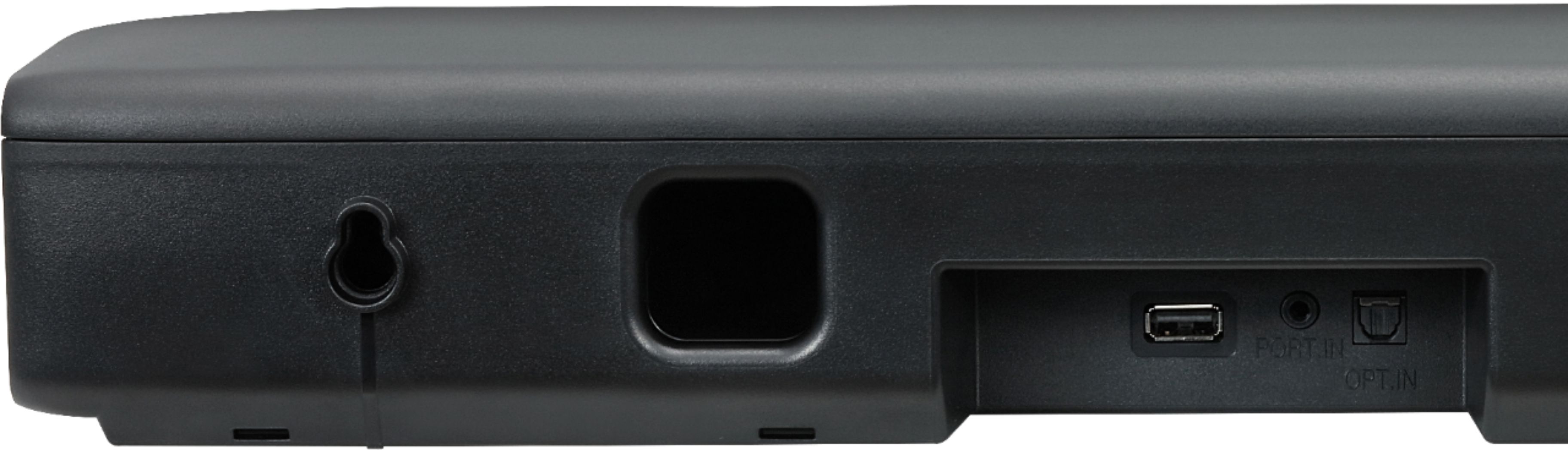
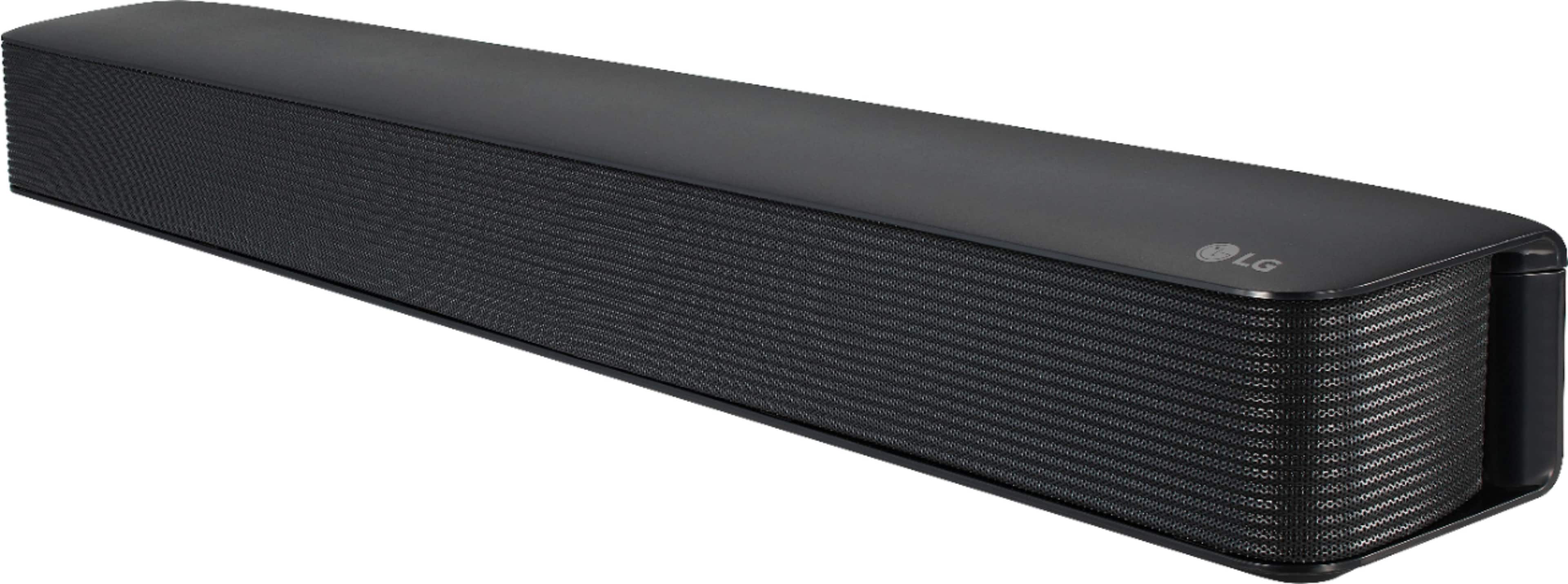
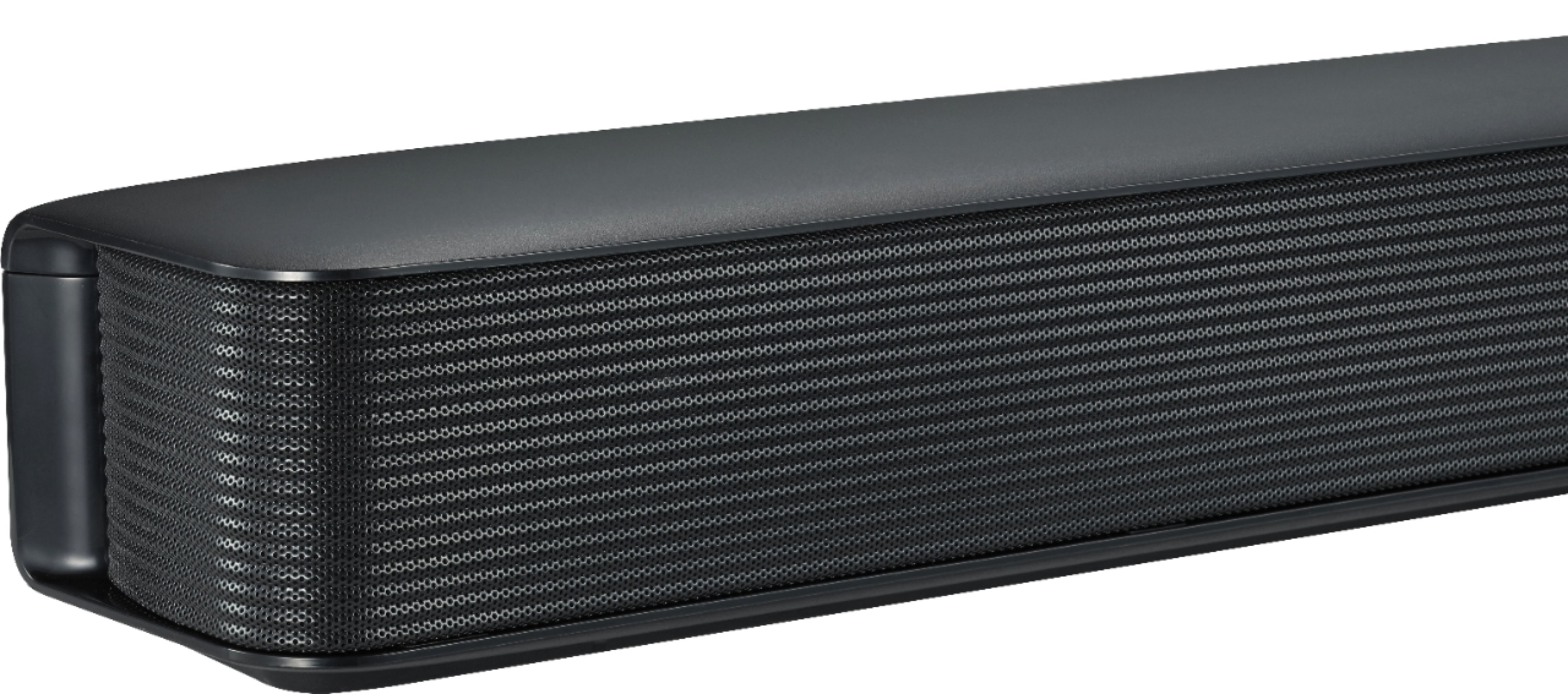
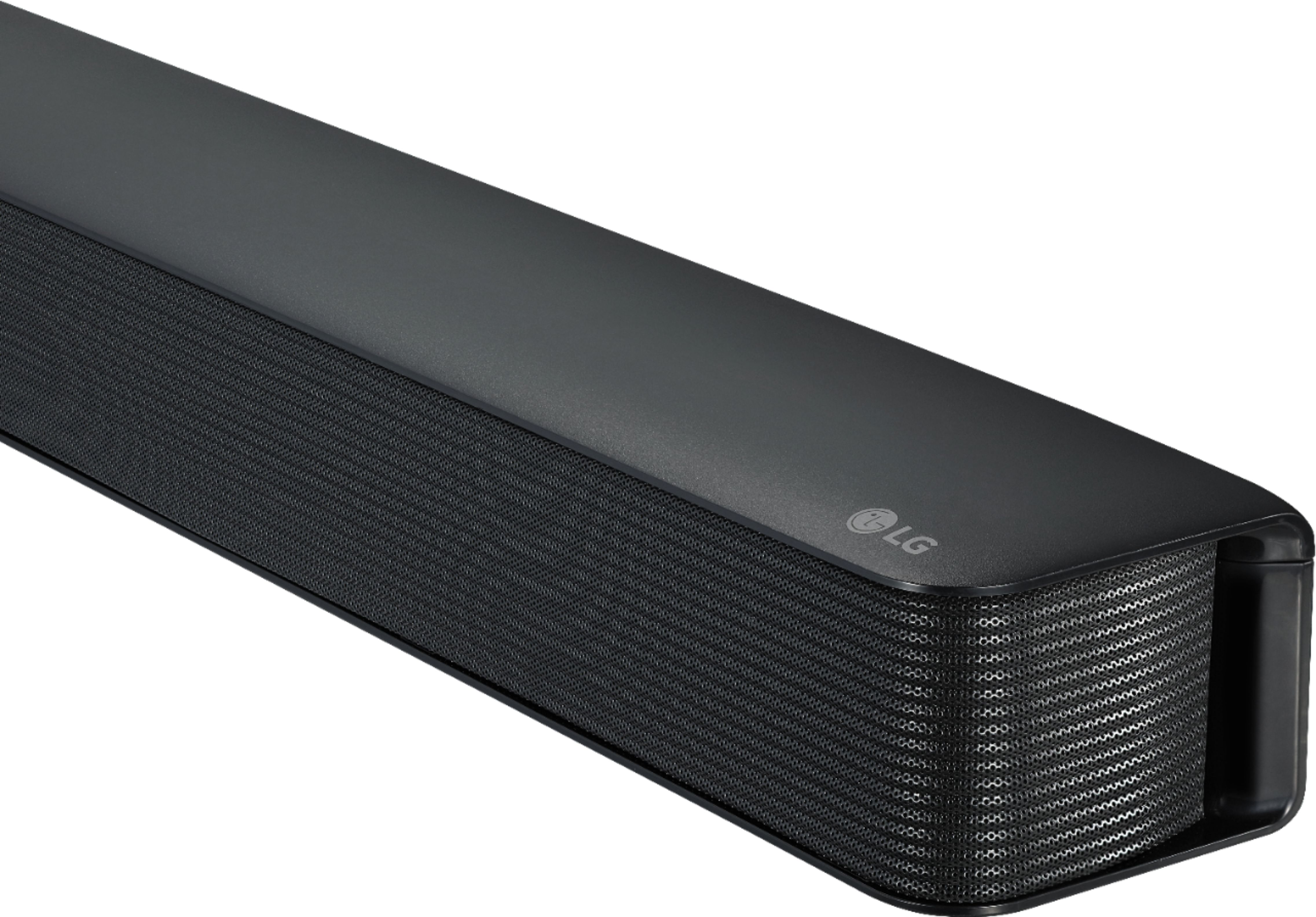
A:AnswerThe LG - 2.0-Channel Soundbar with 40-Watt Digital Amplifier - Black, Model # SK1 supports Bluetooth® Connectivity so if your 11-year-old LG Flat Screen supports Bluetooth®, you can pair it with the Soundbar to stream audio wirelessly. The Soundbar also has an Optical Digital Audio Input on it so if your TV does not support Bluetooth® but has an Optical Digital Audio Output on it, then you can connect the ports with an optical (Toslink) cable. If the TV only has the older Analog RCA Stereo Audio Outputs (Red/White barrel ports) on it, you can connect those to the AUX IN (3.5 mm) port on the Soundbar with a stereo to mini stereo RCA cable...^IFV
A:AnswerA remote control will be needed to pair the soundbar to your TV remote. You can control some functions of this unit by your TV remote control even by other company’s product. Controllable functions are volume up/down and mute. Press and hold DRC ON on the remote control for about 2 seconds. Then the State LED (White) and Bluetooth LED (White) blink twice. After that, this function is enabled. To turn off this function, press and hold DRC OFF about 2 seconds. Then the State LED (White) and Bluetooth LED (White) blink twice. After that, this function is disabled. ^CP
A:AnswerThis sound bar automatically turns on and off by an input source : Optical, Bluetooth.
To turn on this function, press and hold STANDARD on the remote control for about 2 seconds.
To turn off this function, press and hold (Mute) on the remote control for about 2 seconds.Turning on: When you turn on your TV or an external device connected to this unit, this unit recognizes the input signal and selects the suitable function. You can hear the sound from your device. If you try to connect your Bluetooth device, this unit turns on and the unit will be connected to your Bluetooth device.
Turning off: When the TV is off, this sound bar switches to the standby mode.
If you turned off the unit directly, it cannot be turned on automatically by AUTO POWER function. However the unit can be turned on by AUTO POWER function when optical signal comes in after 5 seconds of no signal.
A:AnswerThank you for raising your concern regarding LG Soundbar (SK1) model. When using an optical cable to connect a soundbar to an LG TV, the TV's volume control may not work with the soundbar, requiring the soundbar controller for volume adjustments. This is because optical connections typically send sound at a fixed level, necessitating volume adjustments on the soundbar itself. To enable auto volume control on LG TVs and reduce volume differences between channels and broadcasts, you can access settings like "Auto Volume Control" under the Sound settings menu. You can download its owner's manual through this link for more information: https://www.lg.com/us/support/product/lg-SK1.AUSALLK. ^Cris
A:AnswerYes, the sound bar does block the red light on the TV, but I left it in front anyway. Since the sound was coming from the back, that's why I bought the sound bar. I needed something out front. Weird thing - I can hold the remote straight up in the air and it will operate my tv! Ha! The LG remote will still work by the way.
A:AnswerYes it should be, because it only connects with an optical cable (included) to your tv, so if your tv has an optical audio port it will work. Personally I would prefer a soundbar that has an HDMI connection, but this soundbar works fine on tvs with the optical port. I bought 2 of these this year and both are good for the rooms they are in, both are connected to LG 4K tvs and those tvs are 49" and 43". This may not matter, but this soundbar is only about 24 inches wide, so that may look small with such a large tv. I have a Vizio 36inch wide soundbar on my 60" LG TV, so you can mix brands if you want. I mention the thing about only connecting with the optical cable because a lot of soundbars connect to your tv multiple ways. I tried to use this on a tv that did not have an optical port and I found myself without a way to connect it and hooked it to the cable box instead. The issue with that was that the sound from the soundbar only came from the cable box and any other devices connected to the tv came from the tv speakers, so it was not a good solution on that tv.

A:AnswerYour Fire Stick can be paired with the LG SK1 2.0 Channel Compact Sound Bar with Bluetooth® Connectivity via Bluetooth since they both support Bluetooth, but neither will connect to your TV via Bluetooth since it does not supports Bluetooth. You can use the Optical Digital Audio Input on the Soundbar to connect to the Optical Digital Audio Output on your TV...^IFV
A:AnswerThe LG SK1 2.0 Channel Compact Sound Bar with Bluetooth® Connectivity has an Auxiliary Input (AUX 1) that can be connected to the Headphone Out port on the LG 27GL850 27'' UltraGear™ Nano IPS 1ms Gaming Monitor with G-Sync® Compatibility...^IFV
A:AnswerThe LG SK1 2.0 Channel Compact Sound Bar with Bluetooth® Connectivity, Model # SK1 has a width of 25.6" and a depth of 7.96" so if the TV stand fits on those dimensions and it is not too heavy, you can place it on top of the Soundbar...^IFV
A:AnswerYes it will. There is an optical chord connected that will allow you to connect directly to the TV. Also, it does offer Bluetooth capability if you wanted to explore that in the future.
A:AnswerThe volume and mute functions on LG SK1 2.0 Channel Compact Sound Bar with Bluetooth® Connectivity can be controlled by TV remotes from LG, Panasonic, Philips, Samsung, Sharp, Sony and Toshiba. Regrettably, remote controls from media streaming devices such as your Apple TV, Roku, Google Chromecast or Amazon Firestick are not listed as being able to control the Soundbar. It can be paired via Bluetooth with Bluetooth enabled devices or you can connect it's Optical Digital Audio Input to the Optical Digital Audio Output on any device that has one...^IFV