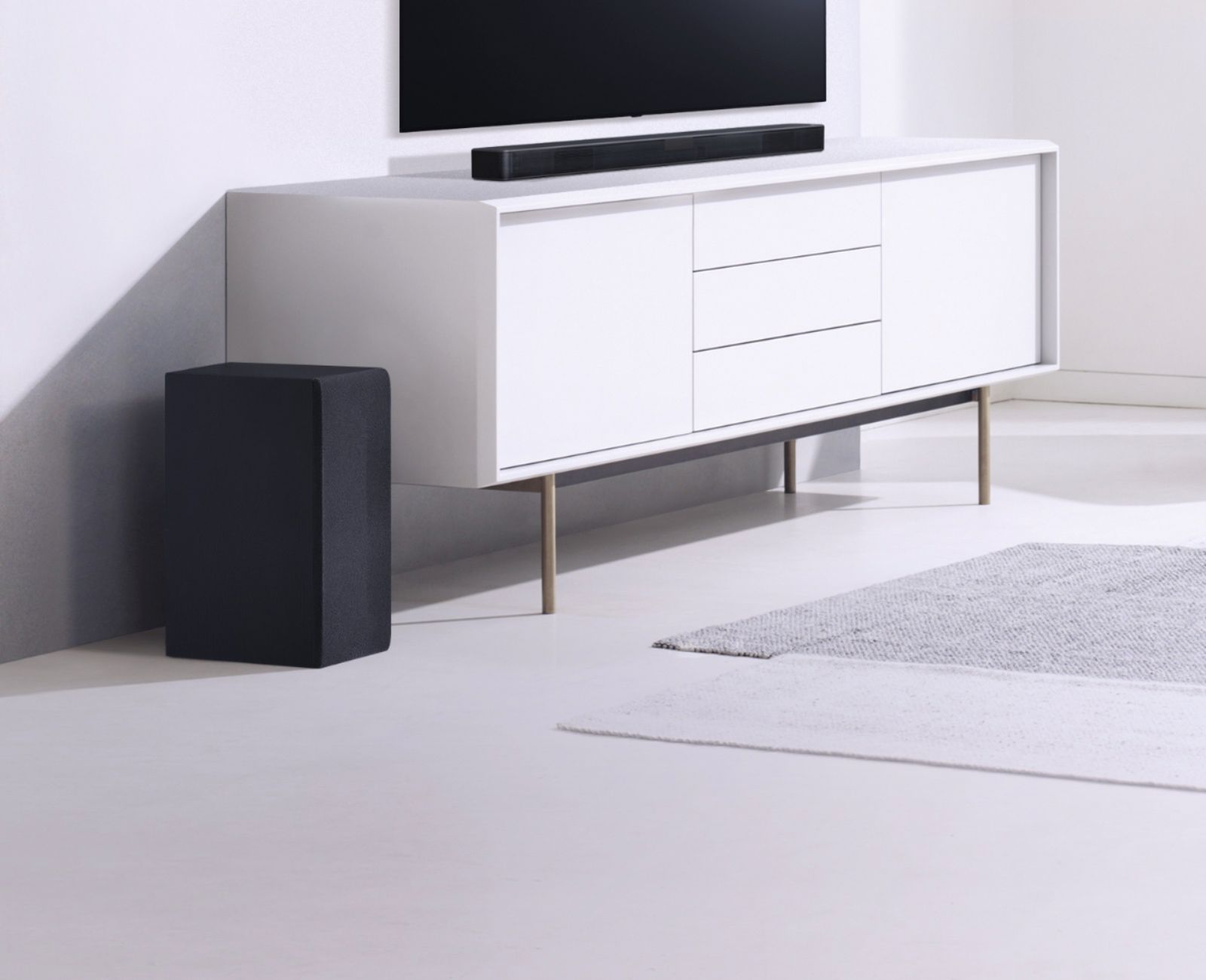
A:AnswerThe LG SL4Y 2.1 Channel 300W Sound Bar w/ Bluetooth Streaming can be paired via Bluetooth with any TV that supports Bluetooth or it you can connect its Optical Digital Audio Port to any TV that has an Optical Digital Audio Out. A subwoofer (or sub) is a loudspeaker designed to reproduce low-pitched audio frequencies known as bass and sub-bass...^IFV
A:AnswerThe LG SL4Y 2.1 Channel 300W Sound Bar w/ Bluetooth Streaming can be connected to any TV in one of two ways. If the TV supports Bluetooth, it can be paired with the Soundbar for a wireless Bluetooth connection. IT also features an Optical Digital Audio Input that can be connected to any TV that features an Optical Digital Audio Output. You will need an Optical cable to make the necessary connections...^IFV
A:AnswerThe LG SL4Y 2.1 Channel 300W Sound Bar w/ Bluetooth Streaming does not have any AV ports on it. It can be paired with a Bluetooth enabled TV for a wireless Bluetooth connection or a wired connection via its Optical Digital Audio port...^IFV
A:AnswerHi Poppz. We will need more detail about how you are trying to connect the LG SL4Y 2.1 Channel 300W Sound Bar w/ Bluetooth Streaming to your TV. The Soundbar can be connected to a TV in one of two ways. It supports Bluetooth, so if your TV supports Bluetooth, you can pair it with the TV so you can stream audio from your TV to the Soundbar wirelessly. You will need to follow the instructions for your TV on how to pair external Bluetooth devices to it. It can also be connected to a TV that has an Optical Digital Audio Out for a wired connection. For that connection, you just need to connect the Optical Digital Audio In on the Soundbar to the Optical Digital Audio Out on the TV with the Optical Cable that is an included accessory with the Soundbar...^IFV
A:AnswerThe LG SL4Y 2.1 Channel 300W Sound Bar w/ Bluetooth Streaming can be paired with a TV that supports Bluetooth for a wireless connection, and it has an Optical Digital Audio Out In that can be connected to a TV that has an Optical Digital Audio Out for a wired connection. If your Insignia TV supports Bluetooth, you can pair it with the TV and if it doesn't support Bluetooth but if it has an Optical Digital Audio Out, you can connect it to the Soundbar...^IFV
A:AnswerYes, the Soundbar can be wall mounted. It actually comes wit brackets for mounting. Screws and Wall Plugs are not supplied for mounting the unit. We recommend the Hilti (HUD-1 6 x 30) for the mounting. ^Daphane
A:AnswerHi Moore. The LG SL4Y 2.1 Channel 300W Sound Bar w/ Bluetooth Streaming should not be turning off after six hours of continuous play. It does have an AUTO POWER function that will automatically turn the unit off if it doesn't detect a signal for a certain period of time if you use the Auto Power function to turn the unit on. But since you have a signal coming into the unit, it should not be turning off after 6 hours. Please contact our Customer Support Center at (800) 243-0000 for assistance...^IFV
A:AnswerWe regret to read that you don't have any audio coming through the LG SL4Y 2.1 Channel 300W Sound Bar w/ Bluetooth Streaming and sincerely apologize for any inconvenience. Check to make sure that the Soundbar is still paired with the device that you have it paired to. If it is not showing as being connected, try to re-connect. If it is showing as being connected, try unpairing it then pair it again with your device. If that does not resolve the issue, it may require a repair service. Our Support Center at (800) 243-0000 may be able to assist you troubleshooting the issue & if it requires a repair service, they will be able to assist you in making the necessary arrangements for one...^IFV
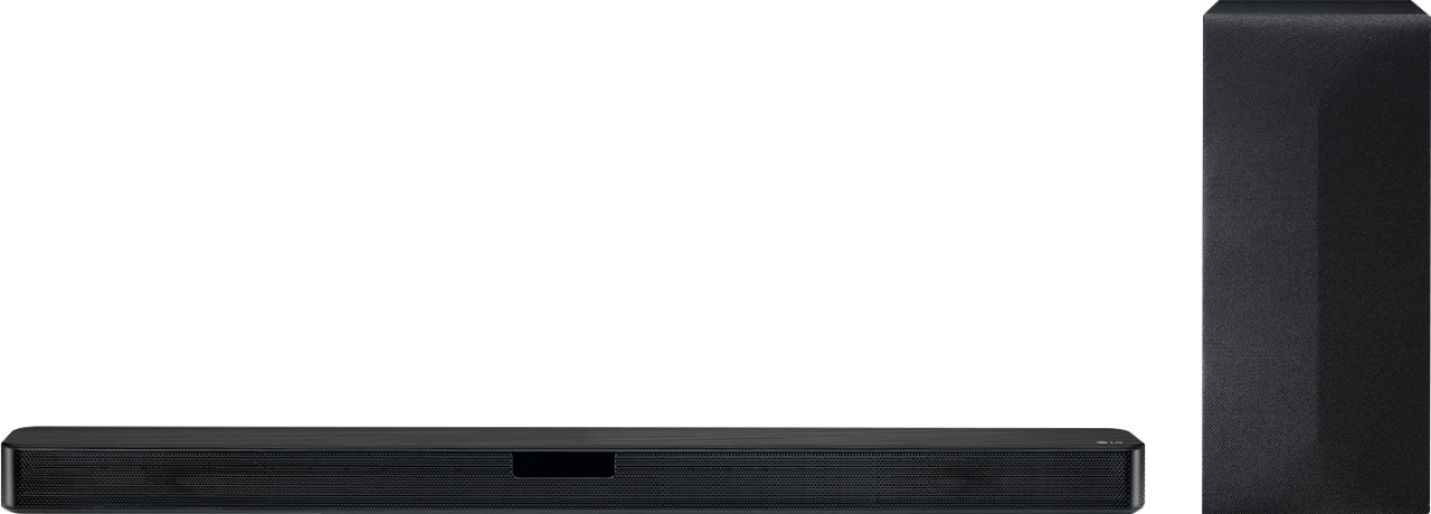
A:AnswerHow are you attempting to connect the LG SL4Y 2.1 Channel 300W Sound Bar w/ Bluetooth Streaming to your TV? The Soundbar can be connected to a TV in one of two ways. It can be paired via Bluetooth with a TV that supports Bluetooth or it can be connected via its Optical Digital Audio Input to a TV that has an Optical Digital Audio Out. If you are attempting to connect via Bluetooth, contact your TV's manufacturer to inquire if it can be paired with any Soundbar or only with Soundbars that have been tested for compatibility with your TV. Does your TV support Bluetooth? IF not, it will work when connected via the Optical Digital Audio ports...^IFV
A:AnswerPlease reach out to our support team via private message on Facebook @LGUSSupport and use #VOC in your first message to our social media support team or call at 800-243-0000 to verify. Also, be sure to provide your contact information, model/serial numbers and date of purchase. ^Daphane
A:AnswerThe LG SL4Y 2.1 Channel 300W Sound Bar w/ Bluetooth Streaming, Model # SL4Y can be connected to other devices in one of two ways. The first is via Bluetooth. If the device you want to connect the Soundbar to supports Bluetooth, you can pair it with the Soundbar for a wireless Bluetooth connection. The other way is by connecting the Optical Digital Audio Input on the Soundbar to an Optical Digital Audio Output on a device that you want to connect to the Soundbar if it has one...^IFV
A:AnswerYou can add the SPK8-S LG SPK8-S 2.0 Channel Sound Bar Wireless Rear Speaker Kit, https://www.lg.com/us/home-audio/lg-SPK8-S-wireless-surround-kit. ^Daphane
A:AnswerHi Nate. The LG SL4Y 2.1 Channel 300W Sound Bar w/ Bluetooth Streaming has a Bass Blast or Bass Blast+ Sound Effect that reinforces the bass and you can adjust the Treble -5~5 range), and Bass -5~5 range) for the rear speakers. IT does not have conventional treble and bass controls... ^IFV