A:AnswerBeing it is an Android TV, no, Apple will not communicate with it. I don't know about accessories for current or future phones. But I do know that you can purchase an AppleTV. It will allow you to mirror anything Apple to it and show up on the TV it is plugged into.
Answered by that guy who looks like Jimmy's brother
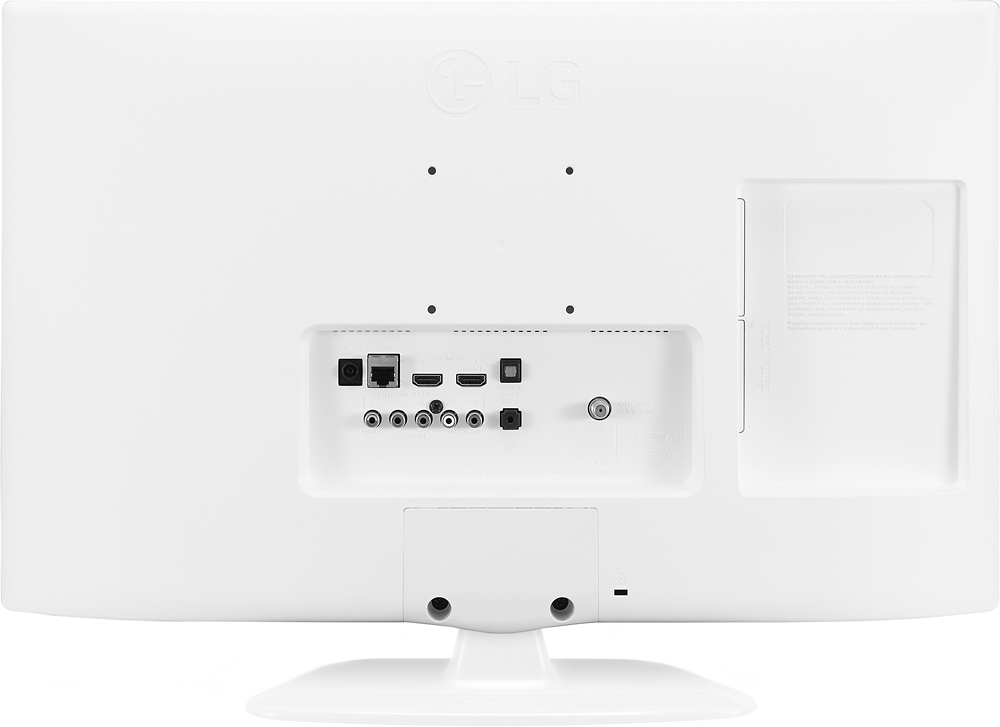
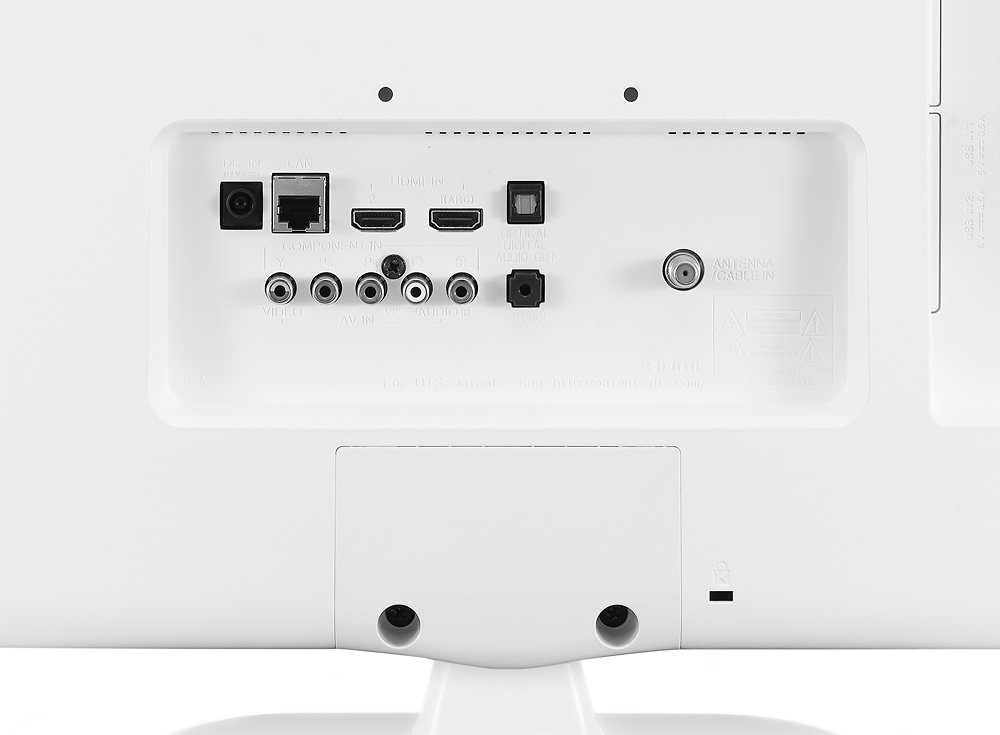
A:Answeryou would just need to connect it to one of the HDMI ports. Depending on which generation of macbook air you have, you will need an adapter to connect to an HDMI cable and then once you connect the other end of the HDMI cable to the TV it will work like a second monitor
A:AnswerIt does not have Bluetooth built-in. You could easily connect an external Bluetooth device to the audio out jacks, though. I paid about $20 for a name-brand one online, you could probably find one cheaper than that.
A:AnswerI have this TV in my kitchen with no cable and hooked up to a cheap antenna that I received from Best Buy. I can get the local channels with no problem as well as the apps that come pre-installed into the TV through my Wi-Fi network connection to wireless. Wi-Fi was very simple so I would say yes you will be able to look at TV shows thru Netflix, Hulu and any other cable paid apps as well as your local TV channels without hooking up cable
A:AnswerIt probably depends on how you intend to use the TV. If you are looking for home-theater type sound, you'll want to add external speakers. For my use as a secondary TV in my bedroom, the volume and sound quality are more than adequate.