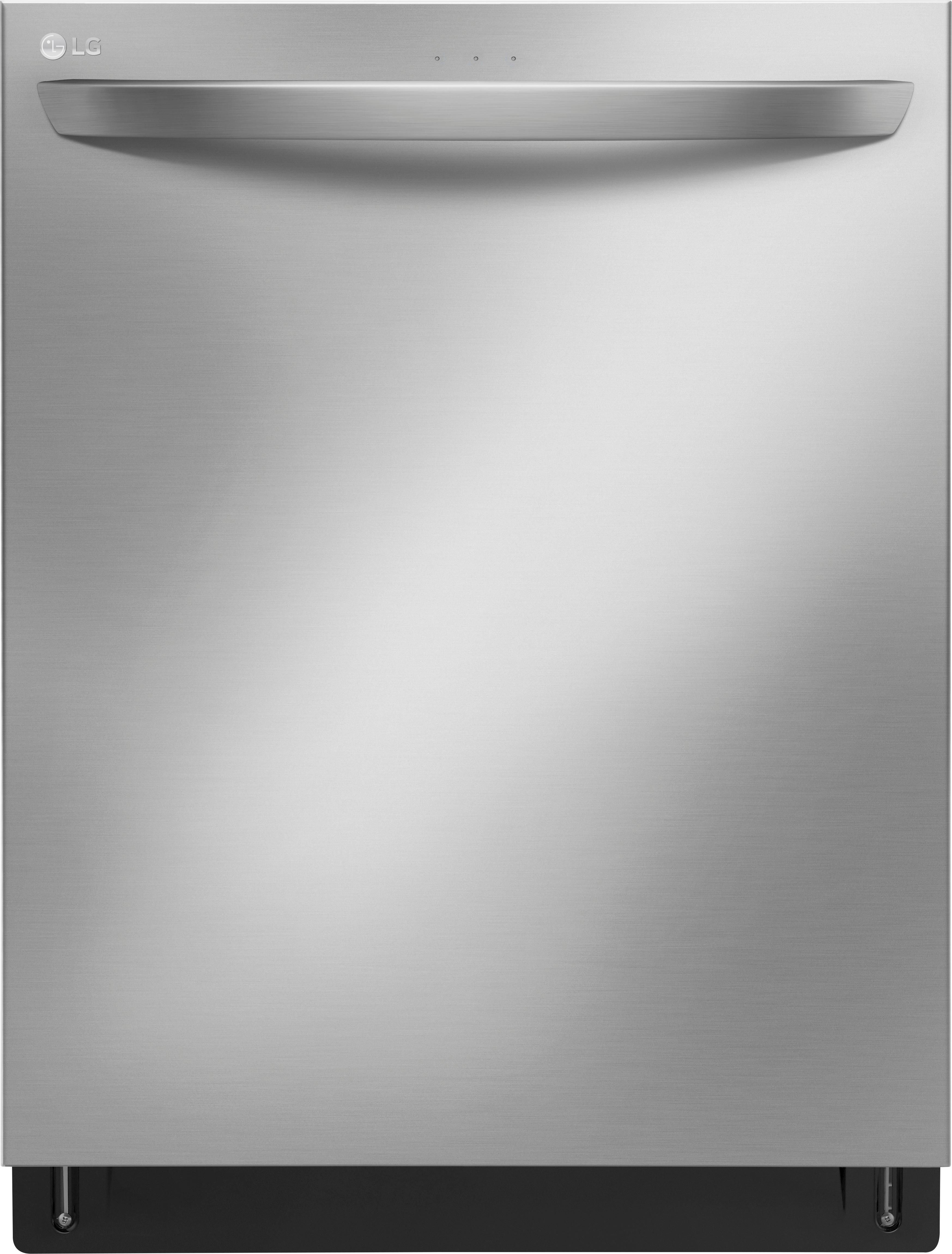
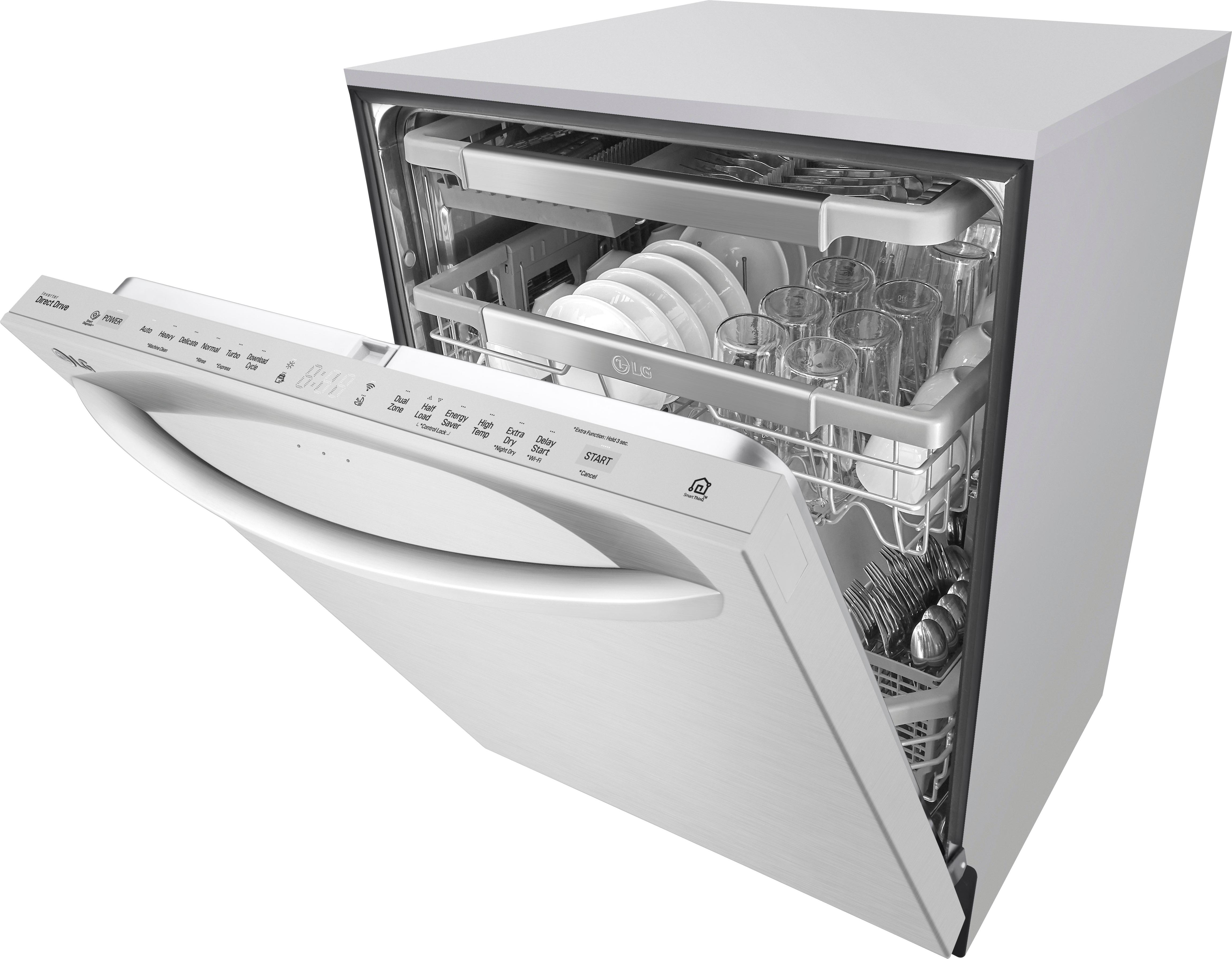
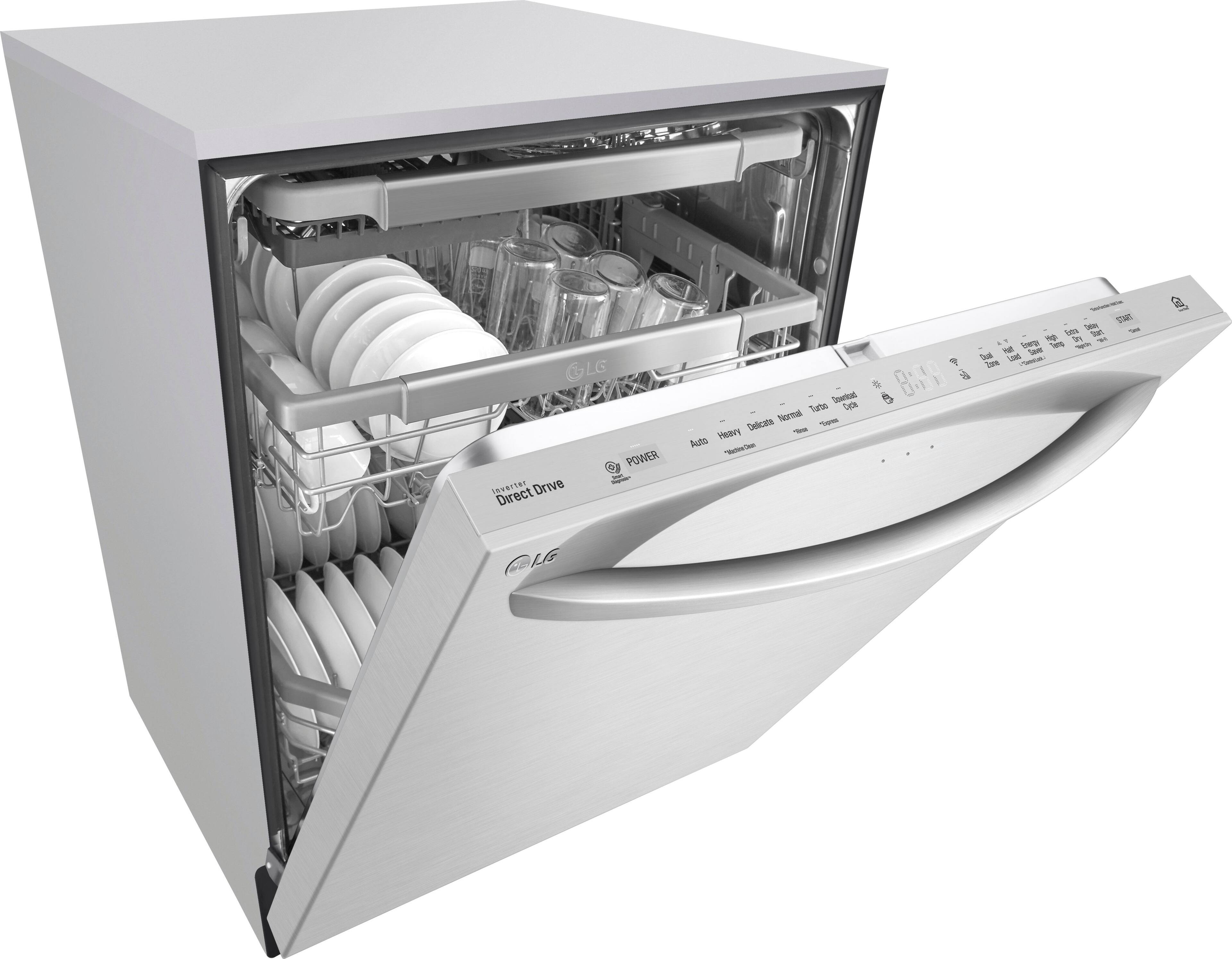
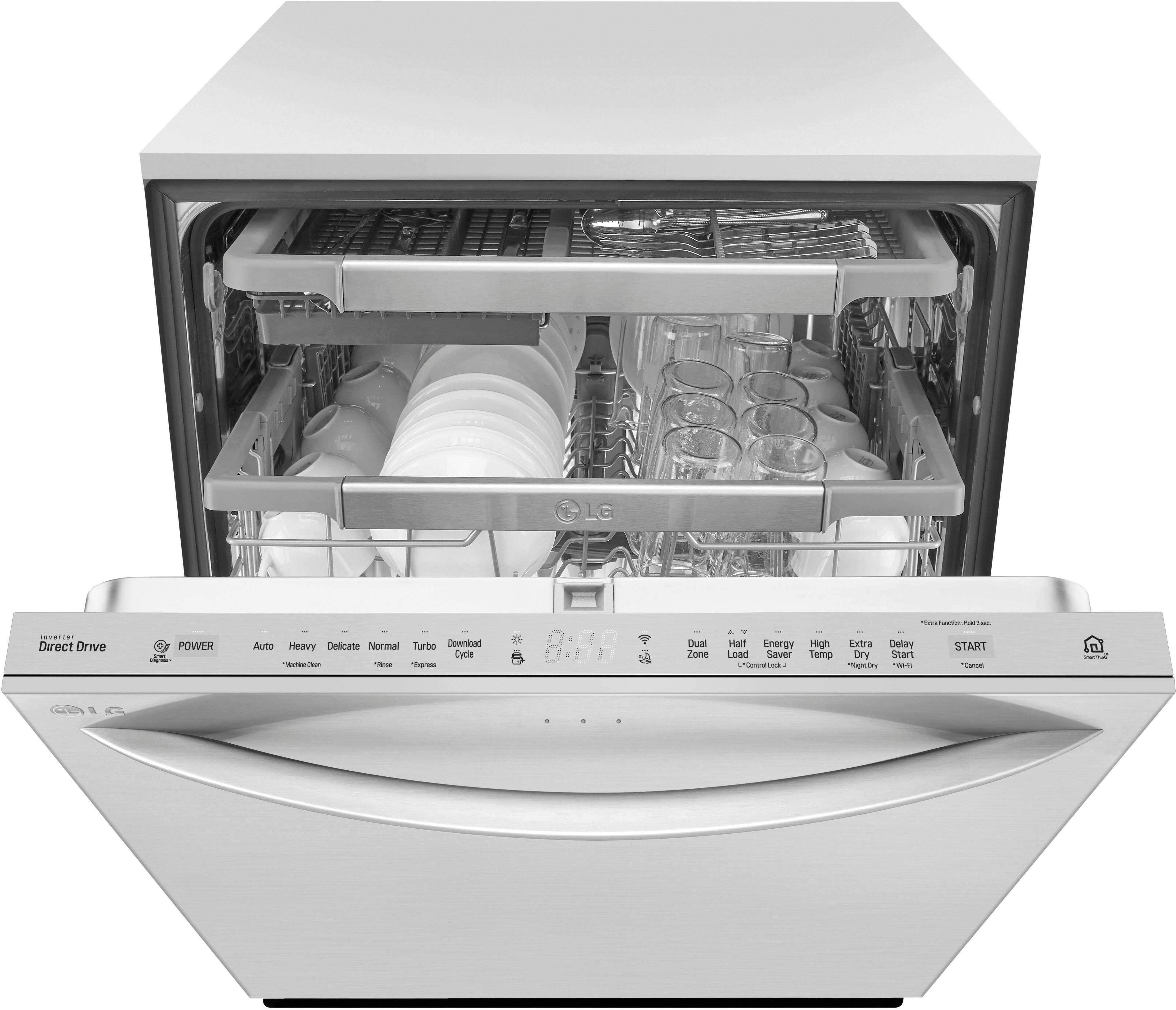
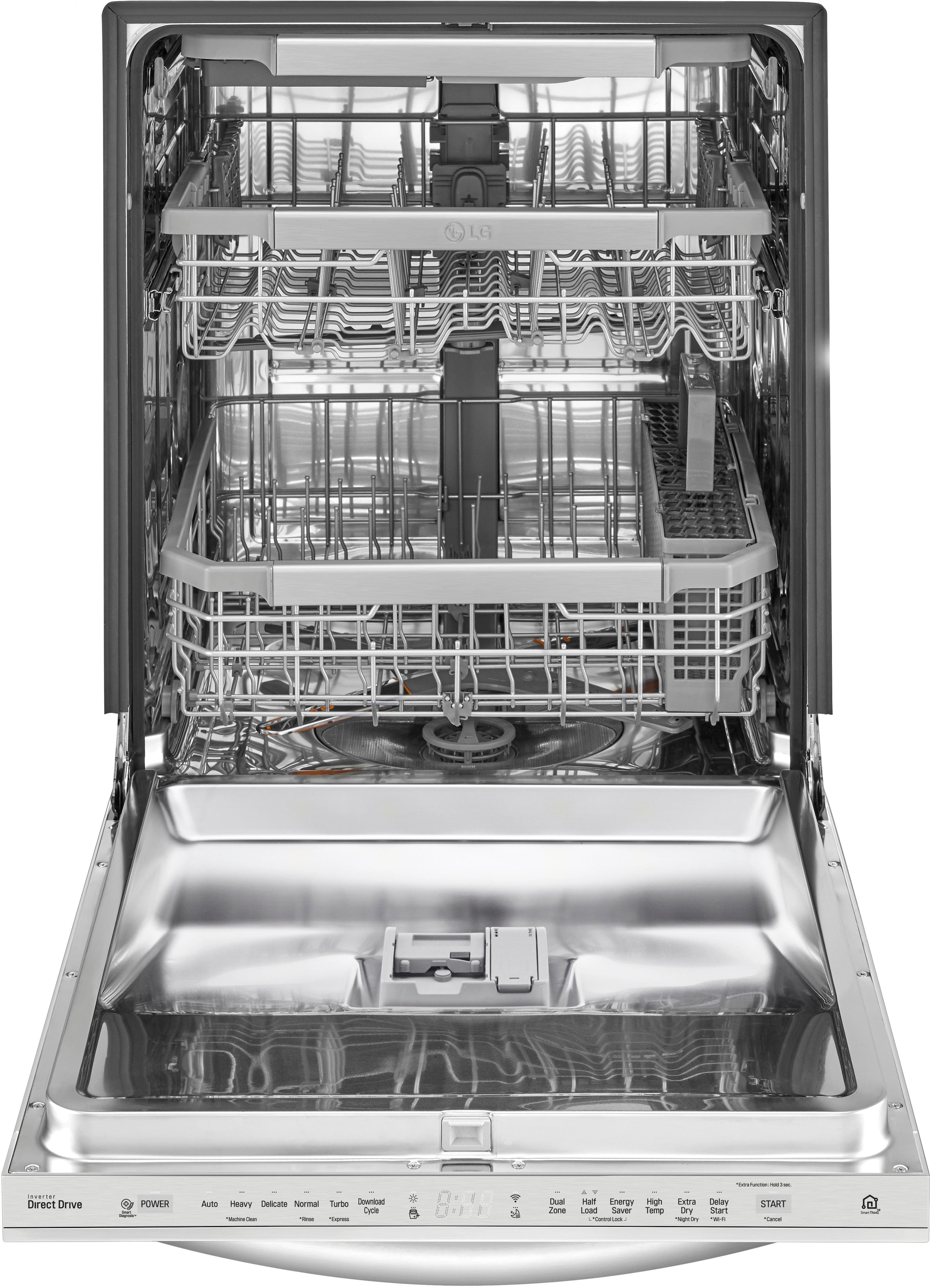
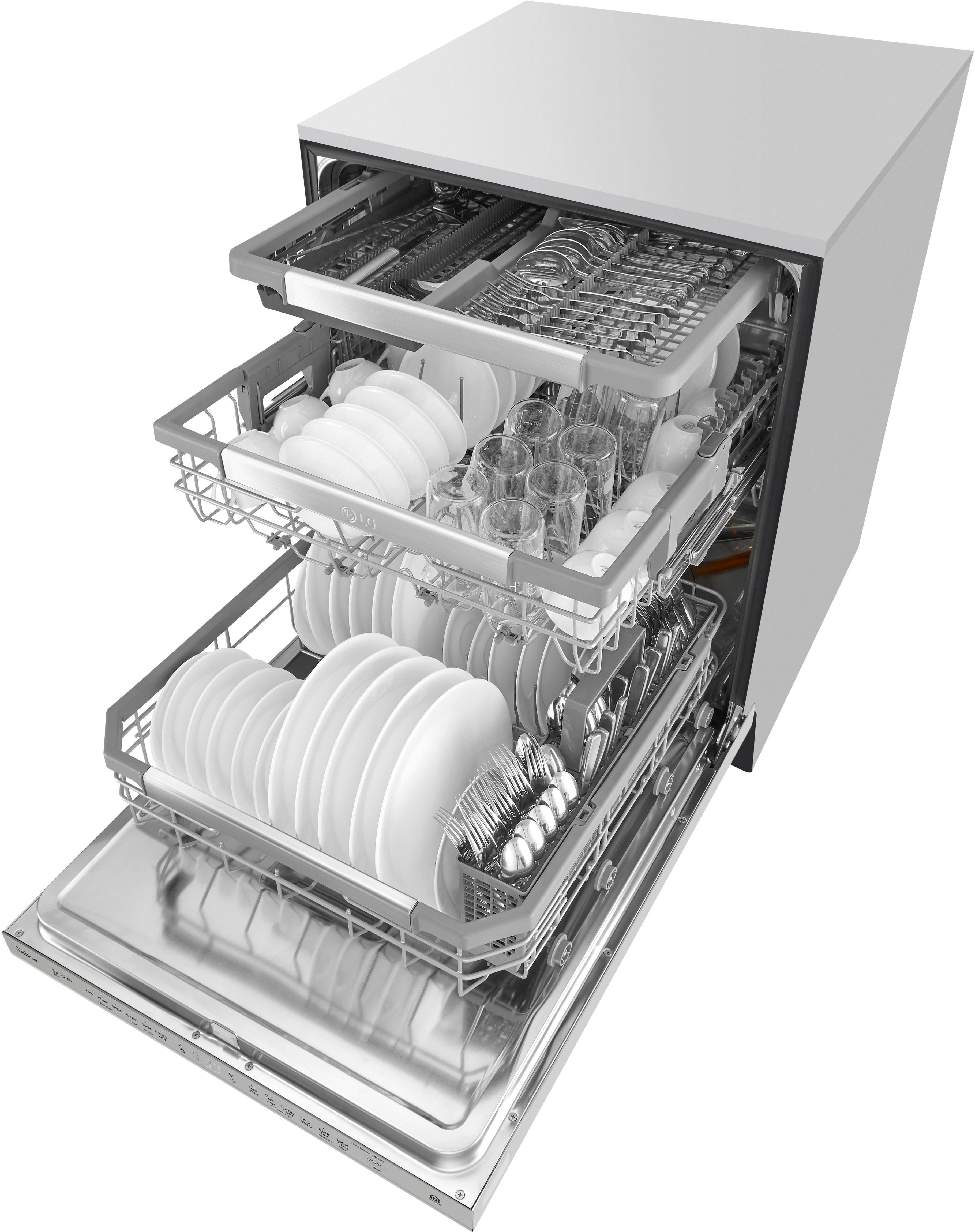
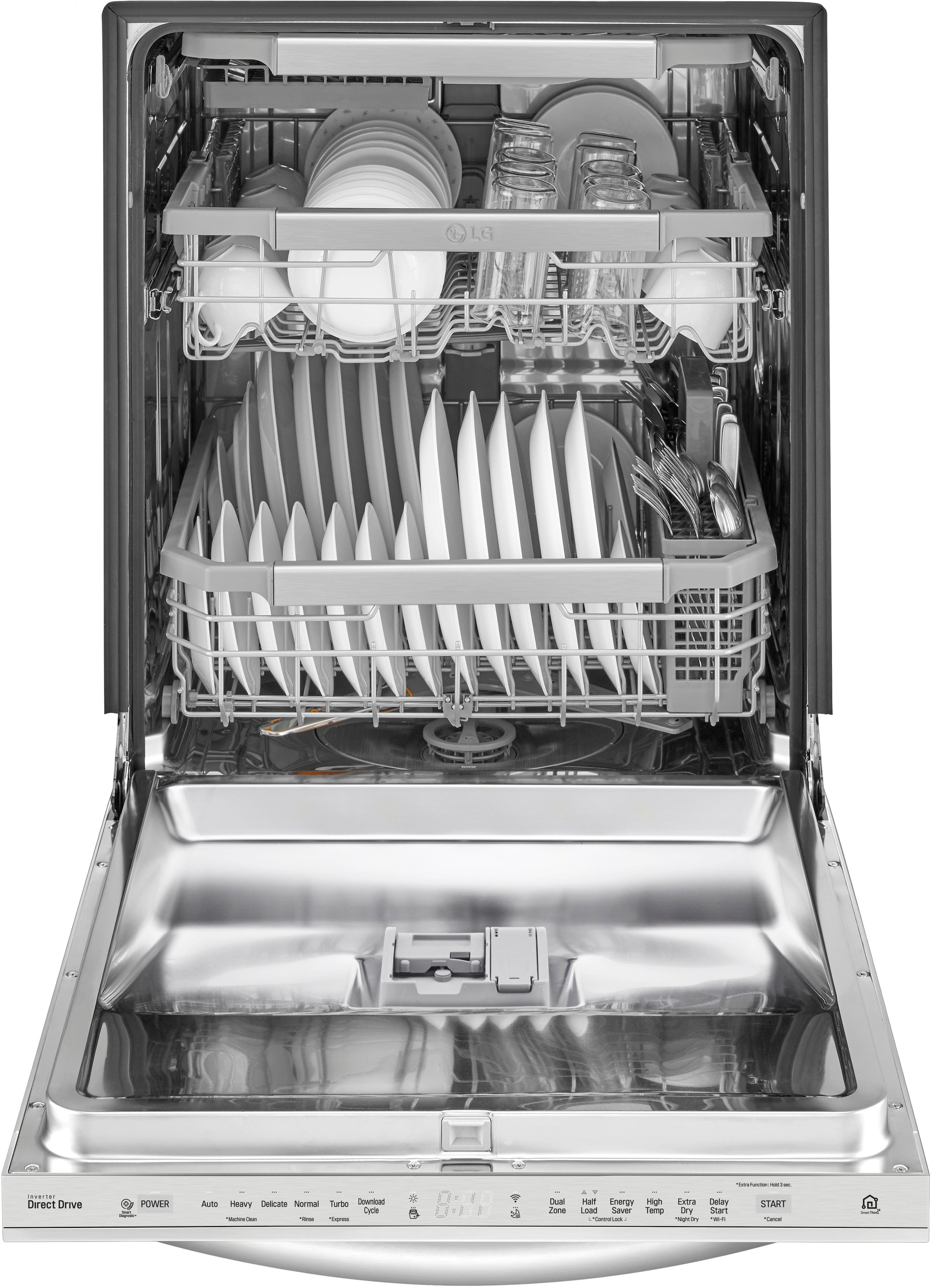
A:Answer Hi Maria. The error codes on the LG Top Control Dishwasher with QuadWash™ and EasyRack™ Plus, Model # LDT7797ST will indicate what is wrong with the dishwasher and in many instances, the error can be resolved. Please make sure that the error code you are seeing on the display is error code "1E". An IE error code indicates that the level of water in the unit did not get high enough after 10 minutes of filling. To resolve this, please check to make sure that your water valve has not been turned off or that it is fully turned on. You will also want to ensure that your water line is not kinked or that it is not bent in such a way that prevents the water from filling properly. You will also want to check that the dishwasher is properly leveled. Improper leveling can trigger the IE error code. Your water pressure must be between 20 - 120 PSI. If this is too low, your dishwasher will not fill properly. You will need to contact a plumber to correct the issue. The last thing to check is your drain hose. If it is installed lower than the base of the dishwasher, it is possible that it could cause premature draining. The height of the drain hose end must be over 10 inches from the bottom of the dishwasher to avoid water being siphoned from the tub. In that instance, you will need to re-install the dishwasher properly. If the IE error code persists after checking all the above, the unit will require a repair service. You can contact our Support Center for assistance with making arrangements for a repair service, or you can visit our 'Request a Repair' page at http://www.lg.com/us/support/repair-service/schedule-repair-us...^IFV