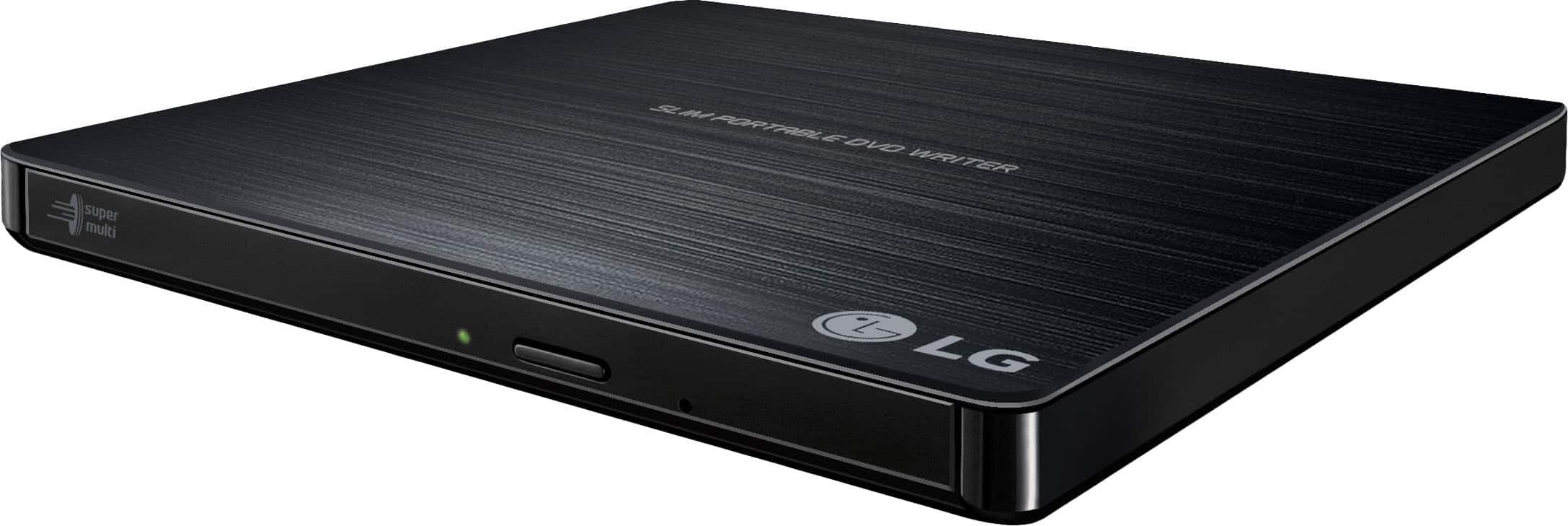
A:AnswerThe LG - 24x Write/24x Rewrite/24x Read CD - 8x Write DVD External USB 2.0 DVD-Writer Drive - Multi, Model # GP60NB50 comes with a Software CD (for Windows only) which includes DVD software for usage for Windows...^IFV
A:AnswerWhat do you recommend to use in the car to listen to books. I have a USB port. When this question was answered by Best Buy they told me that the equipments I chose would not work. However there was no recommendation of equipment that would work in the car for me to listen to books while driving.
A:AnswerThe LG - 24x Write/24x Rewrite/24x Read CD - 8x Write DVD External USB 2.0 DVD-Writer Drive - Multi, Model # GP60NB50 is not lightscribe capable...^IFV
A:AnswerHi Olive. The LG 24x Write/24x Rewrite/24x Read CD - 8x Write DVD External USB 2.0 DVD-Writer Drive - Multi, Model # GP60NB50 connects to a PC/Laptop via its USB port and it is compatible with Windows 10, Windows 7, Windows Vista™, Windows XP, and Mac OS® X Operating Systems. You can change the DVD Region code in Windows 10/8/7 by pressing the Windows key + R to open the Run box. Type in devmgmt. msc and press Enter. When the Device Manager window opens, expand DVD/CD-ROM drives. Right-click on your DVD player and then select Properties. Then click on the DVD Region tab. Select the region in which you want to change to and click OK. Another alternative is to download and install the VLC Player. The first option for bypassing the region check and watching DVDs from any region on your Mac or PC is the free and open source VLC Media Player to play DVD movies – in many cases this will successfully bypass the region-check (even on RPC-2 drives) and your DVD will play regardless of what region it is...^IFV
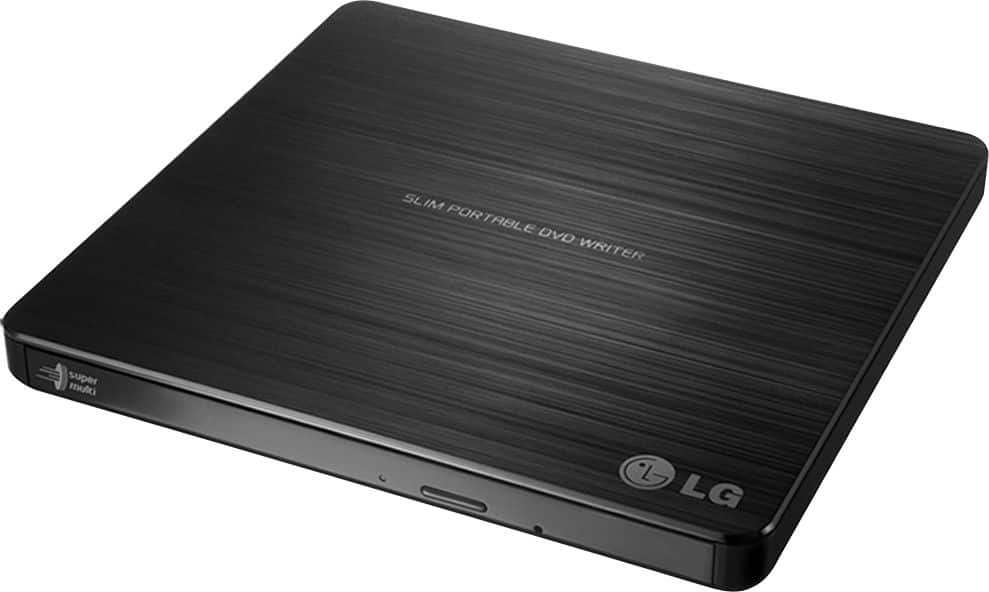
A:AnswerVOB is the container format in DVD-Video media. DVD folders are composed of separate VOB video files. VOB videos are digital files that should be stored on hard disk drives. You will need a creator tool that can convert VOB files into standard DVDs. The creator will provide some menu templates for you to customize your own DVD menu. You can then add the videos you want to convert to a DVD disc as instructed in the main interface, insert a blank DVD disc into the LG - 24x Write/24x Rewrite/24x Read CD - 8x Write DVD External USB 2.0 DVD-Writer Drive - Multi, Model # GP60NB50 and choose the optical drive from the drop-down list box at the “Save to” part as the output directory, then click the “Start” button to start the process of burning the VOB video(s) to the blank DVD disc...^IFV
A:AnswerThe Super Multi Portable 8X DVD Rewriter with M-DISC™ Support, Model # GP60NB50 is compatible with the Windows 7, Windows Vista™, Windows XP, Windows 10, Mac OS® X v.10.5.4 or Higher, and Direct X 9.0 or Higher Operating Systems. It does have the ability to read video game discs. If you have additional questions please reach out to a computer specialist directly by calling 800-243-0000. ^CP
A:AnswerThe Super Multi Portable 8X DVD Rewriter with M-DISC™ Support, Model # GP60NB50 is compatible with the Windows 7, Windows Vista™, Windows XP, Windows 10, Mac OS® X v.10.5.4 or Higher, and Direct X 9.0 or Higher Operating Systems on computers. It is not designed for operation inside of a vehicle. ^CP