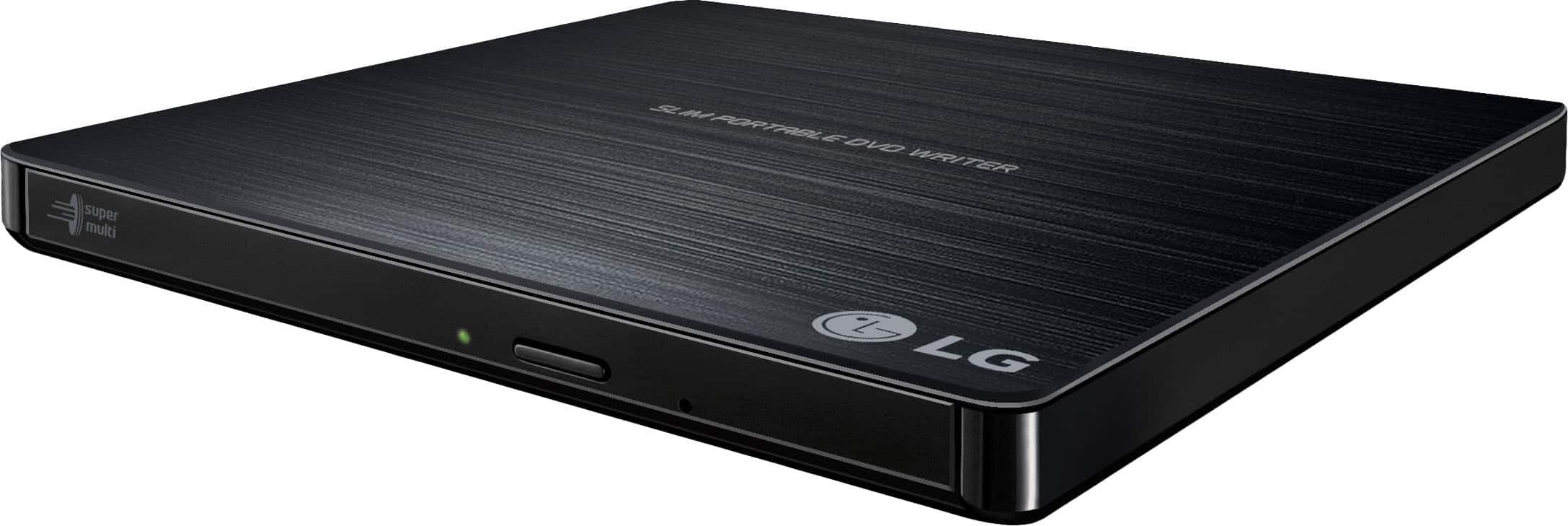
A:AnswerThe LG - 24x Write/24x Rewrite/24x Read CD - 8x Write DVD External USB 2.0 DVD-Writer Drive - Multi, Model # GP60NB50 is Windows 10 compatible and can be used to copy files from one of your PCs and write them to DVD-R, DVD-R DL, DVD-RW, DVD-RAM, M-Disc (DVD+R SL), DVD+R, DVD+R DL, DVD+RW, CD-R, or CD-RW discs to transfer your file to another PC. For further assistance, please reach out to our technical support team via private message on Facebook @LGUSSupport and use #VOC in your first message to our social media support team or call at 800-243-0000. Also, be sure to provide your contact information, model/serial numbers and date of purchase. ^Daphane
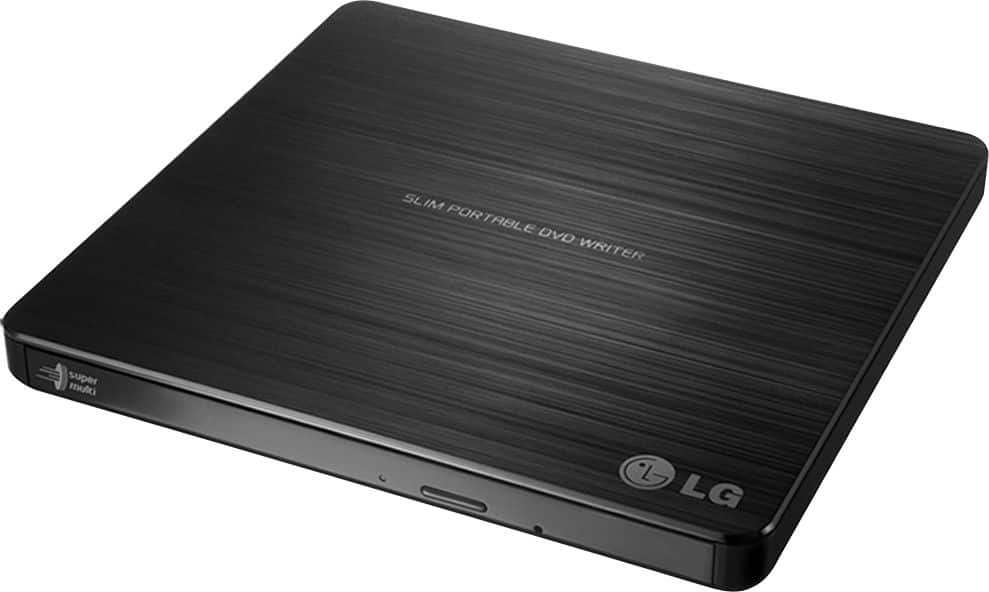
A:AnswerIt's a Plug and Play unit so no software drivers are required. System requirements are a Pentium IV 2.4 GHz or Higher(with USB 2.0) for basic performance (Recommended for optimal performance: Pentium IV 3.2 GHz or Higher) CPU with 256 MB or larger (Recommended: 512 MB) Memory, a Hard Disk drive with 20 GB or more free space. (The free space needed for writing depends on the quantity of data.) and Video Memory of 64 MB (Recommended: 128 MB). For Windows 8/Windows 7/ Windows Vista, 1 GB of RAM or large is recommended. It is compatible with Windows 8, Windows 7, Windows Vista (32 bit, 64 bit), Windows XP SP3, Mac OS X v.10.5.4 or Higher, Direct X 9.0 or Higher. ^Daphane
A:AnswerI think you have to scan your photos with your scan feature on a printer, and save them to your computer. You could then load them onto a flash drive or onto a DVD inserted into this device. There may be another way, but that's how I would do it. Not sure what you do if your printer doesn't have a scan feature.
A:AnswerIt's a Plug and Play unit so no software drivers are required. System requirements are a Pentium IV 2.4 GHz or Higher(with USB 2.0) for basic performance (Recommended for optimal performance: Pentium IV 3.2 GHz or Higher) CPU with 256 MB or larger (Recommended: 512 MB) Memory, a Hard Disk drive with 20 GB or more free space. (The free space needed for writing depends on the quantity of data.) and Video Memory of 64 MB (Recommended: 128 MB). For Windows 8/Windows 7/ Windows Vista, 1 GB of RAM or large is recommended. It is compatible with Windows 8, Windows 7, Windows Vista (32 bit, 64 bit), Windows XP SP3, Mac OS X v.10.5.4 or Higher, Direct X 9.0 or Higher. ^Daphane
A:AnswerThe LG - 24x Write/24x Rewrite/24x Read CD - 8x Write DVD External USB 2.0 DVD-Writer Drive - Multi, Model # GP60NB50 requires a supported Windows or Mac OS Operating System and specific system requirements for a hard disk drive, available memory, and video memory to operate normally. It will not work with your car stereo. ^Daphane
A:AnswerYes, the laptop recognizes it as another drive and you can select files from a CD or DVD inserted in the drive to transfer. This DVD Reader will read all PC games on CD and DVD. If you have additional questions please reach out to a computer specialist directly by calling 800-243-0000. ^Daphane