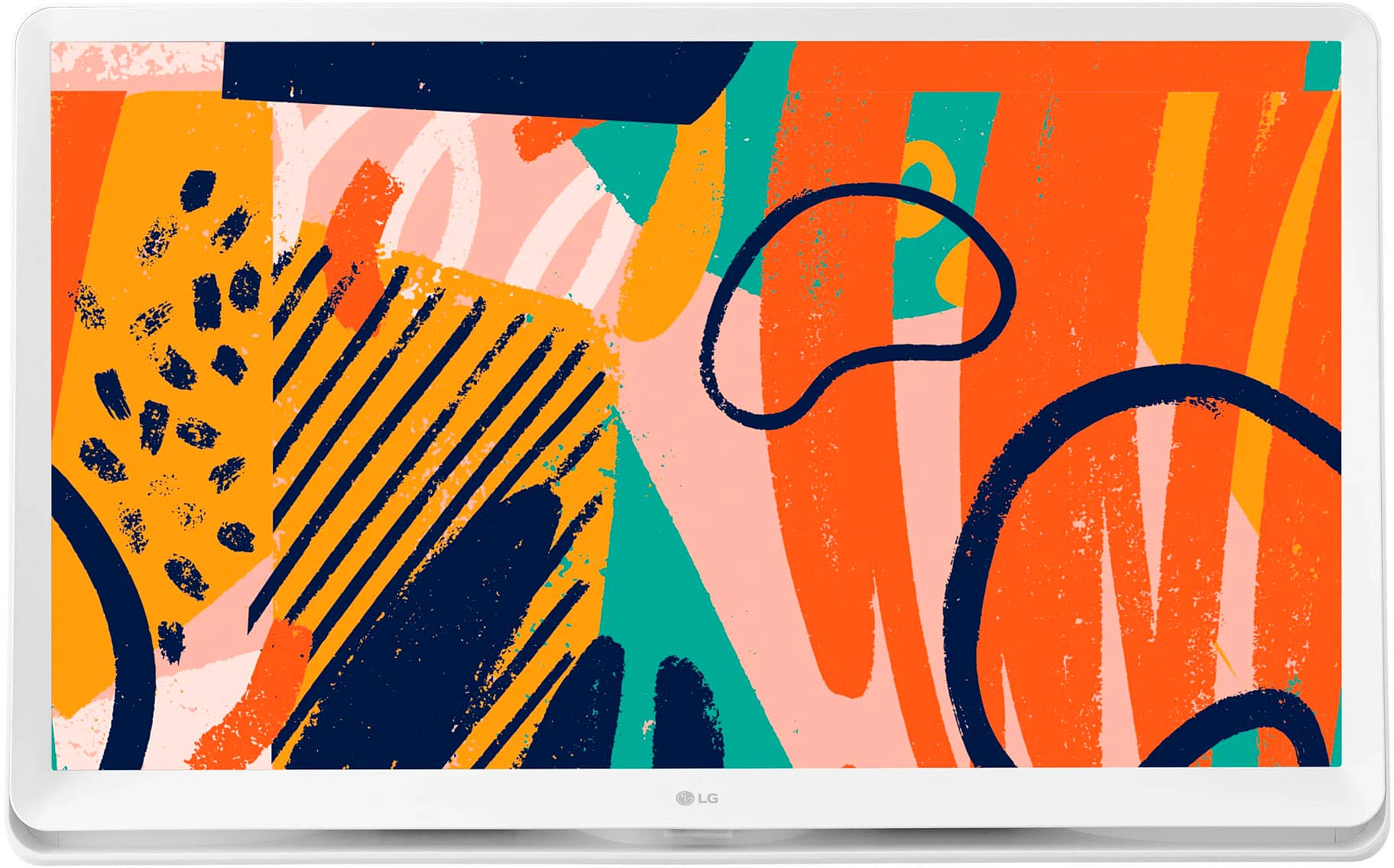
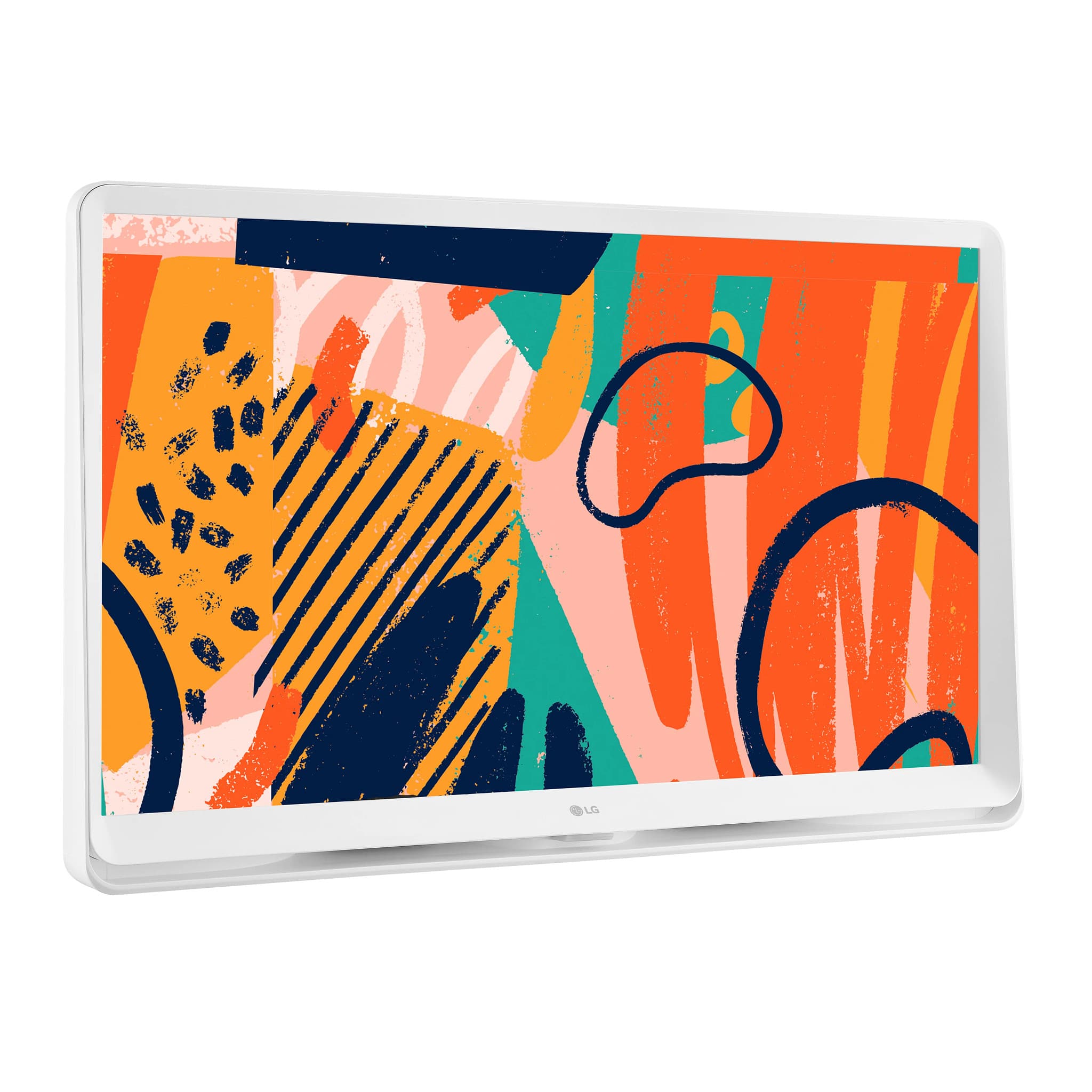
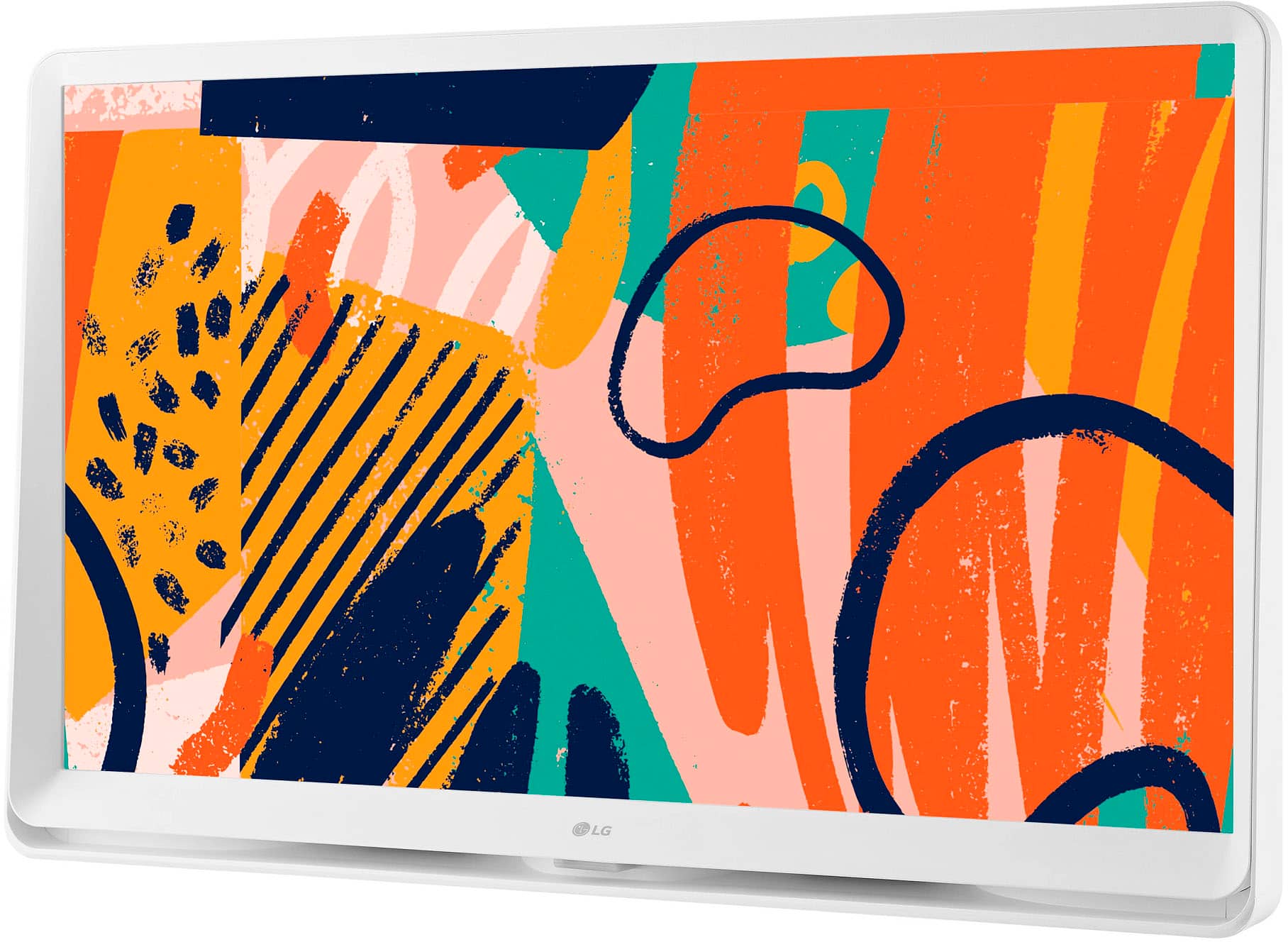
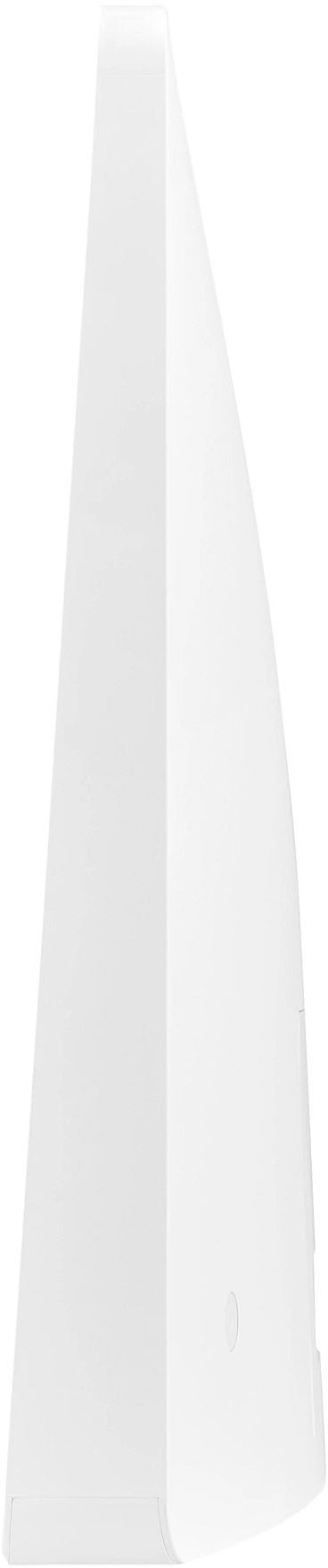
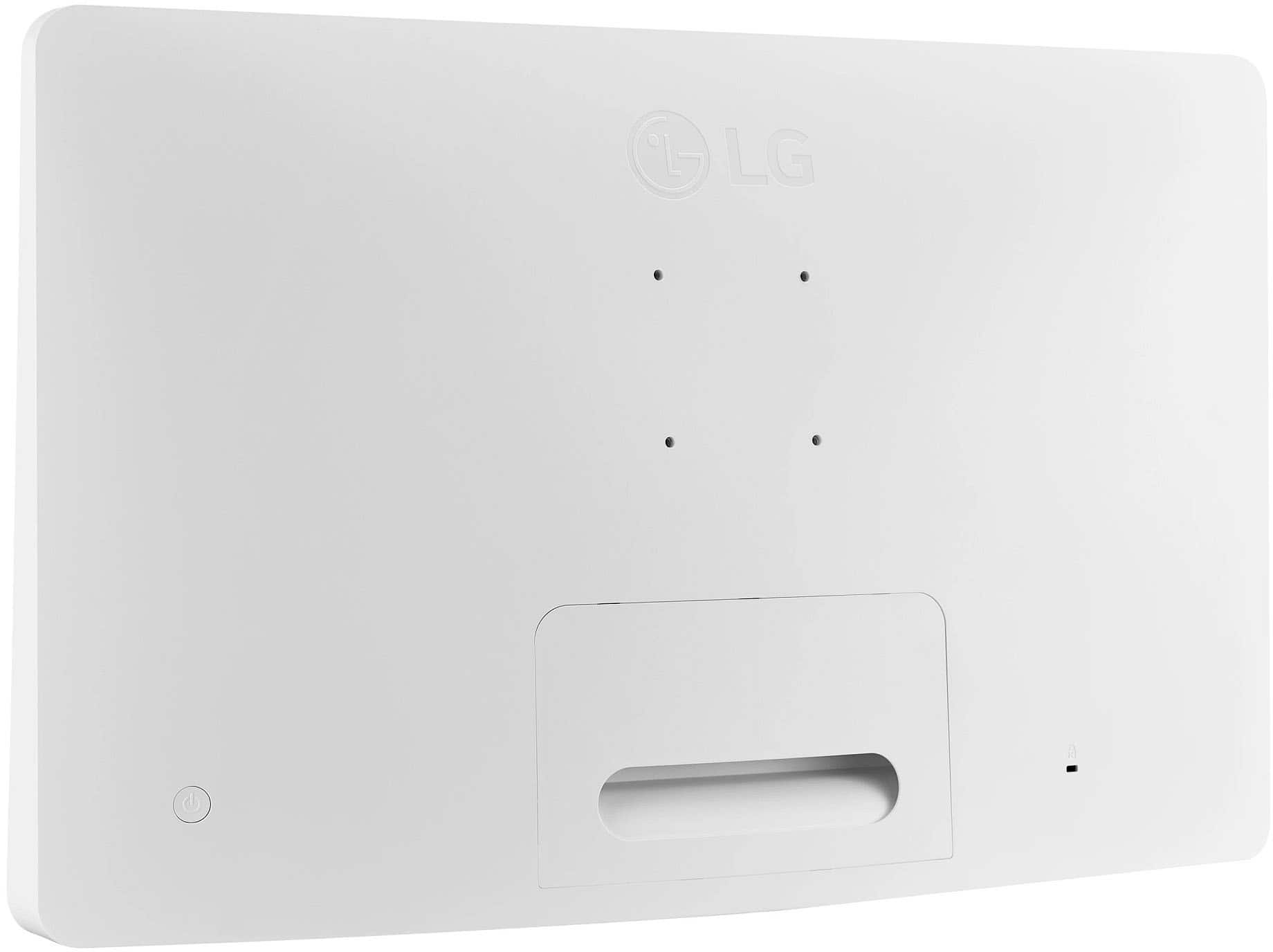
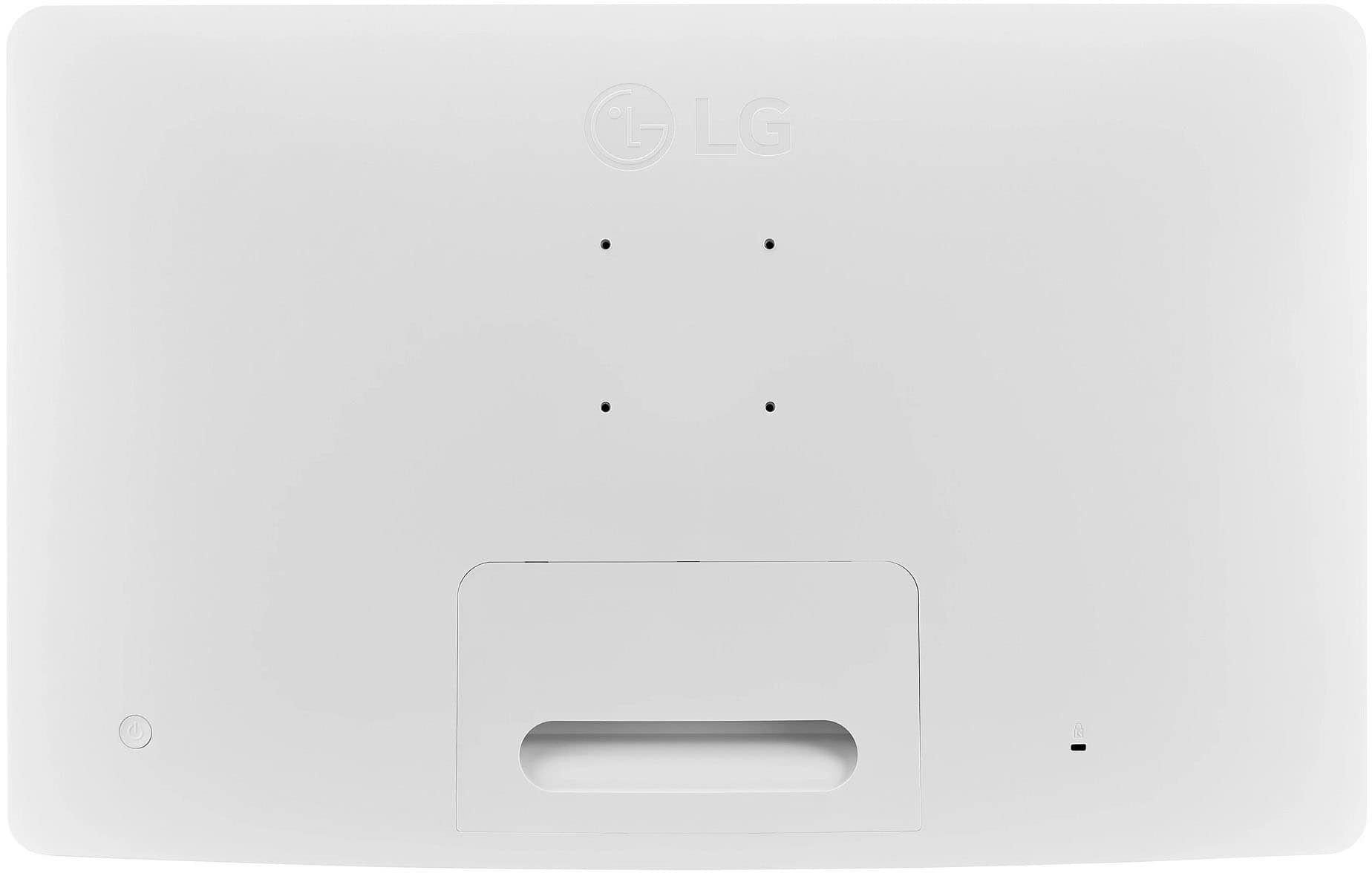
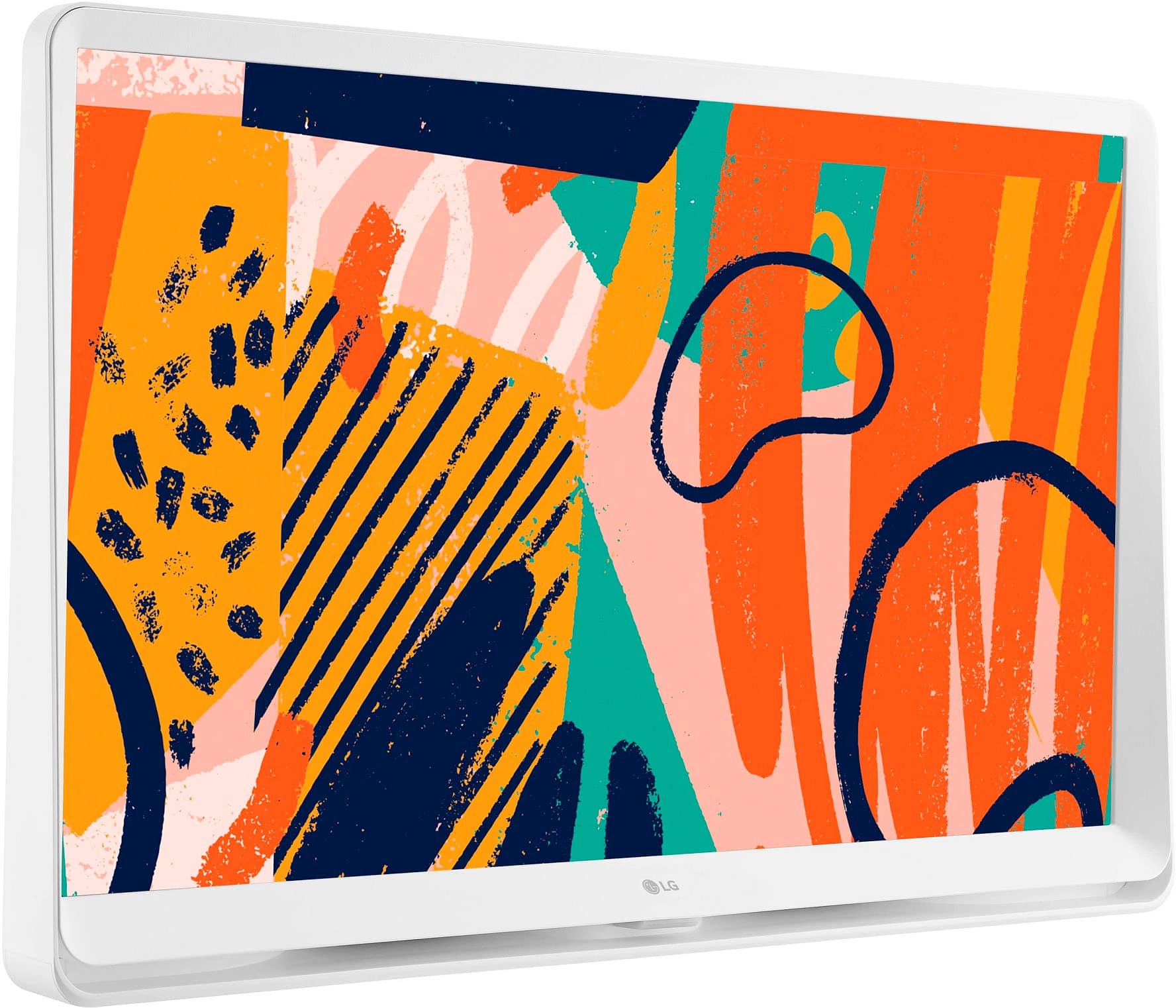
A:AnswerThis has a wide base that is designed to let the whole thing stand on its own on, for example, a kitchen counter. So you can get a separate stand if you want to, but it's not needed if you have the surface area to hold it. It also has 75mm VESA mount holes on the back, so you could also put it on a VESA stand or monitor arm.
A:AnswerHello there. Thank you for reaching out. For the 27" Class LED Full HD Smart WebOS TV with Countertop Design model: #27LQ600S-WU webOS TVs come pre-installed with many popular streaming apps such as YouTube, Netflix, Amazon Prime Video, Disney Plus, Google Play Movies and TV, and more. So No need for a Roku or Fire Stick. `Jai.
A:AnswerAt the menu for this TV model 27LQ600S-WU, select the app you would like to move and hold down the 'OK' button. This will bring up the edit mode and will allow you to move the app to a different location. Hit 'OK' to drop it into place. As far as navigating the Xfinity app, please check out the following link for more information: https://www.xfinity.com/support/articles/navigate-xfinity-stream-smarttvs.
^Chris
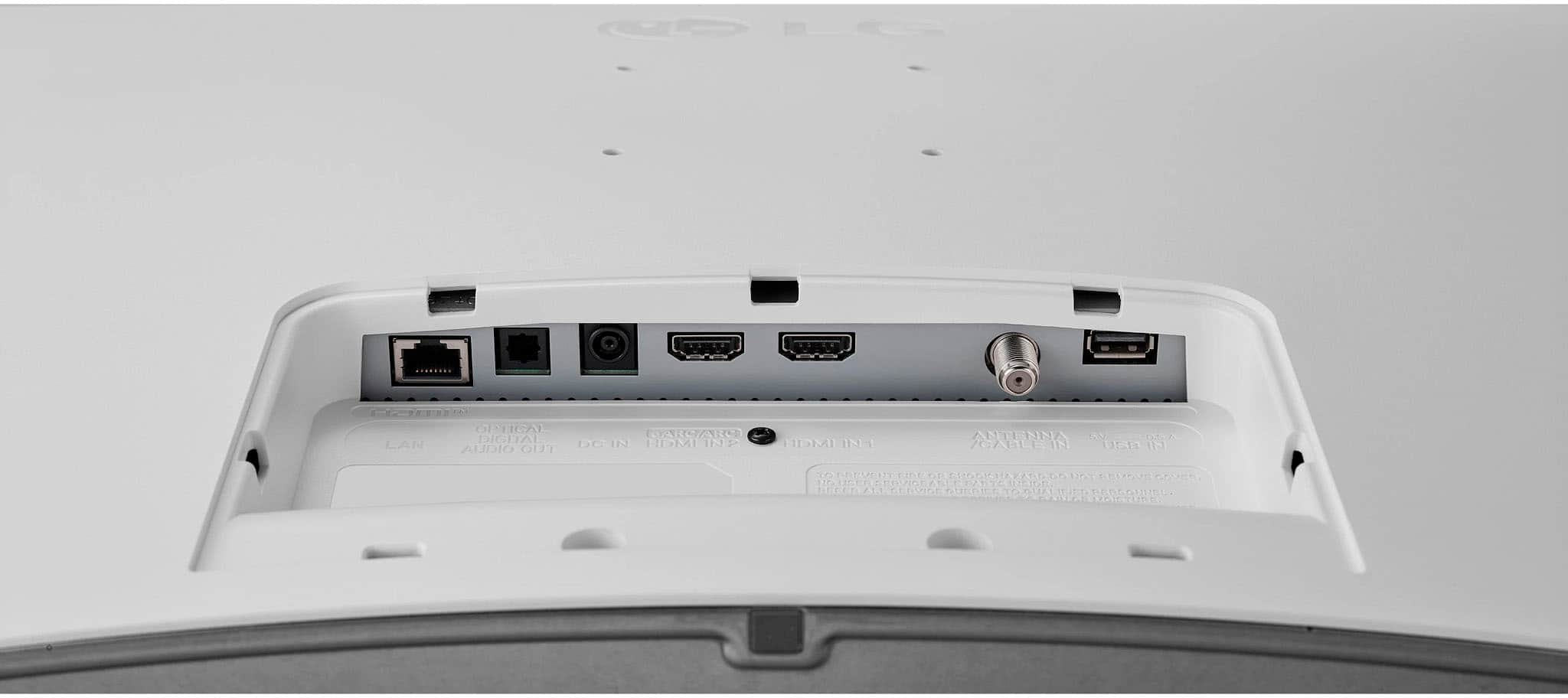
A:AnswerHi there! Thank you for reaching out with your question about the 27LQ600S-WU monitor. Yes, to connect this monitor to your cable box or laptop, you will need an HDMI cable, as it is not included with the unit. For your setup with a cable box, an HDMI cable will provide a clear connection and support high-definition viewing. Similarly, to use the monitor as an extra screen for your laptop, an HDMI cable will work well if your laptop has an HDMI output. Some laptops also support USB-C for video output, so check your laptop’s ports in case it offers multiple options.
If you have any further questions, feel free to reach out to us on social media @LGUSSupport. We’re happy to help!
—Avril
A:AnswerYes. You can buy a stand for LG's 27" Class LED Full HD Smart webOS TV with Countertop Design model, 27LQ600S-WU. The VESA stand size is 24x24. ^Danee
A:AnswerHello there! Thank you for your question about AirPlay functionality with the 27LQ600S-WU model. Yes, you can AirPlay from your MacBook Pro to this TV, allowing you to stream content wirelessly with ease. Make sure both devices are connected to the same Wi-Fi network for a smooth connection. If you have any further questions or need assistance, please send us a private message on Social Media @LGUSSupport, and we’ll be happy to help. We appreciate your feedback!
—Avril