Year-End SaleEnds 1/1/26. Limited quantities. No rainchecks.

Main Content

Questions & Answers

Your price for this item is $209.99
Page Showing 61-80 of 168 questions
  • QuestionDoes countertop design mean that it will just sit on a counter top without a stand?

    Asked by Anonymous.

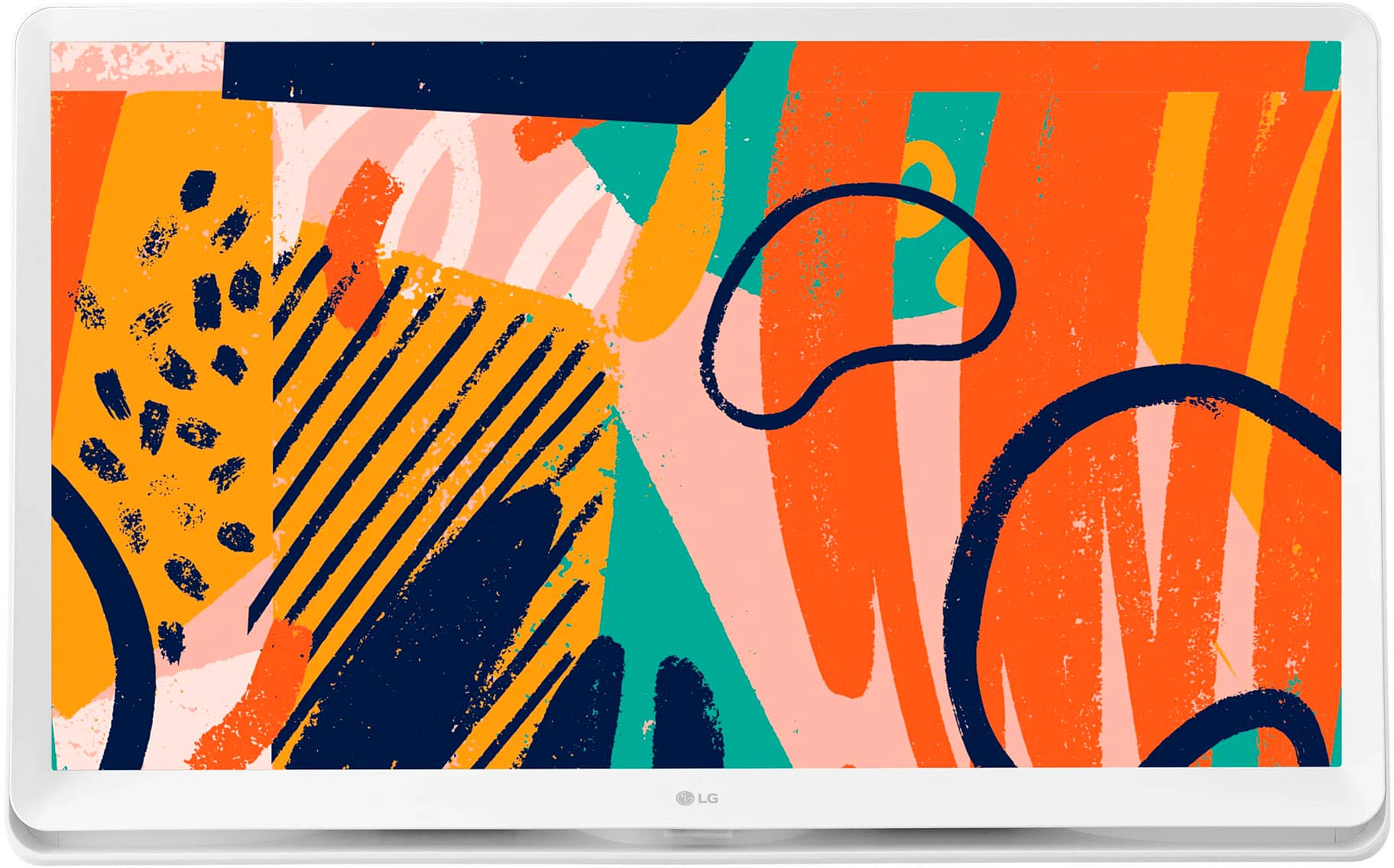
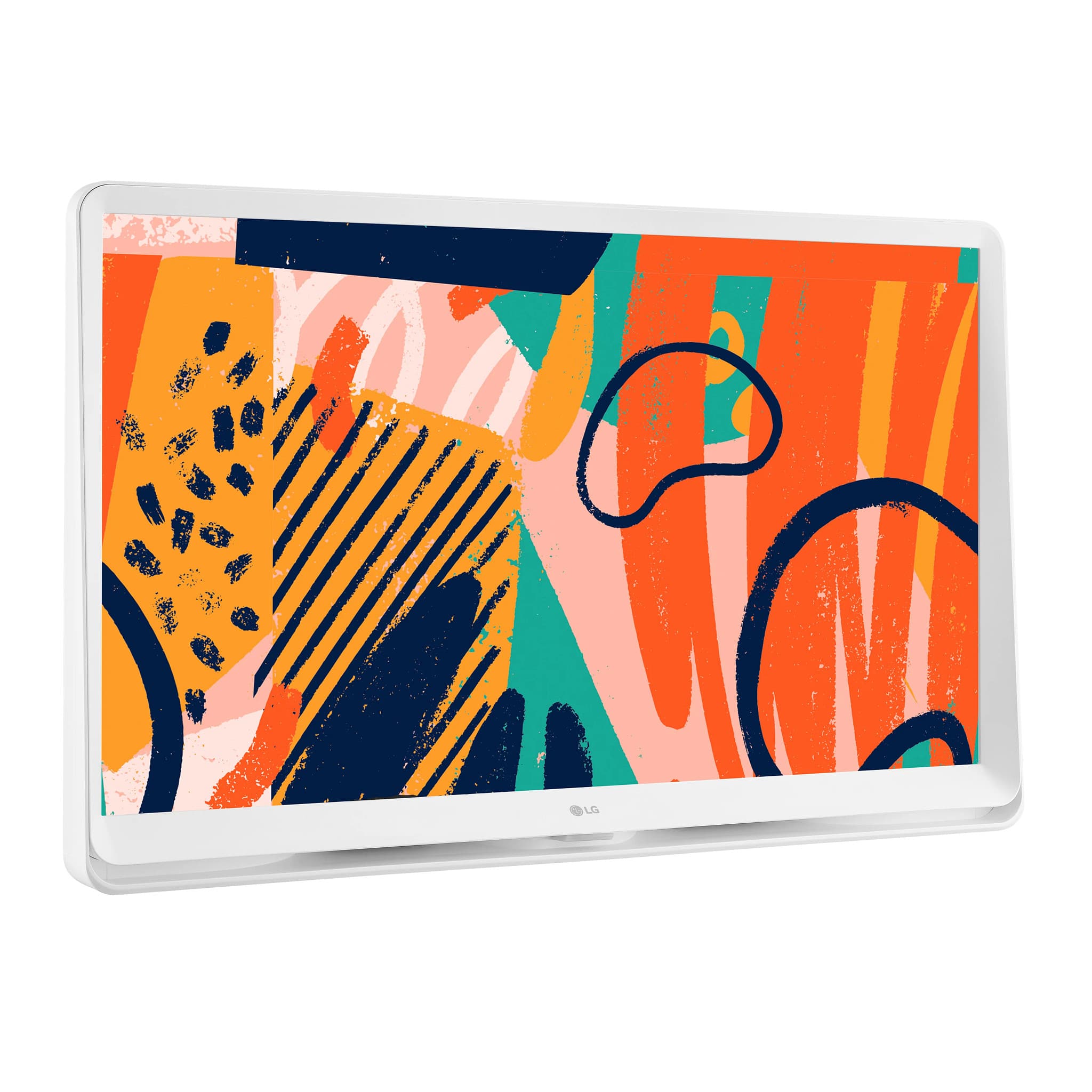
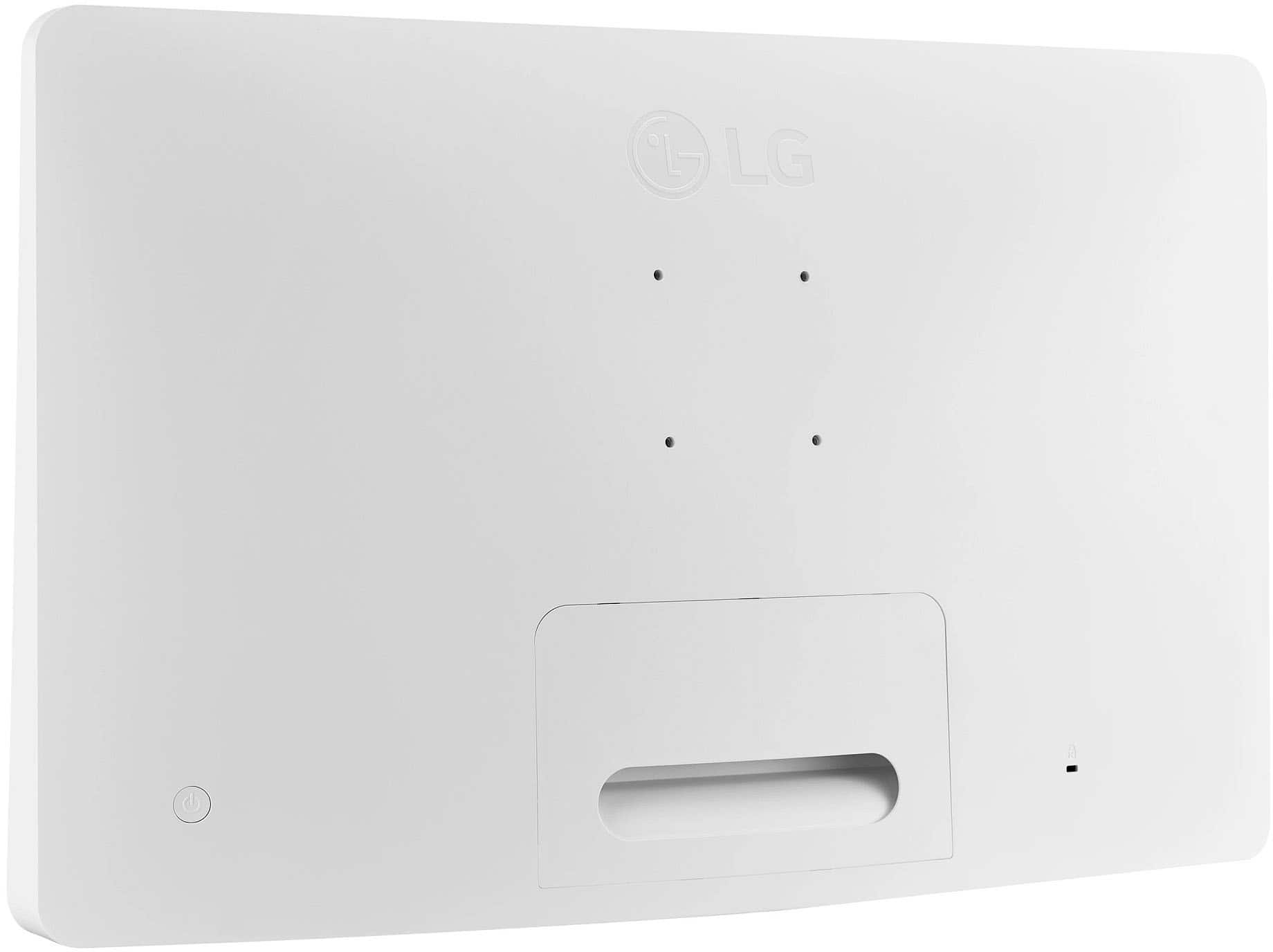
    • Answer Yes it sits on a counter top also could hang it up.

      Answered by MikeP

  • QuestionWhat is the furthest distance that the remote will work from the TV?

    Asked by Ronald.

    • Answer Hi there, Ronald. The remote control for the LG 27LQ600S-WU typically works within a range of approximately 16 to 32 feet (5 to 10 meters) in an unobstructed line of sight. Performance may vary depending on environmental factors like interference from other devices or obstacles between the remote and the monitor. If you experience any issues, we recommend ensuring there are no obstructions and replacing the batteries if needed. https://www.lg.com/us/monitors/lg-27lq600s-w-ips-monitor#pdp_specs If you need further assistance, please send us a private message on Social Media @LGUSSupport, and we'll be happy to help! —Renzo

      Answered by LG Digital Customer Care

  • Questionwhat is the height of the smallest LG TV in stock at your El Camino store?

    Asked by Viewer.

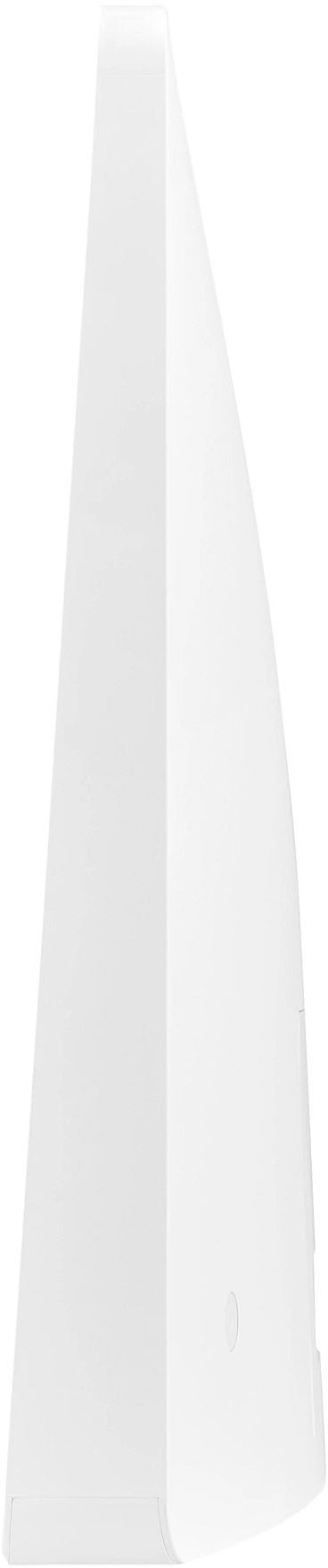
    • Answer Hi there! Thank you for your inquiry about the smallest LG TV available at our El Camino store. LG's smallest current TV model is the 42-inch Class LG OLED evo AI C4 4K Smart TV (Model: OLED42C4PUA). The dimensions of this model are approximately 36.7 inches in width and 21.1 inches in height without the stand. As for the 27LQ600S-WU, it's important to note that this model is classified as a monitor, not a television. Its dimensions are 24.9 inches in width and 15.7 inches in height with the stand. For the most accurate and up-to-date information on in-store availability, we recommend contacting the El Camino store directly or visiting their website. https://www.lg.com/us/monitors/lg-27lq600s-w-ips-monitor#pdp_specs If you have any further questions or need additional assistance, please feel free to send us a private message on social media @LGUSSupport, and our team will be more than happy to assist you. —Renzo

      Answered by LG Digital Customer Care

  • QuestionDoes this have a touchscreen?

    Asked by Screen345.

    • Answer No.

      Answered by MaureenD

  • QuestionCan you confirm that this TV has a digital/optical audio output so I can connect a sound bar to it?

    Asked by Anonymous.

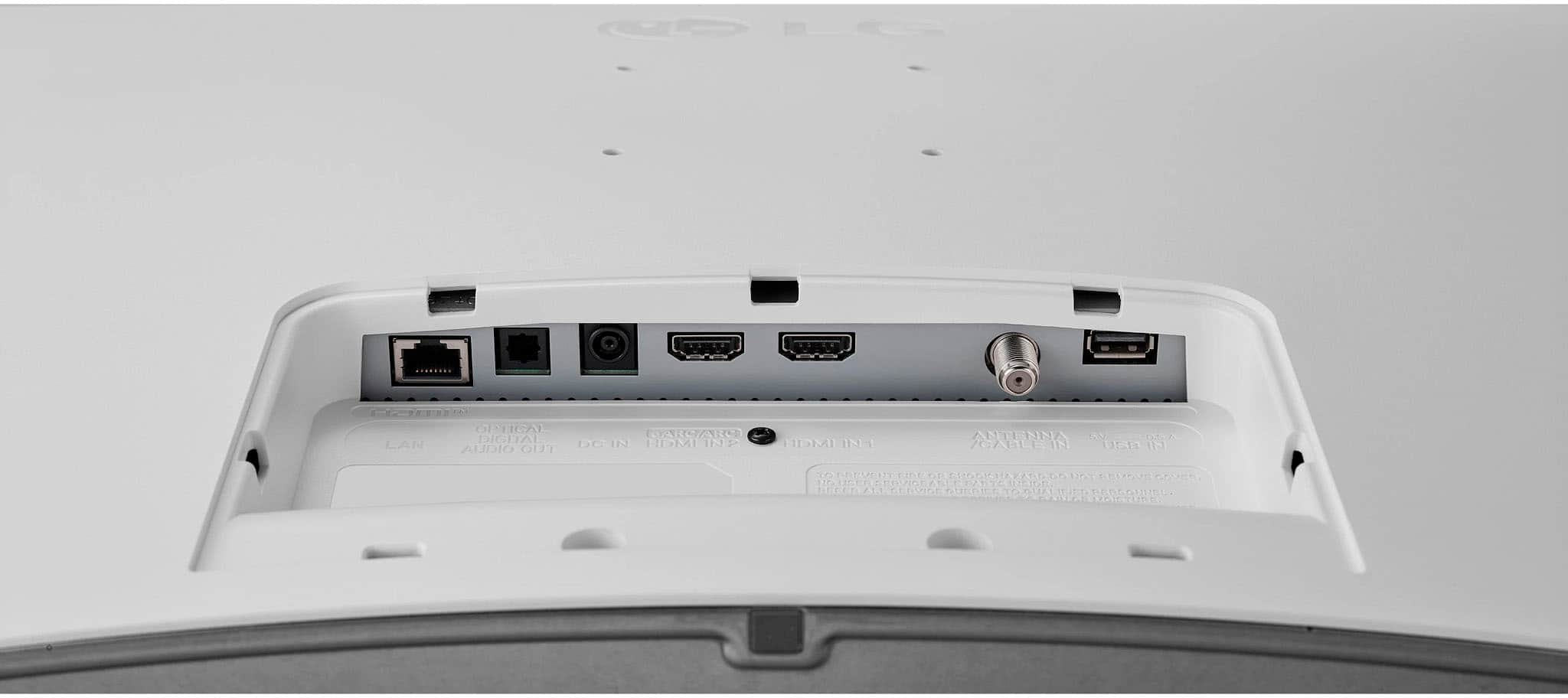
    • Answer Hi there, thank you for your question. We understand you're looking to connect a soundbar to the LG 27LQ600S-WU monitor. Yes, this model does have an optical audio output (also known as TOSLINK), which allows you to connect a soundbar or other external audio systems that support optical input. https://www.lg.com/us/monitors/lg-27lq600s-w-ips-monitor#pdp_specs If you need further assistance with the setup or have additional questions, feel free to send us a private message on Social Media @LGUSSupport, and we’d be happy to help. —Renzo

      Answered by LG Digital Customer Care

  • QuestionHow do you add apps. I tried adding spectrum tv app and could not figure out how to do so. I’ve never encountered an issue with a smart tv not being able to add apps. Any help would be appreciated. Newly purchased.

    Asked by C.

    • Answer Hi there! Thank you for your inquiry about the LG 27LQ600S-WU Smart Monitor. We understand you're having trouble adding the Spectrum TV app and would like guidance. To add apps on your Smart Monitor: Access the LG Content Store: Press the Home/Launcher button on your remote to open the menu. Navigate to the LG Content Store (this is where you can find apps, games, and premium content). Search for the App: Use the search feature in the LG Content Store to look for the Spectrum TV app. If the app is not available, it may not be supported on this monitor model. Alternative Streaming Options: If the Spectrum TV app isn’t supported, consider using an external streaming device (like Roku, Amazon Fire Stick, or Apple TV) to access the app. Connect the device via HDMI and switch the input to access your desired content. https://www.lg.com/us/monitors/lg-27lq600s-w-ips-monitor#pdp_specs If you have any further questions or need more assistance, please send us a private message on Social Media @LGUSSupport. Our team will be happy to assist you! We appreciate your inquiry! —Renzo

      Answered by LG Digital Customer Care

  • QuestionCan you instal YouTube TV on this model?

    Asked by MayorDusty.

    • Answer Yes, quickly and easily.

      Answered by MaureenD

  • QuestionDoes this tv have Bluetooth?

    Asked by Anonymous.

    • Answer Yes. I've connected it to my airpods when watching something different than what's in the other room.

      Answered by WillK

  • QuestionCan I aim the remote on a sensor on the TV? I don't have bluetooth or any internet device. Just would use TV to watch broadcast TV. I'd be dependent on a sensor on the TV to use the remote. Thank you.

    Asked by Joey.

    • Answer Hi there, Joey. Thank you for your question about the LG 27LQ600S-W Full HD IPS LED TV Monitor. Yes, you can definitely aim the remote at the infrared sensor on the TV to control it. Since the TV includes a standard infrared remote control, it doesn’t require Bluetooth or internet connectivity to function. You’ll be able to use the remote to operate the TV and watch broadcast TV without any issues. https://www.lg.com/us/monitors/lg-27lq600s-w-ips-monitor#pdp_specs If you need further assistance, feel free to send us a private message on Social Media @LGUSSupport. We’re happy to help! —Renzo

      Answered by LG Digital Customer Care

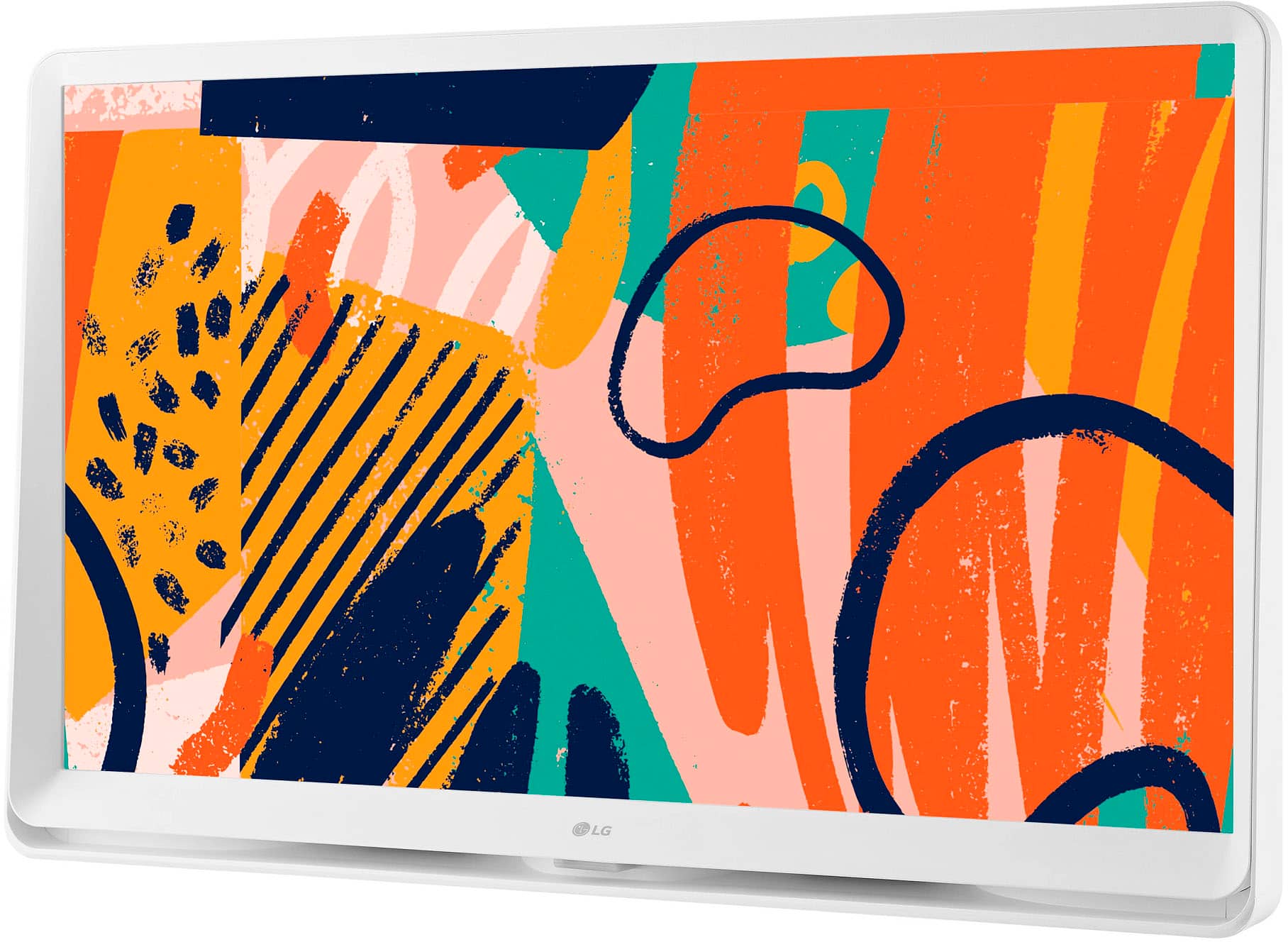
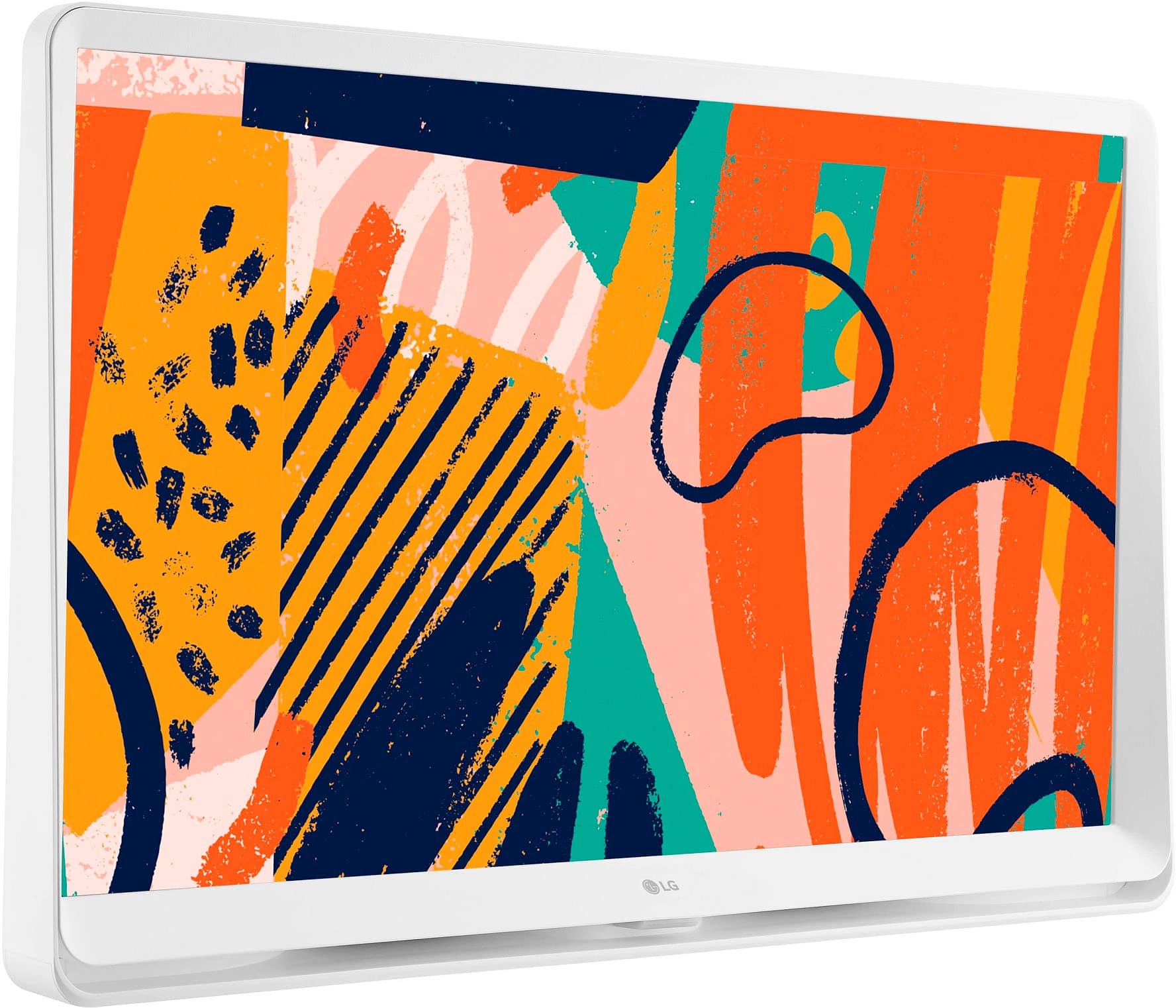
  • QuestionHow do you get the artwork that is shown? There is no options for the gallery on this and lg said if you get a separate magic remote you can? But there has to be a way if they show it?

    Asked by Steph.

    • Answer Hi there, Steph. Thank you for your question about the 27LQ600S-WU monitor! The artwork displayed on the monitor can typically be accessed through the Gallery mode, which allows you to showcase various images. If your model doesn't have the Gallery option directly, using a separate Magic Remote can enhance functionality and provide access to additional features, including the gallery. Additionally, you can also upload your own artwork or photos via USB or connect to compatible apps if supported. If you need further assistance or have more questions, please feel free to send us a private message on social media @LGUSSupport. We're here to help! Thank you for considering LG! —Avril

      Answered by LG Digital Customer Care

  • QuestionDoes this tv have Bluetooth capabilities. I want to connect my Bluetooth speakers to the tv.

    Asked by Auddy.

    • Answer Hello there. Thank you for your question about the LG 27LQ600S-W. We understand you're interested in connecting your Bluetooth speakers. This monitor does not have Bluetooth capability. It only has an HDMI, USB, and Optical output it is designed primarily for connecting wireless devices like keyboards or mice. It does not support audio Bluetooth connections for speakers or headphones. For wireless audio, you might want to consider using an external Bluetooth transmitter or another model with dedicated Bluetooth audio support. If you need further assistance, feel free to send us a private message on social media @LGUSSupport. We’re happy to help! —Renzo

      Answered by LG Digital Customer Care

  • QuestionCAN'T BE ANY WIDER THAN 27'' WIDE NOT DIAGONIL

    Asked by Anonymous.

    • Answer It’s literally only 25 inches wide.

      Answered by BoomerSooner7

  • QuestionCan the TV be used as a separate monitor with a laptop and the proper chord. I have a small laptop screen and like to work just on the monitor with the laptop closed.

    Asked by SarahW.

    • Answer Hello there. Thank you for your question about the 27LQ600S-WU TV. We understand that using your TV as a separate monitor with your laptop can be a convenient setup. Yes, you can use the 27LQ600S-WU TV as a monitor for your laptop. Here’s how to do it: Connect the TV to the Laptop: Use the appropriate cable (HDMI is most common) to connect your laptop to the TV. Make sure both the TV and laptop are powered on. Select the Input Source: On the TV, use the remote to select the HDMI input source that corresponds to the cable you connected. Adjust Display Settings: On your laptop, you may need to adjust the display settings to extend or duplicate the screen to the TV. You can usually do this by going to your display settings and selecting the TV as an external display. Close the Laptop: Once the TV is set up as the primary display, you can close your laptop and it should continue to work with the TV as the monitor. If you encounter any issues or need further assistance, please send us a private message on Social Media @LGUSSupport. We’re here to help ensure everything works smoothly for you. —Renzo

      Answered by LG Digital Customer Care

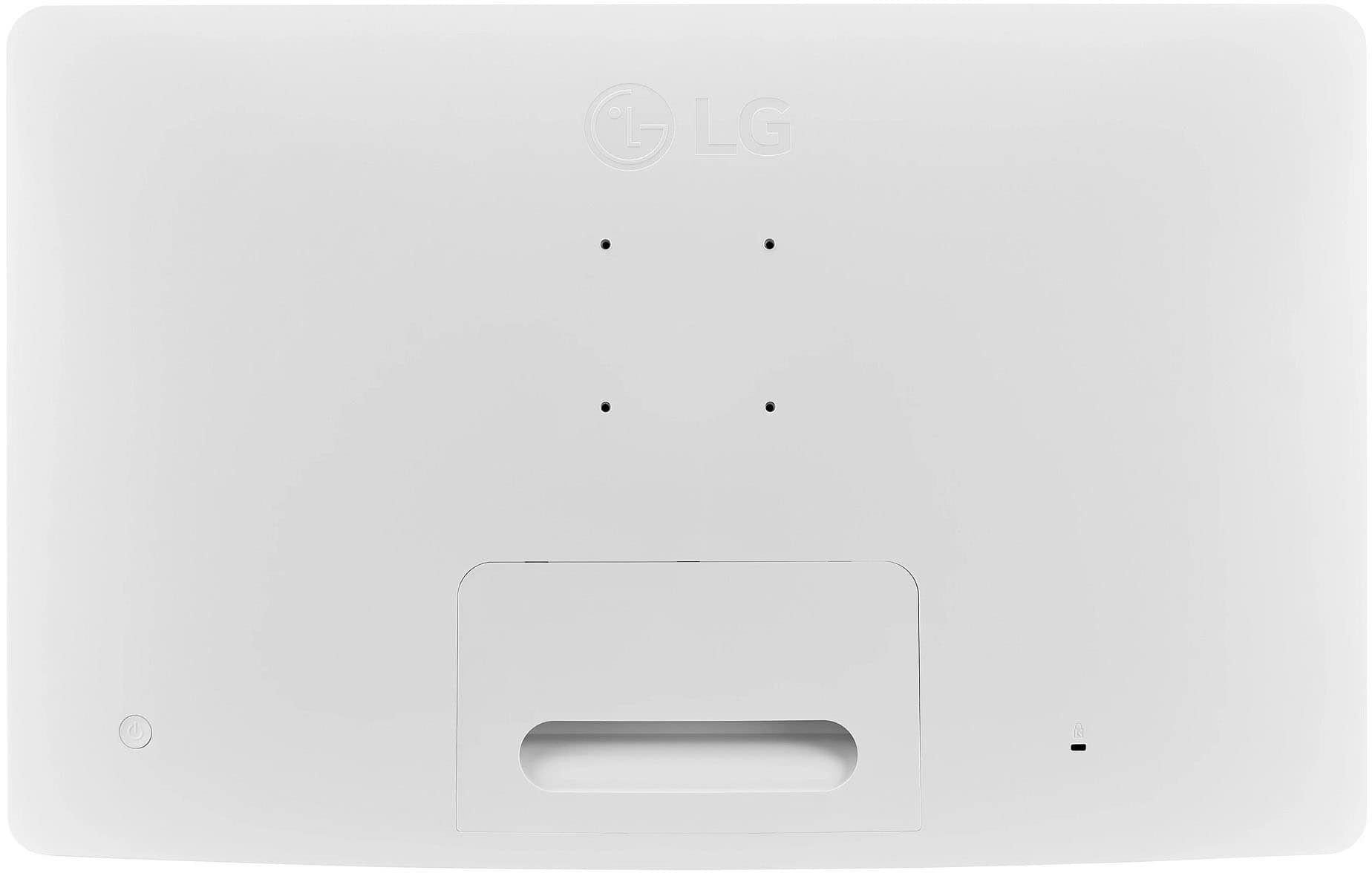
  • QuestionCan you mount this tv on the wall?

    Asked by Wendy.

    • Answer Absolutely

      Answered by BoomerSooner7

  • QuestionDoes this tv an Ethernet input?

    Asked by Anonymous.

    • Answer Thank you for reaching us regarding LG Smart webOS TV. Yes, the LG 27LQ600S-WU TV does have an Ethernet input. You can download its owner's manual through this link for more information: https://www.lg.com/us/support/product/lg-27LQ600S-WU.AUS. For additional assistance, please reach out to us on social media @LGUSSupport so we can help you further. ^Cris

      Answered by LG Digital Customer Care

  • QuestionI have an LG 27 in TV longer works (12 yrs). I have an outside roof antenna that leads into the house and then connects to screws into the socket and also has a separate plug for the wall outlet. do you carry any 27 TVs? IN OTHER WORDS NO CABLE.

    Asked by SHAI.

    • Answer Hello there! Thank you for your inquiry about a 27-inch TV compatible with your setup. We understand how important it is to find the right television for your needs. Currently, LG does not have a 27-inch TV model in their lineup. However, you might consider looking at larger models that are available, as many LG TVs come with built-in tuners, allowing you to connect your roof antenna directly for over-the-air channels without a cable subscription. If you need help finding a suitable model or have any further questions, please feel free to send us a private message on Social Media @LGUSSupport. Our team is here to help you! We appreciate your patience. —Avril

      Answered by LG Digital Customer Care

  • QuestionDoes this TV have touch screen capability and/or rotate to portrait?

    Asked by screenorientation.

    • Answer No

      Answered by BillieH

  • QuestionI am looking for the Mac Address for this tv and can't find it. I need it in order to connect it to the wifi.

    Asked by sarac.

    • Answer Thank you for reaching us regarding LG Smart webOS TV. To find the MAC address for your LG 27LQ600S-WU TV, follow these simple steps: •Press the Settings button on your TV remote •Navigate to the Network tab •Select Wi-Fi Connection •Go to Advanced Wi-Fi Settings •Scroll down to find the MAC address at the bottom of the screen Alternatively, you can also: •Press the Info button on your remote to display the MAC address •Check the list of connected devices on your wireless router's web interface to find the MAC address You can download its owner's manual through this link for more information: https://www.lg.com/us/support/product/lg-27LQ600S-WU.AUS. If problem persist, please reach out to us on social media @LGUSSupport so we can help you further. ^Cris

      Answered by LG Digital Customer Care

  • QuestionDoes this TV have CEC with eARC HDMI?

    Asked by jakey.

    • Answer Hello there! Thank you for your inquiry. The LG 27LQ600S-WU TV does support HDMI Consumer Electronics Control (CEC), which allows for control of connected HDMI devices through the TV. However, it does not include eARC (Enhanced Audio Return Channel) support. eARC is typically found on higher-end models and provides enhanced audio quality and capabilities. If you have any further questions or need additional assistance, please send us a private message on Social Media @LGUSSupport, and our team will be happy to help. We appreciate your patience. —Renzo

      Answered by LG Digital Customer Care

  • QuestionThe description says 240volt. Is this right? Or does it just have a regular plug

    Asked by Mel.

    • Answer it Has a 3 Way Plug.

      Answered by Bestbuyfan6