A:AnswerI am not sure about that, no guidance is offered in the manual for this issue. Please seek help on the LG Community Forum at https://lgcommunity.us.com/. The LG Community Forum is a great resource for getting help from other LG customers.
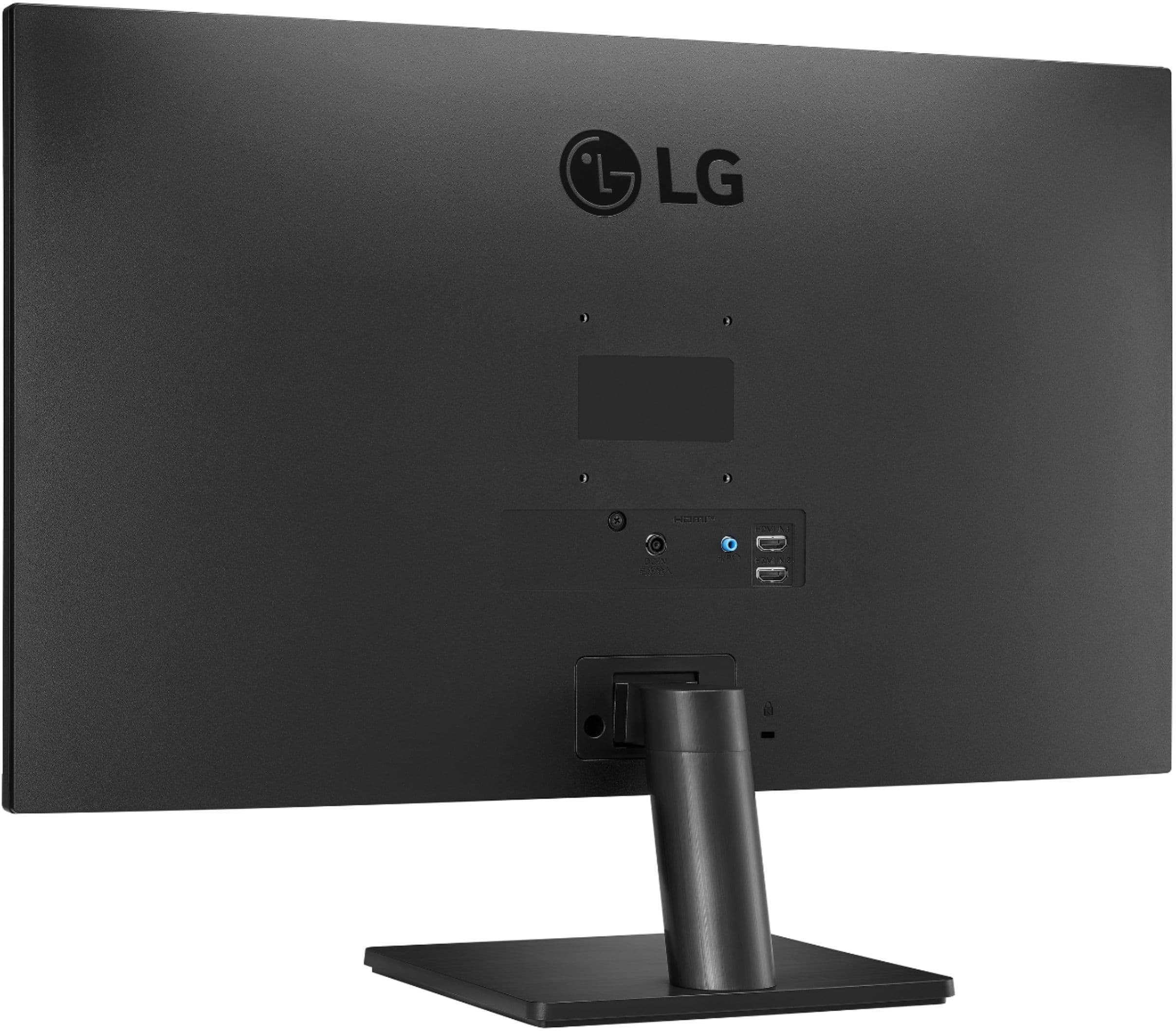
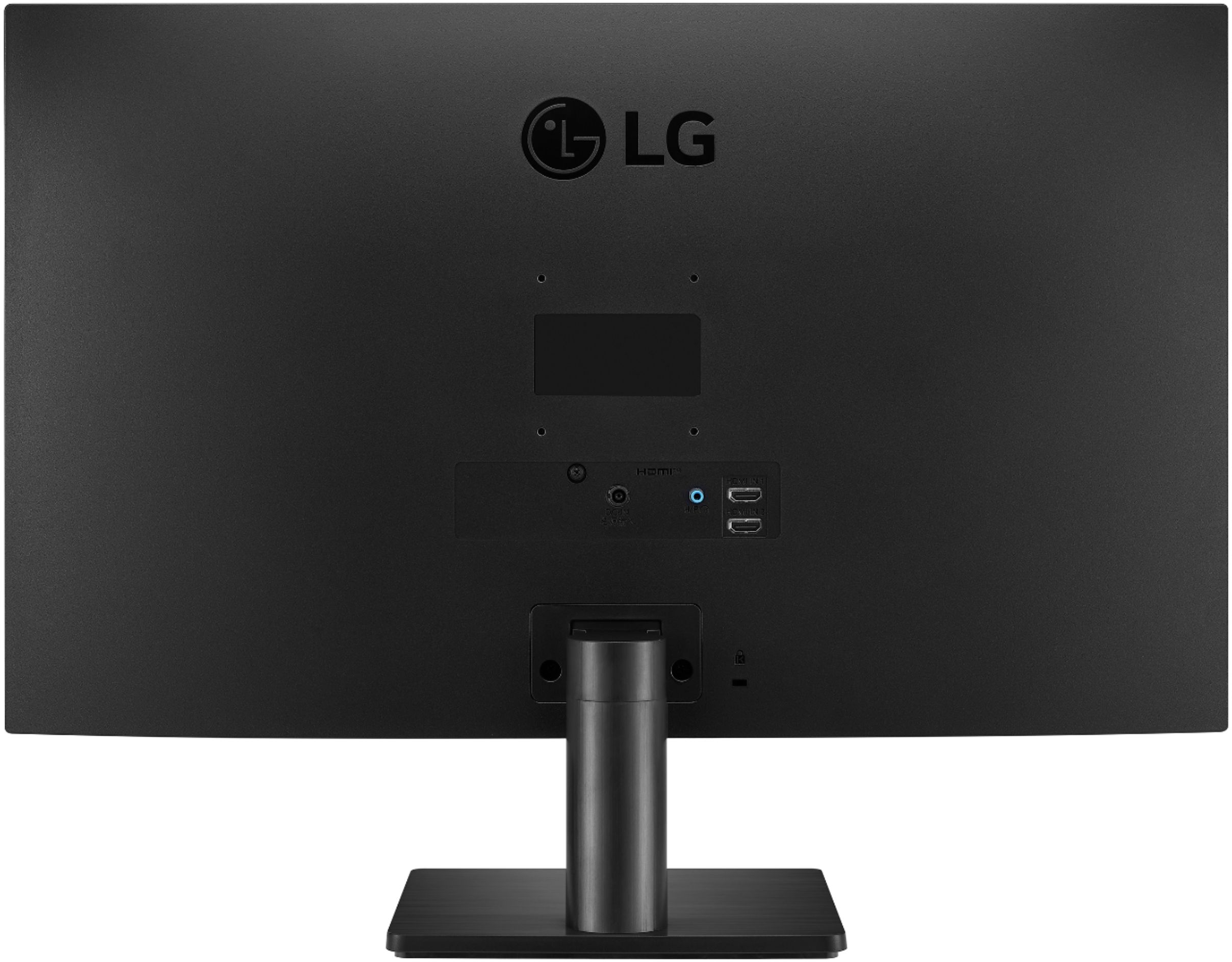
A:AnswerI will work if you have a way to hook up an HDMI cable to the MacBook Air. If I remember right it doesn’t have a regular HDMI output but you can get an adapter that lets you use the lightning connection.
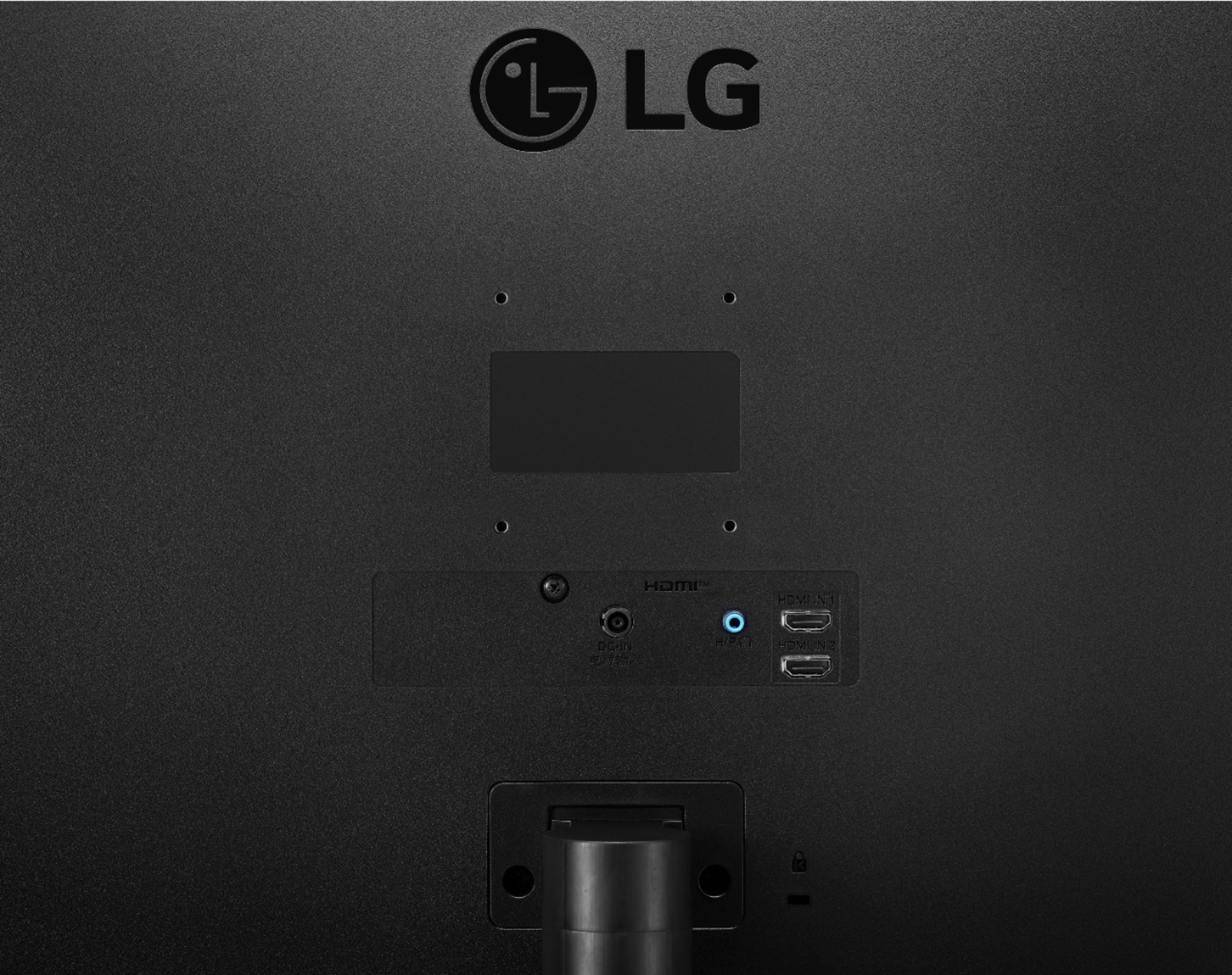
A:AnswerIt has 2 hdmi ports, the bottom port is #2. Make sure you are sending the signal to the correct port. Your pc is going to send it to port #1 by default.
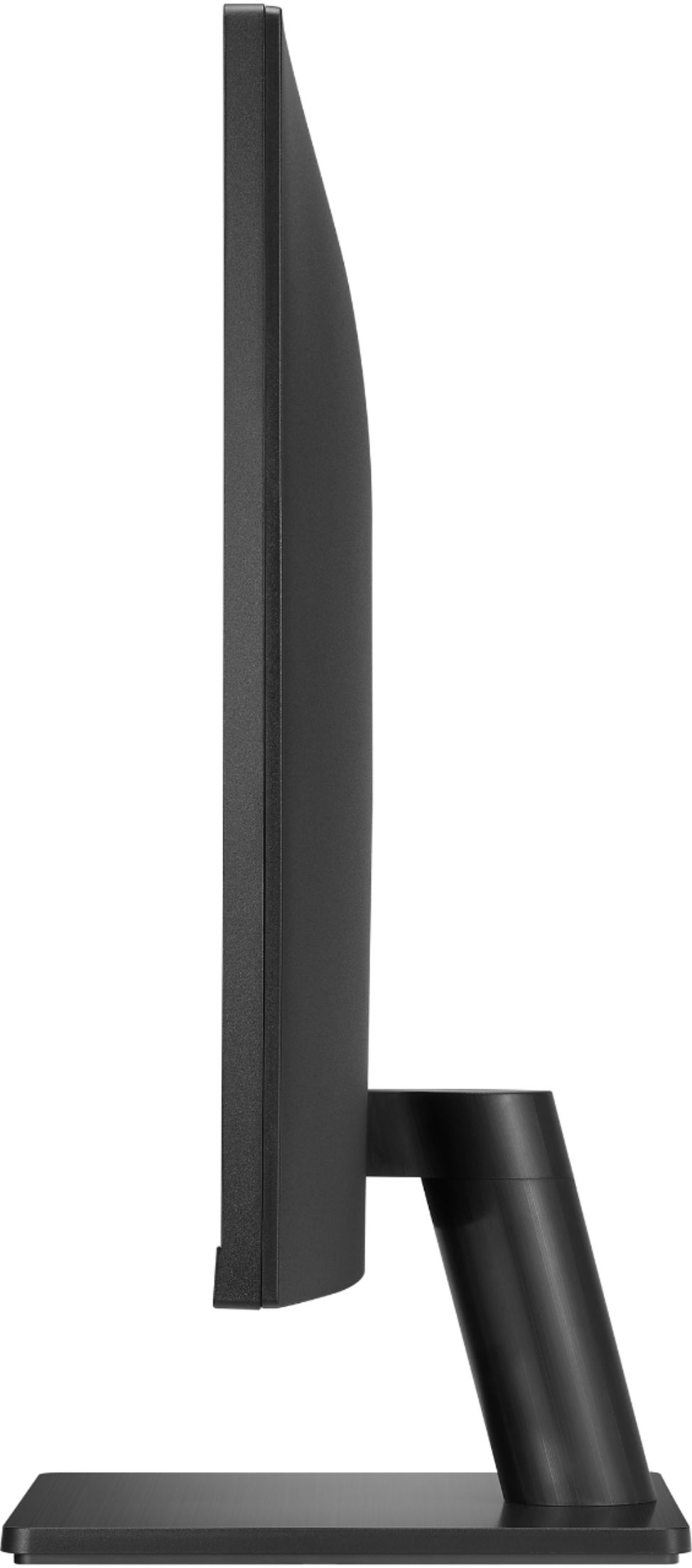
A:AnswerConverting the measurements in millimeters (per the manual) into inches:
(Width x Height x Depth)
WITH stand: 611.1mm x 455.1mm x 214.9mm: 24.06" x 17.92" x 8.46" (rounds to 24" x 18" x 8.5")
NO stand: 2611.1mm x 362.6mm x 39.5mm: 4.06" x 14.28" x 1.55" (rounds to 24" x 14.25" x 1.5")
A:AnswerPlease reach out to our support team via private message on Facebook @LGUSSupport and use #VOC in your first message to our social media support team or call at 800-243-0000. Also, be sure to provide your contact information, model/serial numbers and date of purchase. ^Daphane