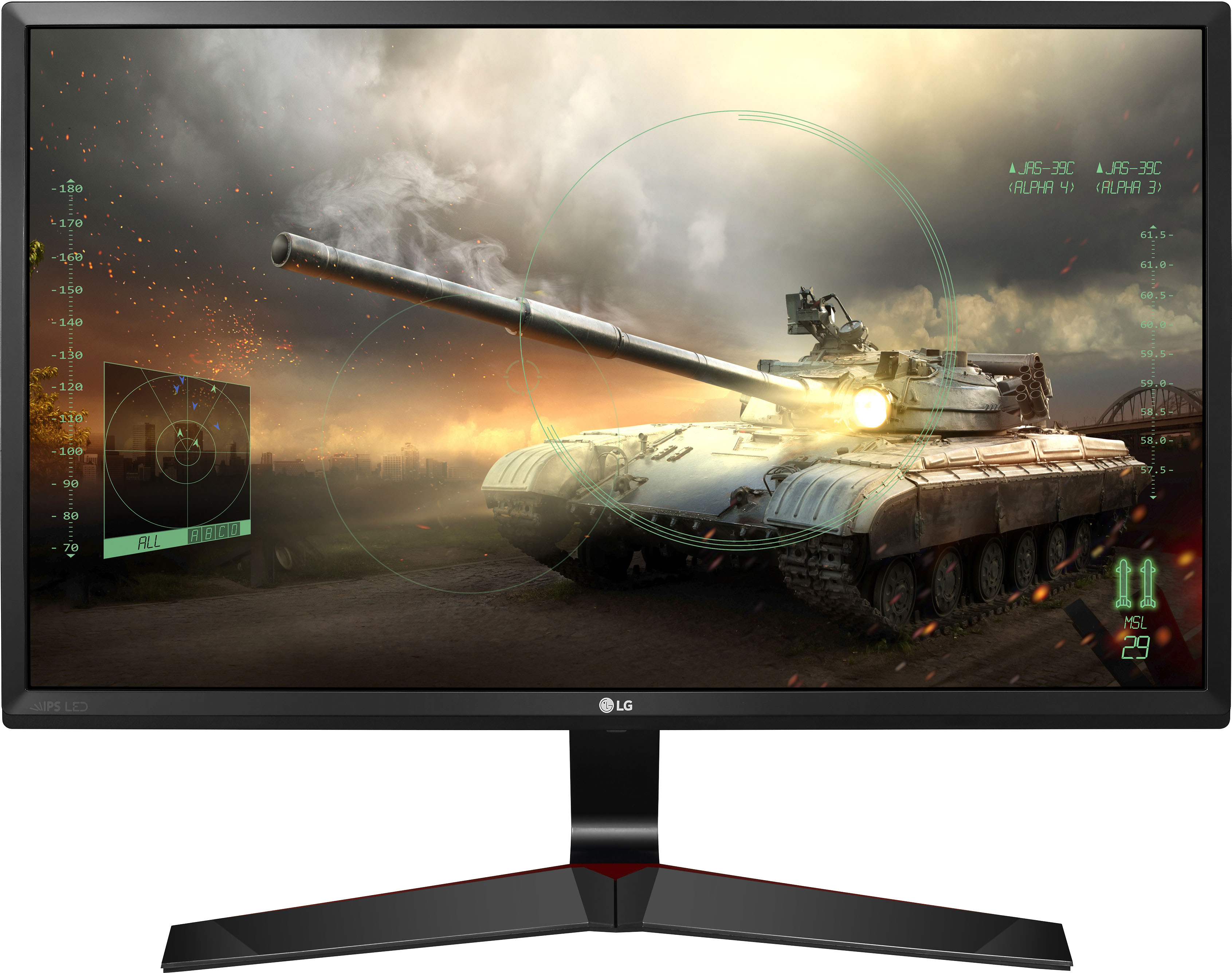
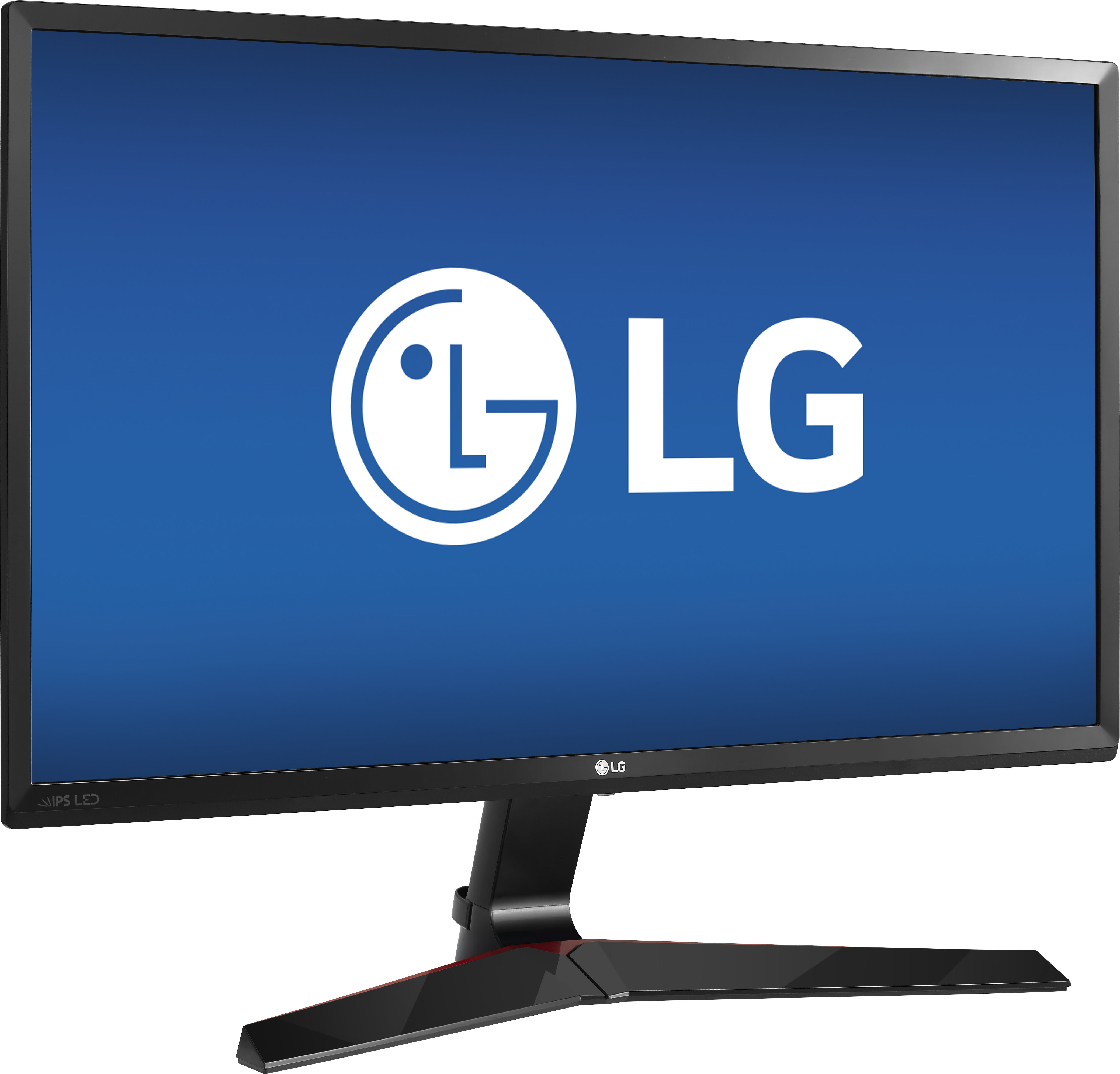
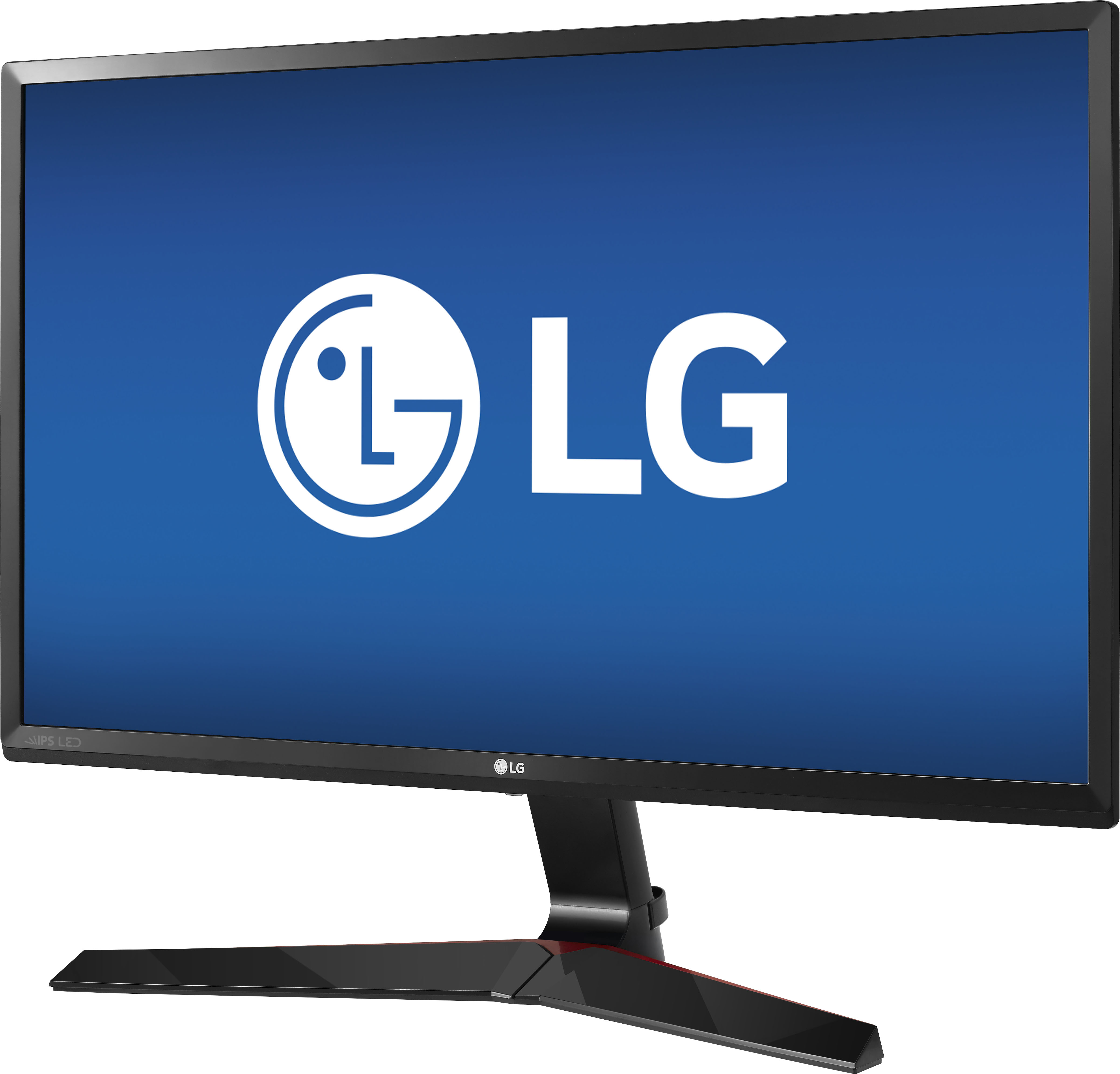
A:AnswerGreat question! Yes you can adjust the brightness and color contrast and even select a preferred picture mode.
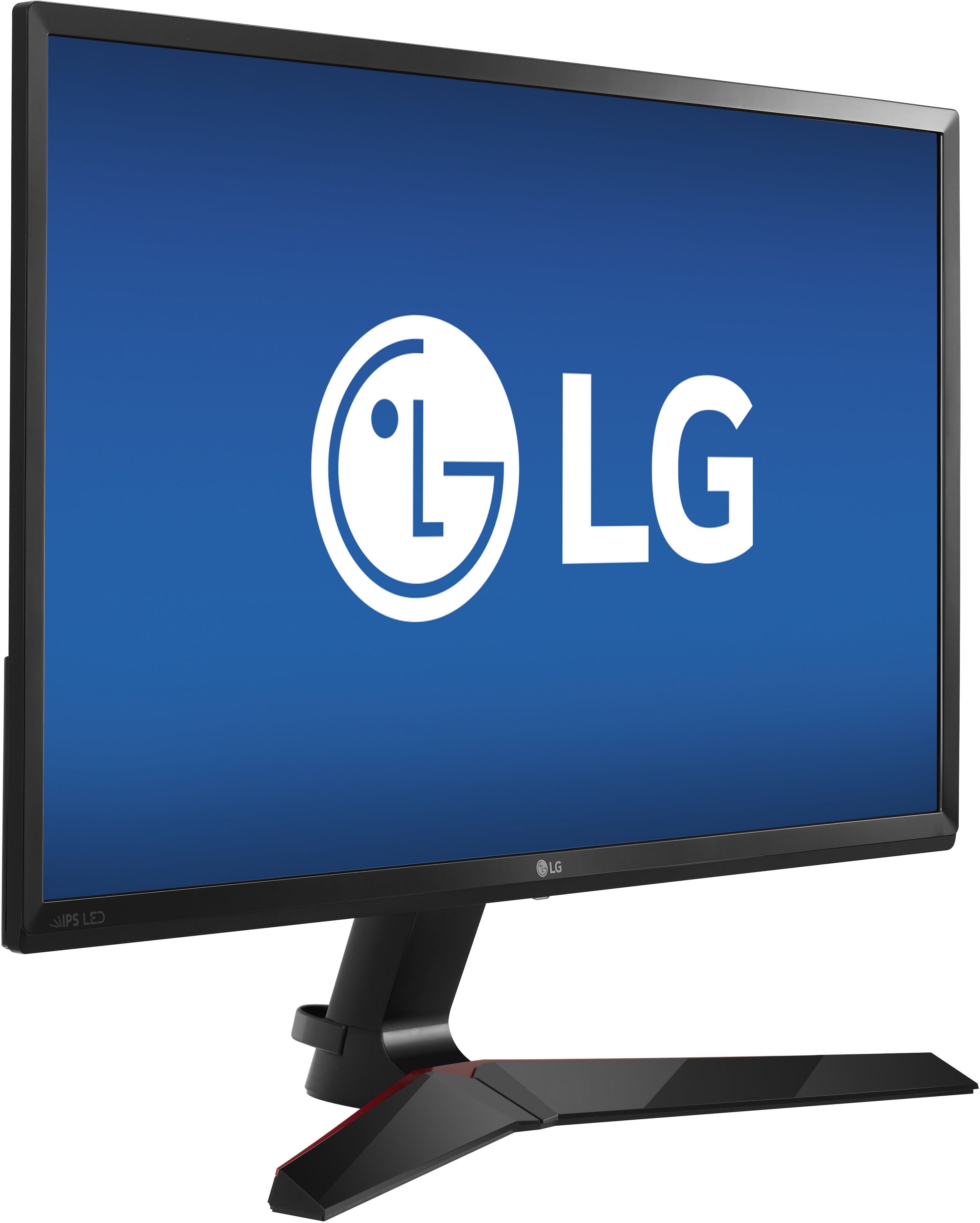
The menu button is located on the bottom of the monitor screen, underneath the LG logo. Once you push the button backwards, a menu screen will appear. Toggle the button towards the Menu option then you can manually adjust the brightness and contrast in the Quick Settings area to suit your preferences. I highly recommend checking out the picture mode preset options, as they have been calibrated by product experts.
Picture Mode Presets
Custom - Allows the user to adjust each element. The color mode of the main menu can be adjusted.
Reader 1 - It is a mode that the screen is adjusted to the best for newspaper readers. If you want change the brightness settings you can adjust in the Quick Settings Menu.
Reader 2 - It is a mode that the screen is adjusted to the best for anime and cartoons.
Photo - Optimizes the screen to view photos.
Cinema - Optimizes the screen to improve the visual effects of a video.
Color Weakness - This mode is for users who cannot distinguish between red and green. It enables users with color blindness to easily distinguish between two colors.
FPS Game1 - This mode is optimized for first person shooter games.
FPS Game 2 - It has a higher Black Stabilizer value than FPS Game 1. It is suitable for very dark FPS games.
RTS Game - This mode is optimized for RTS Game.
Custom (Game) - In this mode, users can customize various elements factoring unique gaming features.
You can learn more about customizing your settings in your owners manual: https://gscs-b2c.lge.com/downloadFile?fileId=DlnXQ4Ko5rqen1lFX9ZvyA. Thanks for choosing LG! ^Jennifer
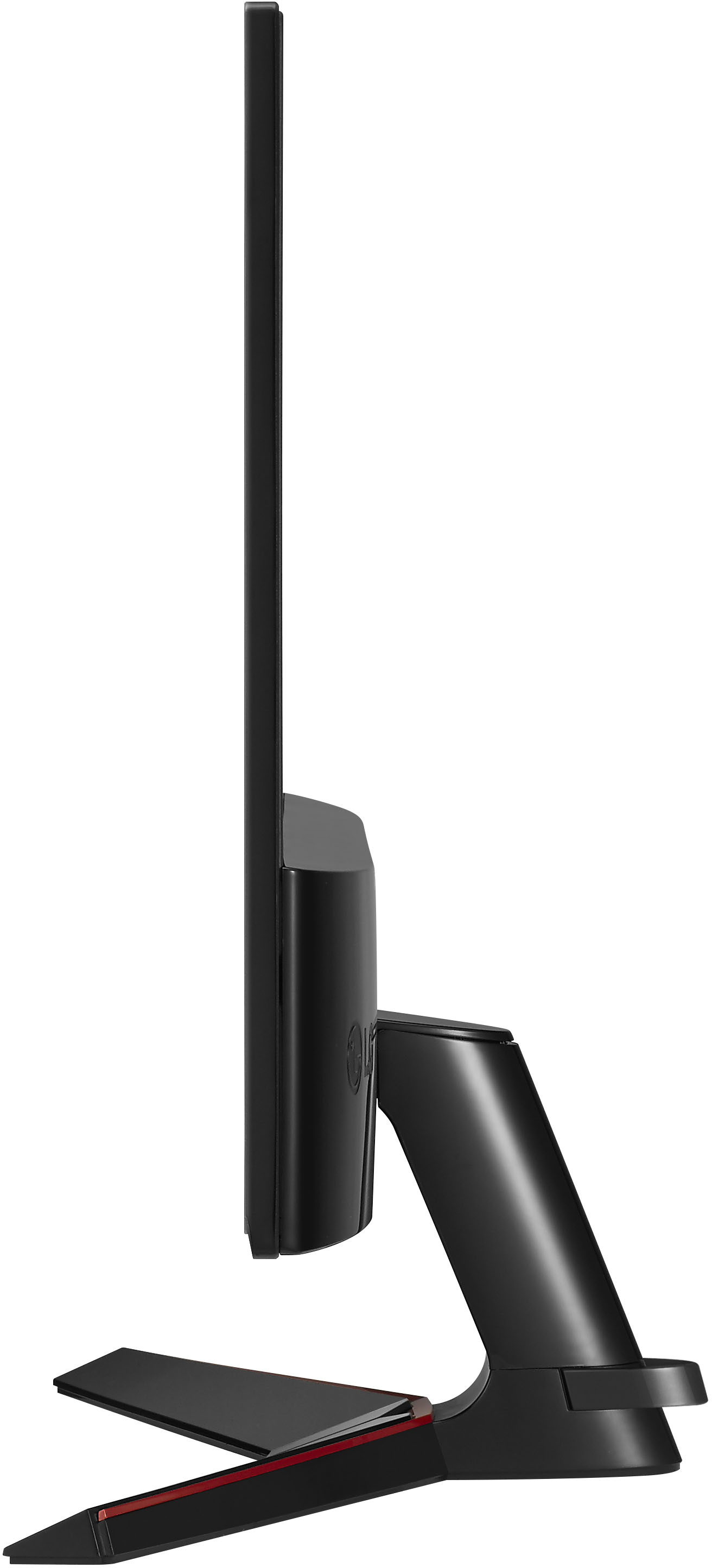
A:AnswerMonitor 27MP59G-P cannot be wall mounted. The specifications do not list a wall mount size nor does the Owner's Manual cover wall mount installation. ^Daphane
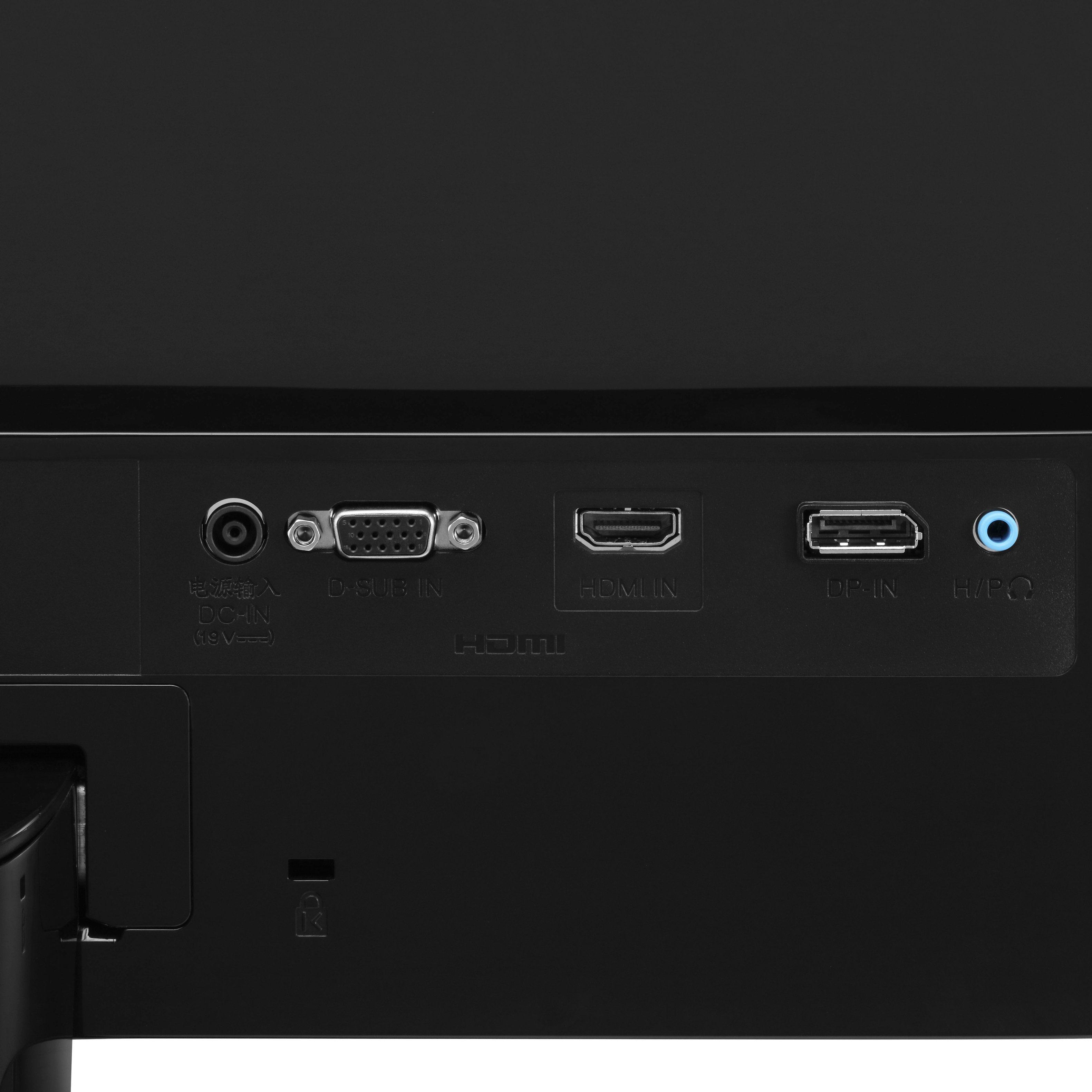
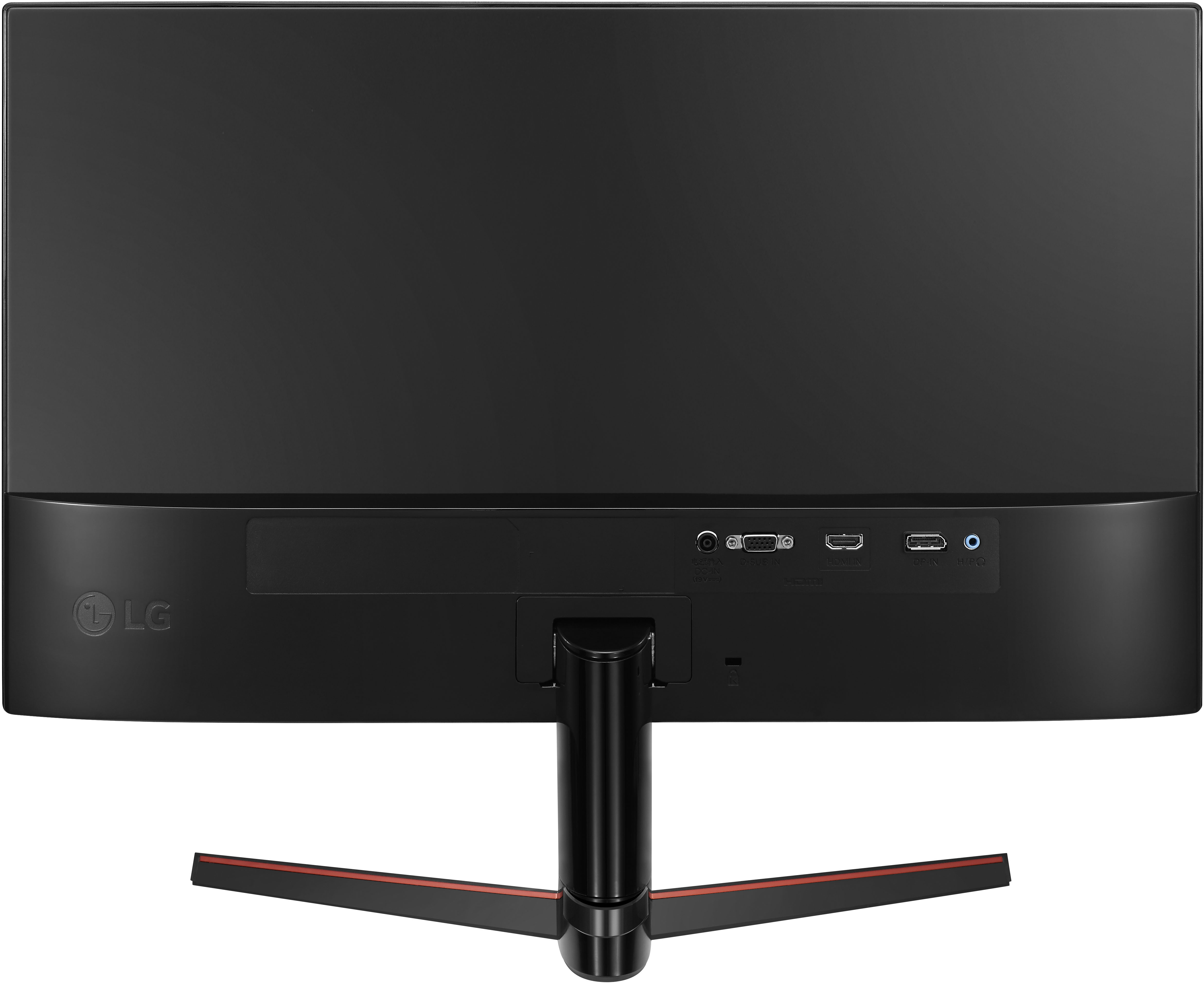
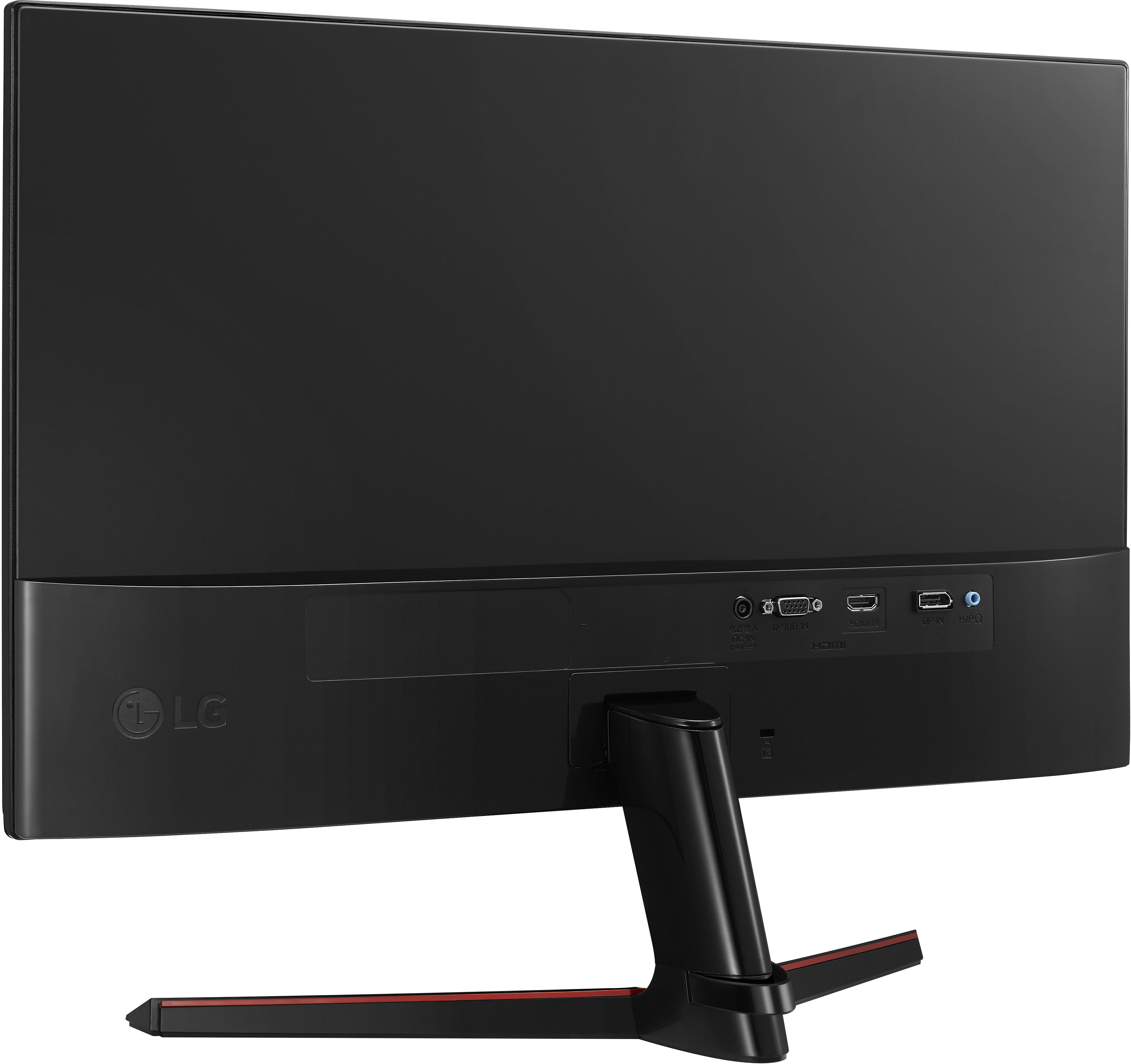
A:AnswerNumber of HDMI Inputs (Total) 1
Number of DisplayPort Inputs (Total] 1
If computer only has dvi (white plug) or/and agv (blue) you will have to get an adapter.
Or upgrade the video card system if that is an opition.
A:AnswerThe graphics are great, better than a regular monitor and for the price it is worth it. But It all depends on your own needs for gaming, for me this was good enough.