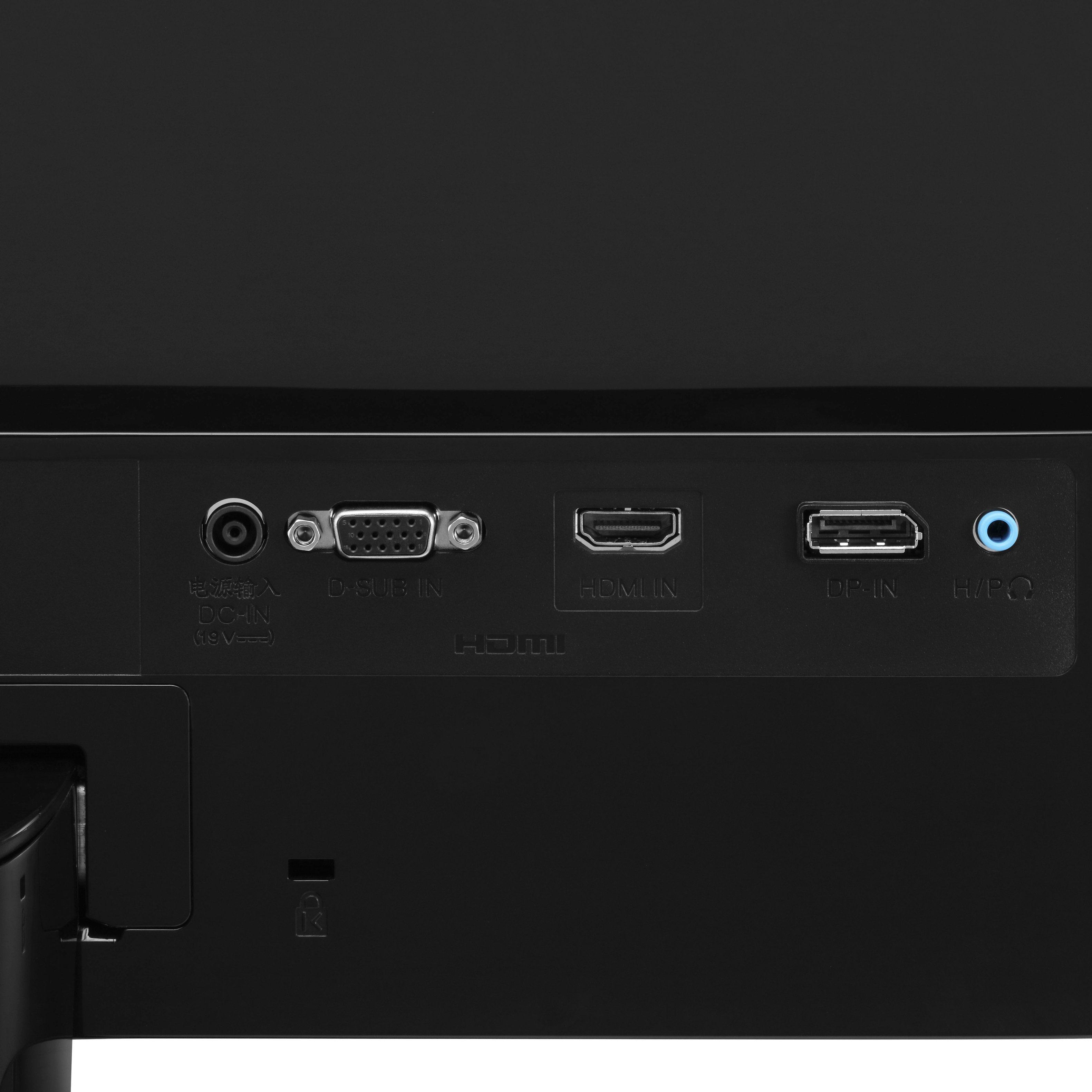
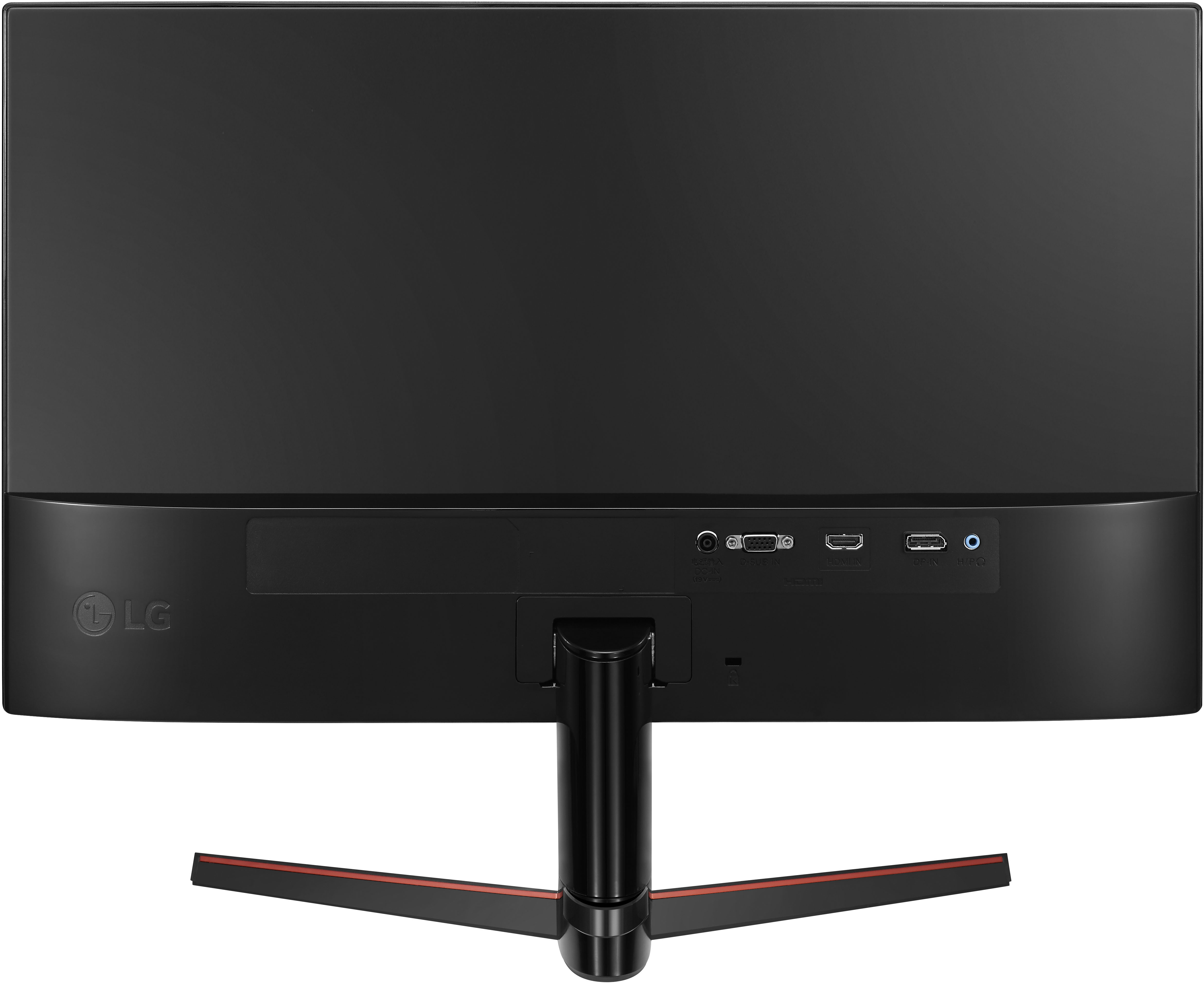
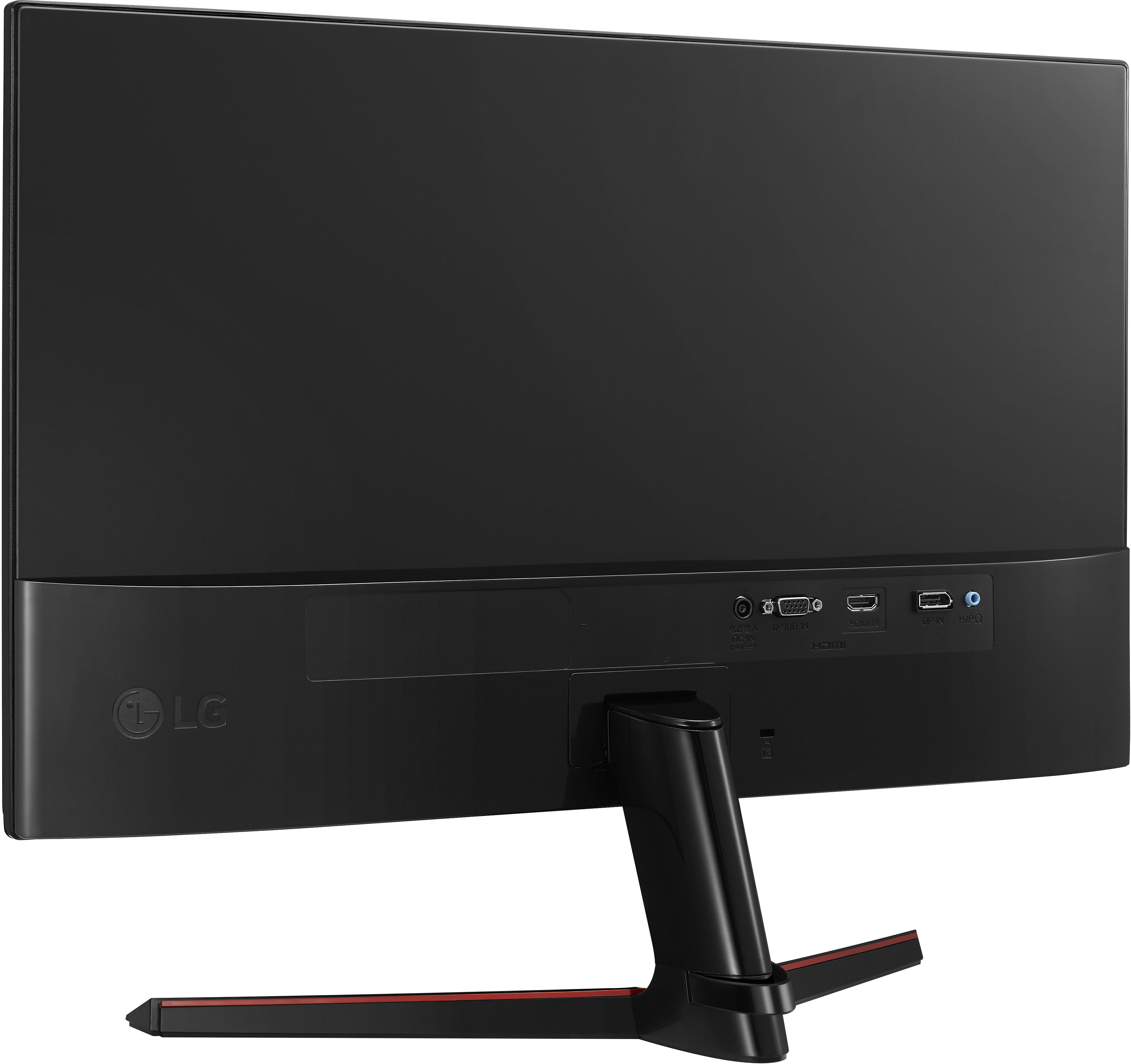
A:AnswerUse an hdmi cable and connect it to the screen then your laptop. If your laptop doesn’t have hdmi but has usb-c then you will have to get a converter.
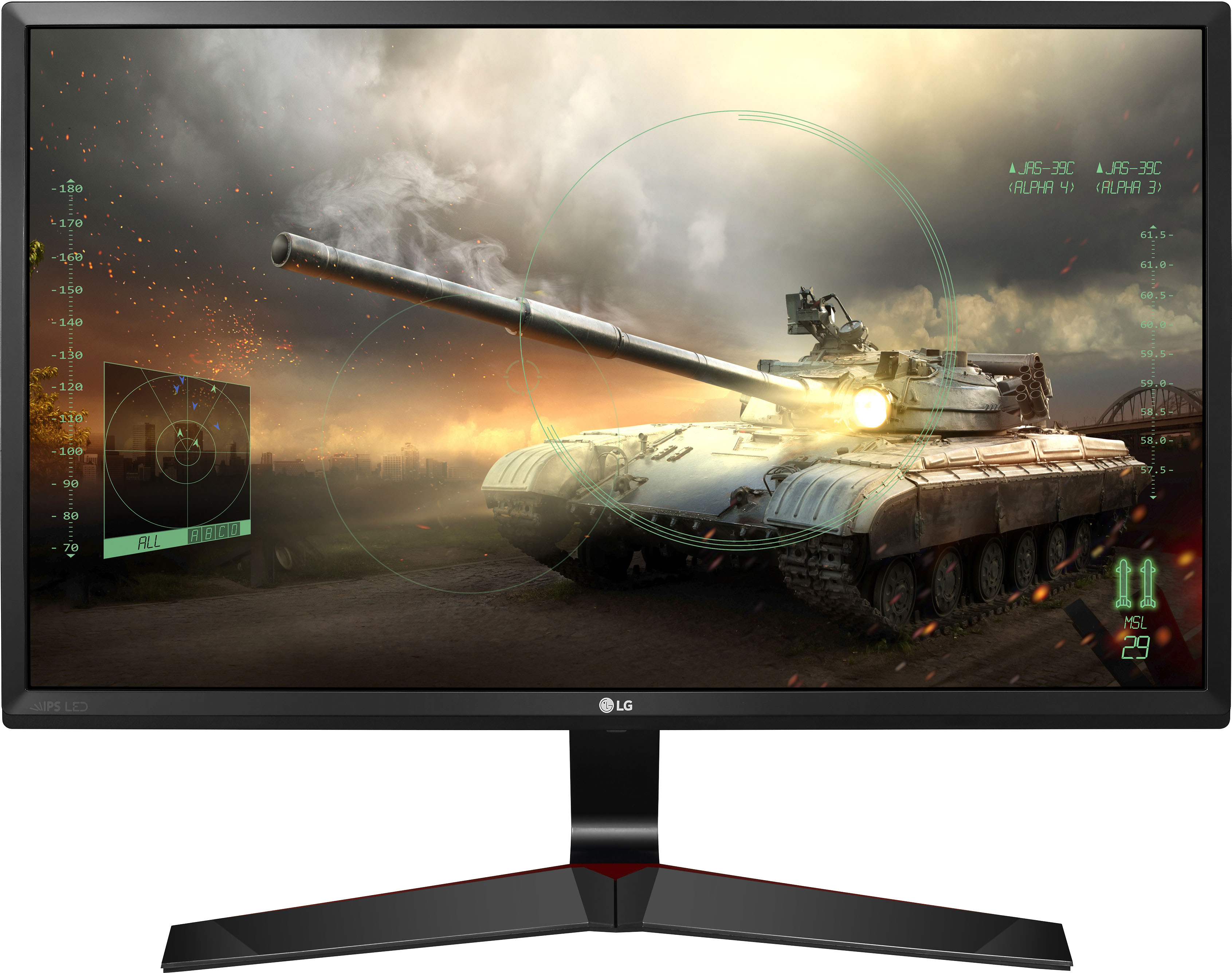
A:AnswerMonitor 27MP59G-P has a recommended resolution of 1920 × 1080 @ 60Hz and a maximum resolution of 1920 x 1080 @ 75Hz (Only HDMI / DisplayPort) or 1920 x 1080 @ 60Hz (D-sub) ^Daphane
A:AnswerPlease seek recommendations/opinions on the forums at https://www.facebook.com/LGUSA; they are a great resource for getting help from other LG customers. Thank you. ^Daphane
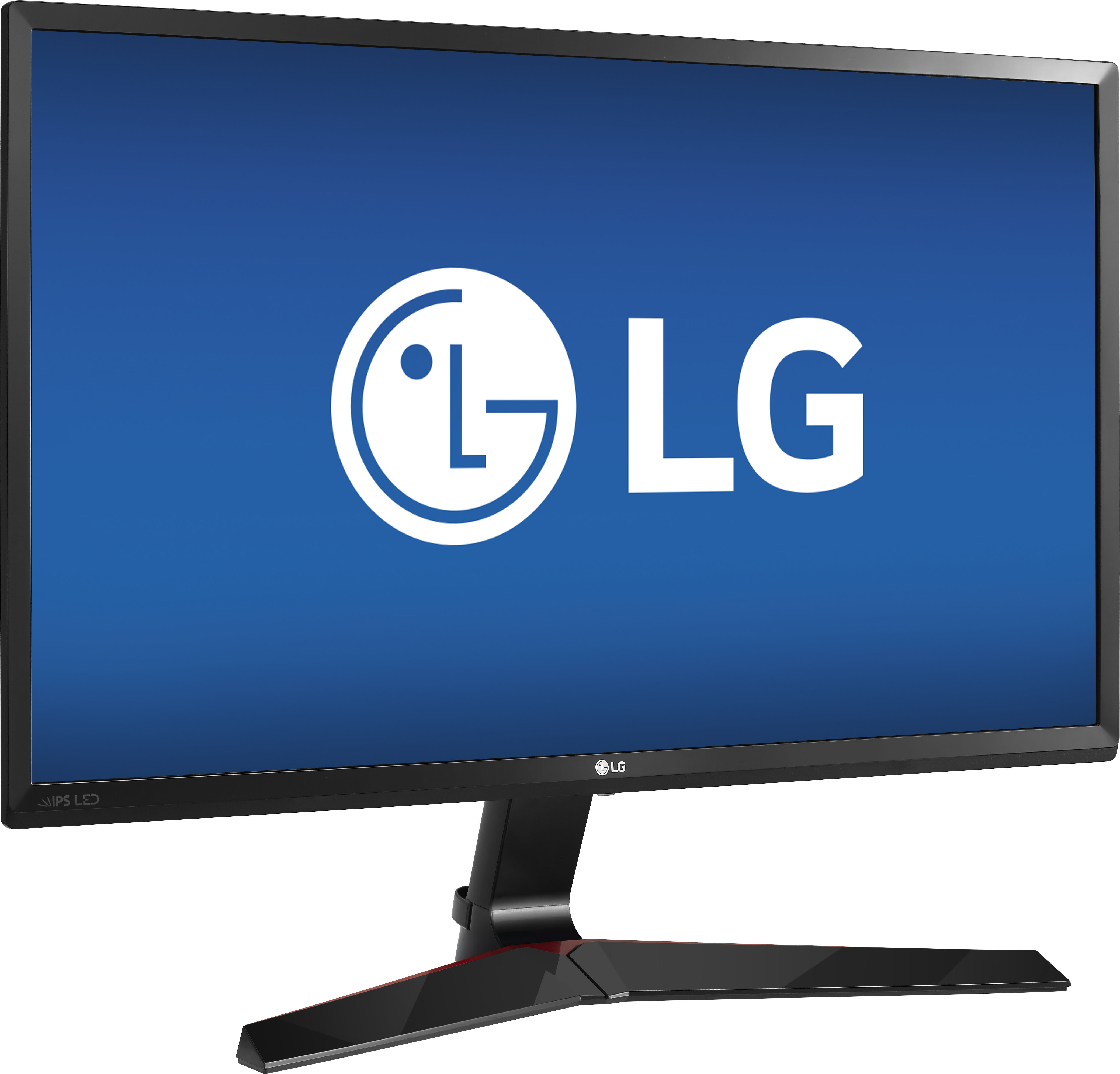
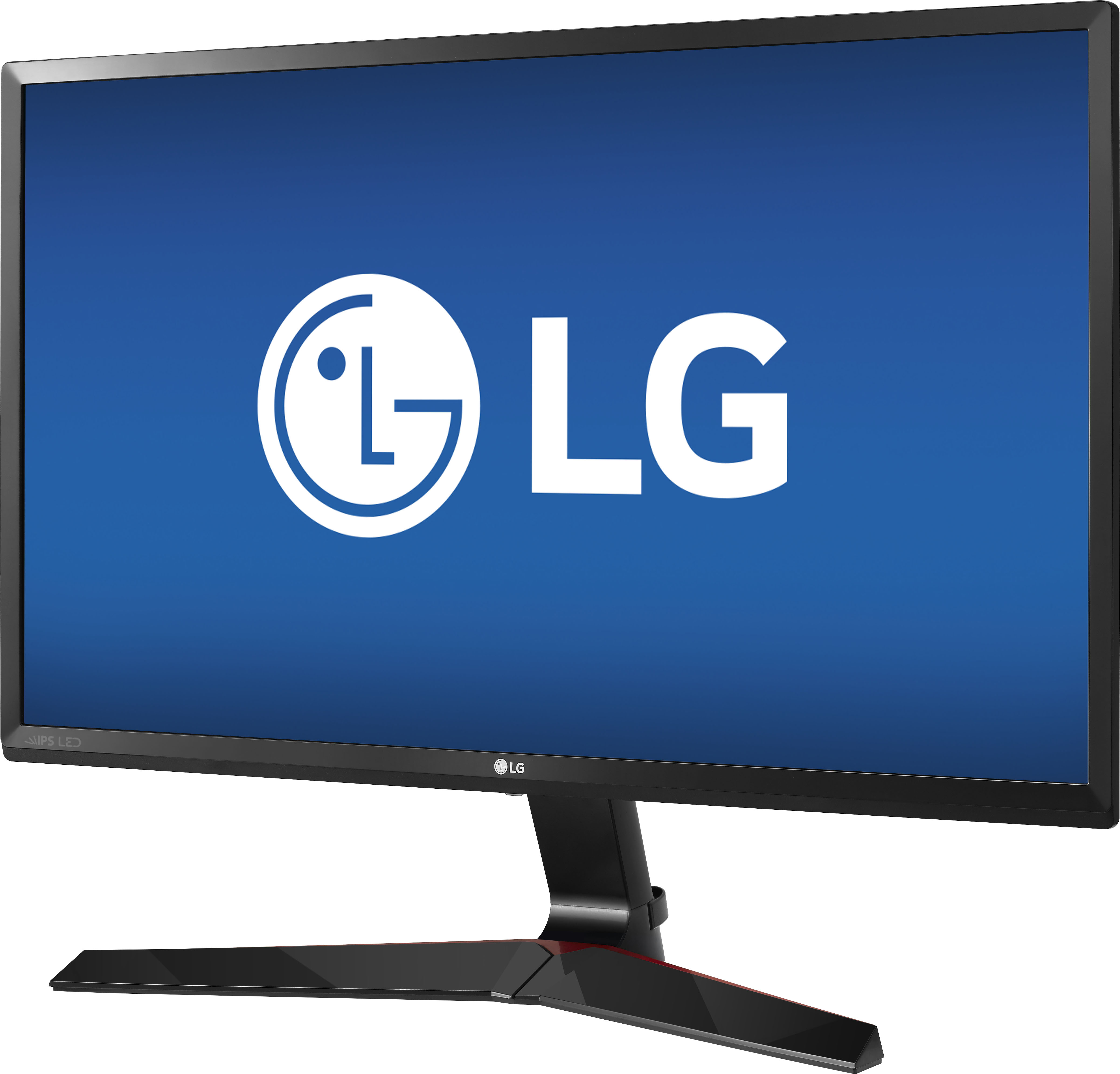
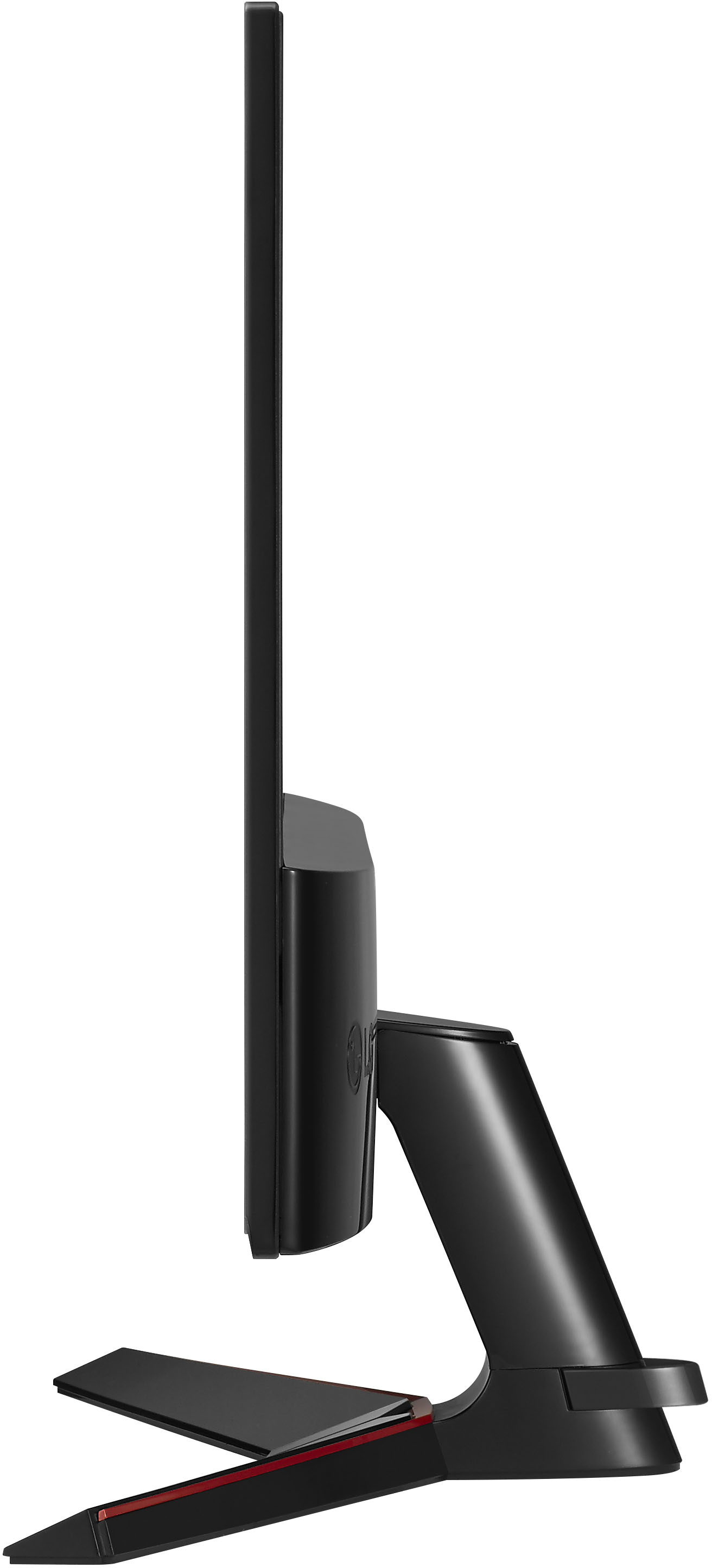
A:AnswerModel 27MP59G-P does not pivot. You can tilt from +15 to -2 degrees up or down to adjust
the angle of the Monitor set to suit your view. ^Daphane
A:AnswerMonitor 27MP59G-P does not pivot for vertical use. Please reach out to our technical support team via private message on Facebook @LGUSSupport and use #VOC in your first message to our social media support team or call at 800-243-0000 to inquire about using a dual mount. Also, be sure to provide your contact information, model/serial numbers and date of purchase. ^Daphane