Questions & Answers
- Model:
- 27MQ70QC-S
- |
- SKU:
- 6506321
Highly rated by customers for: Screen Size
Page Showing 1-5 of 5 questions
Q: QuestionWhat comes in the box?
Asked by Fish.
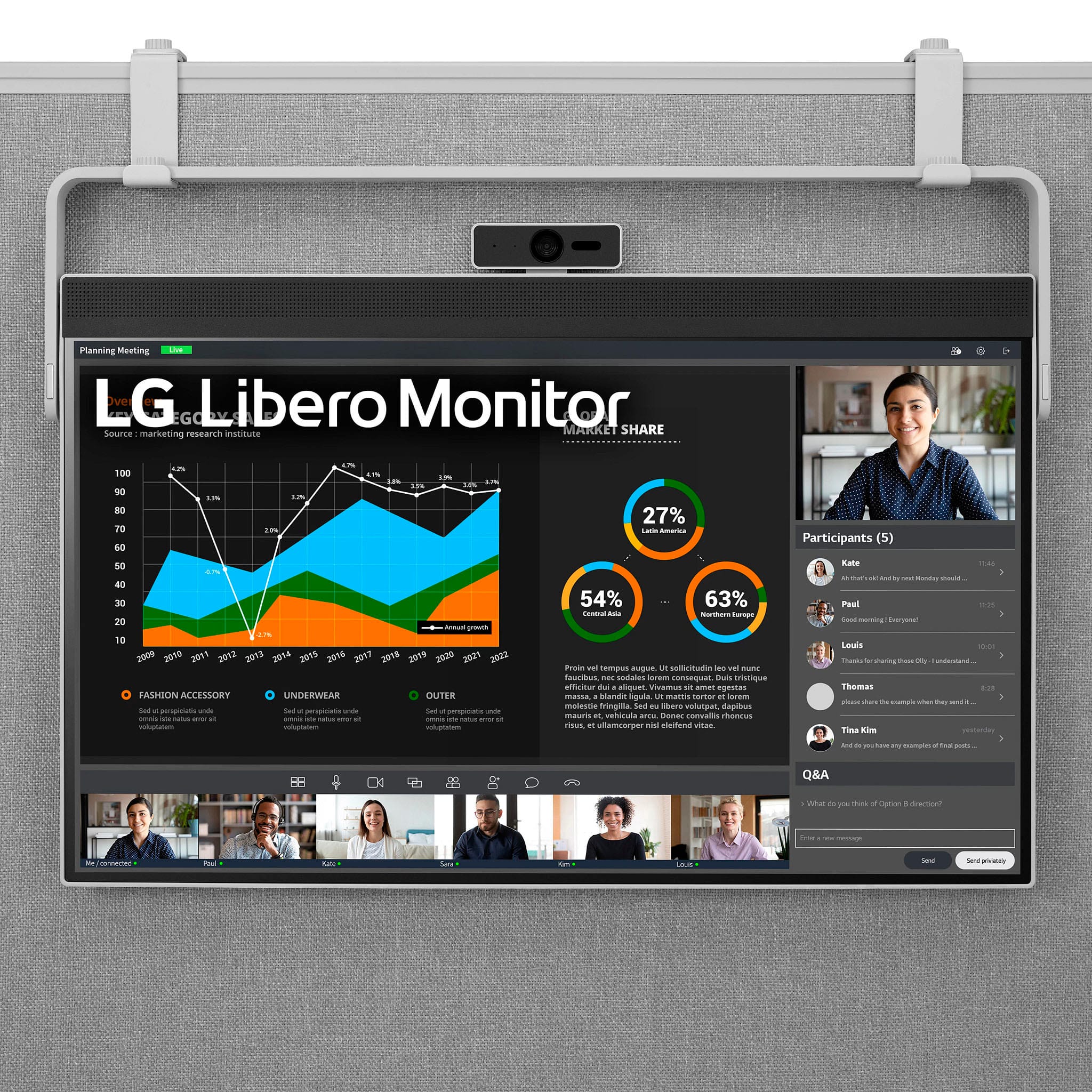
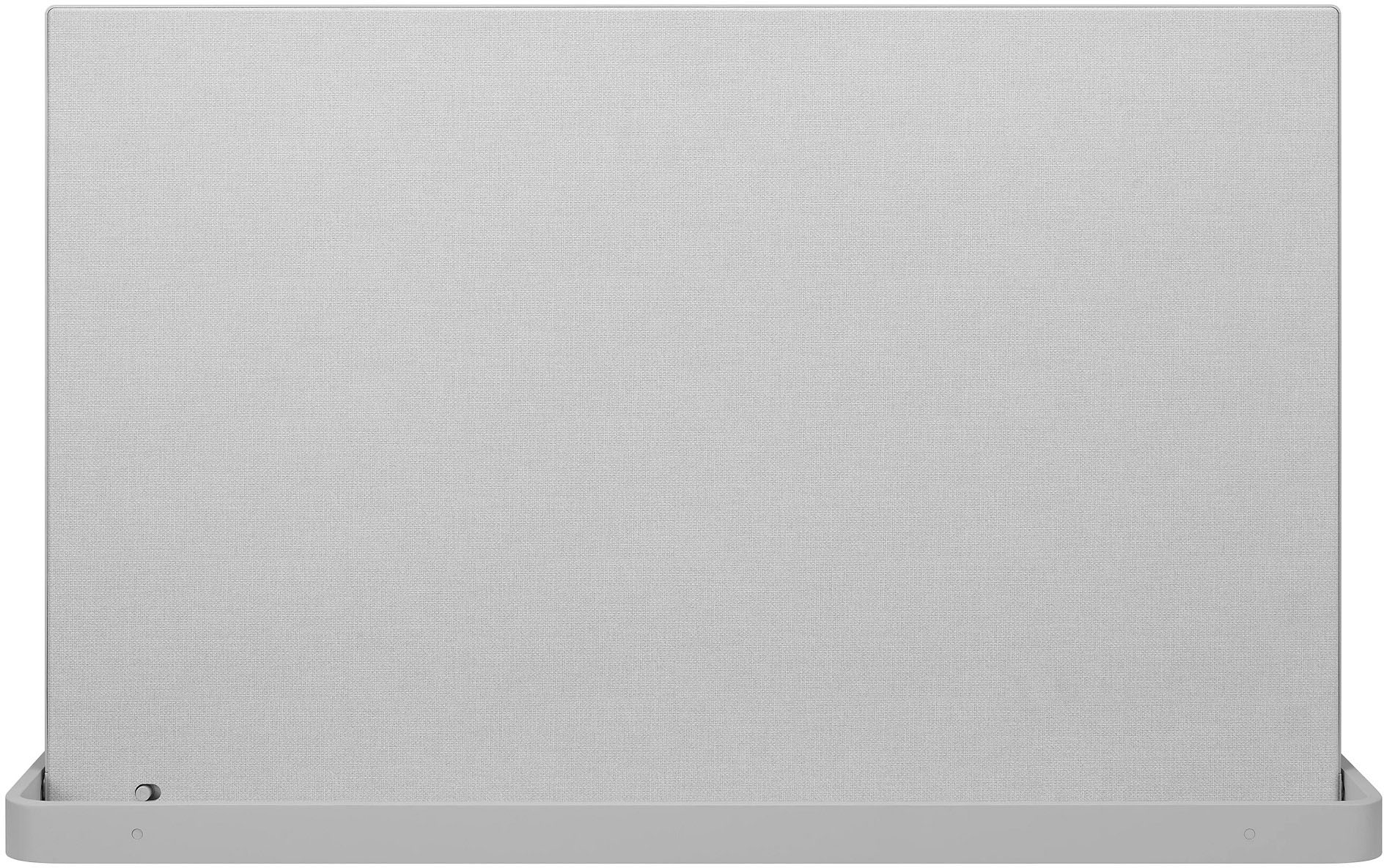
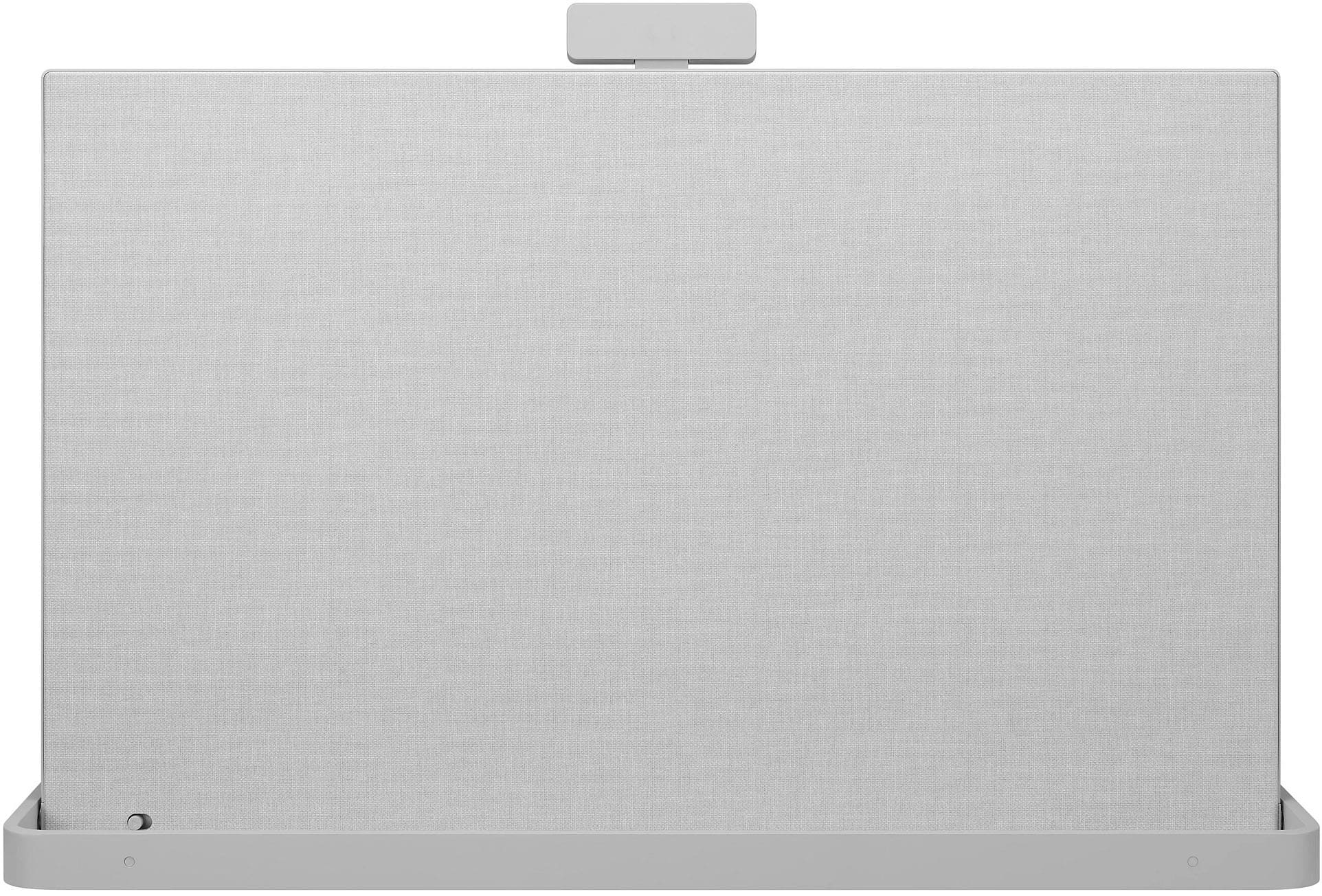
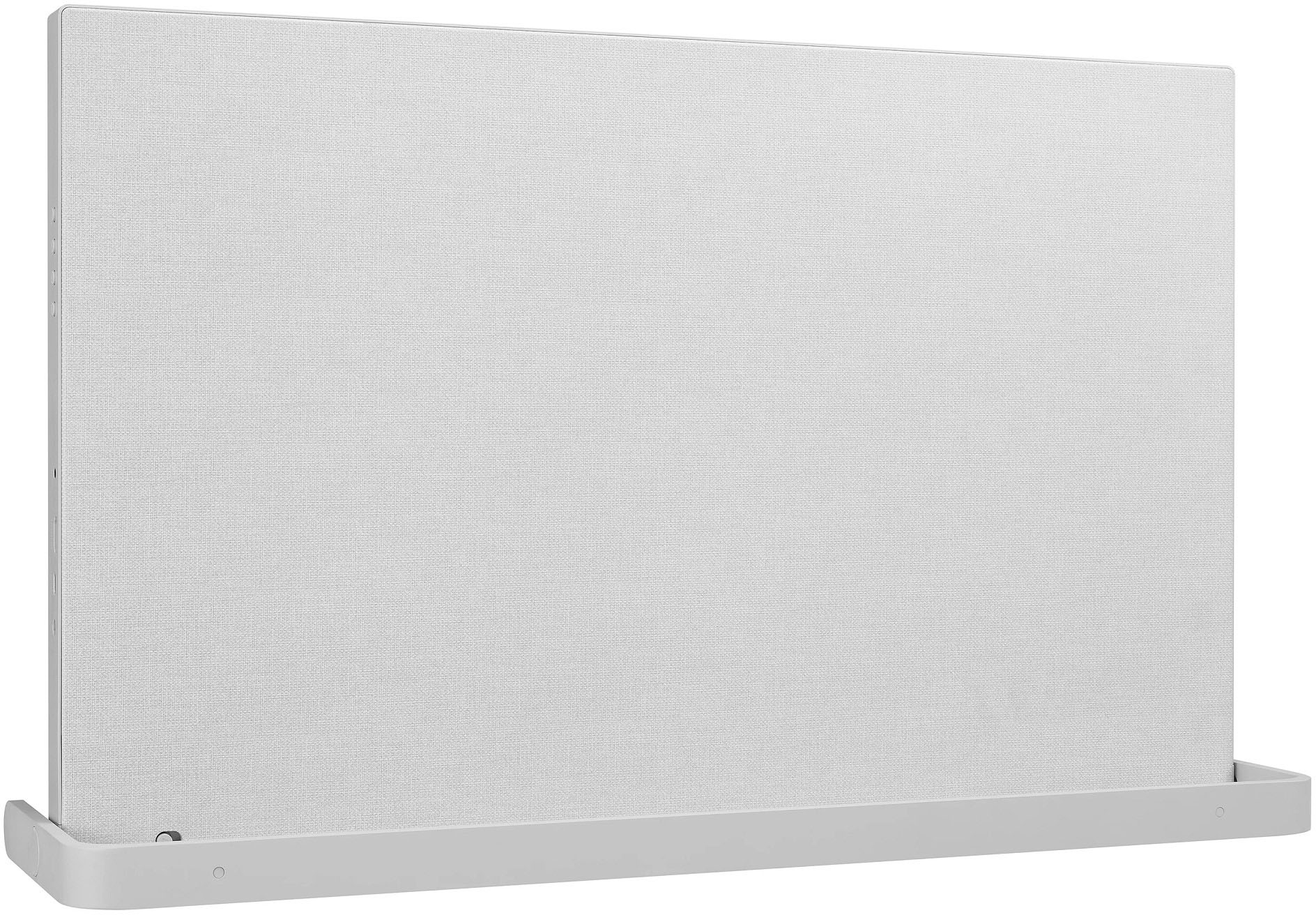
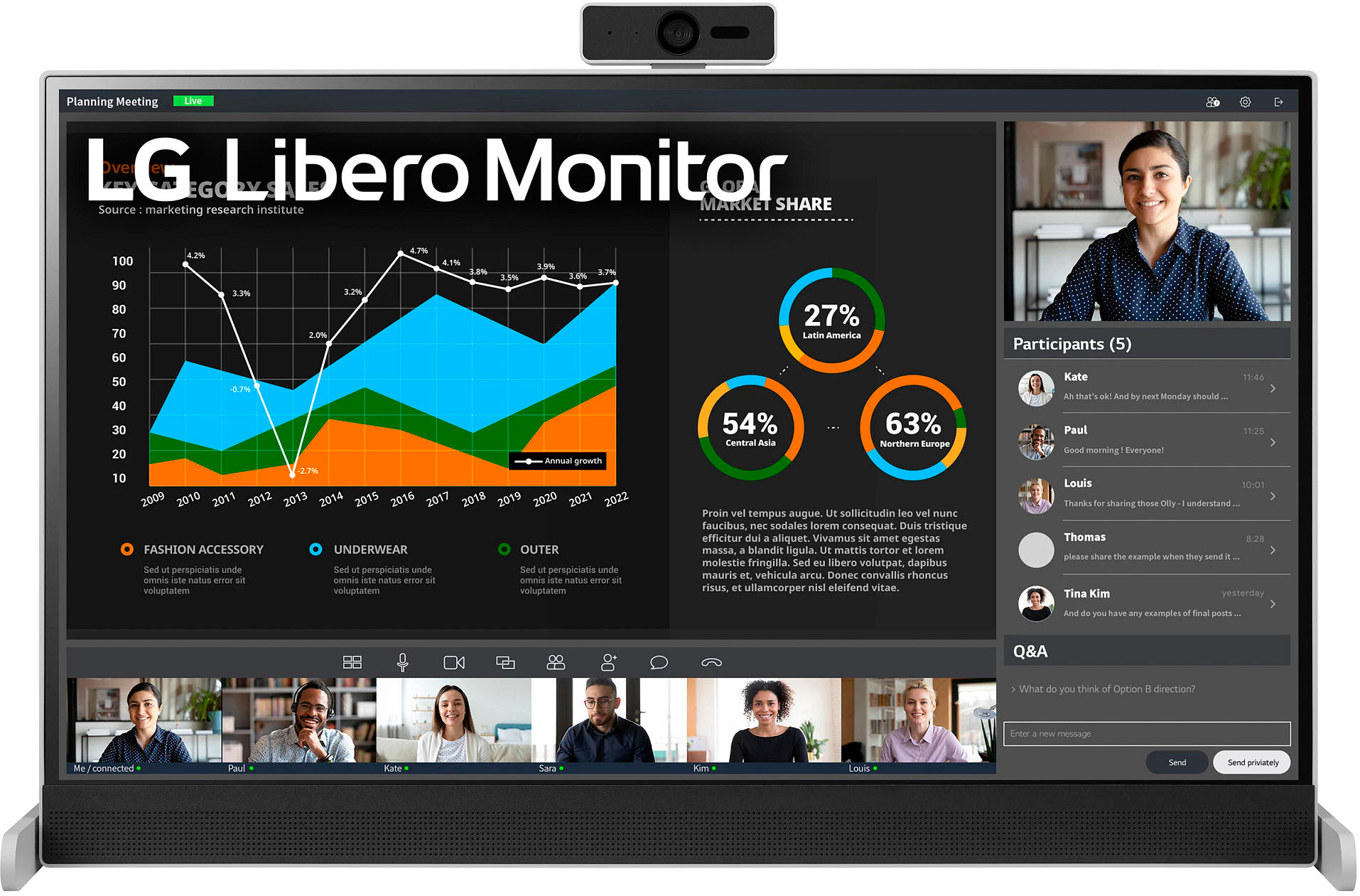
- A:Answer Hi there, Fish! The items included in the box for the LG LED QHD Monitor are: LG Libero 27MQ70QC-S 27" 1440p HDR Monitor with Detachable Webcam; USB-C Cable; Detachable Full HD Webcam; Partition Hanger Stand; Limited 1-Year Manufacturer Warranty. ~Rita
Answered by LG Digital Customer Care

Q: QuestionCan i connect my laptop to this?
Asked by Anonymous.
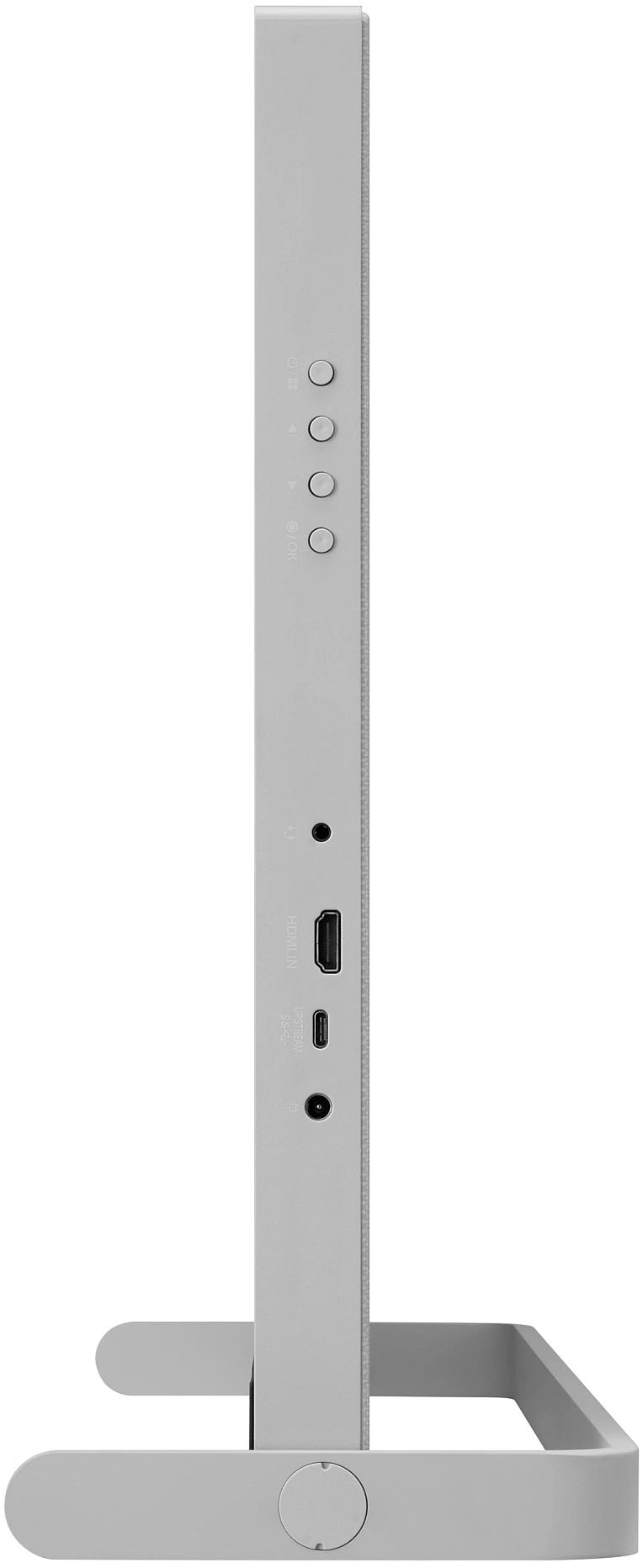
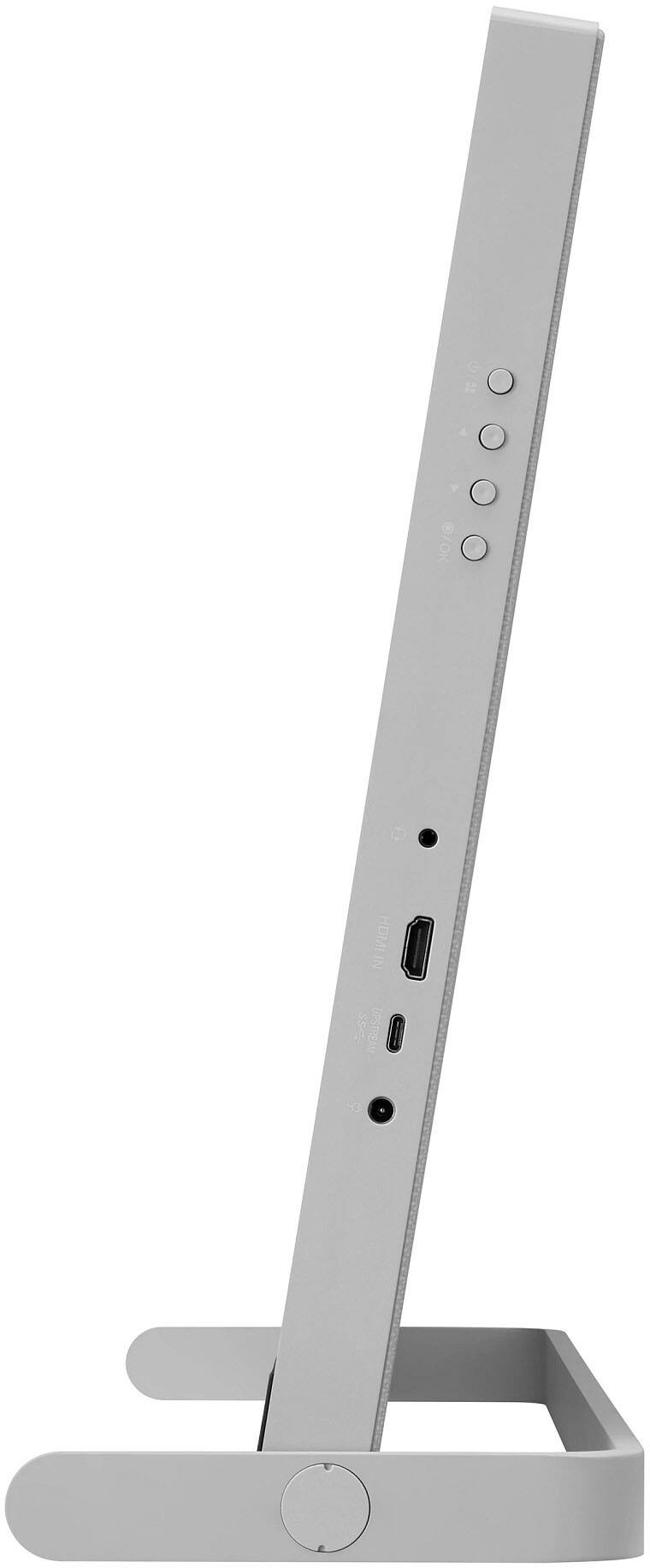
- A:Answer Yes, monitor model 27MQ70QC-S has input HDMI and USB Type-C connections that you can connect your laptop through. ^Chris
Answered by LG Digital Customer Care

Q: QuestionHow do I determine if my computer has a USB-C port so the webcam and internal speakers will be functional (see question 2 and response)
Asked by jill.
- A:Answer Most full-functioned USB Type-C ports will have a unique lightning bolt symbol next to them. You'll also need a USB-C Thunderbolt 3 cable or better to use all the features of a full-functioned Type C port. You need check the specifications for your computer or its manual to see what ports you have on it or contact the manufacturer. The webcam and built-in speakers for the LG 27'' QHD IPS HDR 10 Libero Monitor with Detachable Full HD Webcam, Model # 27MQ70QC-S work when you connect a computer to the monitor via its HDMI port...^Ivan
Answered by LG Digital Customer Care

Q: QuestionWhat are the dimensions of the monitor without the webcam? I'd love to have this sit underneath my ultrawide but 15.4 inches is quite tall so I'm hoping its closer to 13 inches without the webcam.
Asked by Astral.
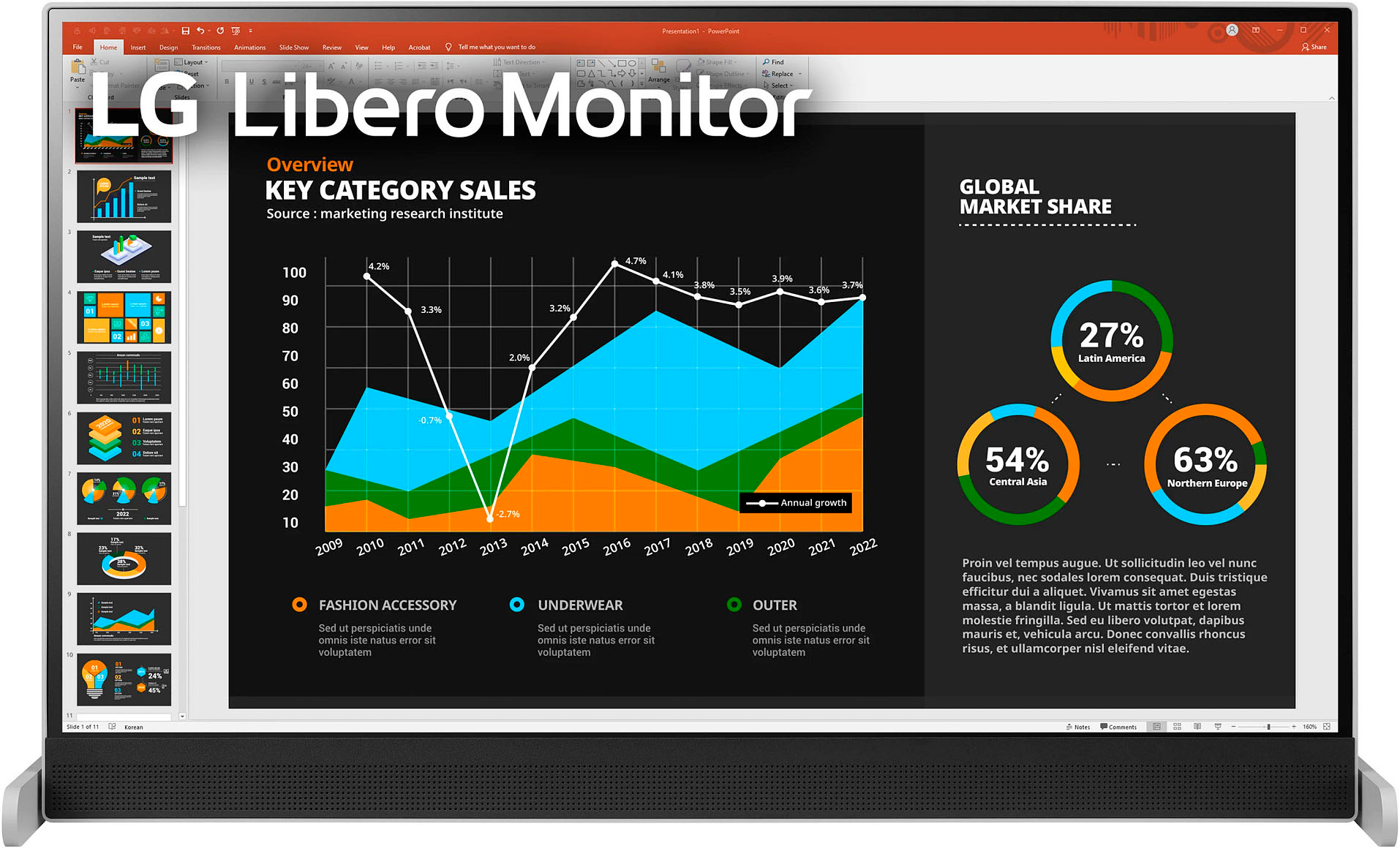
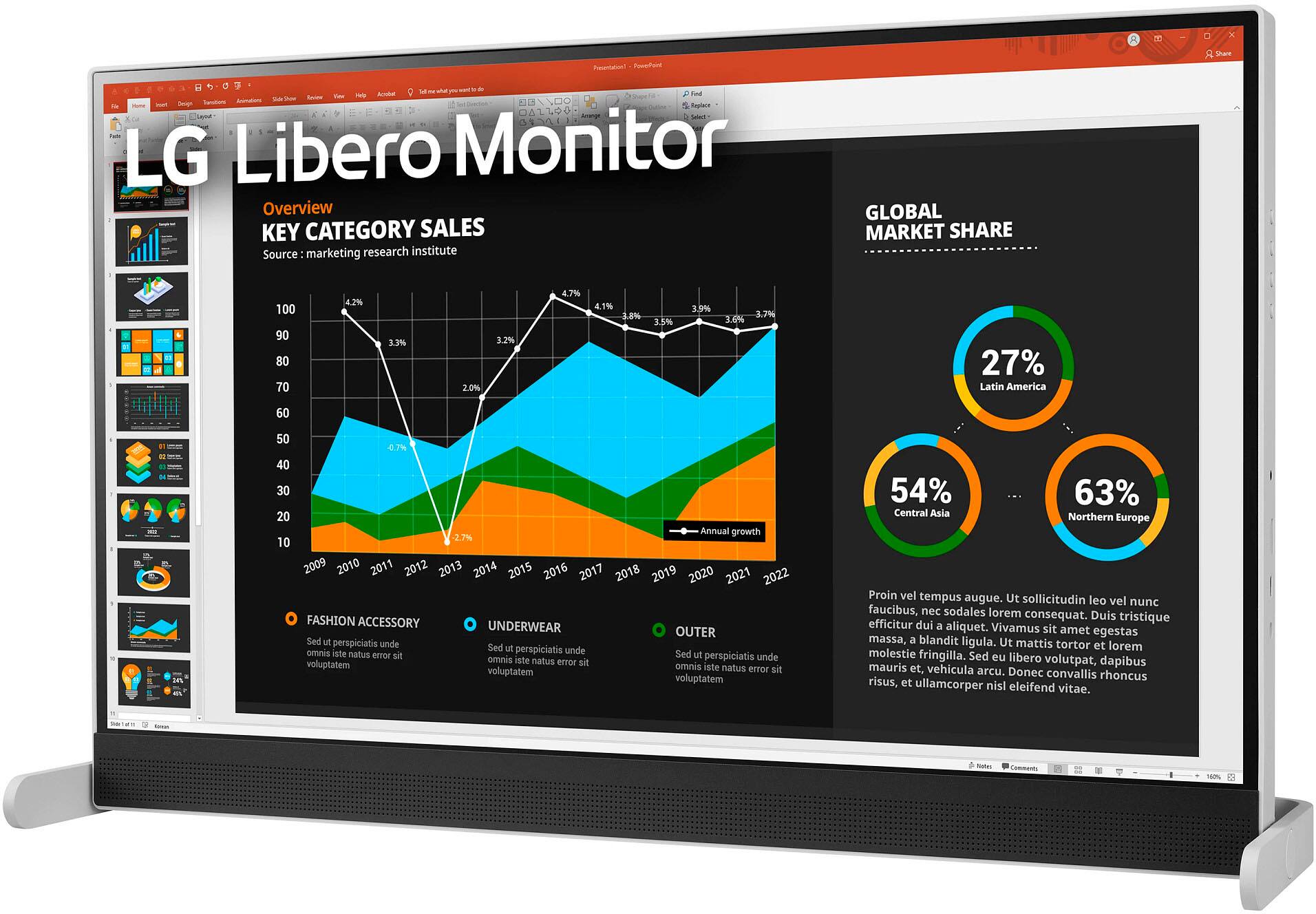
- A:Answer 15.5 x 25 Definitely won't fit at anything less than 15.5
Answered by DougM
Q: QuestionDoes the LG-27 IPS LED QHD Monitor have both speakers and a microphone for two way conversations as well as video capability during a Zoom Meeting.
Asked by Anonymous.
- A:Answer Yes, but with a caveat. To use the supplied camera and mic, the supplied cable (USB-C to USB-C) from the monitor to the computer must be used according to the factory info. Our computer does not have a USB-C and we are experimenting to see if the factory cable really does matter by substituting a USB-C to a 'regular' USB on the PC.
Answered by DougM
Page 1, Showing 1-5 of 5 questions
Most-viewed items
- $329.99$329.99The price was $469.99
- $149.00$149.00The price was $399.00
- $159.99$159.99The price was $179.99
- $122.00$122.00The price was $129.99
- $449.99$449.99The price was $649.99
- $1,149.00$1,149.00The price was $1,299.00