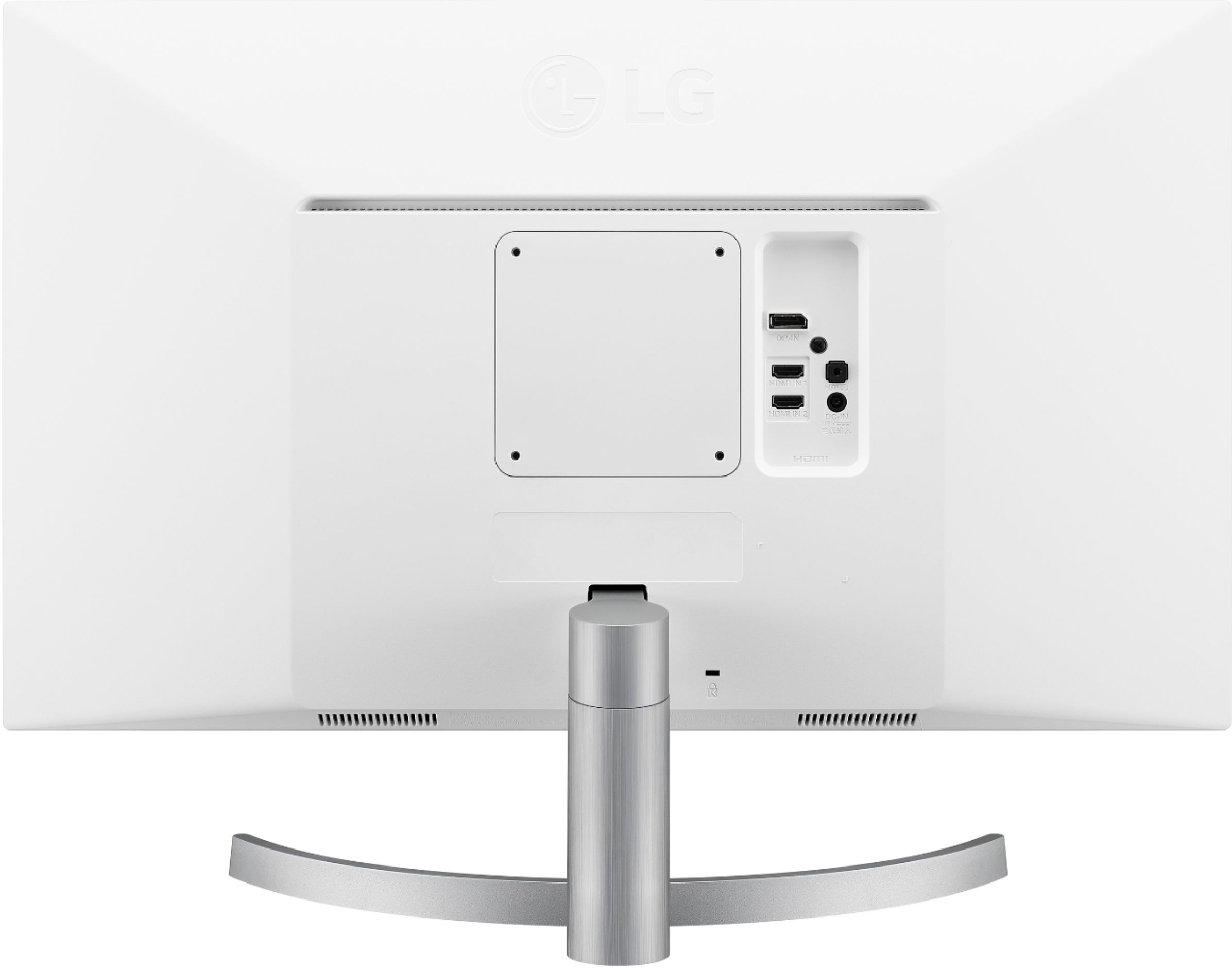
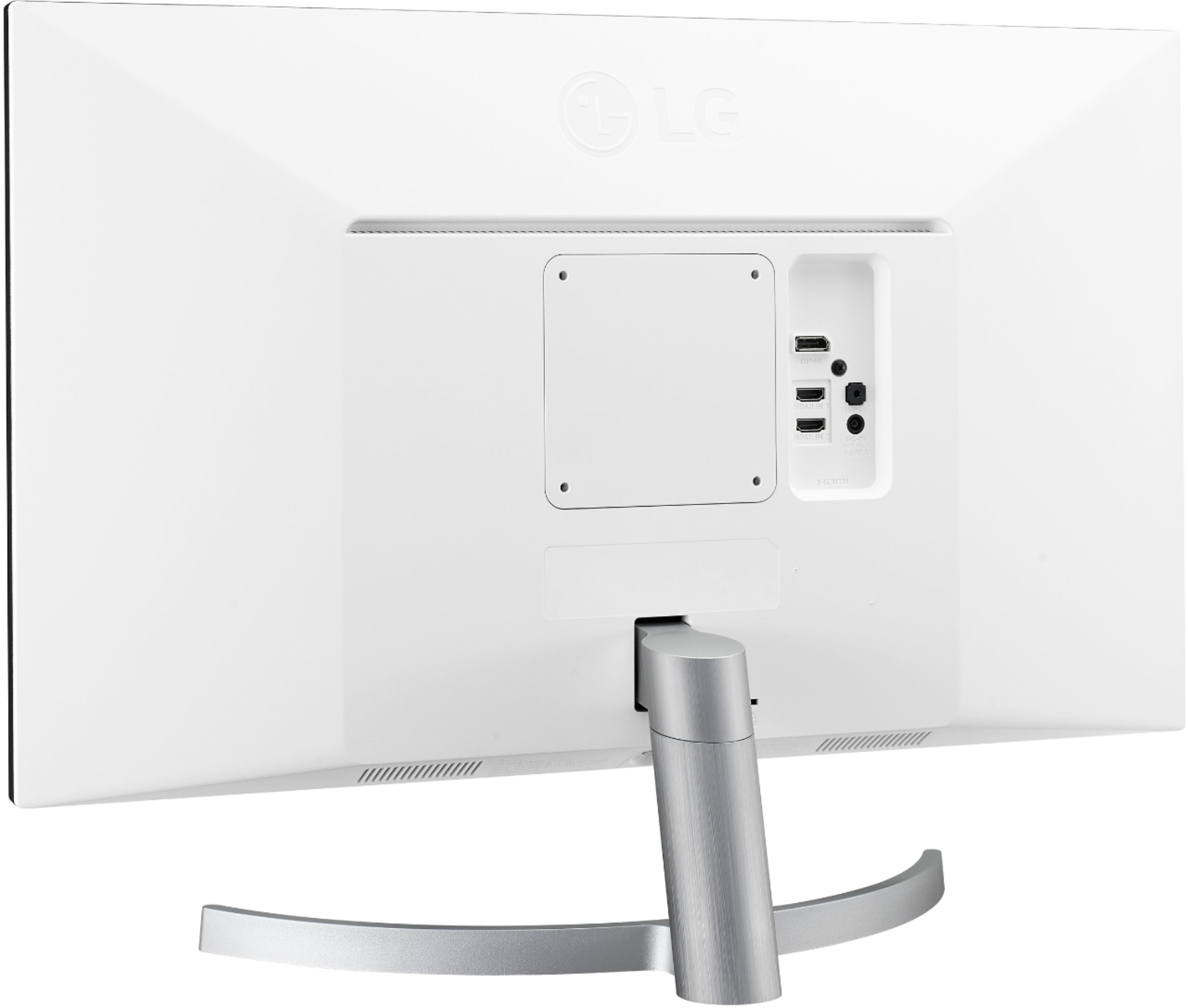
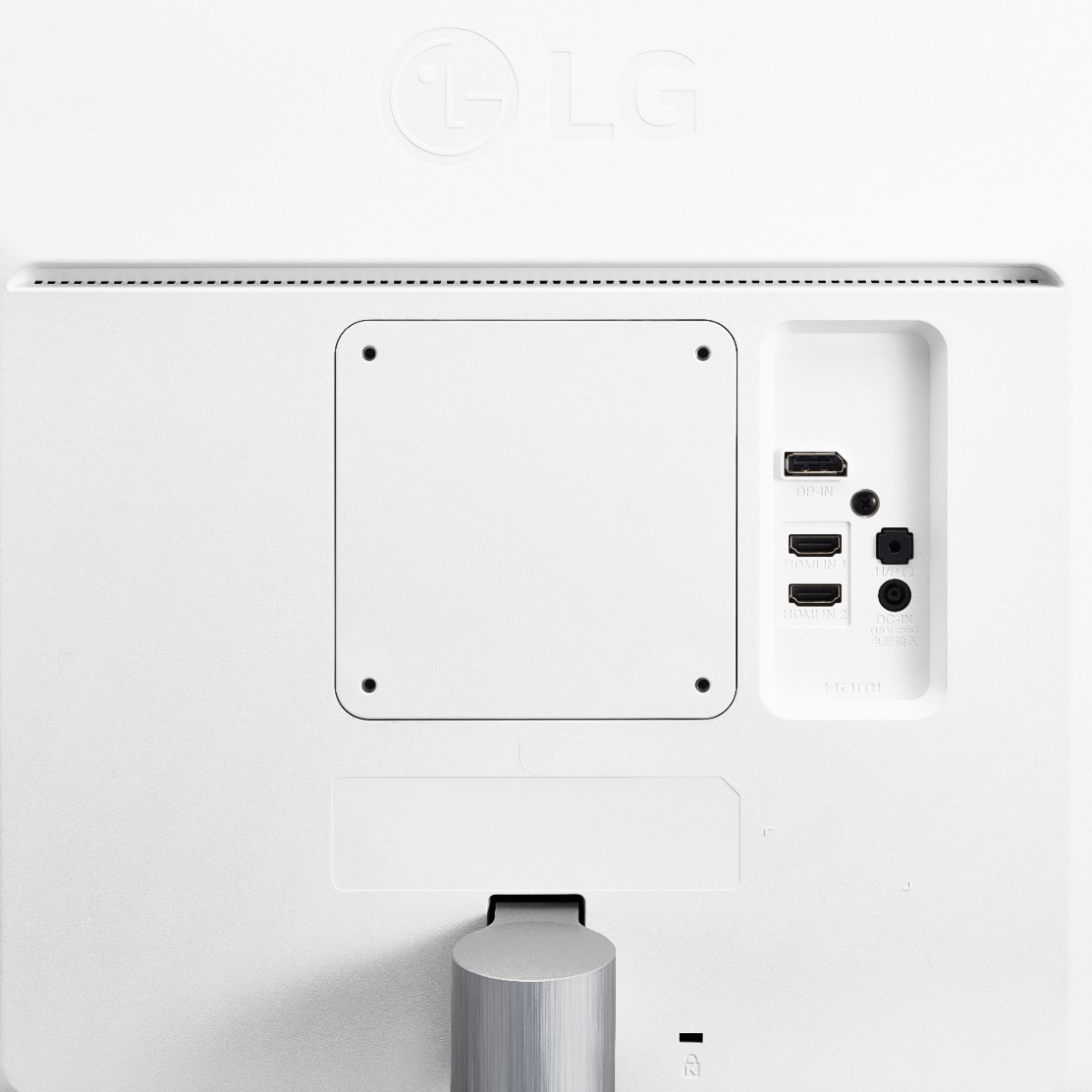
A:AnswerIt comes with two connectors cables 1) HDMI and 2) Display port. Although I am using 1 MacBook Pro I see no reason why you can’t two displays. It works with Mac flawlessly. Hope this helps.
A:AnswerThe HDMI 1 on the back only supports up to 30 Hz, but if you simply unplug and move it down to the HDMI 2 output just below it, that one *does* have 60Hz.
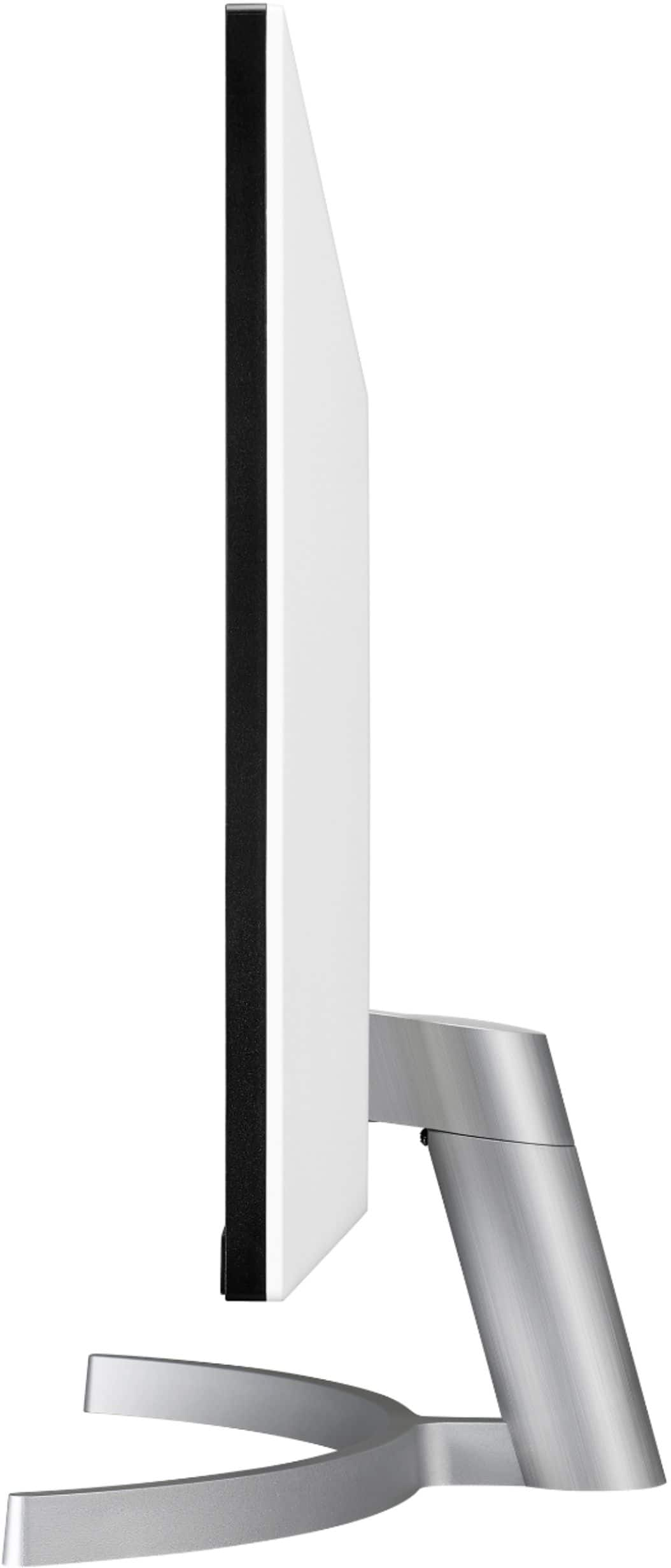
A:AnswerI didn't think of this in my last response. I also realized that the stand will only allow you to use it on landscape mode, so you'd have to look for an alternate stand to use in portrait.
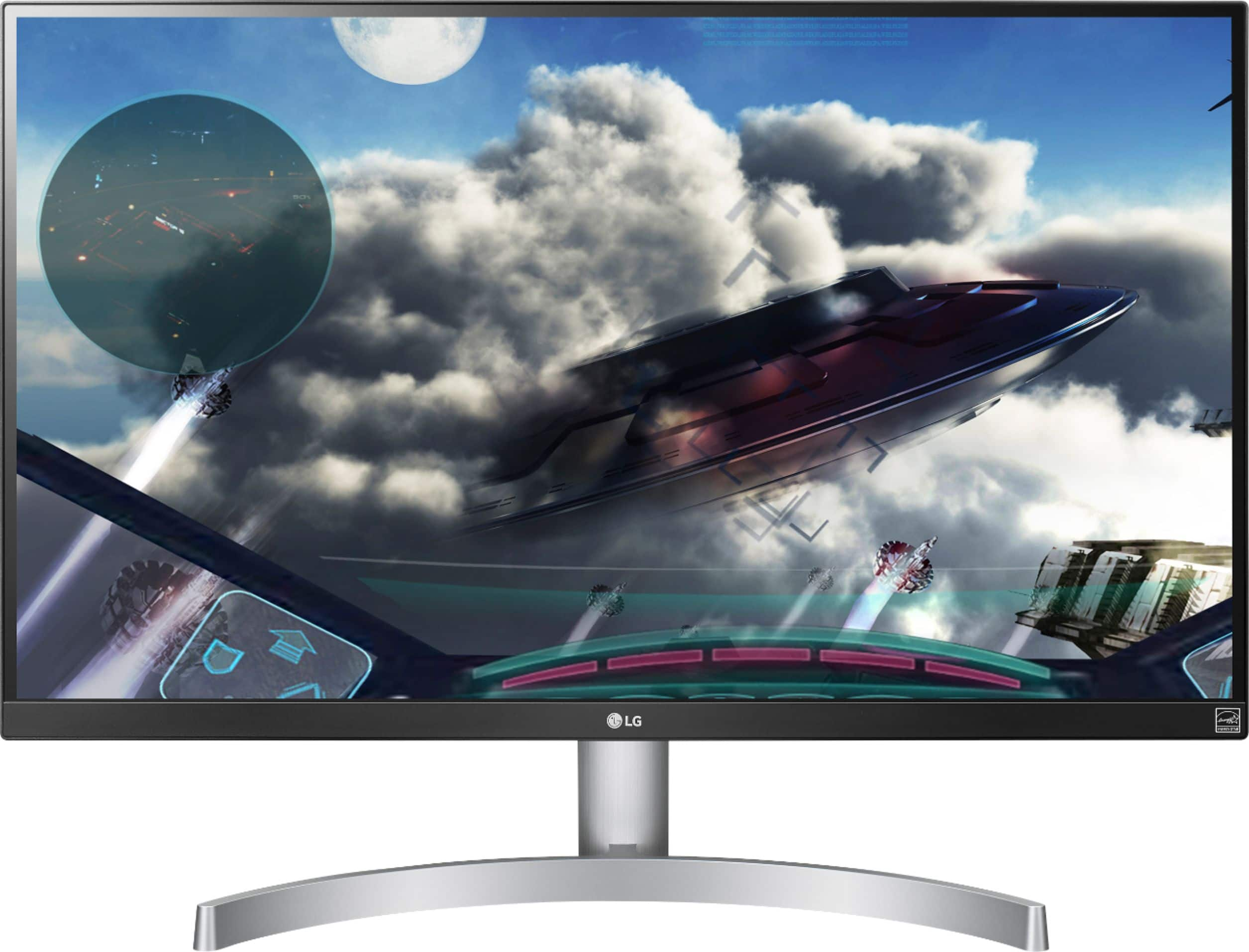
A:AnswerThis monitor, with 99% coverage of the sRGB spectrum, is a great solution for photographers, graphic designers or anyone looking for highly accurate color. This VESA DisplayHDR 400 monitor has been rated to deliver impressive peak luminance of 400 nits for undeniably spectacular highlights. ^CP
A:AnswerY0u will need to download an install the On-Screen Control with Screen Split 2.0 from the support page for the LG 27'' Class 4K UHD IPS LED Monitor with VESA Display HDR 400 (27'' Diagonal), Model # 27UL600-W which will allow you to resize and display multiple windows at once, with 14 options including four different Picture-in-Picture (PIP) choices...^IFV
A:AnswerShould work fine. If you purchase this monitor I suggest that you visit LG support for this monitor model and download the "OnScreen Control" application which allows you to setup quite an array of split screens and application presets, might be very useful for security monitoring.
A:AnswerYes, however this monitor does not have HDMI 2.1, so you will not be able to use 120hz refresh rate. However the HDR is decent and when I plugged in my One X, the monitor registered it and asked to enable game mode, so I will assume this will also happen with Series X, so you don’t have to worry about making sure the monitor is set correctly.
A:AnswerThe LG 27'' Class 4K UHD IPS LED Monitor with VESA Display HDR 400 (27'' Diagonal), Model # 27UL600-W is a 2019 model and the DisplayPort is a DisplayPort 1.4...^IFV
A:AnswerThese monitors do not come with either a camera or a mic. They also don't have built-in speakers. There is a jack for connecting external speakers, but nothing for a mic or camera.
A:AnswerIf you're using Windows 8 or 10, yes. In Windows, you would have to go to your Display settings and then find the option to switch from Duplicate this Display to Extend.
A:AnswerTo more fully realize content creators' vision, this monitor is compatible with VESA DisplayHDR 400 high dynamic range, supporting specific levels of color and brightness that exceed the capabilities of ordinary monitors. This VESA DisplayHDR 400 monitor has been rated to deliver impressive peak luminance of 400 nits for undeniably spectacular highlights. This monitor, with 99% coverage of the sRGB spectrum, is a great solution for photographers, graphic designers or anyone looking for highly accurate color. On-Screen Control puts a host of essential monitor settings into a handy window for quick, easy access. Volume, brightness, picture mode presets, Screen Split 2.0 and Dual Controller and more can now be adjusted with just a few clicks of the mouse, instead of hard buttons on the monitor. ^CP