Questions & Answers
- Model:
- 29WP500-B.AUS
- |
- SKU:
- 6451077
Highly rated by customers for: Screen Size, Price, Ease of use
Page Showing 41-45 of 45 questions
Q: QuestionI am using this with my XPS13 with a hub that outputs up to 4K. The image quality I am getting on the monitor is not crisp at all. It looks pixelated & makes reading text hard on the eyes. I cannot find any drivers to install. Any suggestions?
Asked by AlyssaB.
- A:Answer Please reach out to our support team via private message on Facebook @LGUSSupport or call at 800-243-0000. Please be sure to provide your contact information, model/serial numbers and date of purchase. ^Daphane
Answered by LG Digital Customer Care

Q: QuestionDo I still need to get a tower for it
Asked by Anonymous.
- A:Answer Please reach out to our support team via direct message Twitter or Facebook @LGUSSupport or call at 800-243-0000. Please be sure to provide your contact information, model/serial numbers and date of purchase. ^Daphane
Answered by LG Digital Customer Care

Q: QuestionCan plugging the monitor's HDMI cable into an all-in-one with a smaller screen cause the screen resolution not to be as good? Because that seems to be happening.
Asked by Okay.
- A:Answer Please reach out to our technical support team via private message on Facebook @LGUSSupport and use #VOC in your first message to our social media support team or call at 800-243-0000. Also, be sure to provide your contact information, model/serial numbers and date of purchase. ^Daphane
Answered by LG Digital Customer Care

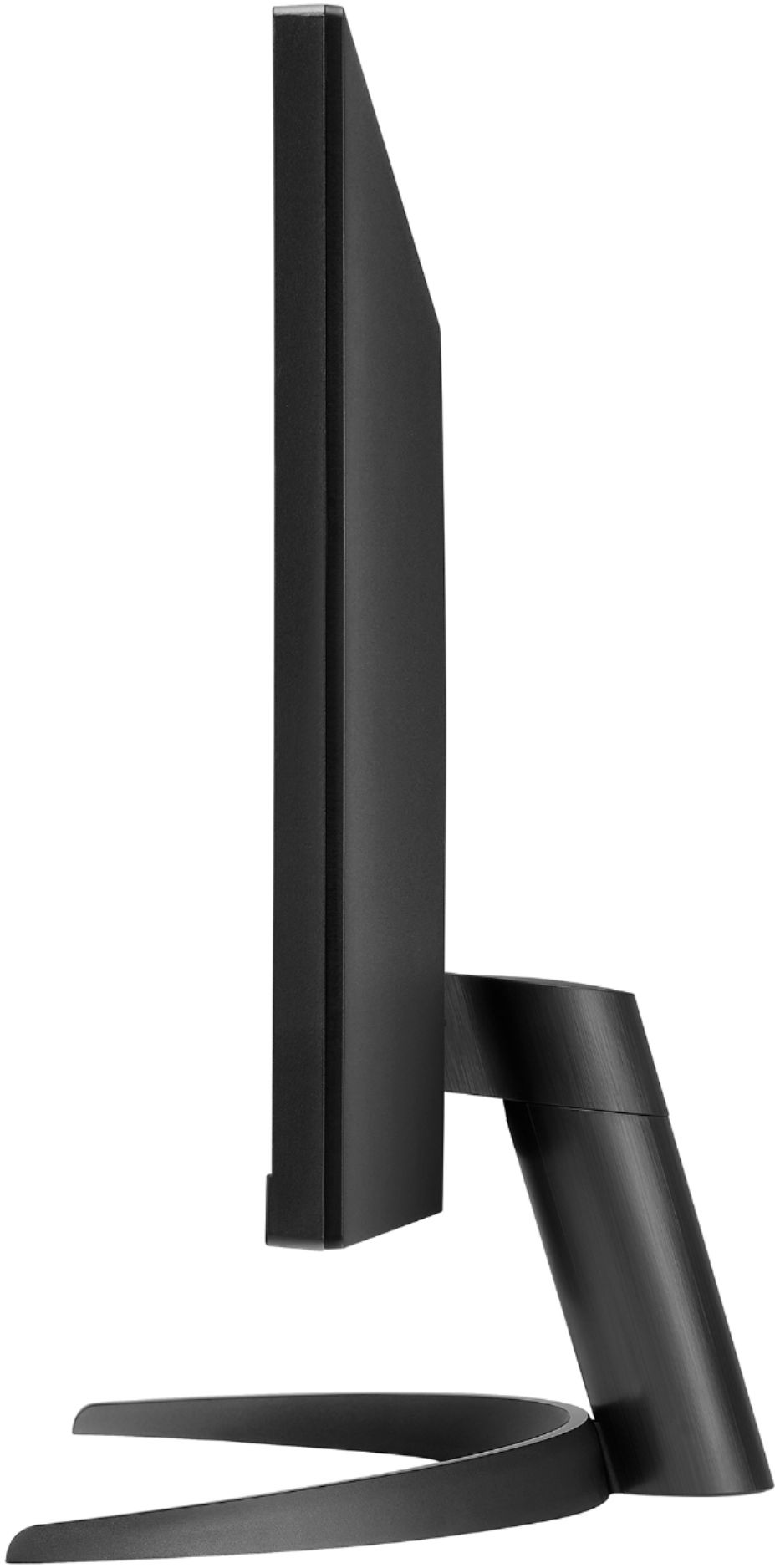
Q: QuestionAll pictures show it displayed in landscape mode. Can I rotate 90° and use it in portrait mode? The back of the monitor does not look symmetrical is why I'm asking. I will be mounting in on a triple monitor mount. Thx
Asked by SpecTech.
- A:Answer LG Bot can you please read the question again and answer correctly. ;) I wanted to know the same thing. Thank You
Answered by PatriciaS
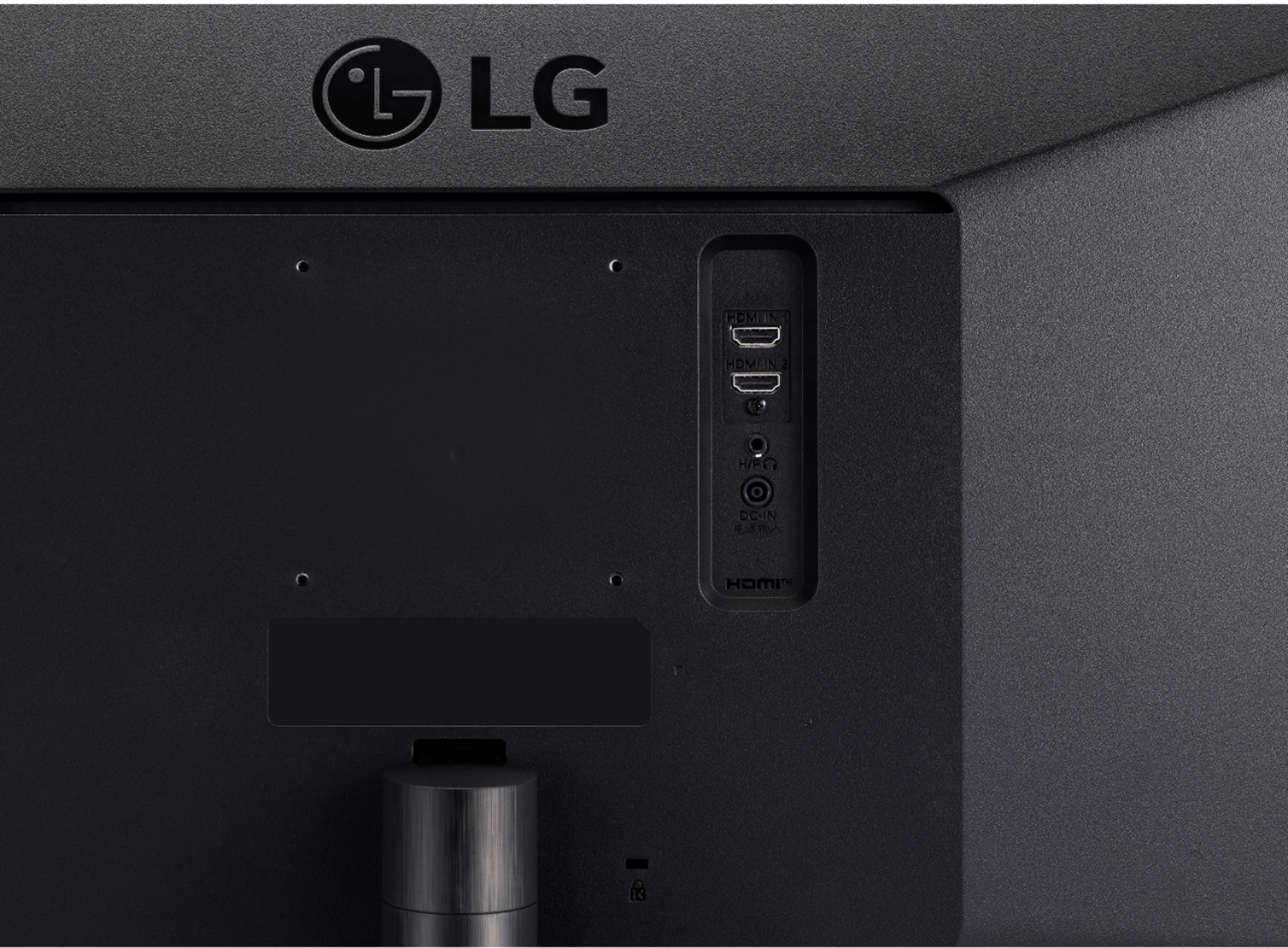
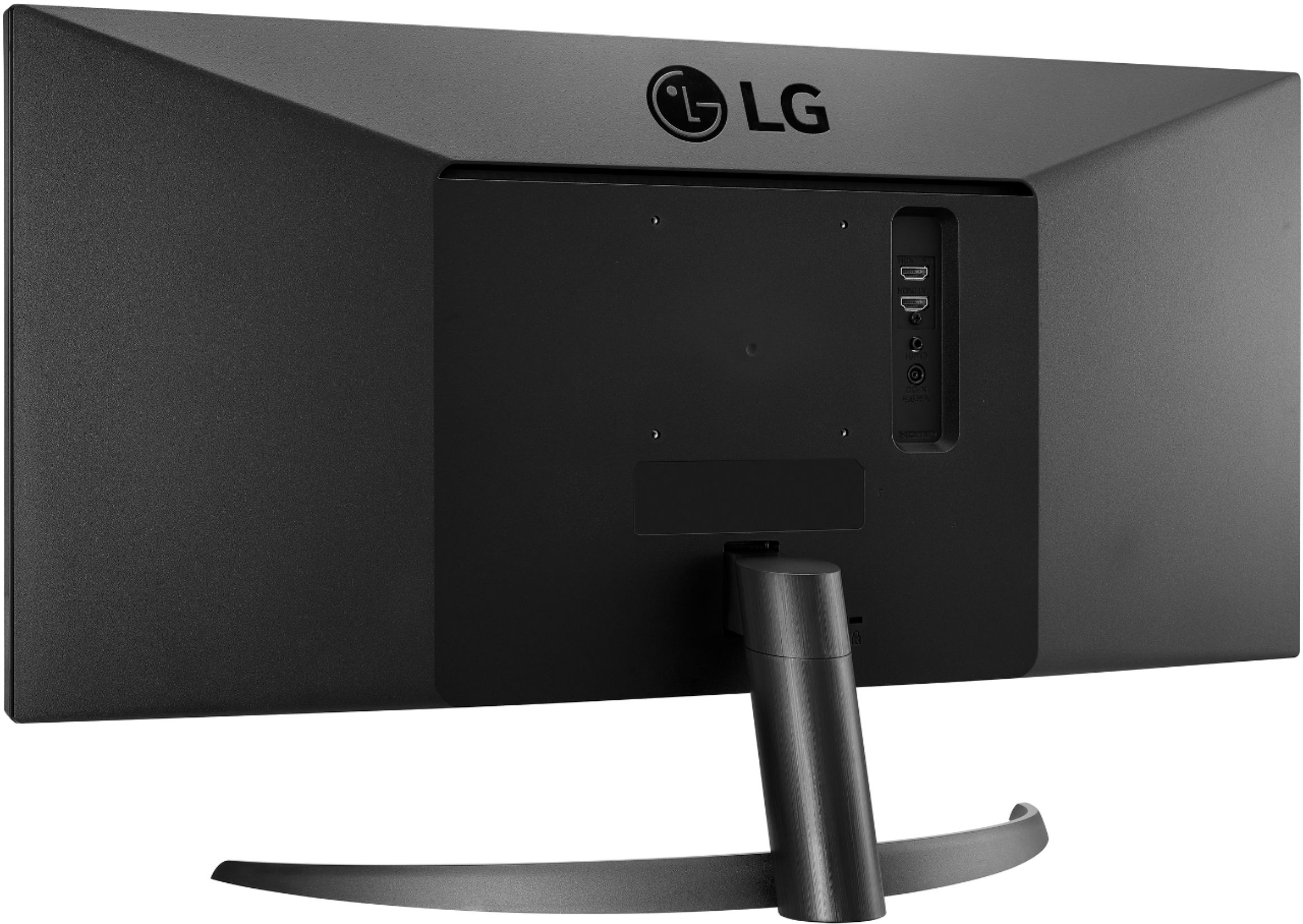
Q: QuestionCan I mount this monitor on a VESA mount or another mount to get it off the desk?
Asked by Jonjon.
- A:Answer Absolutely! It is 100x100 VESA standard for mounting
Answered by Nathan
Page 3, Showing 41-45 of 45 questions
Top Rated
- Tech Fest Deal$99.99