Questions & Answers
- Model:
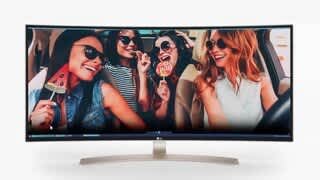
- 29WK600-W
- |
- SKU:
- 6204326
Highly rated by customers for: Screen Size, Ease of use, Quality
Page Showing 1-12 of 12 questions
Q: QuestionIs this monitor glare resistant?
Asked by Mint.
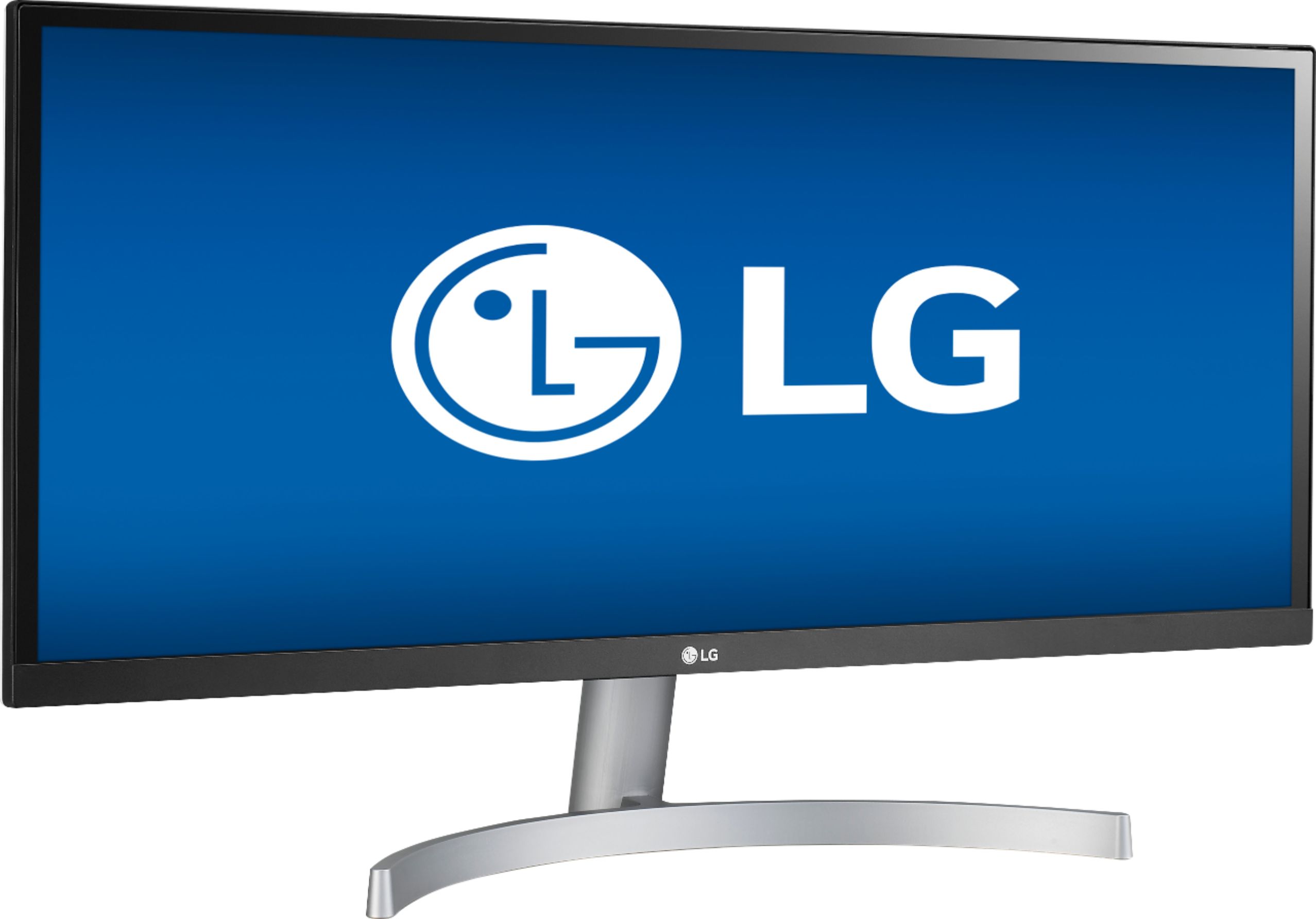
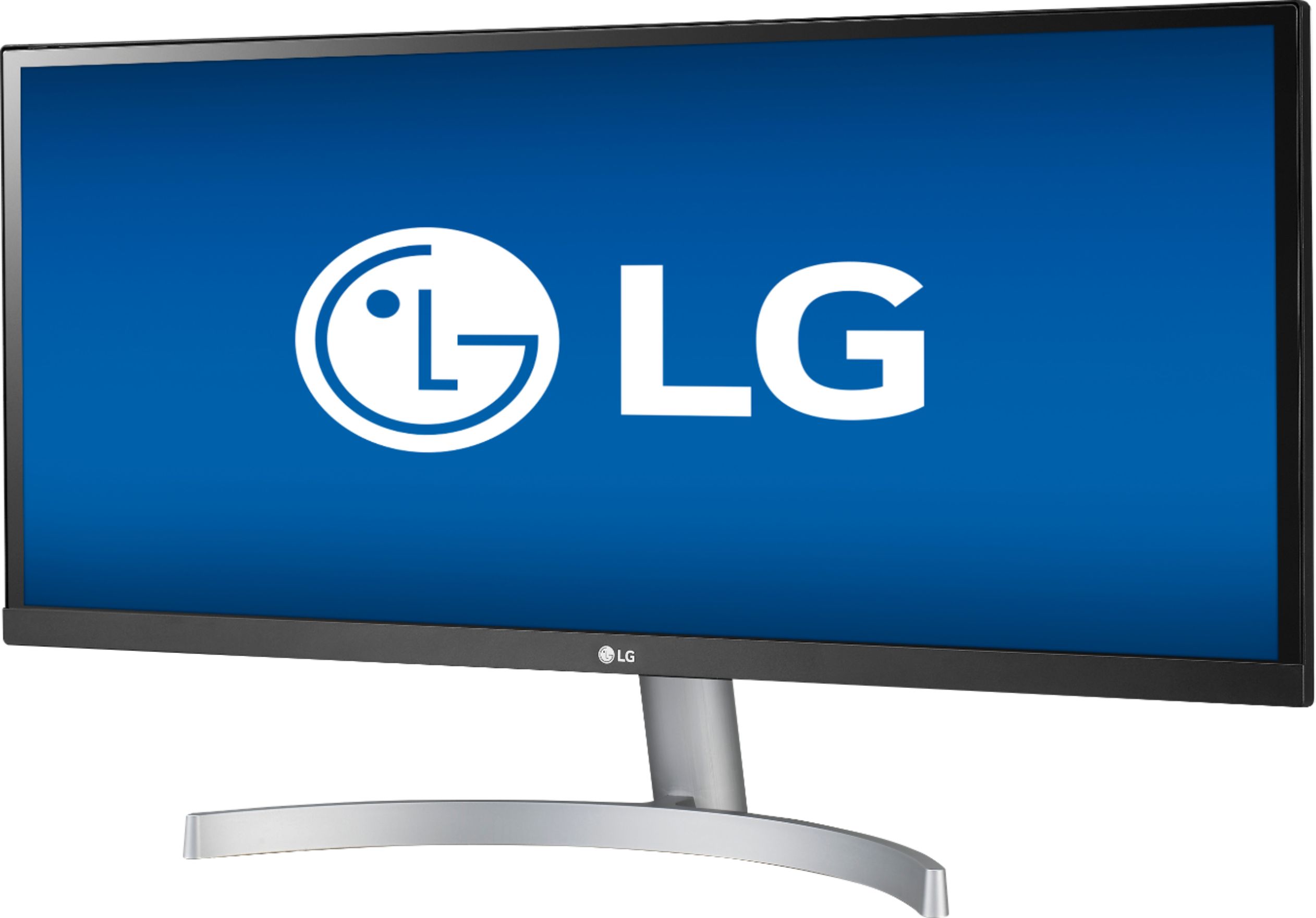
- A:Answer Yes, this monitor has an anti-glare feature.
Answered by CommunityAnswer
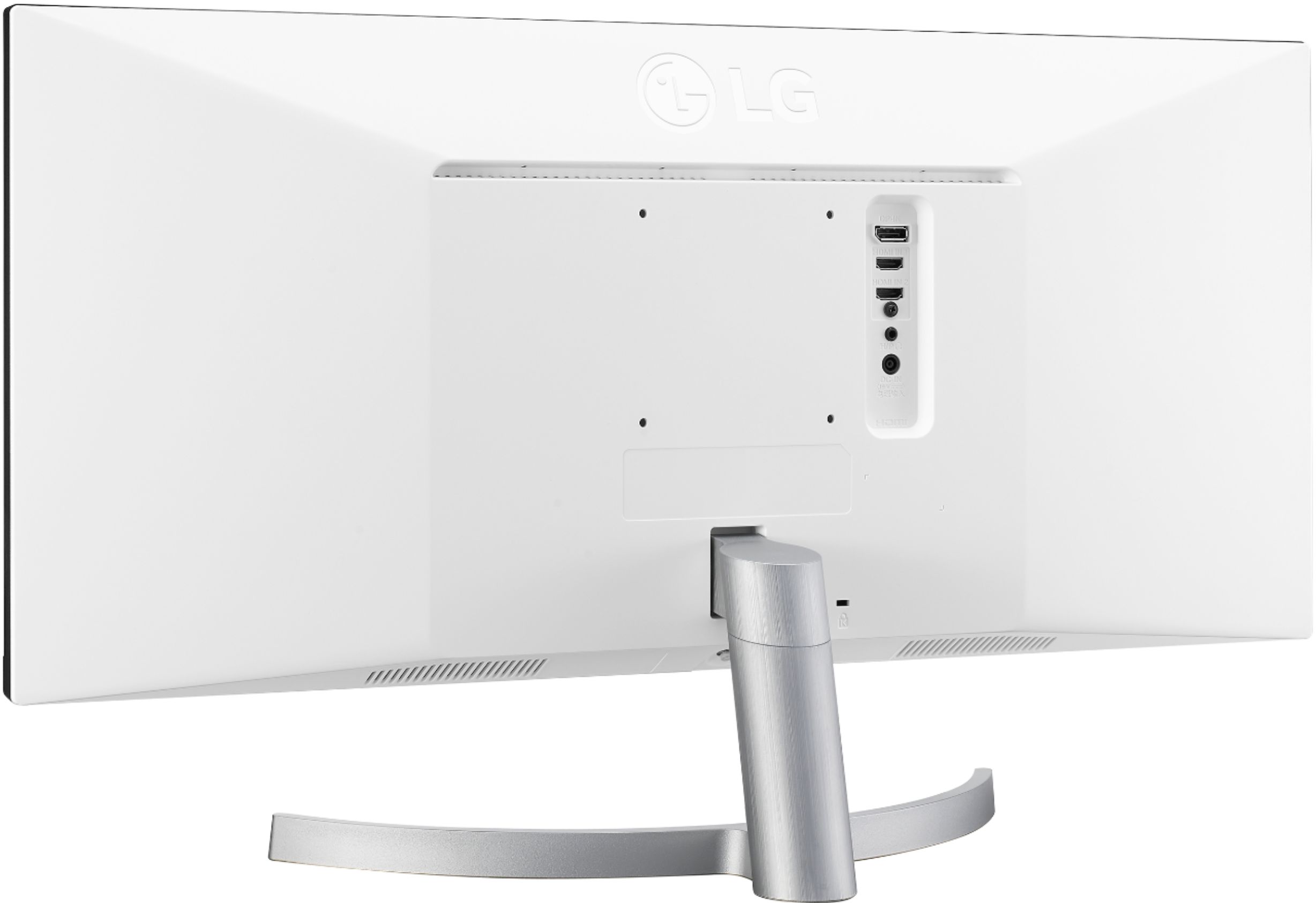
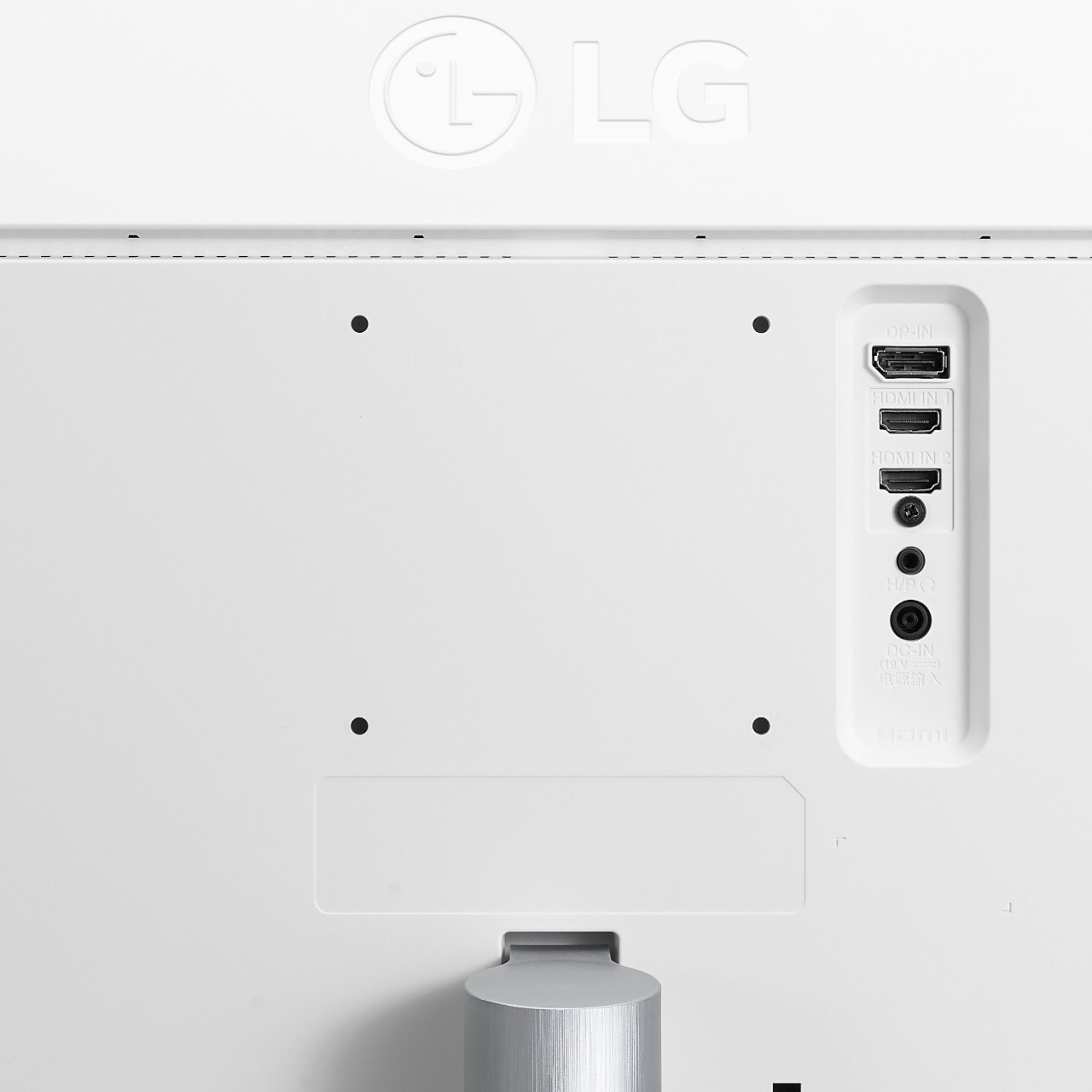
Q: QuestionCan this monitor be mounted to the wall? And if so what mounts would work with it?
Asked by Avery.
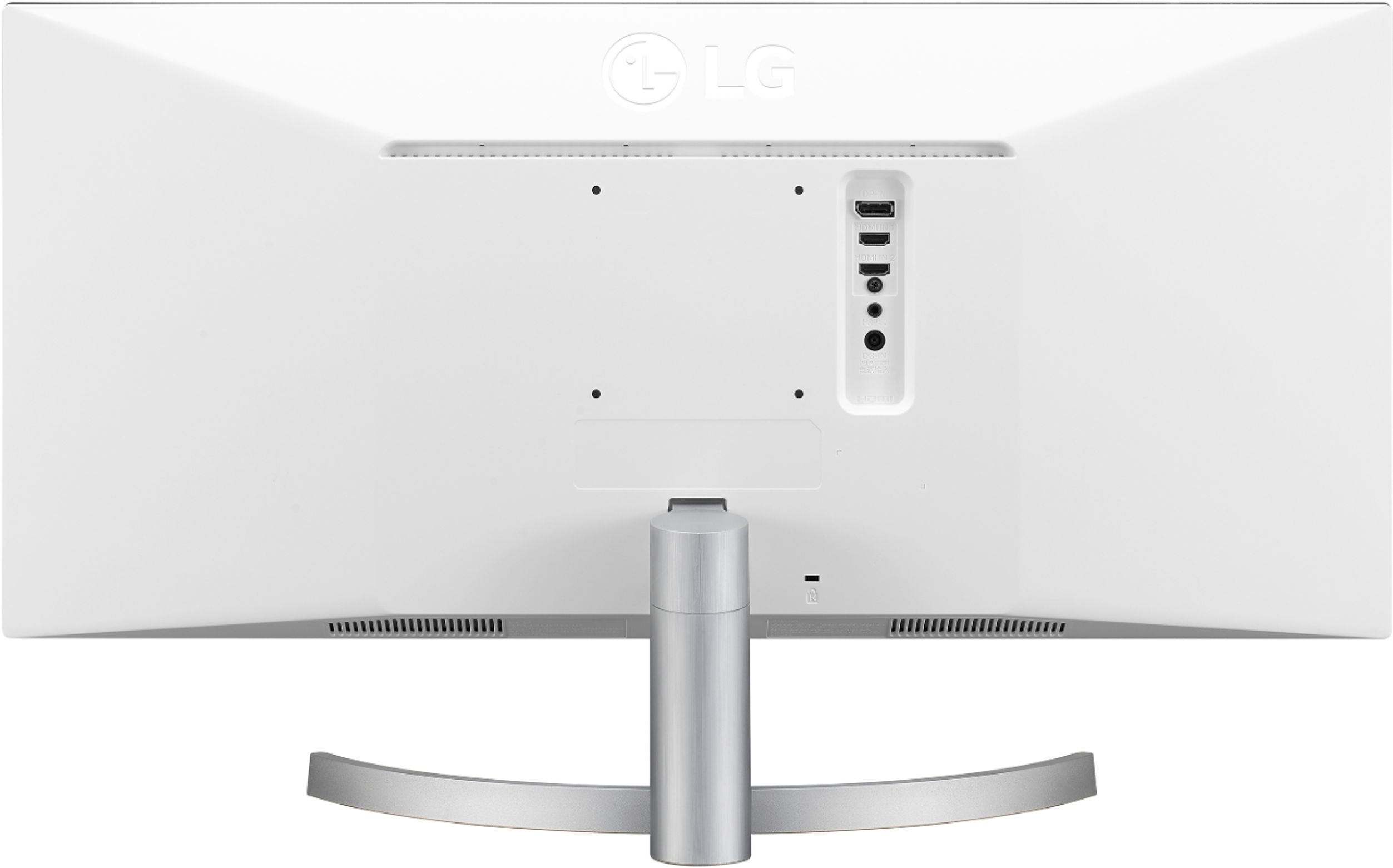
- A:Answer Yes, this unit can be mounted using a 100 x 100 mm VESA mount.
Answered by CommunityAnswer
Q: QuestionDoes this monitor tilt forward and back?
Asked by Caits.
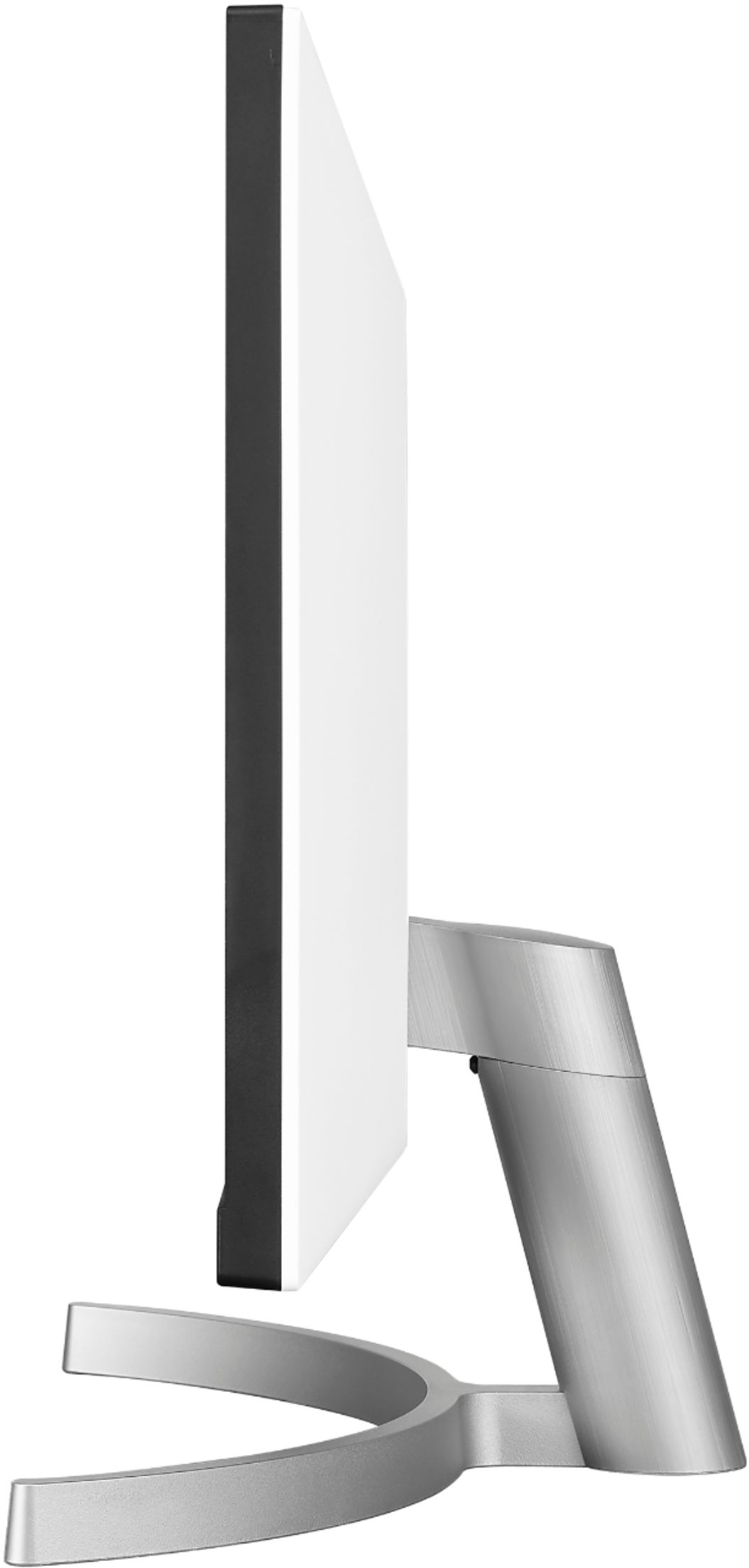
- A:Answer Yes the monitor tilts and is adjustable
Answered by Mary254
Q: QuestionDoes this monitor have split screen capability?
Asked by Shey.
- A:Answer Yes, once software is installed. Monitor is capable of many screen. Iews of content.
Answered by Mary254
Q: QuestionIs the 29” a better size to avoid pixels by viewing up close?
Asked by Rome.
- A:Answer If your comparing it to the 34in equivalent yes. You have the same amount of pixels(2560×1080) stretched out across a smaller 29in screen, so technically yes the 29in should be better. Especially for web browsing and documents......people say for gaming it doesn't matter that much though for the 34in.
Answered by Joel
Q: QuestionWhat's the energy usage?
Asked by Display.
- A:Answer The energy usage is: Normal On (EPA Typ.) 20.5W Normal On (factory out condition Typ.) 32W
Answered by LG Digital Customer Care

Q: QuestionSo I am buying this for my PS4, will I be able to use 1080i graphics?
Asked by Ashton.
- A:Answer Yes, this unit has a 2560 x 1080 display resolution.
Answered by CommunityAnswer
Q: QuestionHow do I change the settings if I am using it with an Xbox? (I also have a mac and PC) but I game on my xbox.
Asked by Evan.
- A:Answer For best assistance with your monitor related questions, give our computer specialists a call at 800-243-0000. ^CP
Answered by LG Digital Customer Care

Q: QuestionI am not allowed to install software on my work computer (which runs windows) - does that mean I won't have the split screen 2.0 functionality? Meaning that I will have to size each window myself - no snap?
Asked by NoAdmin.
- A:Answer The following drivers are recommended: Monitor Driver, OnScreen Control. A Dual Controller driver is optional. If you're in need of some guidance with using your monitor, please give us a call at 800-243-0000 so a specialist can help out. ^CP
Answered by LG Digital Customer Care

Page 1, Showing 1-12 of 12 questions
Best-selling Best Buy
- Tech Fest Deal$99.00