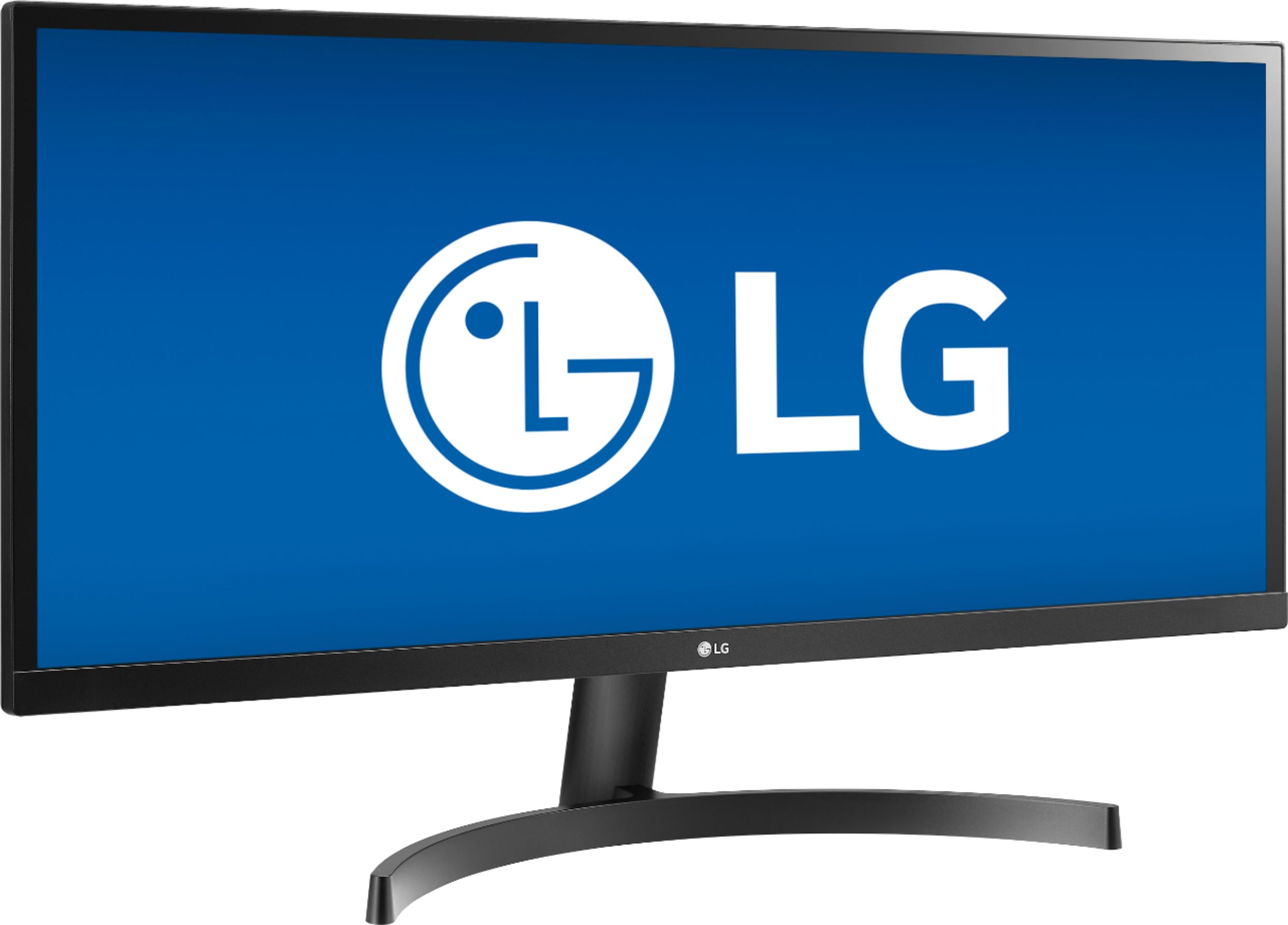
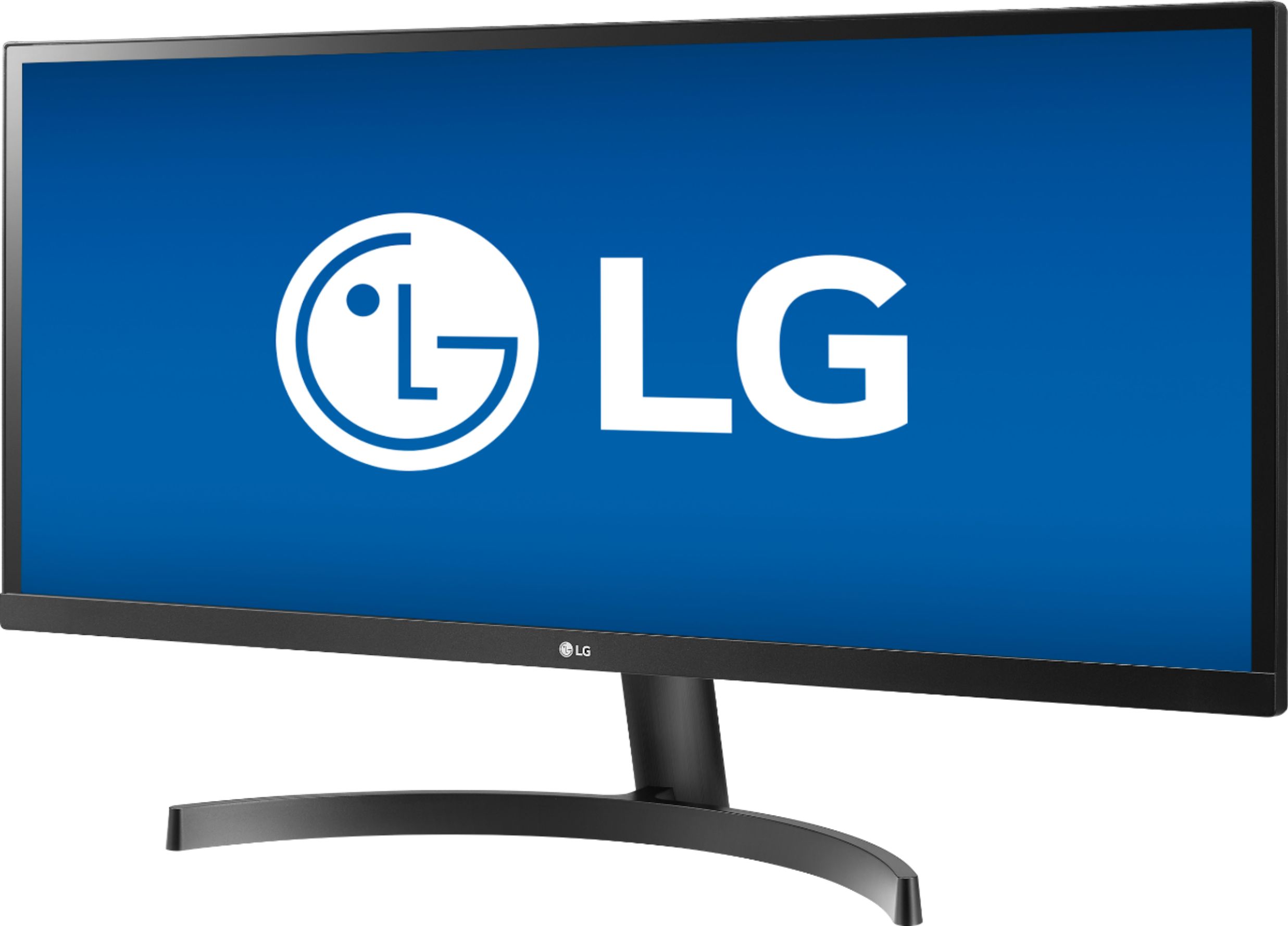
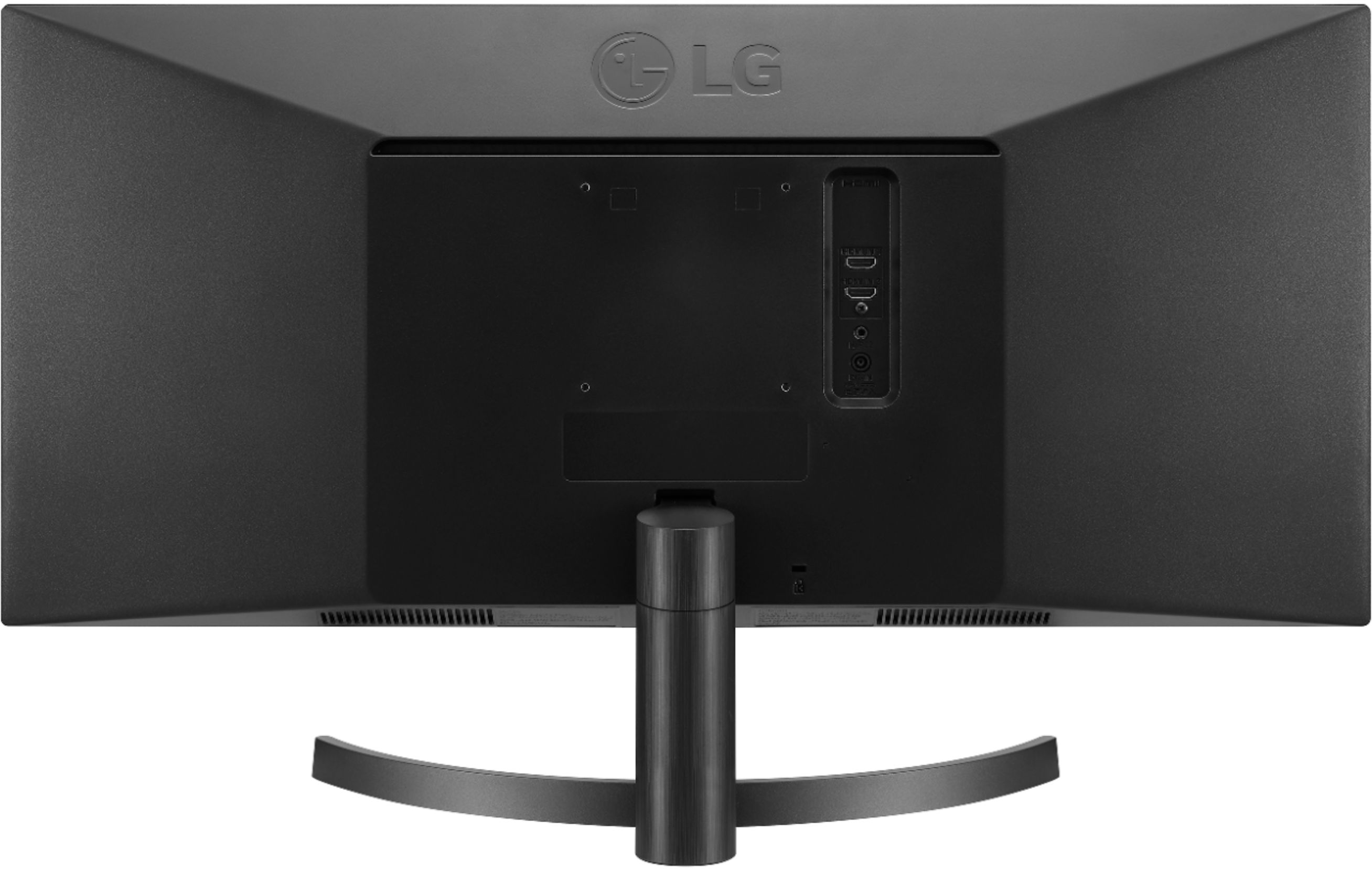
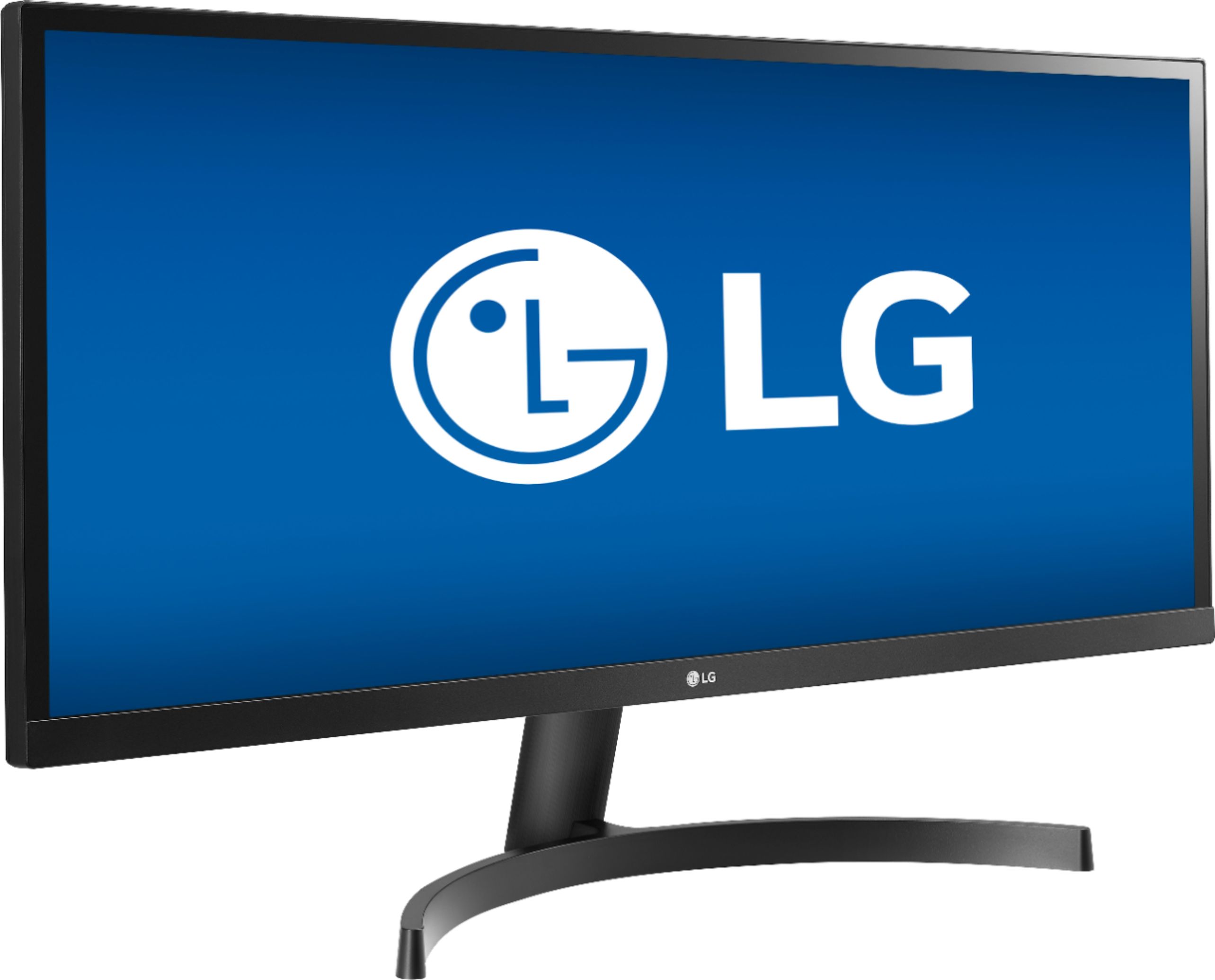
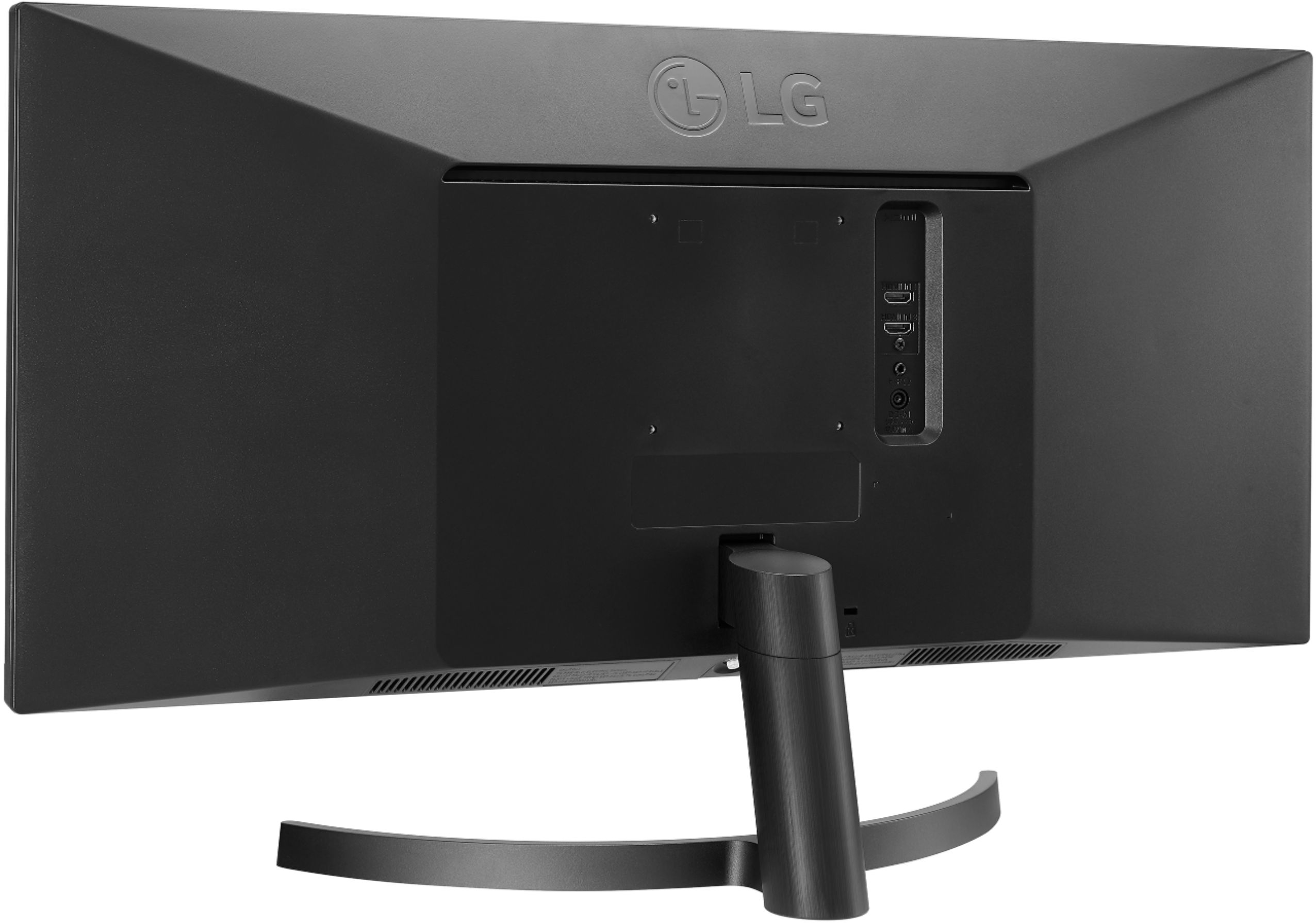
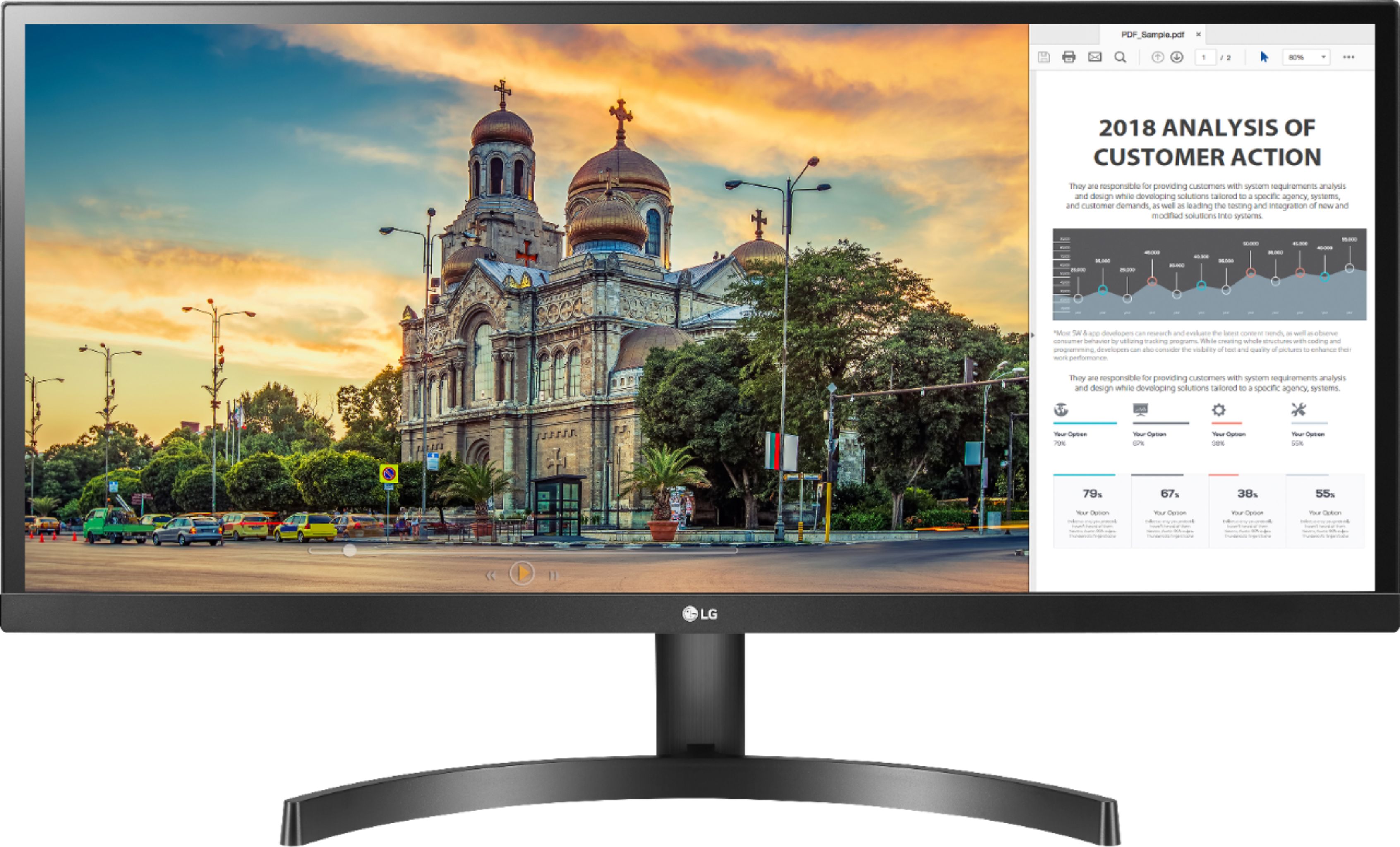
A:Answer2560 x 1080 @ 75 Hz is supported through the HDMI ports on the 29'' Class 21:9 UltraWide FHD IPS Monitor with HDR 10 (29'' Diagonal), Model # 29WL500-W . The monitor has a Freesync range of 40 - 75 Hz via HDMI...^IFV
A:AnswerPlease reach out to our support team via private message on Facebook @LGUSSupport and use #VOC in your first message to our social media support team or call at 800-243-0000. Also, be sure to provide your contact information, model/serial numbers and date of purchase. ^Daphane
A:AnswerAs long as the card and monitor share a display connection type, i.e. HDMI. The monitor features Adaptive Sync as it relates to video graphics for gaming. If you are in need of assistance with using a monitor, give our computer specialists a call at 800-243-0000. ^Daphane
A:AnswerPlease reach out to our support team via direct message Twitter or Facebook @LGUSSupport or call at 800-243-0000. Please be sure to provide your contact information, model/serial numbers and date of purchase. ^Daphane
A:AnswerI am very happy with mine. I bought two and use them for spreadsheets and large data sets. I am very comfortable now with the smaller print and not having to make items bigger than designed. If you are trying to replace two normal aspect ratio monitors with one it is not going to feel like it is twice as big but you can fit two 4:3 windows together on one of these monitors comfortably..
A:AnswerThis is a very nice monitor with crisp clear detail and it is also an ULTRAWIDE. This means it is a wider aspect ratio than most monitors. For your purposes described that is not needed, but over time I believe you would really enjoy the monitor because of its HDR and very good quality display.
A:AnswerIf the laptop has an HDMI port, then it should work with it. The monitor only has HDMI inputs. There is LG software (free) you can download to use the monitor as a multi-monitor replacement, dividing the screen into multiple segments which you can drag app windows into and use as if it were multiple individual monitors. You can have 1, 2, 3, 4, 6, or 8 screens on the monitor. There's also a Picture in Picture mode.
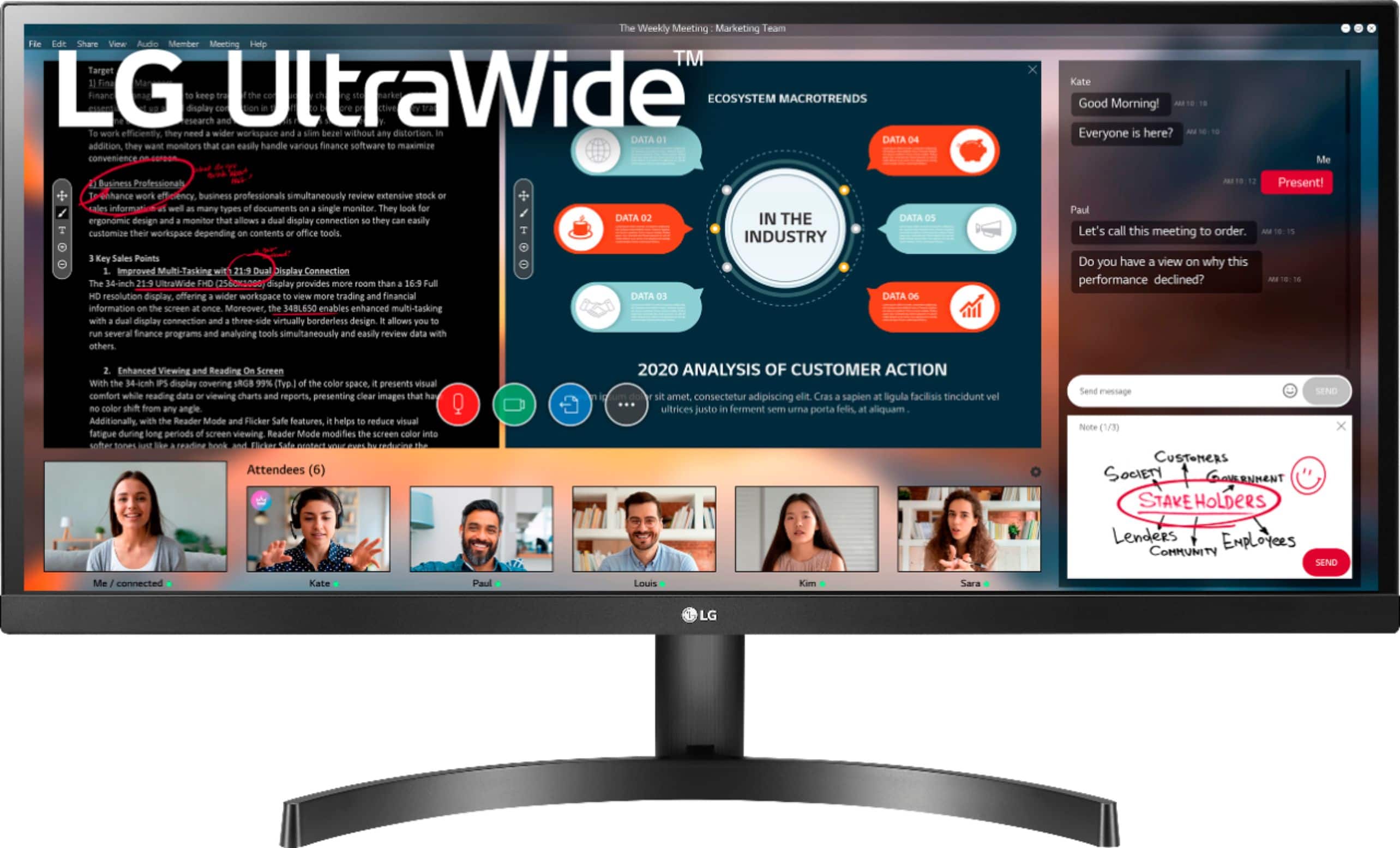
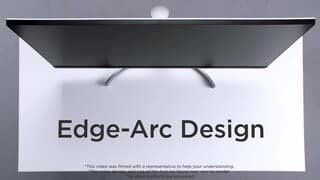
A:AnswerNo, the height of the monitor is not adjustable. The screen can be tilted. The angle of the screen can be adjusted forward or backward from -5° to 15° for a comfortable viewing experience. ^Daphane