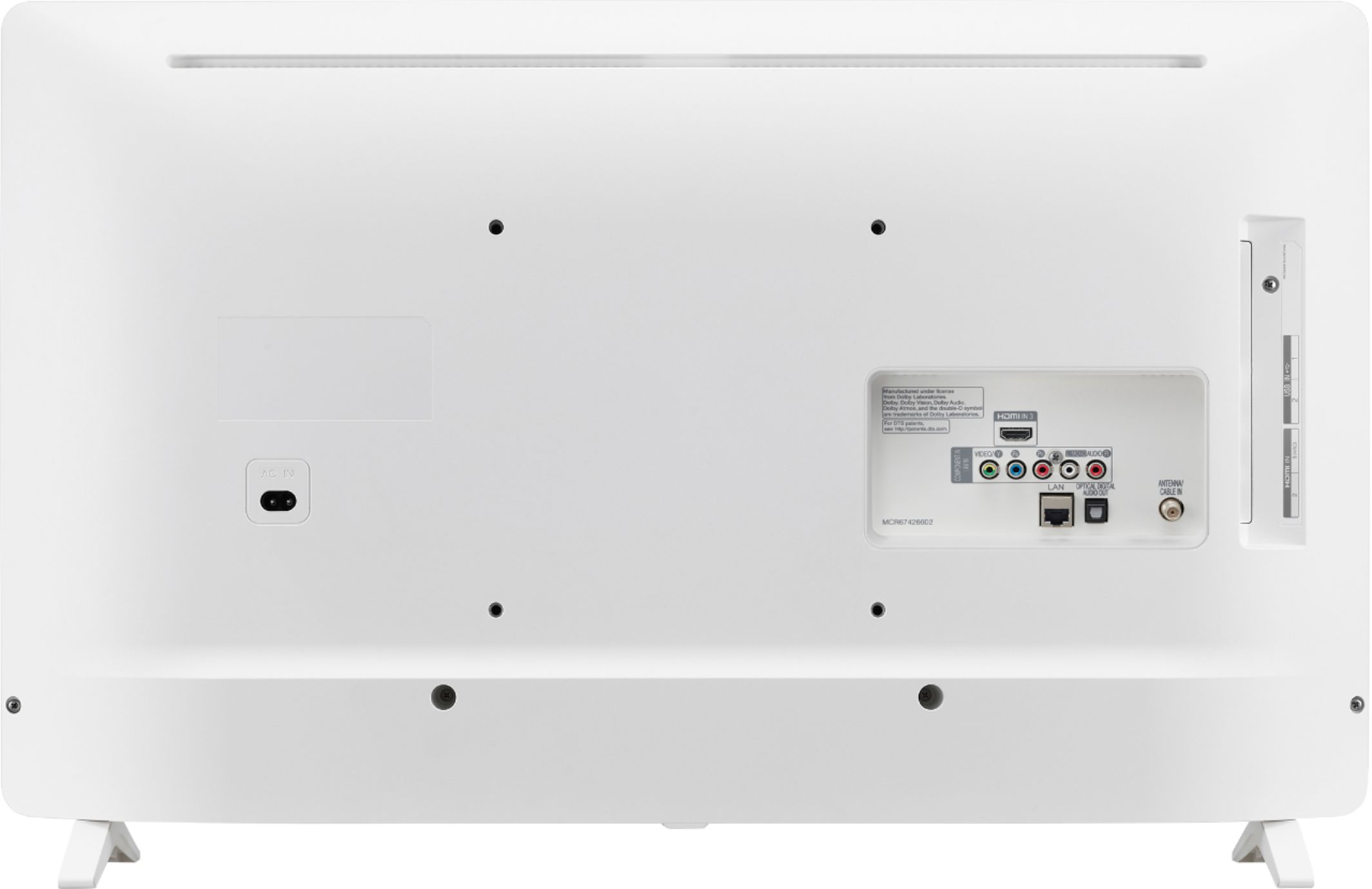
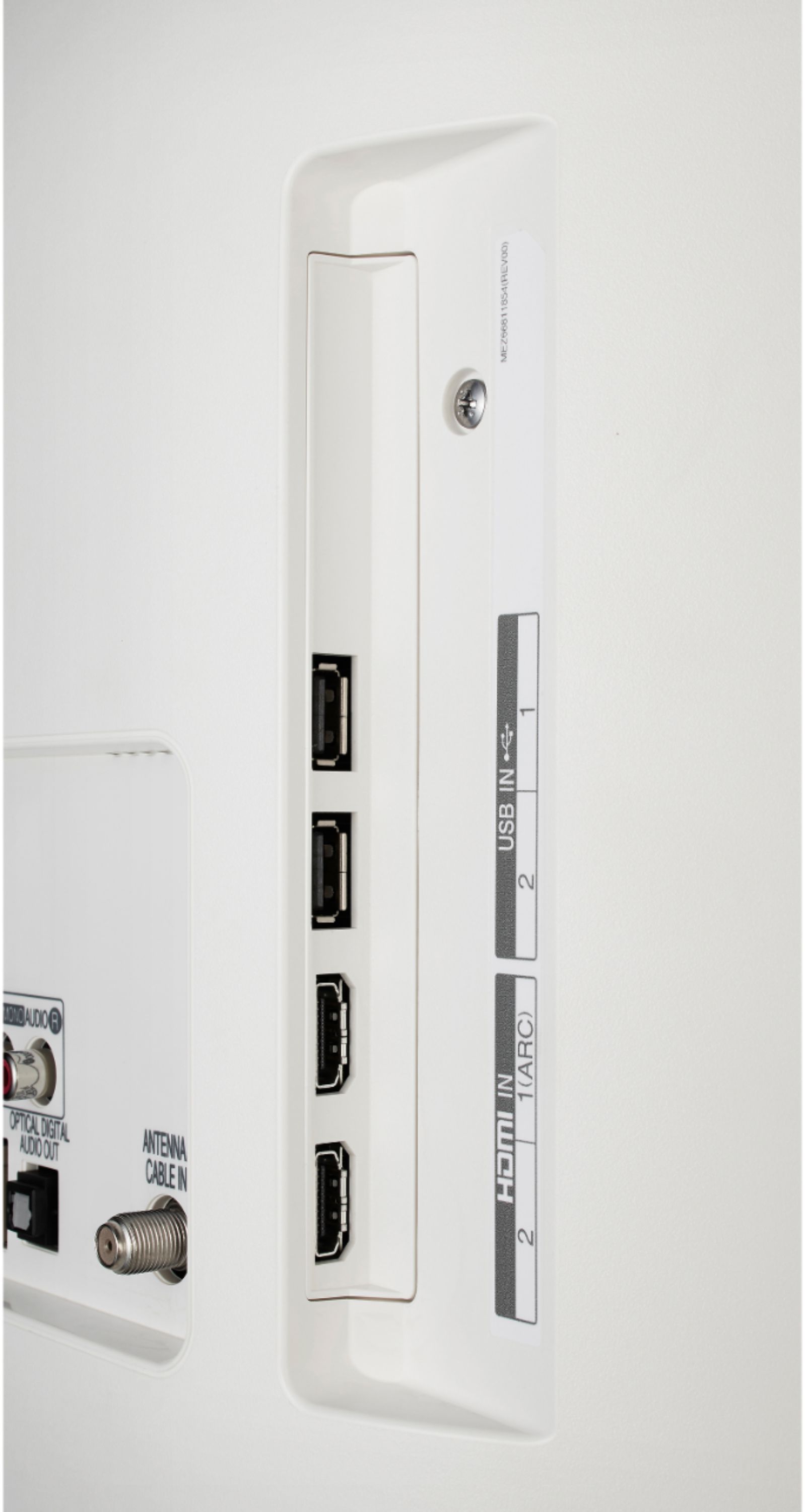
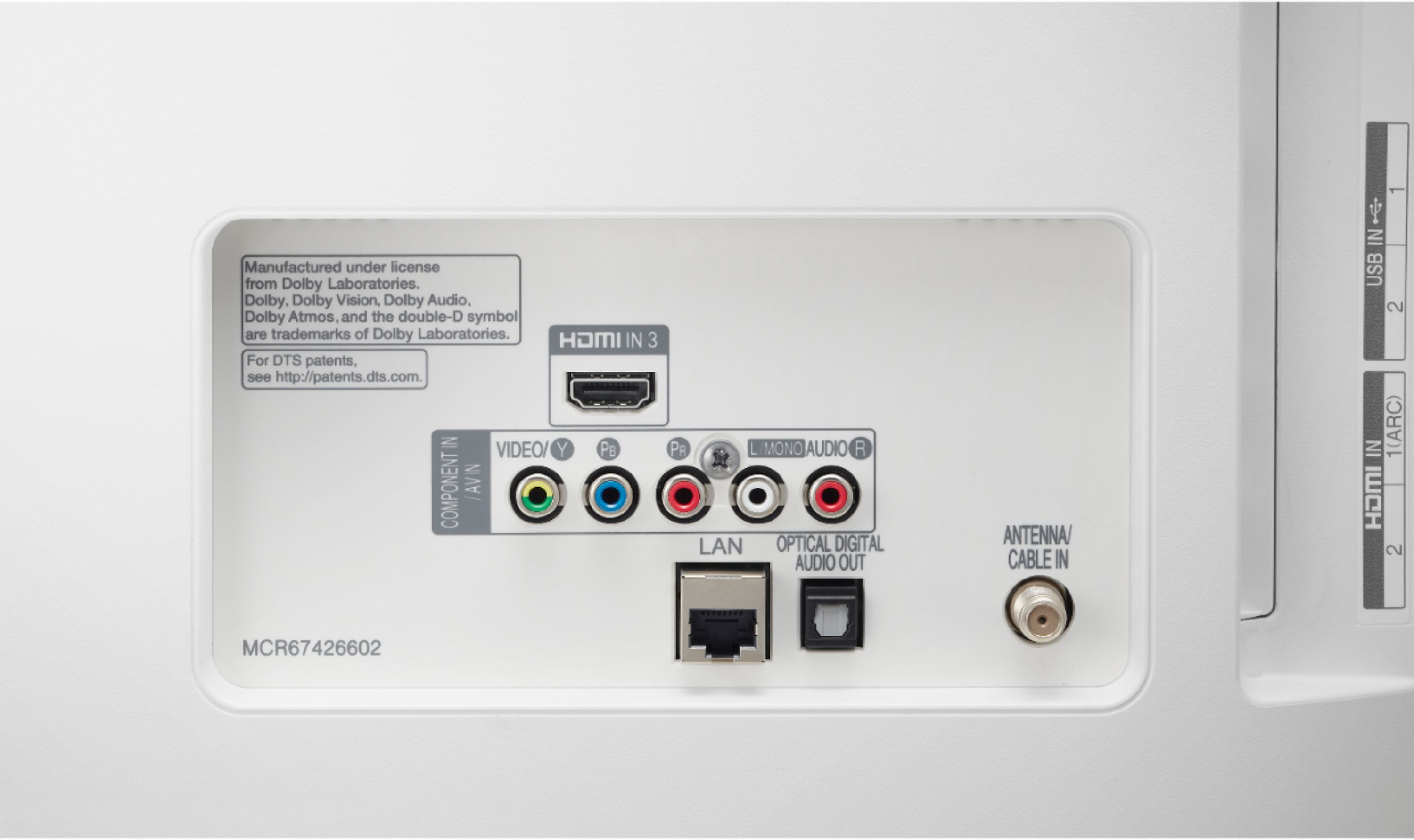
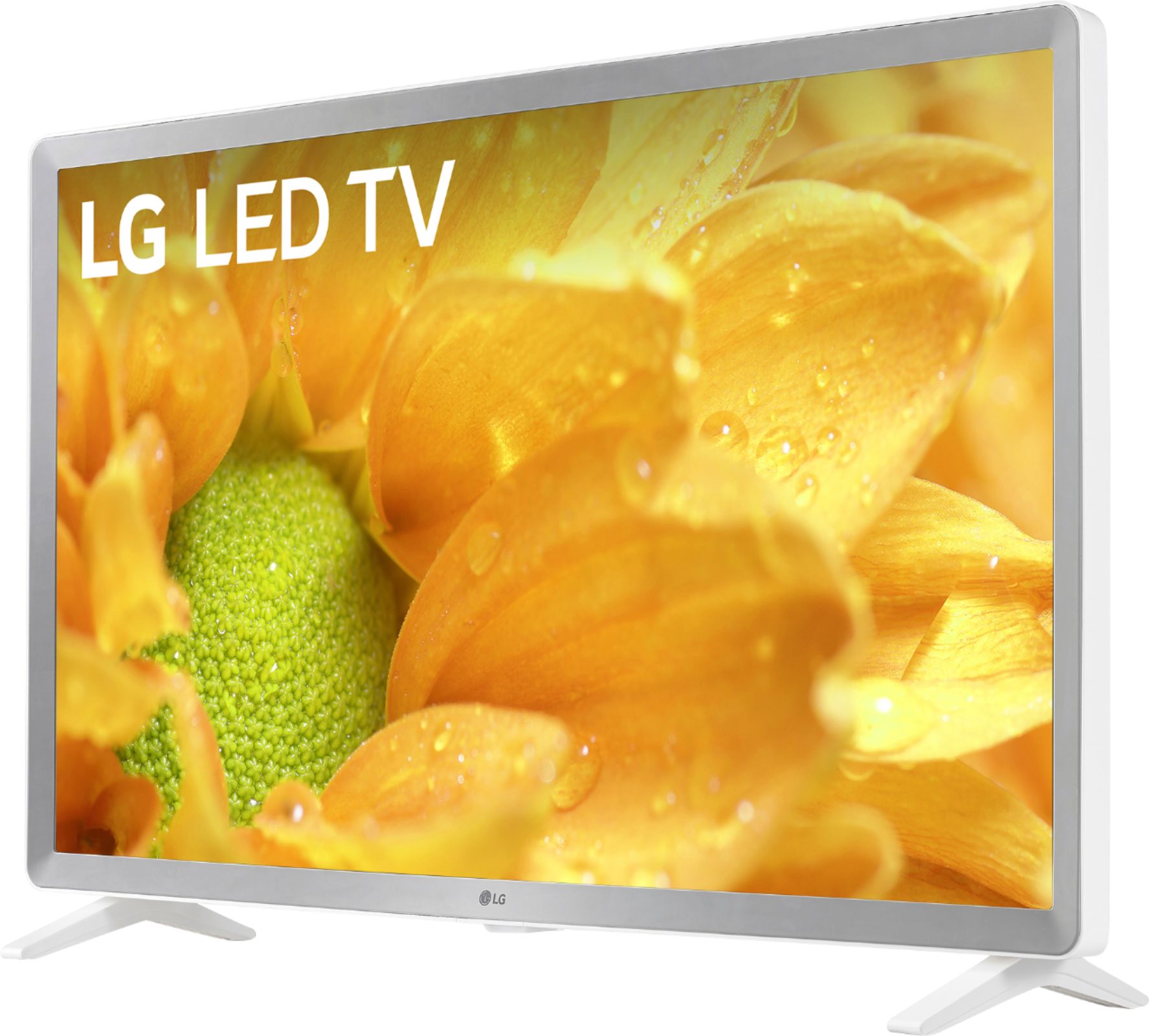
A:AnswerThere is an optical audio out port on the TV. You could purchase a Toslink to Bluetooth or RCA adaptor from you favorite online marketplace. This technically would allow you to connect either wired or Bluetooth headphones, however it may introduce an unacceptable lag in the audio.
A:AnswerFor information about using your Chromecast, please refer to the following link: https://support.google.com/chromecast/answer/6006232?hl=en If you have additional questions, you can contact our Customer Support by any of the below options:
Phone: 1-800-243-0000
LiveChat: https://www.lg.com/us/support/chatbot
Email: https://www.lg.com/us/support/email-appointment
Facebook Messenger: https://www.facebook.com/LGUSA/
Twitter: @LGUSSupport
The LG Community Forum is also a great resource for getting help from other LG customers: https://lgcommunity.us.com/
A:AnswerRegrettably, the HBO Now app is not a compatible app for the LG 32 inch Class 720p Smart HD TV (31.5'' Diag), Model # 32LM620BPUA and is available for download from the LG Content Store...^IFV

A:AnswerIn settings you will find the Accessibility menu with the Closed Captioning options. In the case of HD broadcasting, you can set the size and color of the caption at the HD Mode Option. You can adjust detailed options such as the size and color of the caption by selecting Custom. If you need further assistance, you can contact our Customer Support by any of the below options: Phone: 1-800-243-0000 Live Chat: https://www.lg.com/us/support/chatbot Email: https://www.lg.com/us/support/email-appointment Facebook Messenger: https://www.facebook.com/LGUSA/ Twitter: @LGUSSupport The LG Community Forum is also a great resource for getting help from other LG customers: https://lgcommunity.us.com/
A:AnswerThis unit does have a RF IN port. A list of available applications for the 32LM620BPUA can be found on the following page: http://us.lgappstv.com ^CP
A:AnswerPlease clarify your question so that I provide an accurate and helpful response. I am not aware of what you mean by built in video. Please reach out to our support team on Twitter via @LGUSSupport or on Facebook at https://www.facebook.com/LGUSA. Thank you. ^Daphane
A:AnswerFrom a Home screen, navigate to Settings > Display to change the size of the text. The TV does offer a full web browser. Please see the support page to access the User's Guide for help learn about the TV and setting. ^Daphane https://www.lg.com/us/support/product/lg-32LM620BPUA.AUS
A:AnswerThe HBO Max app is currently not available for download on the LG 32 inch Class 720p Smart HD TV (31.5'' Diag), Model # 32LM620BPUA. We are continually working to add the latest streaming applications, such as HBO, but cannot provide a concrete timeline right now. In the meantime, our webOS platform offers over 600 applications including streaming content and games including over 180 free streaming channels via the LG Channels app. Also, you can access much of the HBO content through the Hulu, Amazon Prime, YouTube TV or Apple TV+ apps that are available on our platform...^IFV