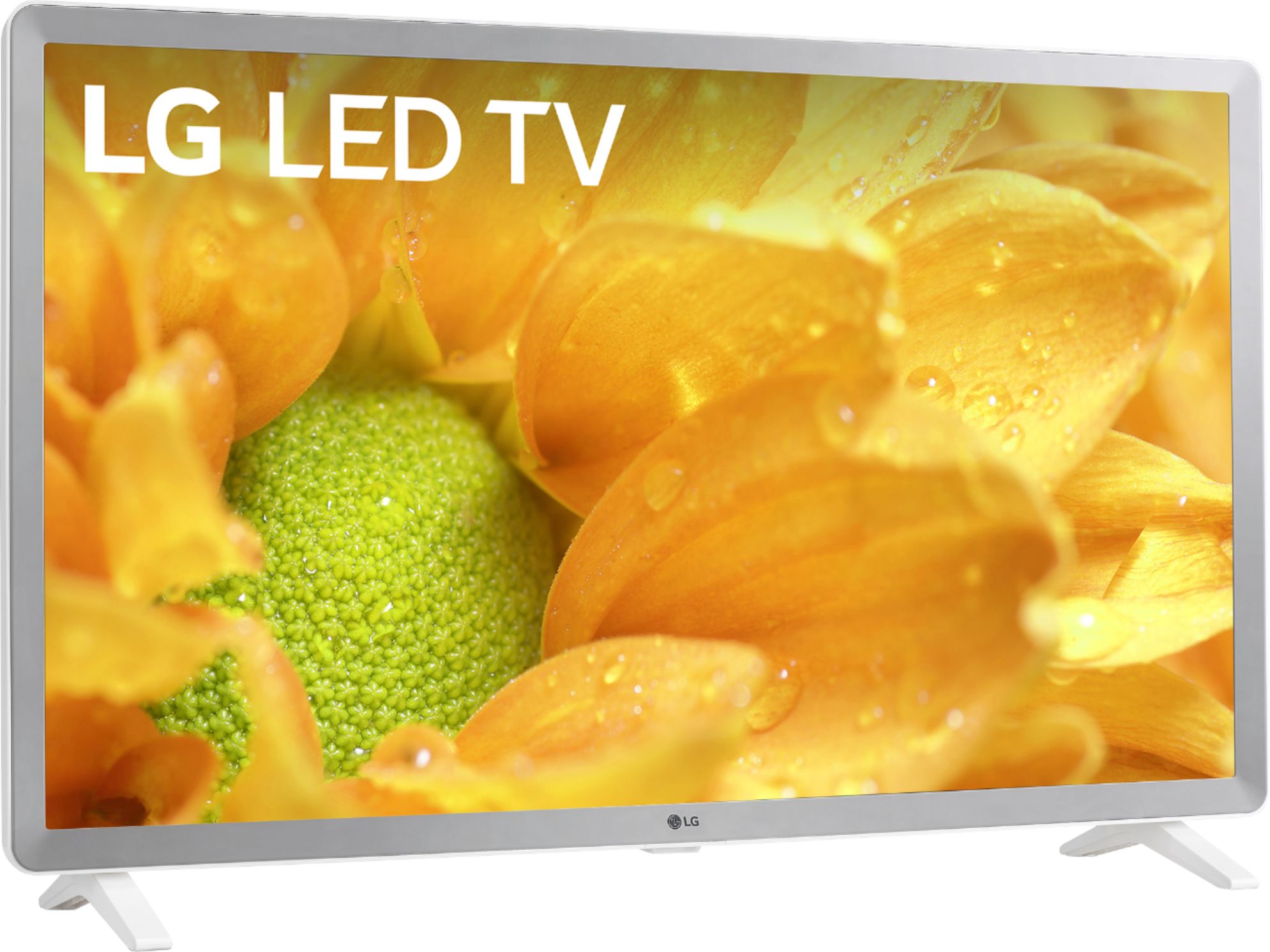
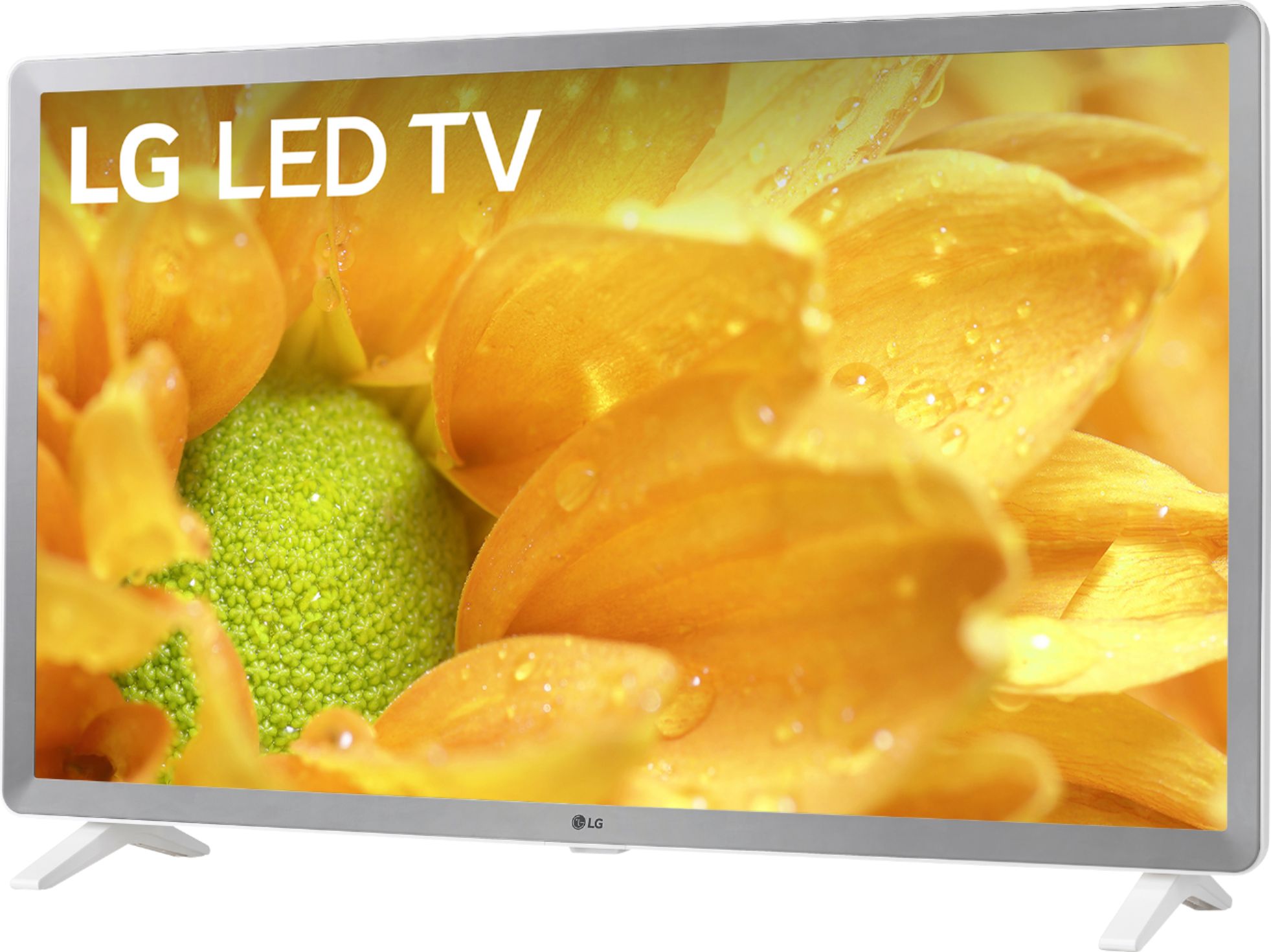
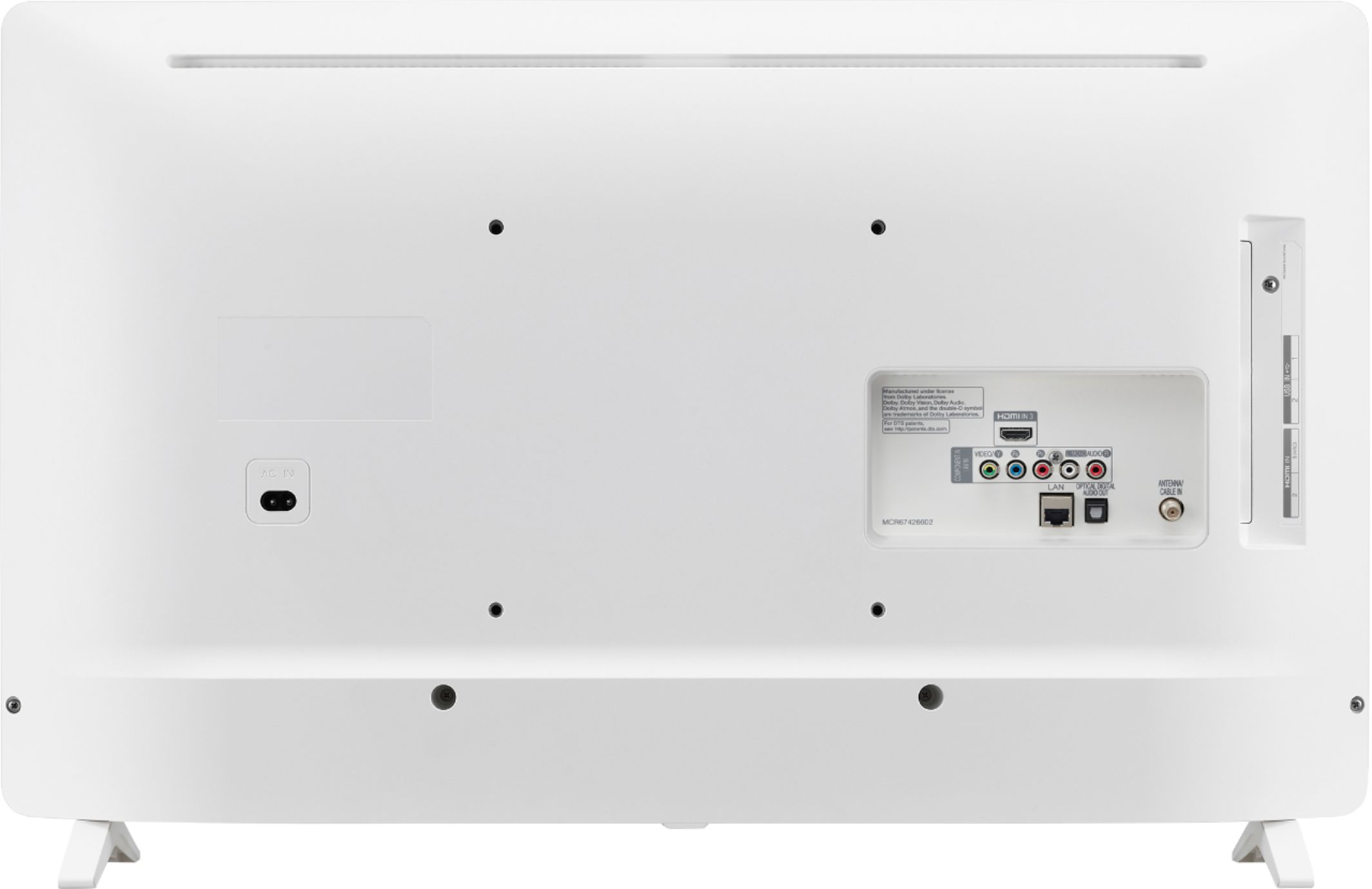
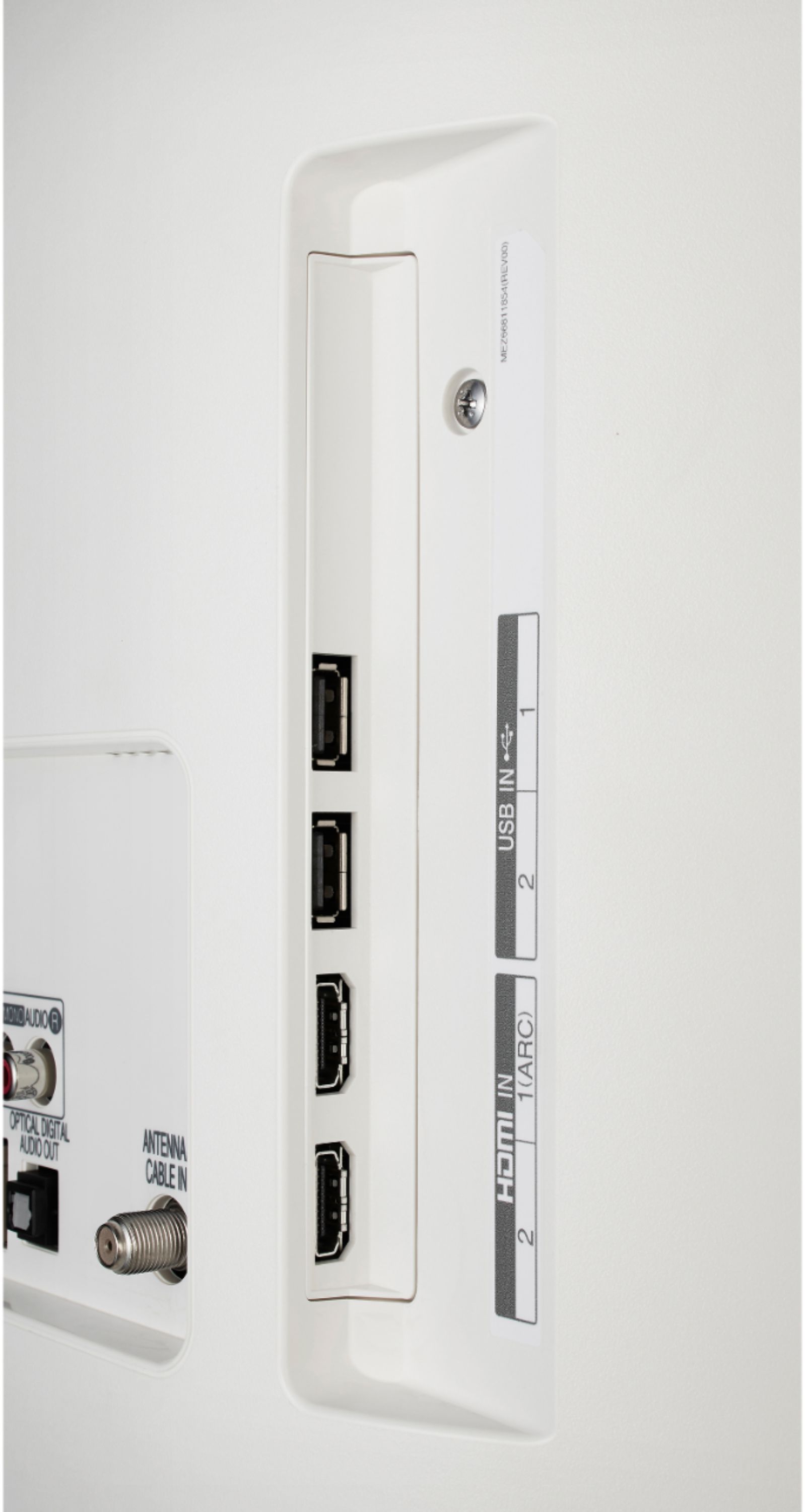
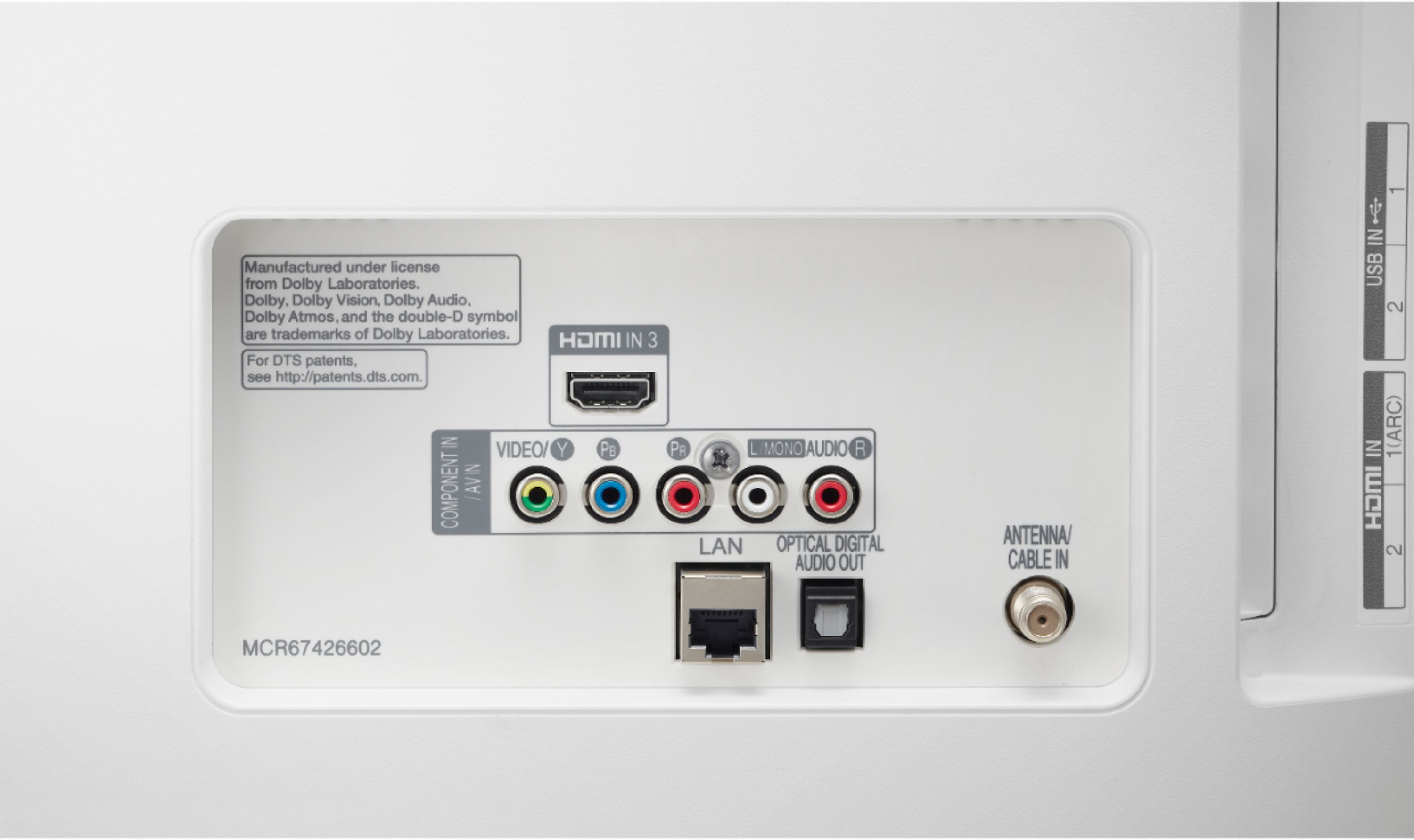
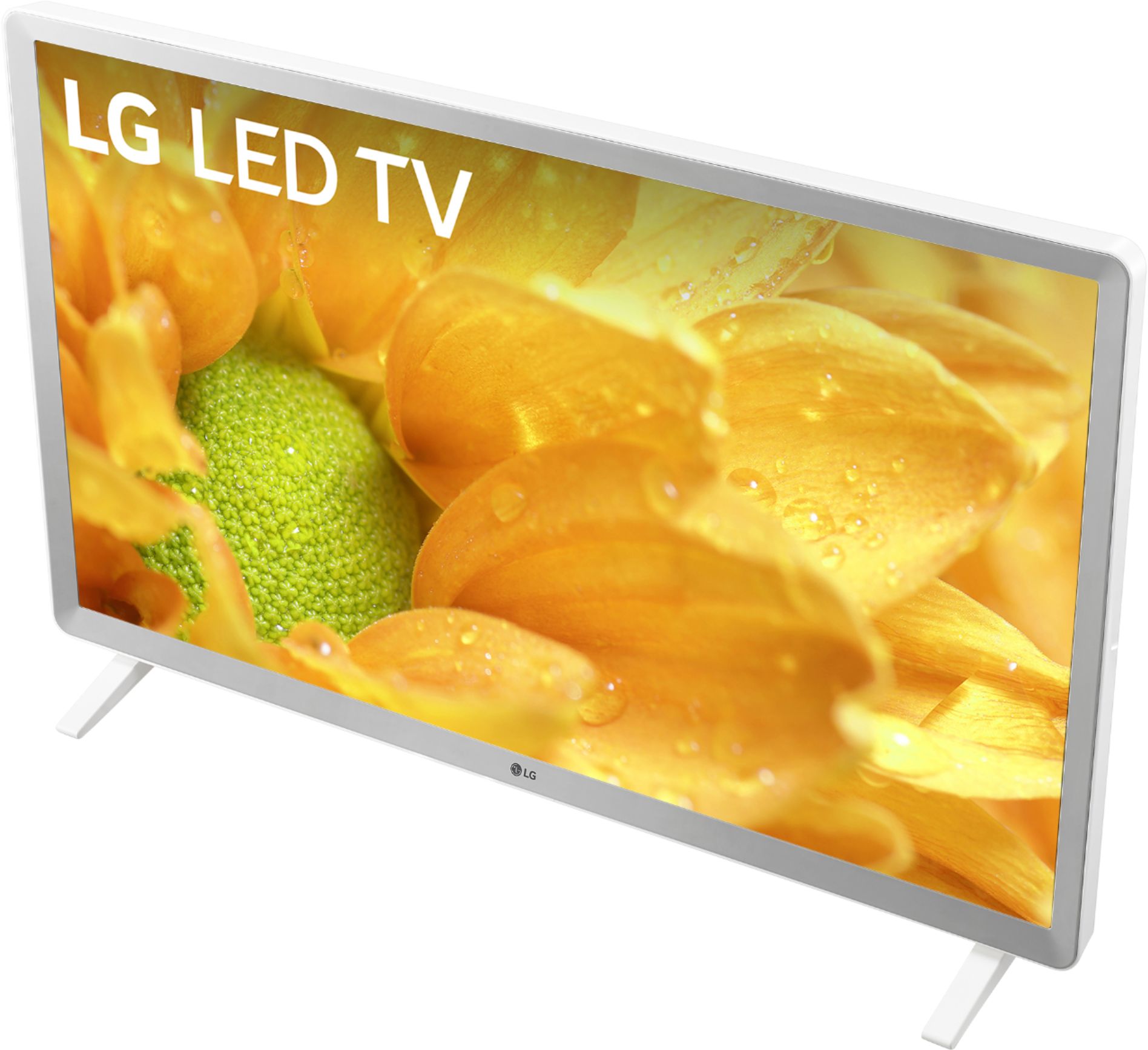
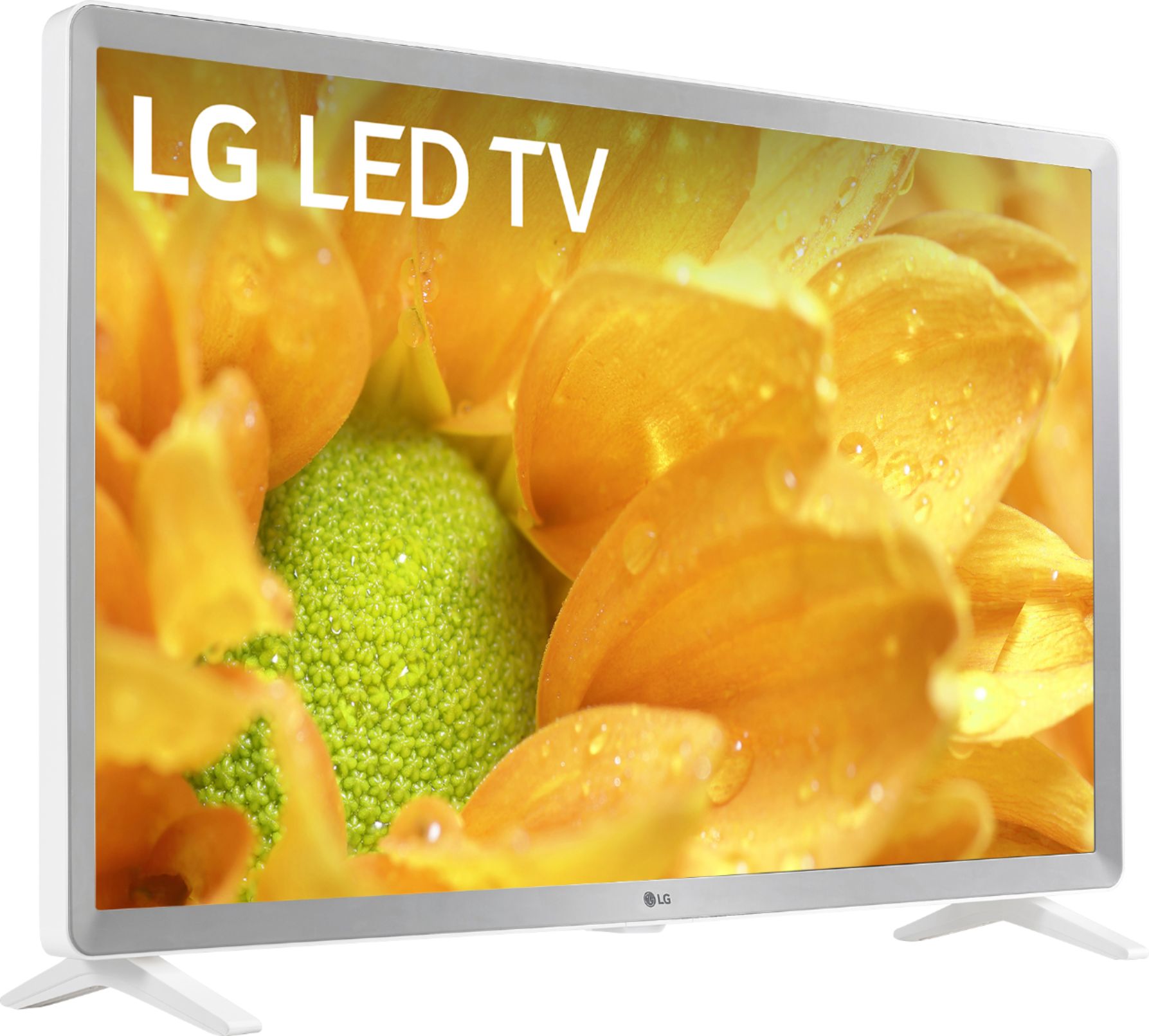
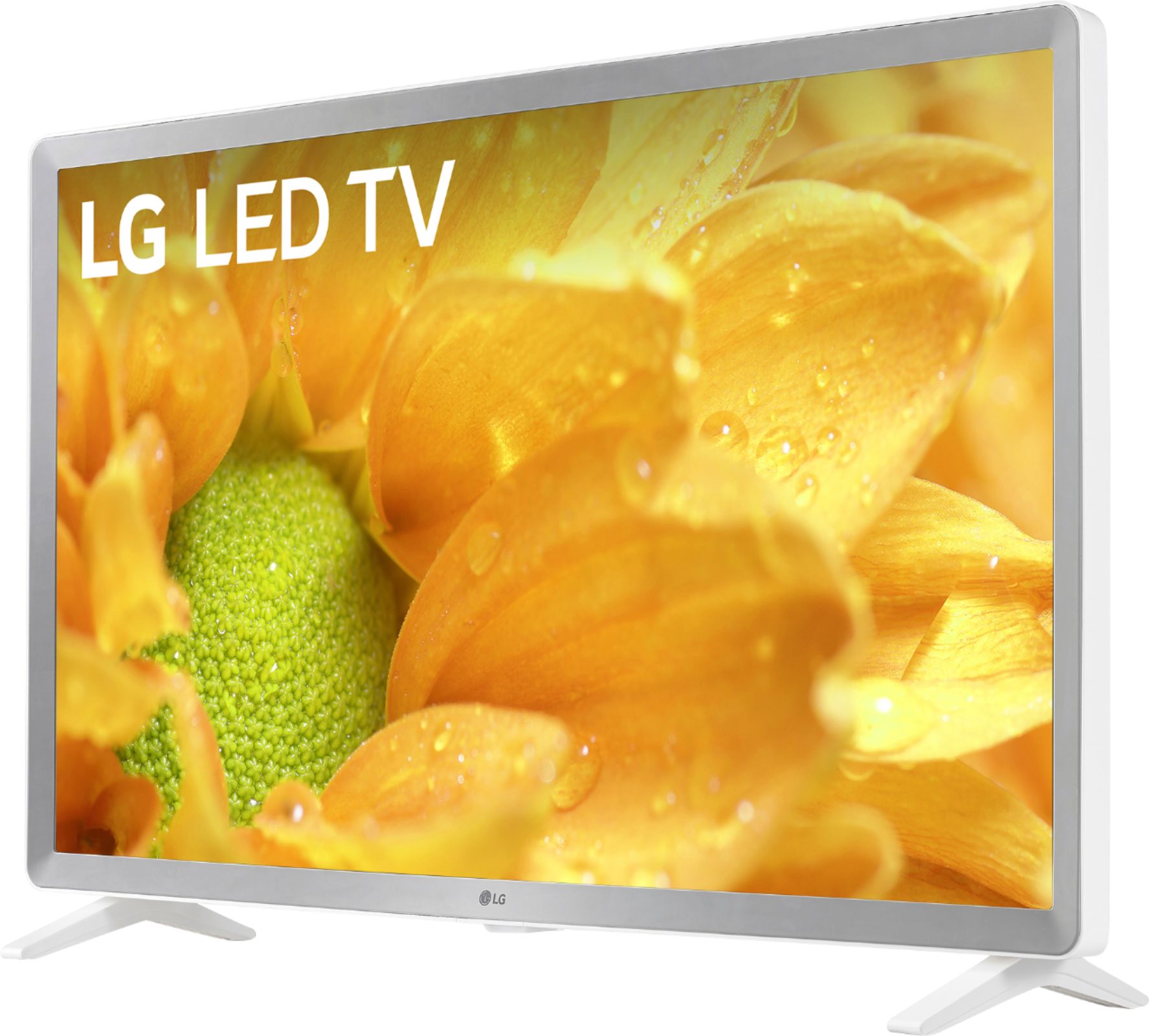
A:AnswerThe LG 32 inch Class 720p Smart HD TV (31.5'' Diag), Model # 32LM620BPUA does not support AirPlay or AirPlay 2, but it has 3 x HDMI ports that you can connect an Apple TV media streaming device to...^IFV
A:AnswerI do not know. I would tell you to ask Best Buy, but over the last two and a half months I found out they do not know their product they are selling. I brought TV"s they told me they would do what I wanted them to do. But they would not and I had to return them. So download the manual or call LG. The phone number is on their web site.
A:AnswerFor casting information, please check out the following help article: https://www.lg.com/us/support/help-library/screen-share-screen-mirroring-device-to-tv-CT10000018-20150637965681 ^CP
A:AnswerThe LG 32 inch Class 720p Smart HD TV (31.5'' Diag), Model # 32LM620BPUA has built-in Wi-Fi®. You will need to connect it to your router the same way that you would connect your PC/Laptop, or Smartphone to your home network. If you need assistance with this, please contact our Support Representatives at (800) 243-0000 so they can give you a step-by-step guidance. You can also visit us at https://www.lg.com/us/support/chatbot to use the Chatbox feature which is available 24/7 everyday of the week...^IFV
A:AnswerLet's see if we can get that taken care of for you. Please contact our Customer Support by any of the below options:
Phone: 1-800-243-0000
Live Chat: https://www.lg.com/us/support/chatbot
Email: https://www.lg.com/us/support/email-appointment
Facebook Messenger: https://www.facebook.com/LGUSA/
Twitter: @LGUSSupport
The LG Community Forum is also a great resource for getting help from other LG customers: https://lgcommunity.us.com/
A:AnswerThe Apple TV+ app is not a downloadable app from the LG Content Store. The Apple TV app is an already preinstalled app on the LG 32 inch Class 720p Smart HD TV (31.5'' Diag), Model # 32LM620BPUA and it gives you the ability to subscribe to and watch Apple TV+...^IFV