A:AnswerPlease contact LG Customer Support by direct message via Twitter (@LGUSSupport) or Facebook Messenger (https://www.facebook.com/LGUSA/). Please be sure to provide your name, phone number, address, email, model/serial numbers, and date of purchase and we will be happy to assist you. We apologize for any inconvenience this has caused. ^Daphane
A:AnswerLG TVs do not support the Spectrum TV app. You can access the app via a Roku device to hook up to your tv or gaming console like an Xbox One. ^Daphane
A:AnswerHow well the LG 32 inch Class 720p HD TV (31.5'' Diag) Model # 32LM505BBUA will work in a rural area with an antenna will depend on the strength of your antenna and your proximity to the broadcasting towers in your area. Most areas of the U.S. have access to between 50 and 100 TV stations broadcast over the air for free. Over-the-air TV signals are typically compressed less than cable or satellite broadcasts so pictures will appear either the same quality or better. All of the major broadcast networks now transmit in high-definition. Your first step is figuring out which channels are available where you live and of those, which ones you want to watch. Available charts will list the strongest signals at the top and weakest at the bottom. It’s important to remember than an indoor antenna is always going to be a compromise. You will always get better results with an outdoor antenna. Indoor antennas are typically fine for all the strong local channels, but if you want channels that are weaker or further away, you might need to go larger and put an antenna in your attic space or on your roof. If you install your antenna in the attic, you’ll probably get slightly less signal than if it was on the roof because it’s an enclosed space, but it might be enough to get stable TV reception. If you hate the look of an outdoor antenna, then experiment. An attic-mounted antenna will also be easier to maintain. The direction of the TV transmitter tower is also important. If you’re using an indoor antenna, you’ll want to put it in a window facing that direction. If you’re using an outdoor antenna, it should be pointed in that direction. As signals get weaker, the direction becomes more important. If you want to tune in weaker stations from towers in different directions, you’ll probably need a rotator. This motorized device will turn the antenna so that it’s oriented to pull in those weaker signals. Knowing the real channel number will help you select an antenna. TV broadcasting in North America is spread across three frequency bands: VHF-Low (channels 2 through 6), VHF-High (channels 7 through 13), and UHF (channels 14 through 51). Because of the different frequencies in use, antennas are designed to cover one, two, or three bands. Not every antenna covers them all...^IFV
A:AnswerWhich 24" LG TV did you purchase, what is the model number for the TV that you purchased? The models showing in your inquiry is the LG 32 inch Class 720p HD TV (31.5'' Diag), Model # 32LM505BBUA...^IFV
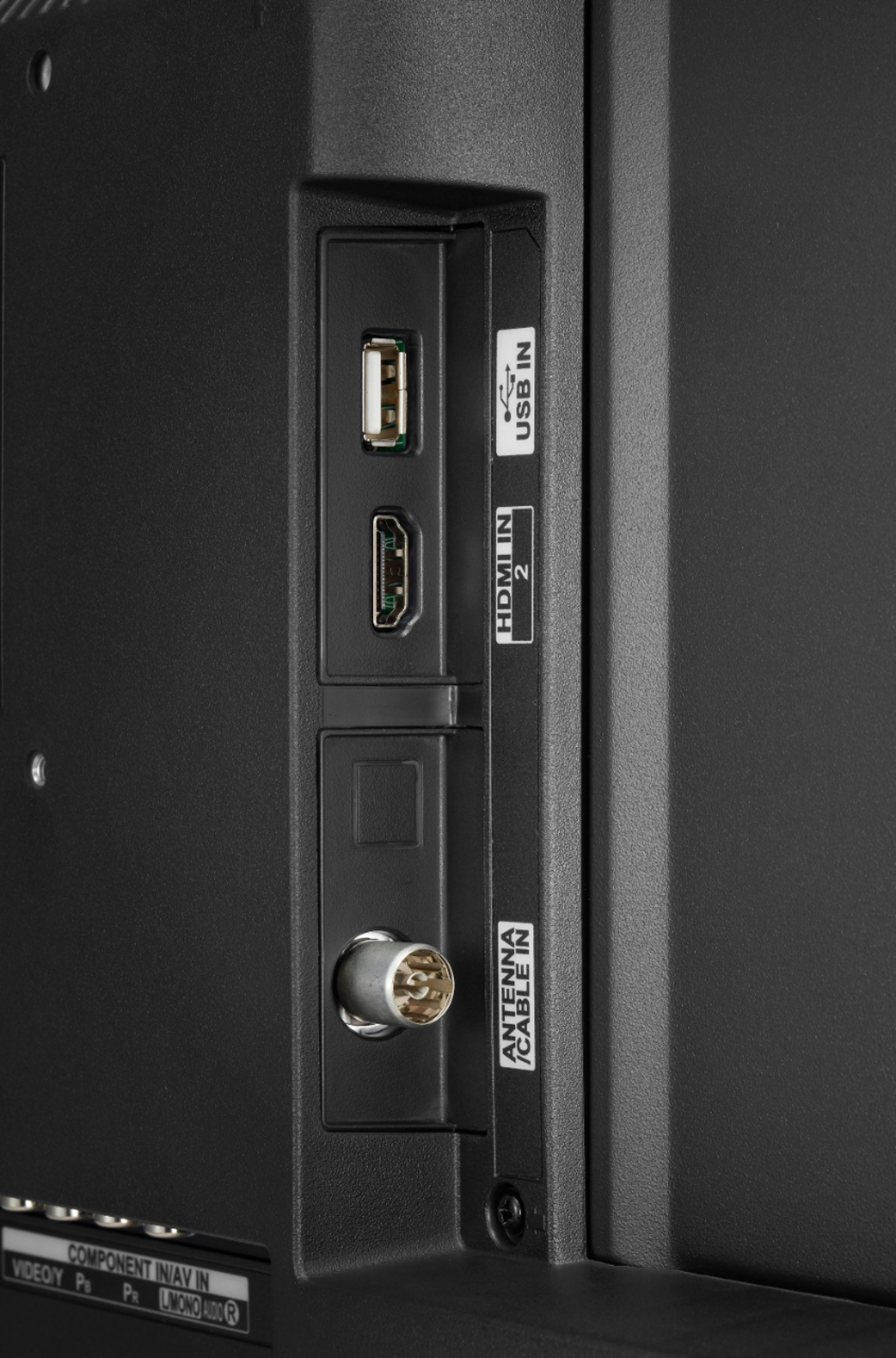
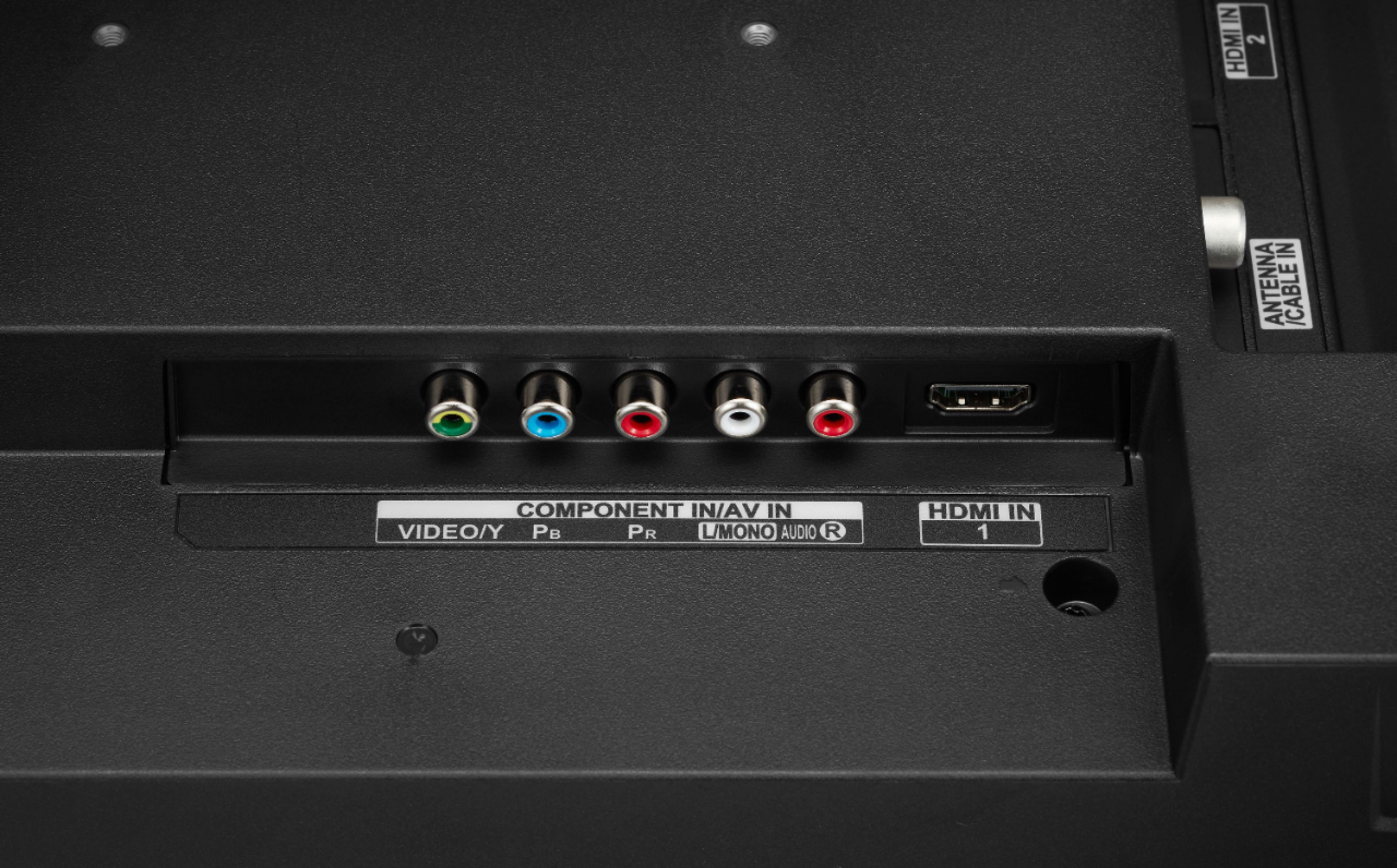
A:AnswerWhat connections do you have on your Chromebook? The LG 32 inch Class 720p HD TV (31.5'' Diag), Model # 32LM505BBUA has 2 x HDMI ports on it that you can connect a PC/Laptop to if it has an HDMI Output...^IFV
A:AnswerYou would have to change the store location on the Best Buy page to the Best Buy store location in Puerto Rico and use the search field for that store to search for the product that you want to find availability for. In the upper right corner of any page on the Best Buy site under 'For Your Business' next to the Shopping Cart it indicates which store your page is set for. Click on the Best Buy tag icon then click on find another store. On the Store Locator field for the page that opens up, you can enter the city or state to switch the page to that store...^IFV
A:AnswerThe LG 32 inch Class 720p HD TV (31.5'' Diag), Model # 32LM505BBUA does not support LG's Simplink which is why it does not have a toggle button in a Simplink menu that allows you to enable or disable the feature. On TVs that support it, it can be found under the General Settings Menu on the TV or you can open the Quick Settings Menu then navigate to the Advanced Settings icon at the bottom of the menu...^IFV
A:AnswerThe LG 32 inch Class 720p HD TV (31.5'' Diag), Model # 32LM505BBUA does not have a Screen Share feature on it that can be used to display your smartphone's screen on the TV. If you have an Android phone and it has a screen share feature on it (screen share might have a different name on your phone), you can use the Screen Share feature on the LG 32 inch Class 720p Smart HD TV (31.5'' Diag), Model # 32LM620BPUA...^IFV
A:AnswerMost definitely! It’s the same as a new one you just don’t pay the new tv price. Don’t be afraid of ordering open box, I haven’t been disappointed yet!
A:AnswerThe Audio Guidance feature on the LG 32 inch Class 720p HD TV (31.5'' Diag), Model # 32LM505BBUA that announces the TVs current staus (Channel, Volume) by voice can be found in the Accessibility settings in the TV's settings menu, Settings > Accesibilty > Audio Guidance, and you can turn it off from there (page 13 in your owner's manual...^IFV