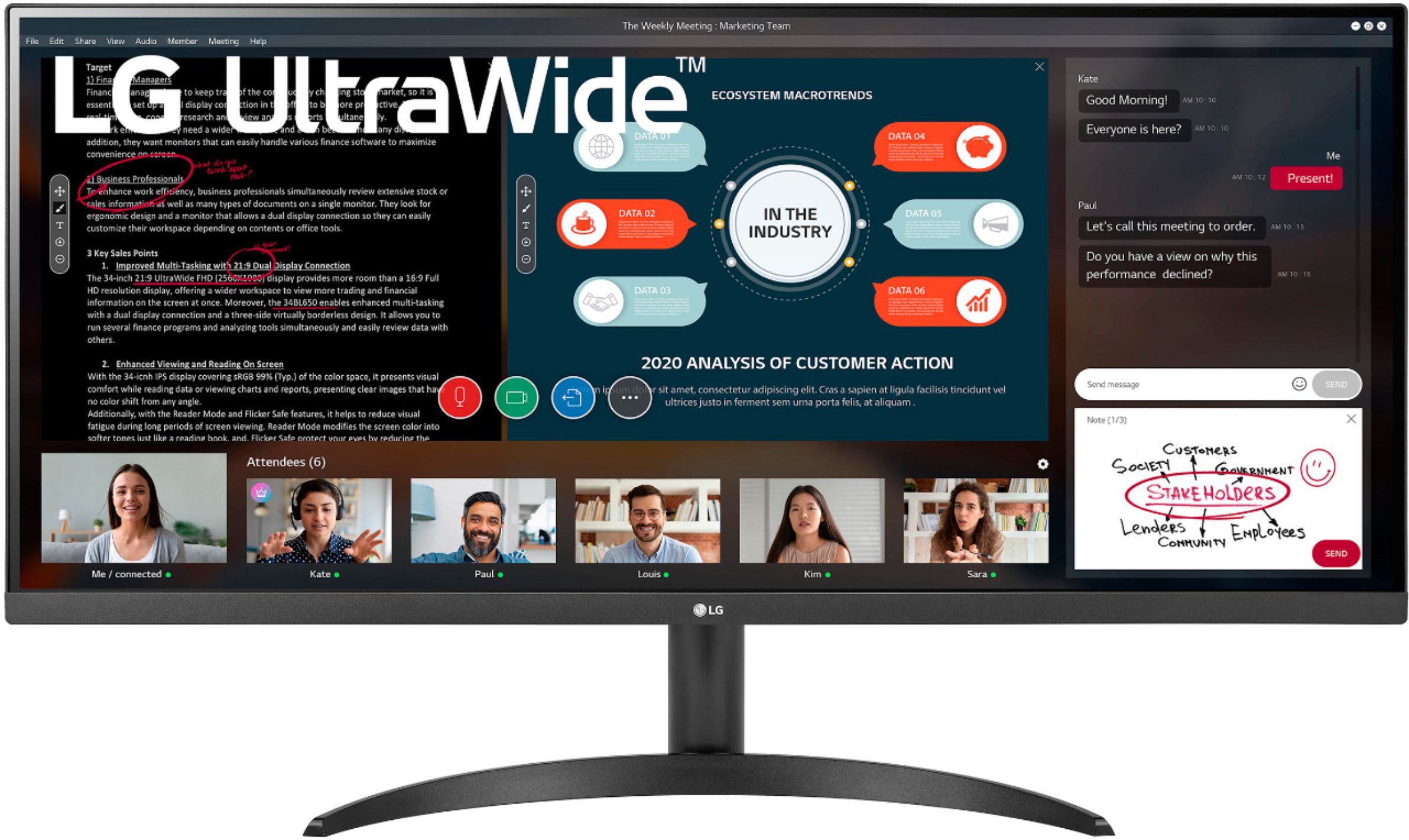
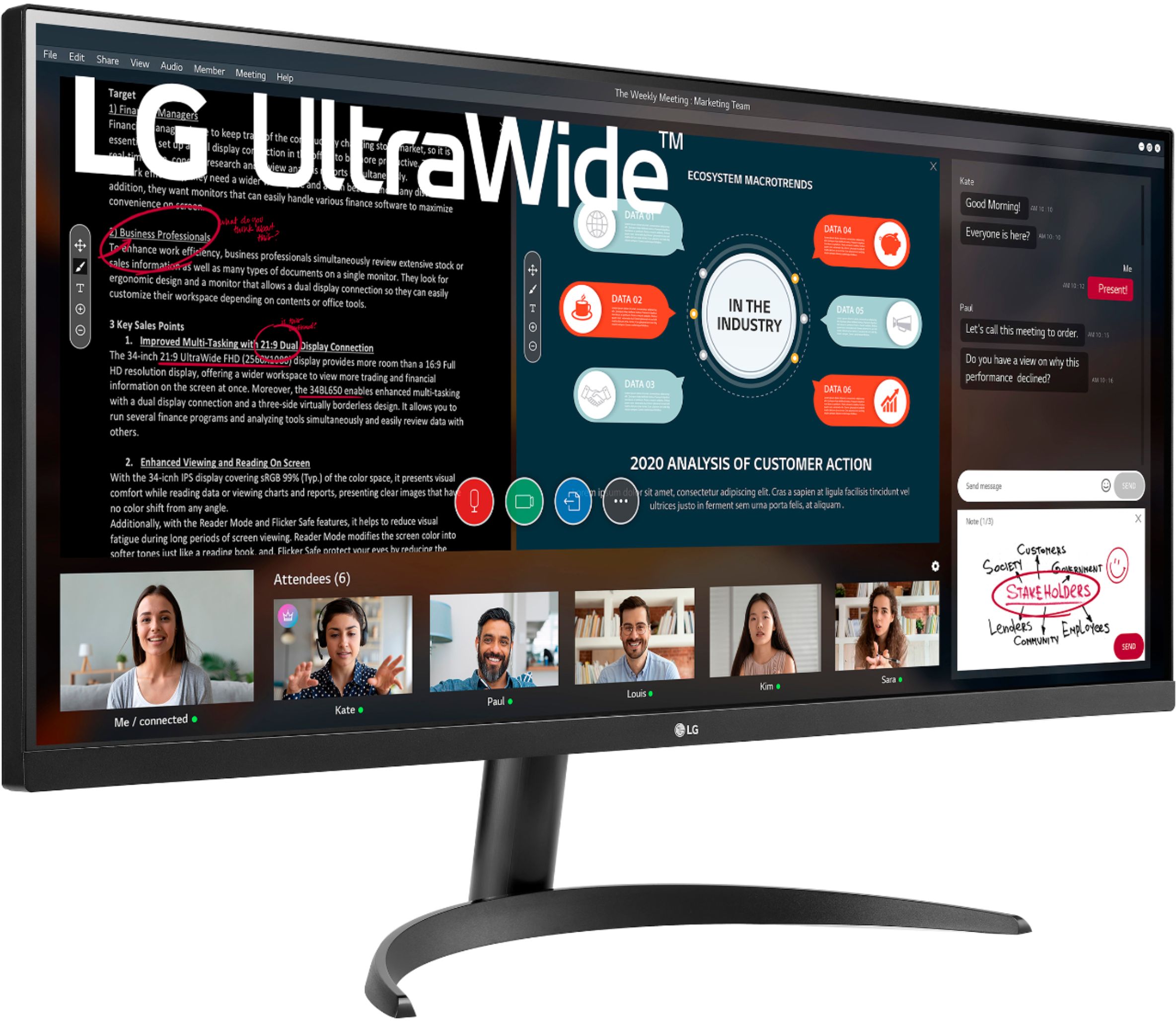
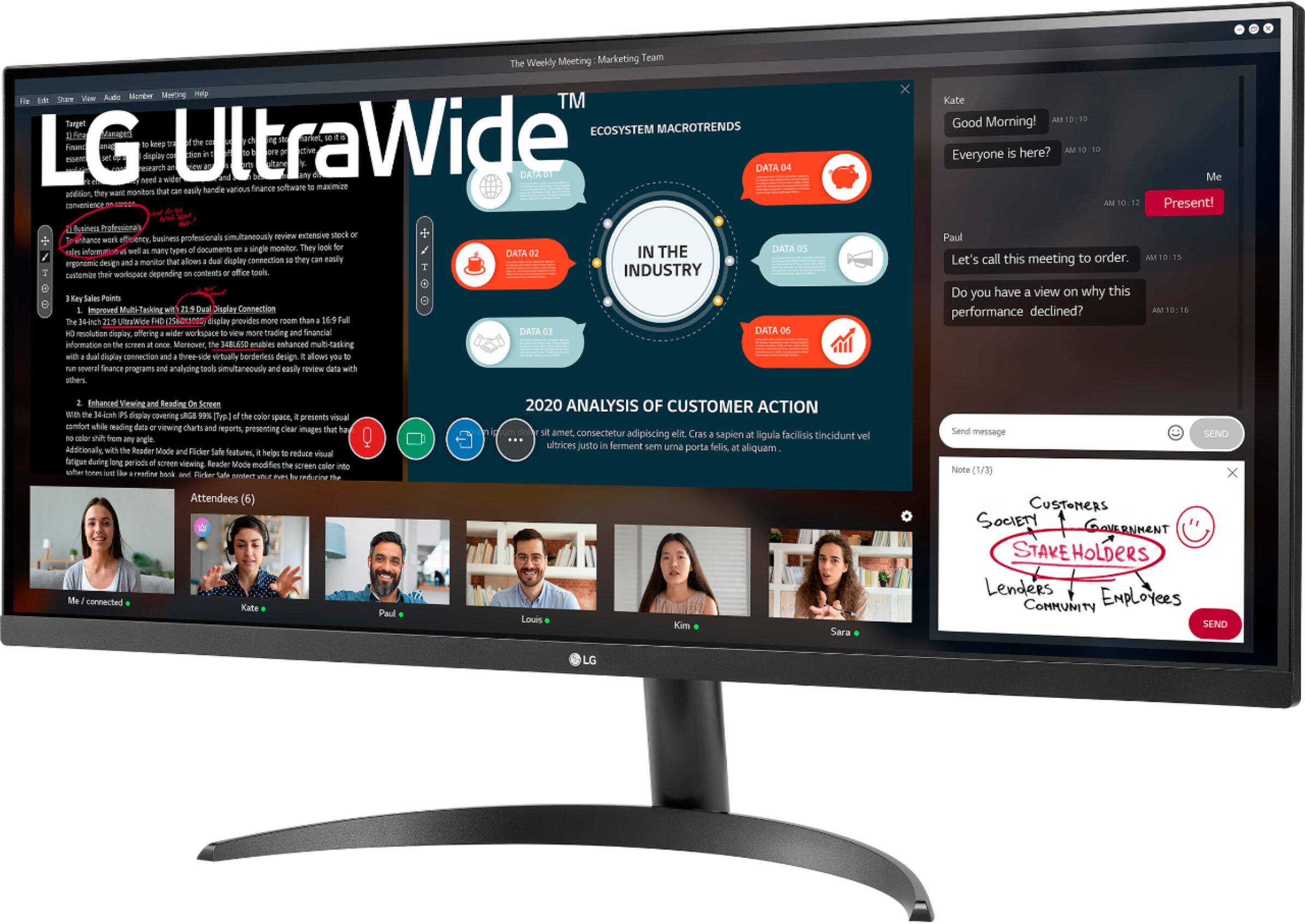
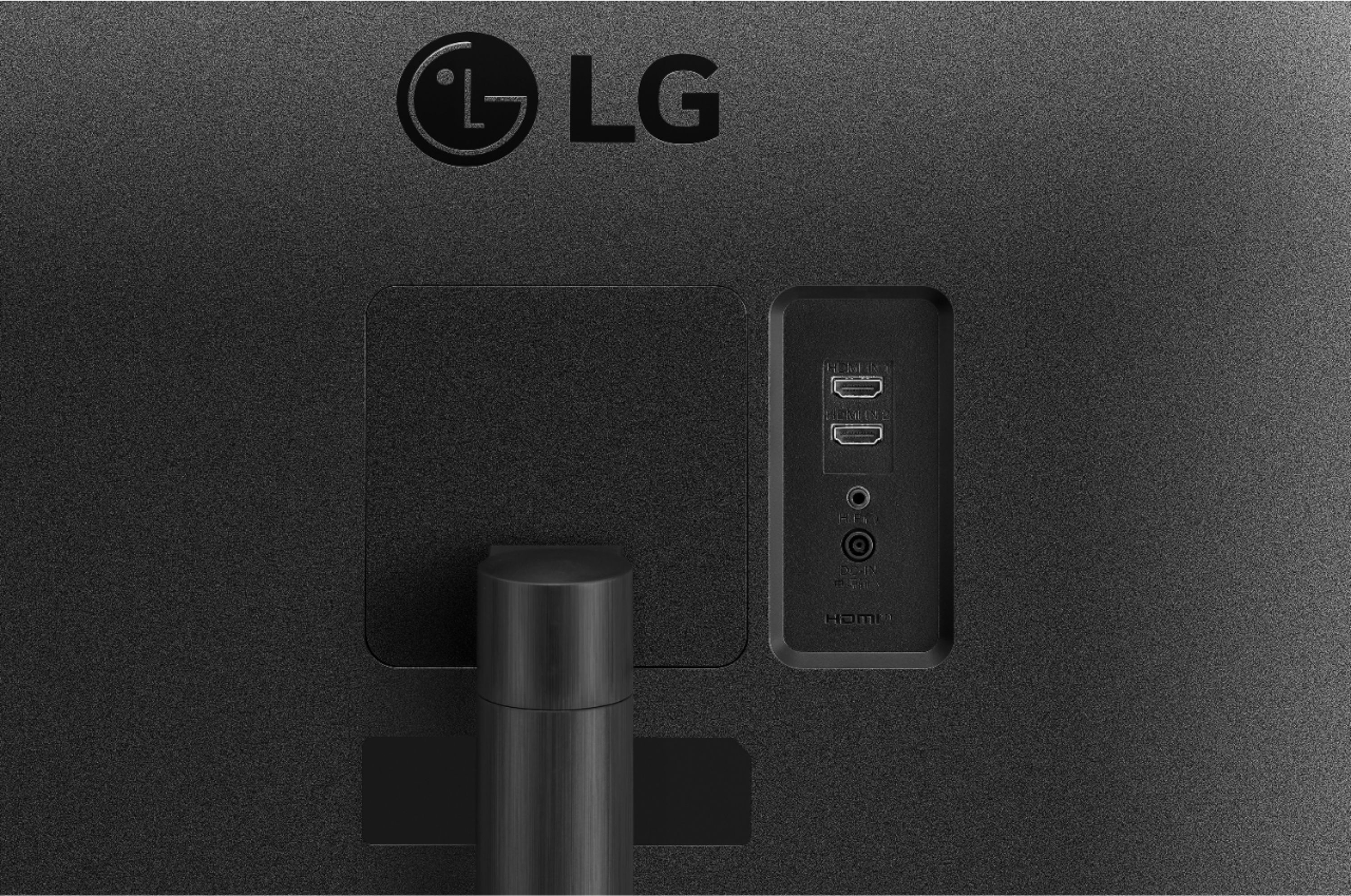
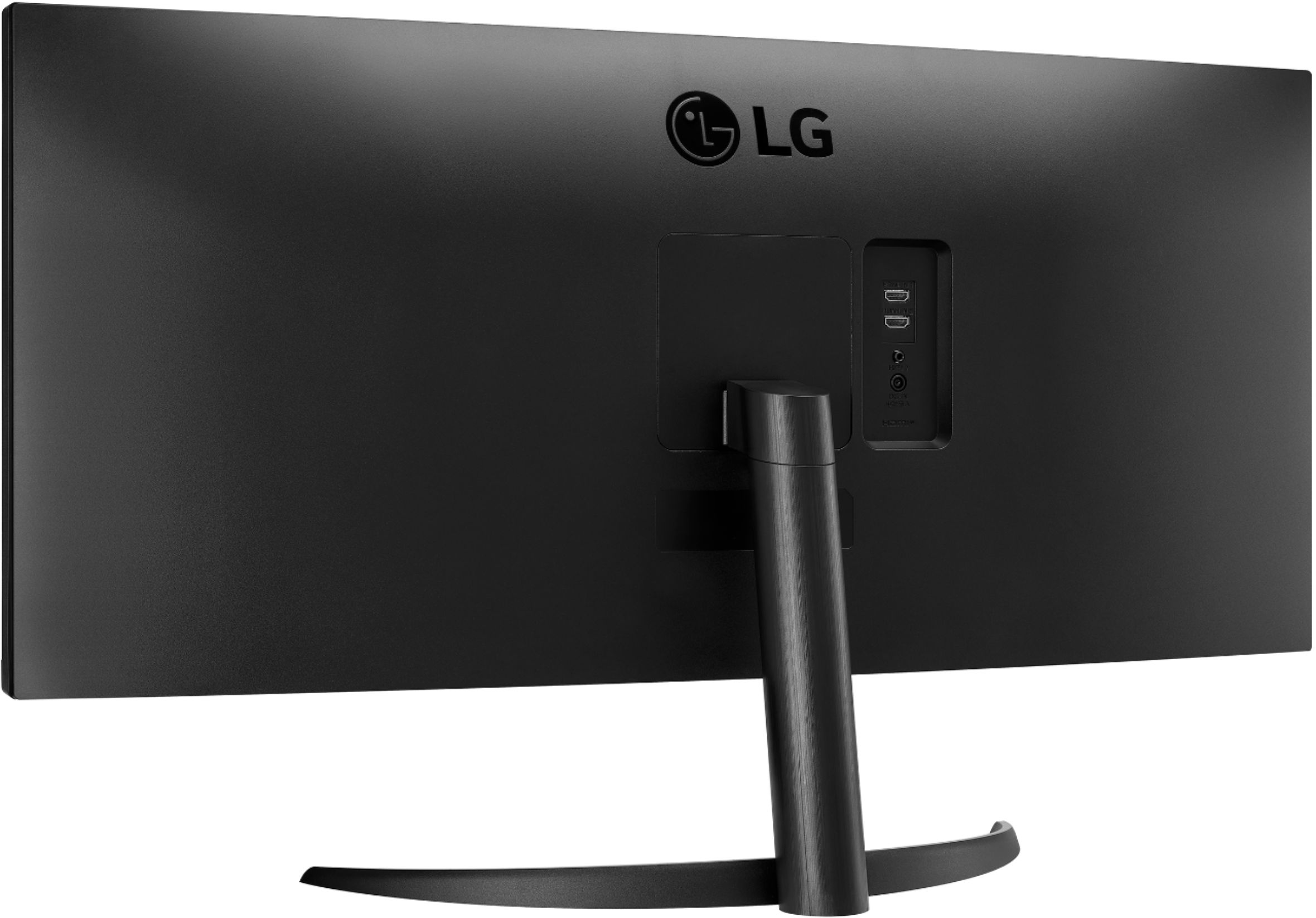
A:AnswerThe answer saying you can use one keyboard and mouse with two computers with this monitor is not correct. This monitor does not have a built in kvm switch. It will let you connect two computers (via hdmi) that you can switch between by changing the input from hdmi one to hdmi two. But it does not have connections for a mouse and keyboard (so you have to plug them into the computer you’re using, and then plug them into the other computer if you change the monitor’s input). It only has two hdmi inputs and one headphone output jack (nothing else).
A:AnswerYes, the monitor can be wall mounted. The wall mount plate is sold separately. Wall Mount Plate is LSW 149, 100 x 100. The wall mount kit includes the installation guide and all necessary parts. ^Daphane
A:AnswerThis monitor features Flicker Safe. LG's Flicker-Safe technology protects users' eyes from fatigue by reducing flickering to almost zero. With a touch of a button, Reader Mode allows the reduction of blue light emissions that can be harmful to the eyes. ^Daphane
A:AnswerThis monitor meets the specifications for the wall mount plate or other compatible devices. The wall mount plate is sold separately. Use the wall mounting bracket and screws that conform to VESA standards. 100 x 100, standard screws M4 x L10. https://www.amazon.com/100x100-vesa-wall-mount/s?k=100x100+vesa+wall+mount. ^Daphane
A:AnswerYes. I would return it however is required, either in the store if you bought it in store, or online. It is supposed to come with one HDMI cable, and power cord.
A:AnswerYou can connect AV Devices. Not sure about TV or a streaming device. Please be mindful the monitor do9es not have any built in speakers or Wi-Fi. ^Daphane