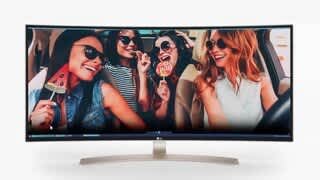
A:AnswerIt will work just like any monitor I have had in the past before all the g-sync-free sync improvements started. Happy with mine on a g-force 1070. There is all the usual tearing in games and maybe my FPS are lower. Nothing I'm bothered about.
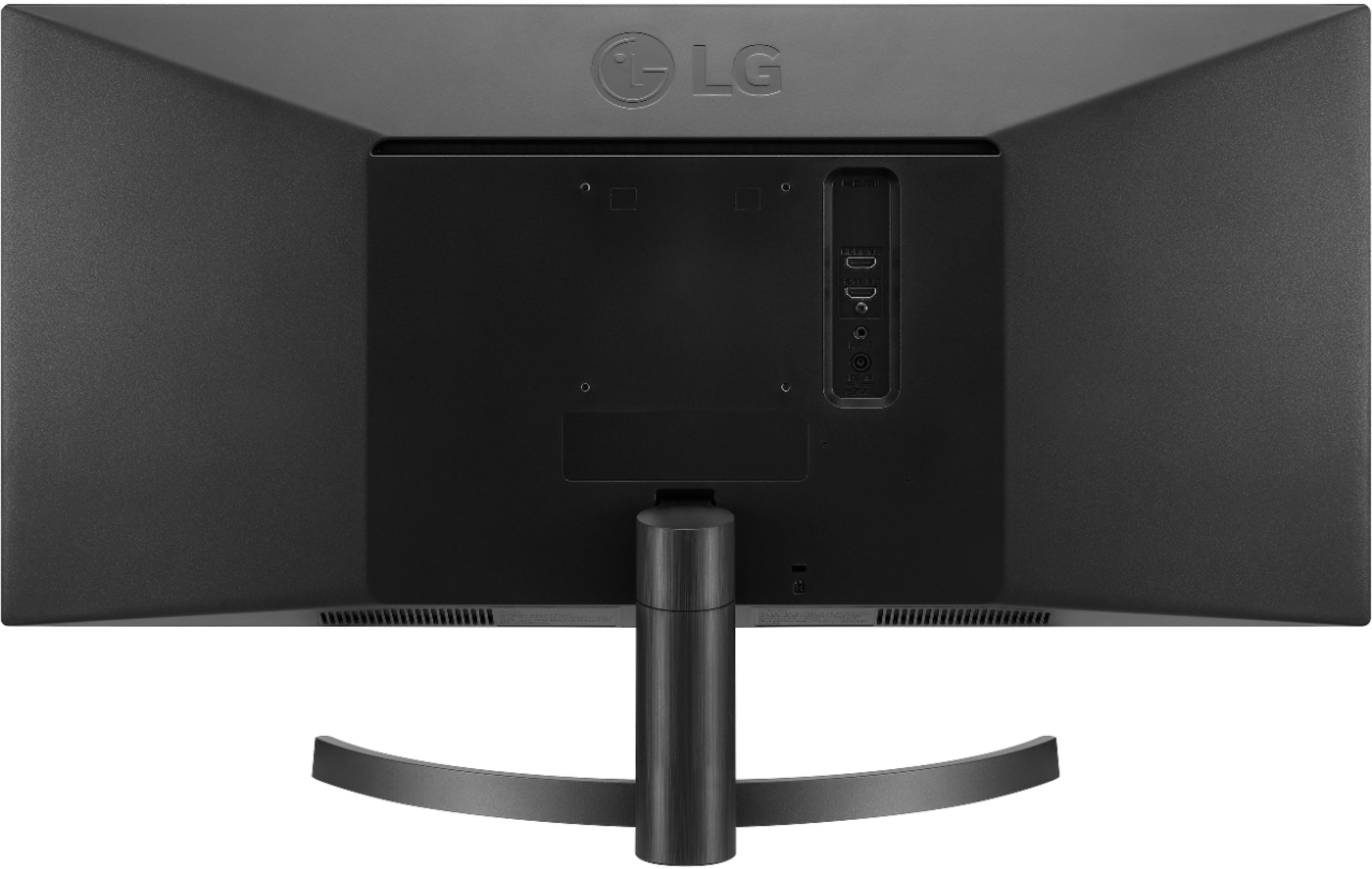
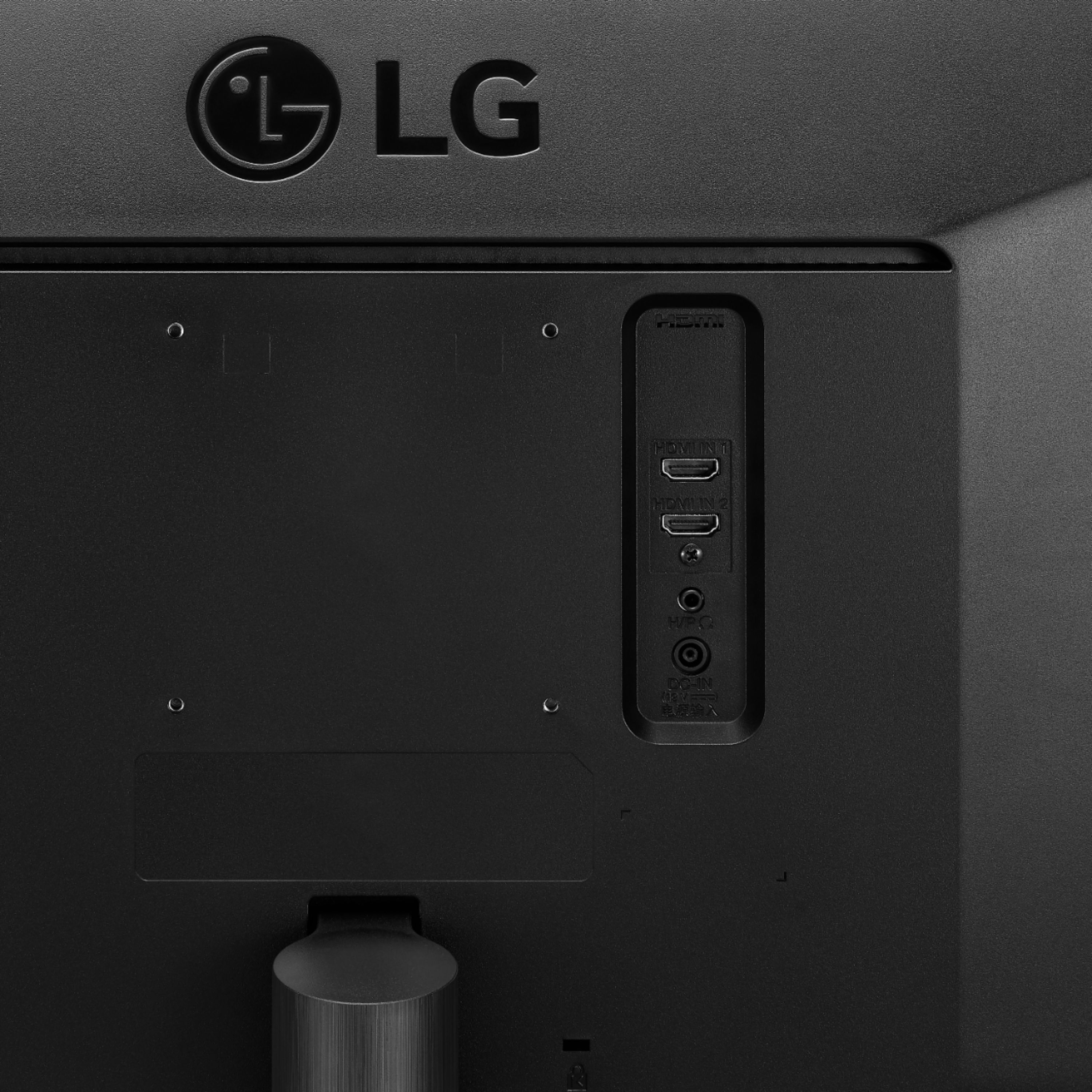
A:AnswerThere is a button to switch between the two HDMI sources on the underside and in the middle of the screen.
There is no dvi input, but you can get a dvi to HDMI adapter for under $10.
A:Answerthe best fix is to buy a type c dongle and plug in that way. It only supports the larger screen formats with the type c power output for crosslink
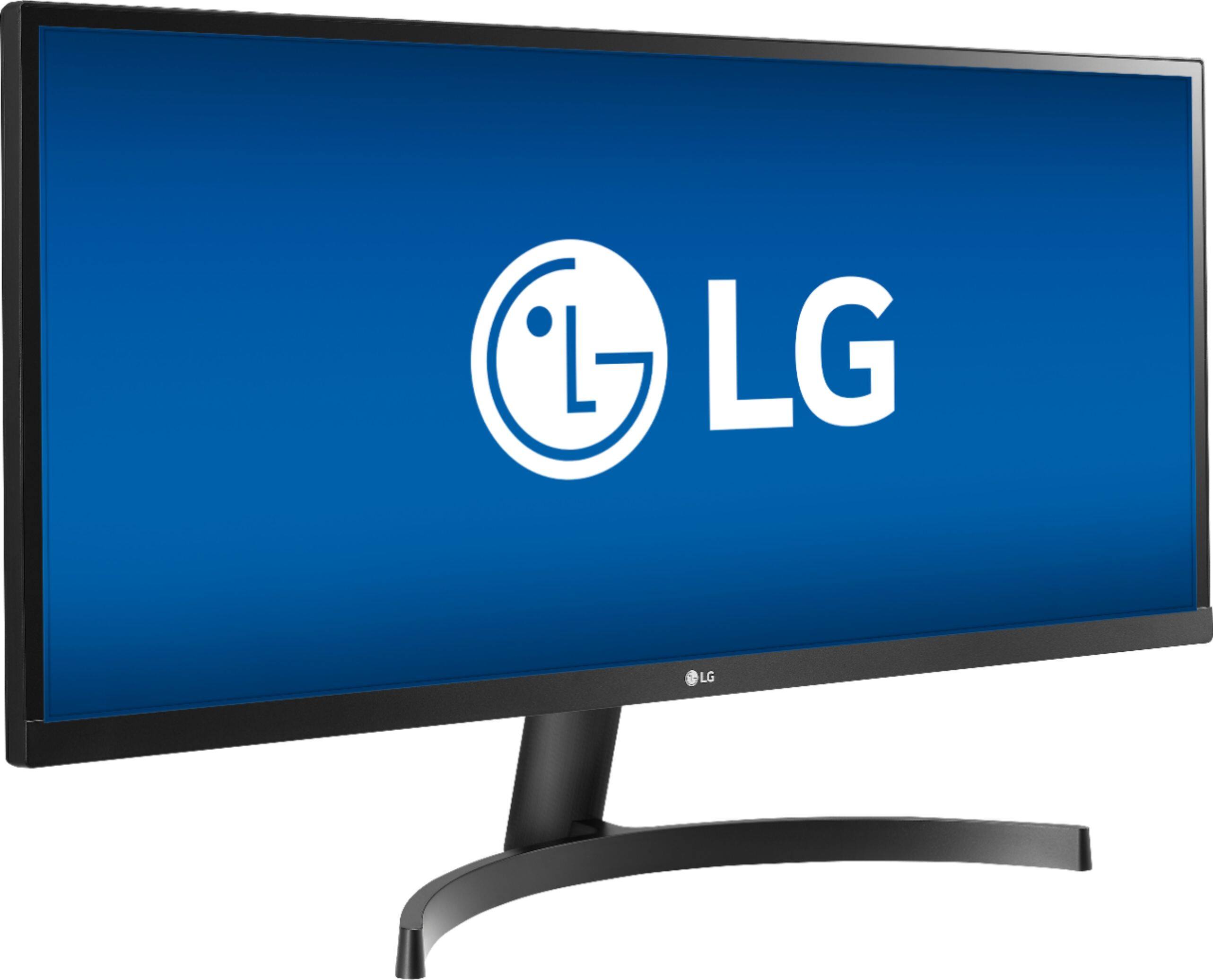
A:AnswerYou will need to download and install the OnScreen Control with Screen Split 2.0 software from the support page on our site for the LG 34" Class 21:9 UltraWide® Full HD IPS LED Monitor with AMD FreeSync (34" Diagonal), Model # 34WK500-P which will allow you to customize the monitor layout for multitasking and resize and display multiple windows at once, with 14 options including four different picture-in-picture (PIP) choices...^IFV
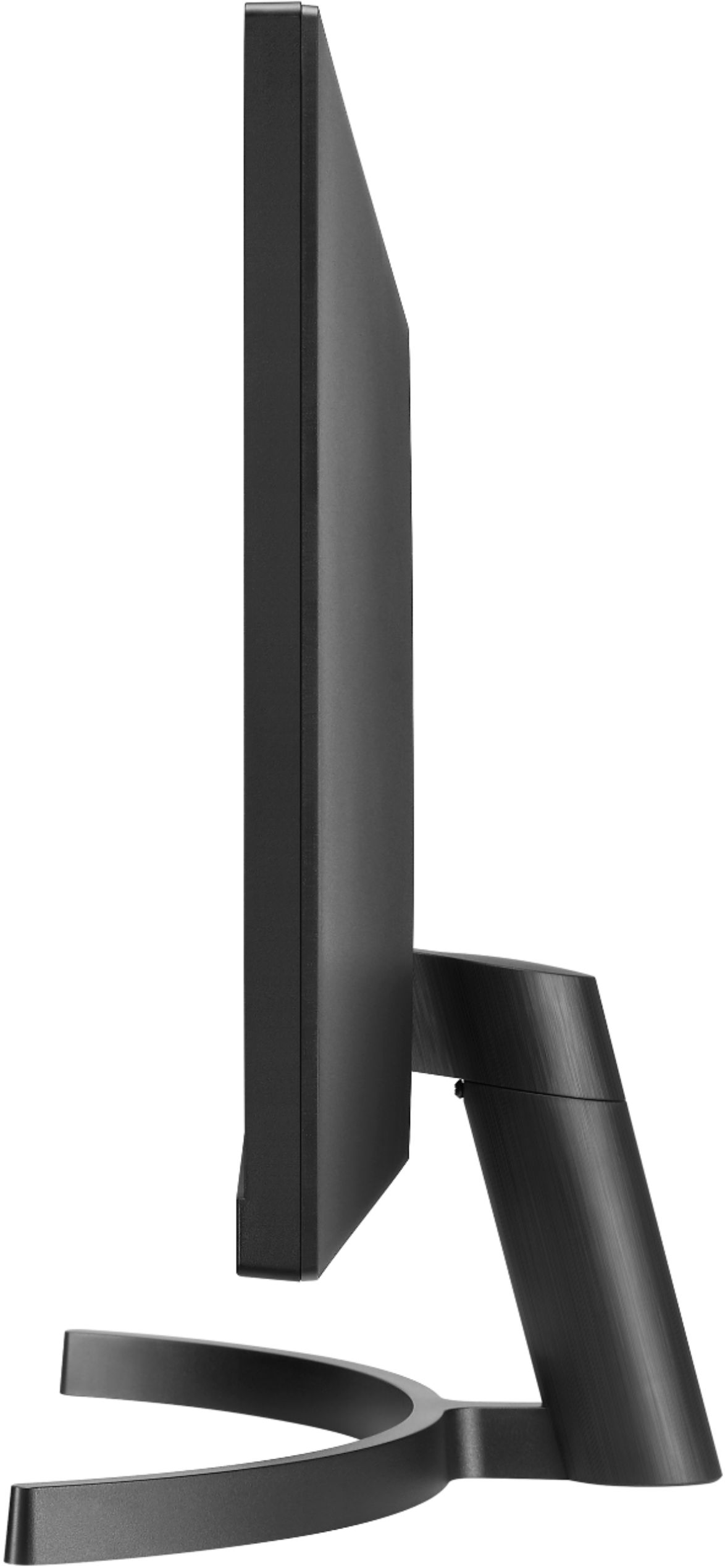
A:Answer1st question no this model has no height adjustment but it does have a tilt adjustment and no side to side either. 2nd question - would depend on the specific capabilities of your laptop and what video out options you have. But assuming you have at least 2 video out options from the laptop then you should be able to connect each to one of your 34" monitors, assuming the monitors input type matches your laptop video out type.
A:AnswerMonitors don’t “run” things they display them. Yes this can handle Fornite if your PC can. This is great for gaming. The refresh rate is more than adequate for gaming.
How many FPS is up to your PC and it’s hardware.