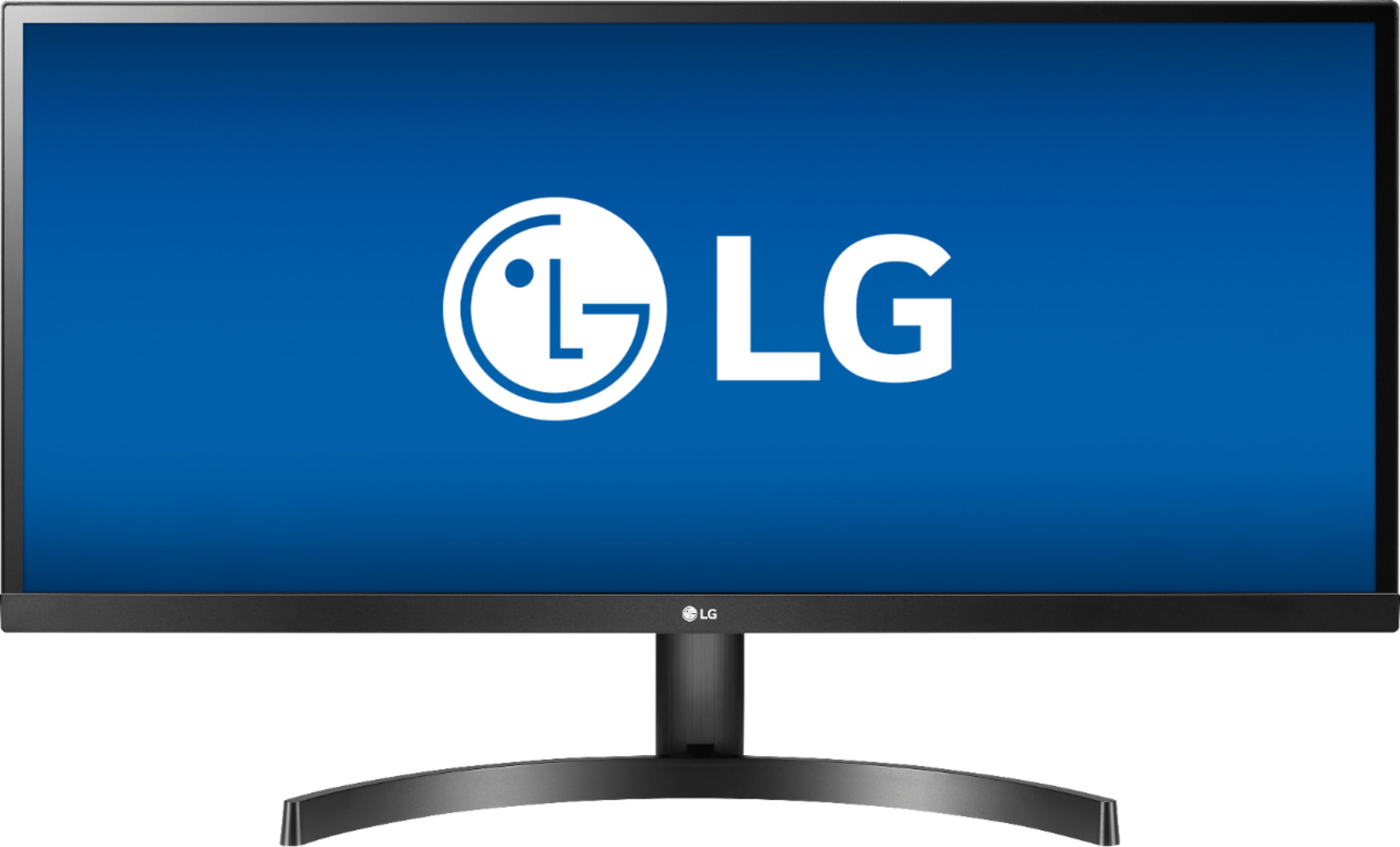
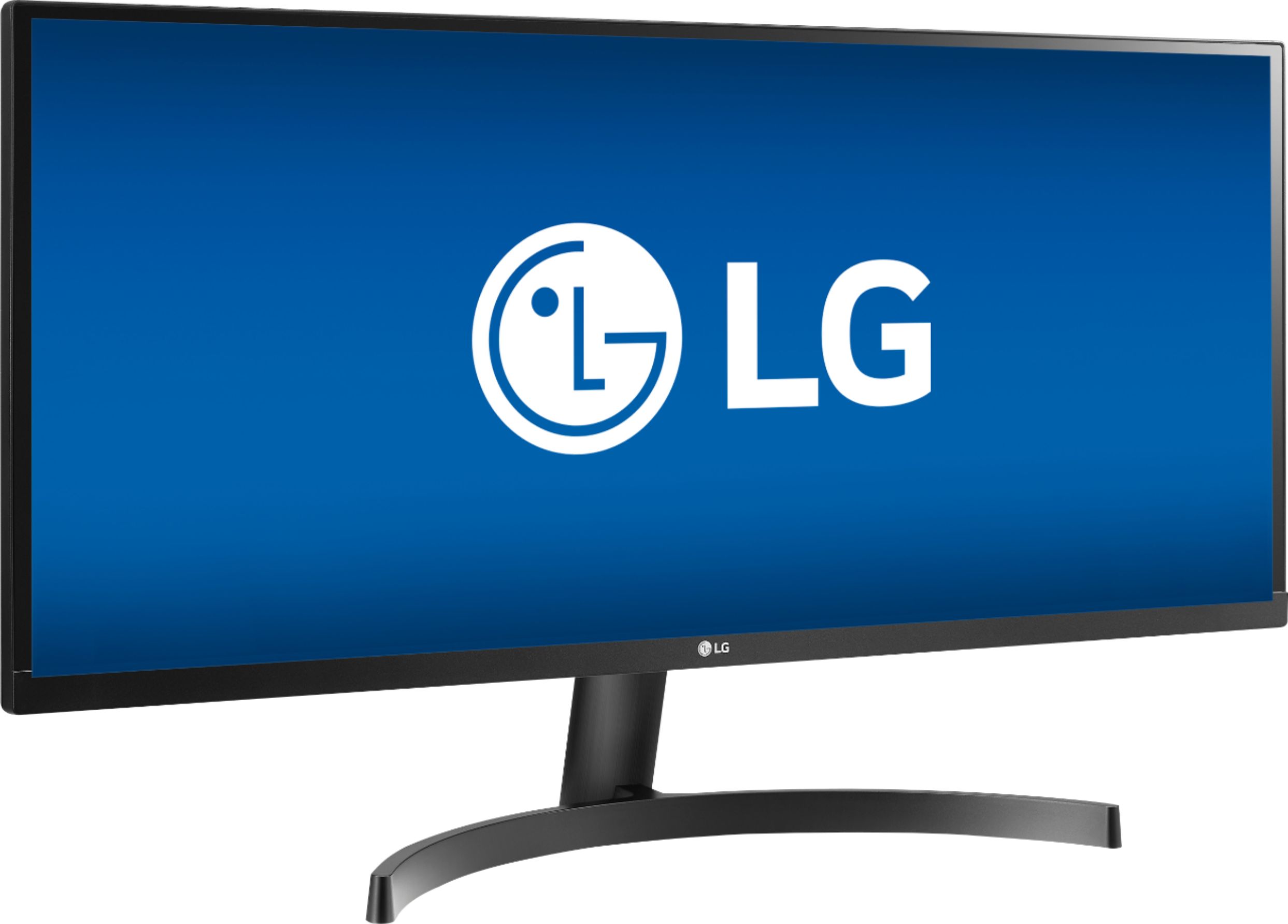
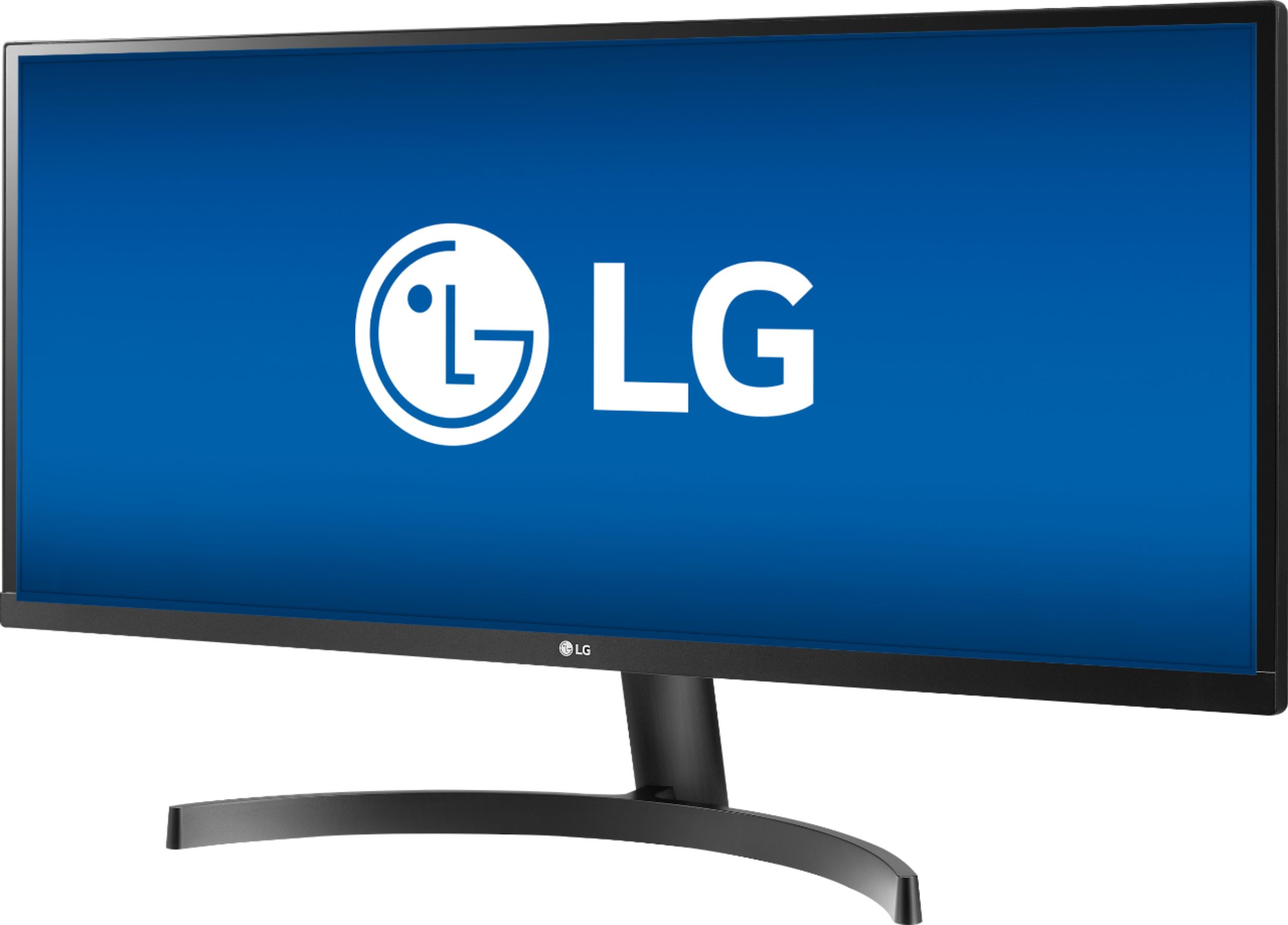
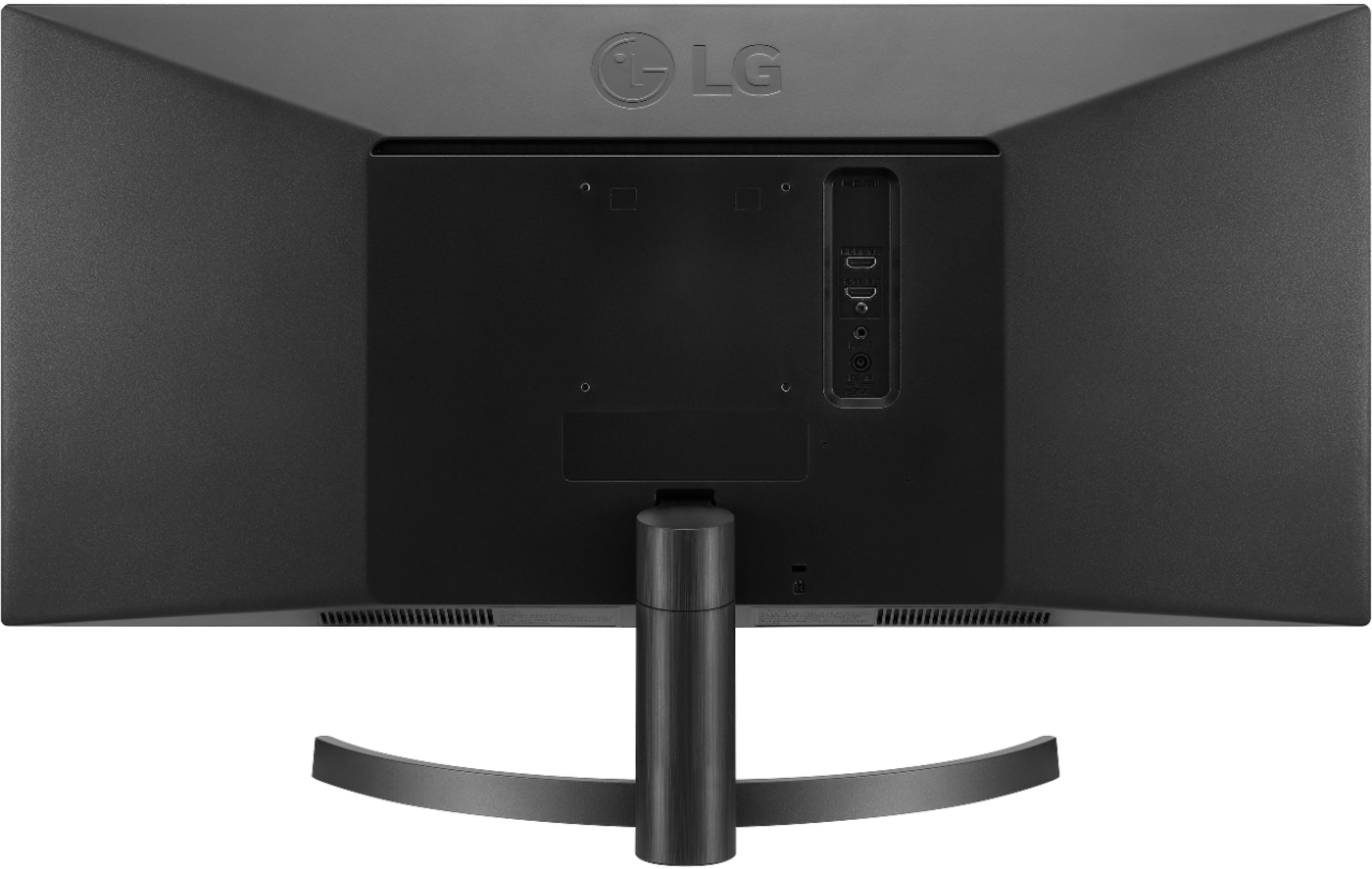
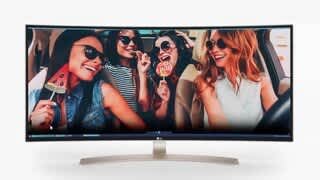
A:AnswerThe monitor doesn't have minimum requirements.The monitor has a maximum resolution of 2560 x 1080 @ 60Hz. Please check the specifications for your graphics card to see if it will support the monitor's resolution and refresh rate. The Specifications for the graphics card will specify what the minimum requirements are for the operating system and CPU, internal RAM etc., ^AC
A:AnswerAny configuration of virtual windows would have to be done on the PC/Laptop that you have connected to the LG 34" Class 21:9 UltraWide® Full HD IPS LED Monitor with AMD FreeSync (34" Diagonal), Model # 34WK500-P since monitors do not have operating systems. This monitor does not support Picture-by-Picture (PBP) which is a function that splits the screen in half and allows you to view two input sources simultaneously. However, you can download the OnScreen Control with Screen Split 2.0 software which enables Picture-in-Picture mode in Screen Split. The PIP (Picture in Picture) function separates the screen into two parts. One source device is displayed on the main screen at the same time the other source device is displayed in an inset window...^IFV
A:AnswerWe are sorry to see you are having trouble with your monitor. For best assistance, please give our computer specialists a call at 800-243-0000. ^CP
A:AnswerThat will depend on if the graphics card in your computer can drive two monitors. You will need to get a dual monitor expansion box to connect to a USB port on your laptop and install any additional software as required by the manufacturer. Then you can connect the two external monitors to the expansion box and turn on the power. Run through the device detection, if needed to have your computer locate the external displays. In Windows 10, connect the second and any additional monitors to your computer using any remaining connection ports if it has them. Power on the connected monitors then the computer, right-click on the desktop and then click Display settings. Click the multiple Displays drop-down menu and select your desired option(s)...^IFV
A:AnswerThe 34WK500-P does not have built-in audio. Its 5 ms response time delivers solid performance for precise gaming and video work. Its 75 Hz refresh rate delivers powerful performance so that you can get the most out of your games and videos. It has adaptive synchronization technology that matches the frame rate of the monitor to any compatible AMD graphics card. It would be great for gaming. ^CP