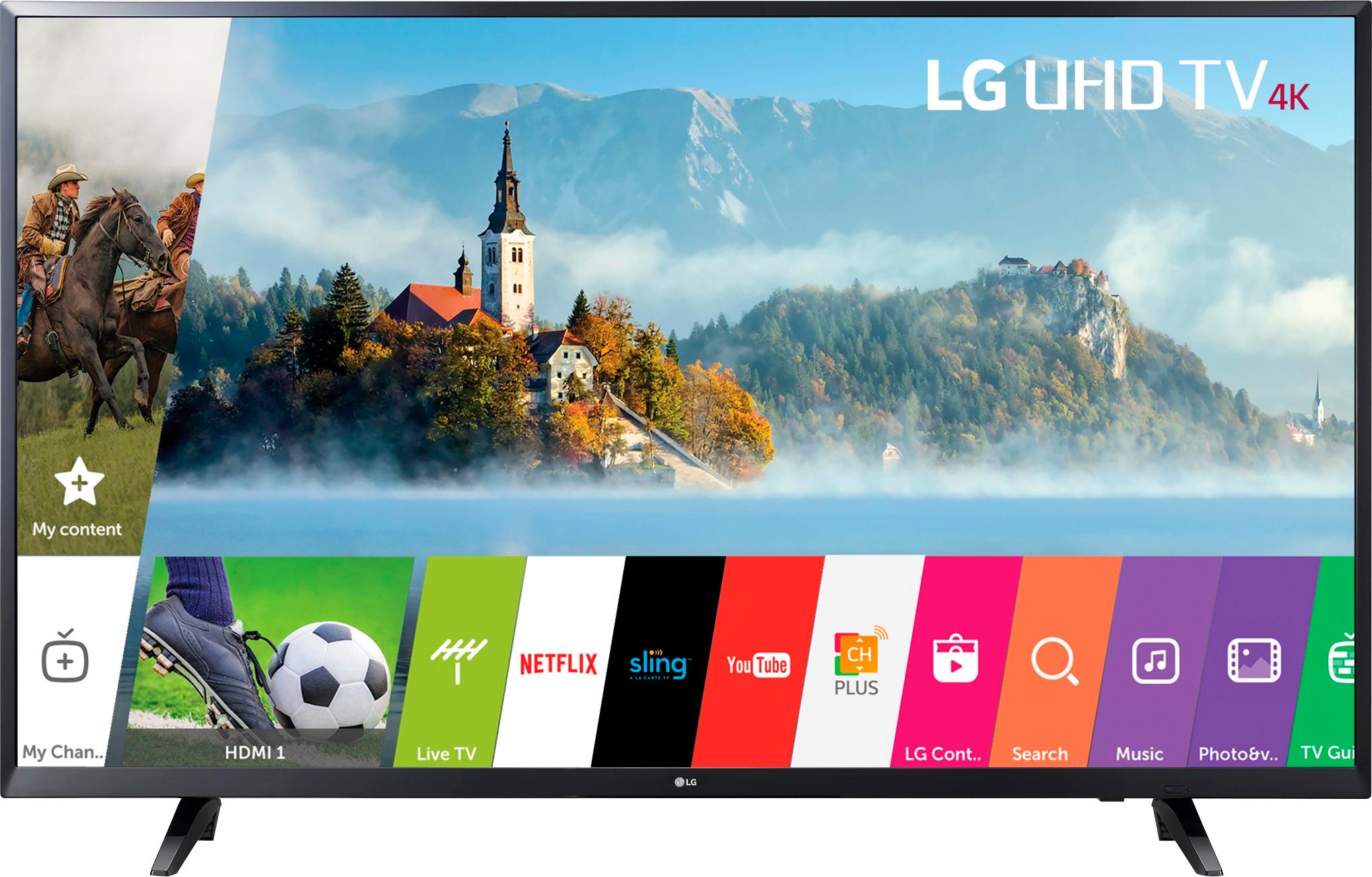
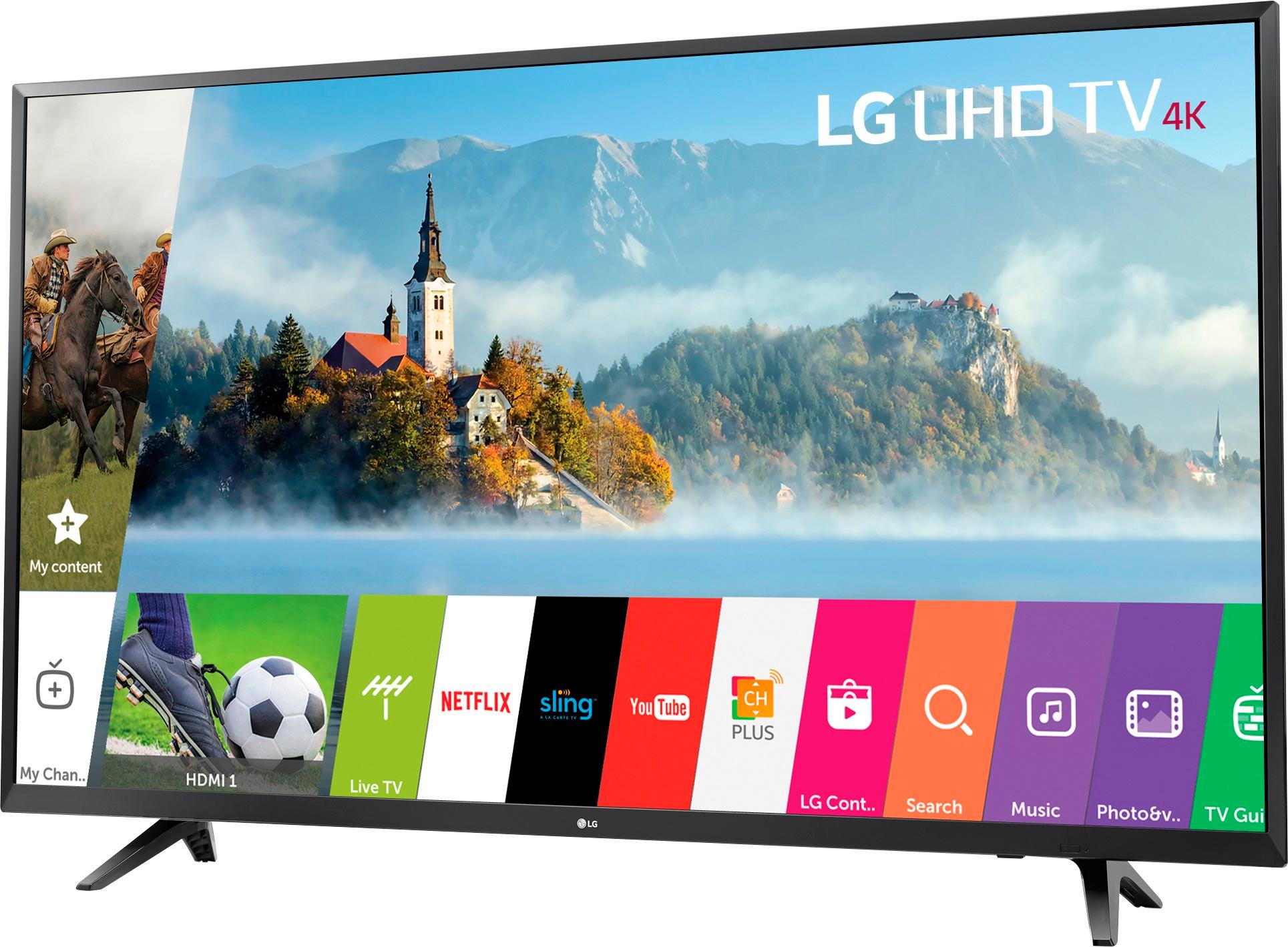
A:AnswerAccording to the LG website both models are 42.5". I'm not seeing any difference at all. I want to know why that one number in the model number is the only difference.
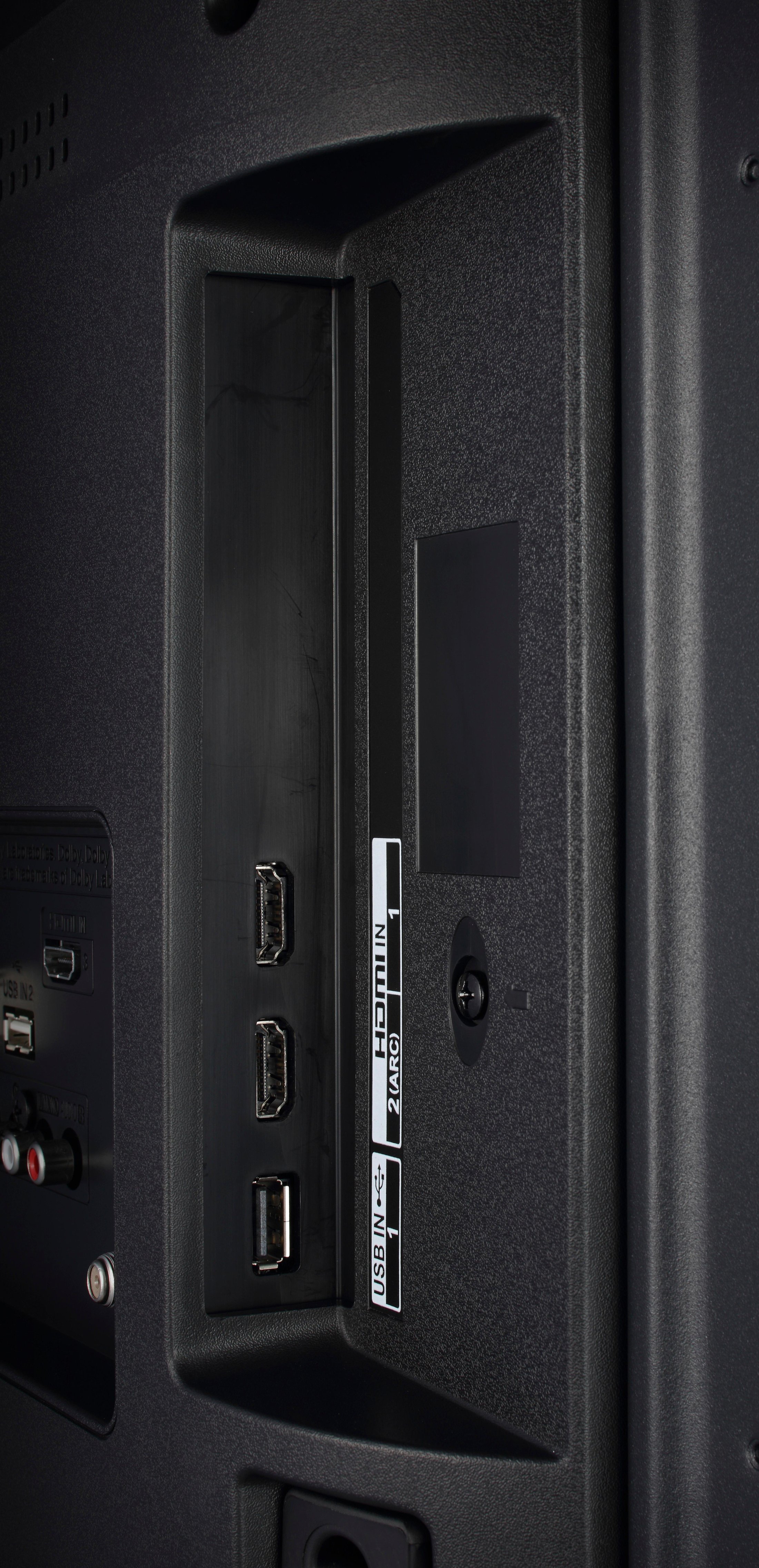
A:AnswerHave noticed this also. In my case & opinion, I attribute it to a HDMI hanshake issue between the TV & my Xfinity One cable box. Turning everything off & back on again seems to resolve the issue. Very intermittent issue, so not easy to replicate.
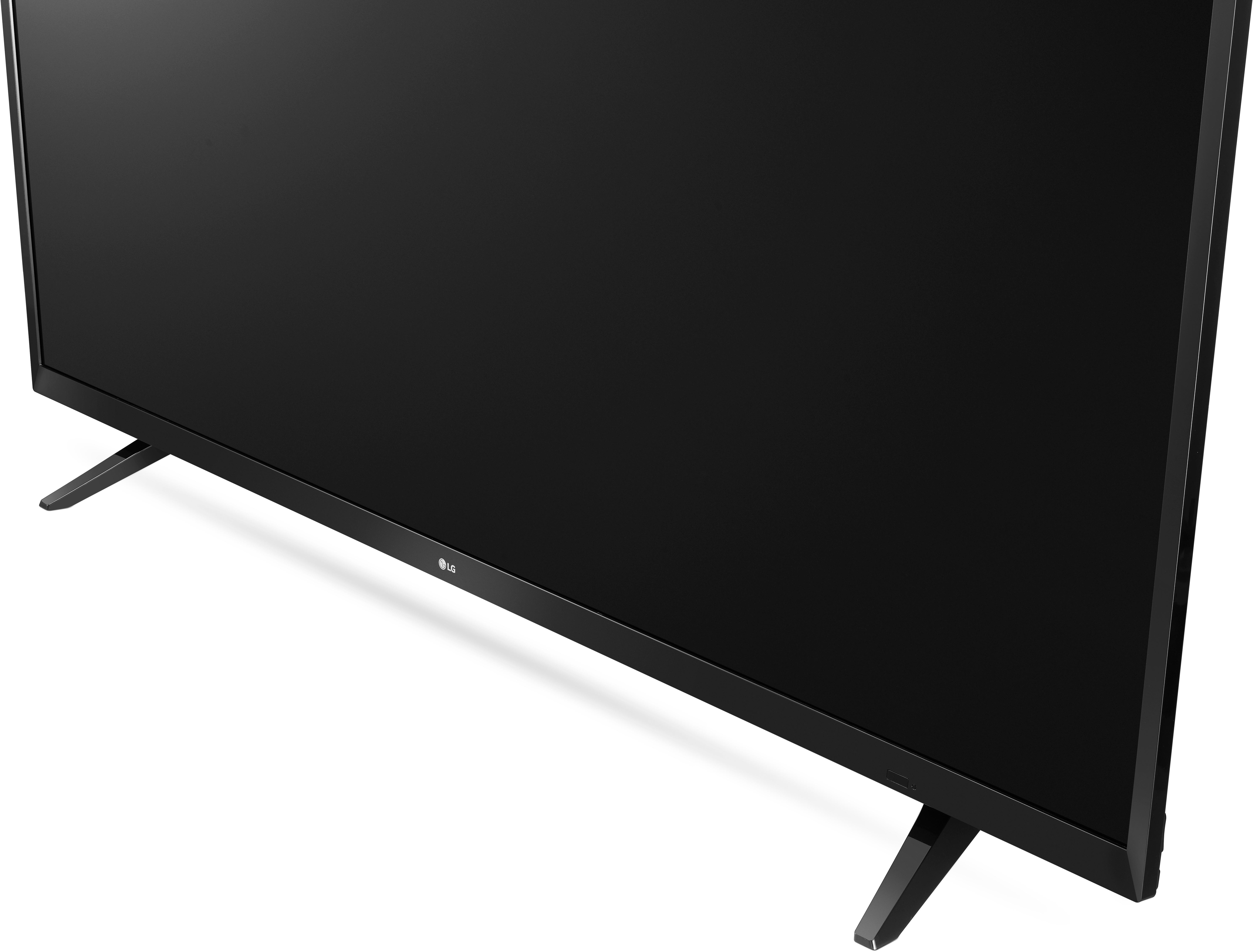
A:AnswerThere's another thing between 43uj6200 and 43uj6300. the bezel 43uj6200 look like clip on and will easy to break if u grab it by the bezel and flimsy. Not like 43uj6300 better, solid attach with the back cover. both good tv but rather go with 43uj6300.
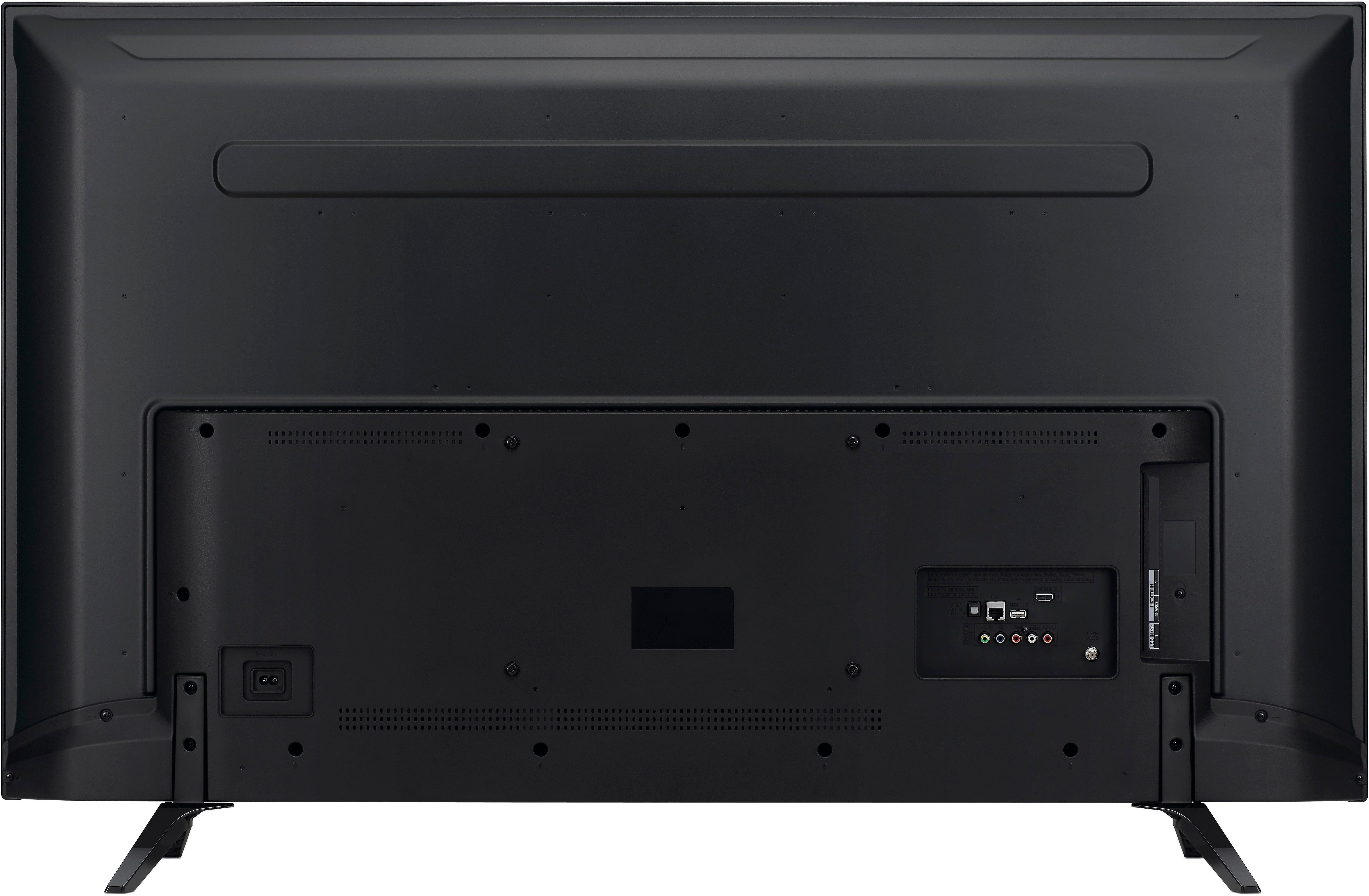
A:AnswerThis TV does not support bluetooth, but has an audio out port which you can connect to a bluetooth adapter (transmit) and pair the headphones to the adapter. These adapters are widely available at online stores for about $25/
A:AnswerYes it will, just bought the TV myself for the XBOX one X and it's fully compatible. You'll have to go into the settings on the TV and Xbox to make sure everything is setup right though. I'll upload a pic on my Xbox one X settings showing you you'll get green checks all the way down the list.
A:AnswerIn settings there is a feature called Auto Volume. Its self description reads “Auto Volume keeps sound volume consistent even when you change channels or broadcast signals.”
I have this feature “on” and I don’t ever get those loud startling sounds of commercials or scene change in movies that I believe you’re referring to. I’m a very jumpy person as of late and it’s been some time since the tv has made me jump!