A:AnswerYes it does I believe. You can also add all the other apps too on it. We use Netflix, youtubeTV, and Hulu on it.
There are tiles on the bottom that are easily accessible by hitting the home bottom which you go to to access the apps you add.
It’s tech enough to put a tile that is a favorite YouTube channel of yours for direct access.
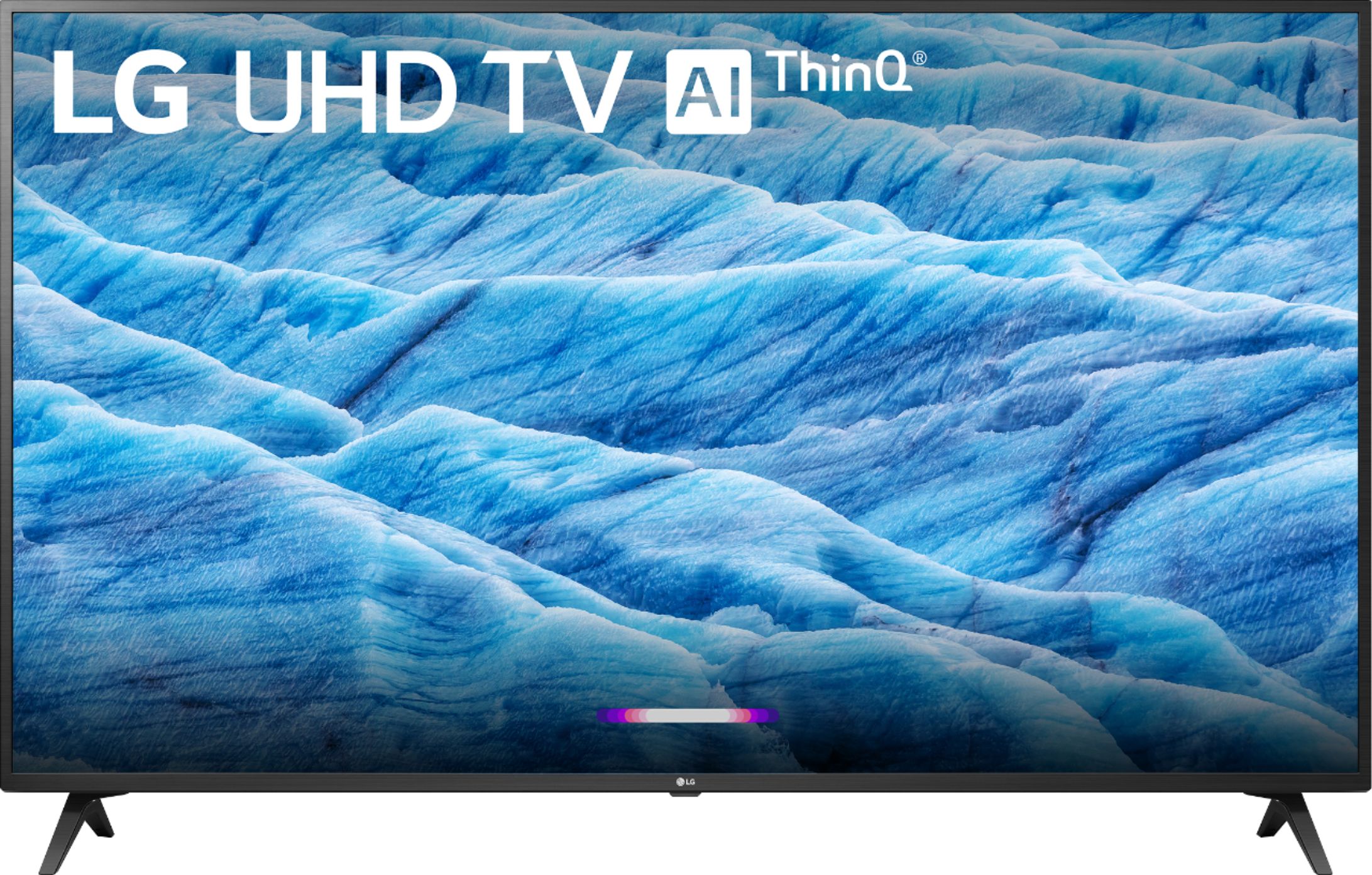
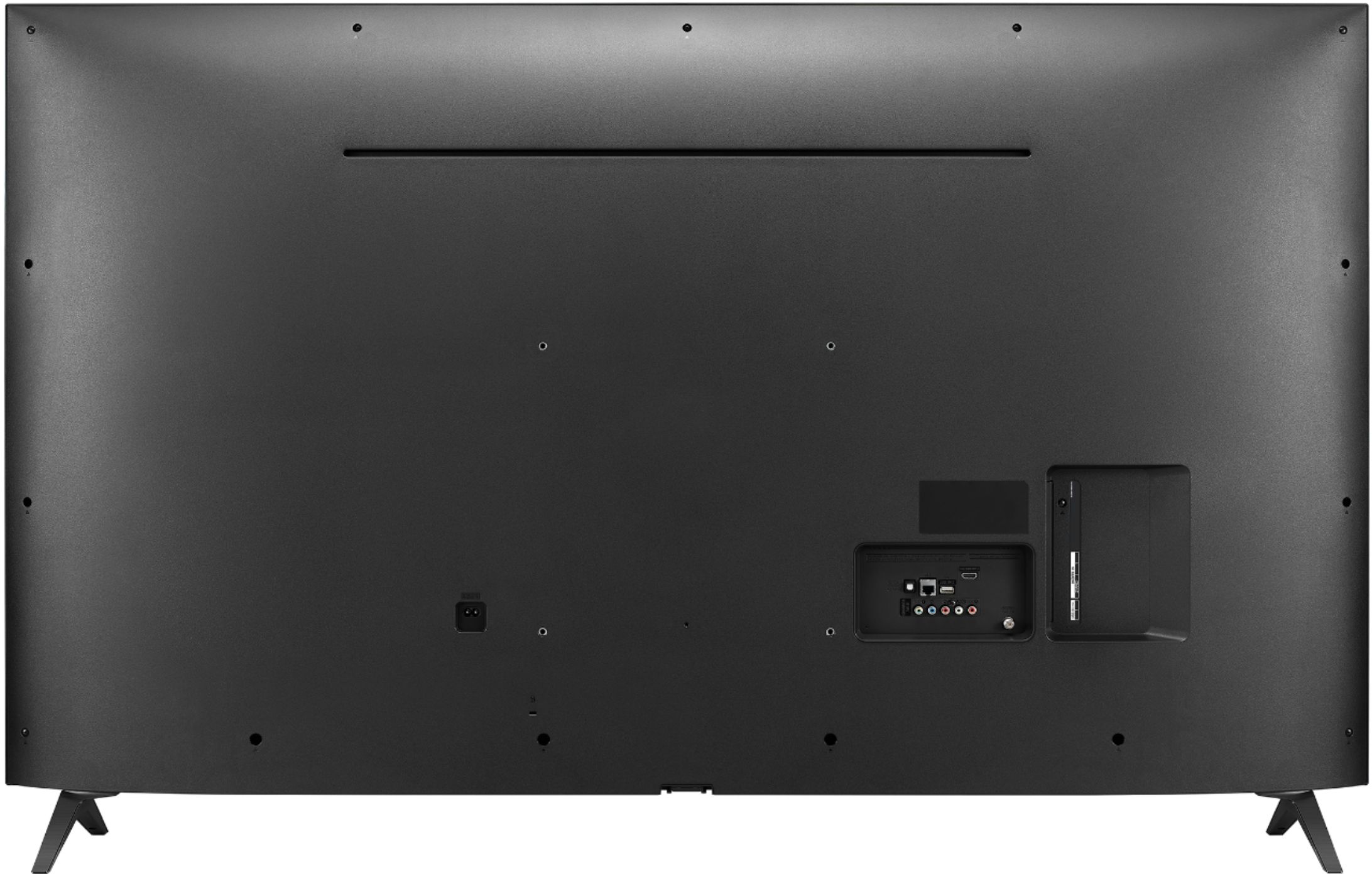
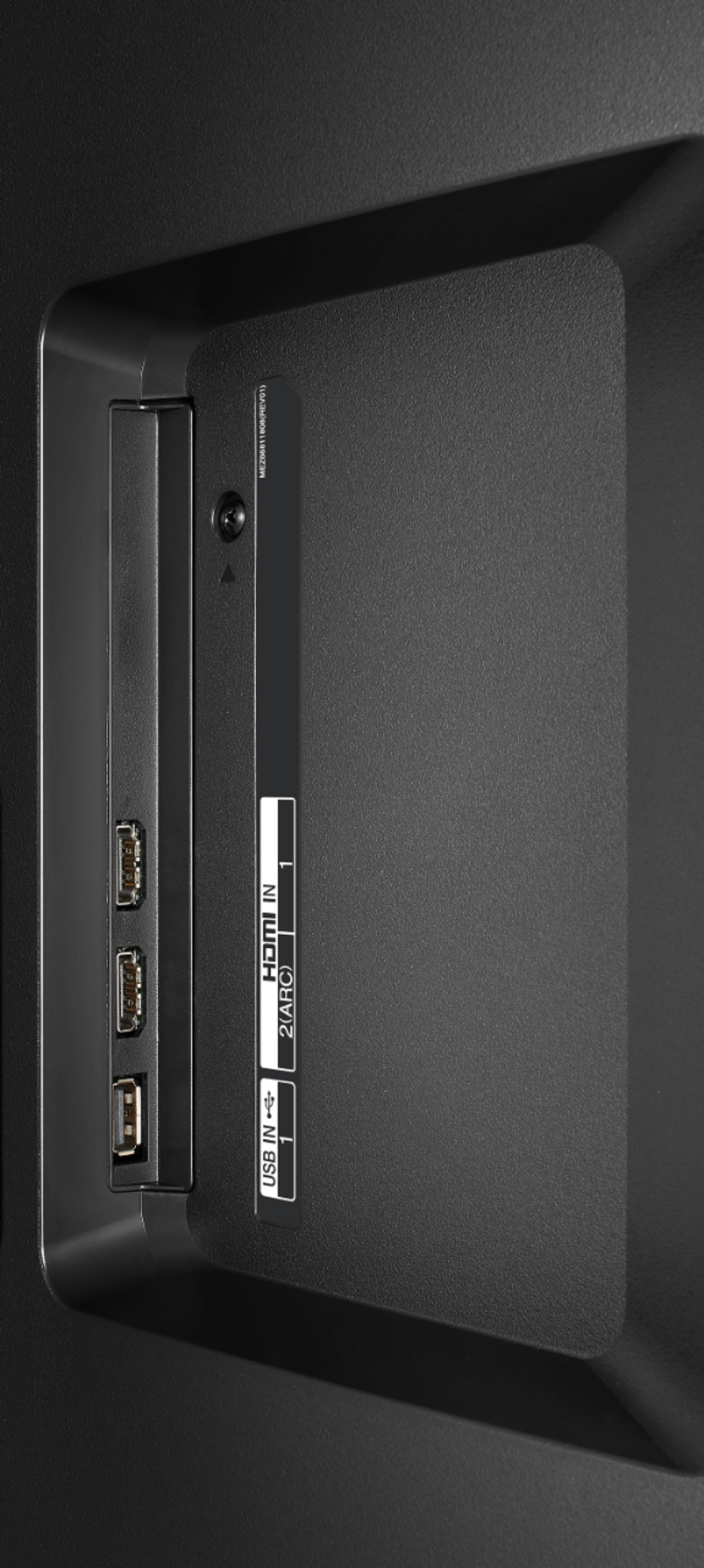
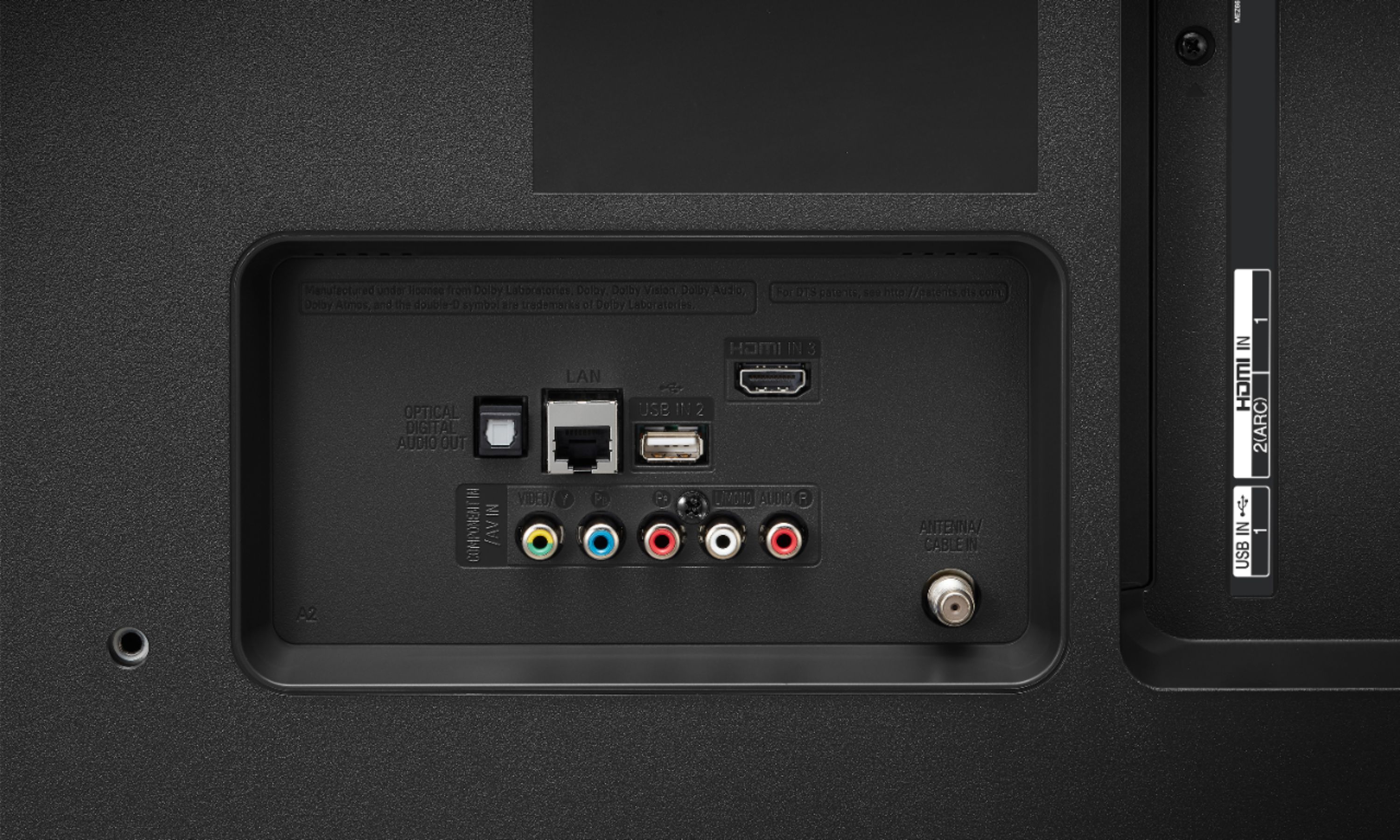
A:AnswerThe LG 43 inch Class 4K Smart UHD TV w/AI ThinQ® (42.5'' Diag), Model # 43UM7300PUA does not have HDMI 2.1 ports. All the HDMI ports are HDMI 2.0 ports and they are all HDCP 2.2 compliant...^IFV
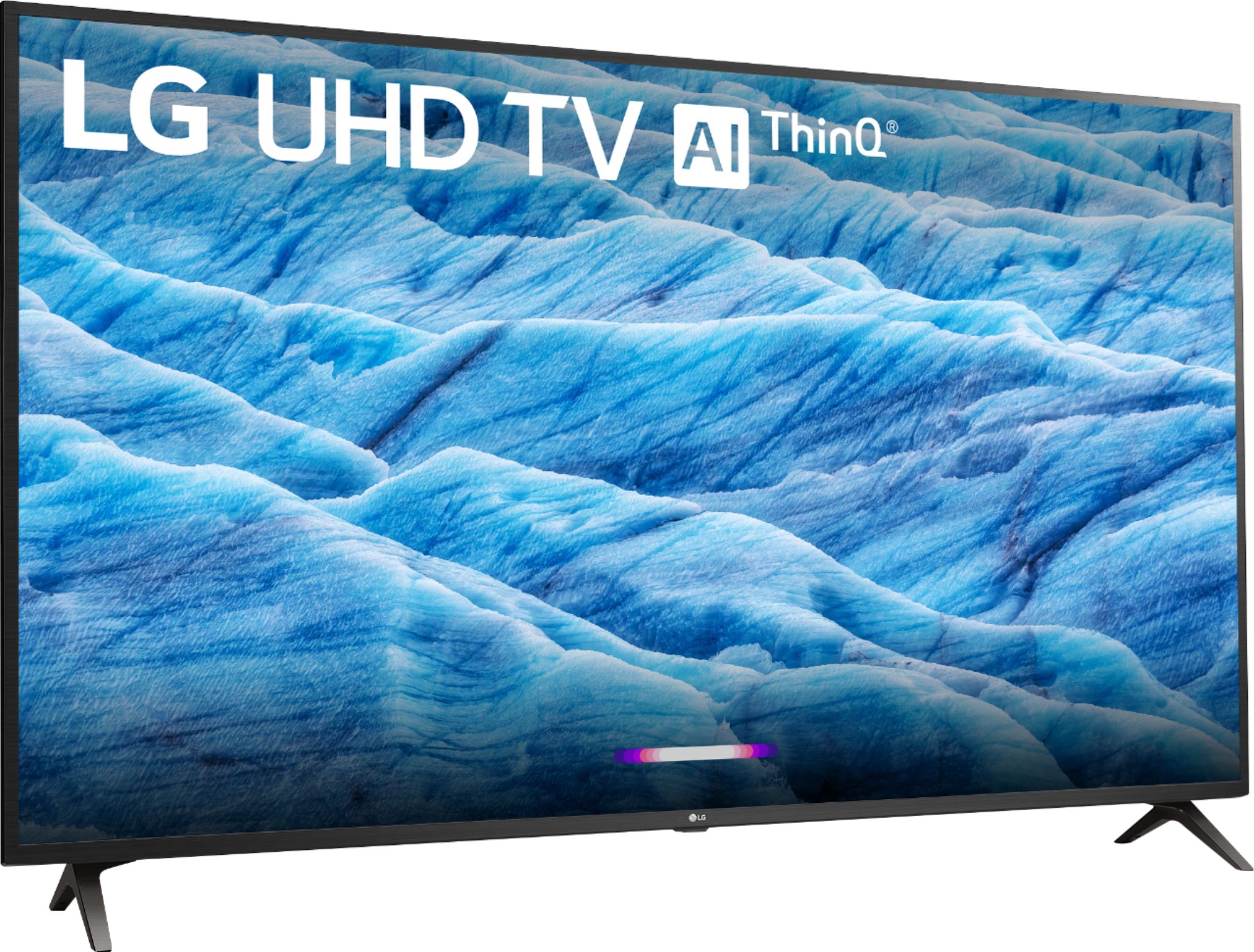
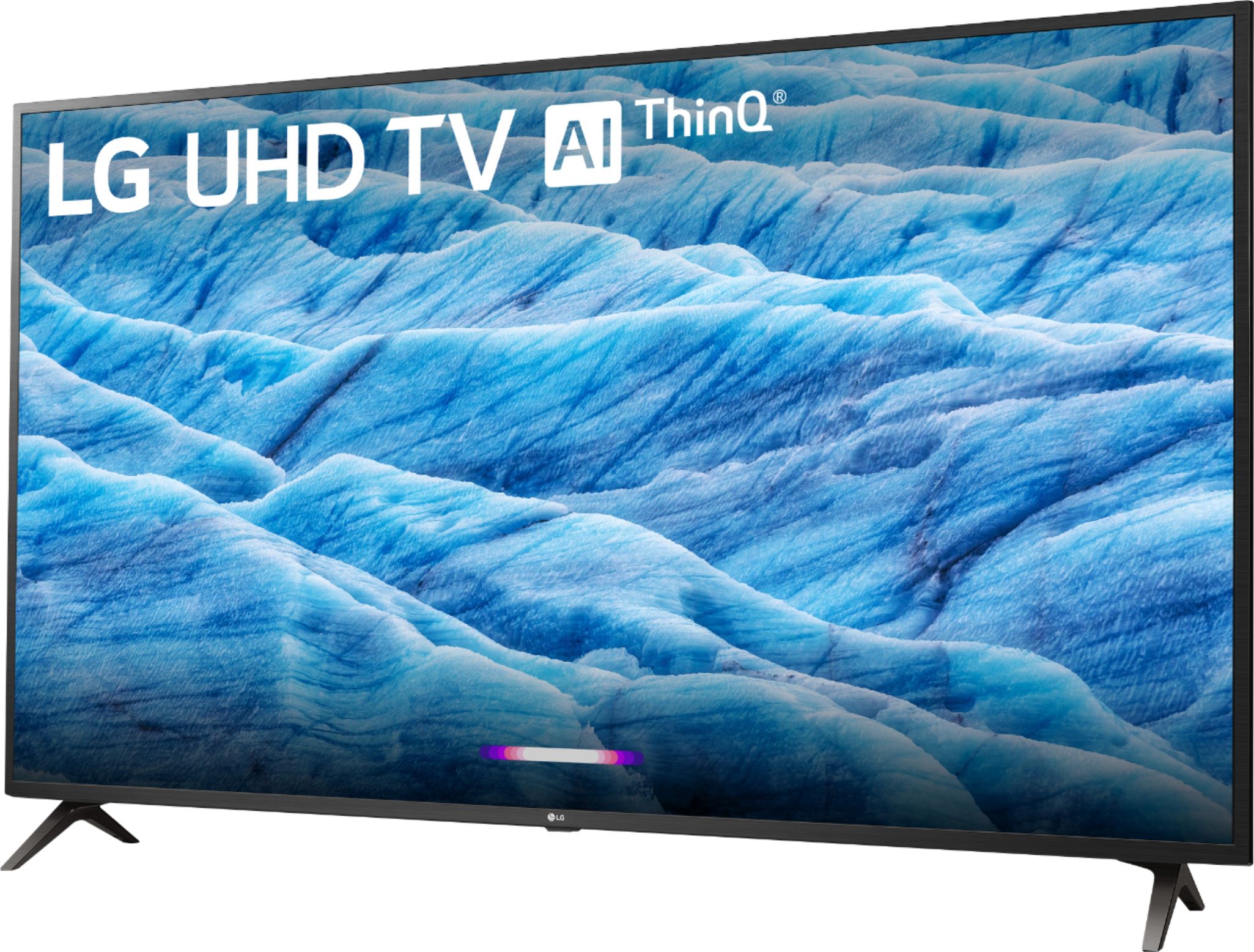
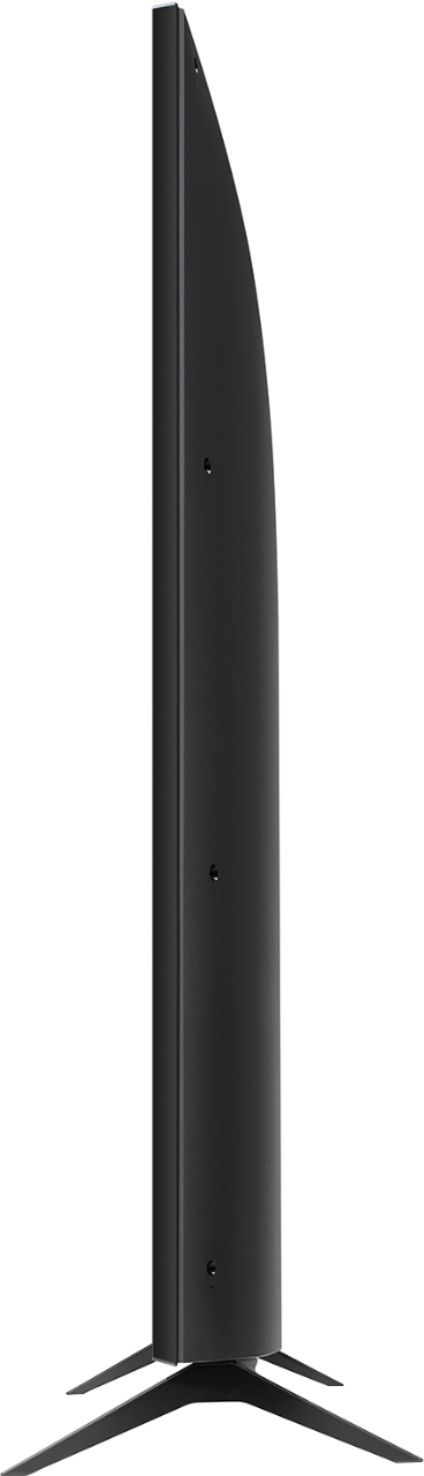
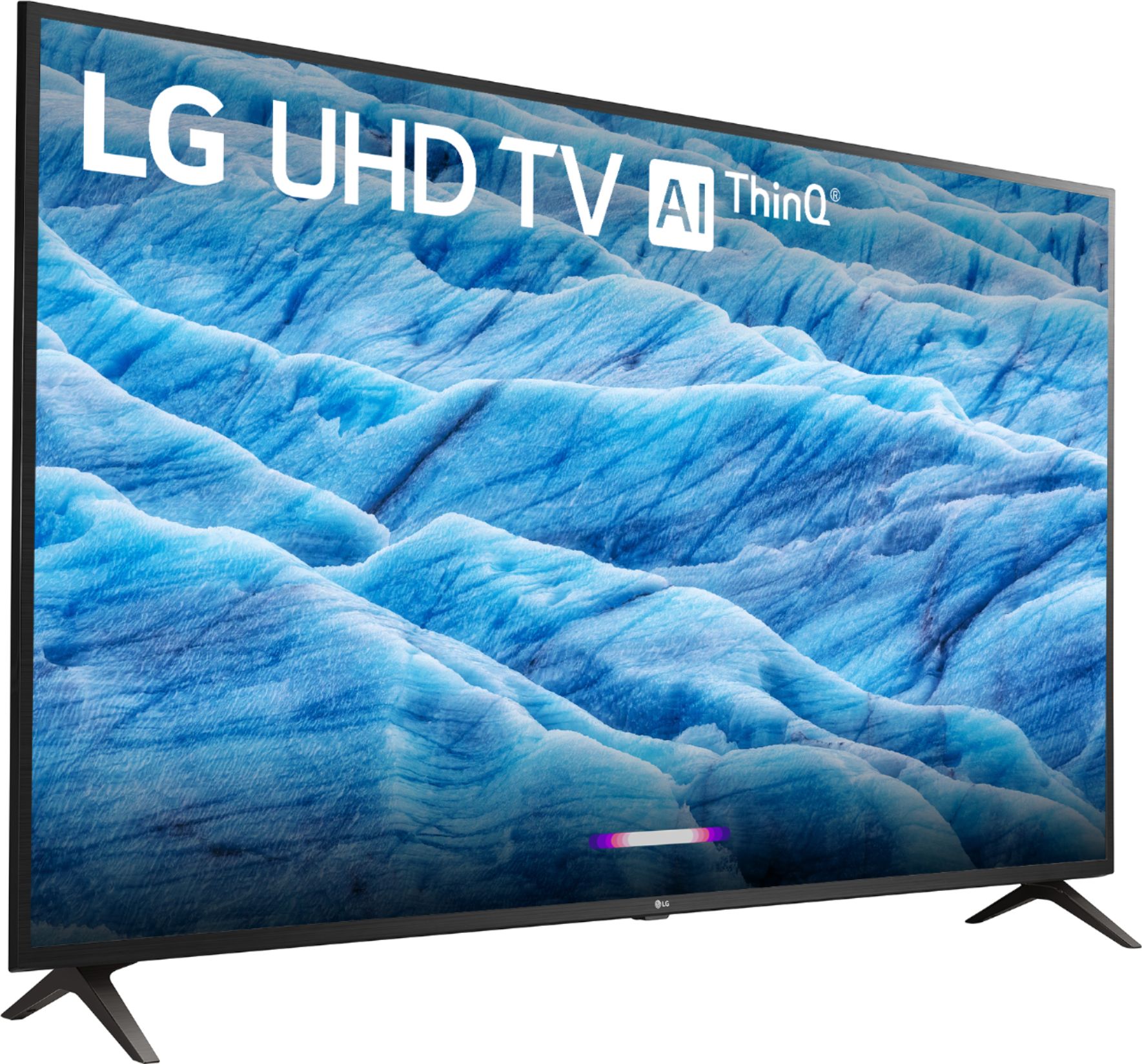
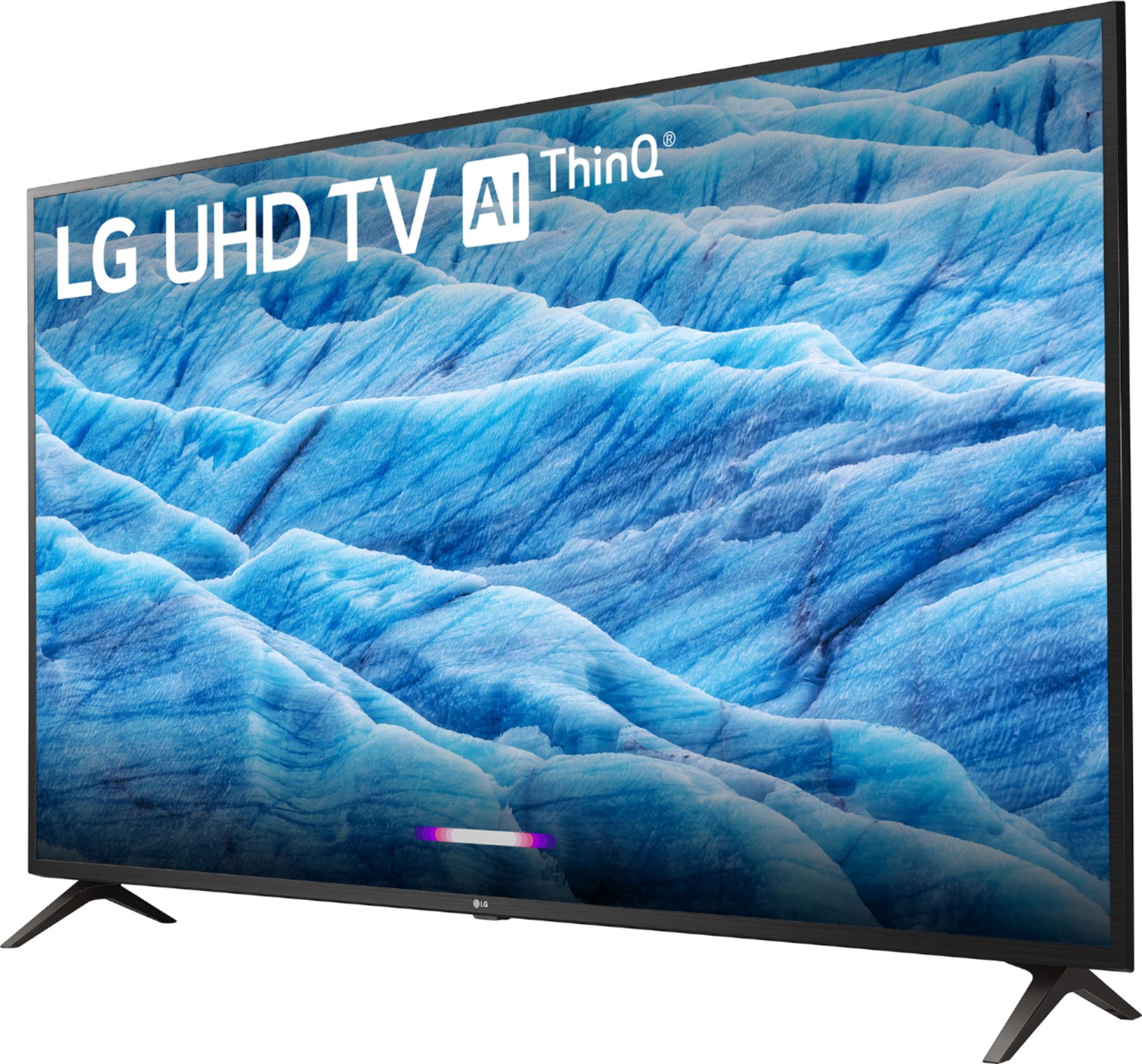
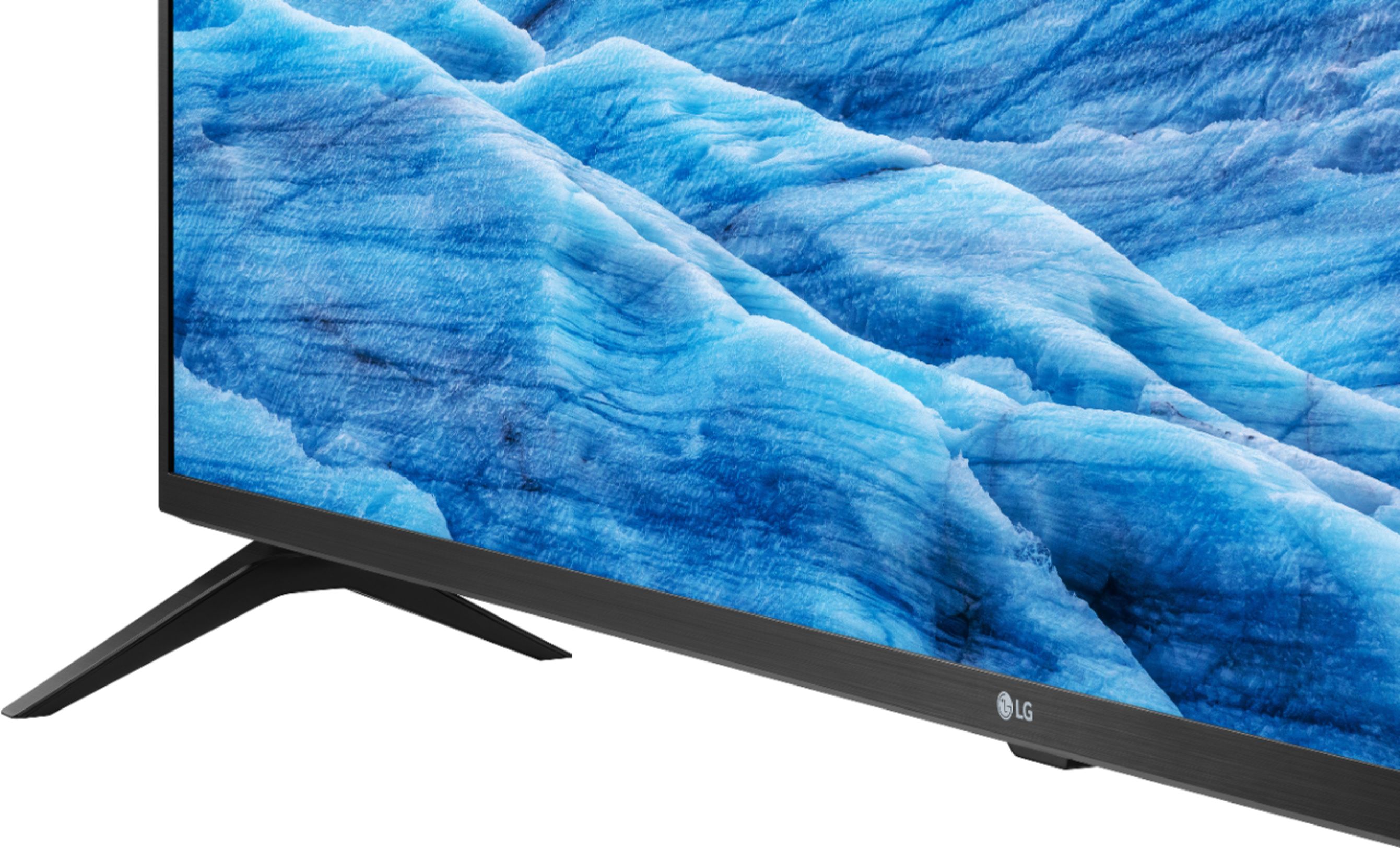
A:AnswerThe LG 43 inch Class 4K Smart UHD TV w/AI ThinQ® (42.5'' Diag), Model # 43UM7300PUA does not come with a mount. Wall Mounts are separate purchases. We cannot find anything on its product page that states that it comes with a mount. That would be incorrect. In the "What's Included' spec, it does list the stand which is referring to the stand legs that you see the TV standing on in the images of the TV. The stand legs do not come attached to the TV and they have to be attached using the supplied screws...^IFV
A:AnswerYes, the built-in Wi-Fi module for the LG 43 inch Class 4K Smart UHD TV w/AI ThinQ® (42.5'' Diag), Model # 43UM7300PUA is an IEEE 802.11a/b/g/n/ac module...^IFV
A:AnswerMulti-pairing is not supported on the LG 43 inch Class 4K Smart UHD TV w/AI ThinQ® (42.5'' Diag), Model # 43UM7300PUA so you can only pair one Bluetooth device at a time...^IFV
A:AnswerWhen connected via bluetooth, the TV's internal speakers are deactivated. An optical device and the internal speakers can be used at the same time. ^CP