Questions & Answers
- Model:
- 43UA7000PUB
- |
- SKU:
- 10926566
Q: QuestionDoes the screen go black when turned off. No backlight. It is for a bedroom. I know it has a sleep timer, but I need to know the off screen.
Asked by SuzyQ.
- A:Answer Hello there! We understand your inquiry regarding the LG - 43 Class UA7000 Series LED AI 4K UHD Smart webOS TV (2025). When you turn this unit off or the sleep timer expires, the screen and the backlight shut down completely, resulting in a dark black screen that is suitable for a bedroom environment. If you find that a small light remains visible, you can disable the Standby Light by navigating to General > System > Additional Settings > Standby Light in the TV's settings menu. https://www.bestbuy.com/product/lg-43-class-ua7000-series-led-ai-4k-uhd-smart-webos-tv-2025/JJ8VPZW5KG For further assistance and any specific concerns you may have, please contact us on [email protected]. —Renzo
Answered by LG Digital Customer Care
Q: QuestionCan this tv sit on a bureau?
Asked by sues.
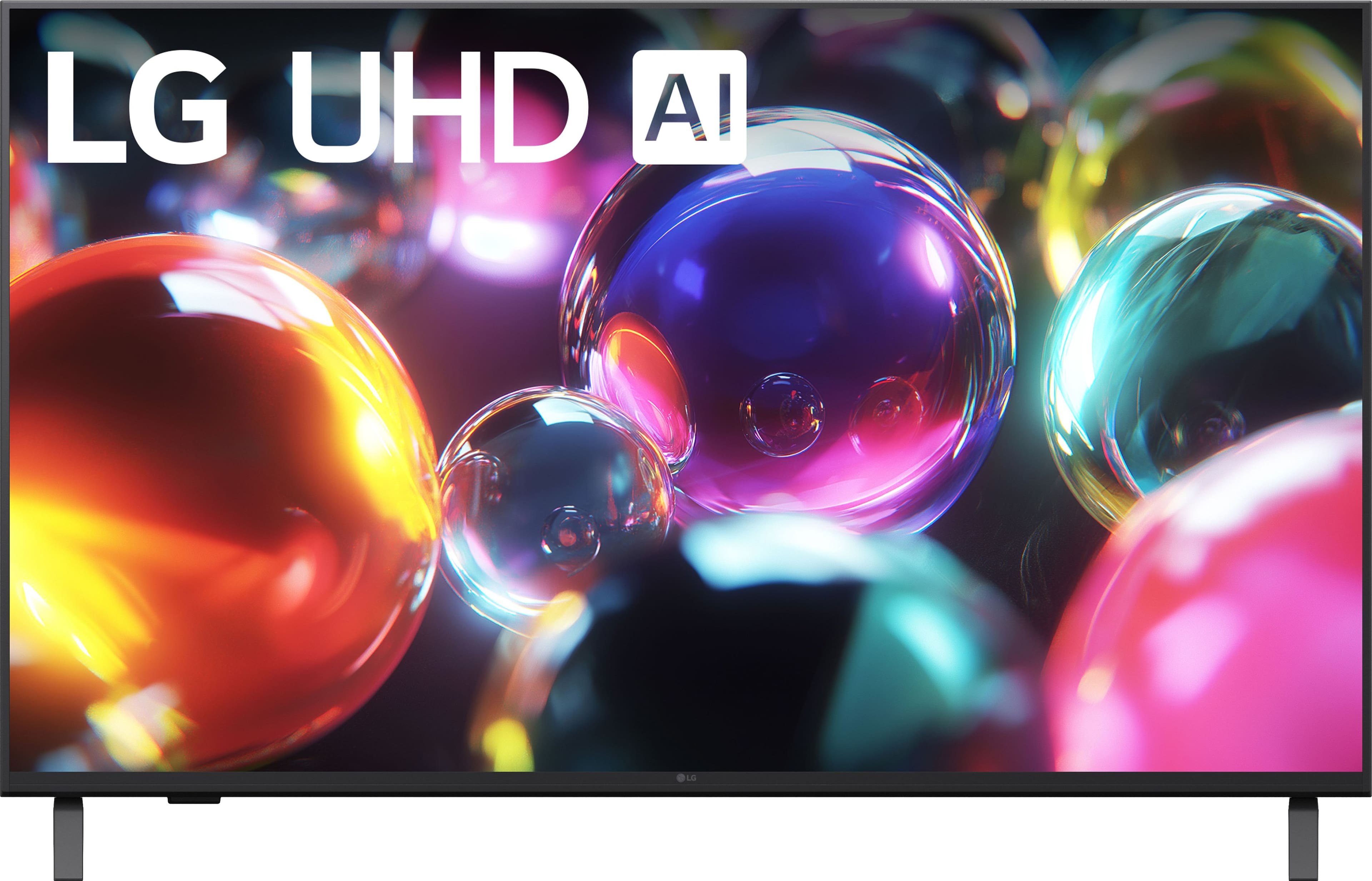
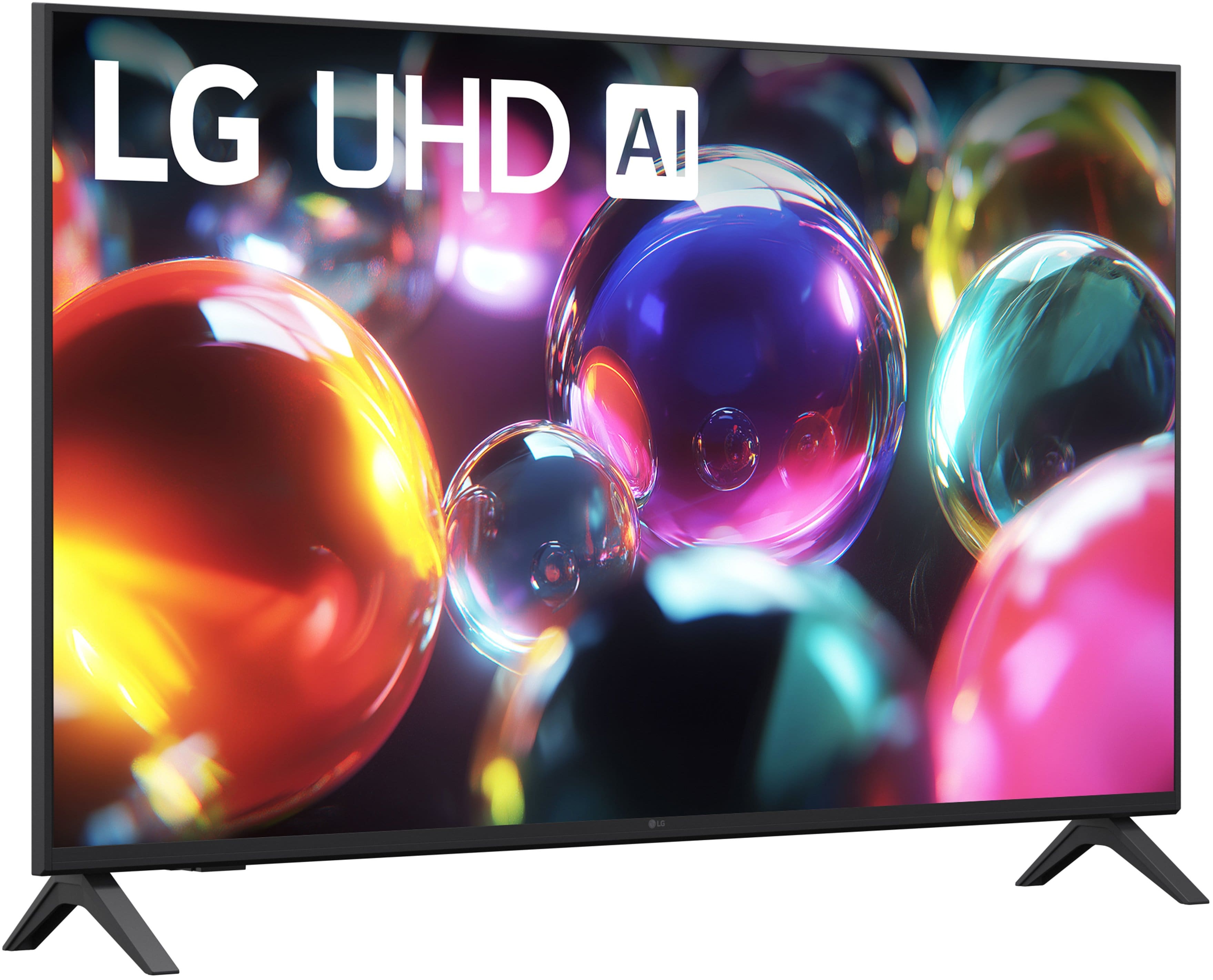
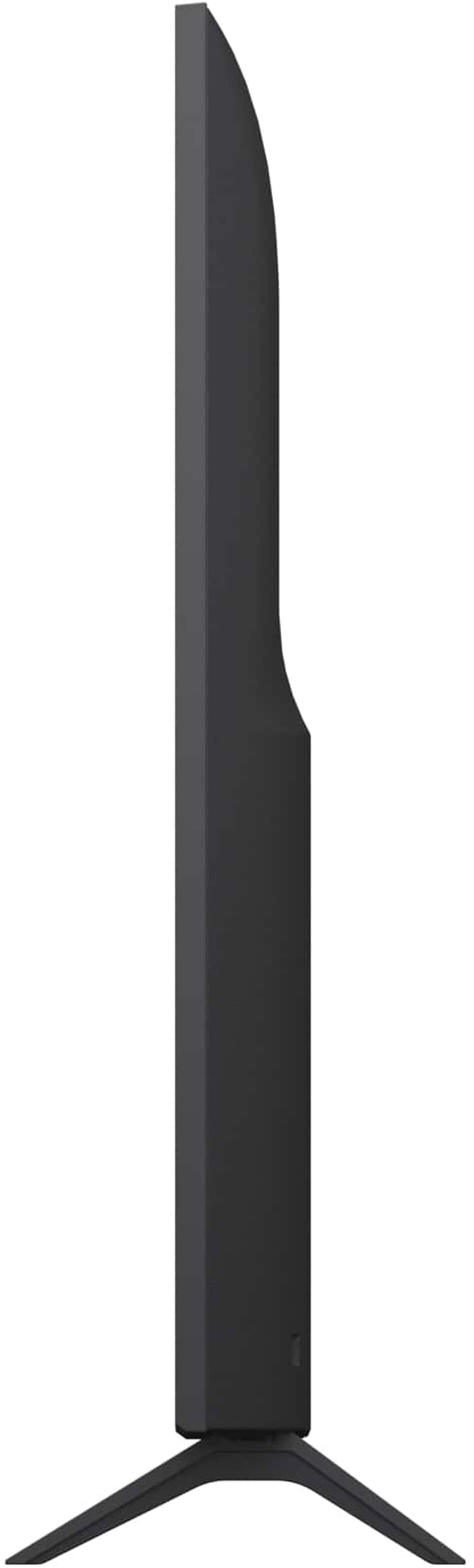
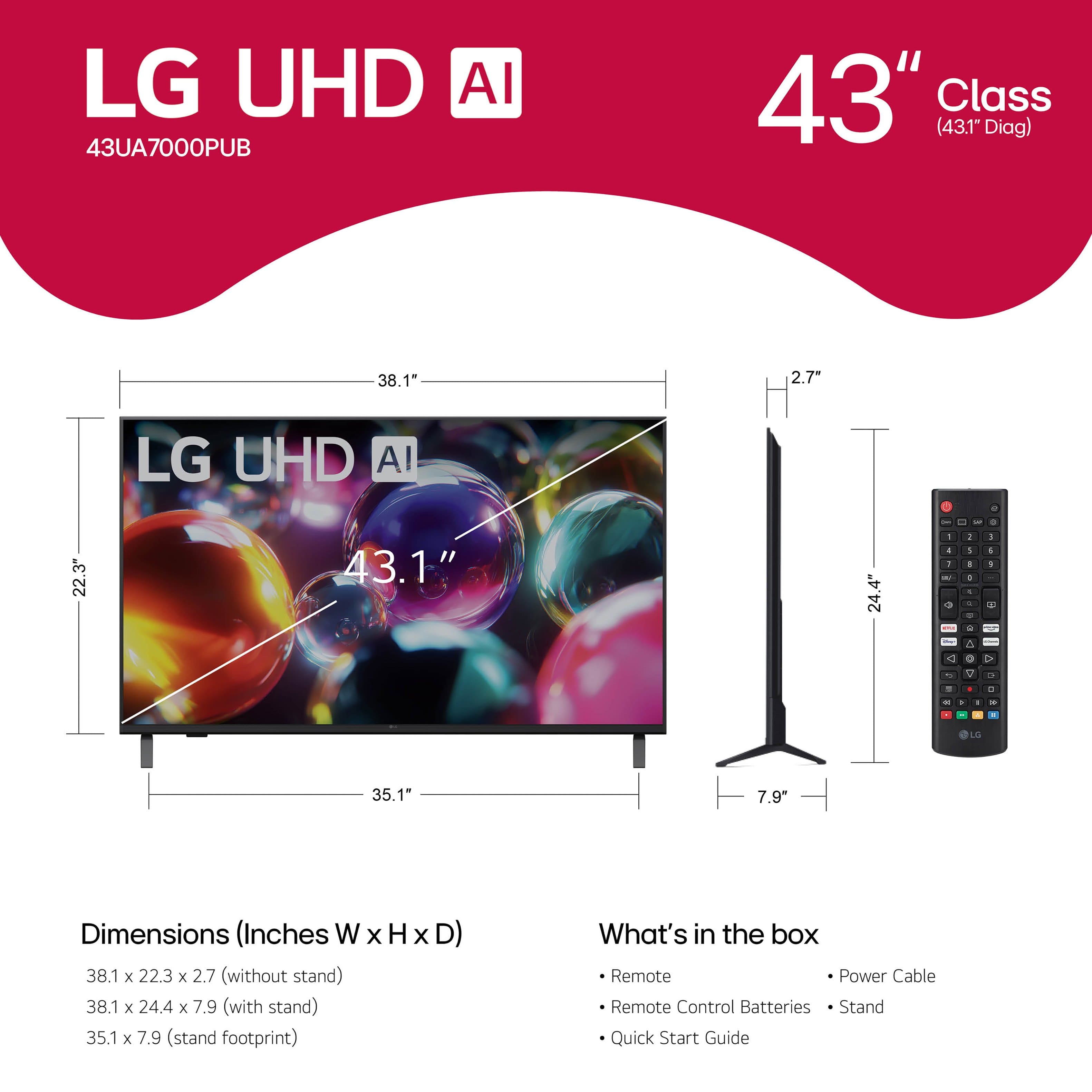
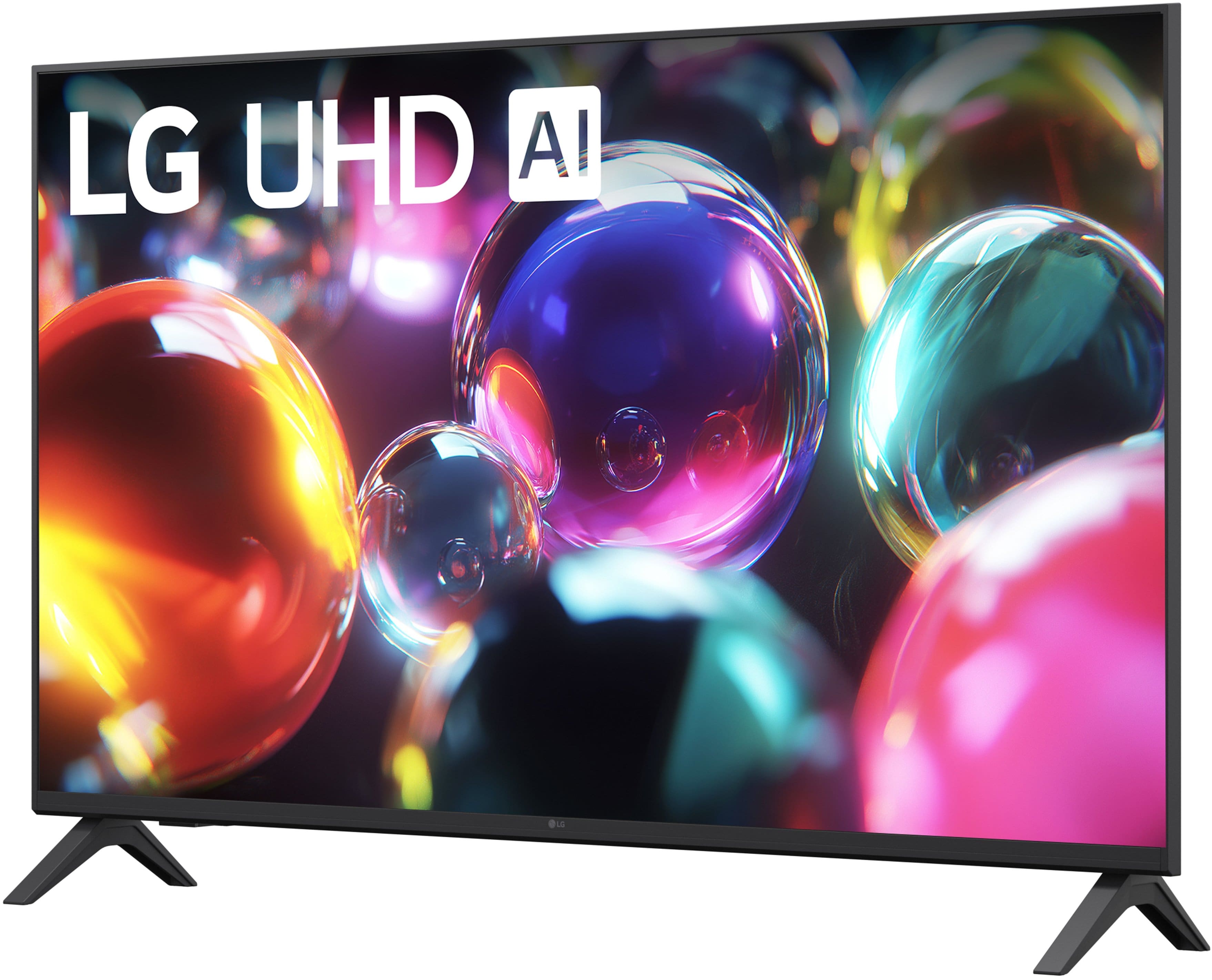
- A:Answer Hi there! We understand your inquiry regarding the LG - 43 Class UA7000 Series LED AI 4K UHD Smart webOS TV (2025). This TV includes two stand legs that allow it to sit securely on a bureau or any flat, stable surface that can support its weight and the width of the stand. https://www.bestbuy.com/product/lg-43-class-ua7000-series-led-ai-4k-uhd-smart-webos-tv-2025/JJ8VPZW5KG For further assistance and any specific concerns you may have, please contact us on [email protected]. —Renzo
Answered by LG Digital Customer Care
Q: Questioncan tv be in room were temperature is below 32 degrees
Asked by Anonymous.
- A:Answer Hello there. Thank you for reaching out to us with your inquiry about the 43UA7000PUB UHD TV. We understand your inquiry about the operating temperature of your unit. For optimal performance and longevity, we recommend operating your 43UA7000PUB TV in an environment where the temperature remains between 32°F and 104°F (0°C to 40°C). Storing or operating the TV in temperatures below 32°F (0°C) is not recommended as it can affect the screen's performance and potentially damage internal components. https://www.bestbuy.com/product/lg-43-class-ua7000-series-led-ai-4k-uhd-smart-webos-tv-2025/JJ8VPZW5KG If you have any further questions about the proper placement or care of your television, we'd be happy to assist you further. Please send us a private message on Social Media @LGUSSupport, and our team will be more than happy to assist you. —Renzo
Answered by LG Digital Customer Care
Q: QuestionCan it connect to Sony blu-tooth headphones?
Asked by JMCSac.
- A:Answer Hello there. Thank you for reaching out to us with your inquiry about the 43UA7000PUB UHD TV. We understand your inquiry about connecting Sony Bluetooth headphones to your unit. Yes, your 43UA7000PUB TV has built-in Bluetooth support (v 5.0) which allows it to connect to compatible external Bluetooth devices like headphones. You can pair your Sony Bluetooth headphones with the TV through the Sound Output settings menu to enjoy wireless audio. If you have any further questions or need assistance with the pairing process, we'd be happy to assist you further. https://www.bestbuy.com/product/lg-43-class-ua7000-series-led-ai-4k-uhd-smart-webos-tv-2025/JJ8VPZW5KG Please send us a private message on Social Media @LGUSSupport, and our team will be more than happy to assist you. —Renzo
Answered by LG Digital Customer Care
Q: QuestionI use a cable box-xfinity. Will I be able to continue to use my xfinity remote to view channels?
Asked by Tippy.
- A:Answer Hi there, Tippy. Thank you for sharing your experience with us. We understand your inquiry about controlling your 43UA7000PUB TV with your existing Xfinity cable box remote. Yes, you should be able to continue using your Xfinity remote to change channels and control your cable box when it is connected to the 43UA7000PUB TV via one of the HDMI Inputs. Most major cable providers, including Xfinity, provide instructions or universal codes that allow their remotes to be programmed to control basic functions like power and volume on new televisions. https://www.bestbuy.com/product/lg-43-class-ua7000-series-led-ai-4k-uhd-smart-webos-tv-2025/JJ8VPZW5KG If you have any further questions about connecting or setting up your cable box with the TV, please send us a private message on Social Media @LGUSSupport, and our team will be more than happy to assist you. —Renzo
Answered by LG Digital Customer Care
Q: Questiondoes it have automatic shutoff
Asked by KG.
- A:Answer Hello there. Thank you for sharing your experience with us. We understand your inquiry regarding the LG - 43 Class UA7000 Series LED AI 4K UHD Smart webOS TV (2025). This model includes an Auto Power Off feature, which can be set to automatically turn the TV off after a period of inactivity (such as 2 or 4 hours) to save energy. https://www.bestbuy.com/product/lg-43-class-ua7000-series-led-ai-4k-uhd-smart-webos-tv-2025/JJ8VPZW5KG For further assistance and any specific concerns you may have, please contact us on [email protected]. —Renzo
Answered by LG Digital Customer Care
Q: Questioncan you enlarge closed caption on this tv
Asked by jayee.
- A:Answer Hello there, Jayee. Thank you for reaching out to us with your inquiry. We understand you are asking about the ability to enlarge the closed captions on your LG 43UA7000PUB TV. We recognize the importance of having customizable accessibility features for a comfortable viewing experience. Yes, your TV allows you to change the size of the closed captions. This is a common feature within the accessibility settings on webOS TVs. To do this, we recommend trying the following general steps: Press the Settings button on your remote. Go to All Settings (usually represented by an icon of a gear). Select Accessibility. Look for the Closed Caption or Caption option. Within the Closed Caption menu, there should be an option to adjust the Text Size or Font Size, allowing you to make the captions larger. If you have any difficulty navigating the menus or if the closed captions are not appearing after adjusting the settings, we'd be happy to provide more detailed, step-by-step assistance. https://www.bestbuy.com/product/lg-43-class-ua7000-series-led-ai-4k-uhd-smart-webos-tv-2025/JJ8VPZW5KG Please send us a private message on Social Media @LGUSSupport, and we will work with you to ensure the closed captions are set to the size that best meets your needs. —Renzo
Answered by LG Digital Customer Care
Q: QuestionHello. Could the "pre-installed" apps be uninstalled, or this particular model accesses "Streaming apps"? I want to be able to install only apps I want to use instead of shuffling through a lot of them (as on a VIZIO tv) 2 find ones I want. Tks
Asked by Fairness.
- A:Answer Hello there. Thank you for sharing your experience with us. We understand your inquiry regarding the app management on the 43UA7000PUB. This model runs on webOS 25 and does access a wide variety of streaming apps. While certain pre-loaded core apps cannot be fully removed from the system, you can fully customize your Home Screen. You can rearrange the app order and delete shortcuts for apps you do not use, ensuring only your preferred apps appear for easy access. https://www.bestbuy.com/product/lg-43-class-ua7000-series-led-ai-4k-uhd-smart-webos-tv-2025/JJ8VPZW5KG If you have any further questions about its features, please send us a private message on Social Media @LGUSSupport, and our team will be more than happy to assist you. —Renzo
Answered by LG Digital Customer Care
Q: QuestionHow many watts does this TV use?
Asked by ThatGuy.
- A:Answer The LG 43” Class UA7000 Series LED AI 4K UHD Smart webOS TV (2025), Model # 43UA7000PUB, has a Power Consumption of 88 W...^Ivan.
Answered by LG Digital Customer Care
Q: Questioncan i use is computer monitor
Asked by Anonymous.
- A:Answer Hello there. Thank you for reaching out to us. We understand your inquiry regarding using the 43UA7000PUB as a computer monitor. Yes, you can definitely use this TV as a computer monitor. It is equipped with 3 HDMI inputs, allowing you to easily connect your computer or laptop directly to the screen for a larger display. https://www.bestbuy.com/product/lg-43-class-ua7000-series-led-ai-4k-uhd-smart-webos-tv-2025/JJ8VPZW5KG If you have any further questions about its features, please send us a private message on Social Media @LGUSSupport, and our team will be more than happy to assist you. —Renzo
Answered by LG Digital Customer Care
Q: QuestionIs it possible to loop a video from a usb stick on this tv?
Asked by Hello.
- A:Answer The Media Player for the 43” Class UA7000 Series LED AI 4K UHD Smart webOS TV (2025), Model # 43UA7000PUB, does not have looping function that you can select to loop videos from a connected USB stick...^Ivan.
Answered by LG Digital Customer Care
Q: QuestionDoes this tv work with spectrump app
Asked by Anonymous.
- A:Answer The Spectrum TV app is compatible with the webOS 25 TV Platform that the LG 43” Class UA7000 Series LED AI 4K UHD Smart webOS TV (2025), Model # 43UA7000PUB runs on, so the app can be downloaded and installed on the TV through the LG Content Store (App Store) feature found on the TV's home screen...^Ivan.
Answered by LG Digital Customer Care
Q: Questionis tv compatible with spectrum boxes
Asked by Thom.
- A:Answer Hello there, Thom. Thank you for reaching out with your inquiry regarding the 43UA7000PUB TV. We understand your question about its compatibility with Spectrum boxes. The LG 43 Class UA7000 Series LED AI 4K UHD Smart webOS TV, model 43UA7000PUB, is designed to connect easily with external cable and set-top boxes, including those from Spectrum, using an HDMI cable. The TV has three HDMI inputs, which allow you to connect your Spectrum box and access your cable channels by selecting the corresponding HDMI input source on your TV. Basic Troubleshooting Step: To connect your Spectrum box to your TV, simply plug one end of an HDMI cable into the HDMI output port on your Spectrum box and the other end into any of the three HDMI input ports on the back of your LG 43UA7000PUB TV. Once connected, turn on both devices and use your LG TV remote's Input/Source button to select the correct HDMI port (e.g., HDMI 1, HDMI 2, or HDMI 3). https://www.bestbuy.com/product/lg-43-class-ua7000-series-led-ai-4k-uhd-smart-webos-tv-2025/JJ8VPZW5KG If you have any further questions about the setup process, or if you encounter any difficulties once connected, please send us a private message on Social Media @LGUSSupport, and our team will be more than happy to assist you. —Renzo
Answered by LG Digital Customer Care
Q: QuestionCan I plug my computer and get clear picture and sound
Asked by AngelV.
- A:Answer The LG 43” Class UA7000 Series LED AI 4K UHD Smart webOS TV (2025), Model # 43UA7000PUB, has a native 4K Ultra HD (3,840 x 2,160) resolution, and as with any other current 4K Ultra HD TV, regardless of bradn or manufacturer, you can connect a PC/Laptop and get a clear picture and sound...^Ivan.
Answered by LG Digital Customer Care
Q: QuestionCan you mount this model ((UA70) to a swivel base? Ifso, what brand of base?
Asked by Ken.
- A:Answer I use this stand from Amazon to get swivel and tilt https://www.amazon.com/dp/B0BVLN8R4R?ref=ppx_yo2ov_dt_b_fed_asin_title&th=1
Answered by BruceK
Q: QuestionIS THERE A DIFFERANT STAND THAT CAN BE USED?
Asked by BILL.
- A:Answer I used this stand from Amazon https://www.amazon.com/dp/B0BVLN8R4R?ref=ppx_yo2ov_dt_b_fed_asin_title&th=1 because the table we set the TV on isn't wide enough for the built in legs and this gave us swivel and tilt
Answered by BruceK
Q: QuestionDo I need Cable connection or can I use wifi exclusively?
Asked by Bonsterly.
- A:Answer You absolutely can use wifi. I do, and I don't have cable. Hopefully, this helps.
Answered by NatalieC
Q: QuestionDoes this tv has google apps installed?
Asked by Laskar.
- A:Answer The LG 43” Class UA7000 Series LED AI 4K UHD Smart webOS TV (2025), Model # 43UA7000PUB, runs on LG's webOS 25 TV Platform. It is not an Android TV which is an operating system developed by Google specifically for smart TVs that is optimized for television displays, providing a user-friendly interface that allows users to watch, play, and access various applications easily. You can only download and install apps that are compatible with the webOS 25 TV Operating System, and cannot download and install them from the Google Playstore.. YouTube is a Google app that is preinstalled on the TV and the YouTube TV app is compatible with the webOS 25 TV Operating System so it can be downloaded and installed on the TV. Netflix is not available on Google TV, but is preinstalled on the TV, and other apps that are available on Google TV such as Hulu, Apple TV, Sling TV, Fubo, Crackle, Peacock, Paramount +, just to name a few, can also be found on the TV...^Ivan.
Answered by LG Digital Customer Care
Q: QuestionHow many bluetooth headphones can be connected at once, and are most headphones compatible
Asked by willy.
- A:Answer Hello there, Willy. Thank you for sharing your inquiry about the LG 43UA7000PUB 4K Smart TV. We understand your questions regarding connecting multiple Bluetooth headphones and general compatibility. We are happy to confirm that this model, which operates on the webOS platform, is designed to connect audio output to two Bluetooth devices simultaneously. This feature is often found in the sound settings under an option like "Sound Out" or "Use Multiple Speakers," allowing you to select two separate Bluetooth headphones or a Bluetooth speaker and one set of headphones for simultaneous listening. Regarding compatibility, the 43UA7000PUB features Bluetooth v5.0 connectivity, which works well with most modern Bluetooth headphones and headsets. While the television should be compatible with most standard Bluetooth audio devices, we recommend using headphones that support the latest Bluetooth standards for the most stable connection and best audio quality. https://www.bestbuy.com/product/lg-43-class-ua7000-series-led-ai-4k-uhd-smart-webos-tv-2025/JJ8VPZW5KG If you encounter any issues while pairing your specific Bluetooth headphones, or if you would like us to walk you through the steps to enable the dual connection feature in the TV's settings, your feedback is important, and we'd like to assist you further. Please send us a private message on Social Media @LGUSSupport, and our team will be more than happy to assist you with the setup process. —Renzo
Answered by LG Digital Customer Care
Q: QuestionIs this a good TV model for gaming with the PS5?
Asked by Subie.
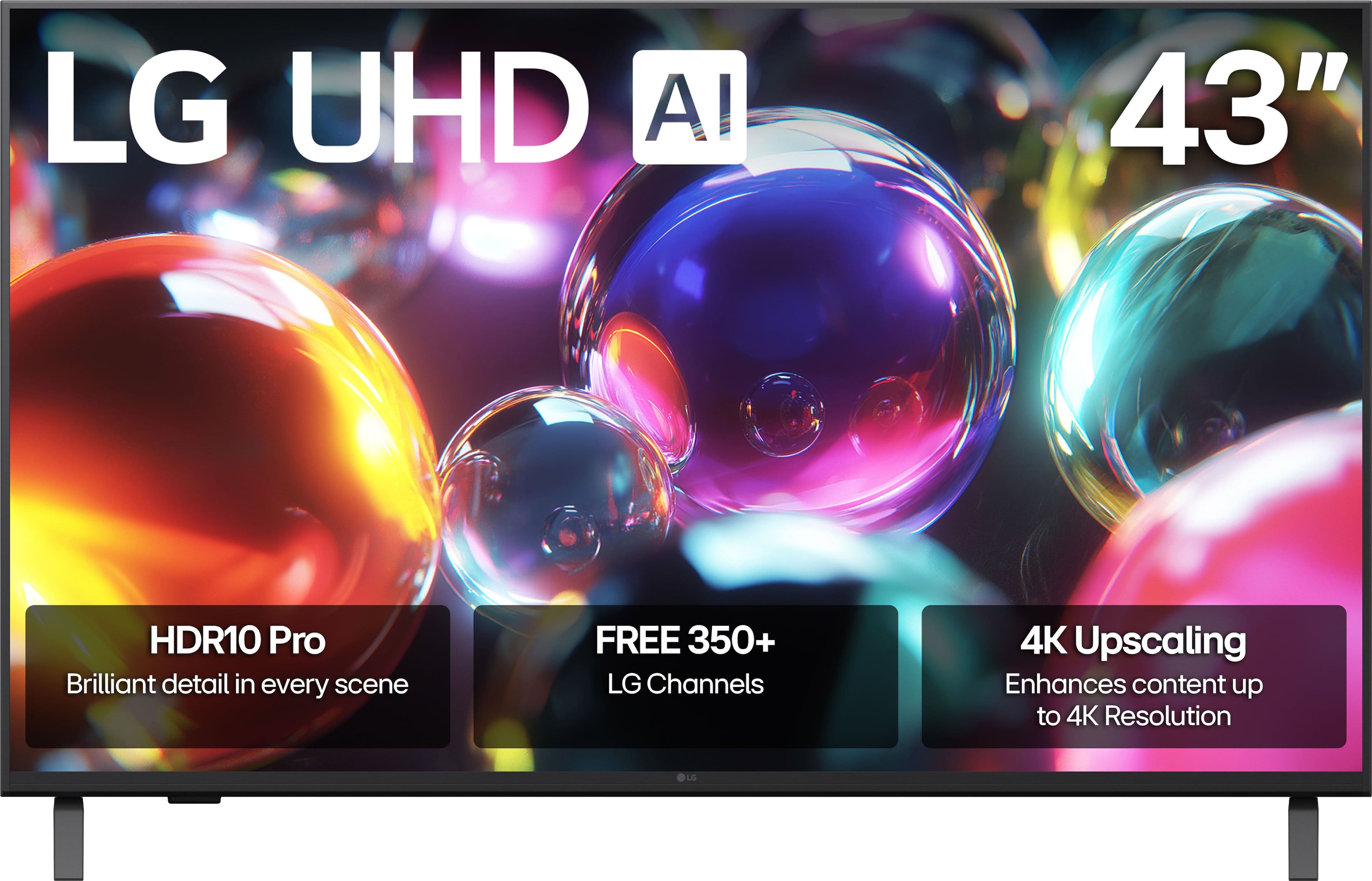
- A:Answer Hello there, Subie. Thank you for sharing your experience with us. We understand your inquiry about using the 43UA7000PUB 4K Smart TV for gaming with your PS5. The 43UA7000PUB offers several features that enhance the gaming experience with the PS5: 4K UHD Resolution: This TV supports 4K (3,840 x 2,160) resolution, allowing you to enjoy the sharp, detailed graphics that the PS5 is capable of producing. ALLM (Auto Low Latency Mode): This feature automatically switches the TV to its lowest latency mode when it detects a game console, which helps to reduce input lag for more responsive gameplay. VRR (Variable Refresh Rate) up to 60Hz: This TV supports VRR, which helps to minimize screen tearing and stuttering by matching the TV's refresh rate to the game's frame rate, up to its native 60Hz refresh rate. Game Optimizer: This dedicated menu allows you to quickly see and adjust your current gaming settings. HGiG Mode: This setting helps the TV display the HDR graphics of your PS5 with greater accuracy, ensuring the game's intended visuals are preserved. While this unit is a 60Hz Native TV and won't support 4K gaming at 120 frames per second, the inclusion of ALLM, VRR (up to 60Hz), and Game Optimizer makes it a great choice for enjoying a responsive and high-quality 4K gaming experience on your PS5. https://www.bestbuy.com/product/lg-43-class-ua7000-series-led-ai-4k-uhd-smart-webos-tv-2025/JJ8VPZW5KG We understand your inquiry about maximizing your console's performance. If you have any further questions about optimizing your settings for the PS5, please send us a private message on Social Media @LGUSSupport, and our team will be more than happy to assist you. —Renzo
Answered by LG Digital Customer Care
Best-selling TVs
- $249.99$249.99The price was $379.99
- $199.99$199.99The price was $349.99
- $79.99$79.99The price was $129.99
- $449.99$449.99The price was $649.99
- $179.99$179.99The price was $299.99
- $329.99$329.99The price was $469.99
- $149.99$149.99The price was $199.99
- $379.99$379.99The price was $399.99
- $139.99$139.99The price was $229.99
- $429.99$429.99The price was $499.99
- $1,399.99$1,399.99The price was $2,699.99
- $199.99$199.99The price was $309.99
- $329.99$329.99The price was $489.99
- $569.99$569.99The price was $699.99
- $1,399.99$1,399.99The price was $2,499.99
- $209.99$209.99The price was $249.99
- $249.99$249.99The price was $299.99
- $269.99$269.99The price was $449.99