A:AnswerFrom the Settings menu > Advanced Settings > Channels > Channel tuning. If you are in need of further assistance, please reach out to our support team on Twitter via @LGUSSupport or on Facebook at https://www.facebook.com/LGUSA or call at 800-243-0000. ^Daphane
A:AnswerI had no issue with mine. Have you ensured you have the "left" and "right" legs on the correct side? On my much older TV, it was possible to accidently swap the two during installation - not sure about this LG though.
A:AnswerI am not familiar with what network you are inquiring about. A Google search does not yield results. Please verify the spelling, madamont network. ^Daphane
A:AnswerThe size of the screws for mounting are M6. The length of the screws is determined by the thickness (depth) of the Wall Mount that you use. ^Daphane
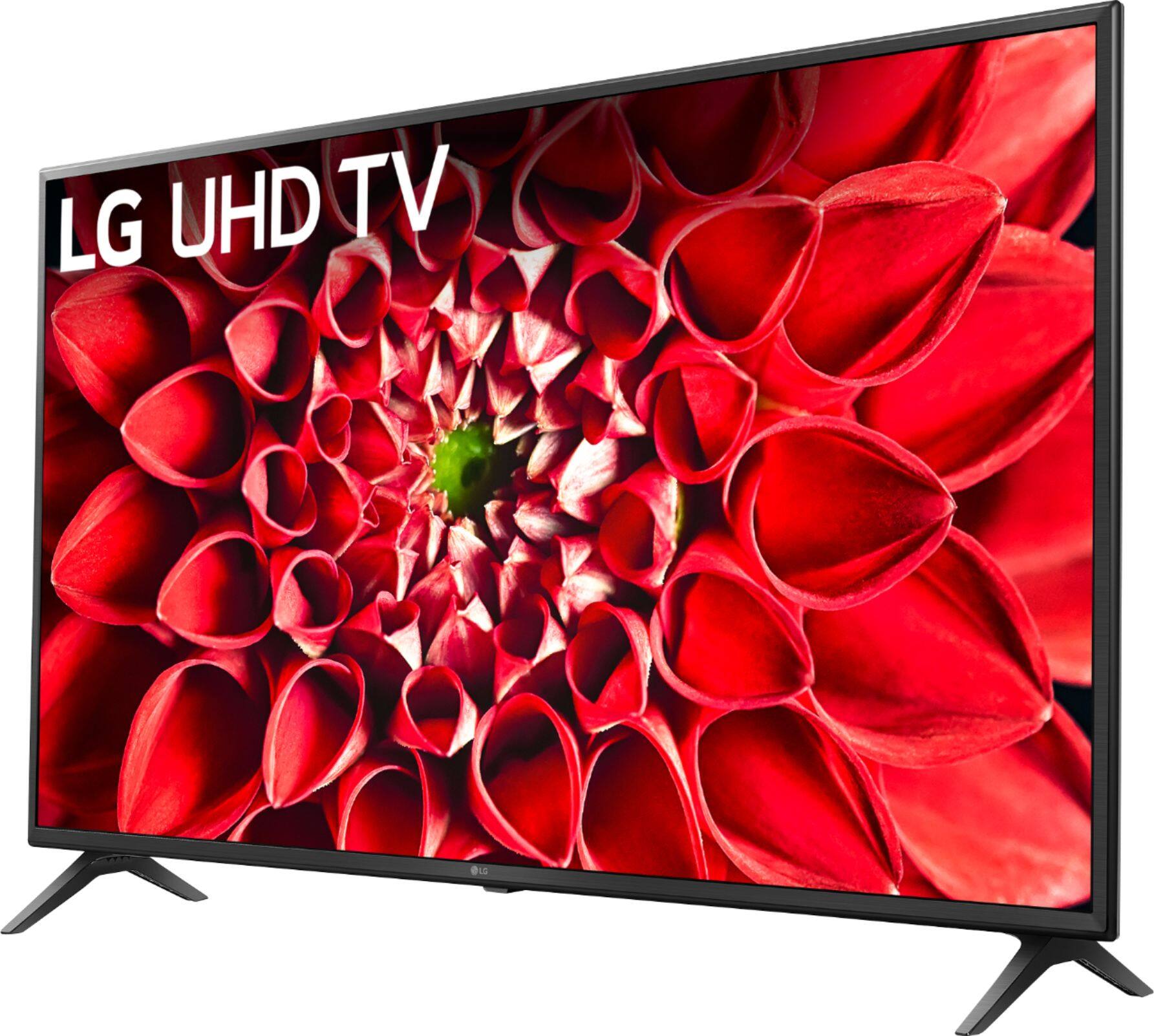
A:AnswerNo, there is no Peloton app in the LG Content Store. This TV has a webOS platform. Our webOS platform offers over 600 apps including streaming content and games - including over 180 free streaming channels via the LG Channels (on select models) app. For a complete listing of available apps, please visit: https://us.lgappstv.com/main/tvapp. ^Daphane
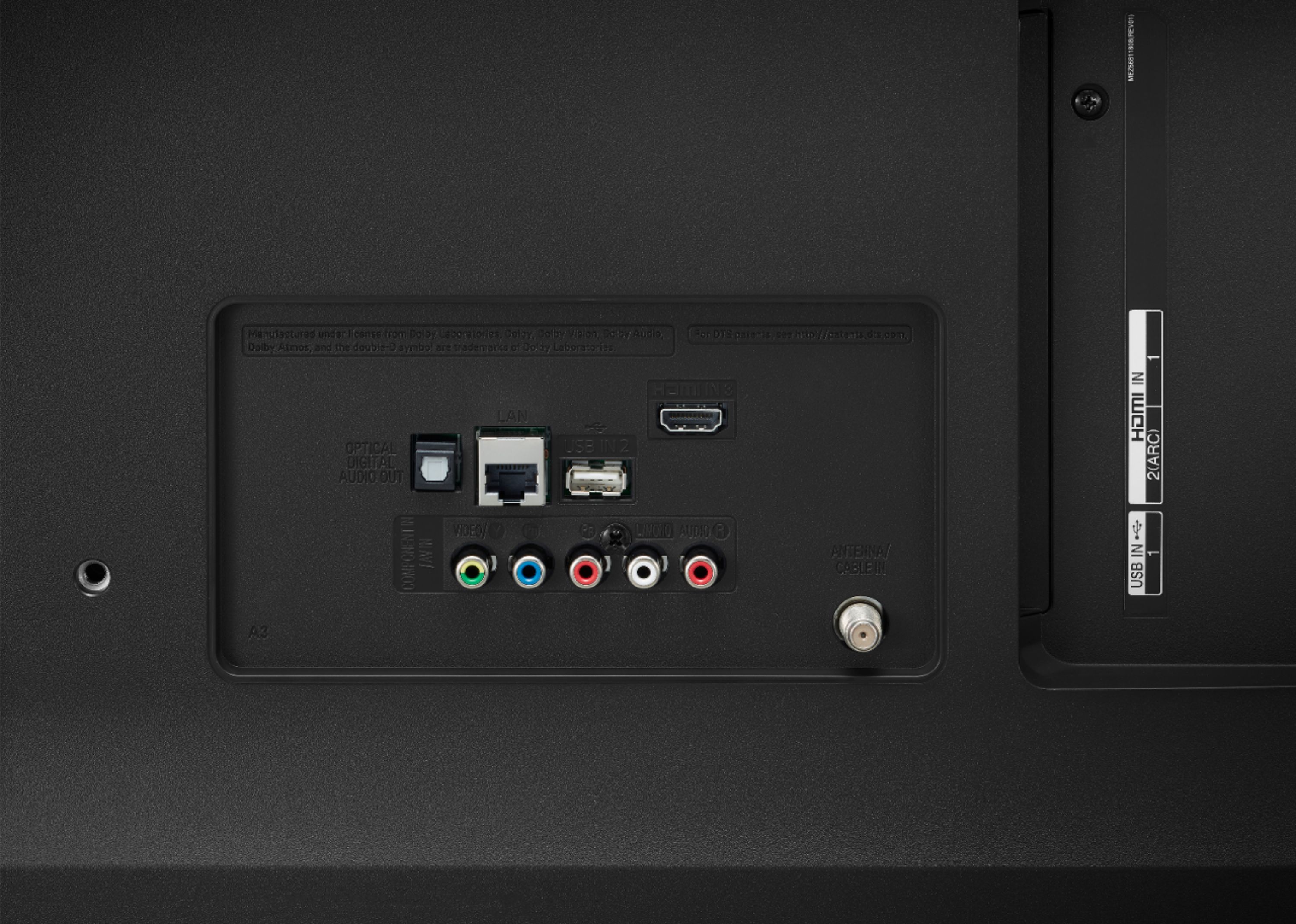
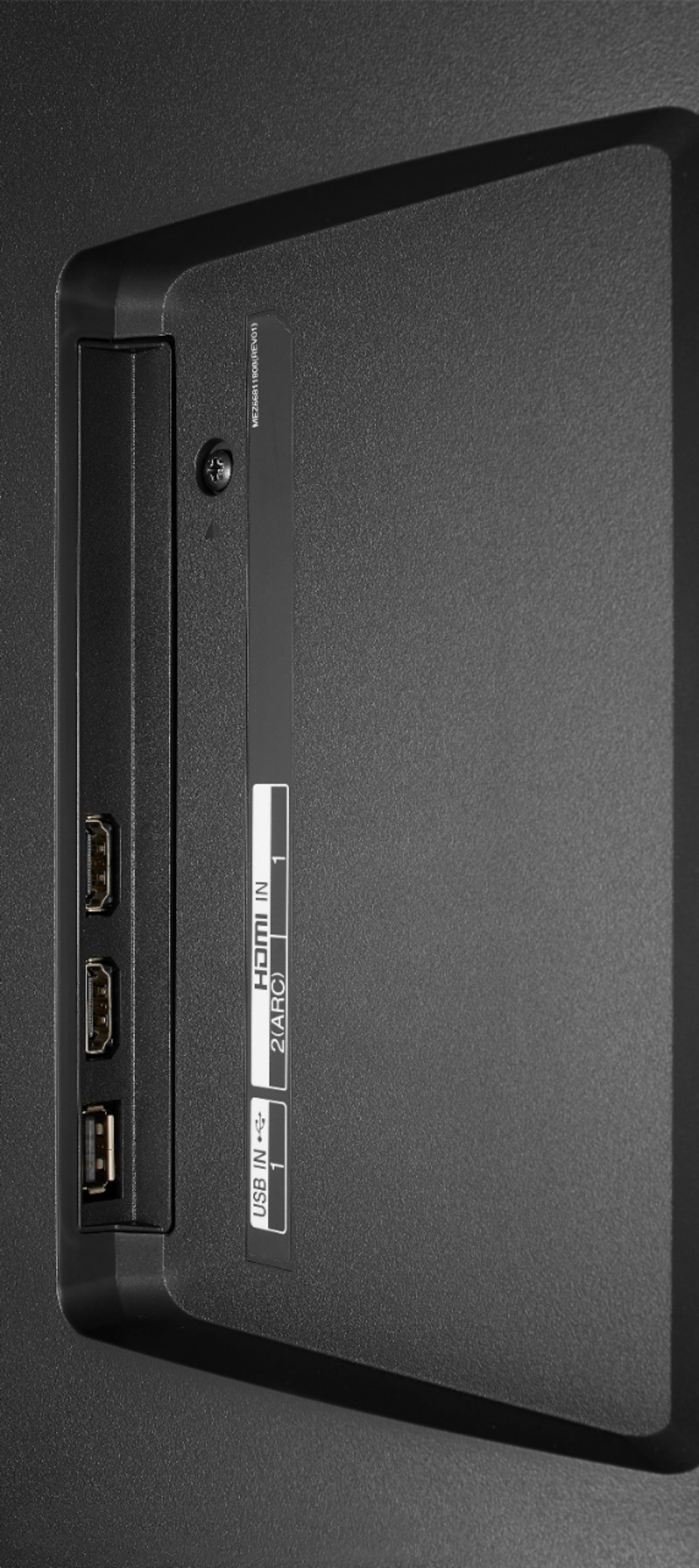
A:AnswerThis TV has a refresh rate of TruMotion 120 (Native 60Hz). TruMotion increases the standard refresh rate causing the image rendered on the TV screen with drastically reduction of blur and yields crisper details. This TV does not have HDMI 2.1 and will not support 4K@120Hz. ^Daphane