A:AnswerStreaming Services include but are not limited to CBS All Access, Disney+, Google Play Movies & TV, Hulu, Netflix, Pandora, Prime Video, SHOWTIME, STARZ, Sling TV, Spotify and YouTube. You can install various apps from the LG Content Store. Please visit the link below to browse the available apps for download. Additional charges apply for certain service. ^Daphane https://us.lgappstv.com/main
A:AnswerPlease see the link below for information on changing the aspect ratio. ^Daphane https://www.lg.com/us/support/help-library/lg-tv-picture-menu-settings-CT10000018-1374855198623
A:AnswerNo, there is similar functionality that allows you to view content from your phone or other portable devices via Miracast or Apple Airplay. ^Daphane
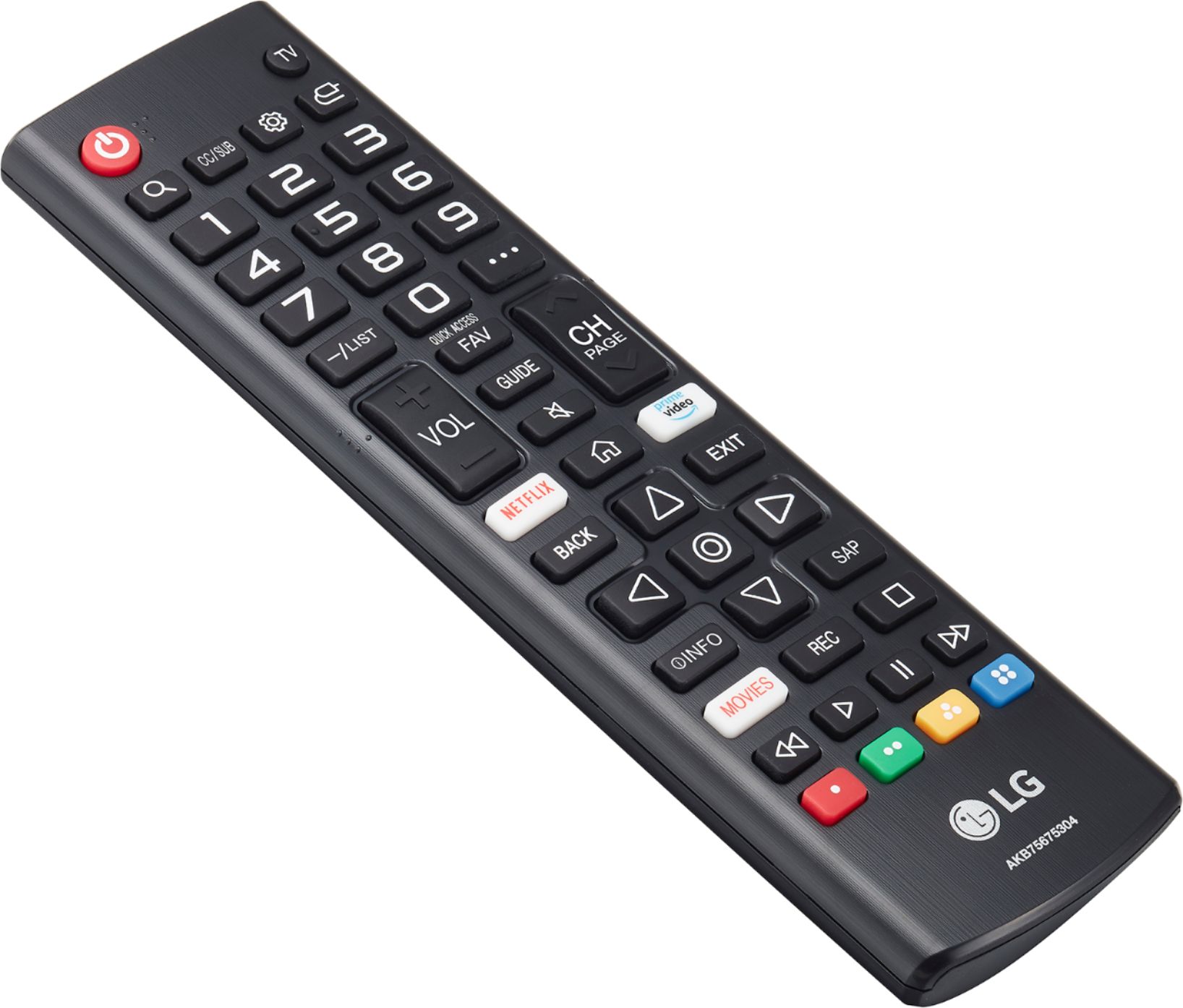
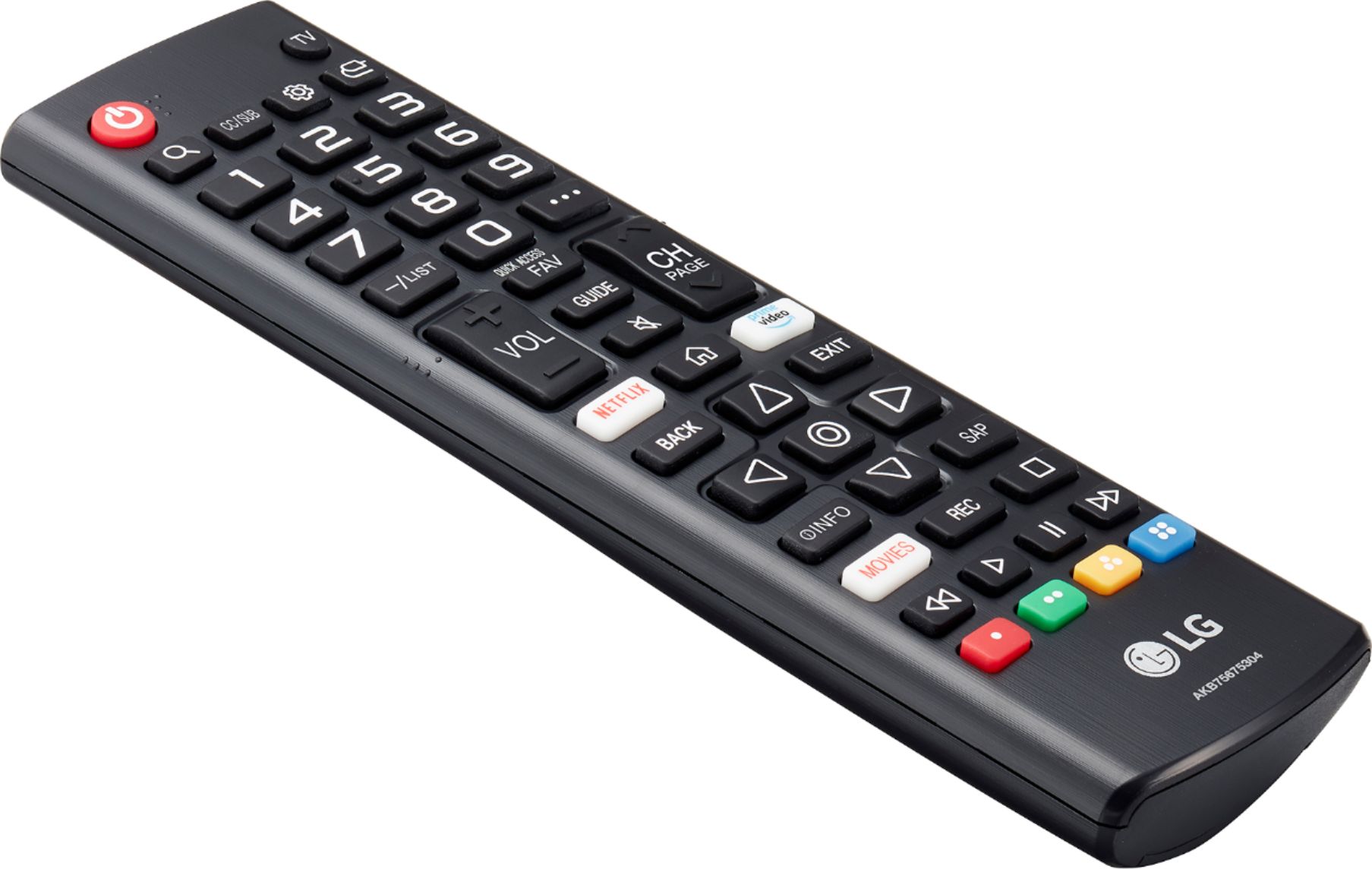
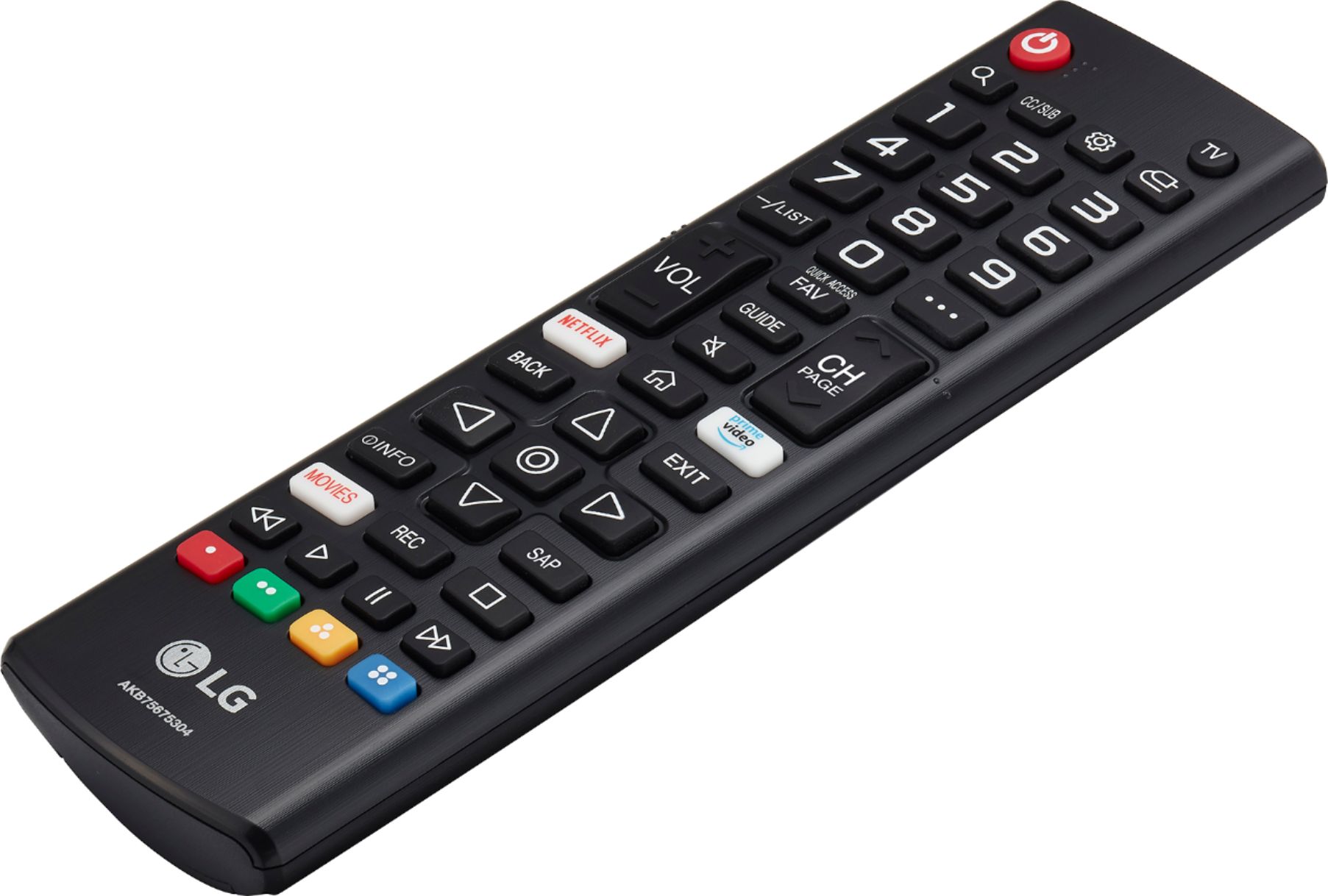
A:AnswerThere is not a video for the standard remote. Change the input on the TV by pressing the button that looks like a plug. If you are in need of further assistance, please reach out to our support team on Twitter via @LGUSSupport or on Facebook at https://www.facebook.com/LGUSA or call at 800-243-0000. ^Daphane
A:AnswerYou probably could but it’s easy to set up as well. When you turn the tv on it walks you through setup. The pamphlet instructions are literally pictures on how to physically hook up the tv.