A:AnswerYes, Sling TV app is in the LG Content Store (App Store). For a complete listing of available apps, please visit: https://us.lgappstv.com/main/tvapp. ^Daphane
A:AnswerYes, Xfinity Stream Beta is in the LG Content Store (App Store). For a complete listing of available apps, please visit: https://us.lgappstv.com/main/tvapp. ^Daphane
A:AnswerNo, this model does not have Bluetooth but I believe there is another model, slightly more expensive, that does have that option. It would show this in the detailed product description.
A:AnswerThe size of the screws for mounting are M6. The length of the screws is determined by the thickness (depth) of the Wall Mount that you use. ^Daphane
A:AnswerNot sure, there is not a headphone jack on this TV. Please reach out to our support team via private message on Facebook @LGUSSupport or call at 800-243-0000. Please be sure to provide your contact information, model/serial numbers and date of purchase. ^Daphane
A:AnswerThis TV does not have Bluetooth connectivity so your option would be adding a Soundbar with addition rear speaker kit via Optical output. Please see the link to browse available options, https://www.lg.com/us/sound-bars. ^Daphane
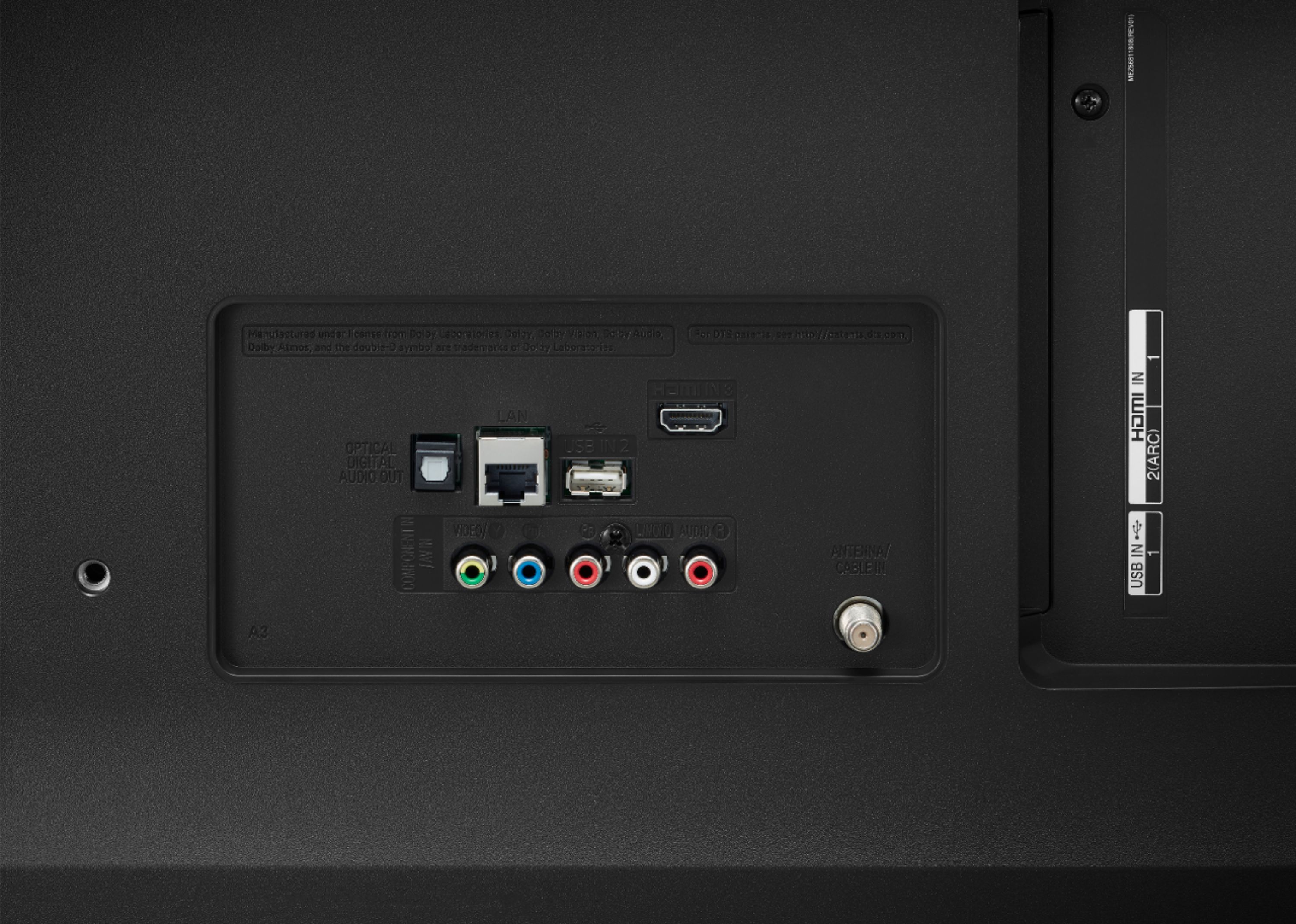
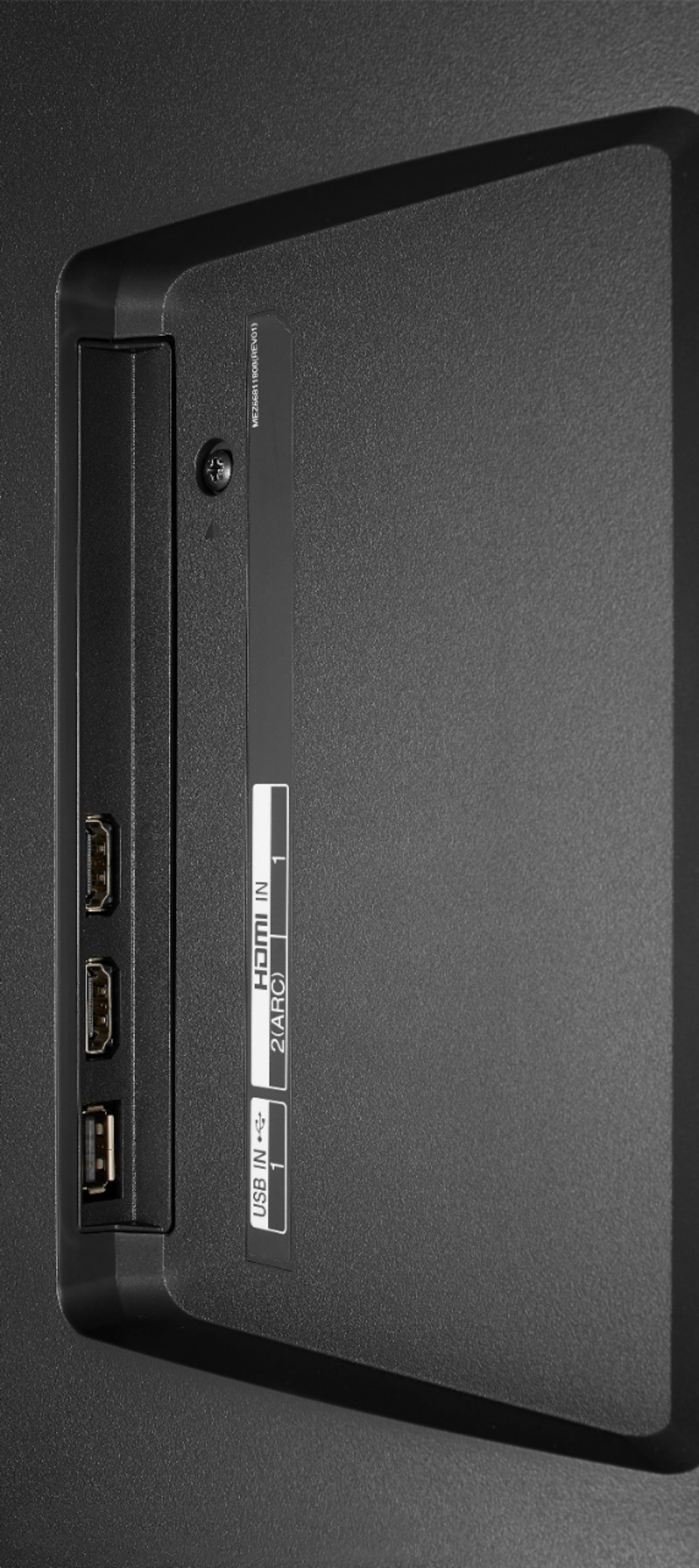
A:AnswerYou can us a USB device connected to the USB port to watch stored files on the TV. Please use only USB devices formatted with FAT32 or NTFS file system provided by Windows OS. After the selected video plays it runs to the entire content list. ^Daphane
A:AnswerThis TV is available on Best Buy at https://www.bestbuy.com/site/lg-48-class-cx-series-oled-4k-uhd-smart-webos-tv/6416732.p?skuId=6416732. ^Daphane
A:AnswerDiscovery + is not currently available on LG’s webOS platform. However, we are continually working to add the latest streaming applications, but cannot provide a concrete timeline at this time. In the meantime, our webOS platform offers over 600 apps including streaming content and games - including over 180 free streaming channels via the LG Channels app (on select models). Also, you can access much of the same content through the Amazon Prime, YouTube TV or Apple TV+ apps that are available on our platform. For a complete listing of available apps, please visit: https://us.lgappstv.com/main/tvapp. ^Daphane
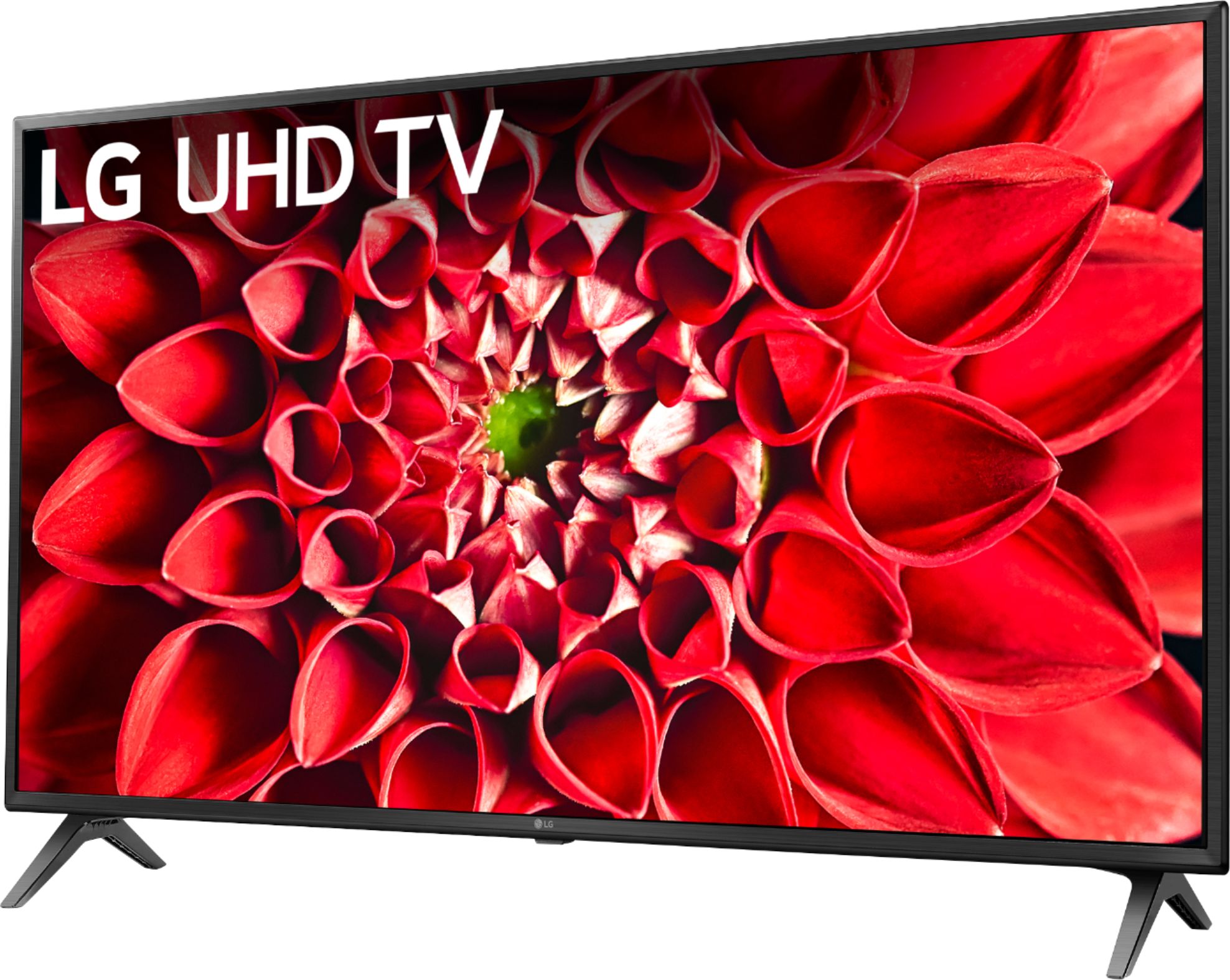
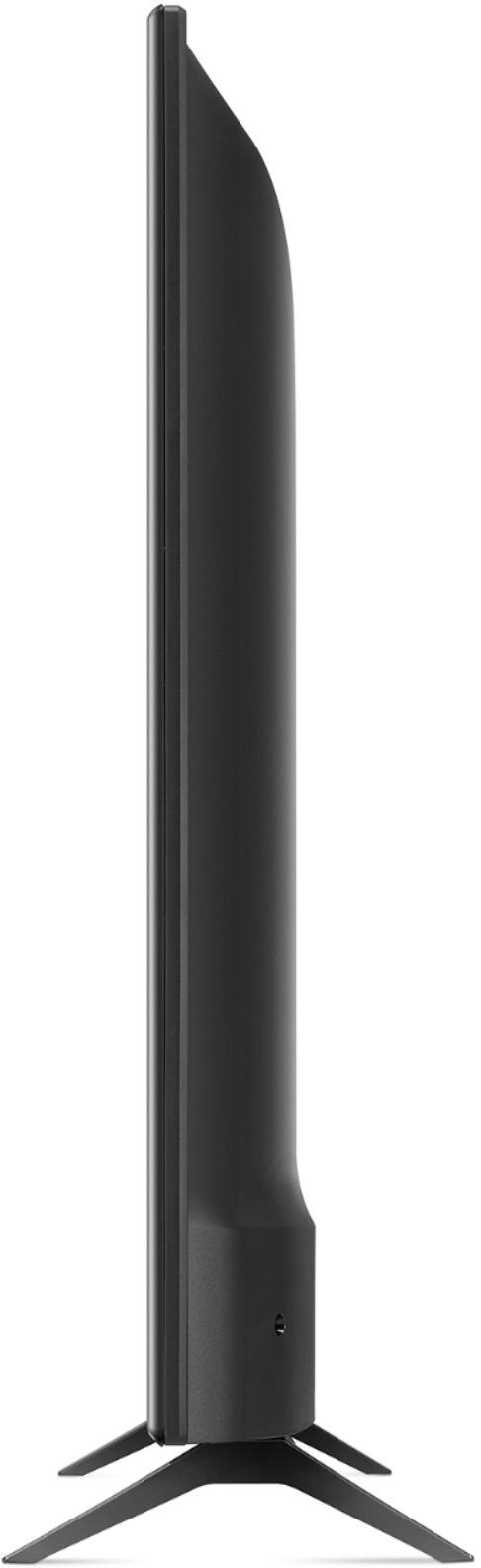
A:AnswerNo, this TV nor any LG TVs can be used in portrait mode. We do offer select monitors that pivot for portrait mode such as model 32GN650-B. ^Daphane