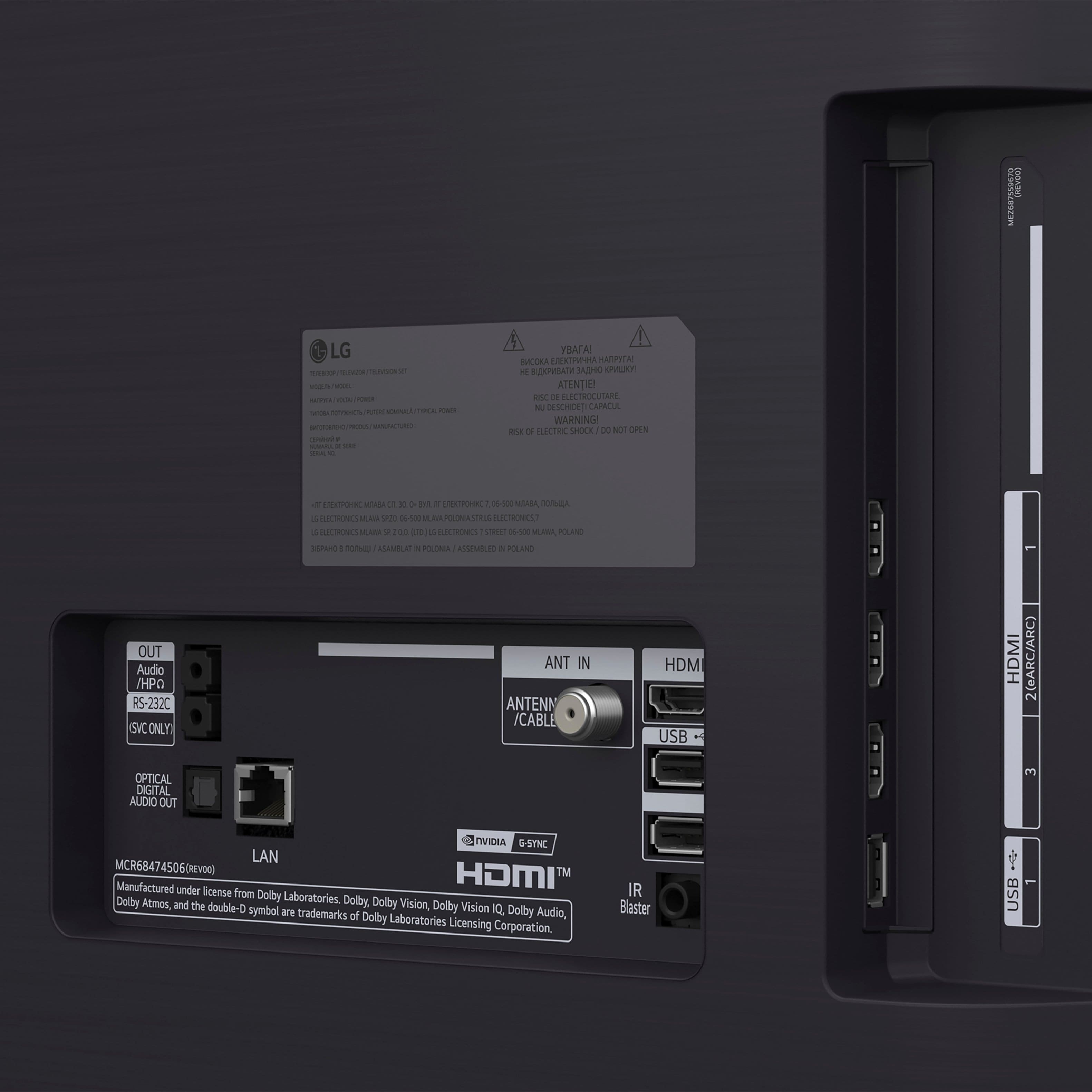
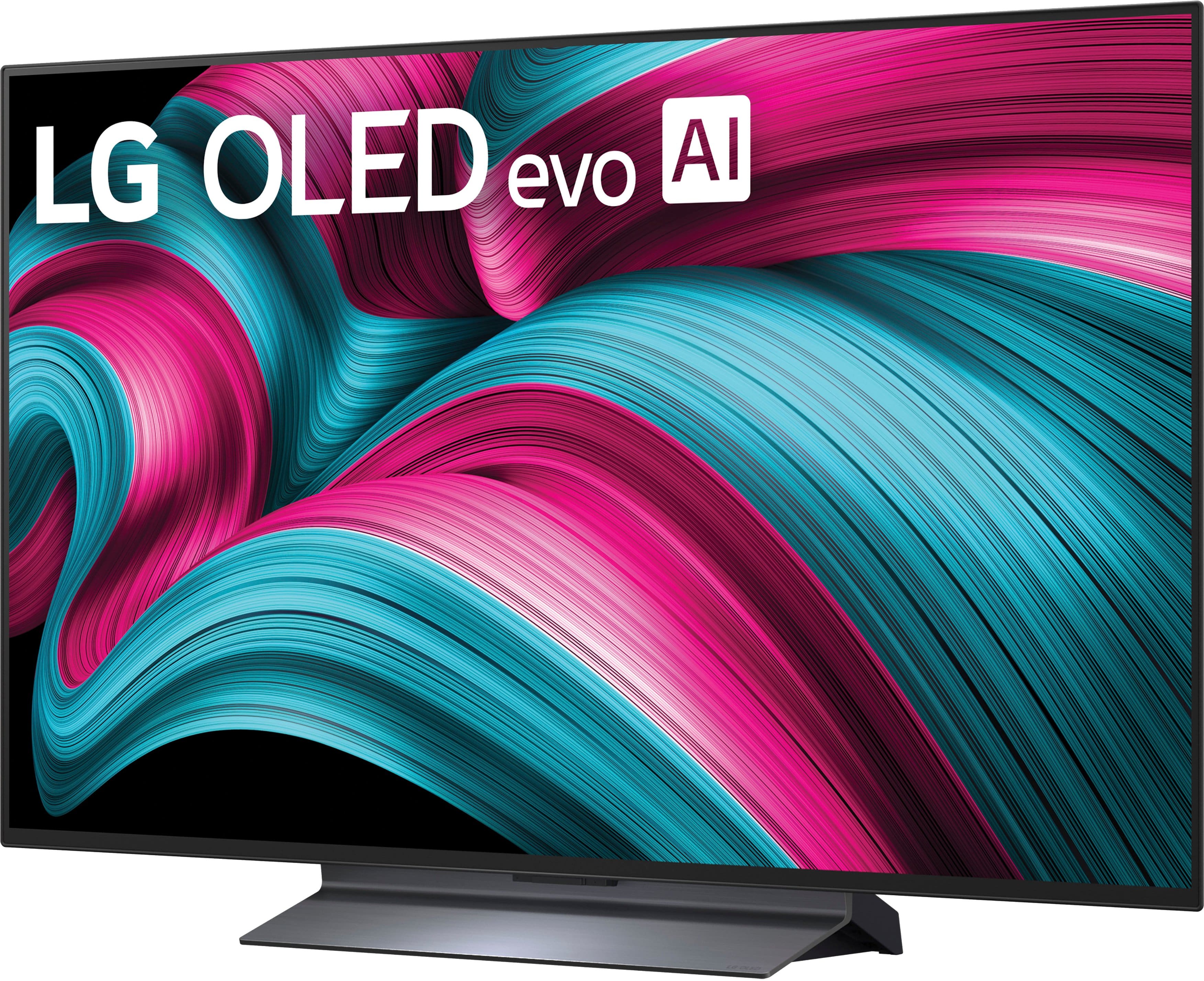
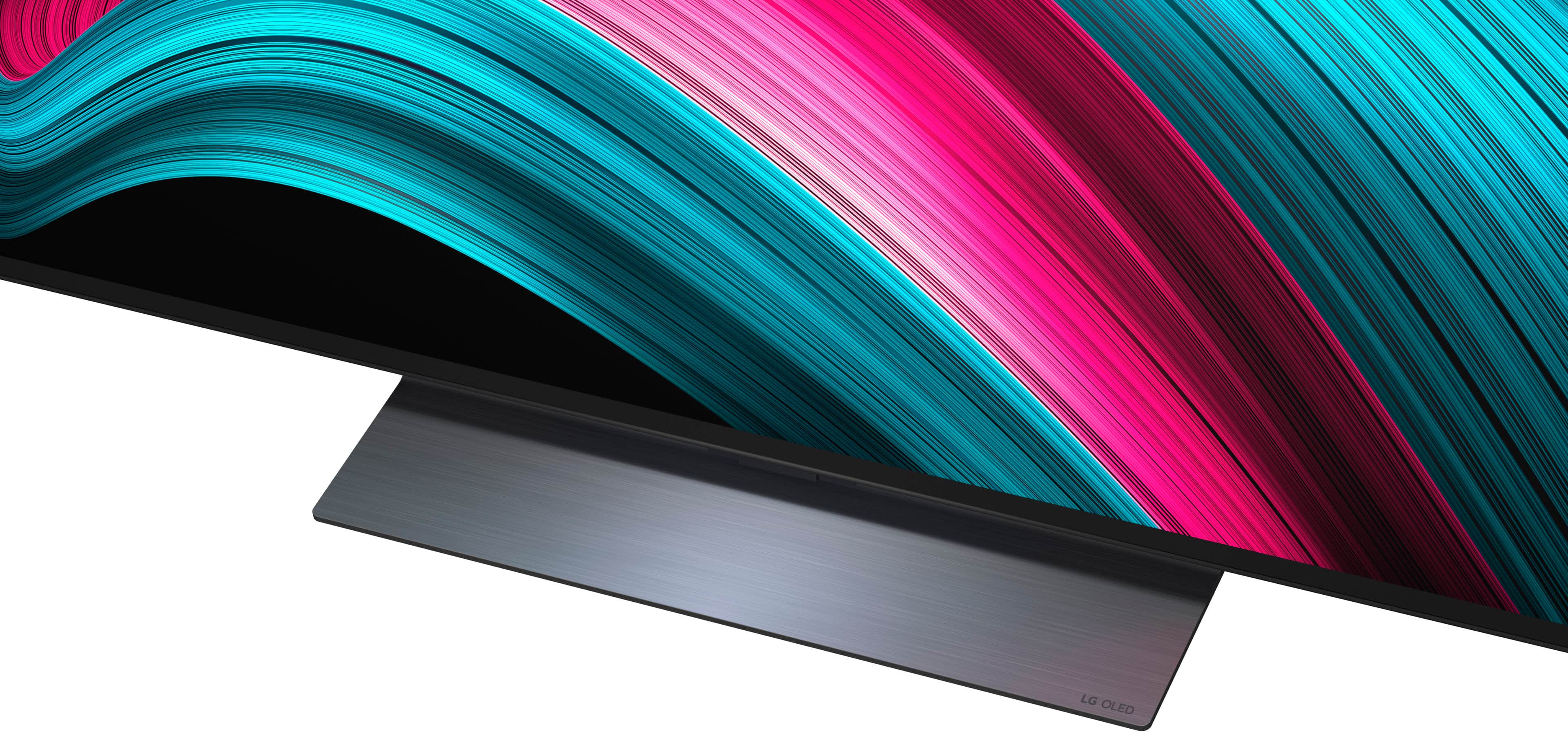
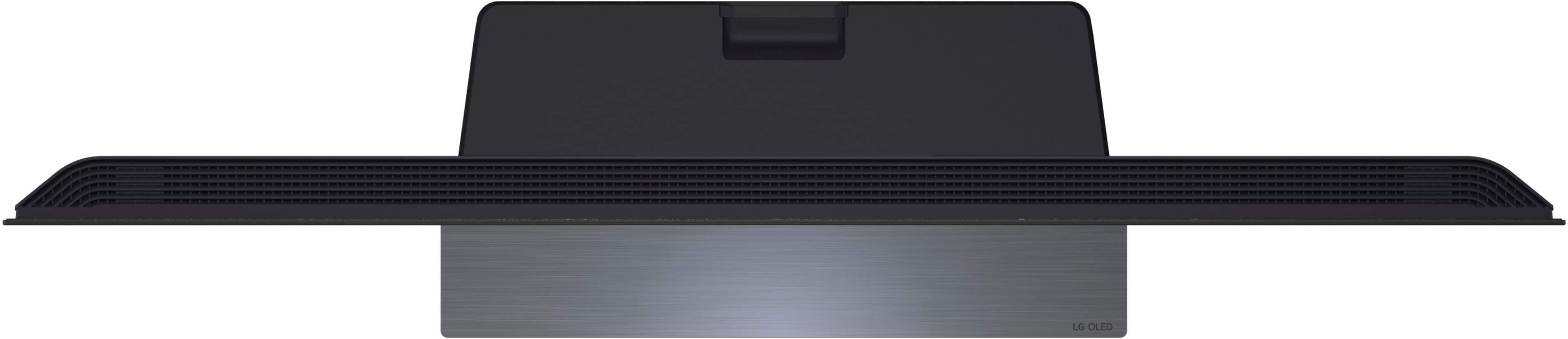
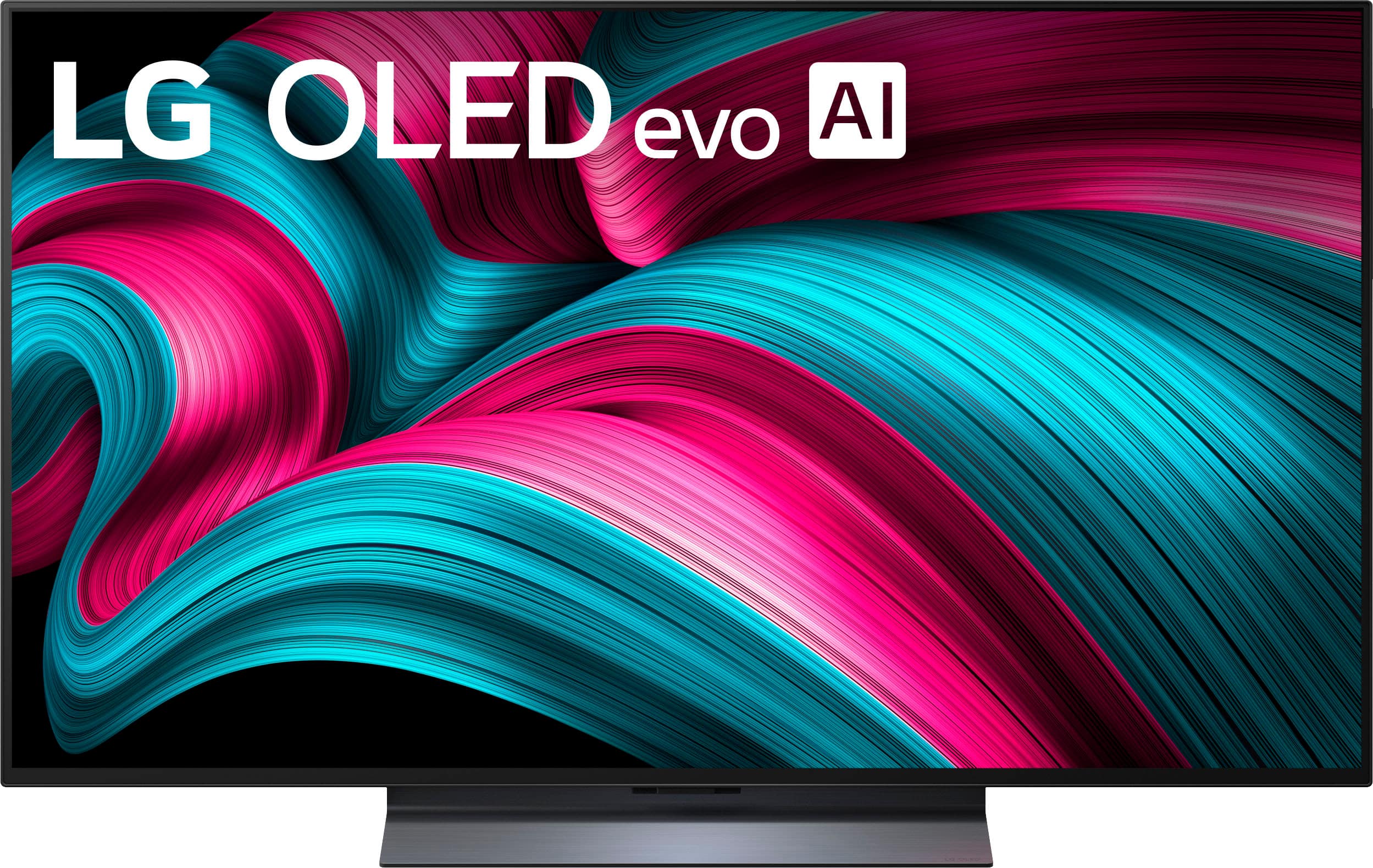
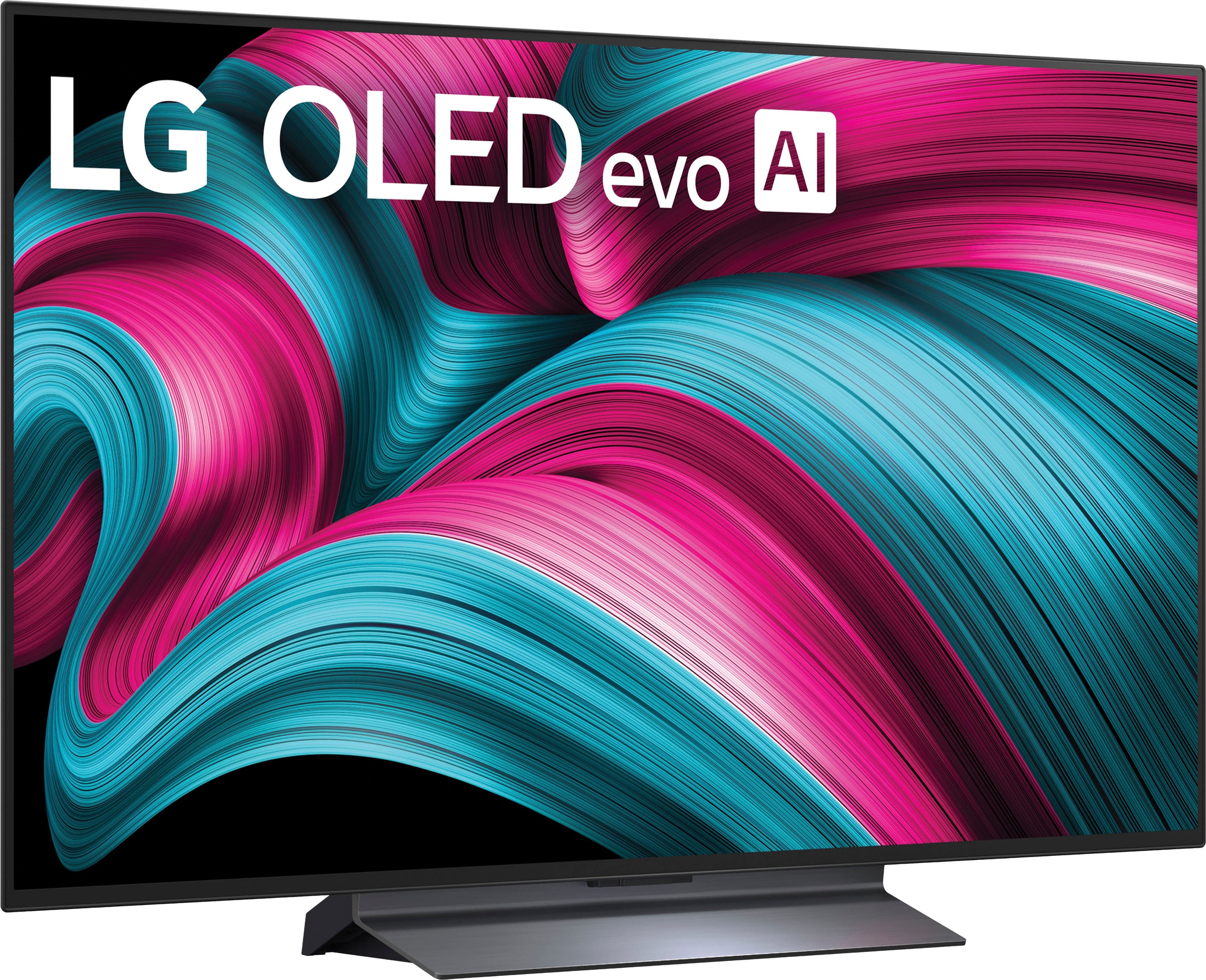
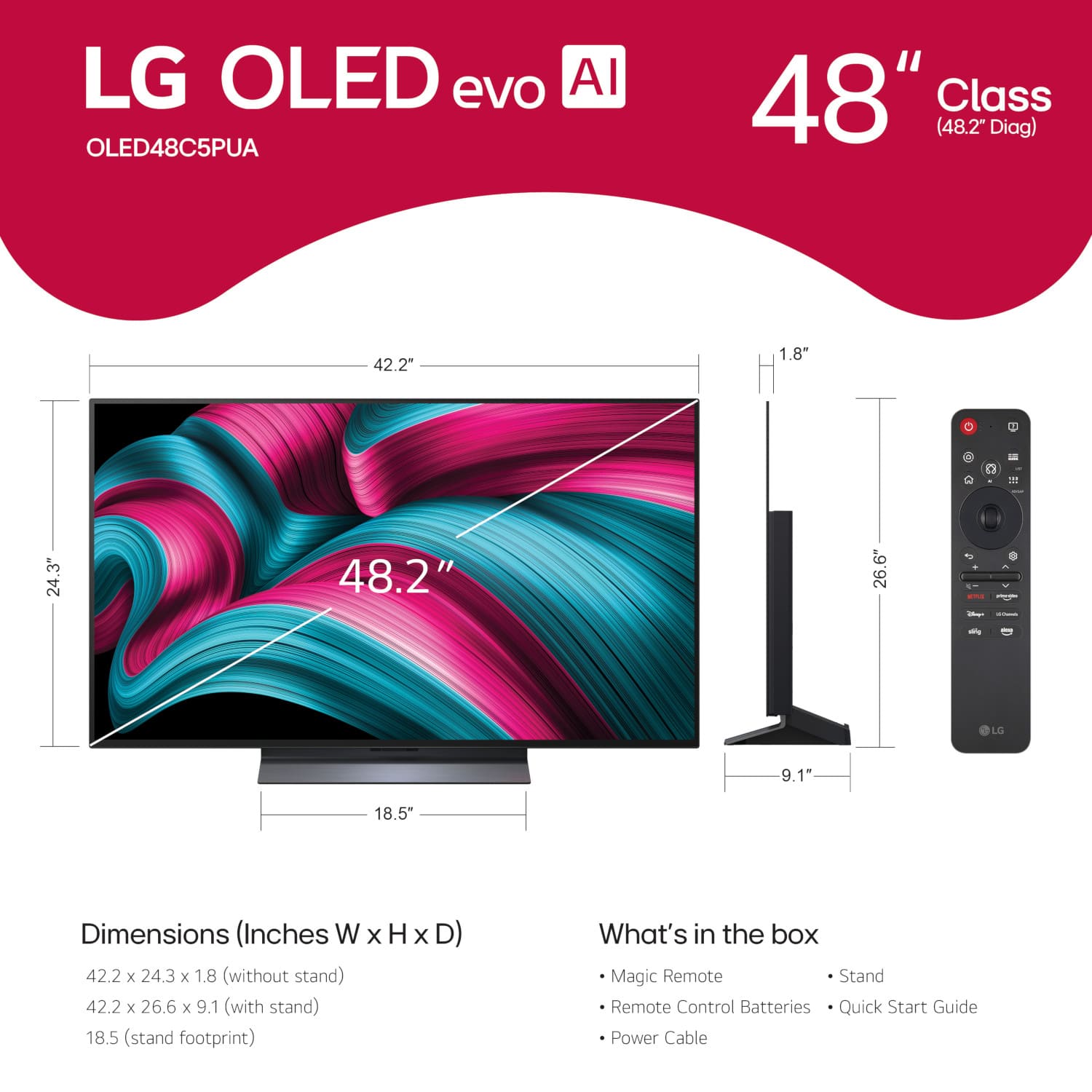
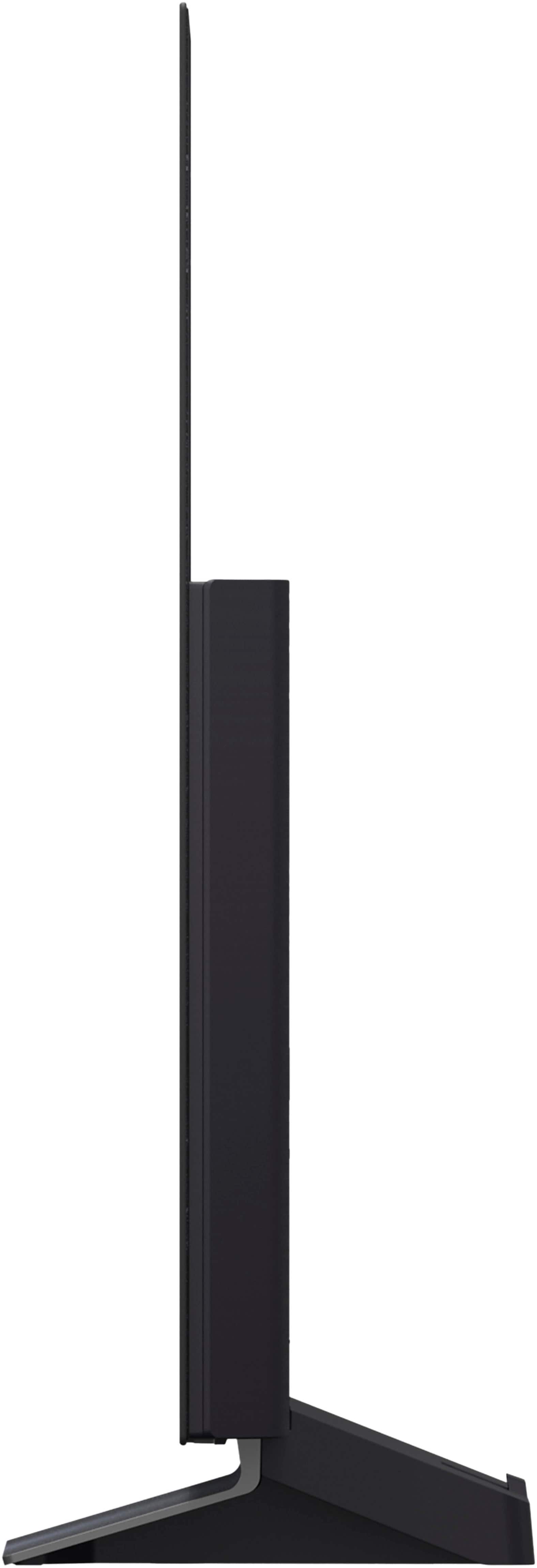
A:AnswerYou cannot change out the included stand base for the LG 48" Class C5 Series OLED evo AI 4K UHD Smart webOS TV (2025), Model # OLED48C5PUA, for stand legs.
LG does not make compatible stand legs for the TV, nor does it have slots on the TV that will accommodate stand legs...^Ivan.
A:AnswerHello there, Louis. We understand your inquiry about your LG OLED48C5PUA 48″ Class C5 Series OLED evo AI 4K UHD Smart webOS TV and Auracast broadcast support. While this model is equipped with Bluetooth 5.3 hardware, it does not currently support the new Auracast broadcast protocol out of the box.
As a helpful troubleshooting step, we recommend ensuring your TV firmware is fully up to date—sometimes new wireless features are rolled out via software updates. To do this, go to Settings > All Settings > Support > Software Update > Check for Updates, and install any available updates before retrying your Bluetooth pairing.
https://www.bestbuy.com/site/lg-48-class-c5-series-oled-evo-ai-4k-uhd-smart-webos-tv-2025/6621817.p?skuId=6621817
If you have any questions during the update process or need advice on Bluetooth audio pairing options, please send us a private message on social media @LGUSSupport and our team will be more than happy to explore possible solutions with you. We appreciate your patience and look forward to helping you get the best experience from your OLED48C5PUA.
—Renzo
A:AnswerIn accordance with the Federal Trade Commission (FTC) "Amplifier Rule" (16 CFR Part 432) regarding power wattage claims, LG does not list the wattage for the speakers in the LG - 48" Class C5 Series OLED evo AI 4K UHD Smart webOS TV (2025), Model # OLED48C5PUA...^Ivan.
A:AnswerHello there, Ronn. Thank you for sharing your experience with us. We understand your inquiry regarding the manual control options for your LG C5 Series 4K OLED TV, model OLED48C5PUA.
We are happy to confirm that this television is equipped with a physical power button designed for use in the event that your Magic Remote is temporarily unavailable. This button is typically located at the bottom center of the TV frame, near the standby light or the LG logo. By using a simple press, you can power the unit on, and by pressing and holding the button, you can access a basic on-screen menu to perform essential functions such as changing the input, adjusting the volume, or powering the unit off. Additionally, as your model is equipped with advanced connectivity features, we recommend downloading the LG ThinQ app on your smartphone. This application acts as a fully functional remote control over your home Wi-Fi network, allowing you to navigate the webOS 25 interface and access all your favorite apps with ease. We want to ensure you have multiple ways to enjoy your viewing experience without interruption.
https://www.bestbuy.com/product/lg-48-class-c5-series-oled-evo-ai-4k-uhd-smart-webos-tv-2025/JJ8VPZTKRW
Your feedback is important, and we'd like to assist you further. If you have any further questions about its features, please contact us on [email protected], and our team will be more than happy to assist you. —Renzo
A:AnswerHi there, Nana. Thank you for sharing your experience with us. We understand that you are asking for the steps to quickly mute the volume on your LG OLED TV, model OLED48C5PUA, when you need silence. We understand your inquiry.
Muting the volume on your LG OLED48C5PUA is a very simple process that can be done instantly using the included Magic Remote Control (MR25).
To mute the volume on your TV, simply follow this basic step:
Press the Volume Down button (
↓
↓
) twice quickly on your Magic Remote. The volume controls are typically located on the side of the remote, and pressing the volume down button two times in quick succession will instantly mute the sound.
Alternatively, you can also use the TV's intelligent voice recognition feature. If Hands-free Voice Control is enabled, you can say, "Hi LG, mute the volume" to instantly silence the sound.
https://www.bestbuy.com/product/lg-48-class-c5-series-oled-evo-ai-4k-uhd-smart-webos-tv-2025/JJ8VPZTKRW
If you have any further questions about the remote control features, settings, or any other aspects of your LG OLED48C5PUA TV, please send us a private message on Social Media @LGUSSupport, and our team will be more than happy to assist you. —Renzo
A:AnswerThe LG Magic Remote, Model # MR25GA, that comes as an included accessory with the LG 48" Class C5 Series OLED evo AI 4K UHD Smart webOS TV (2025), Model # OLED48C5PUA, is a universal remote control...^Ivan.


. Independently Tested for Quality and Workmanship CheckPlus: 100 % Color Volume to DCI-P3 oi PSSEANE Intertek [www.IntertekCheck.com](http://www.IntertekCheck.com). 100% Color Fidelity and '100% Color Volume to DCI-P3' applies to 2025 OLED TVs. *LG OLED Display is verified by UL for Perfect Color measured to IDMS 11.5 Ring-light Reflection standards. *100% Color Volume is defined as the performance of display which is equal or greater than the size of DCI-P3 standard color volume as verified independently by Intertek. *The LG OLED Panel is certified by Intertek for 100% Color Fidelity, measured to IDMS 11.5 Ring-light Reflection standards.](https://pisces.bbystatic.com/image2/BestBuy_US/images/products/3661ed5e-8d92-47a9-baef-65aa6eb5dcb9.jpg)