A:AnswerWhile LCD may be the norm, OLED TVs offer better picture quality overall. OLED stands for organic light-emitting diode. Each pixel in an OLED display is made of a material that glows when you jab it with electricity. Each tiny OLED pixel in the screen creates light depending on how much electric current you send it. Lots of current, lots of light. No current, no light. And that's one key to OLED's excellent picture quality. Since OLED can produce a perfect black, emitting no light whatsoever, its contrast ratio is unmatched. OLED is the only technology capable of absolute blacks and extremely bright whites on a per-pixel basis. If you have additional questions, you can contact our Customer Support by any of the below options:
Phone: 1-800-243-0000
LiveChat: https://www.lg.com/us/support/chatbot
Email: https://www.lg.com/us/support/email-appointment
Facebook Messenger: https://www.facebook.com/LGUSA/
Twitter: @LGUSSupport
The LG Community Forum is also a great resource for getting help from other LG customers: https://lgcommunity.us.com/ ^CP
A:AnswerNot sure what device you're seeking to connect, but you don't need to. Just set up the internet connection on the TV. The Prime video app is already pre-loaded and will only require internet connection and your log-in.
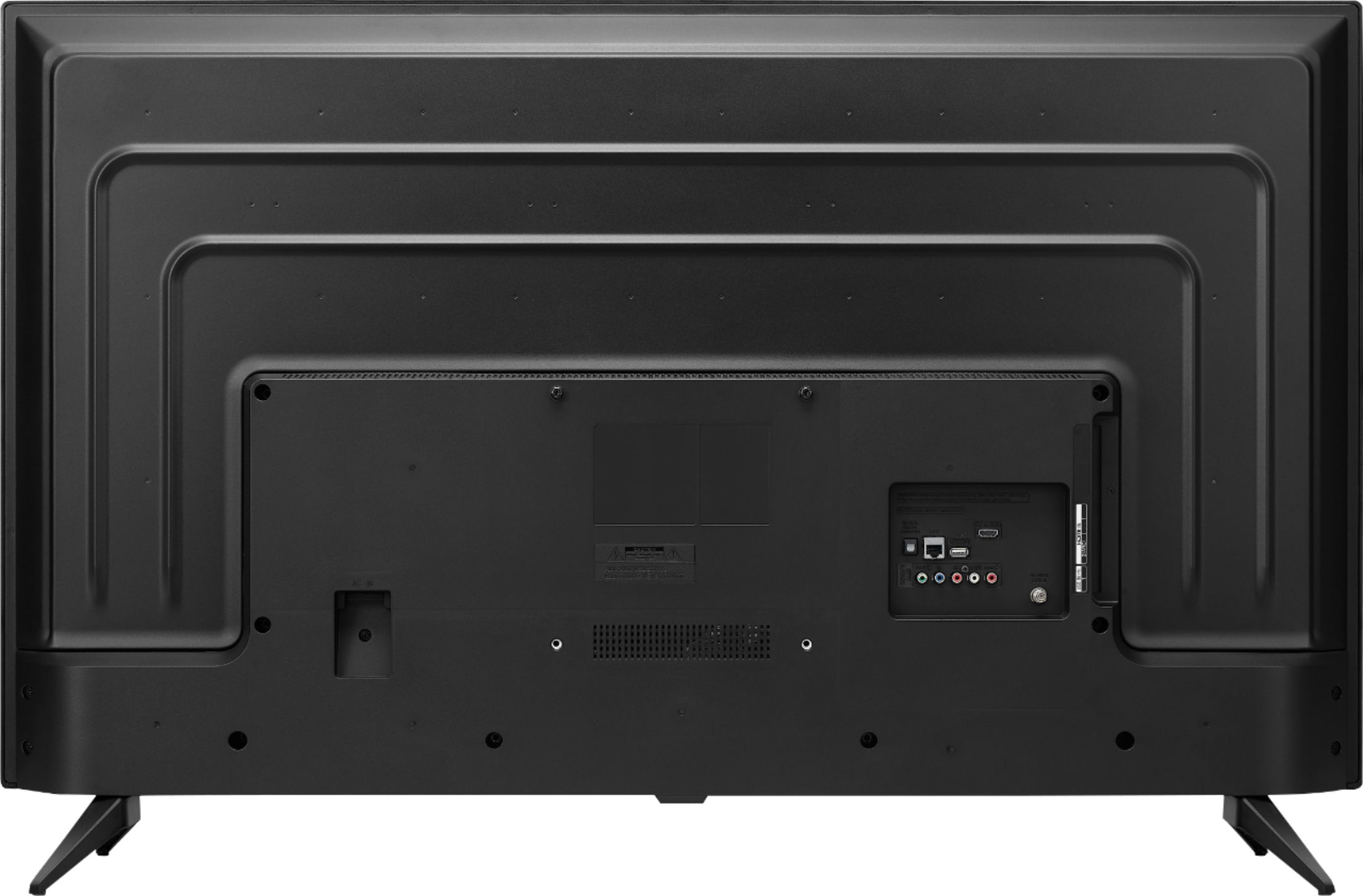
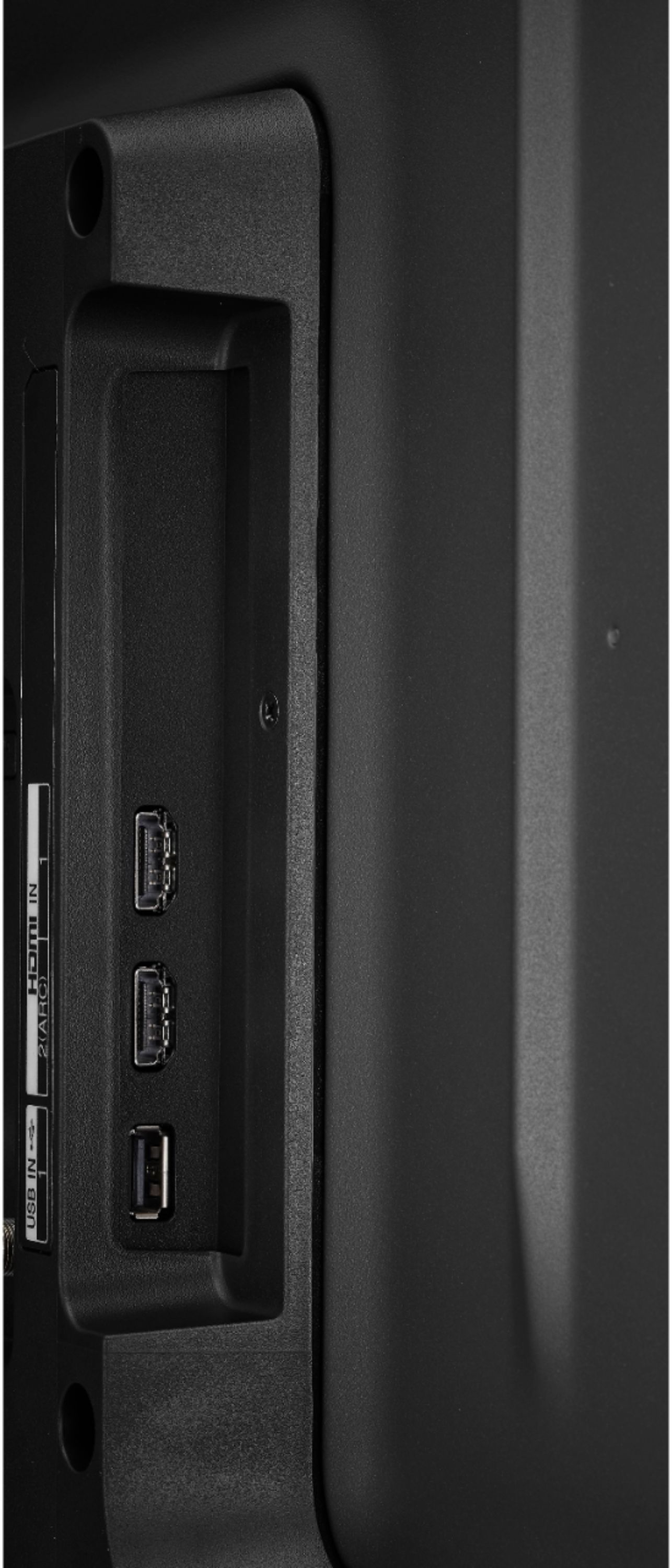
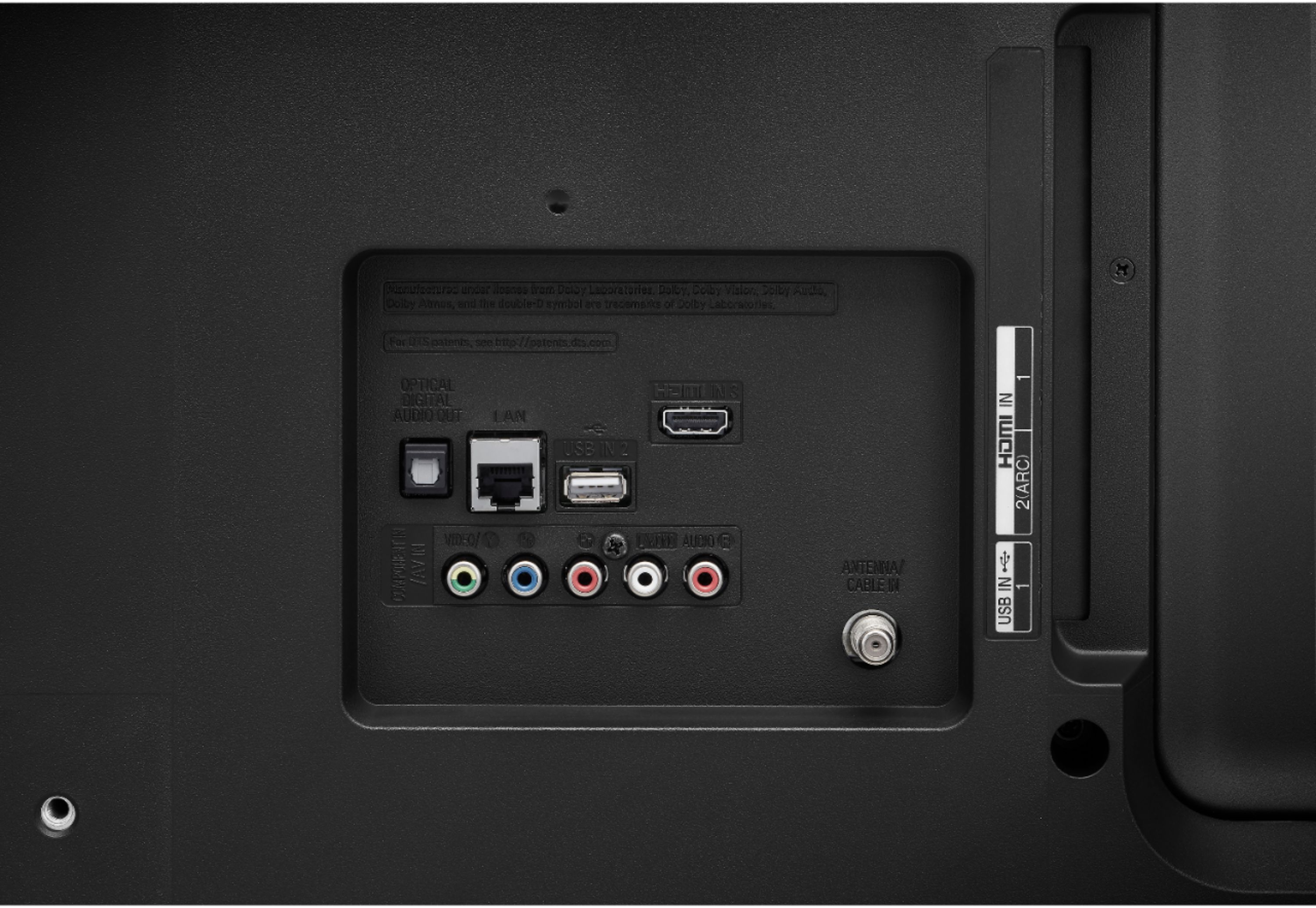
A:AnswerYes, this TV can effectively function as a monitor from a PC or Mac, in both mirror and extended desktop mode. You just need an HDMI cable to do the hookup. There is no VGA connector so you'll have to use HDMI. If the laptop doesn't have an HDMI port, but does have a DisplayPort or Mini DisplayPort, you can use an appropriate adapter (e.g. DisplayPort-to-HDMI) and then connect the HDMI cable. I've also hooked up an iPad Pro (with USB-C-to-HDMI adapter) and played a 4K video off of it.
Do bear in mind that if you choose "mirrored" desktop, the operating system (e.g. Windows, Mac OS) will favor the resolution of the less-capable device, which most likely would be the laptop's built-in display. This means the image on the TV screen may appear grainy because it's not being displayed at the optimum resolution (either 1080p or 2160p). For example, if the best resolution the laptop's built-in display can handle is 1360x768, in mirrored mode the TV will also run at 1360x768. This is not a shortcoming of the TV, but rather a limitation of "mirroring" itself -- the least-capable device will determine the resolution.
This is a non-issue when in "extended desktop" mode because the TV can run at its native resolution.
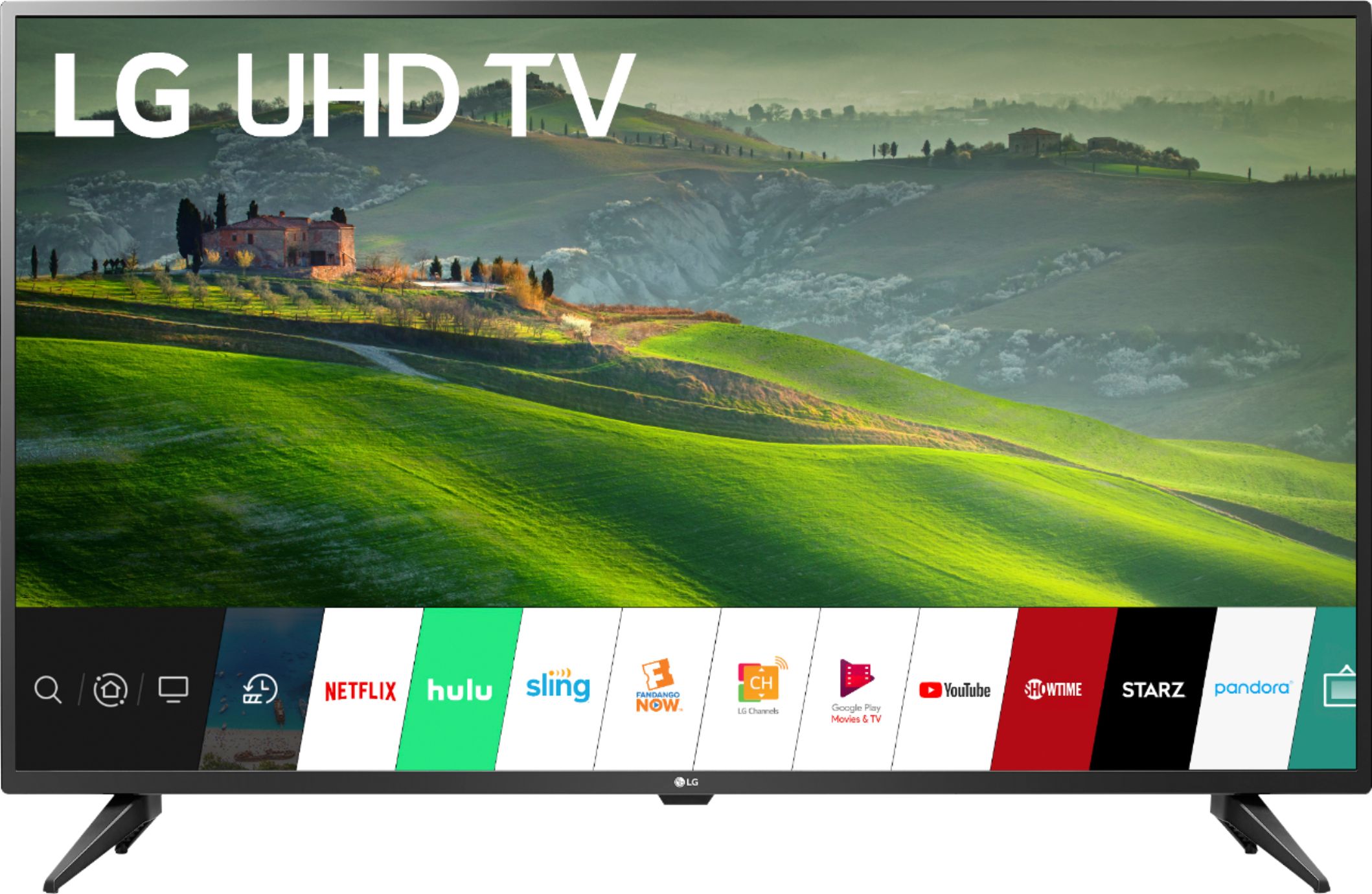
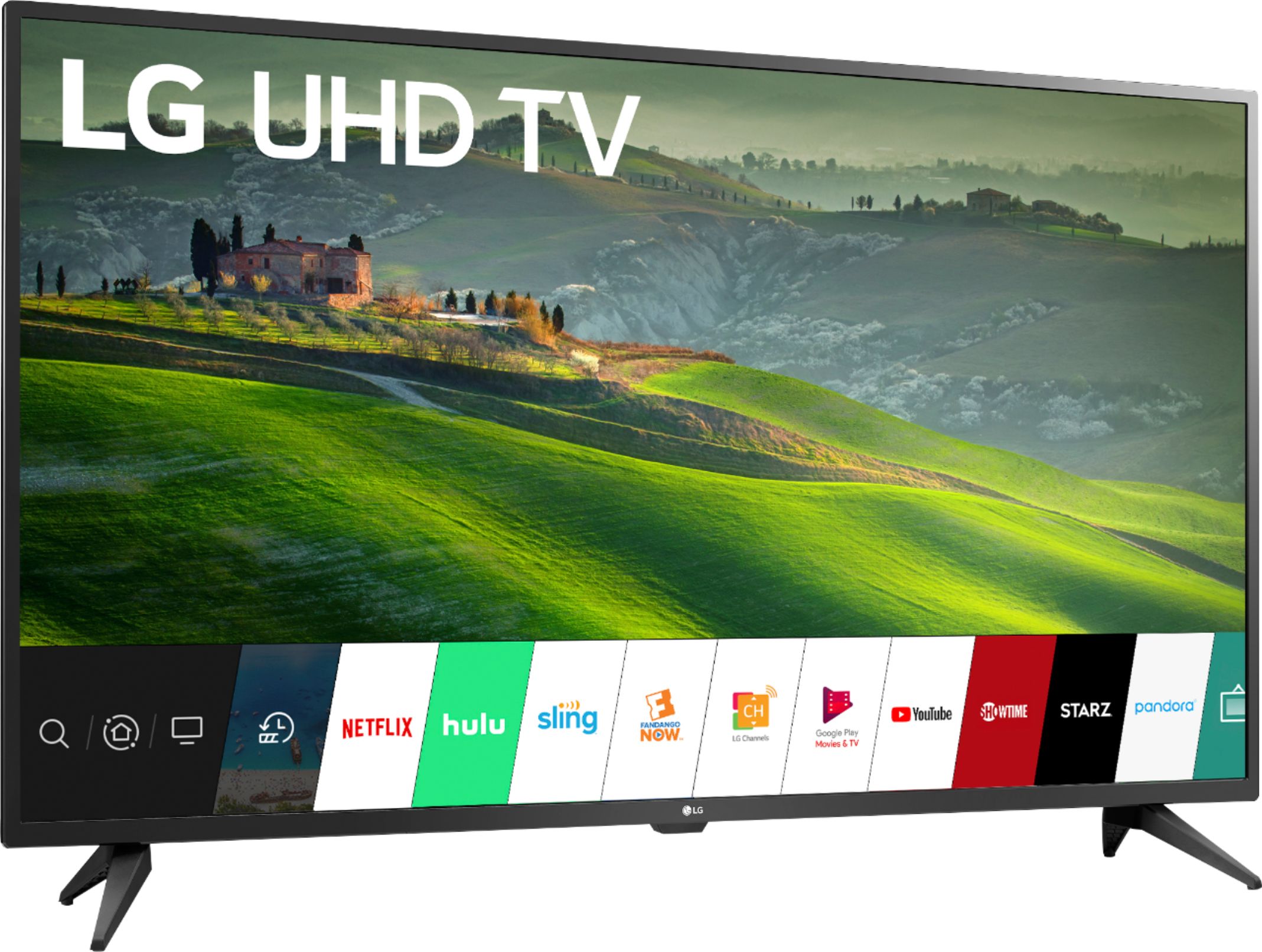
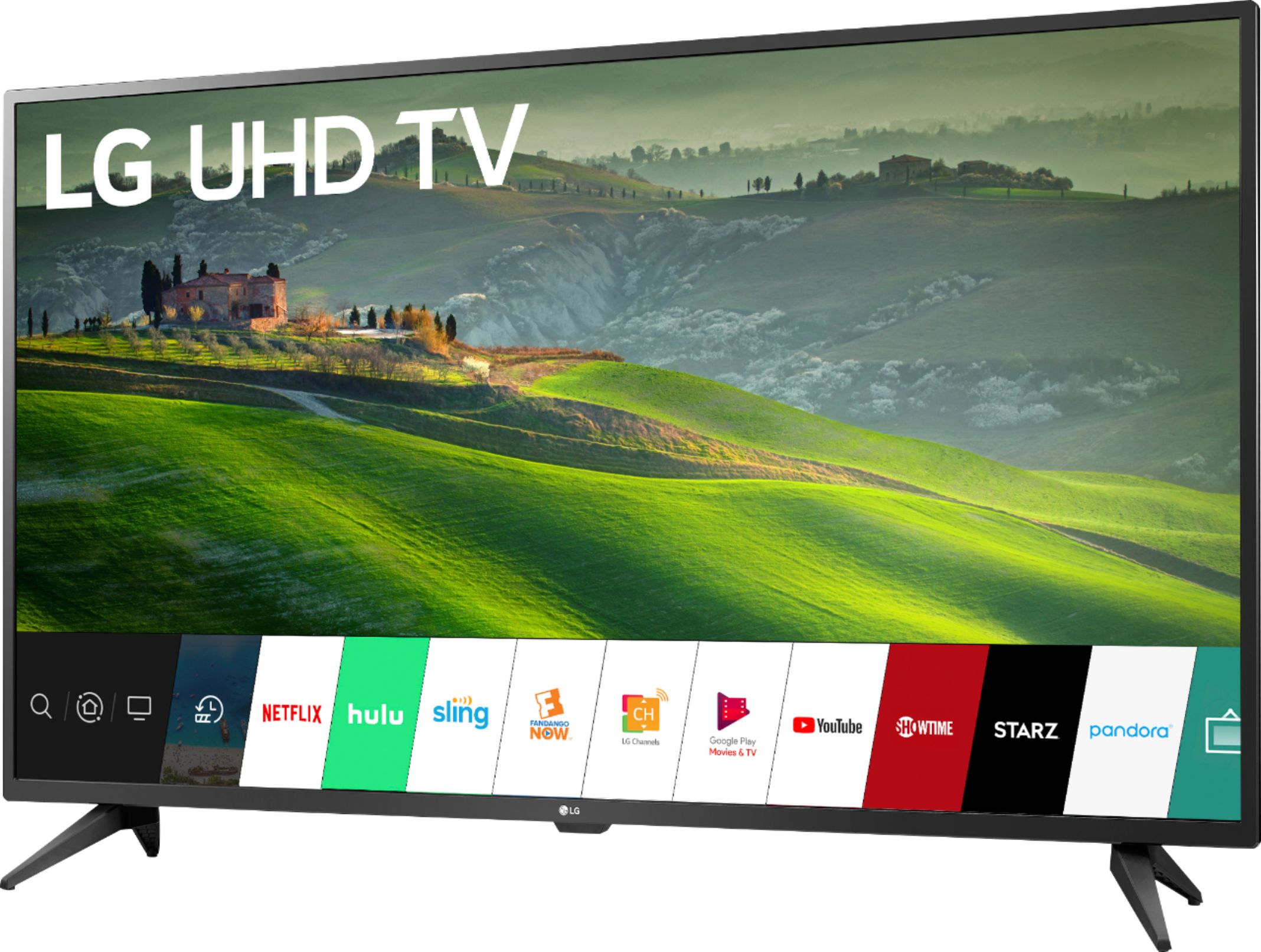
A:AnswerThe Pure Flix app is not a compatible app that is available for download and installation on the LG 50 inch Class 4K Smart UHD TV (49.5'' Diag), Model # 50UM6900PUA...^IFV
A:AnswerThe LG 50 inch Class 4K Smart UHD TV (49.5'' Diag), Model # 50UM6900PUA is not a dual voltage TV. It has a power rating of 120 VAC, 50/60Hz. If you are looking to use it on a 220/240V outlet, you will need an adapter for the plug so it can fit into the socket and a step down converter that will step the 220/240V voltage down to 120 V that the TV is designed for. You will also need to keep in mind that the built-in tuners in the TV (ATSC, NTSC and QAM) are not compatible with the Television Broadcast Systems used abroad...^IFV
A:AnswerWe were very contented with Full HD TVs until 4K HDR TVs were released on the market. Also known as UHD or Ultra HD TVs, it offers a resolution four times better compared to regular HD TV. In fact, it has 3,840 x 2,160 pixels which are significantly higher compared to that of a 1080p model.
High Dynamic Range
'HDR' stands for High Dynamic Range, and it is the current big thing for 4K TVs and 4K content. The term originates in photography, and refers to a technique to heighten a picture's dynamic range – the contrast between the brightest whites and the darkest blacks
A:AnswerNo matter how dark or bright the image is, the Advanced Color Enhancer dynamically adjusts the color and contrast for more vivid, vibrant images. The contrast ratio is not able to be provided at this time. ^CP
A:AnswerPlease contact LG Customer Support so that we can better investigate your issues and quickly assist you towards a resolution. You can contact our Customer Support by any of the below options: Phone: 1-800-243-0000 LiveChat: https://www.lg.com/us/support/chatbot Email: https://www.lg.com/us/support/email-appointment Facebook Messenger: https://www.facebook.com/LGUSA/ Twitter: @LGUSSupport The LG Community Forum is also a great resource for getting help from other LG customers: https://lgcommunity.us.com ^CP

A:AnswerIn general, it means the customer opened the box, didn't like it and returned it quickly in the original packaging with everything complete. It may or may not have been used. Since they cannot sell it as new, they still want to sell it. ^CP
A:AnswerThank you for reaching out. For best assistance with your inquiry, we recommend reaching out to Best Buy directly. Their phone number is 1-888-BEST BUY (1-888-237-8289). ^CP