Black Friday is hereShop new DoorbustersShop now

Main Content

Questions & Answers

Your price for this item is $303.99
Clearance
The comparable value price is $319.99
Page Showing 81-95 of 95 questions
  • QuestionHow much internal storage for the apps does the tv come with? Can the apps be stored on a USB drive? Up to what size USB drive can the tv handle?

    Asked by LGStorage.

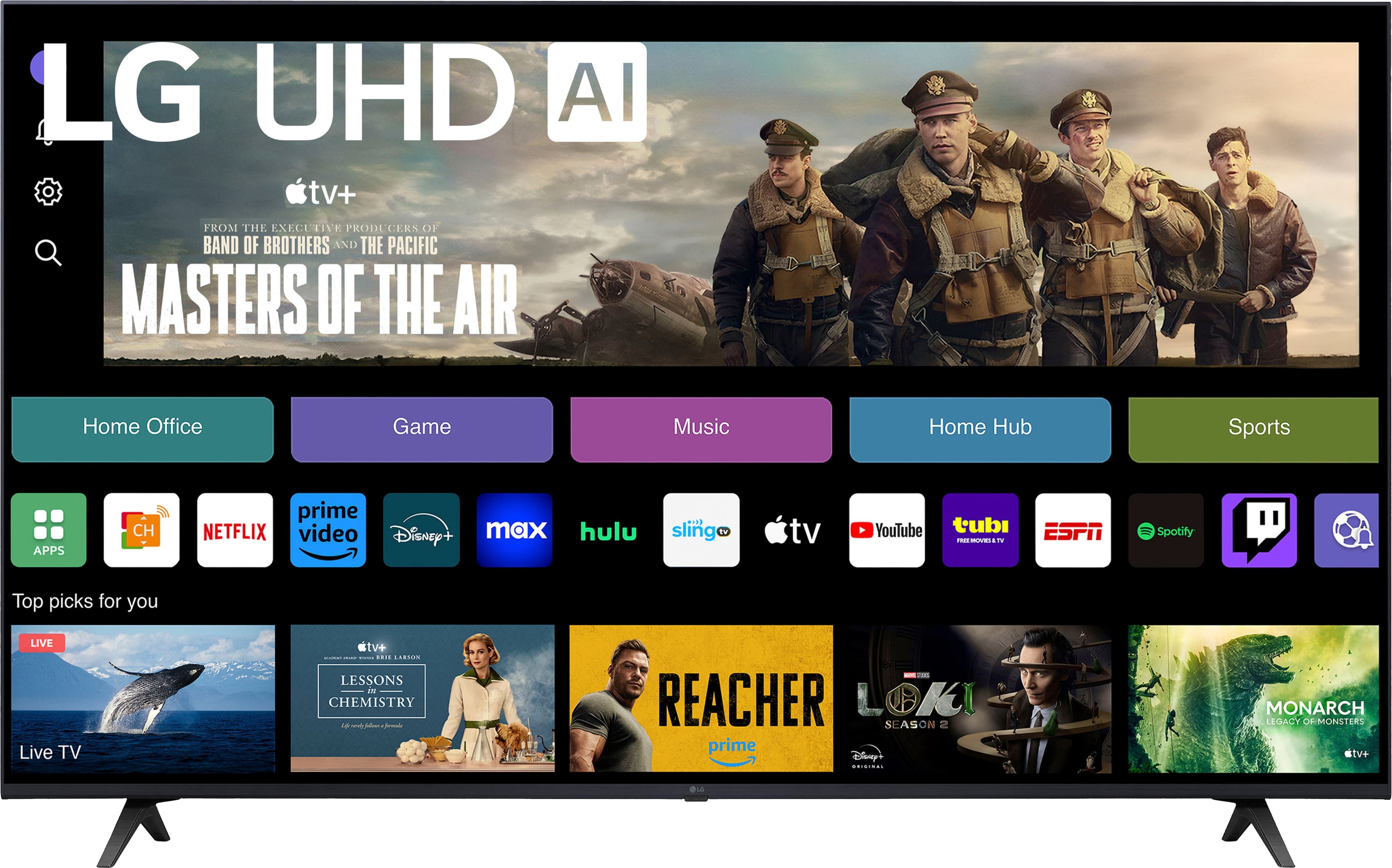
    • Answer Thank you for reaching us regarding LG Smart webOS TV. The LG 50UT7570PUB TV has 8GB of internal storage for apps. Here’s what you need to know about using USB storage with this TV: • You can connect USB devices to access media like photos, videos, and music. • It supports USB drives of 32GB or less and external hard drives up to 2TB. • USB connections are mainly for media playback, not for expanding internal storage or storing apps. • The TV's internal storage cannot be expanded via USB. In summary, for USB use, stick to devices of 32GB or less for flash drives and up to 2TB for hard drives. You can download its owner's manual through this link for more information: https://www.lg.com/us/support/product/lg-50UT7570PUB.AUSQ. For additional assistance, please reach out to us on social media @LGUSSupport so we can help you further. ^Cris

      Answered by LG Digital Customer Care

  • QuestionAssume this comes with a power cord? Any input other than HDMI and cable?

    Asked by Phil.

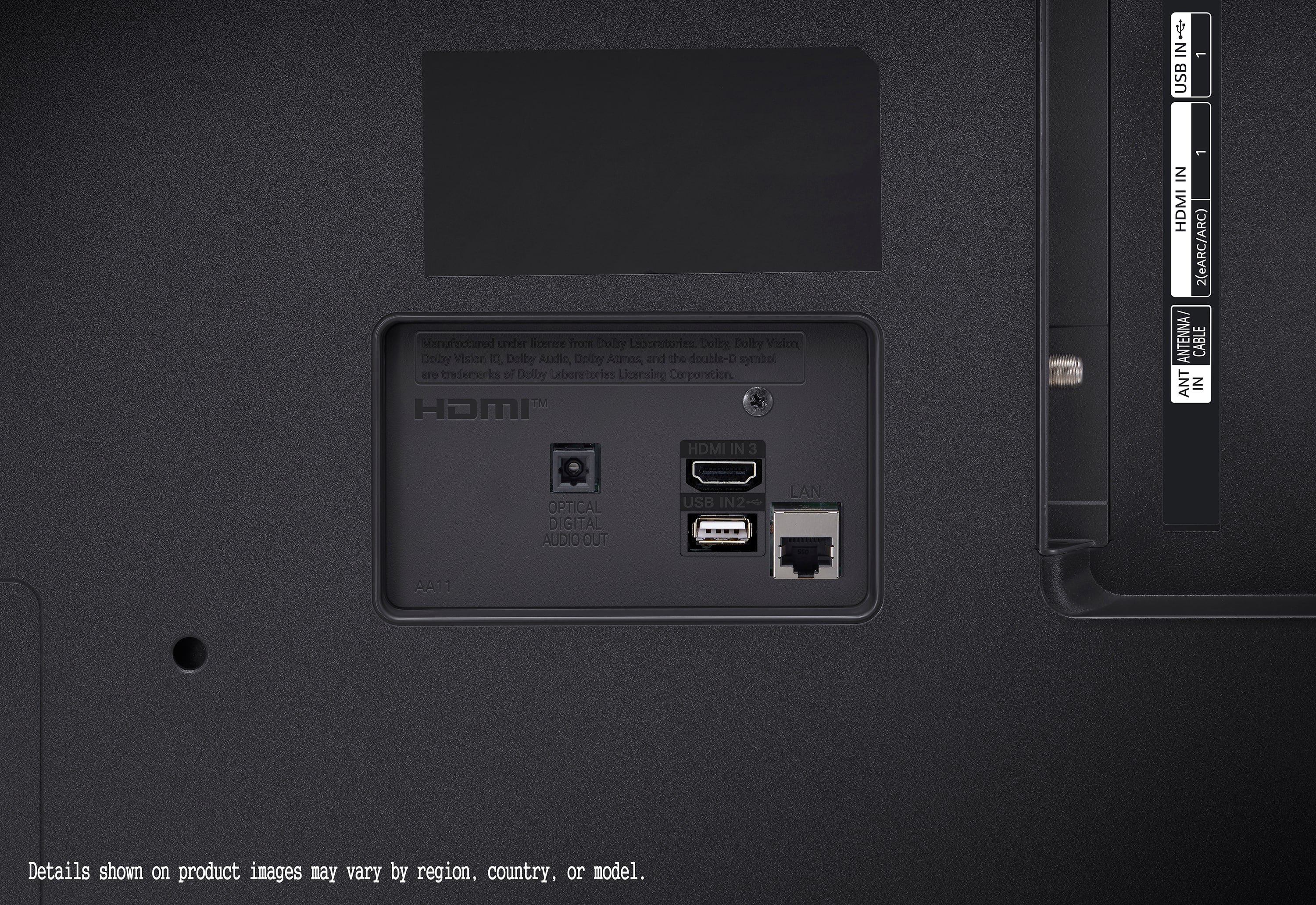
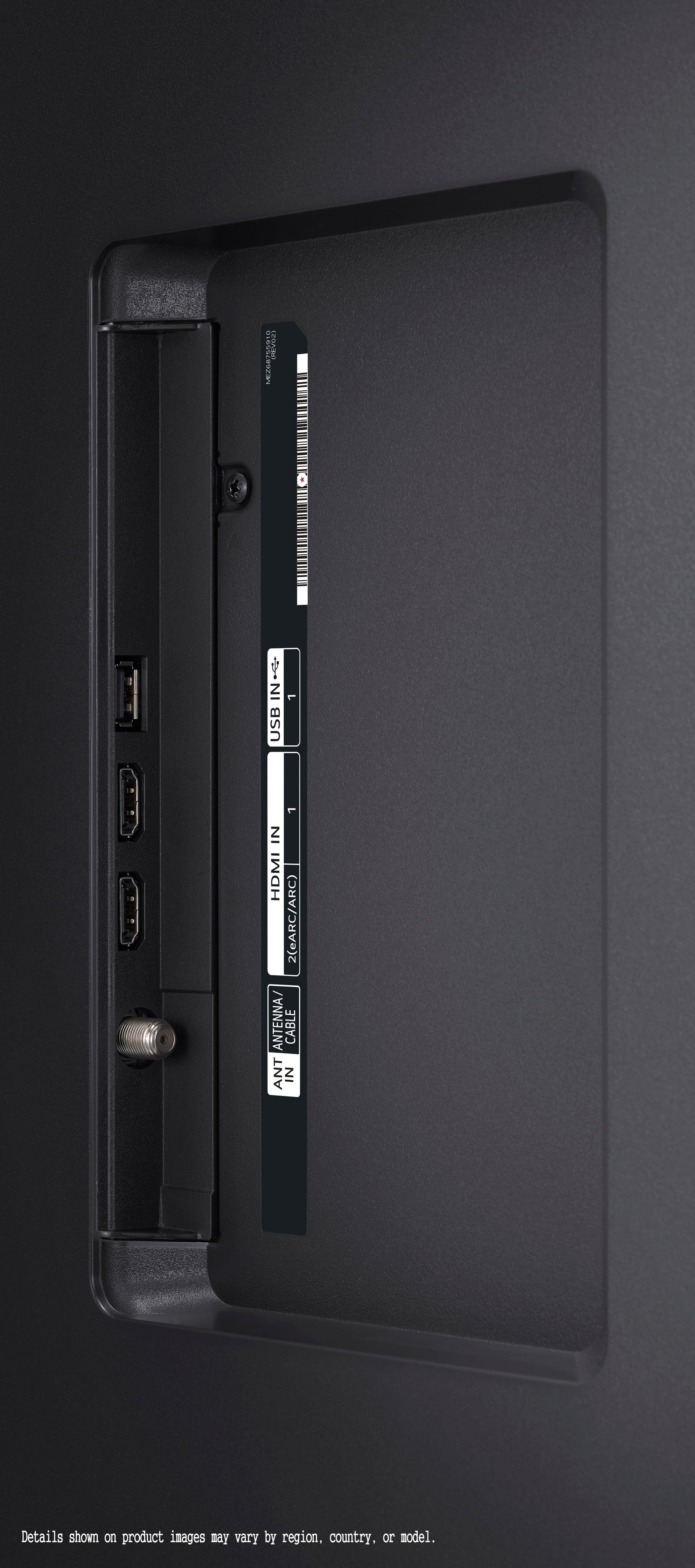
    • Answer Hi there! The LG model 50UT7570PUB does come with a power cord included. In addition to HDMI and cable inputs, this model typically includes several other connectivity options: USB ports for media playback or connecting external storage devices, composite and component video inputs for older devices or gaming consoles, an Ethernet port for wired internet connections, and audio out options such as optical audio out for connecting to external sound systems. If you have any other questions or need more detailed information, please send us a private message on Social Media @LGUSSupport, and our team will be happy to assist you. We appreciate your patience. —Renzo

      Answered by LG Digital Customer Care

  • QuestionI need these tv apps: Spectrum TV, Prime video, Roku Tv, Netflix, etc. are these built-in or do you need HMDI adaptors to get these ?

    Asked by nsi4354.

    • Answer Hello, there. Thank you for your question. The LG TV model 50UT7570PUB comes with a variety of built-in apps, including popular streaming services like Prime Video and Netflix. You can access these directly from the TV's home screen without needing any HDMI adapters. However, the Spectrum TV app and Roku TV may require additional steps. For Spectrum TV, you can check the LG Content Store to see if the app is available for download. For Roku TV, you would need a separate Roku device connected via HDMI to access Roku-specific content. If you have any further questions or need assistance with setting up your TV apps, please send us a private message on our social media platform via @LGUSSupport. Our team will be happy to assist you. ^Sam

      Answered by LG Digital Customer Care

  • QuestionDoes this TV support Peacock?

    Asked by Anonymous.

    • Answer The LG model 50UT7570PUB TV supports the Peacock streaming service. Peacock is compatible with LG TVs that run webOS 4.5 and higher, which includes the 50UT7570PUB model. You should be able to download and enjoy Peacock content directly on this TV. If you have any more questions or need further assistance, feel free to ask! —Renzo

      Answered by LG Digital Customer Care

  • QuestionDoes it support MLB.TV?

    Asked by cvan.

    • Answer Thank you for reaching us regarding LG Smart webOS TV. Yes, the LG 50UT7570PUB 4K UHD TV supports MLB.TV. LG has included the MLB app on their smart TV platform since 2017. You can download its owner's manual through this link for more information: https://www.lg.com/us/support/product/lg-50UT7570PUB.AUSQ. If problem persist, please reach out to us on social media @LGUSSupport so we can help you further. ^Cris

      Answered by LG Digital Customer Care

  • QuestionCan this TV be mounted on a wall?

    Asked by SImulator.

    • Answer Thank you for reaching us regarding LG webOS TV. Yes, the LG 50UT7570PUB TV can be mounted on a wall. It is compatible with VESA wall mounts, which means you can use any wall mount that supports the TV's VESA Wall Mount Pattern of 300 x 300 mm. You can download its owner's manual through this link for more information: https://www.lg.com/us/support/product/lg-50UT7570PUB.AUSQ. For additional assistance, please reach out to us on social media @LGUSSupport so we can help you further. ^Cris

      Answered by LG Digital Customer Care

  • Questioncan you help me with getting the owners manual and send it to my email

    Asked by timmysweb.

    • Answer Thank you for your interest in the LG Smart webOS TV (50UT7570PUB) model. With regards toy our concern, You can download its owner's manual through this link for more information: https://www.lg.com/us/support/product/lg-50UT7570PUB.AUSQ. If problem persist, please reach out to us on social media @LGUSSupport so we can help you further. ^Cris

      Answered by LG Digital Customer Care

  • QuestionWhat are the external measurements of this TV?

    Asked by Zod.

    • Answer Hi there, Zod. Thank you for your question. The external measurements of the LG 50UT7570PUB TV are: With Stand (WxHxD): 43.7" x 27.5" x 10.1" Without Stand (WxHxD): 43.7" x 25.4" x 2.7" https://www.lg.com/us/tvs/lg-50ut7570pub-4k-uhd-tv#pdp_specs If you have any other questions or need further assistance, feel free to reach out to @LGUSSupport on social media. —Renzo

      Answered by LG Digital Customer Care

  • QuestionWhat size bolts do i use to mount the TV?

    Asked by WhiteOakParadise.

    • Answer Hi there! Thank you for your question about mounting the 50UT7570PUB TV. For this model, you will typically use M8 bolts for the mounting brackets. The length of the bolts can vary depending on the depth of your mounting bracket, but a common length is between 30mm and 45mm. It’s important to check the user manual for your specific TV and mounting bracket for the exact specifications and to ensure you use the correct size and length of bolts. If you need further assistance or have additional questions, please send us a private message on Social Media @LGUSSupport, and we’ll be happy to help. We appreciate your inquiry! —Avril

      Answered by LG Digital Customer Care

  • QuestionHow much internal storage? My current tv has only 4GB and I need more for apps (Netflix etc..)

    Asked by Sandy.

    • Answer Hi there! Thank you for sharing your question with us regarding your LG 50UT7570PUB. We understand how important it is to have sufficient internal storage for apps like Netflix. This particular model is designed with minimal internal storage, as most apps, including Netflix, are optimized for streaming rather than storing data on the TV itself. However, we recommend clearing the cache or uninstalling unused apps to free up space, which can improve performance. If you need further assistance or have more questions, please send us a private message on Social Media @LGUSSupport, and we’ll be happy to assist you. We appreciate your patience! —Avril
      Answered by LG Digital Customer Care

  • QuestionDoes Best Buy deliver and install for free?

    Asked by Phil.

    • Answer Thank you for your interest in the LG Smart webOS TV (50UT7570PUB) model. With regards to your delivery and installation concern, kindly coordinate with the dealer where you'll buy your LG appliance. In your case, on BestBuy.^Cris

      Answered by LG Digital Customer Care

  • Questioncan this tv be connected to a dvd player and if so, what additional cables/devices do i need ?

    Asked by mm.

    • Answer Thank you for reaching us regarding LG Smart webOS TV. Yes, the LG 50UT7570PUB TV can be connected to a DVD player. You can download its owner's manual through this link for more information: https://www.lg.com/us/support/product/lg-50UT7570PUB.AUSQ. For additional assistance, please reach out to us on social media @LGUSSupport so we can help you further. ^Cris

      Answered by LG Digital Customer Care

  • QuestionCan webOs be turned off during setup to make this a "dumb" TV? And can the controls be locked?

    Asked by NotSmart.

    • Answer Thank you for reaching us regarding LG Smart webOS TV. No, the webOS cannot be completely turned off during setup to make the LG 50UT7570PUB a "dumb" TV. You can download its owner's manual through this link for more information: https://www.lg.com/us/support/product/lg-50UT7570PUB.AUSQ. For additional assistance, please reach out to us on social media @LGUSSupport so we can help you further. ^Cris

      Answered by LG Digital Customer Care

  • Questiondoes it have eye soft setting

    Asked by timmysweb.

    • Answer Thank you for your interest in the LG Smart webOS TV. The LG 50UT7570PUB provides a range of features and settings aimed at promoting comfortable viewing and reducing eye strain, allowing users to customize their viewing experience to their preferences and needs. You can download its owner's manual through this link for more information: https://www.lg.com/us/support/product/lg-50UT7570PUB.AUSQ. If problem persist, please reach out to us on social media @LGUSSupport so we can help you further. ^Cris

      Answered by LG Digital Customer Care

  • QuestionHow do I safely remove the sticky clear tape off the sides of tv? The tape is like a clear duct tape, that really hard to remove?

    Asked by ed.

    • Answer Why would you risk to put clear duct tape on the sides and top tv!? Your response to removing the duct tape is to use a blow dryer!?? So stupid !!! You have included a inconvenience to the customers!! Very stressful, and will not buy LG again!!!

      Answered by Anonymous