A:AnswerGo into setting, then choose picture mode setting, you can then adjust all contrast,brightness, backlight. After all that keep going down the list until you see advanced settings enter advanced and you can adjust further, color warm or cool eye saver contrast boost ect. Hope this will help you.
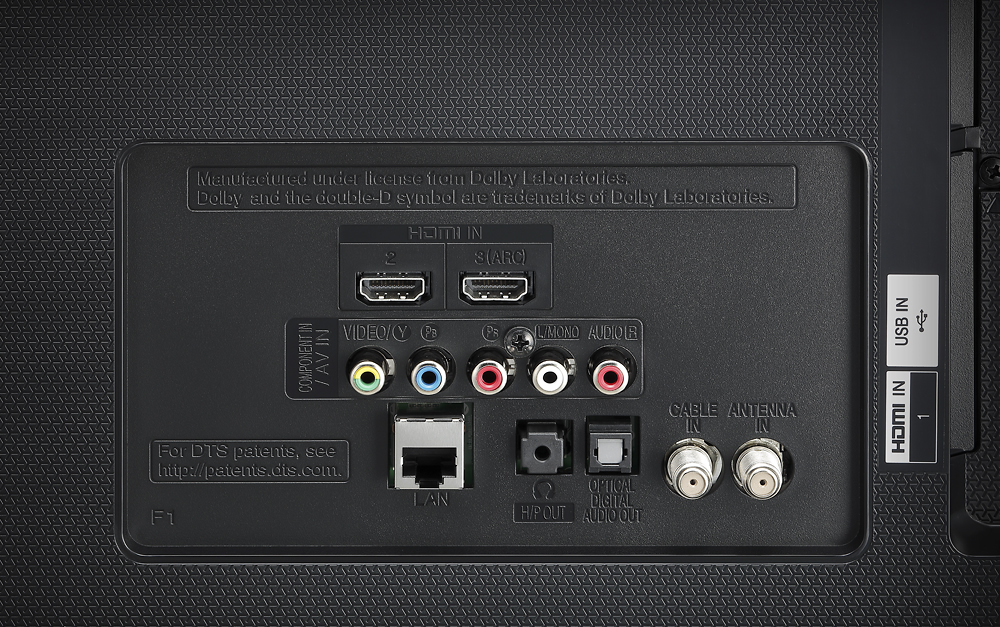
A:AnswerYou dont need a HDMI 4K cable btw.. Any HDMI will work. Company's jumping on 4k bandwagon to make $$. Dont take my word for it.. Google it. ;) good luck..
A:AnswerEven though that LG page implies it supports the magic remote, there are many conflicting reports that specify it does not. Make sure you can return the remote if you buy it...
A:AnswerMost likely defective, I'd try messing with some calibration settings and if that doesn't work call lg. I'm having major motion blurring issues personally