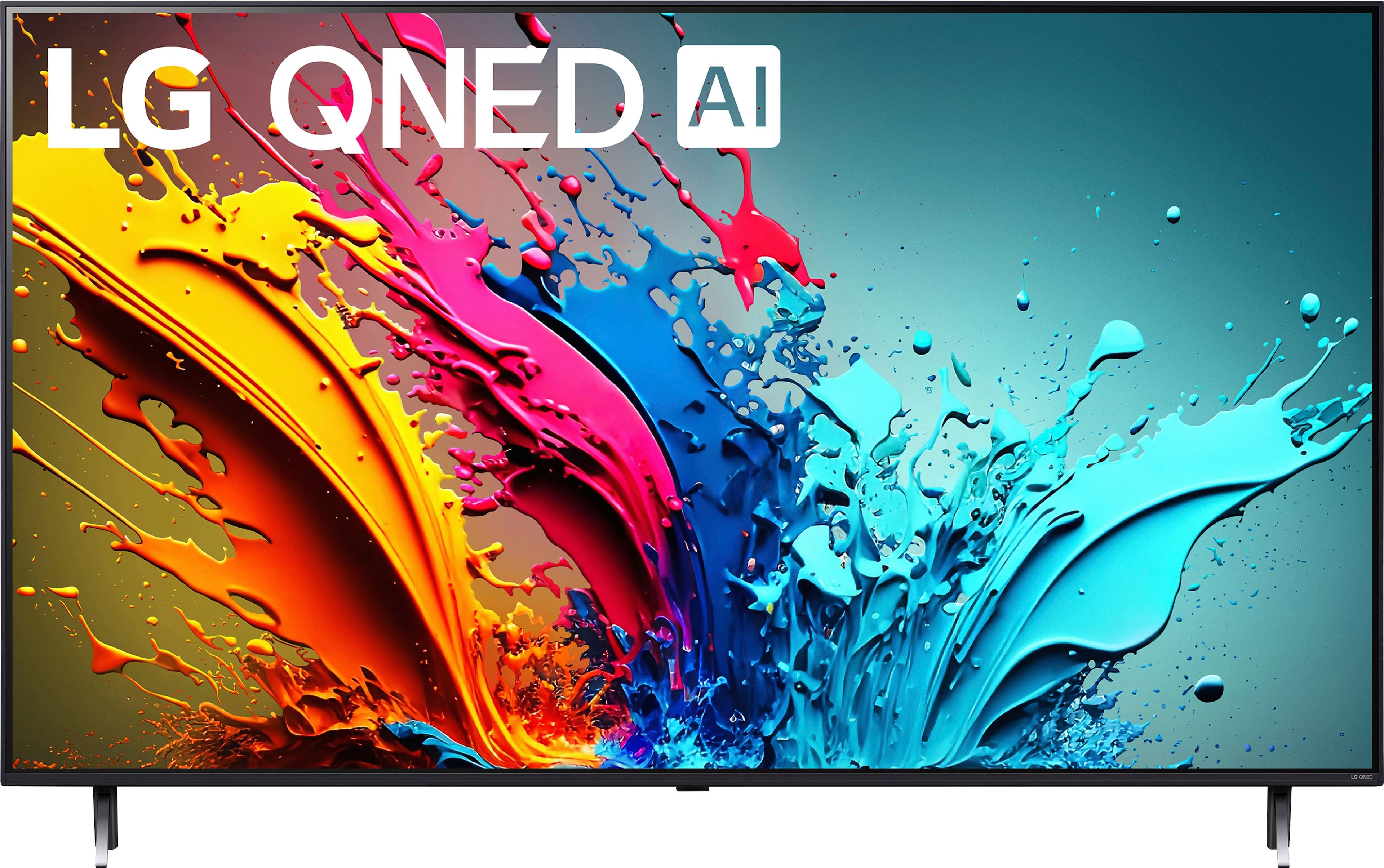
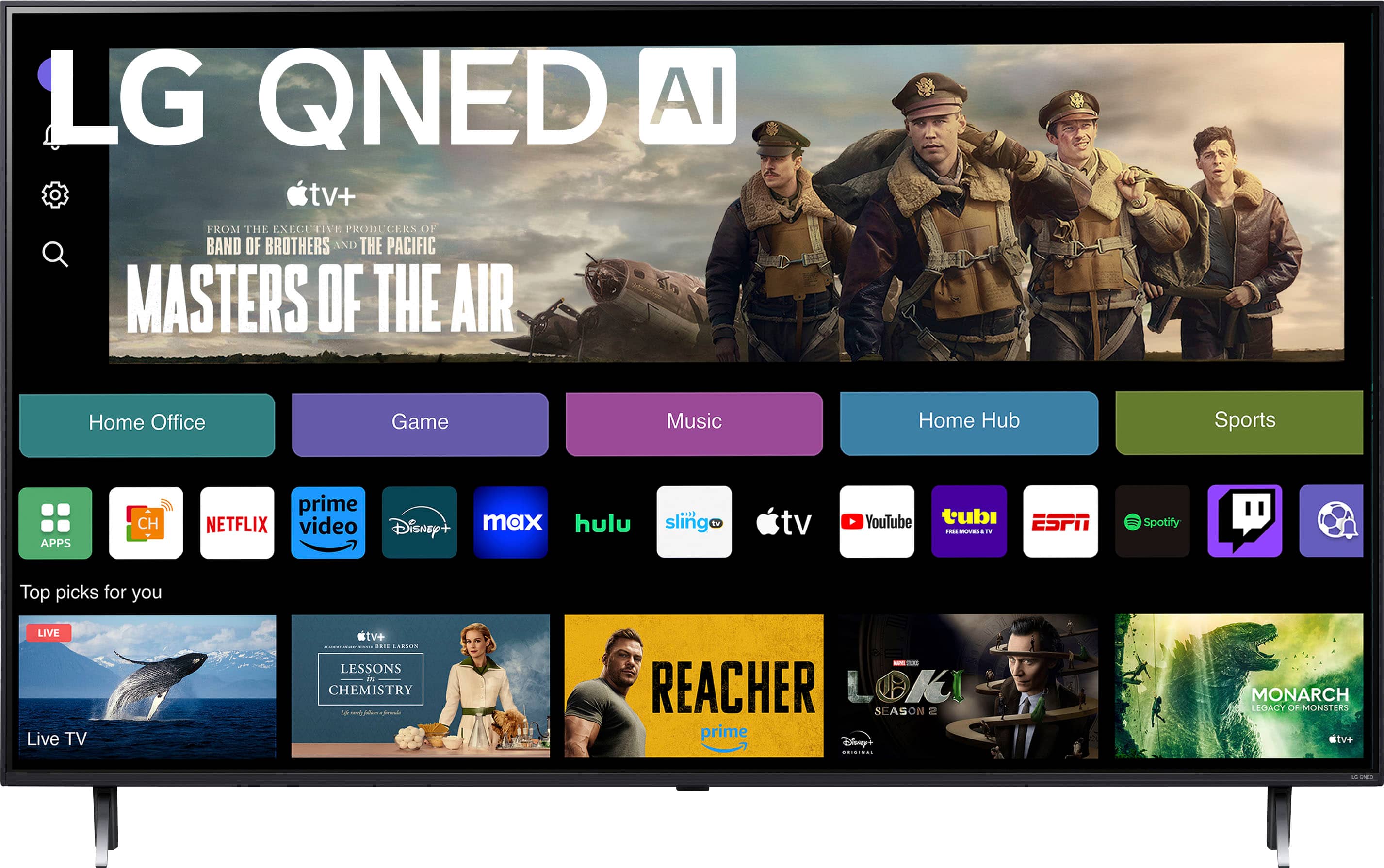
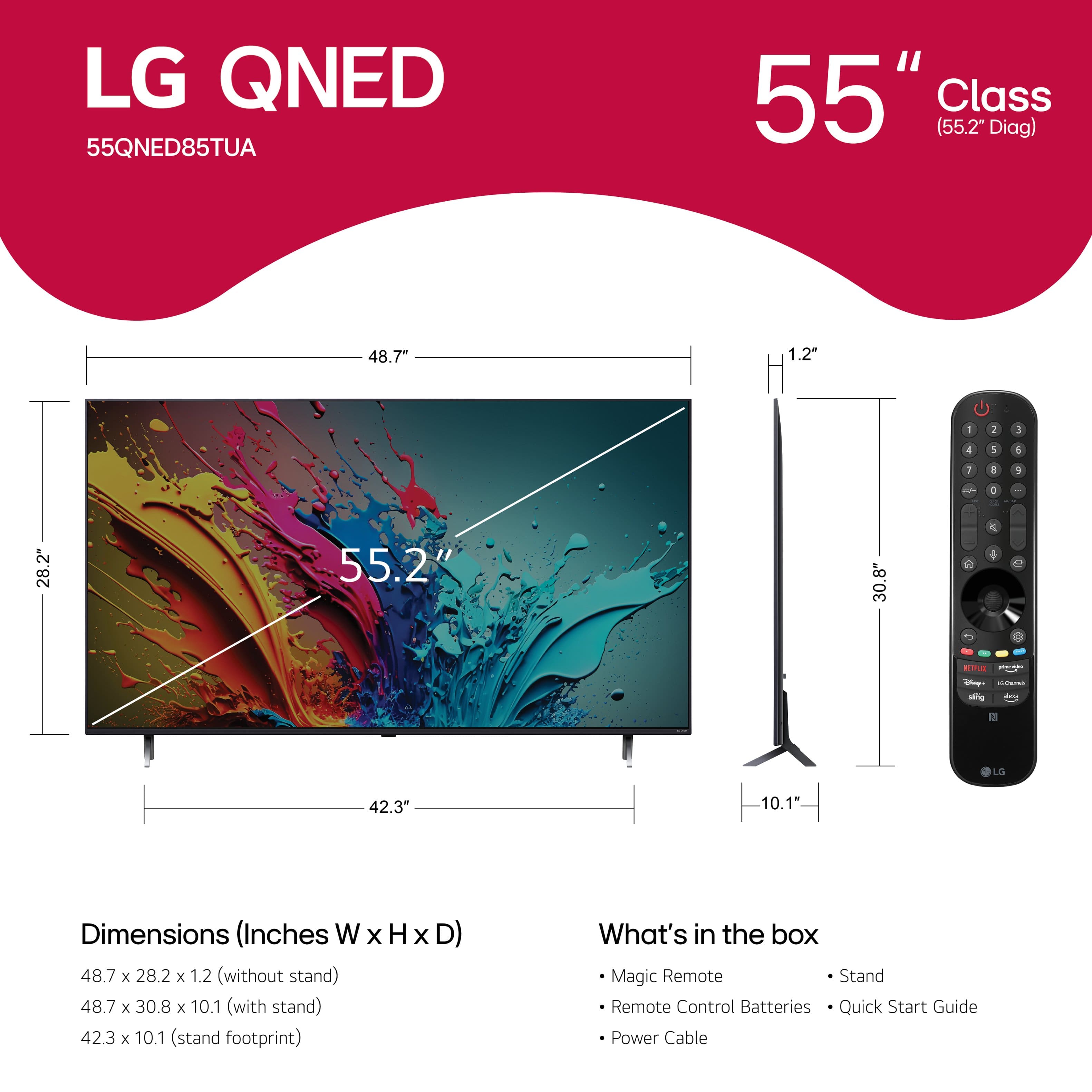
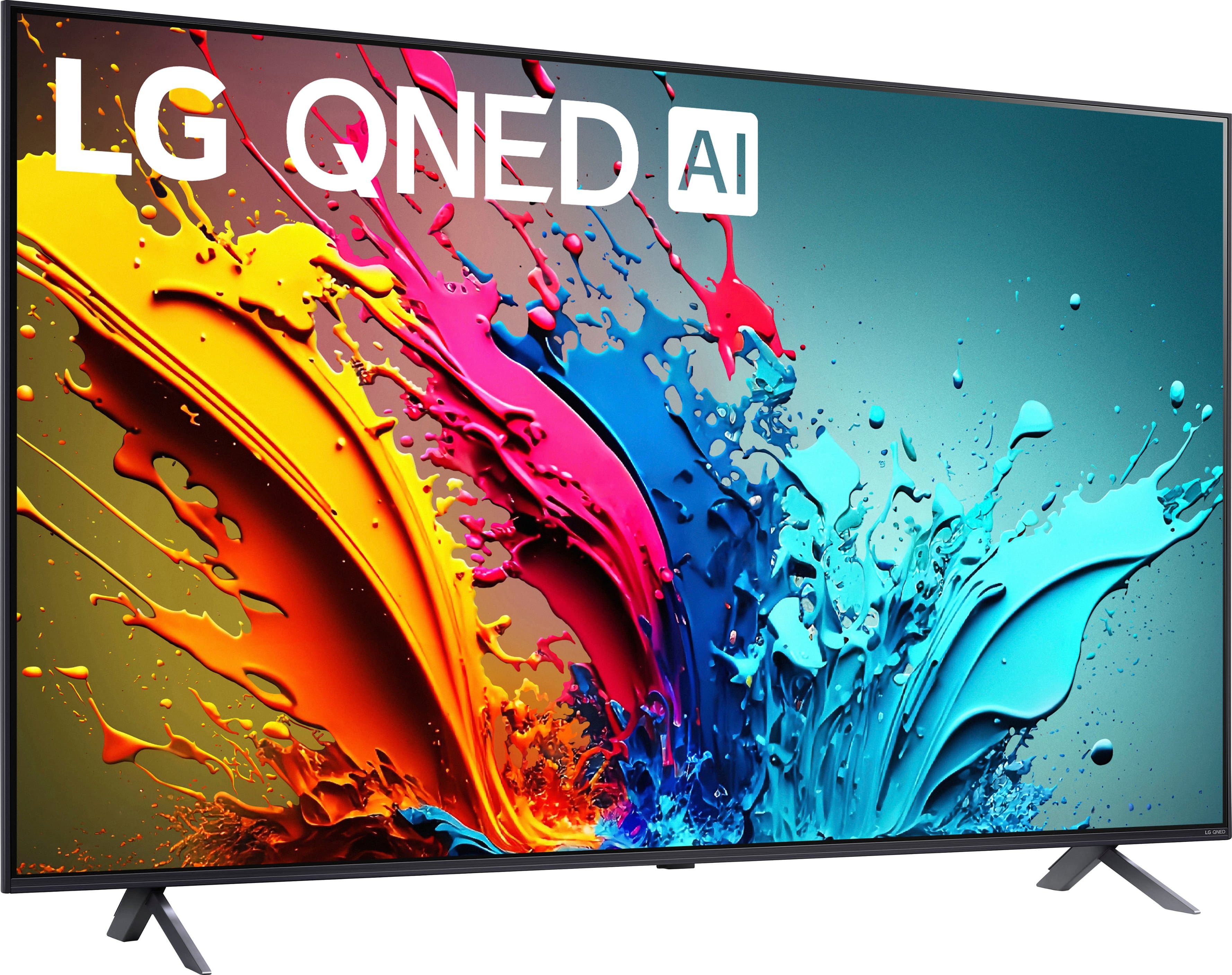
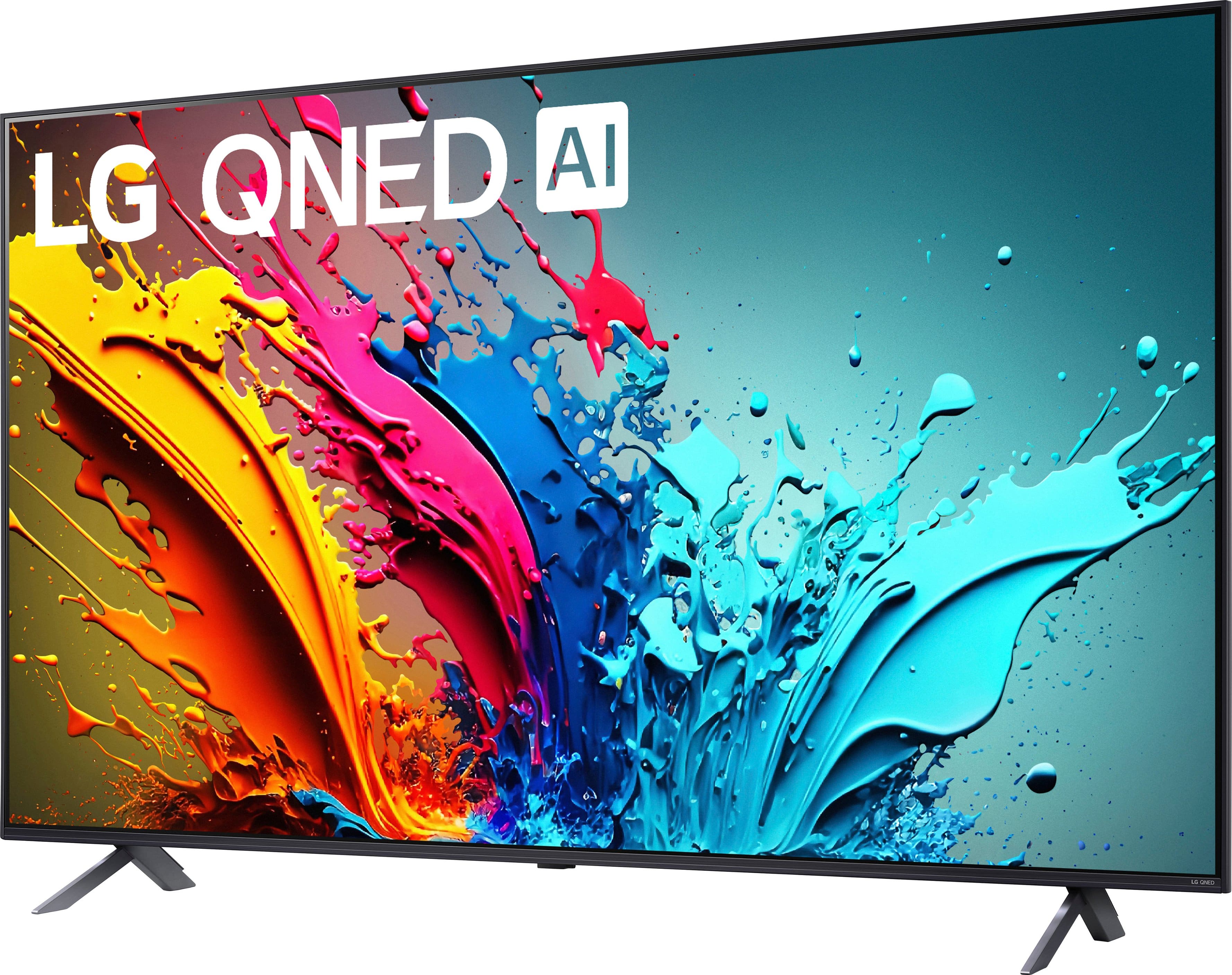
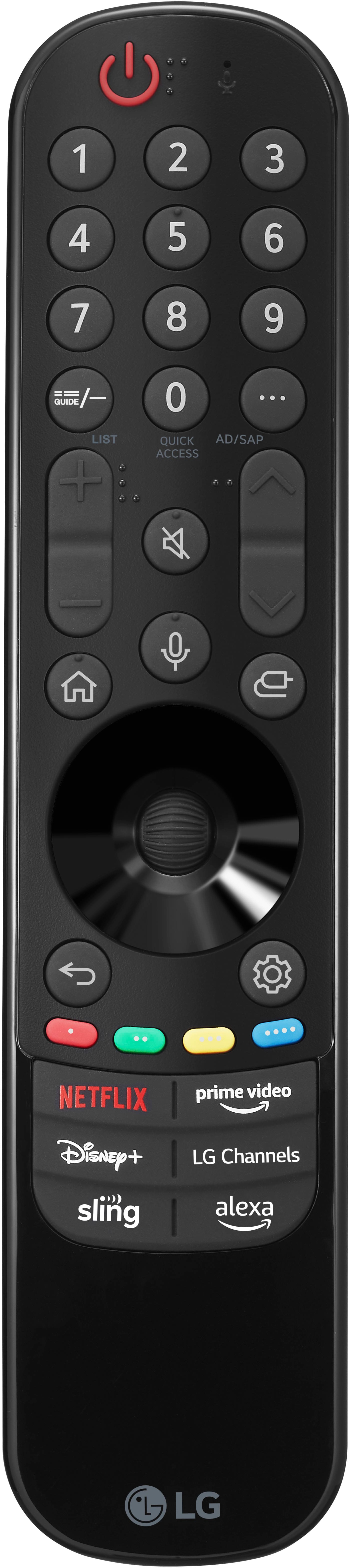
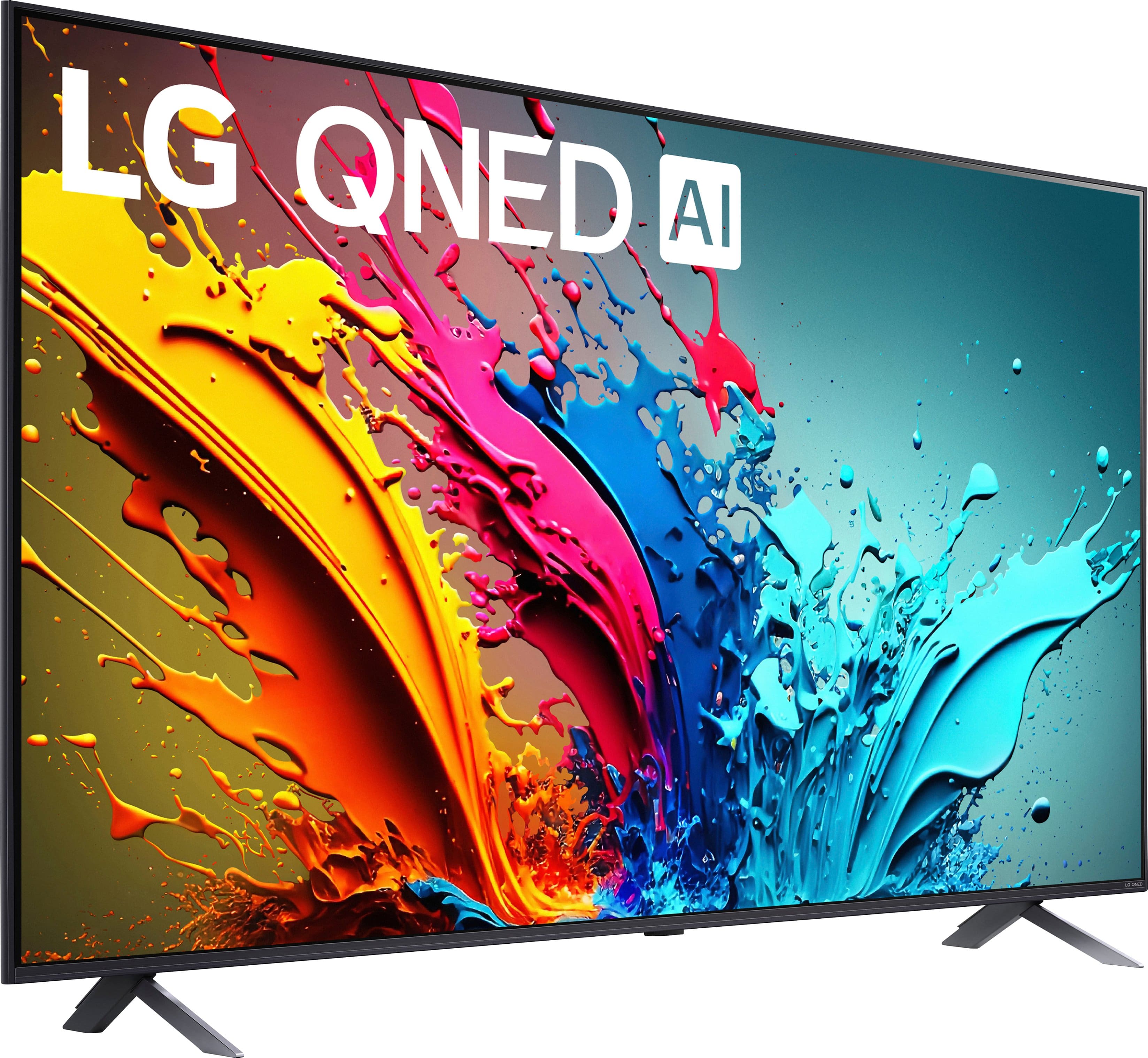
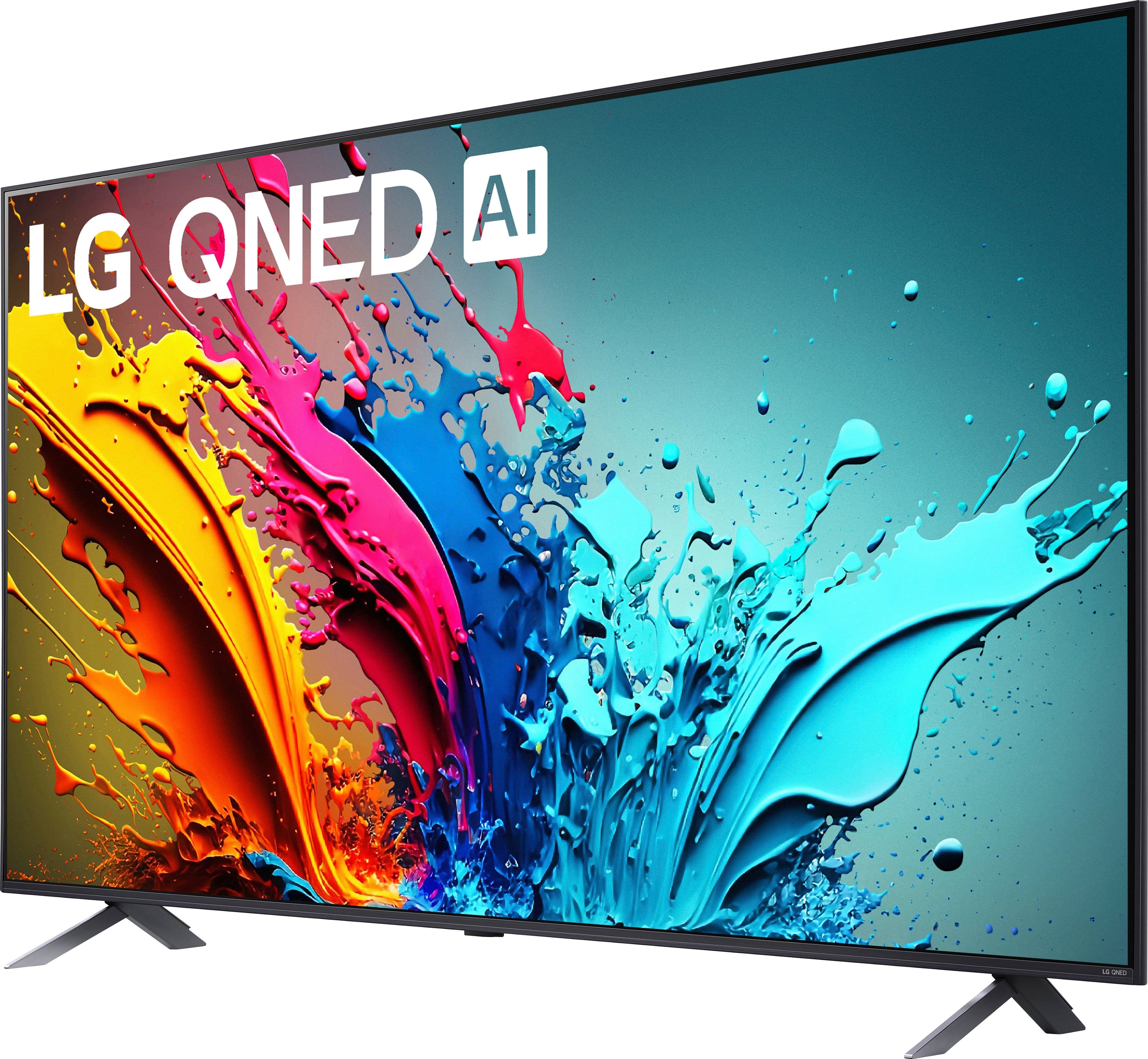
A:Answer Thank you for your interest in the LG Smart webOS TV. Pausing content on your LG 55QNED85TUA smart TV:
1. Press the center OK button once or twice to pause.
2. Double-click the scroll wheel to pause.
3. Use the directional buttons to access the menu, then press OK to pause.
4. If your remote has a microphone, press and hold it and say "Pause the video".
5. In some apps, use the directional buttons to highlight the pause button and then press OK.
You can download its owner's manual through this link for more information: https://www.lg.com/us/support/product/lg-55QNED85TUA.AUS. If problem persist, please reach out to us on social media @LGUSSupport so we can help you further. ^Cris