A:AnswerYes, this model has a sleep timer; the increment in which the timer can be set are not published in the manual, General > System > Time & Timers > Sleep Timer. ^Daphane
A:AnswerRegrettably, LG TVs do not support the Spectrum TV app at this time. For a complete listing of available apps, please visit: https://us.lgappstv.com/main/tvapp. ^Daphane
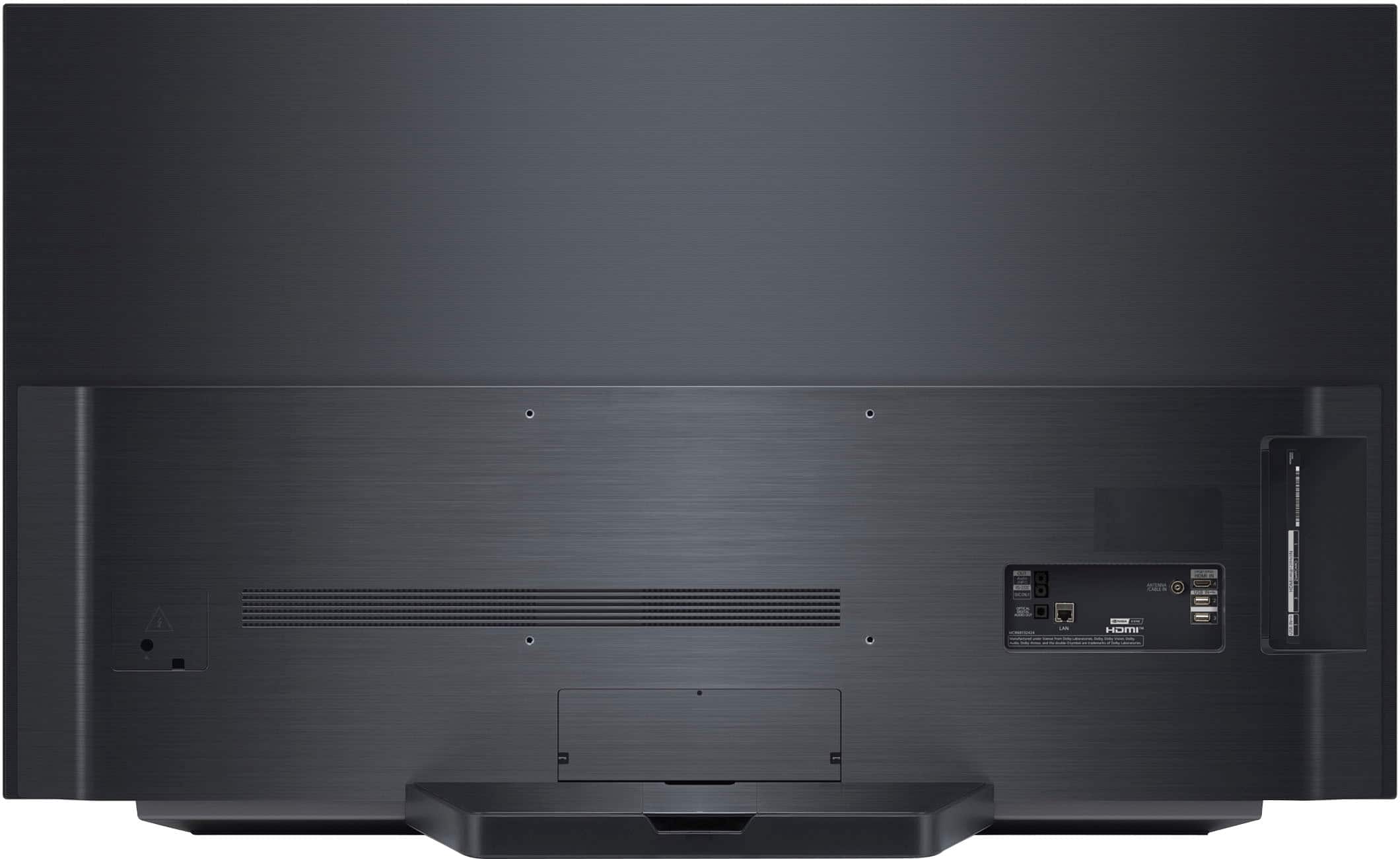
A:AnswerThe VESA Mount interface pattern is 300 x 200 (W x H). From the bottom of the TV the the max bottom holes are 7.165" or 5.669" from the bottom of the TV. ^Daphane
A:AnswerYes, the USB port will support mkv video format. To see a list of other video formats supported please visit the support page at https://www.lg.com/us/support/product/lg-OLED55C1PUB.AUS and reference the User Guide. From the index see S: Supported video file formats. ^Daphane
A:AnswerIt would depend on your computers video card. If you get the tv that had 120hz it will be 4K but it’s if your video card in your computer can output 4K.
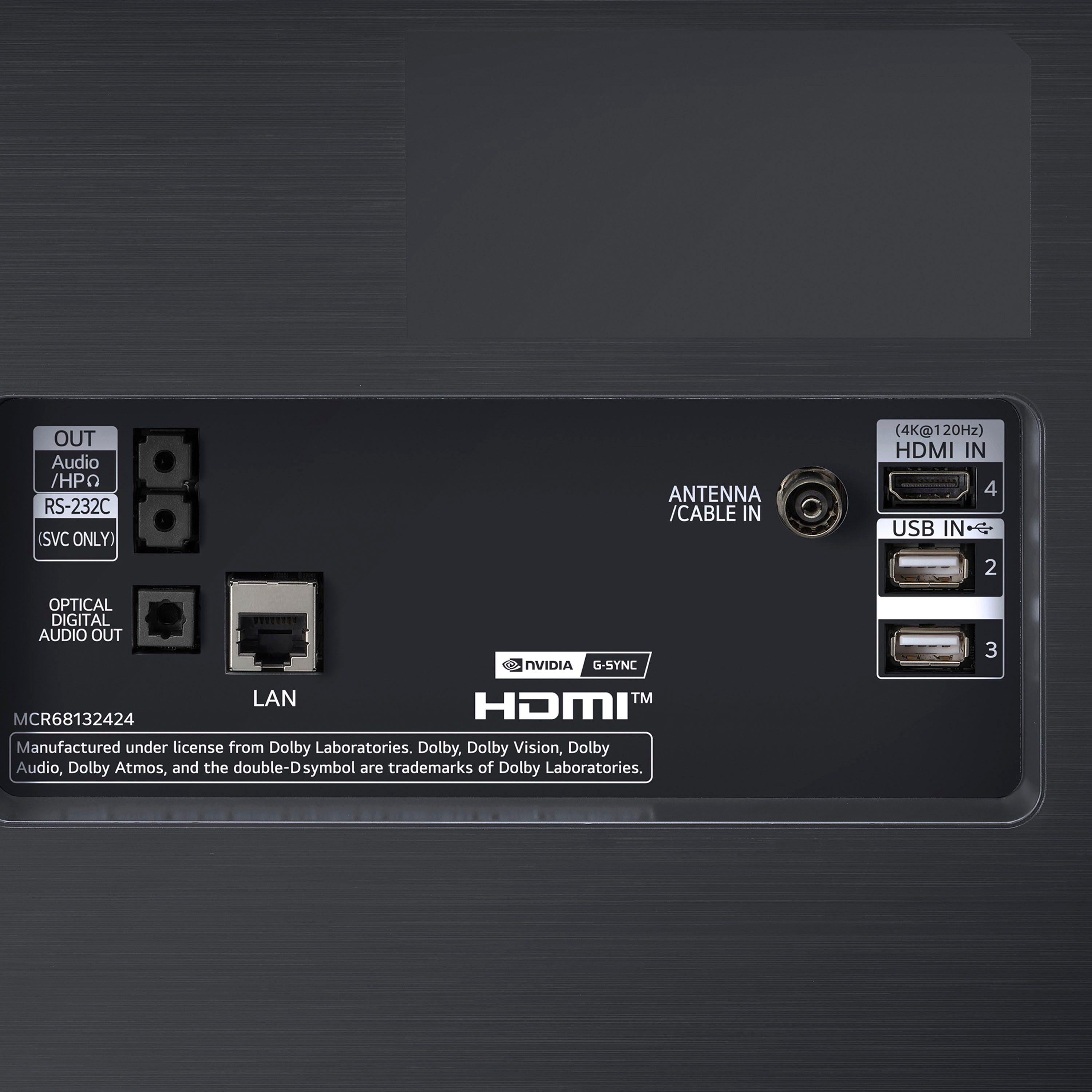
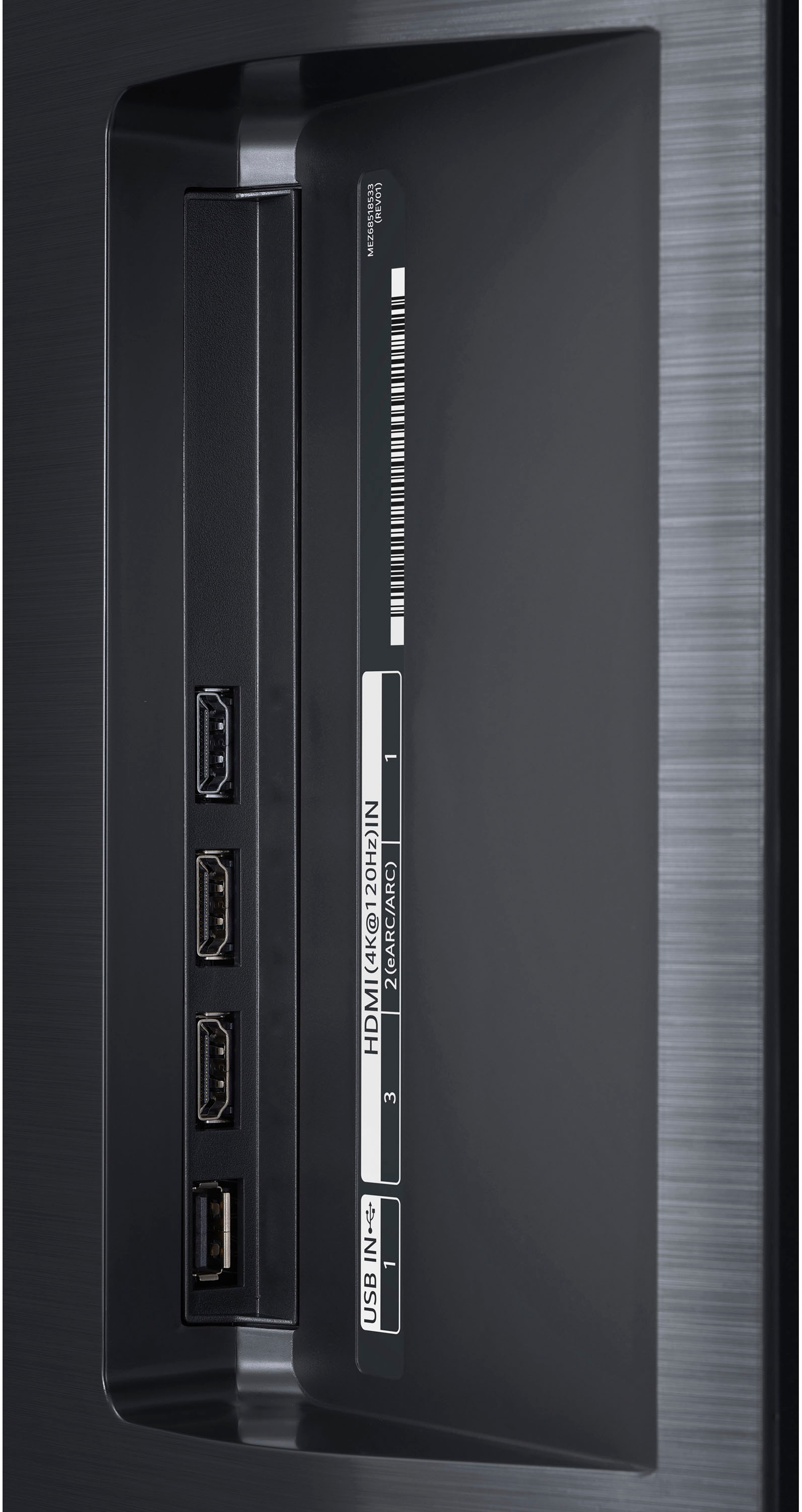
A:AnswerSorry about any confusion. Please rest assured that all 4- HDMI inputs on the C1 are version 2.1 with HDMI 2 featuring e(ARC). All ports support the latest HDMI 4K@120Hz. ^Daphane
A:AnswerThis mount RF-HTVMM170C shows Universal compatibility and Full-Motion TV Wall Mount for Most 40" - 75" TVs so it should work. We recommend VESA Mounting interface patter 300 x 200 (W x H). ^Daphane
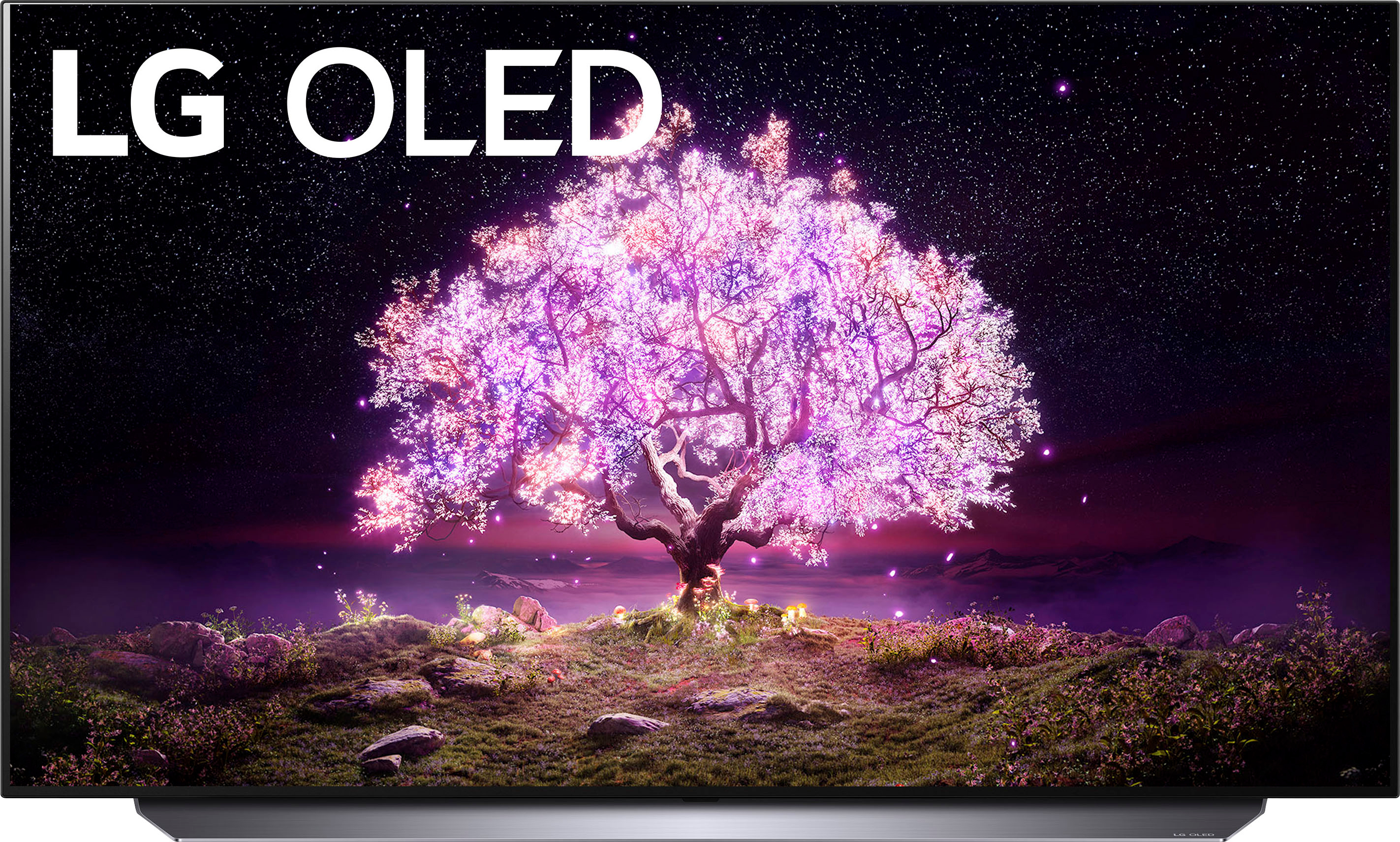
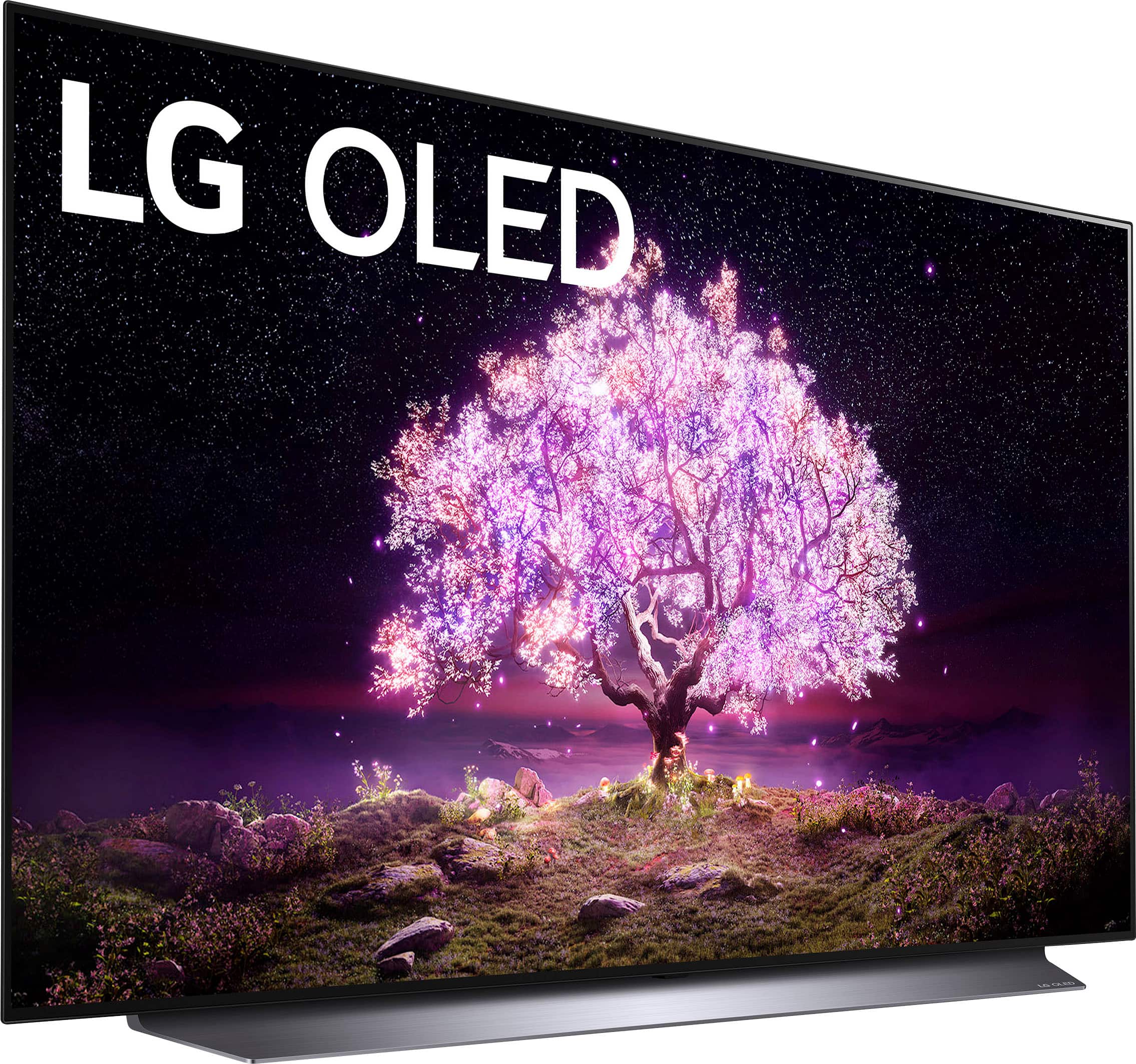
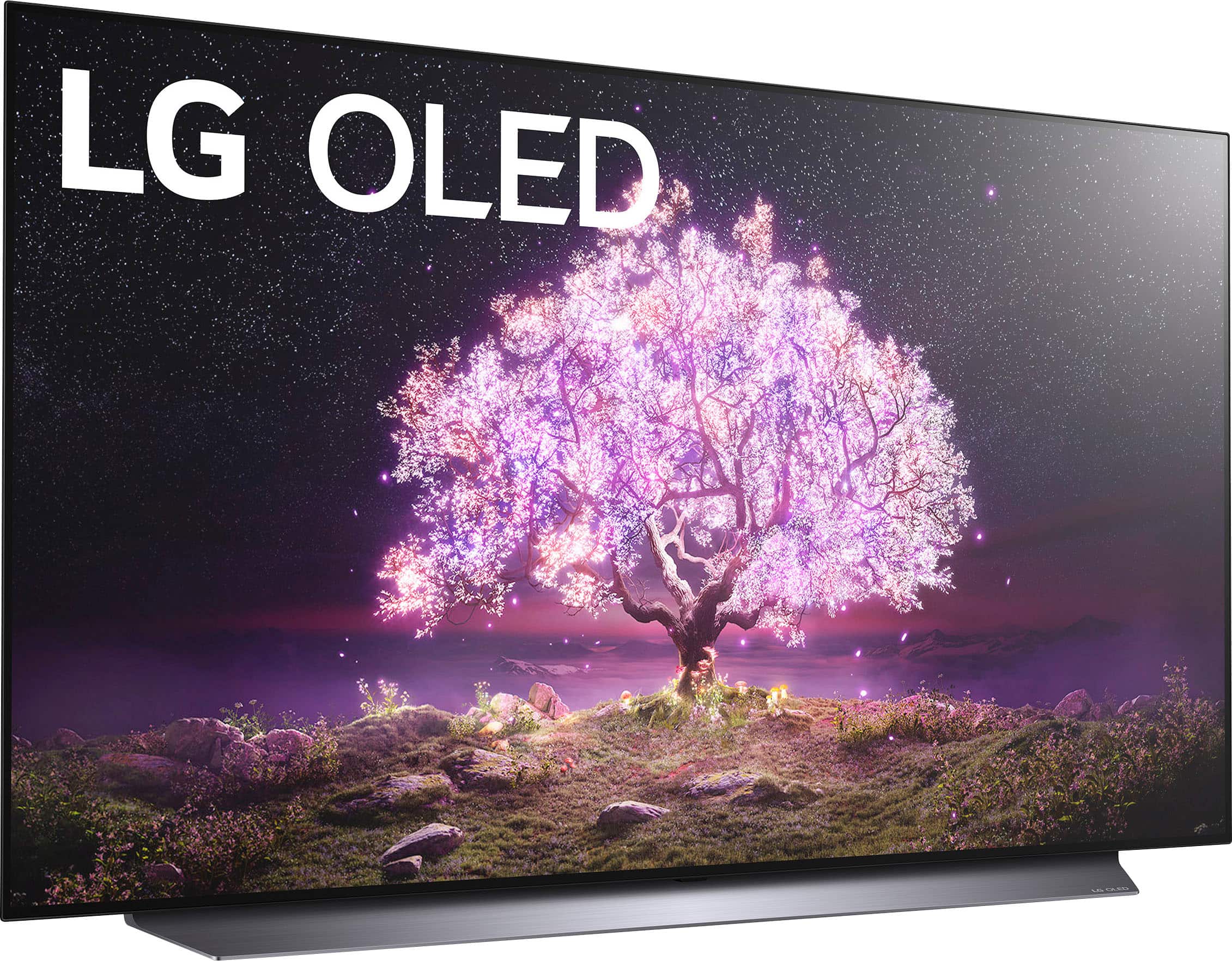
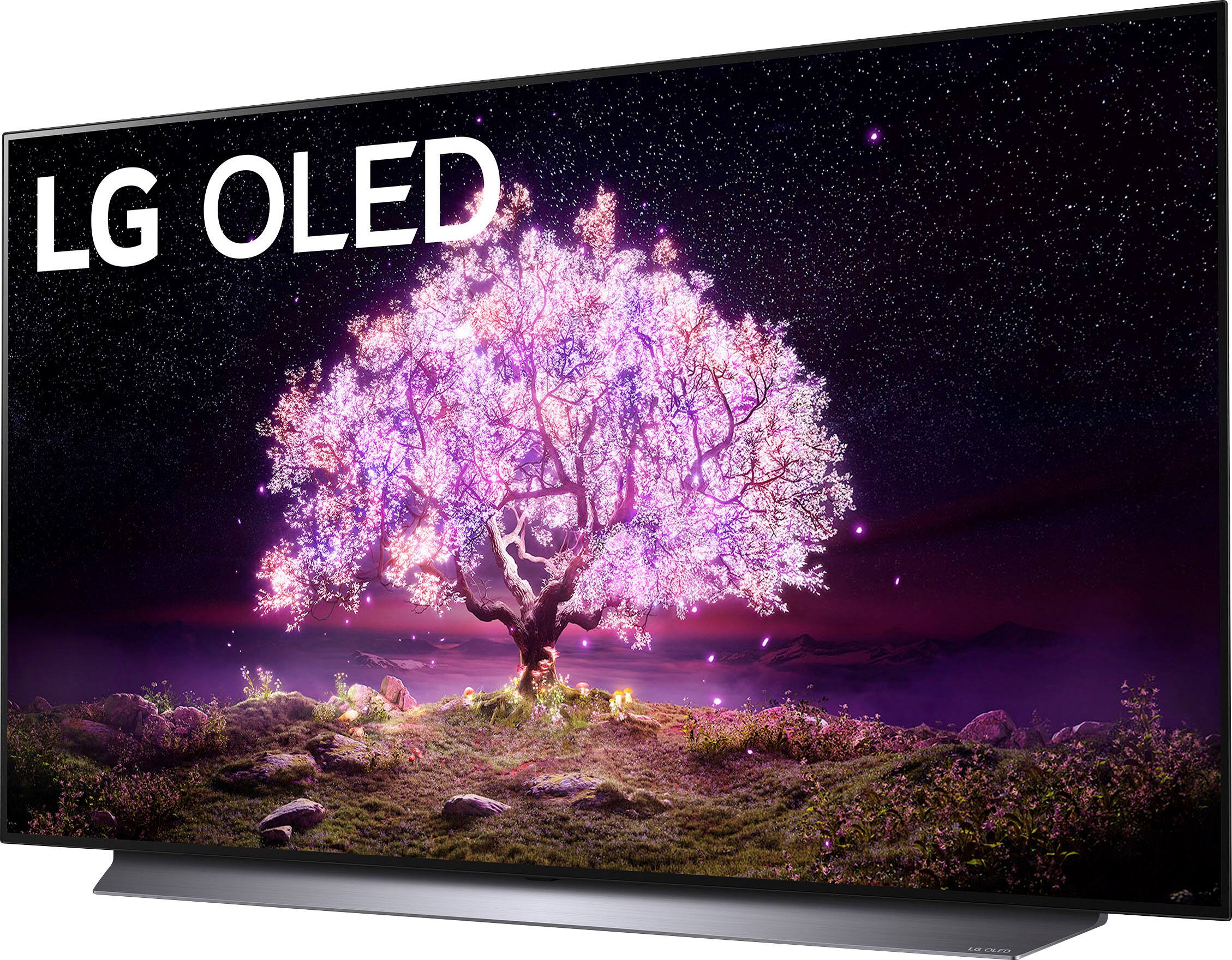
A:AnswerThe TV stand is wide in the front and narrow in the back. The front is about 38" at its widest and about 12" wide in the back. The depth of the stand is about 10".