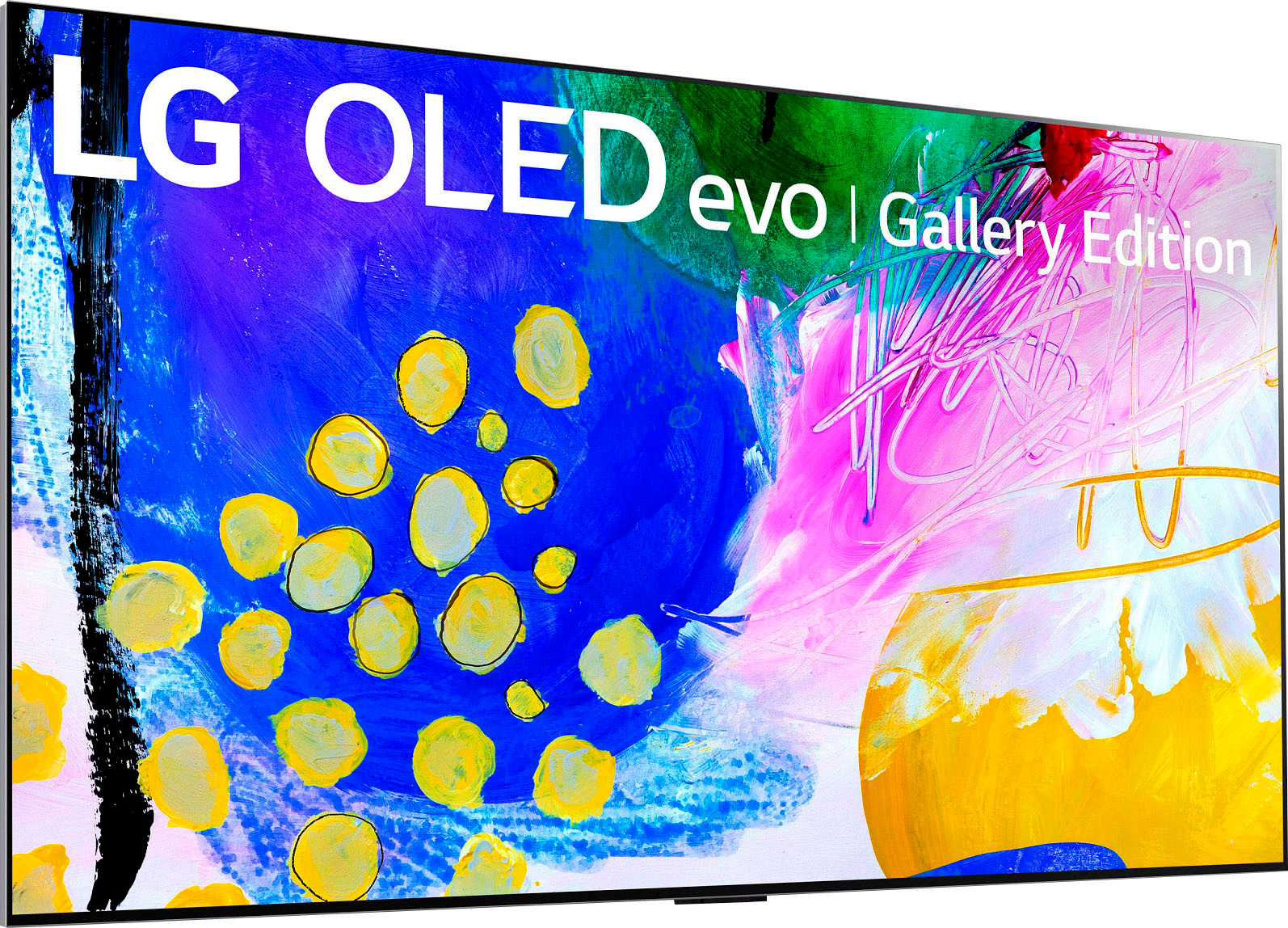
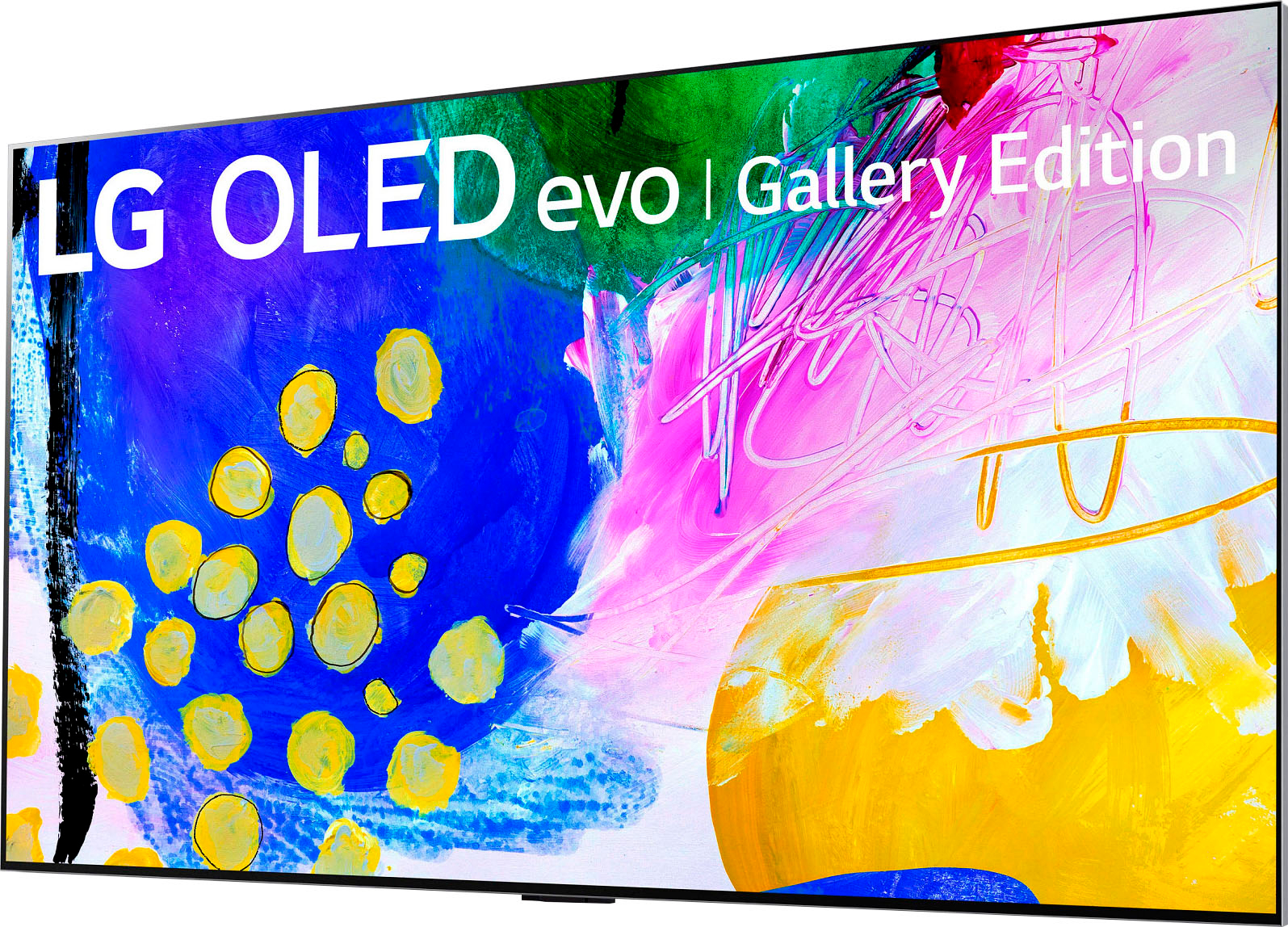
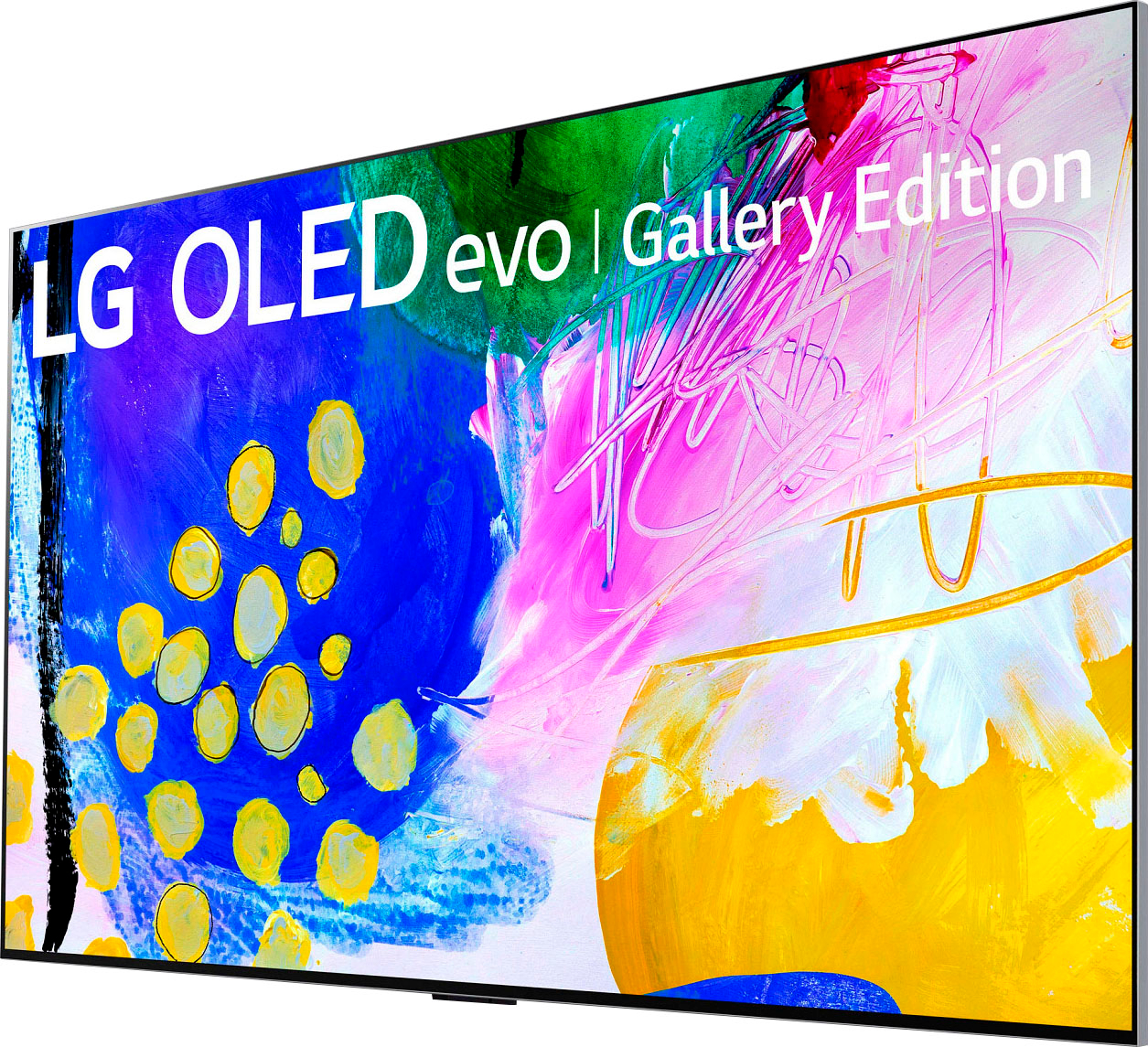
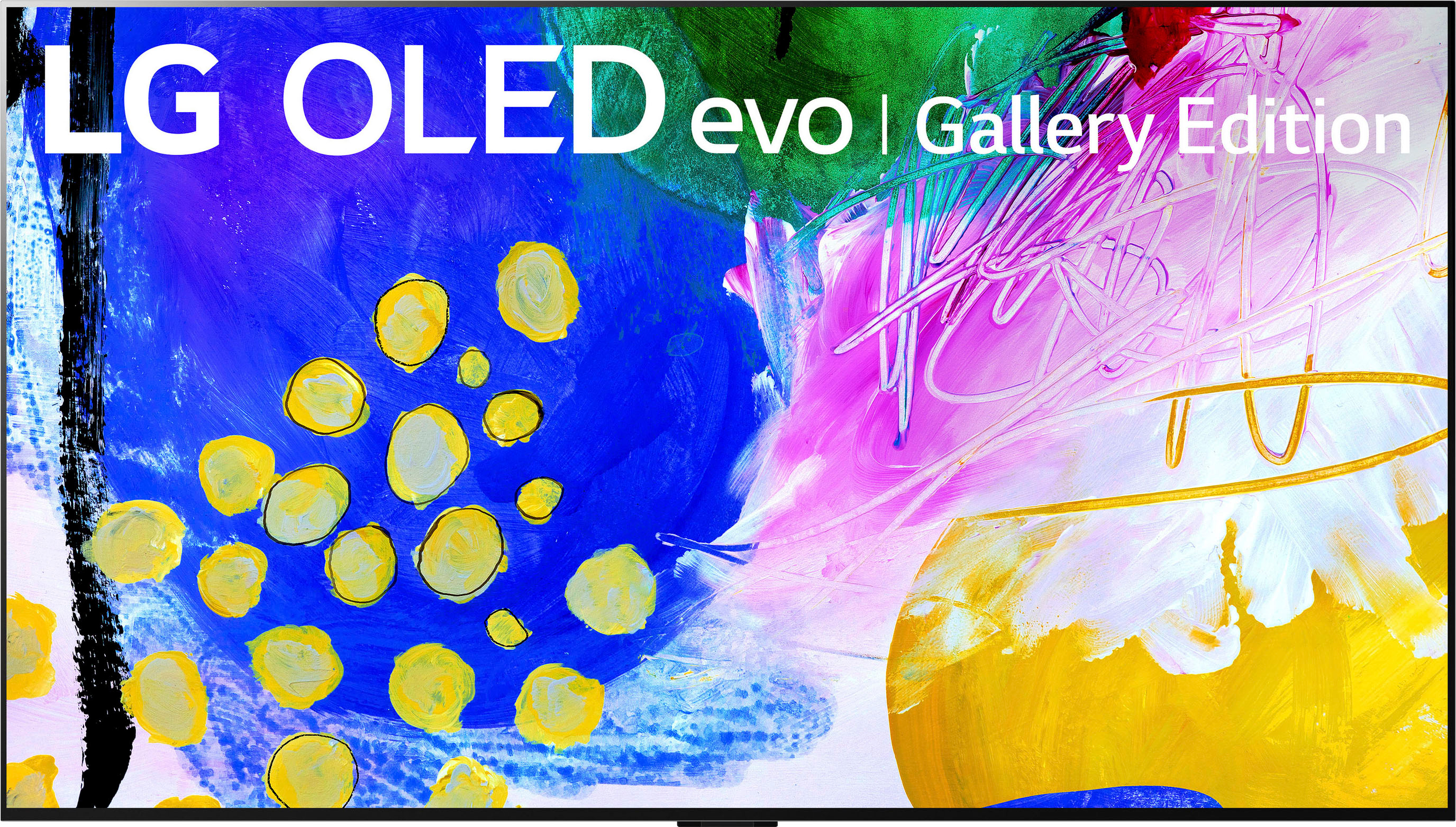
A:AnswerHi Don.Unlike on previous models. the Art Gallery mode on this LG G2 55-inch OLED evo Gallery Edition TV, Model # OLED55G2PUA does not give you the option of loading your own pictures from a USB flash drive...^Ivan
A:AnswerI believe you can set screen saver to look like a picture. It have several choices. We did not do this but is available. Has a wall mount that pulls it close to wall. We used a different one with swivel and tilt.
A:AnswerGood question! There are precise measures that you can follow while mounting the bracket of your LG G2 65-inch OLED evo Gallery Edition TV to the wall. Watch this step-by-step video for more information on mounting your LG OLED TV. https://www.youtube.com/watch?v=qCH3WLV-LIA ^James.
A:AnswerHi there. Most OLED TVs, including the LG G2 55-inch OLED evo Gallery Edition TV, Model #OLED55G2PUA, have built-in measures to prevent burn-in. These measures include screen savers, logo detection, auto-dimming, and pixel refreshers that compensate for static images. These features work automatically in standby mode or can be triggered manually from the user menu. Burn-in is more likely to occur when a single, static image element, such as a channel logo or a news ticker, is left on the screen for a long time, repeatedly. `Alice
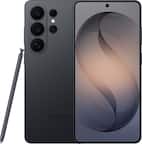
A:AnswerIn the Settings app, tap Wallpaper. Tap Add New Wallpaper. Select Photo Shuffle from the top row of options. On the Photo Shuffle screen, set a frequency (On Tap, On Lock, Hourly, or Daily. We suggest that you adjust as needed just be careful doing so .~Tanisha
A:AnswerHi there, Yes we honor our LG Products warranty. Should you have further questions for clarity please visit our support team https://www.lg.com/us/support.We're more happy to assist.^Tanisha
A:AnswerHello, you need to use a streaming device/stick. You can download the app, as the app is not listed on the LG content store https://us.lgappstv.com/main/integrated/search?searchText=hulu%20live. ^Vanessa