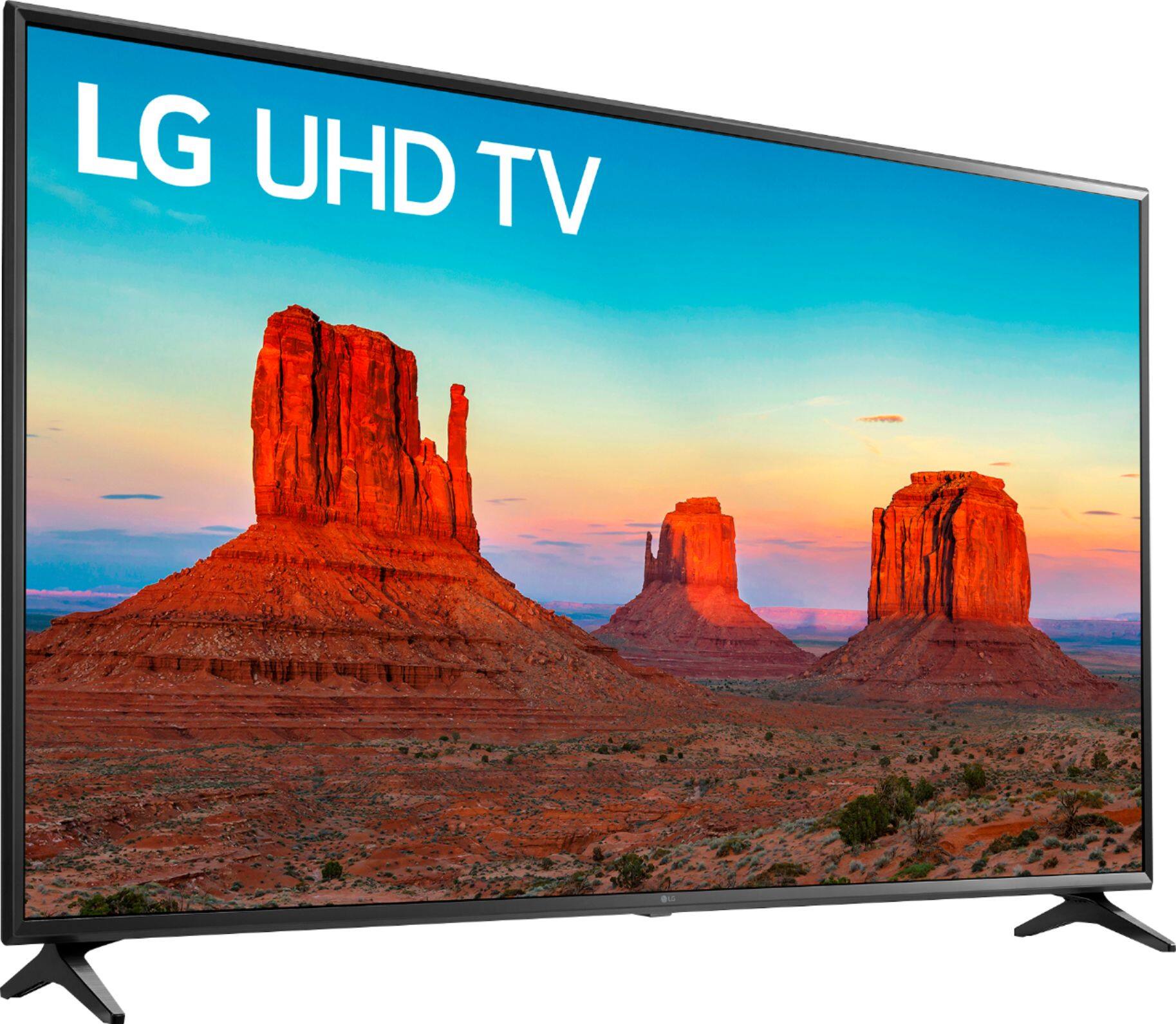
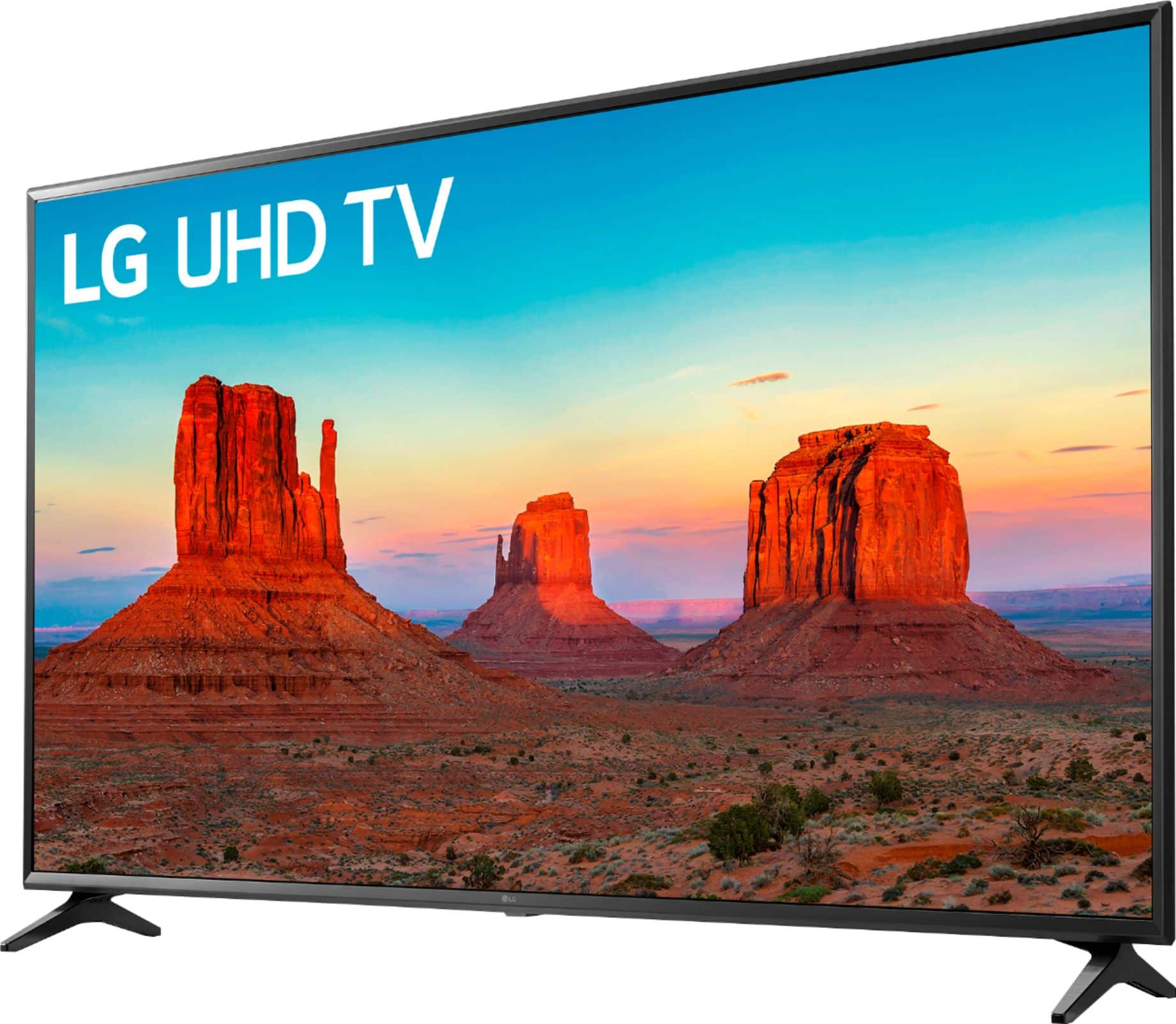
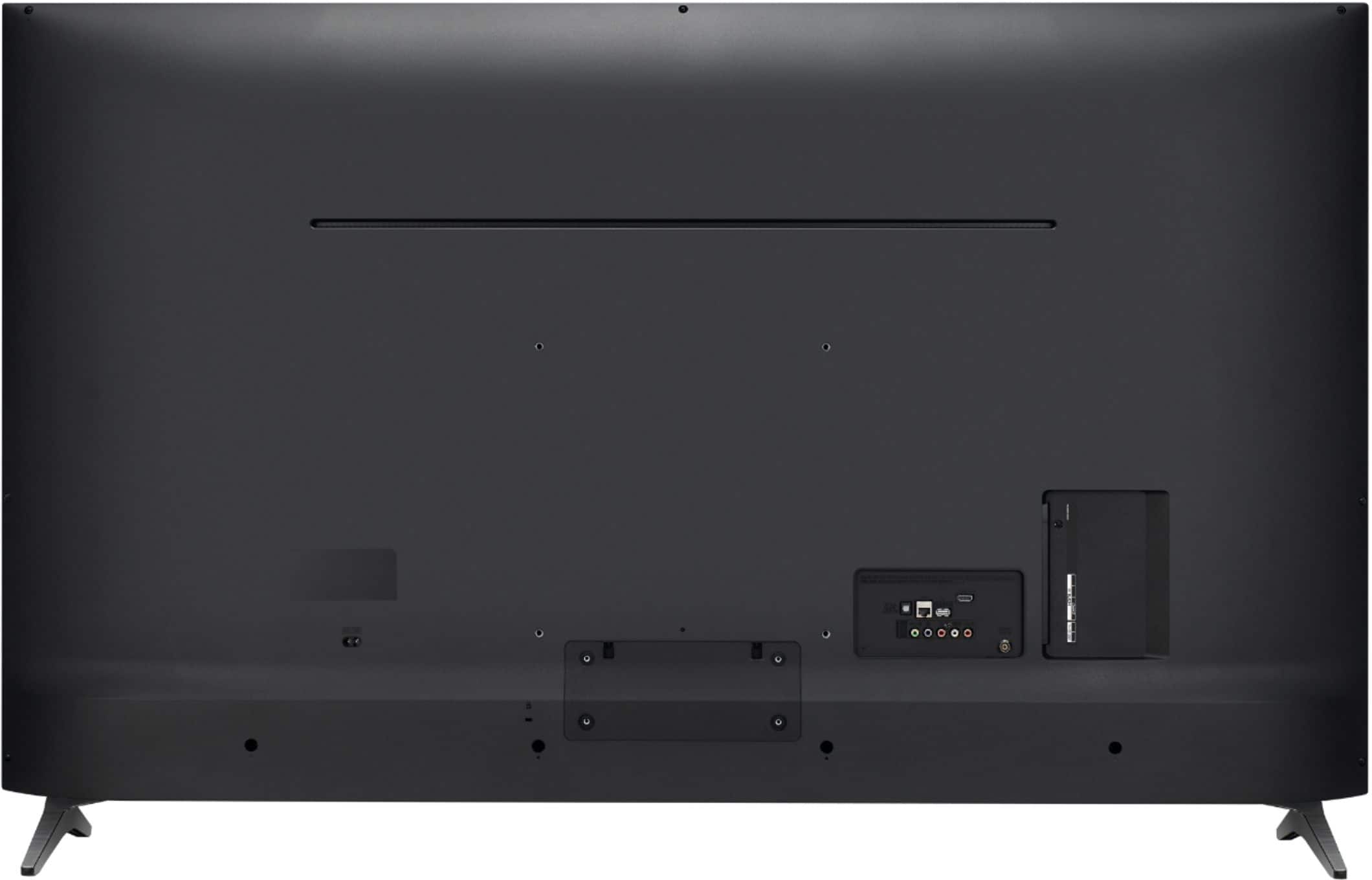
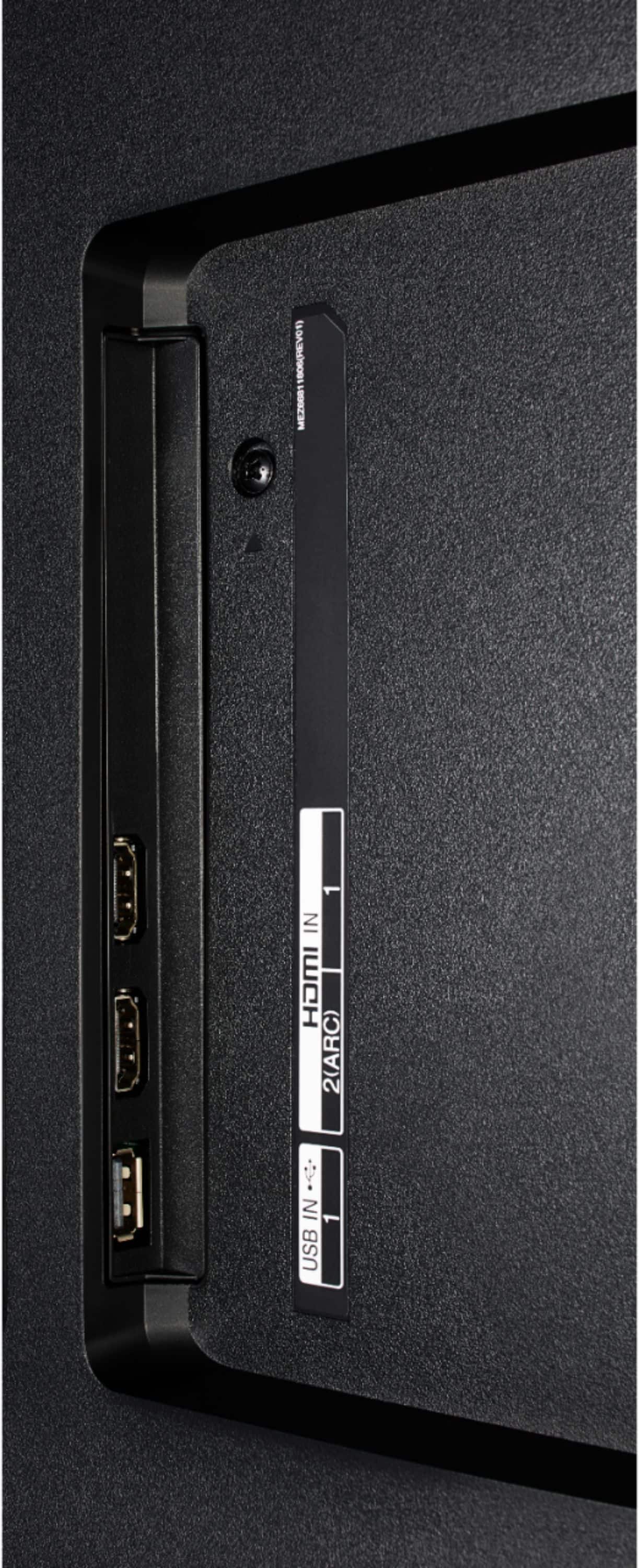
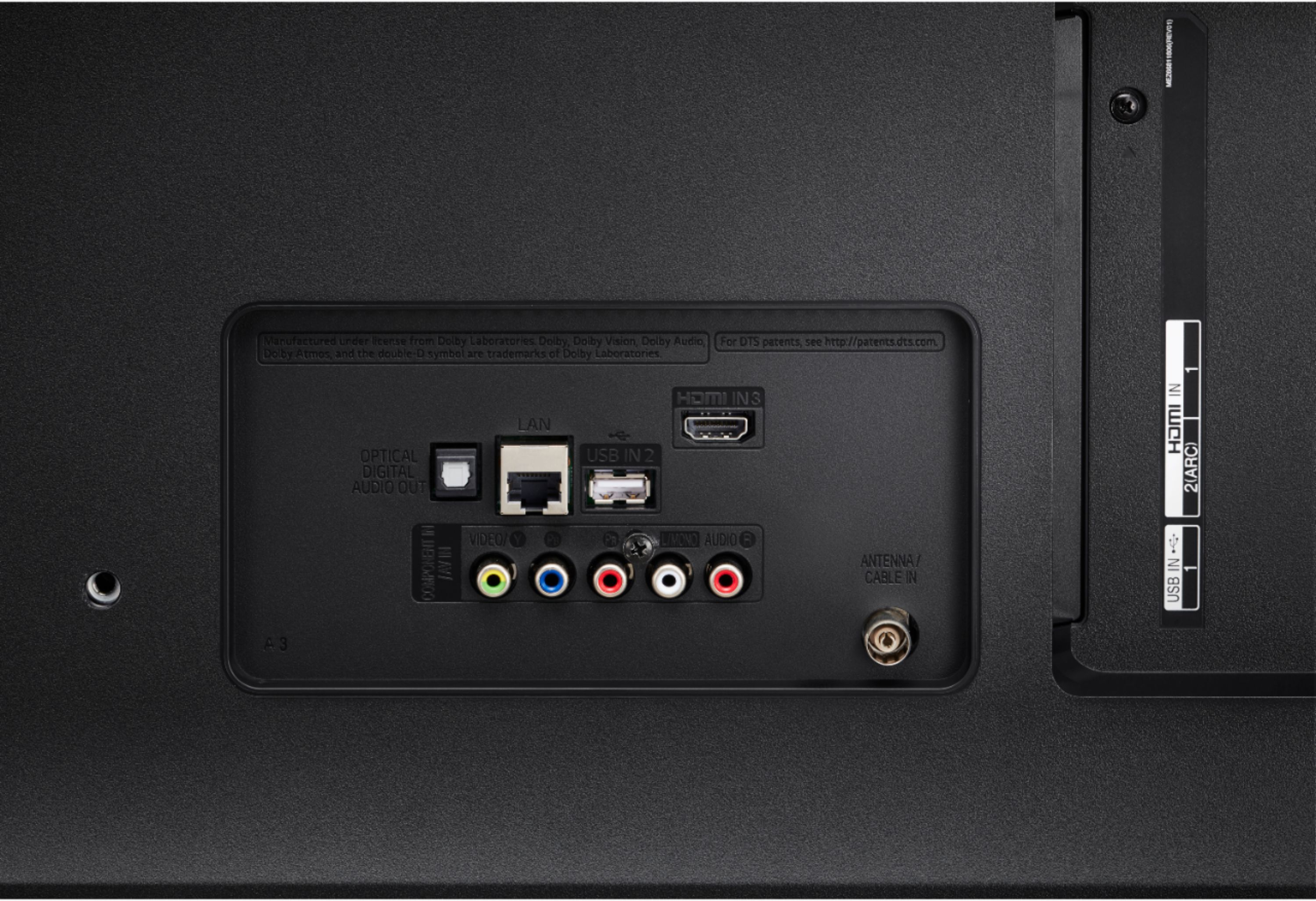
A:AnswerThis TV has Optical and HDMI ARC audio connectors. You can use and external Bluetooth transmitter for around $30 if you wish to connect wireless speakers.
A:AnswerYou can set parental controls to limit the smart options on the TV to those with the password. If you have additional concerns or questions, you can contact our Customer Support by any of the below options:
Phone: 1-800-243-0000
LiveChat: https://www.lg.com/us/support/chatbot
Email: https://www.lg.com/us/support/email-appointment
Facebook Messenger: https://www.facebook.com/LGUSA/
Twitter: @LGUSSupport
The LG Community Forum is also a great resource for getting help from other LG customers: https://lgcommunity.us.com/
A:AnswerThe power/menu/volume button is located on the bottom center of the TV as shown on page 9 of the owner's manual. https://www.lg.com/us/support/product/lg-55UK6090PUA.AUS ^CP
A:AnswerHello, the way I was able to turn off voice assist was in the initial startup, when first turn tv on, it asks you if want to disable. Maybe try unplugging tv and plug back in see if settings reset. If not, I would look for the menu option to disable voice assist, in settings, either in accessibility tab or sound tab. For sound adjustment, go to settings, full settings, click on sound, you can adjust eq levels there.
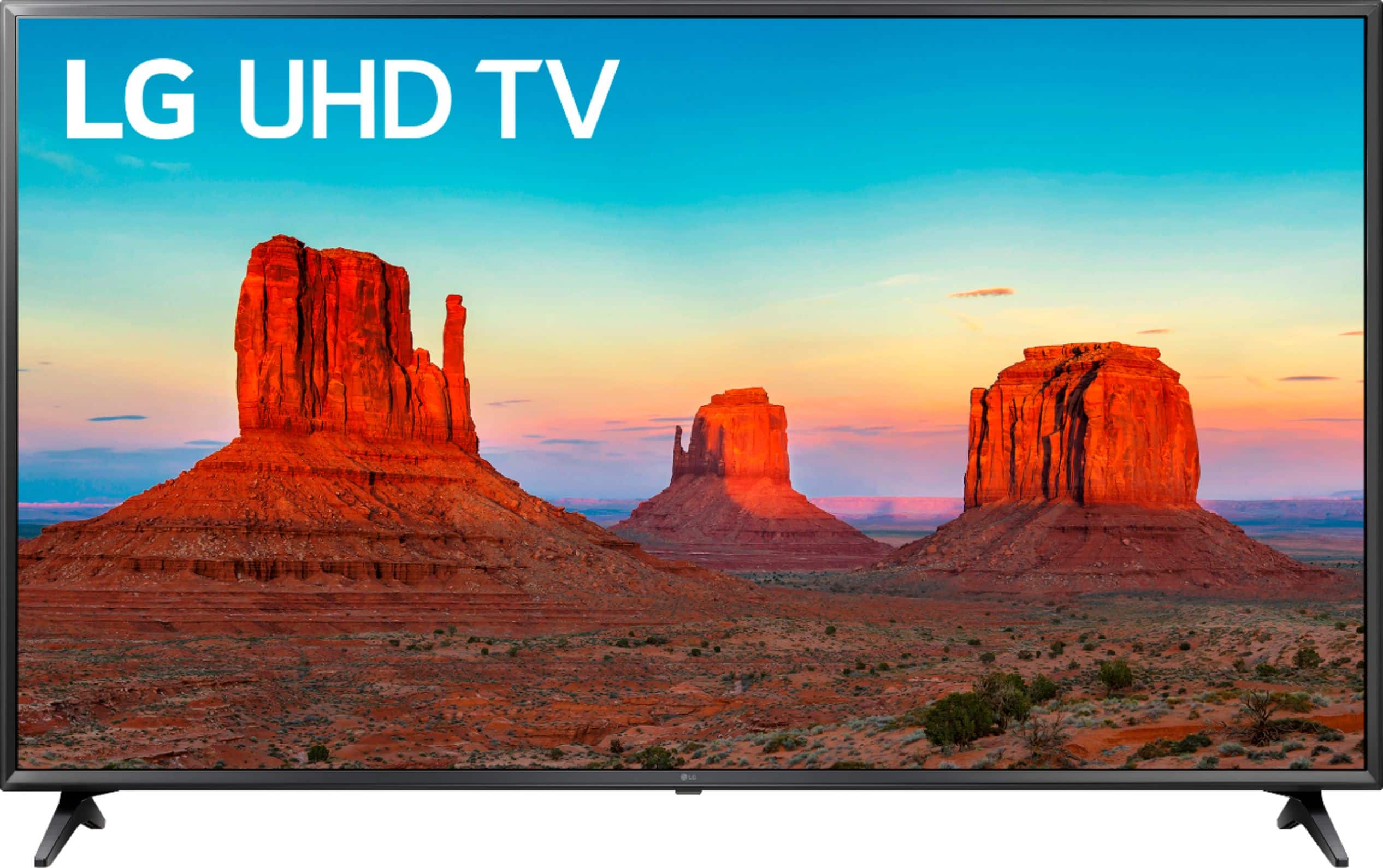
A:AnswerYes, the HDMI inputs support 4K. If you have additional concerns or questions, you can contact our Customer Support by any of the below options: Phone: 1-800-243-0000 Live Chat: https://www.lg.com/us/support/chatbot Email: https://www.lg.com/us/support/email-appointment Facebook Messenger: https://www.facebook.com/LGUSA/ Twitter: @LGUSSupport The LG Community Forum is also a great resource for getting help from other LG customers: https://lgcommunity.us.com/
A:AnswerThe LG UK6090PUA 4K HDR Smart LED UHD TV - 55'' Class (54.6'' Diag), Model # 55UK6090PUA has a VESA Wall Mount Interface Pattern of 300 x 300mm...^IFV
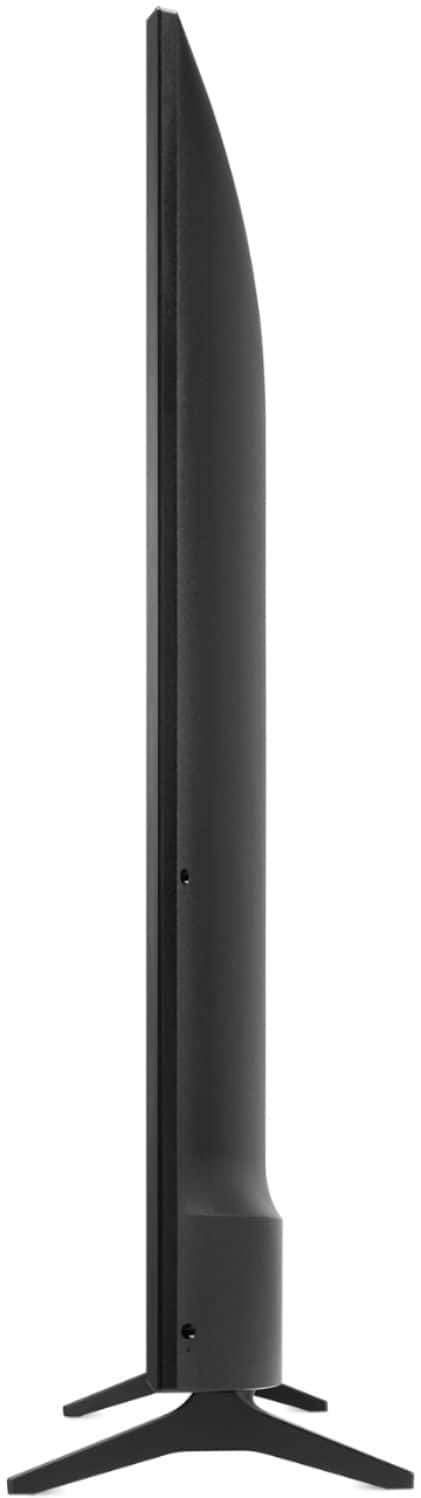
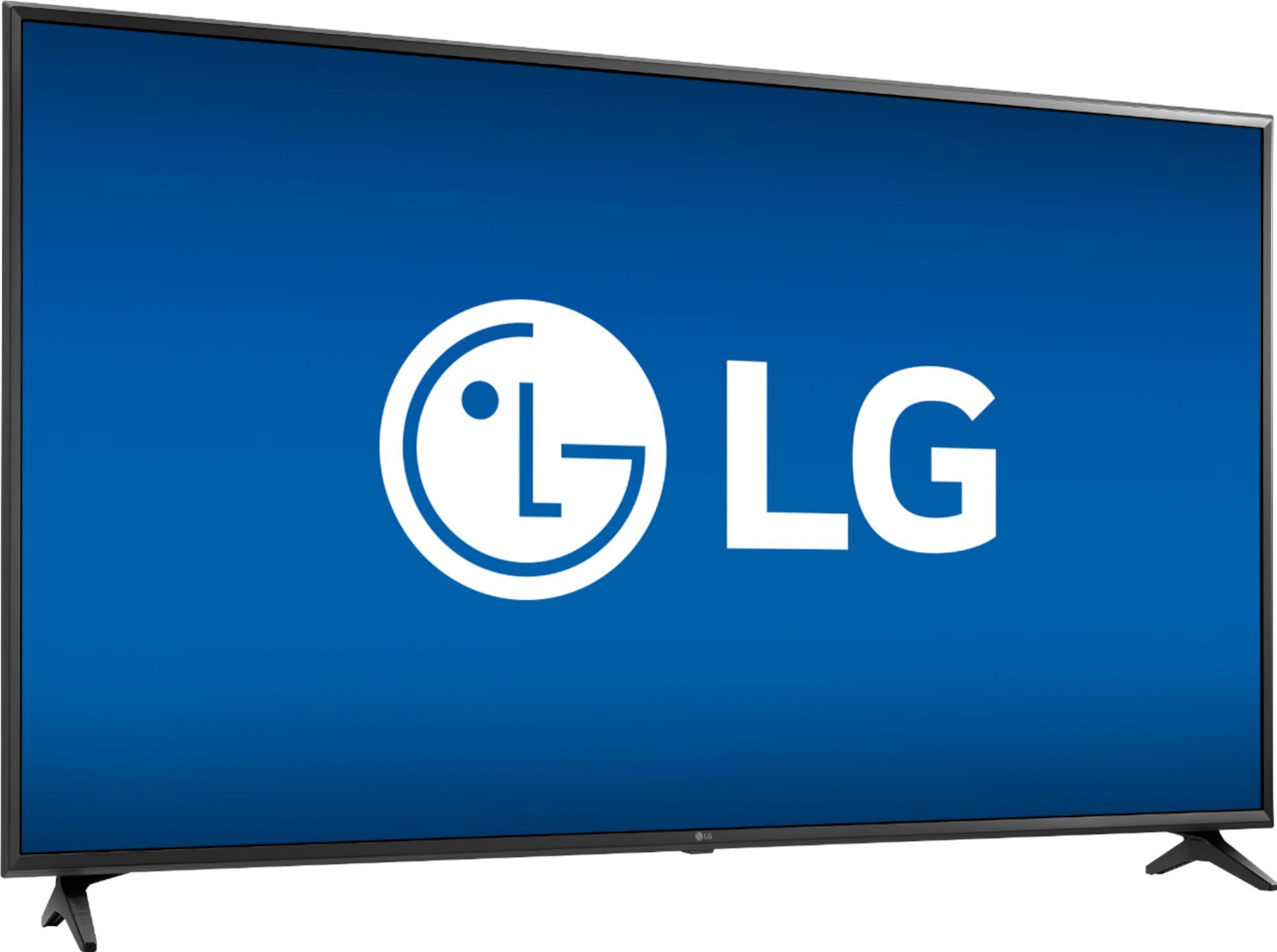
A:AnswerThe stand legs for the LG UK6090PUA 4K HDR Smart LED UHD TV - 55'' Class (54.6'' Diag), Model # 55UK6090PUA do not come attached to the TV. They are packaged with the TV and you would have to attach them to the TV with the supplied screws. If you prefer to wall mount the TV you don't have to attach them to the TV...^IFV
A:AnswerLet's get you to the following article which will walk through adjusting this - http://www.lg.com/us/support/product-help/CT10000018-1432651636835-dark-or-dim-picture If this doesn't resolve the issue you are experiencing, our support team would be happy to help. Please contact our Customer Support by any of the below options:
Phone: 1-800-243-0000
Live Chat: https://www.lg.com/us/support/chatbot
Email: https://www.lg.com/us/support/email-appointment
Facebook Messenger: https://www.facebook.com/LGUSA/
Twitter: @LGUSSupport
The LG Community Forum is also a great resource for getting help from other LG customers: https://lgcommunity.us.com/
A:AnswerYes it can, you will need a TV wall hanger (not included) the TV itself it's really lightweight I was able to easily lift it with absolute no effort
A:AnswerNo, the USB ports are for connecting a flash drive or other hard drive to view photos or videos. If you have additional concerns or questions, you can contact our Customer Support by any of the below options: Phone: 1-800-243-0000 Live Chat: https://www.lg.com/us/support/chatbot Email: https://www.lg.com/us/support/email-appointment Facebook Messenger: https://www.facebook.com/LGUSA/ Twitter: @LGUSSupport The LG Community Forum is also a great resource for getting help from other LG customers: https://lgcommunity.us.com/
A:AnswerYou have to use arc input on tv and set to hdmi out. I had to use sound input to internal speakers as the tv had pass through problems on my 4K receiver.