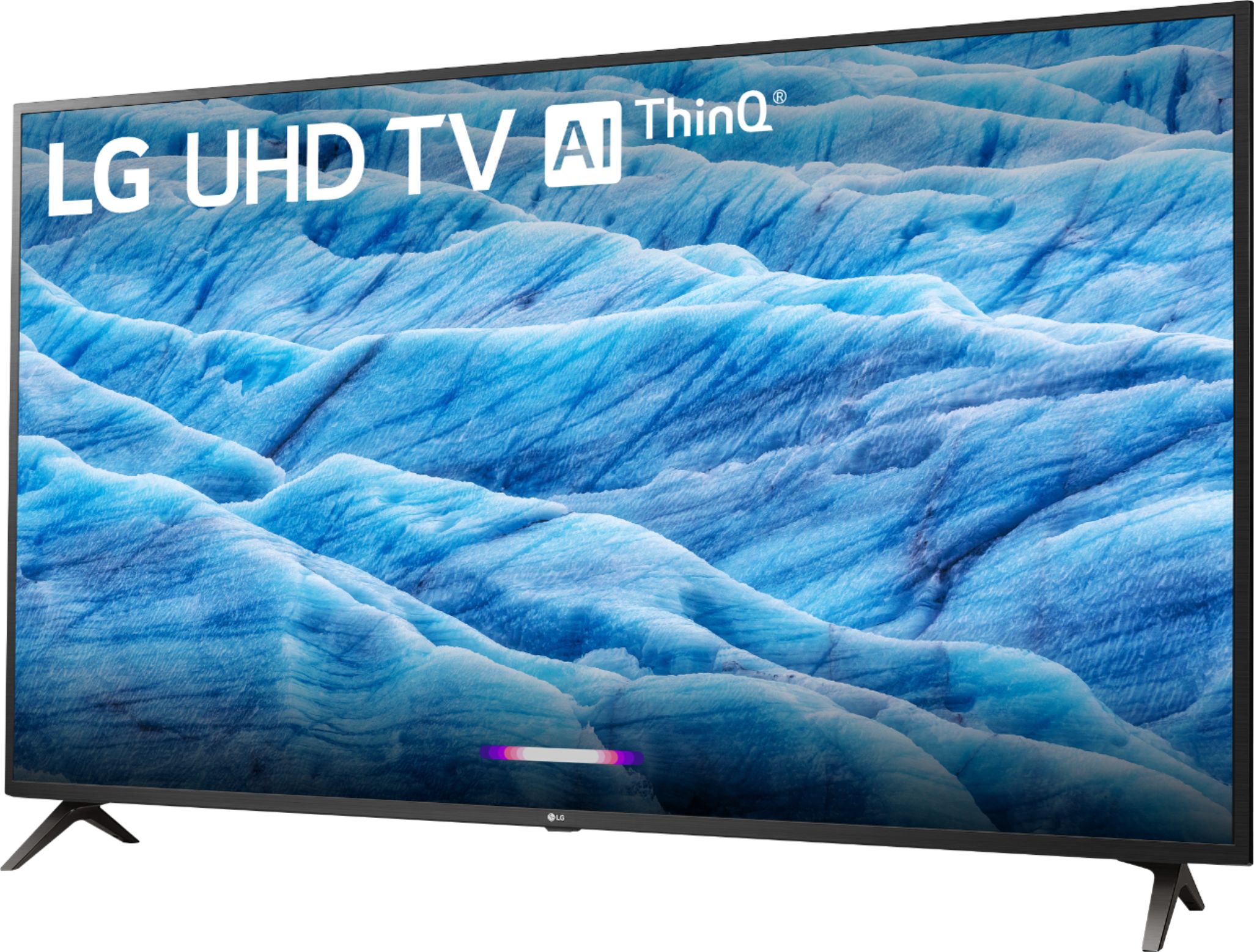
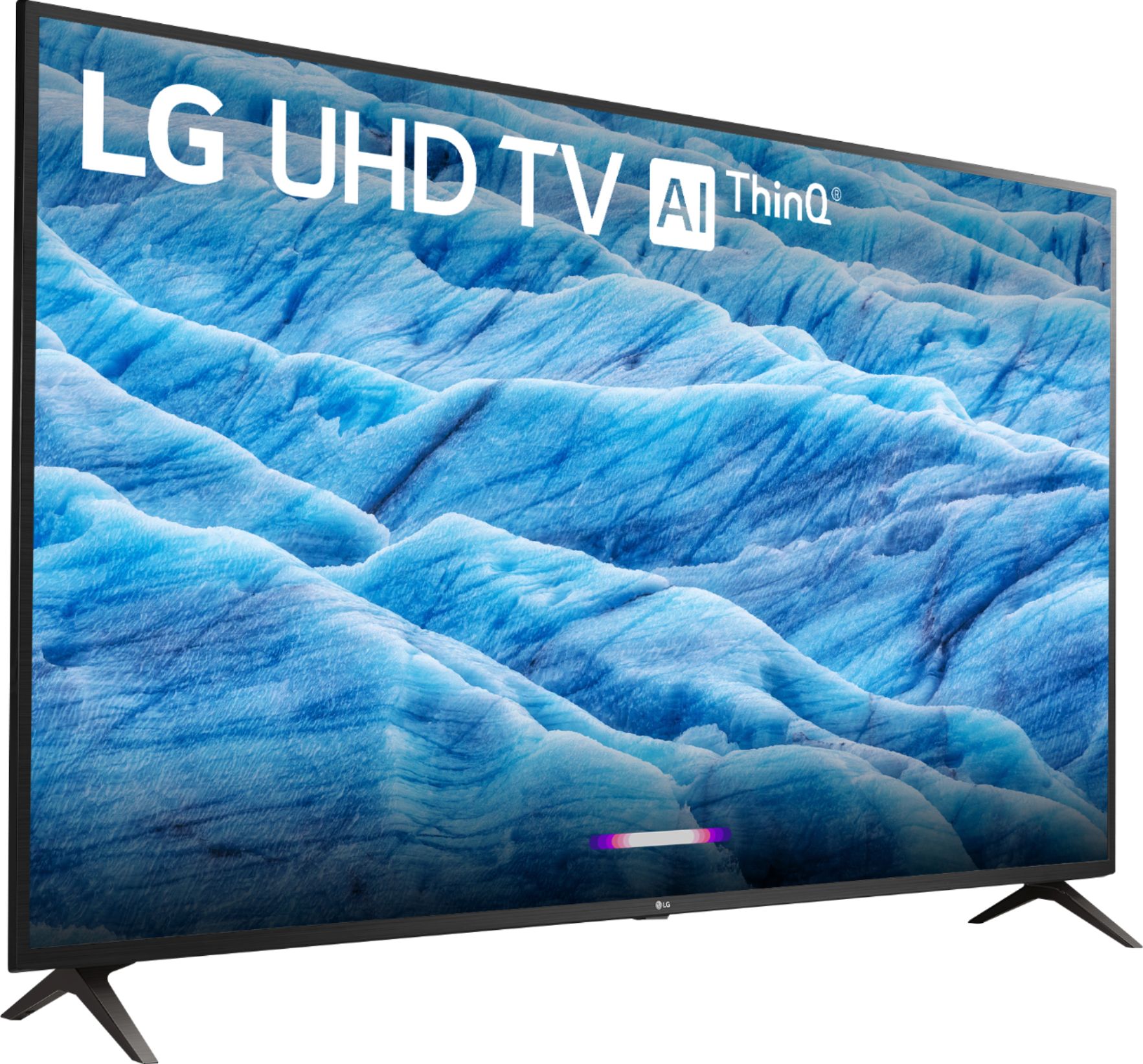
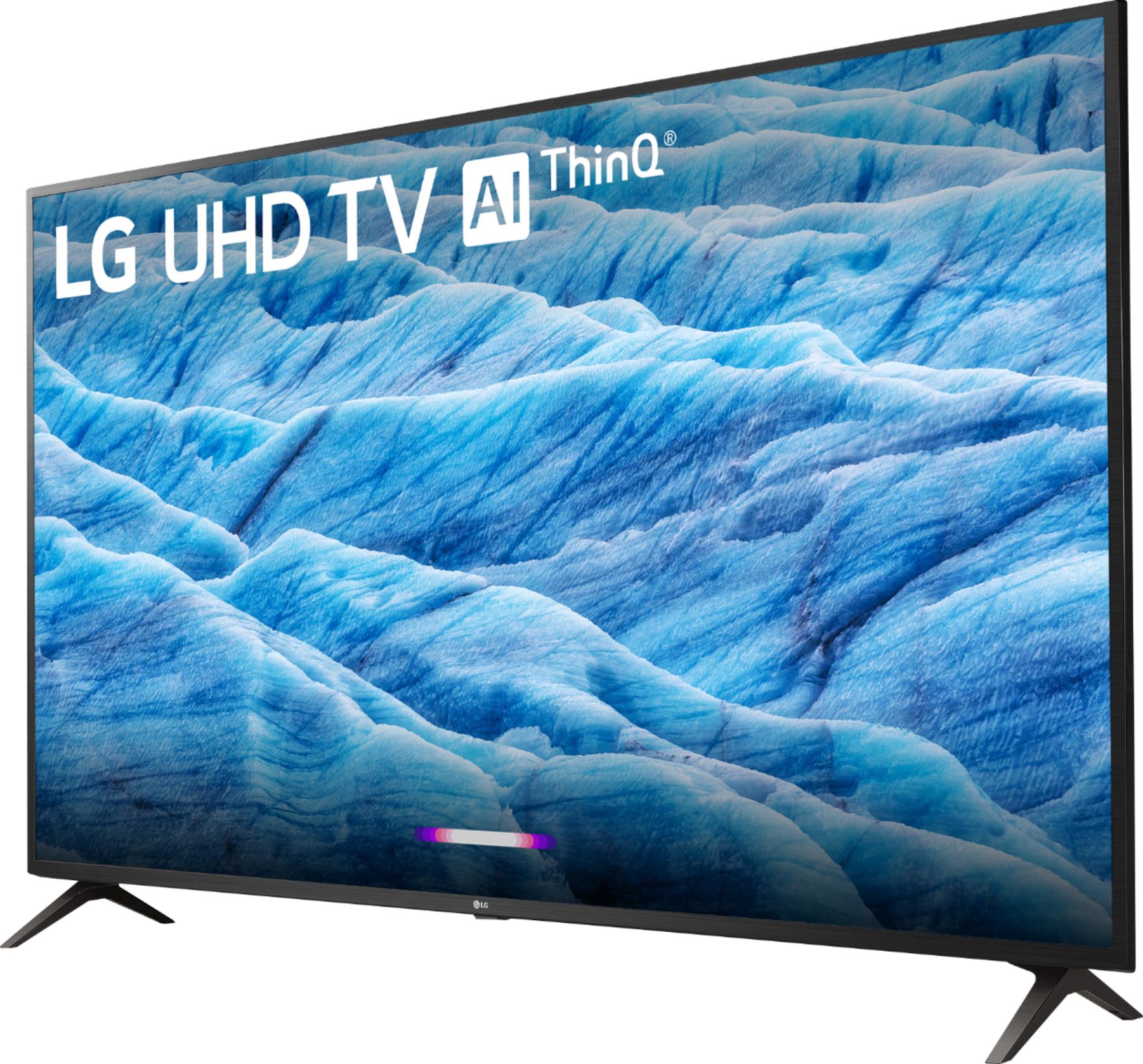
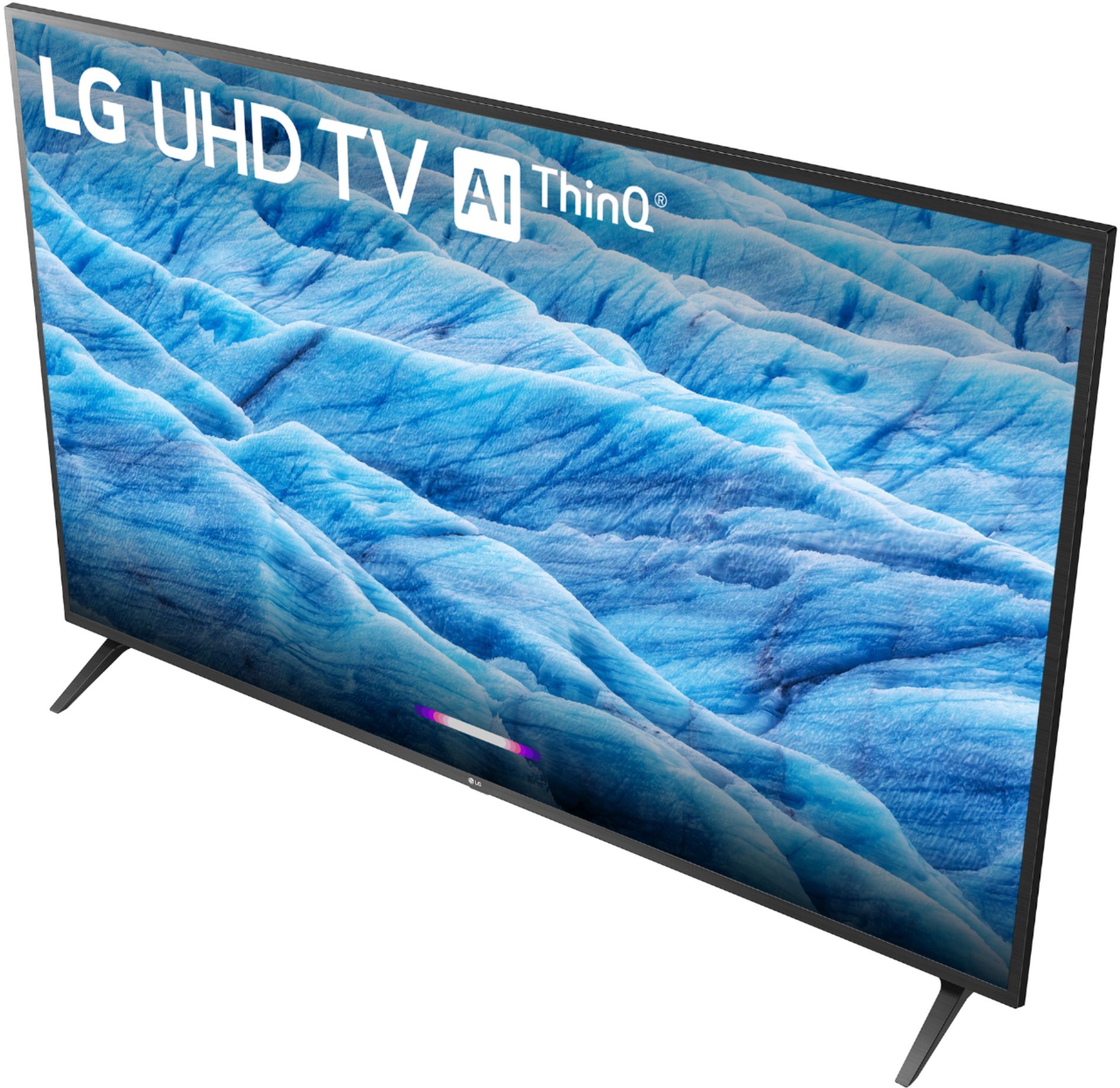
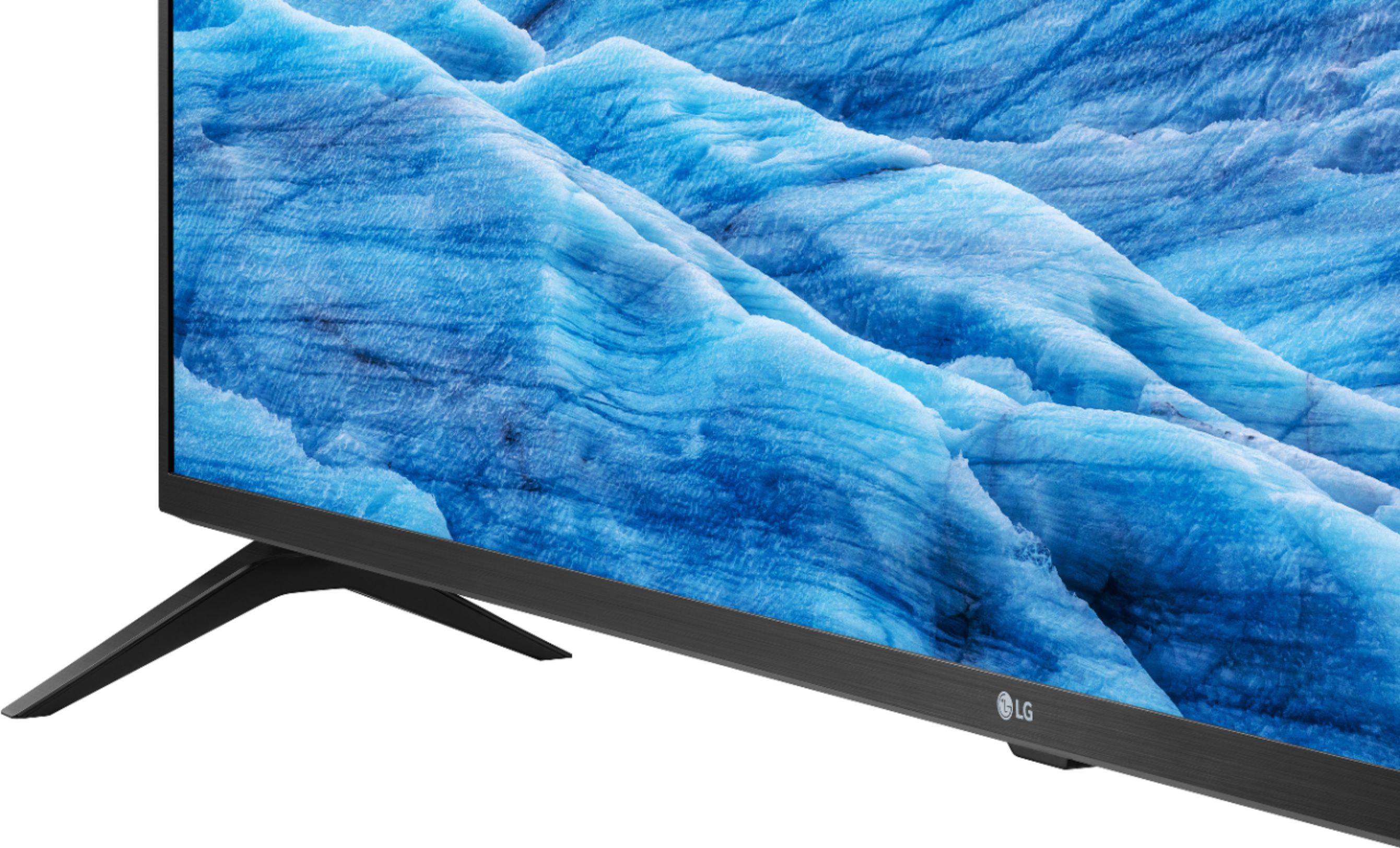
A:AnswerThe LG 55 inch Class 4K Smart UHD TV w/AI ThinQ® (54.6'' Diag), Model # 55UM7300PUA has Alexa Built-in and is Amazon Alexa Compatible. The Amazon Alexa device has to be purchased separately...^IFV
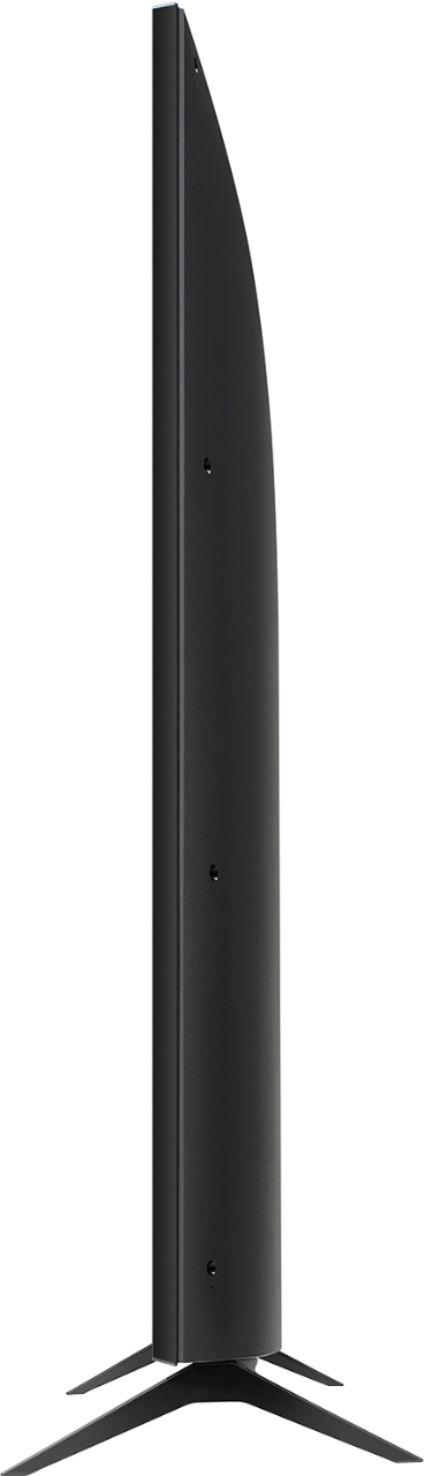
A:AnswerThe dimensions that you are requesting can be found in the specifications on the product page for the LG 55 inch Class 4K Smart UHD TV w/AI ThinQ® (54.6'' Diag), Model # 55UM7300PUA. Just scroll down the page to 'Specifications' and click on that. They are listed as Product Height With Stand - 30.9 inches, Product Depth With Stand - 9.1 inches, Product Height Without Stand - 28.6 inches, Product Depth Without Stand - 3.4 inches, Product Weight With Stand - 31.3 lbs, Product Weight Without Stand - 30.9 lbs, and Stand Width - 44.4 inches...^IFV
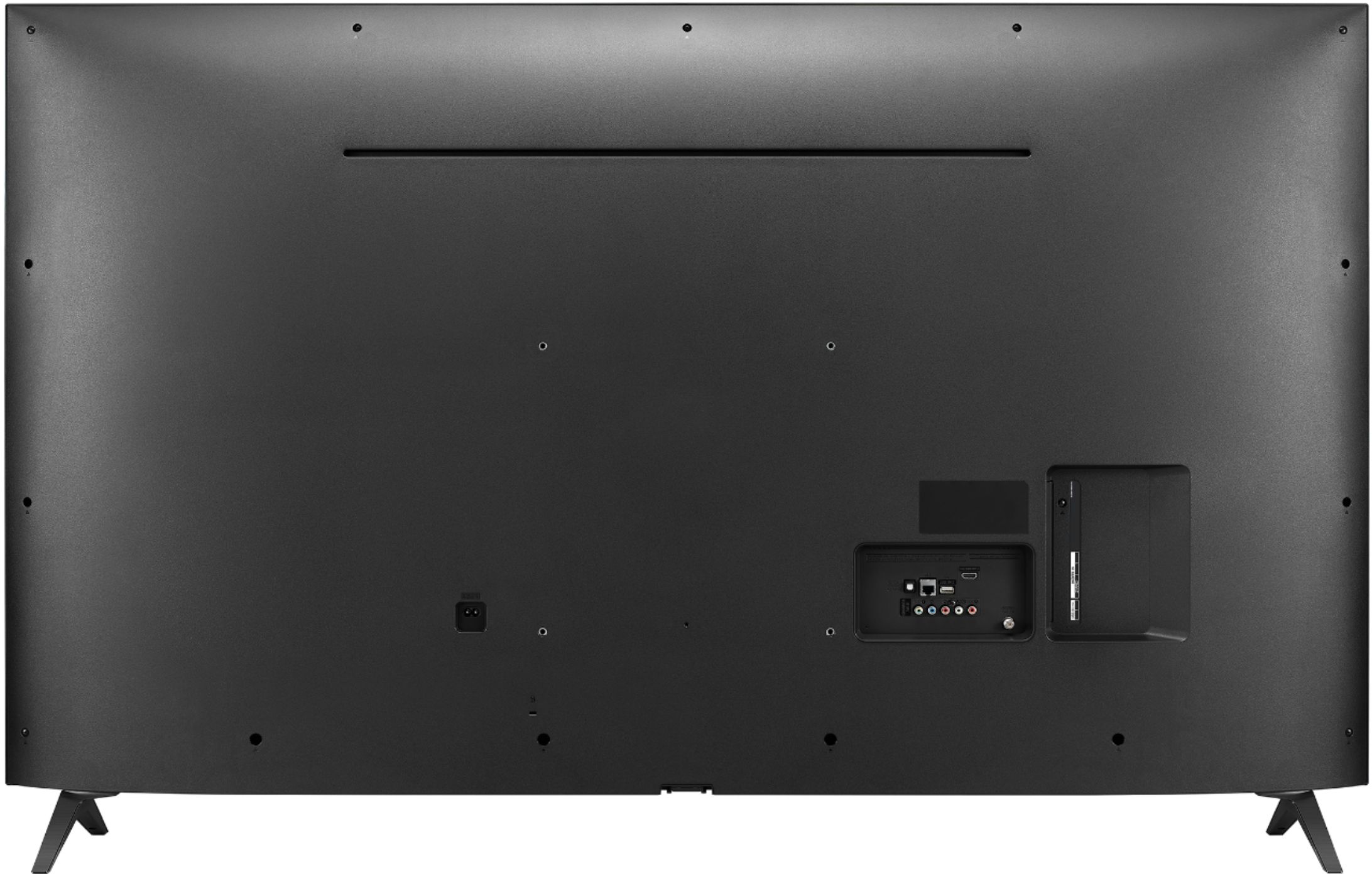
A:AnswerI had 55" LG tv before this one that expired so I already had this mount from Amazon: Mount-It! LCD TV Wall Mount Bracket with Full Motion Swing Out Tilt and Swivel Articulating Arm for 23-55" Flat Screen Displays with VESA 75 to 400, 66lb Weight Capacity and Free 6 ft HDMI
Type in search box: "ml531be". Fits perfectly.
A:AnswerHi lg33hs77. Check to see what VESA Mount Bolt Hole Pattern the Sanus VMPL50 Wall Mount supports or contact Sanus for assistance. The LG 55 inch Class 4K Smart UHD TV w/AI ThinQ® (54.6'' Diag), Model # 55UM7300PUA has a VESA Mount Bolt Hole Pattern of 300 x 300mm. If your Wall Mount supports that pattern, you will be abe to use it to mount the TV...^IFV
A:AnswerThe LG 55 inch Class 4K Smart UHD TV w/AI ThinQ® (54.6'' Diag), Model # 55UM7300PUA does not have recording capability. You can record TV programs on a DVR & play them back through the TV...^IFV
A:AnswerRegrettably, the built-in speakers for the LG 55 inch Class 4K Smart UHD TV w/AI ThinQ® (54.6'' Diag), Model # 55UM7300PUA and the audio outputs are disabled when streaming audio to Bluetooth headphones or speakers...^IFV

A:AnswerYou dont need any external streaming device, though you are welcome to use it if you're attached to it. Everything is self contained within the TV's OS. Simply access the home page, the one that looks like a button on the remote, and search for your desired streaming service. Sign in like you normally would and presto! You can add ones that aren't there by default, but your usual suspects are immediately available (Netflix, Hulu...)
A:AnswerFor a list of what file types are viewable on the TV, check out the User Guide under Connect Other Devices>Photo & Video https://www.lg.com/us/support/product/lg-55UM7300PUA.AUS ^CP
A:AnswerHello STLD,
The legs of the 55" LG 55UM7300PUA are 45 inches apart on center, with an additional 3/16 inch on each side. So, measuring the outside-to outside edges, the legs are 45 3/8 inches apart.
A:AnswerHello peacock,
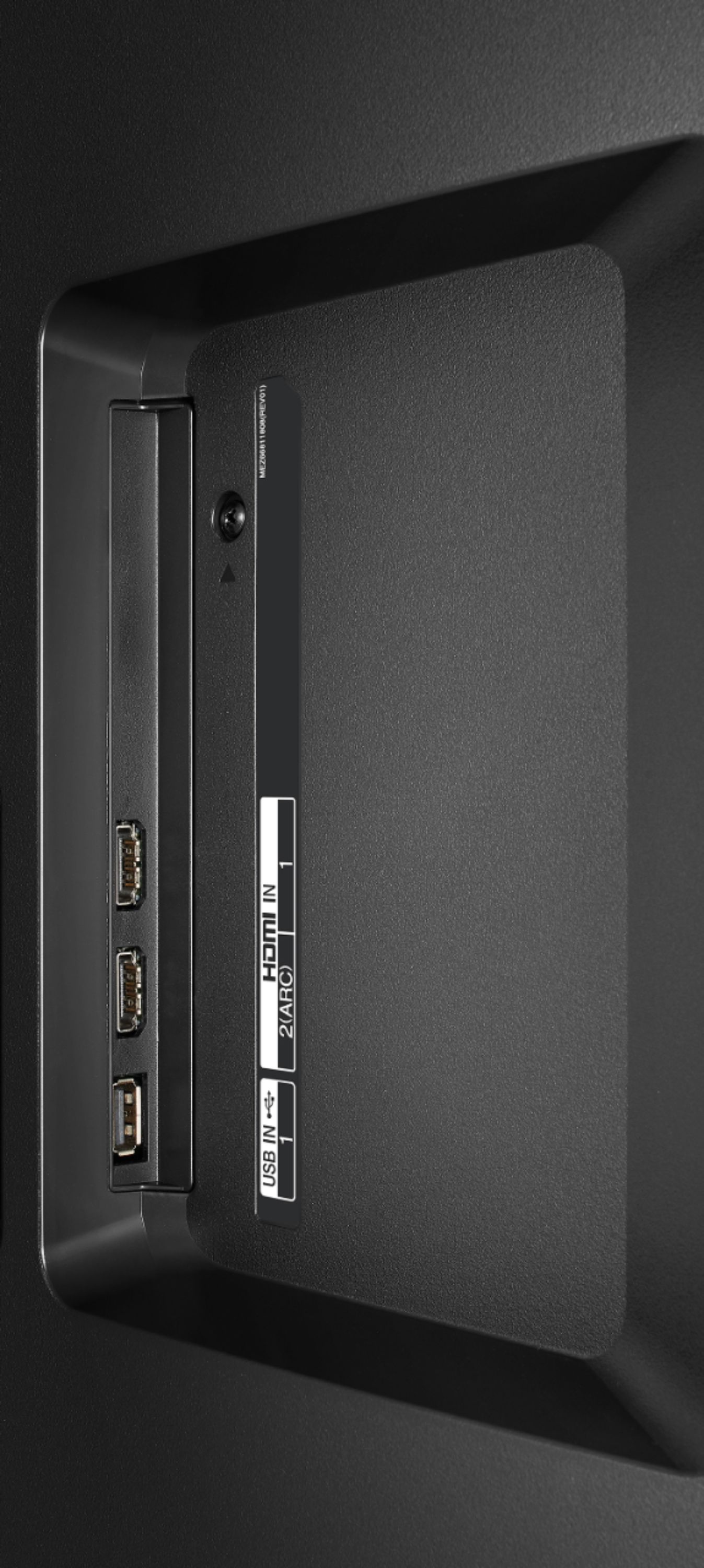
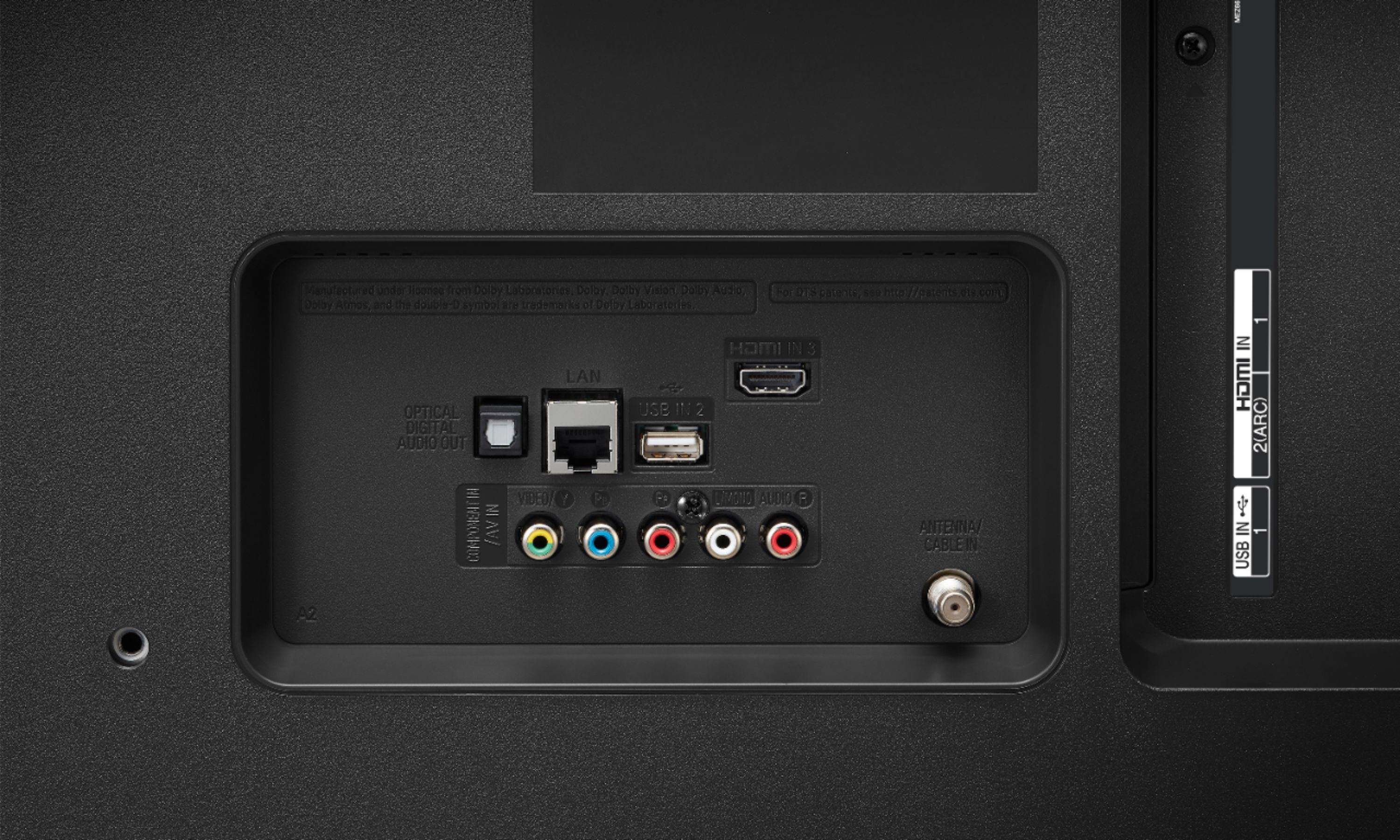
According to the LG 55UM7300PUA owner's manual, it does not have a headphone jack. If you are referring to the red and white plugs in the back panel, they are inputs for composite AV cables and do not transmit audio out. If your headphones rely on a tv headphone audio out connection, a digital-to-analog decoder device with a headphone output would need to be purchased separately and connected to the digital optical audio out port. You may also need an optical splitter if you share the output with another device such as a soundbar. When the tv is set to Internal TV Speaker + Optical in sound settings, both the headphones and the tv speakers will receive the sound signal. Alternatively, setting it to Optical will transmit sound to the headphones and to a second sound device if you have a splitter. If your headphones have an on/off switch it is preferable to use that instead of plugging/unplugging the jack. Repeatedly pulling and inserting the headphone jack can damage the contacts. For this reason, it should stay plugged in if you use them regularly.
A:AnswerThe IPS 4K TV panel's wide viewing angle keeps you enthralled with spectacular realism — displaying almost 100% color accuracy, even from a 60-degree angle. ^CP