A:AnswerMany times picture quality troubles can be resolved with a few tweaks to the settings. We have a help library article that recommends the settings for getting the best picture settings: https://www.lg.com/us/support/product-help/CT10000018-20150577528034-menu-settings If you're in need of some guidance with using your TV, please head to our support page at @LGUSSupport on Twitter or you can give us a call at 800-243-0000 so a specialist can help out. ^CP
A:AnswerWe hate to hear that, but would love to be able to help. We would be happy to see what's going on. Drop us a line on Twitter at @LGUSSupport or on Facebook https://www.facebook.com/LGUSA/ so we can get more info and see what we can do. ^CP
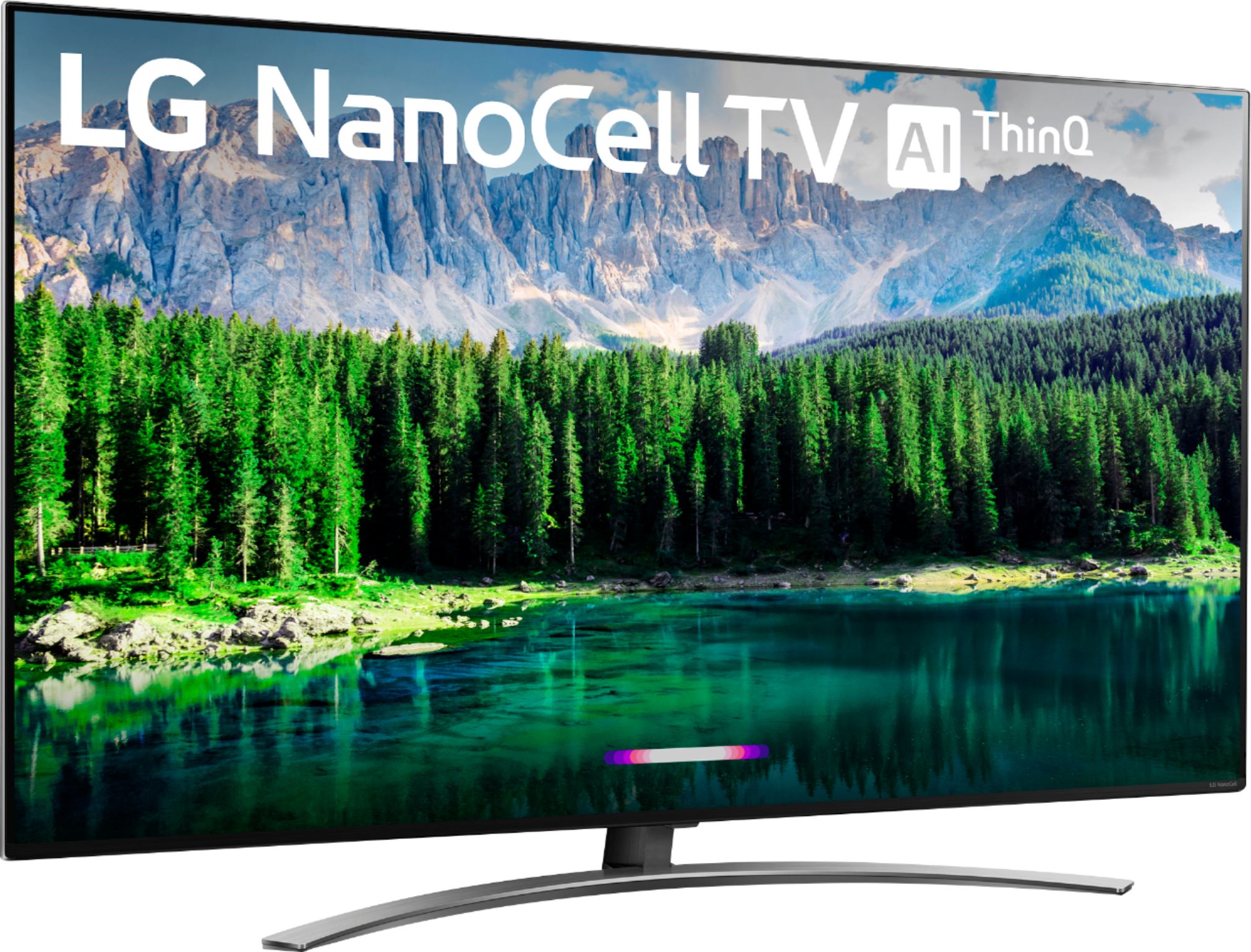
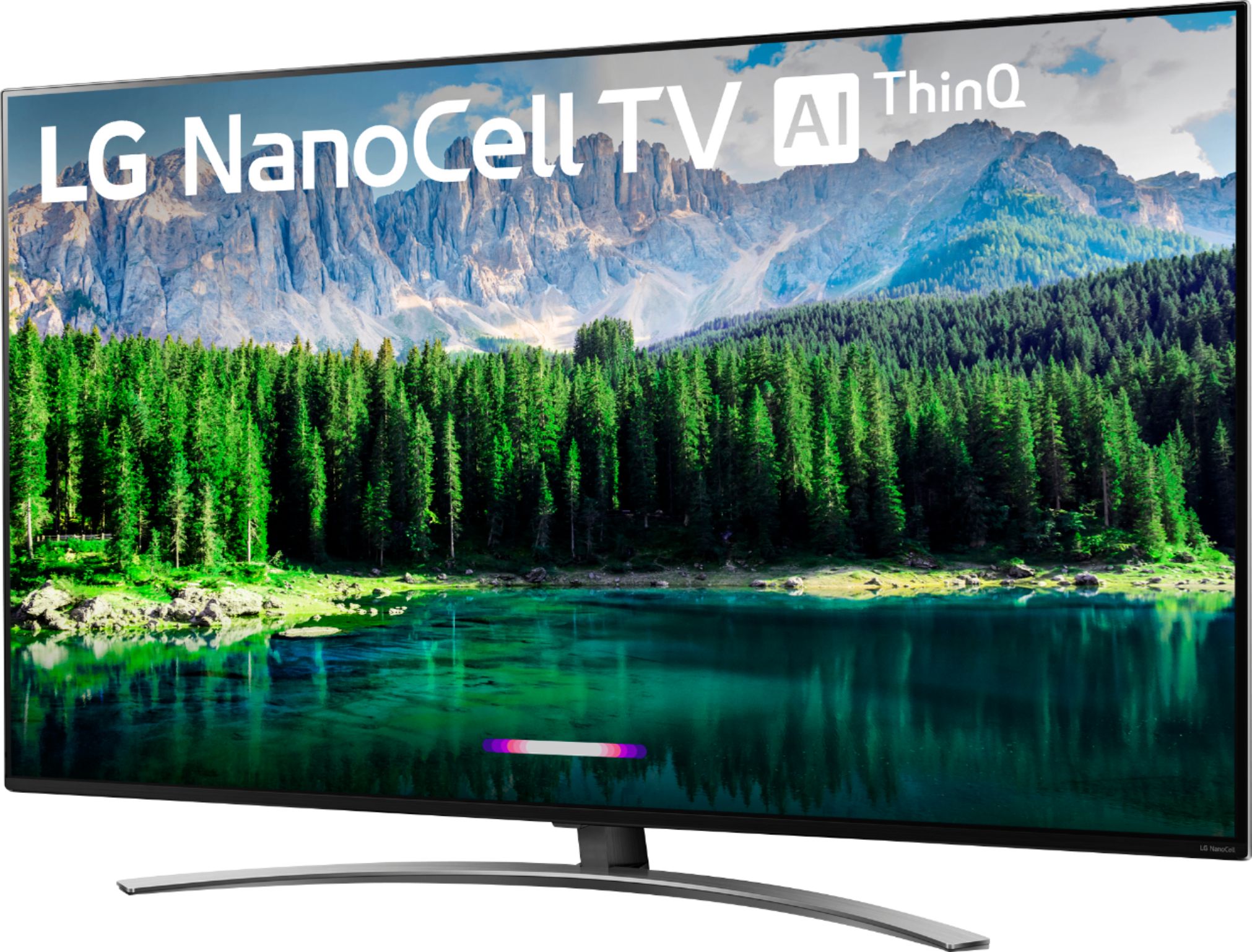
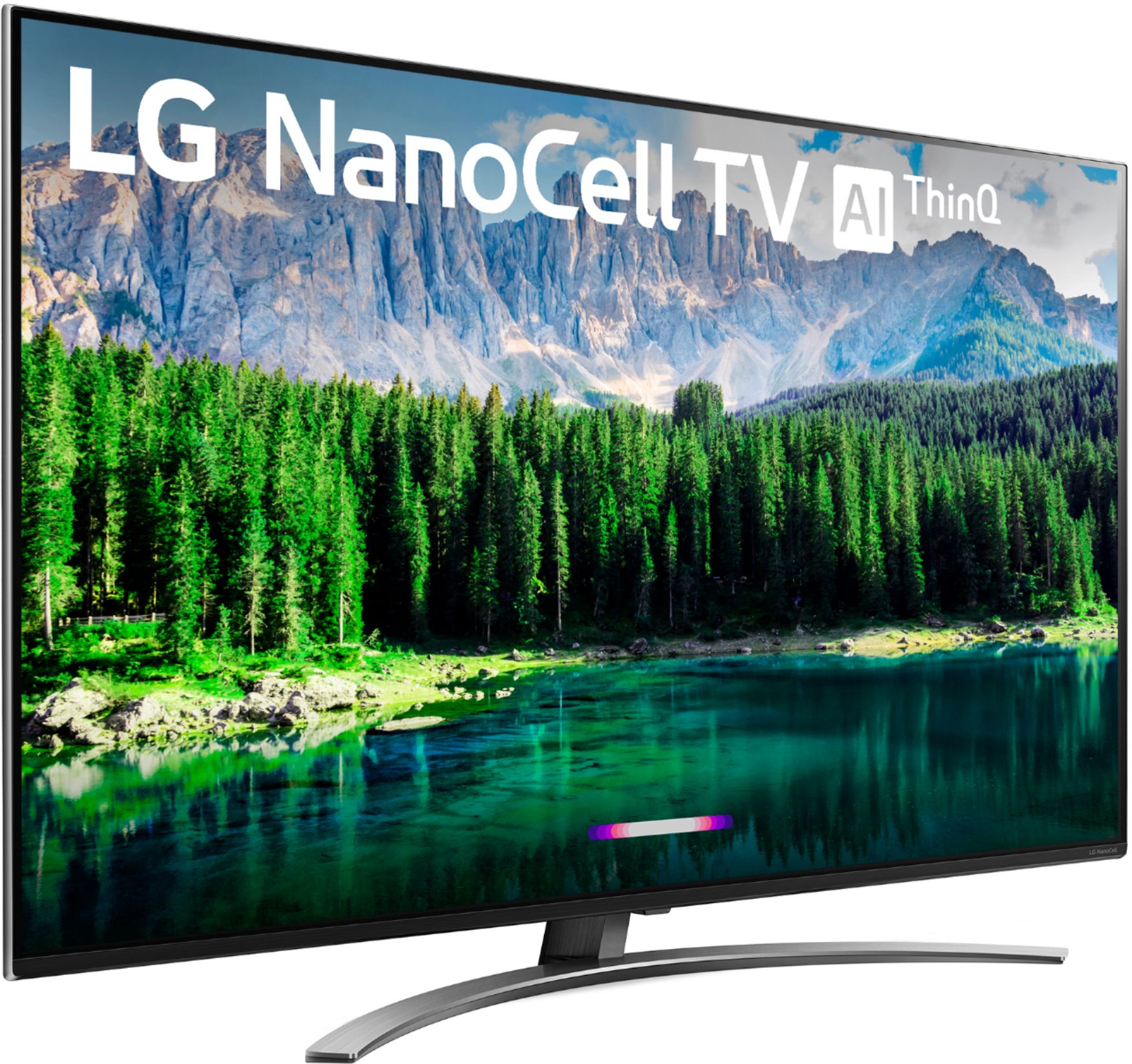
A:AnswerThe LG Nano 8 Series 4K 55 inch Class Smart UHD NanoCell TV w/ AI ThinQ® (54.6'' Diag), Model # 55SM8600PUA has a native 120 Hz Refresh Rate. It does feature bluetooth capability and does not require a receiver. ^CP
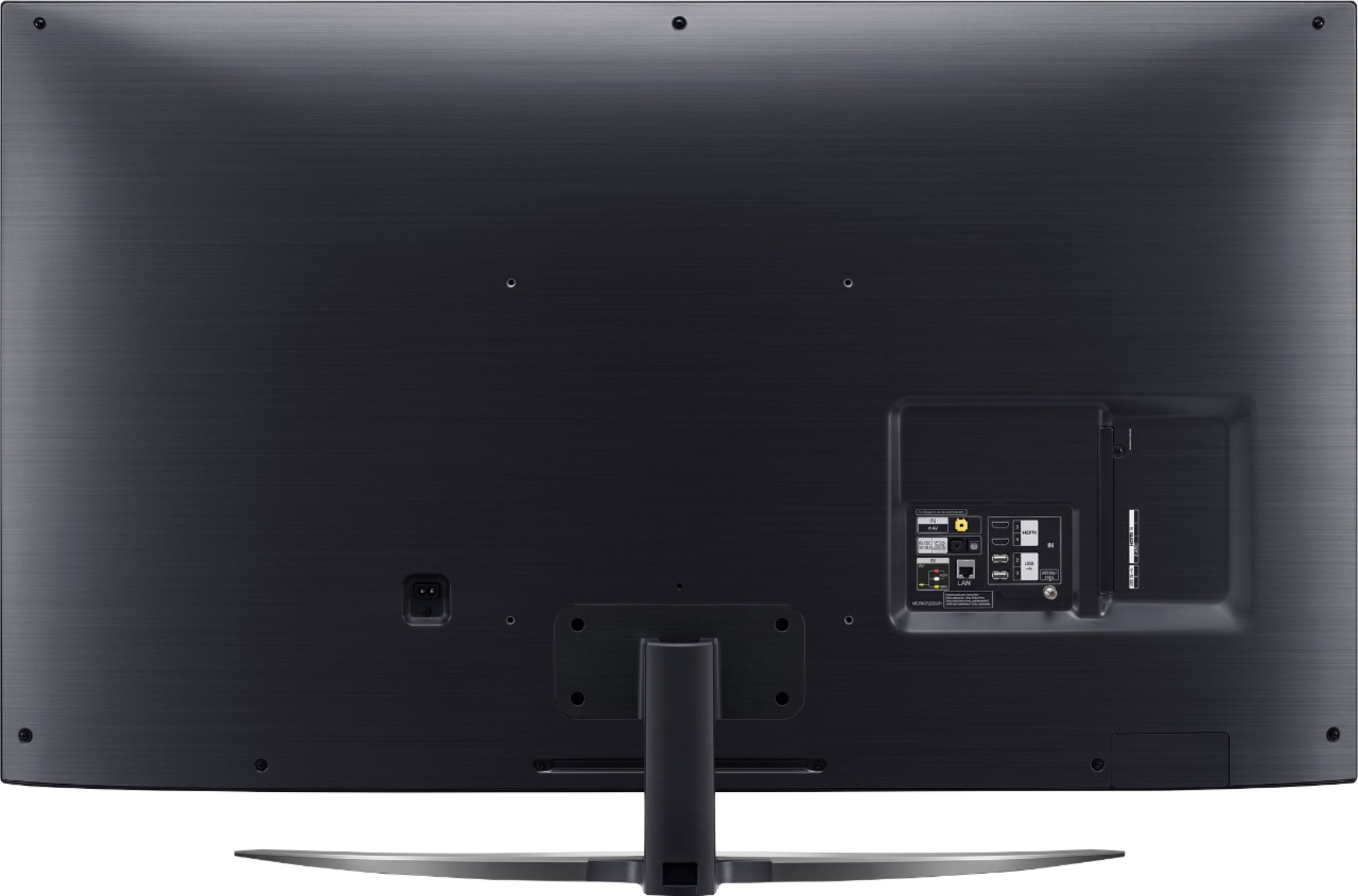
A:AnswerOn the back of the TV near the bottom right side, you will see HDMI 3 and 4 and as well as USB 2 and 3 and the other inputs/outputs. If you need assistance with using your TV, you can contact our Customer Support by any of the below options:
Phone: 1-800-243-0000
LiveChat: https://www.lg.com/us/support/chatbot
Email: https://www.lg.com/us/support/email-appointment
Facebook Messenger: https://www.facebook.com/LGUSA/
Twitter: @LGUSSupport
The LG Community Forum is also a great resource for getting help from other LG customers: https://lgcommunity.us.com/
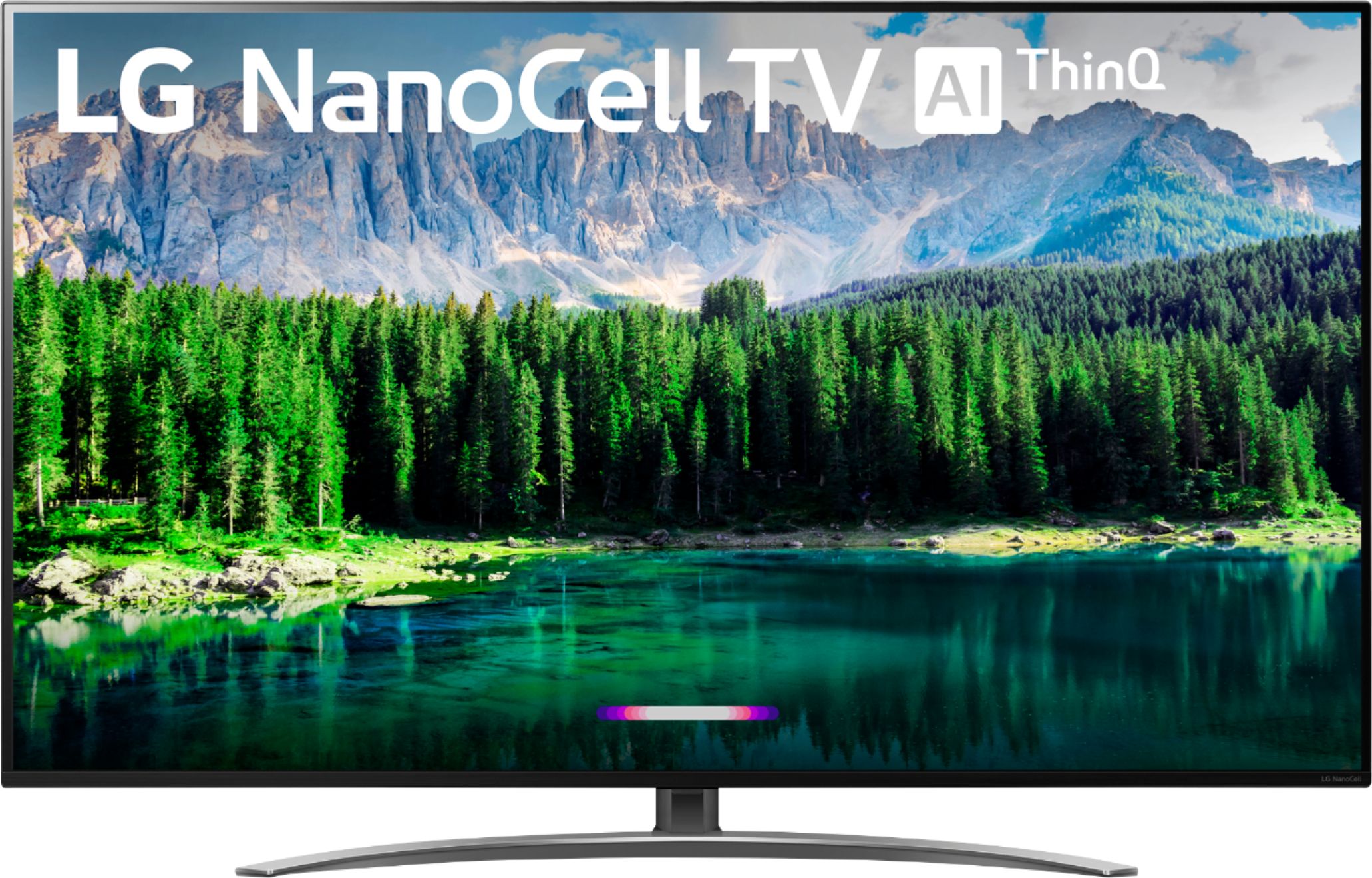
A:AnswerYou can hook up a Wii to the LG NanoCell 86 Series 4K 55 inch Class Smart UHD NanoCell TV w/ AI ThinQ® (54.6'' Diag), Model # 55SM8600PUA. If you click on the thumbnail image for the TV that has '+11 images' on it on the Best Buy site, it will open a page that has two columns of other thumbnail images. Click on the third thumbnail image in the right column to see the connections in the back of the TV. You will see a yellow mini AV IN port (3.5mm). That is the port that you can plug the Composite Adapter that is supplied with the TV that you can connect your Composite (Red/White/Yellow) cable to for your Wii...^IFV
A:AnswerA side by side comparison can be made here: http://www.lg.com/us/compare/compare.lg?category=/us/tvs this shows all the differences between the two models. ^CP